
Free ATS Resume Checker: Get Your ATS Score
Upload your resume and get your ATS score in seconds, along with the raw text a parser pulls out of the file and 34 checks on what it finds. No account, no card.
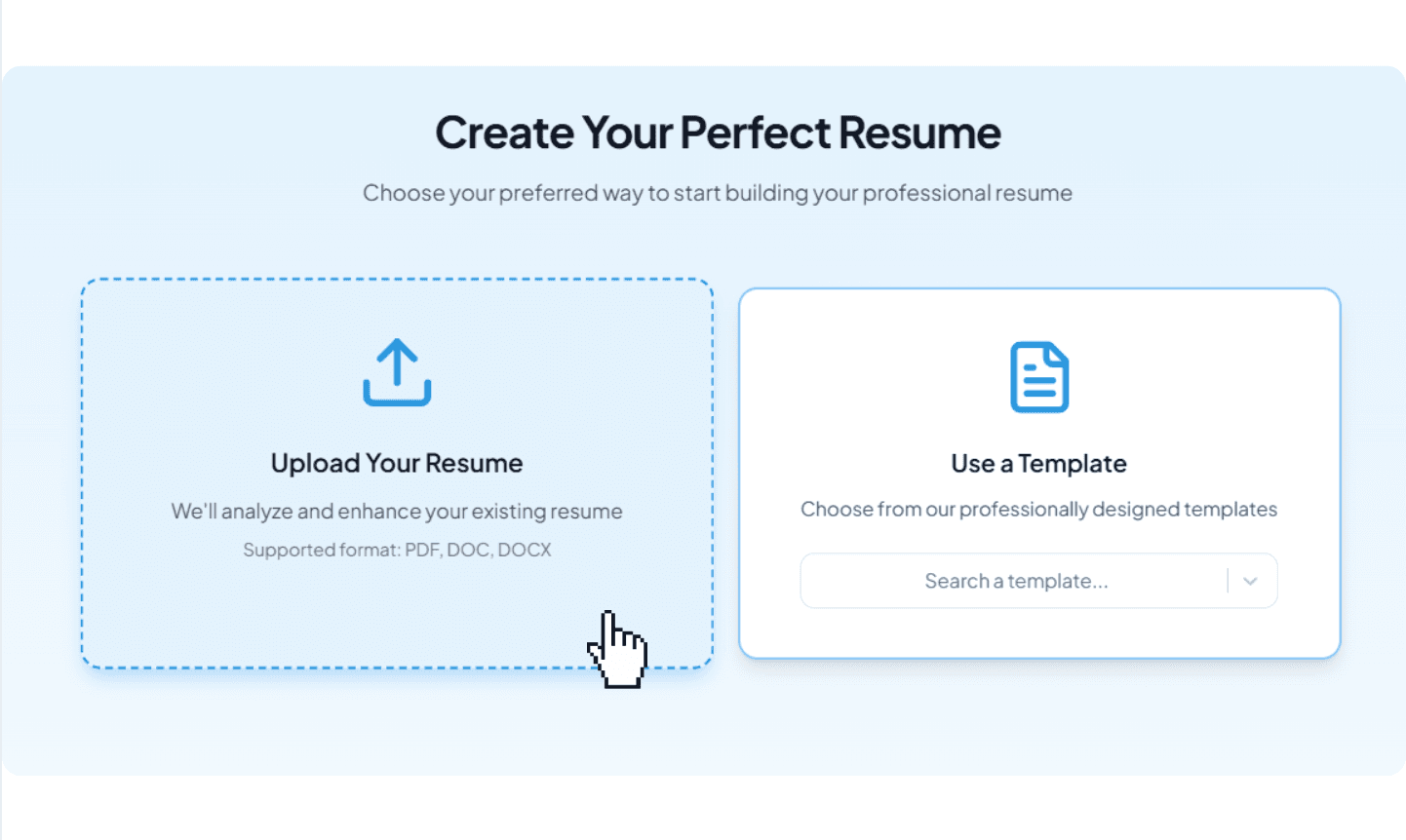
Drop your resume here or choose a file.
PDF, Word, RTF, TXT & ODT. Max 20MB file size.

What Is an ATS Resume Checker?
An ATS resume checker opens your resume file the way applicant tracking software does: it pulls the text out, then reports what got lost or scrambled on the way. A useful one shows you that extracted text, scores the document, and tells you which finding is costing you the most points. Three things get checked:
- Formatting and parsing: whether the text can be pulled out of the file at all, whether your sections arrive in the order you wrote them, and what columns, tables, text boxes, unembedded fonts and contact details left in the page header do to that.
- Keywords and evidence: whether the sections an employer expects are present, and whether your bullets carry dates, numbers and the terms the role actually uses rather than a list of duties.
- Writing quality and consistency: how readable the text is, and whether dates, titles and formatting agree with each other from one line to the next.
How ATS software reads a resume explains the parsing step in detail, and the ATS-friendly resume guide covers the format, keyword and score fixes in one place.
What 5,478 checks on this tool found
- 27.7%
- of PDF resumes came through the layout check with nothing flagged
- 17.2%
- used a two-column or sidebar layout — the most common critical finding
- 80.9%
- listed skills that barely appear anywhere else on the page
Those numbers come from every resume run through this checker between November 2025 and September 2026; the full breakdown, including the twelve layout findings and where resumes lose the most points, is in the ATS resume statistics report. A score is only half the job: what to put on a resume and which skills to list decide what the parser finds in the first place, and our Resume Worded review explains why a content score and a file-level check answer different questions.
What Is a Good ATS Score? What 5,478 Resumes Say
A good ATS score on this checker is 90 or above, which is an A, and 40.6% of the 3,313 people whose file could be analysed in full between 8 and 26 September 2026 reached it. The average is 85.9 and the median is 87.6. The bands are set so the letter carries information rather than landing almost everyone in the same one: 12.5% score an A+, 28.0% an A, 37.3% a B, 17.4% a C, and 4.8% a D or F. Read those bands as a description of the file, not of you: a D almost always means the layout is losing data in extraction, a C means the file reads but a section is coming through badly or the bullets carry no numbers, and a B means the document is clean and the remaining points are about keyword evidence. Aim to clear the file side completely first — files with no layout finding at all average 89.4. After that, 85 is the number that says the content checks are largely clean too.
Grade distribution, 3,313 people (8 to 26 September 2026, first check each)
- 12.5%
- A+ (95 and above)
- 28.0%
- A (90–94)
- 37.3%
- B (80–89)
- 22.2%
- C or below (under 80)
What an ATS Resume Scanner Sees That Your Screen Does Not
The File That Extracts as Nonsense
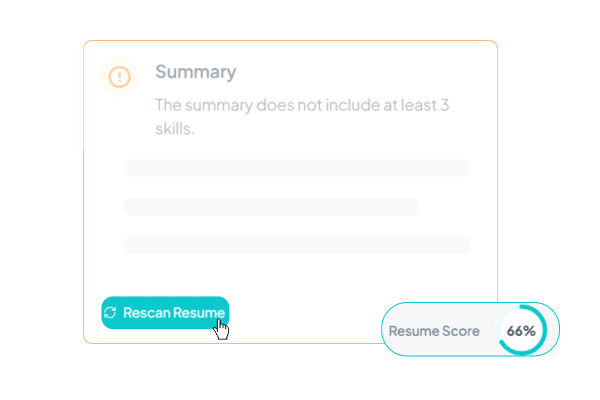
Some PDFs that come out of design tools look immaculate and copy out as symbols. The letter shapes are drawn correctly, but the font never records which shape stands for which character, so anything that pulls text from the file gets junk. Select a paragraph, paste it into a plain text box, and you will see it. Most people never think to try. We run the extraction for you and put the result on the screen.
The Phone Number Nobody Receives
In Word and in PDF the page header is a separate layer from the body of the document. Put your name, email and number up there and most parsers walk straight past them. Your application lands with nothing to call you on, and nobody on the other side has any reason to suspect something went missing. On your screen it all still sits exactly where you left it.

The Words You Did Not Put There
Some resumes carry text no human eye can find: keywords set in white on white, or shrunk under four points. It usually arrives inside a template somebody downloaded, or it is left over from an edit two versions ago. Scrolling will not turn it up. The parser reads every word of it, and from the recruiter's side it reads as an attempt to game the filter. If your file has any, we show you the exact words.
What We Check: 34 Checks, Named
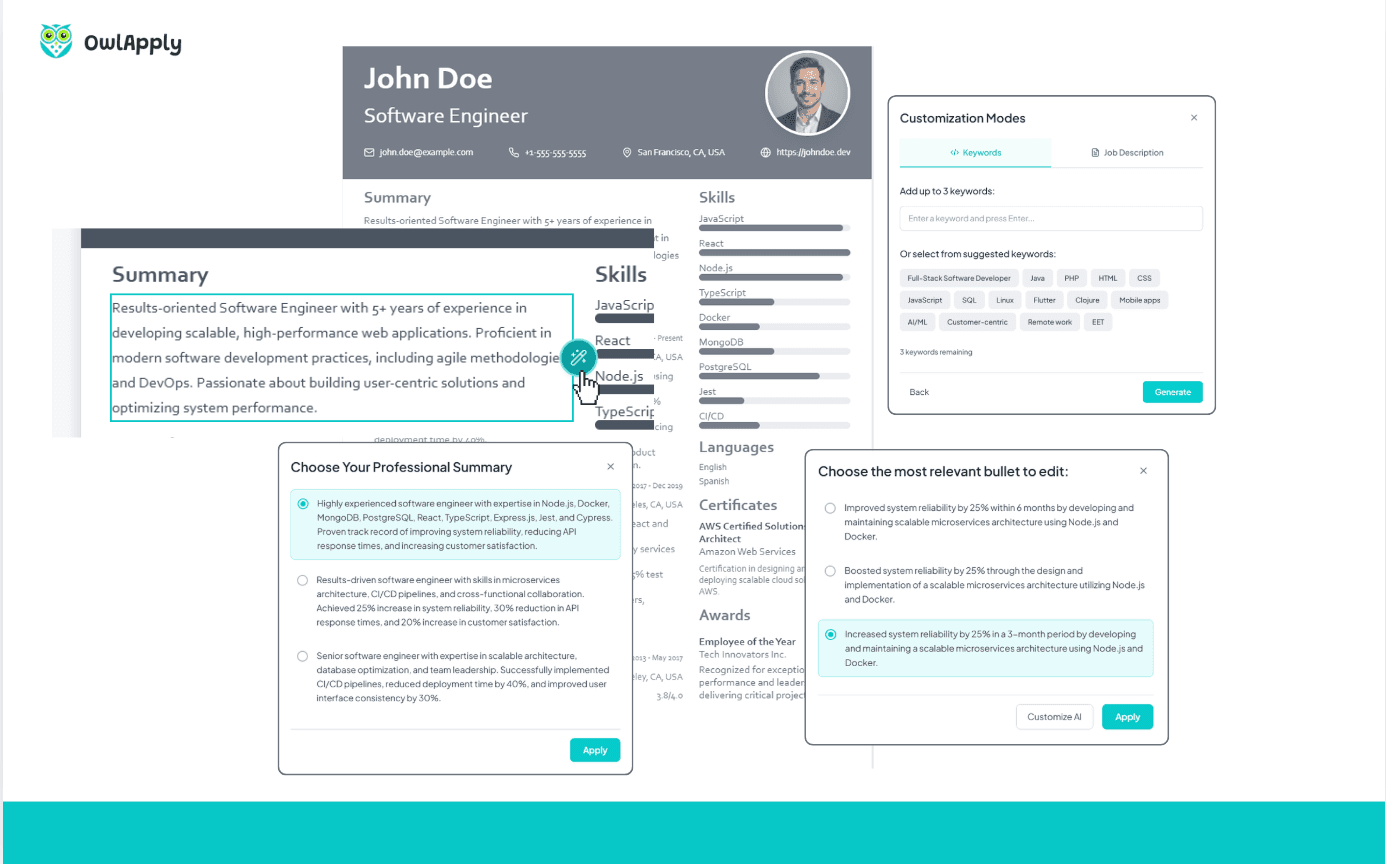
Seventeen run on the file you upload and seventeen run on what it says. The file side is free in full, whether or not you ever make an account. When the content side is the problem, the AI resume optimizer rewrites each bullet against the posting's keywords, and the AI resume assistant can apply the changes inside the editor by chat.
- File, 17 checks: scanned pages with no text layer, multi-column and sidebar layouts, tables, text boxes, contact details in the header or footer, non-standard section headings, data trapped in charts, fonts that are not embedded, type under 9pt, ligature and private-use glyphs, decorative bullets and icons, invisible links, unsafe formats such as RTF and DOC, password protection, form fields, hidden white-on-white text, and broken character mapping. If the layout is what is costing you, our ATS-friendly resume templates start from a structure that already passes these.
- Content, 17 checks: contact block, work experience structure, work experience content, education, skills, summary, section titles, location format, projects, certificates, languages, awards, custom sections, empty supplementary sections, readability, keyword density and date consistency.
How to Check Your Resume's ATS Score in Three Steps
Upload the File Itself
PDF or Word (.docx), up to 2 MB. No card, no account. Upload the file rather than pasting the text, because the layout, font and header checks only have something to work with when the actual document is in our hands.
Read the Raw Text
The text pulled out of your file appears with line numbers, open from the start. Did your sections keep their order. Is your phone number in there at all. Did the letters survive. You do not need to know anything about parsers to answer that; you only need to read it.
Take the Heaviest Findings First
Each finding names the section it came from and the points it is costing, and the list opens with the expensive ones. Start at the top and your first half hour buys you the most. Click a finding and it takes you to that line in your resume.
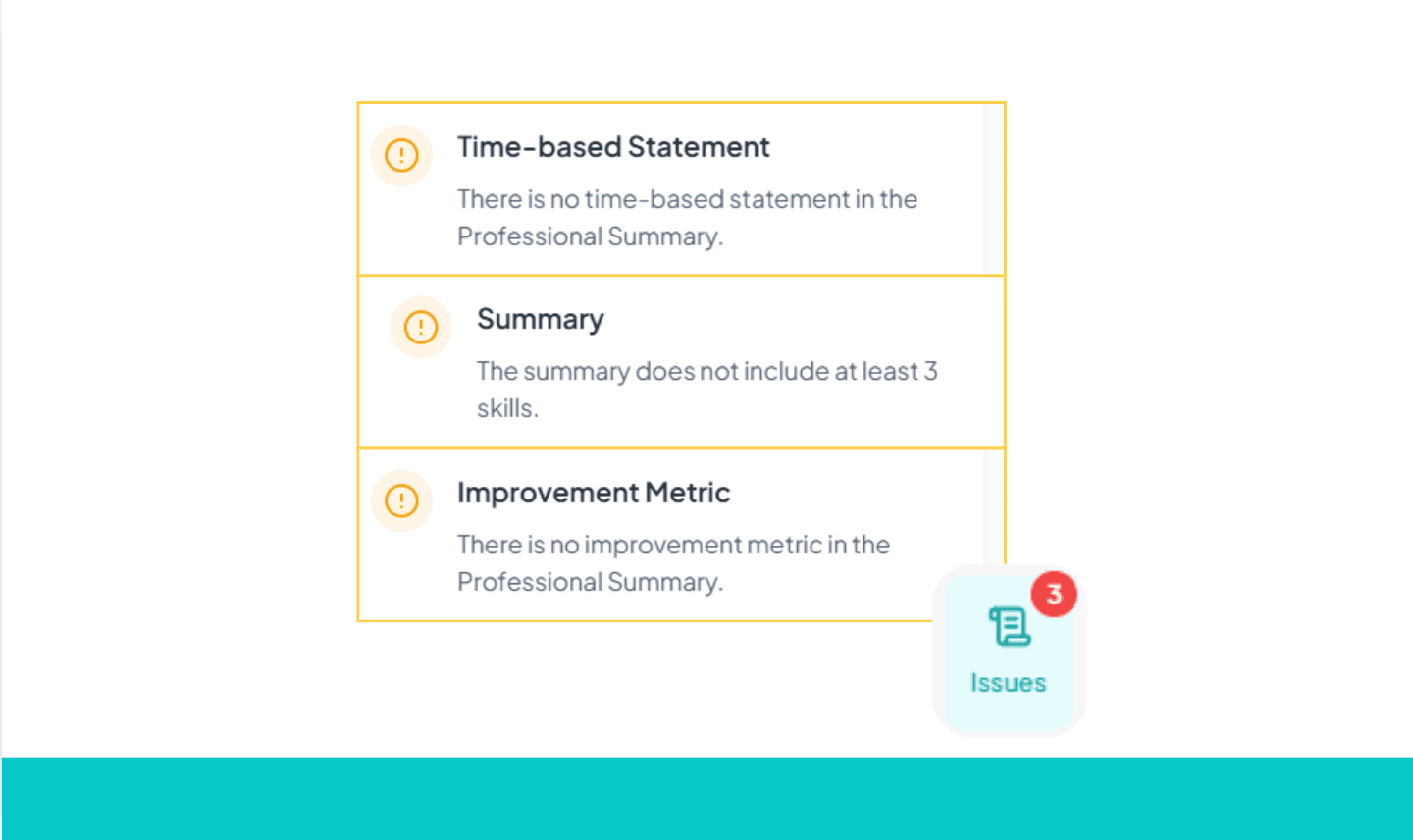
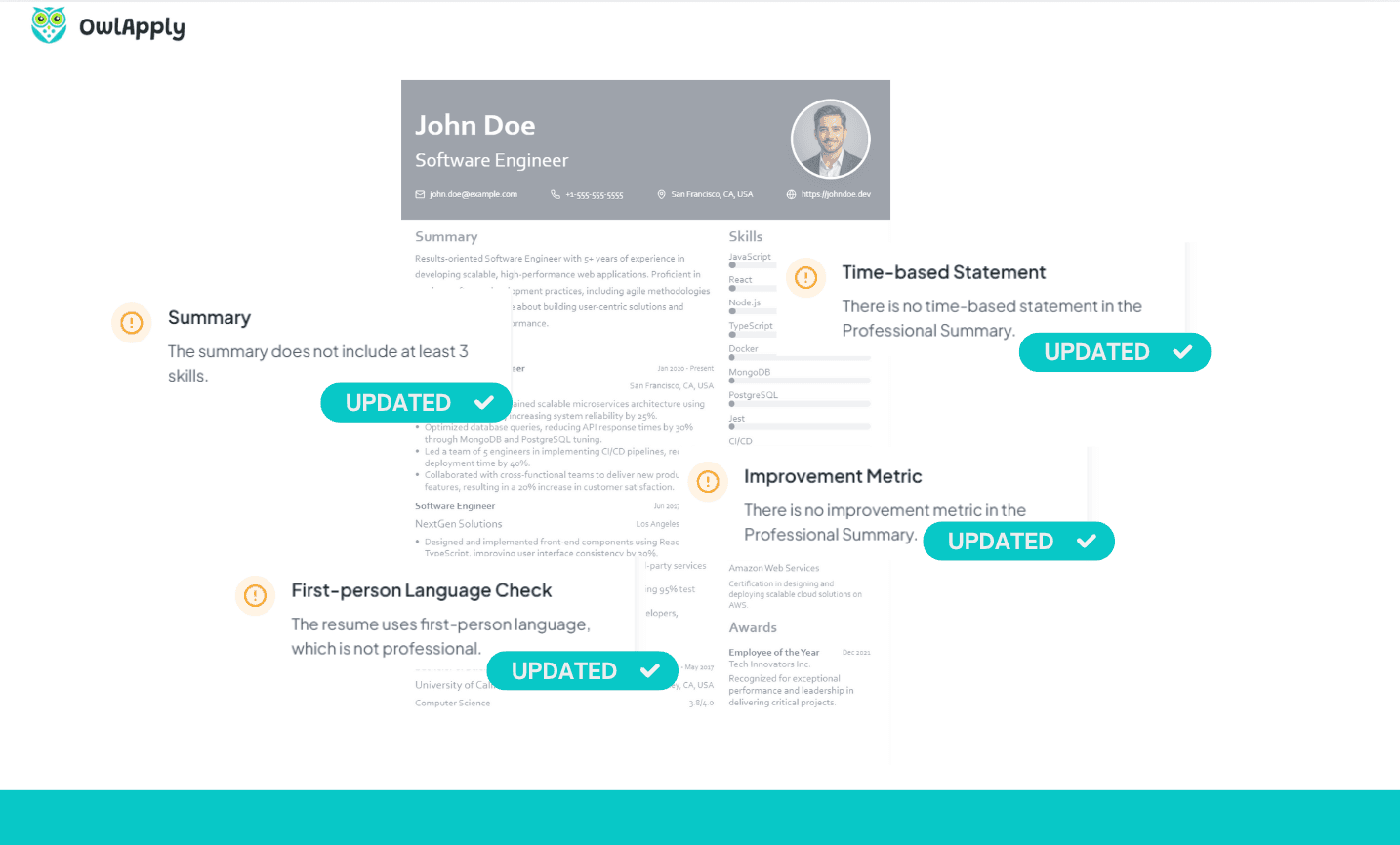
Fix It and Let It Rescore
Edit in the resume builder. Roughly half a minute after you stop typing, the content score works itself out again. The layout and font findings belong to the file you uploaded, and there is no file in the builder, so those do not recalculate here. To confirm you have cleared them, download the new version and upload it again.
Check If Your Resume Is ATS-Friendly in Two Minutes, Without Any Tool
You do not need us for a first answer. Three things you can do right now with the file already open on your screen:
- Select all the text in your PDF and copy it. If nothing highlights, the page is an image and no parser can read a word of it.
- Paste what you copied into a plain text editor. Read the order it arrives in. Two columns that interleave line by line, a job title that lands three paragraphs from its dates, or letters that come out as boxes and symbols are all problems a recruiter never sees and never tells you about.
- Look for your phone number and email in what you pasted. If they are missing, they are sitting in the page header, which most parsers skip.
- Then mind the gap. That test catches the crude failures. It will not show you type under 9pt, a font that is not embedded, form fields, or keywords hidden in white on white, which is where the remaining checks come in.
Match Your Resume to the Job Description
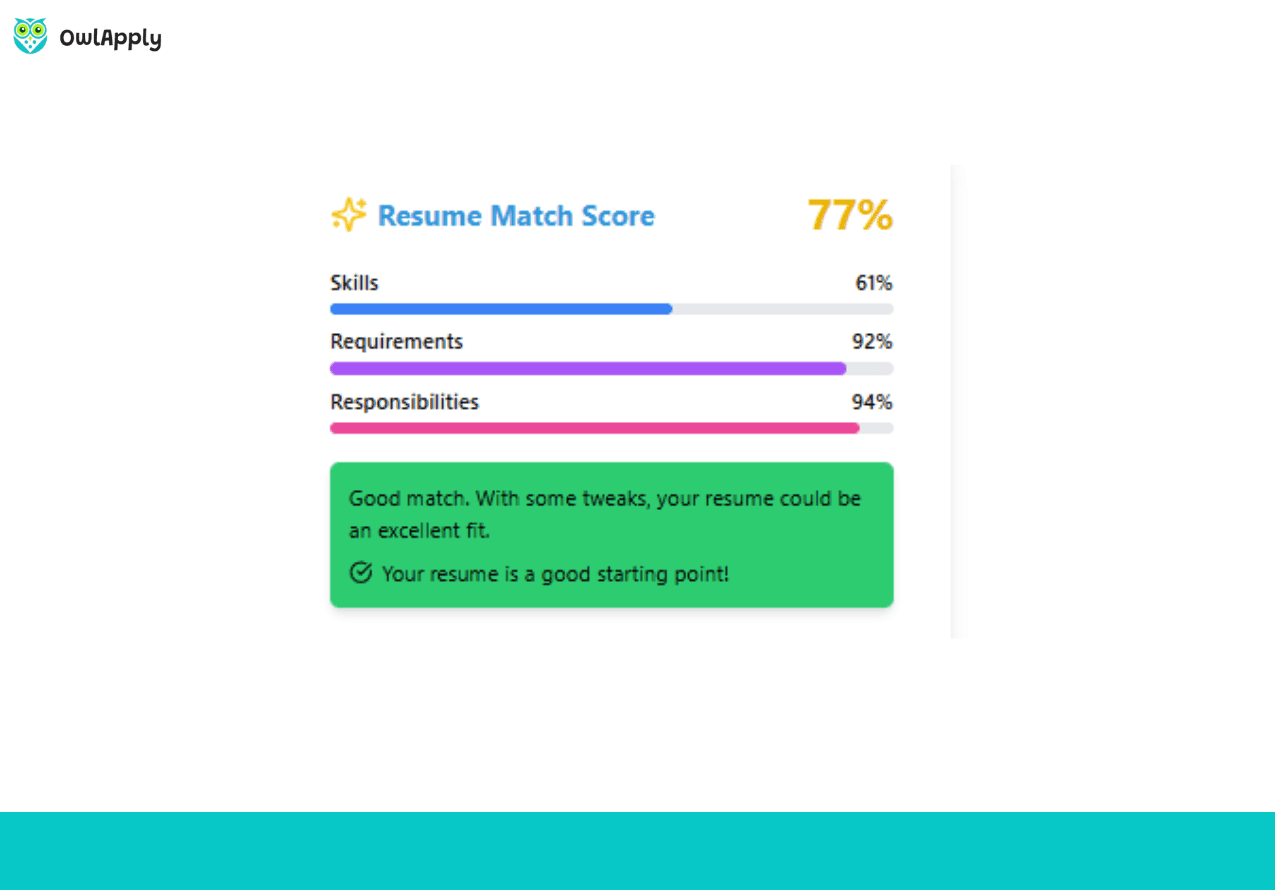
Whether the file reads is one question. Whether it answers the specific advert in front of you is a different one, and no amount of formatting work settles it.
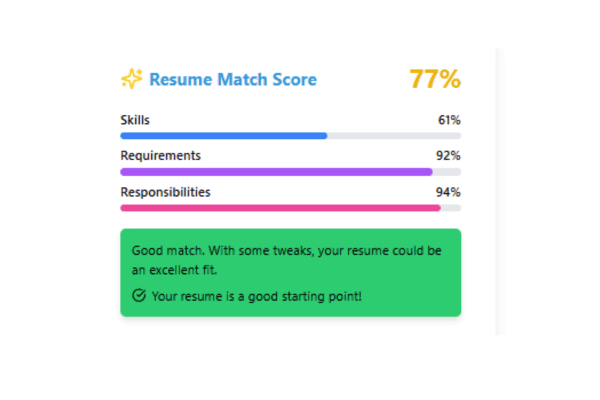
Paste the job description in and you get a match score for that advert on its own, kept separate from your resume score, plus the terms the posting asks for that your skills, titles and certificates never mention. You decide which of them to add, so nothing lands on the page you could not defend in an interview. This part is on the paid plan, and it has its own page if you want the detail: resume and job description match score.
What we will not tell you to do is pad the file with keywords. Hidden text is one of the things the free file check reports as a problem, not a tactic. When a recruiter finds white-on-white terms in a document, the document is what gets thrown out.
How Your ATS Score Is Calculated
The score runs from 0 to 100 across five weighted categories. Whether the file reads at all is the heaviest at 30 points, because nothing else matters if the text never comes out. Evidence in your bullets carries 26, completeness 16, clarity 14 and consistency 14.
A category that does not apply to your resume is dropped from the total rather than scored zero, so a first-year graduate with no certificates section is not punished for a section they were never going to have. The remaining weights are rebalanced to 100 instead.
It is a fixed rule set, not a model's opinion. The same file scores the same every time, and every finding tells you which category it came from and how many points it took. Grades sit at 92 and up for A+, 85 for A, 70 for B, 55 for C, 40 for D.
One thing the number is not: a verdict from an employer's software. It is our rubric applied to your document. What it tells you reliably is which problem is costing you the most, and in what order to spend your evening.
Your Resume Is Deleted After 24 Hours
You do not open an account to run the check, and you do not type in a card. The file you upload and the result it produced are both deleted 24 hours later, along with everything extracted from them.
- No account and no card to see your score, the extracted text and the findings.
- Deleted after 24 hours: your file and its results are removed automatically, whether you come back or not.
- An account is optional and only comes into it if you want to keep the result, edit the resume here, or come back to it later.
ATS Resume Checker FAQ
What is free and what needs a paid plan?
How do I check if my resume is ATS friendly?
Is 70 a good ATS score?
What is a good ATS score to aim for?
Will my resume pass an ATS?
There are already free checkers that do this. What is different?
Resume checker, resume scanner, resume score, resume review, CV checker, ATS test: are these different things?
Why not just ask a chat assistant?
What are the most common ATS resume mistakes?
How hard is it to cancel?
Does it work on a resume that is not in English?
Is my application even going through an ATS?
Photos, date formats, one page: are those rules real?
Can I fix the problems here?
How do I increase my ATS score?
Does it work for CVs from India, the UK, Europe and other countries?
Can I check a resume written in another language?
Get your resume score now!
Upload your resume to instantly see your ATS score, detect critical issues, and get improvement tips.
Drop your resume here or choose a file.
PDF, Word, RTF, TXT & ODT. Max 20MB file size.
From blank page to submitted application
Build the resume, see the openings that actually match it, and send the application without filling the same form twice.

Build an ATS-ready resume
Start from a proven template or import the resume you already have, then sharpen every bullet point with AI.

Find jobs that match your resume
Live openings are scored against your resume, so the roles that fit your experience come to the top.

Apply without retyping
The Chrome extension fills applications on Workday, Lever, Greenhouse and 50+ other platforms and attaches your documents.
- 50+ ATS-ready templates
- Autofill on 50+ job platforms
- Resumes in 50+ languages