Home
  • Resumes & CVs
    Resume TemplatesView all
    SimpleMinimal layouts that keep every recruiter focused on your content.ProfessionalBoardroom-ready templates that spotlight experience and leadership.ModernFresh, contemporary designs for innovative roles and companies.CreativeBold visuals and unique layouts crafted for design-forward careers.ATS FriendlyStructured so applicant tracking systems read every section correctly.
    Resume BuilderDrag, drop, and export a job-ready resume with instant AI suggestions.
    Resume ExamplesBrowse our ready-to-use resume examples and create your professional resume in minutes
  • AI Career Tools
    AI Career ToolsView all AI tools
    Resume CheckerAudit structure, keywords, and impact with instant AI feedback.Resume Job MatchScore your resume against any job posting and see what is missing.AI Resume BuilderGenerate a polished resume with AI-written bullets and proven layouts.AI Mock InterviewPractice a live voice interview and get scored feedback.Resume TranslatorTranslate your resume into any language without losing nuance.Job Application AutofillAuto-complete repetitive application fields on any job site.Cover Letter GeneratorCreate pitch-perfect letters that mirror every job posting.Keyword OptimizerInject recruiter-approved keywords and rise to the top of ATS results.Resume SummaryCraft attention-grabbing summaries tailored to each role.Resume Bullet Point GeneratorTurn achievements into punchy bullet points in seconds.
    Resume BuilderDrag, drop, and export a job-ready resume with instant AI suggestions.
    Install OwlApply ExtensionAutofill job forms, create tailored resumes, and score postings directly from Chrome.
  • Cover Letters
    Cover Letter TemplatesView all
    SimpleClean layouts ideal for traditional teams and entry-level roles.ProfessionalClassic business styling that reinforces authority and credibility.ModernSleek designs that feel right at home in tech and high-growth companies.CreativeA unique canvas to showcase personality without sacrificing polish.
    Cover Letter BuilderPair your resume with a tailored letter in minutes using guided prompts.
    Install OwlApply ExtensionAutofill job forms, create tailored resumes, and score postings directly from Chrome.
  • Resources
    ResourcesView all
    OwlApply ExtensionAutofill applications, generate cover letters, and track every job from your browser.Job InterviewScripts, frameworks, and confidence boosters for every interview format.Cover LetterStory-driven templates and tactics for memorable cover letters.CareerNavigate negotiations, promotions, and pivots with expert advice.ResumeStep-by-step guidance to craft a standout resume in any industry.Career pay & requirementsPay, skills and experience from US job postingsJob market researchReports and methodology behind our data
    Resume BuilderDrag, drop, and export a job-ready resume with instant AI suggestions.
    Install OwlApply ExtensionAutofill job forms, create tailored resumes, and score postings directly from Chrome.
  • Pricing
EnglishBahasa IndonesiaBahasa MelayuČeštinaDanskDeutschEestiEspañolFilipinoFrançaisHrvatskiItalianoKiswahiliLatviešuLietuviųMagyarNederlandsNorskPolskiPortuguês (Brasil)Português (Portugal)RomânăSlovenčinaSlovenščinaSrpskiSuomiSvenskaTiếng ViệtTürkçeΕλληνικάБългарскиРусскийУкраїнськаעבריתالعربيةفارسیไทย日本語繁體中文한국어
My AccountBuild Resume
EnglishBahasa IndonesiaBahasa MelayuČeštinaDanskDeutschEestiEspañolFilipinoFrançaisHrvatskiItalianoKiswahiliLatviešuLietuviųMagyarNederlandsNorskPolskiPortuguês (Brasil)Português (Portugal)RomânăSlovenčinaSlovenščinaSrpskiSuomiSvenskaTiếng ViệtTürkçeΕλληνικάБългарскиРусскийУкраїнськаעבריתالعربيةفارسیไทย日本語繁體中文한국어
  • Resumes & CVs
    SimpleMinimal layouts that keep every recruiter focused on your content.ProfessionalBoardroom-ready templates that spotlight experience and leadership.ModernFresh, contemporary designs for innovative roles and companies.CreativeBold visuals and unique layouts crafted for design-forward careers.ATS FriendlyStructured so applicant tracking systems read every section correctly.View all
  • AI Career Tools
    Resume CheckerAudit structure, keywords, and impact with instant AI feedback.Resume Job MatchScore your resume against any job posting and see what is missing.AI Resume BuilderGenerate a polished resume with AI-written bullets and proven layouts.AI Mock InterviewPractice a live voice interview and get scored feedback.Resume TranslatorTranslate your resume into any language without losing nuance.Job Application AutofillAuto-complete repetitive application fields on any job site.Cover Letter GeneratorCreate pitch-perfect letters that mirror every job posting.Keyword OptimizerInject recruiter-approved keywords and rise to the top of ATS results.Resume SummaryCraft attention-grabbing summaries tailored to each role.Resume Bullet Point GeneratorTurn achievements into punchy bullet points in seconds.View all AI tools
  • Cover Letters
    SimpleClean layouts ideal for traditional teams and entry-level roles.ProfessionalClassic business styling that reinforces authority and credibility.ModernSleek designs that feel right at home in tech and high-growth companies.CreativeA unique canvas to showcase personality without sacrificing polish.View all
  • Resources
    OwlApply ExtensionAutofill applications, generate cover letters, and track every job from your browser.Job InterviewScripts, frameworks, and confidence boosters for every interview format.Cover LetterStory-driven templates and tactics for memorable cover letters.CareerNavigate negotiations, promotions, and pivots with expert advice.ResumeStep-by-step guidance to craft a standout resume in any industry.Career pay & requirementsPay, skills and experience from US job postingsJob market researchReports and methodology behind our dataView all
  • Pricing
My AccountBuild Resume
  1. Home
  2. Free Cover Letter Templates
  3. Modern Cover Letter Templates

Modern Cover Letter Templates

A modern cover letter template pairs a clean sans-serif font and one accent color with a structured header, while the letter itself stays one plain column. It fits tech, startup, product and marketing roles. Choose a design below and edit it online.

Build a free cover letterUpload your resume
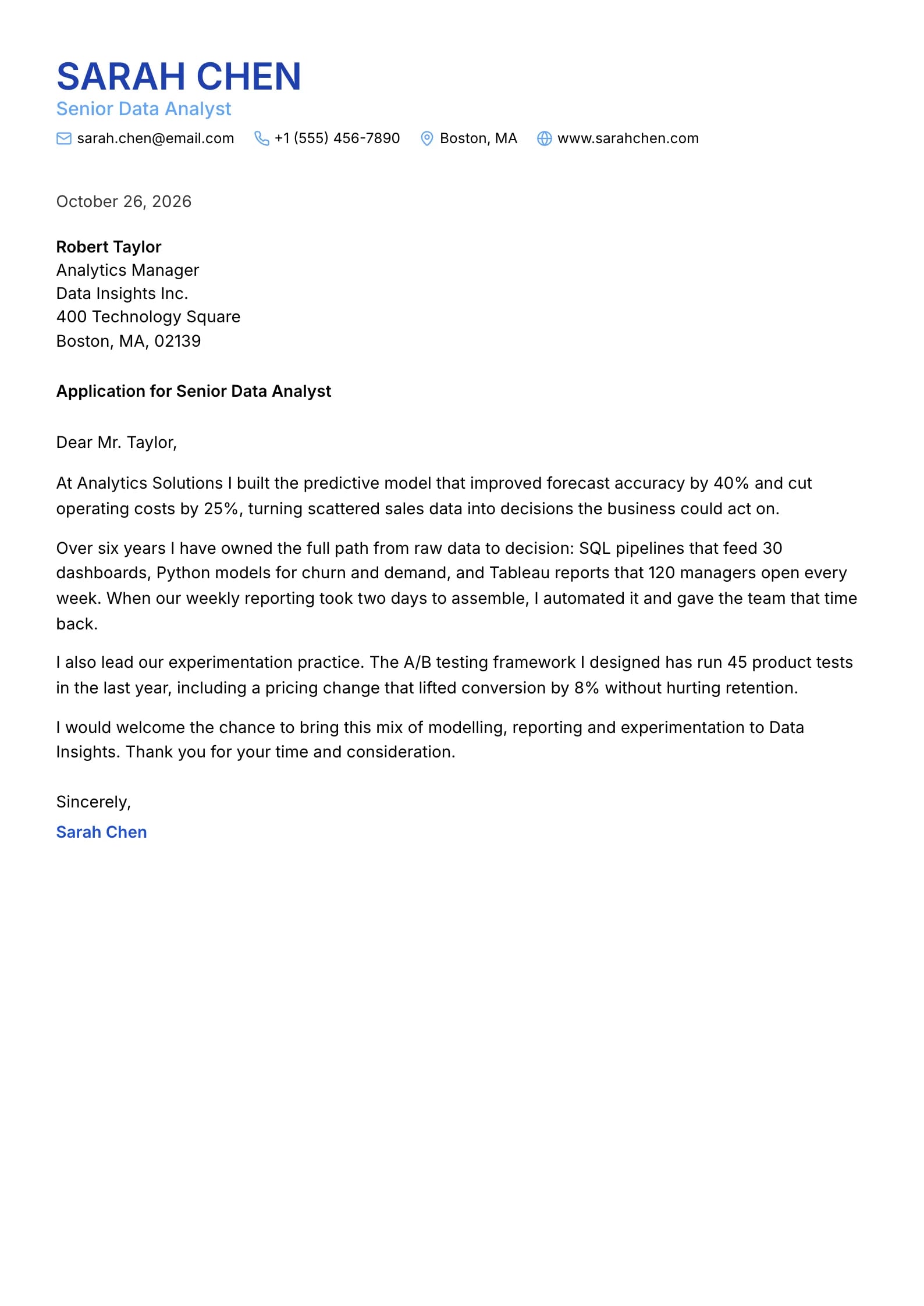
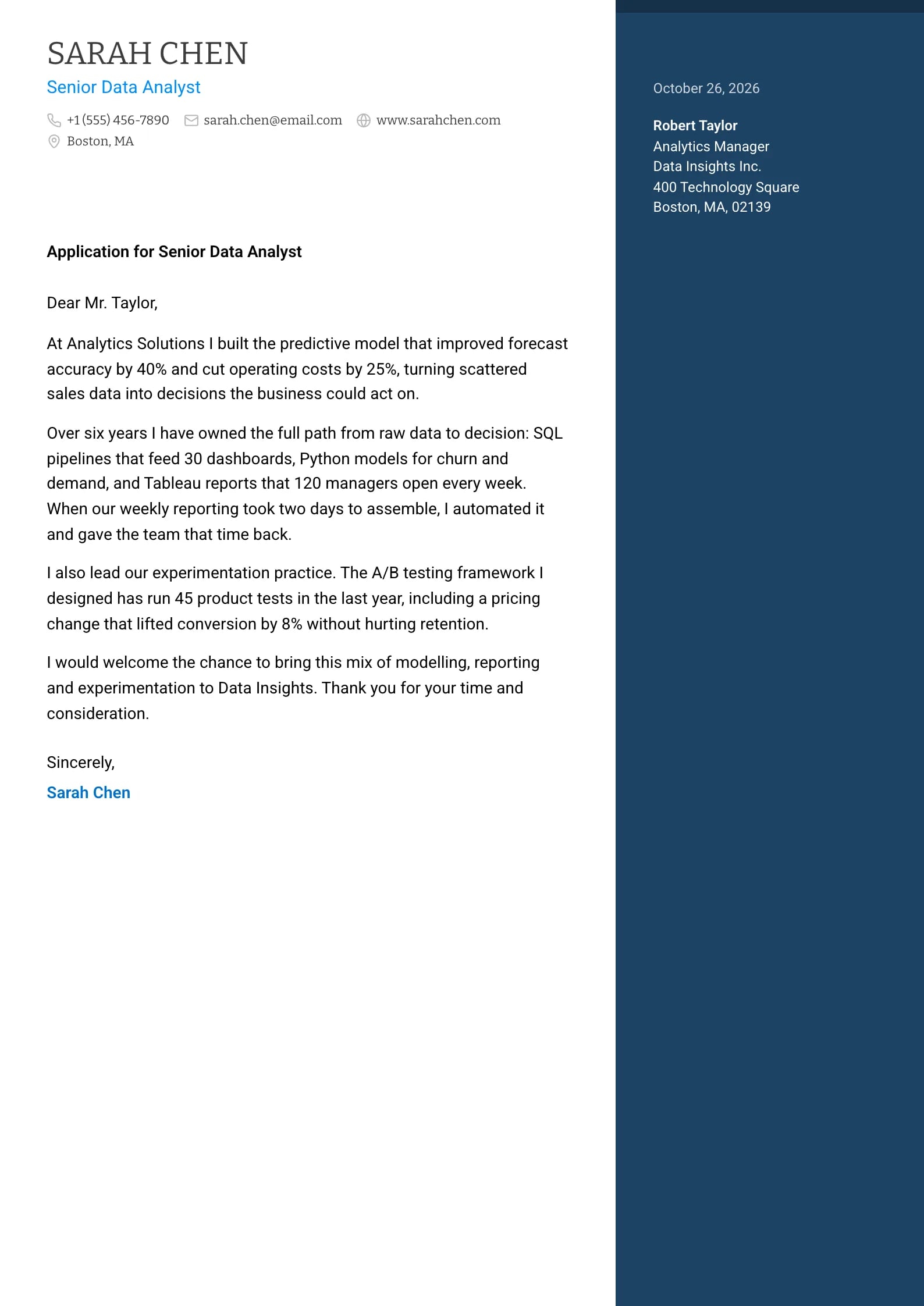
Harbor Resume previewMidnight Resume previewHarbor PreviewMidnight PreviewUse This TemplateHarbor
All Cover Letter Templates60Simple12Modern44Creative10Professional52
  • Zenith Preview
    Use This Template

    Zenith

    Matches the “Zenith” resume template: same header, colors and fonts, so your letter and resume read as one set.

    Use This Template
  • Brightline Preview
    Use This Template

    Brightline

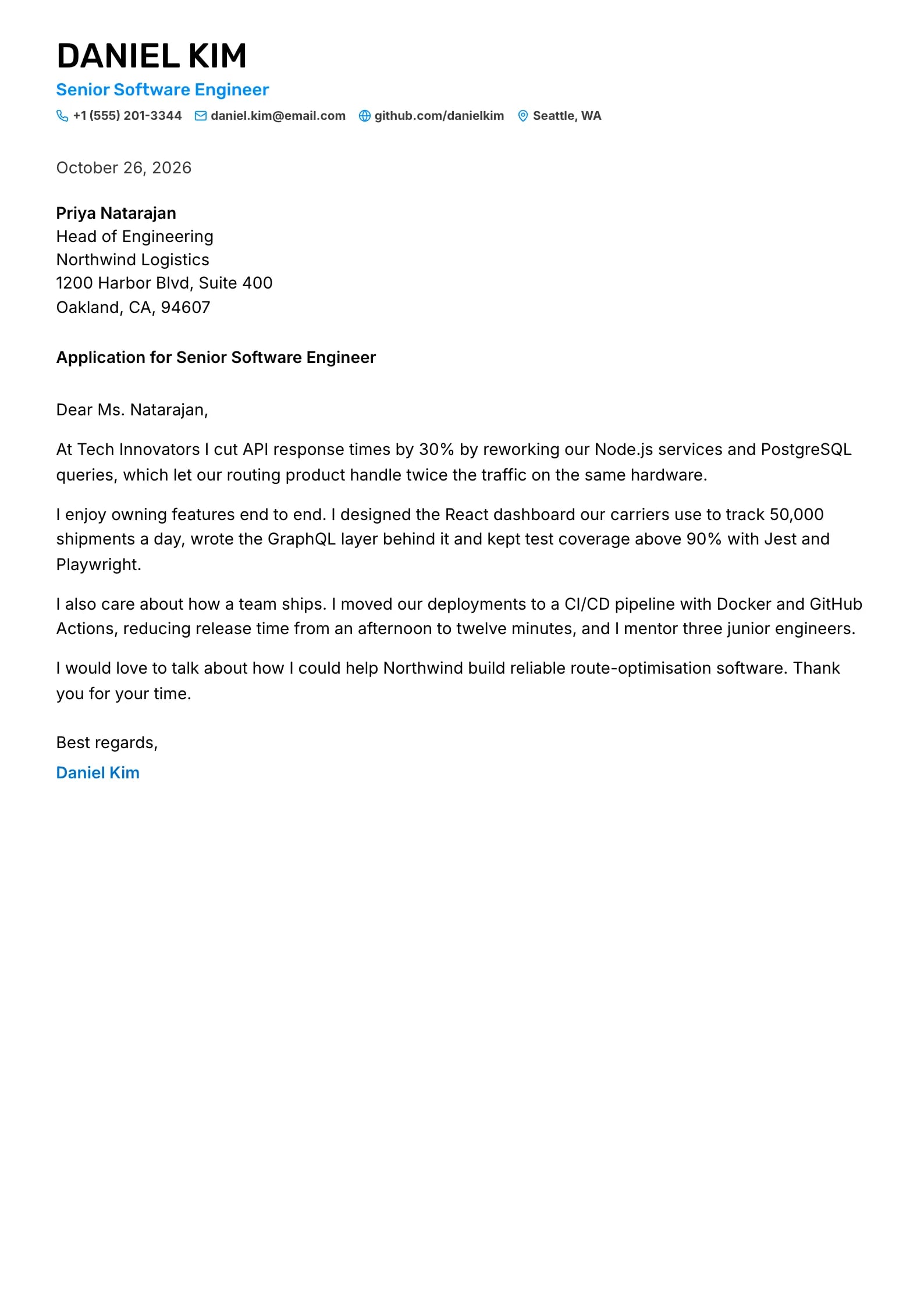
    Matches the “Brightline” resume template: same header, colors and fonts, so your letter and resume read as one set.
    Use This Template
  • Harbor Preview
    Use This Template

    Harbor

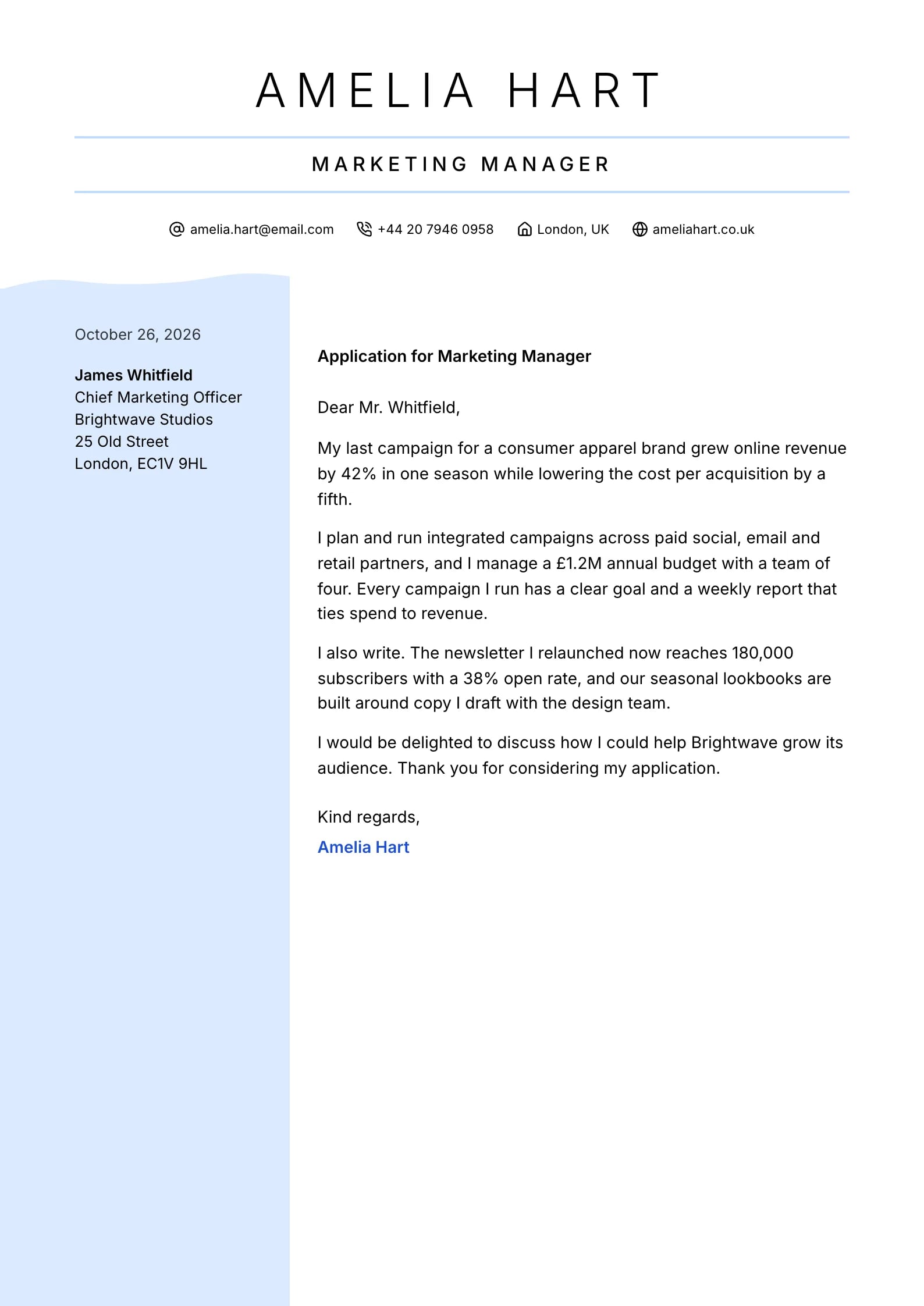
    Matches the “Harbor” resume template: same header, colors and fonts, so your letter and resume read as one set.
    Use This Template
  • Midnight Preview
    Use This Template

    Midnight

    Matches the “Midnight” resume template: same header, colors and fonts, so your letter and resume read as one set.
    Use This Template
  • Beacon Preview
    Use This Template

    Beacon

    Matches the “Beacon” resume template: same header, colors and fonts, so your letter and resume read as one set.
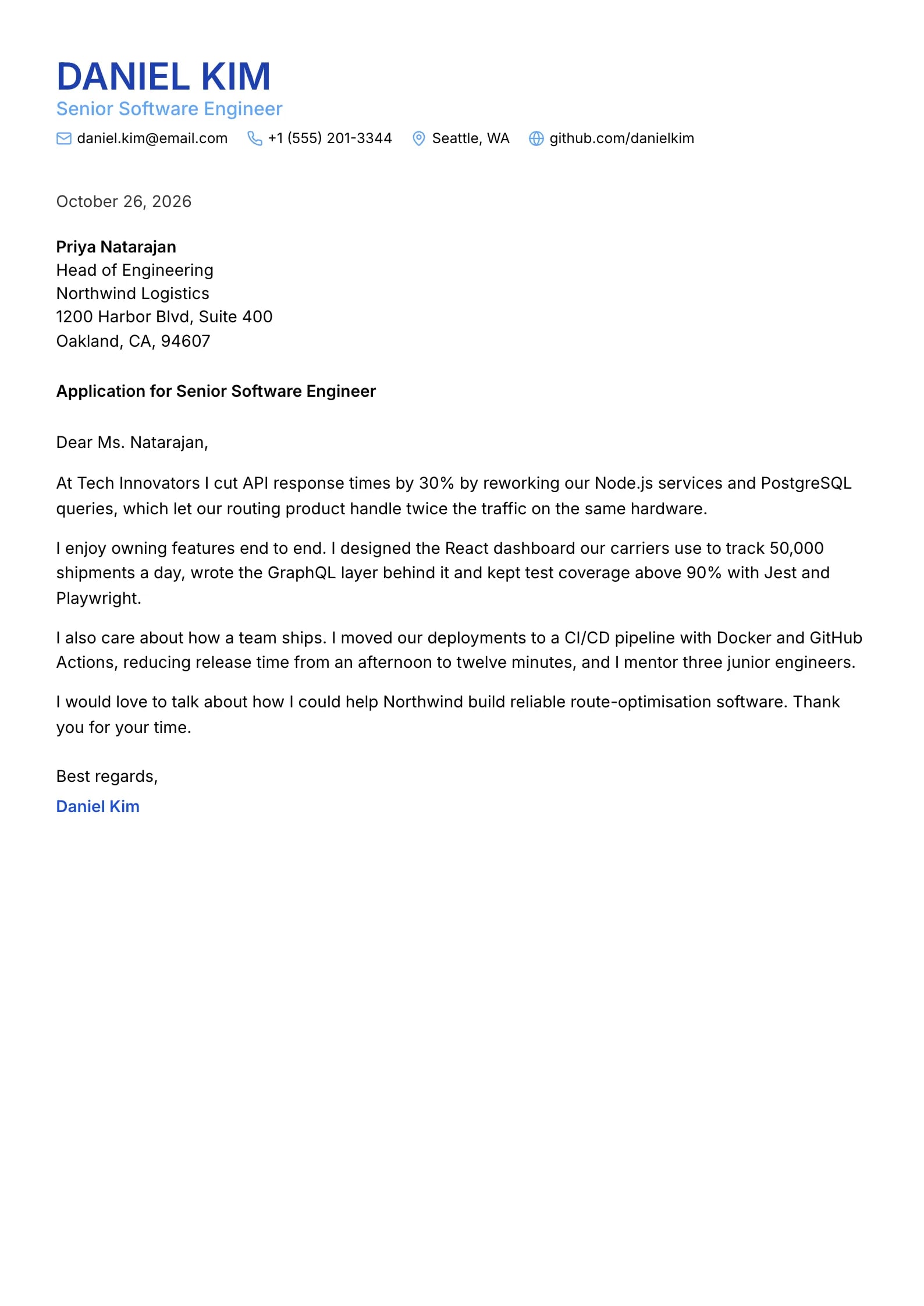
    Use This Template
  • Cascade Preview
    Use This Template

    Cascade

    Matches the “Cascade” resume template: same header, colors and fonts, so your letter and resume read as one set.
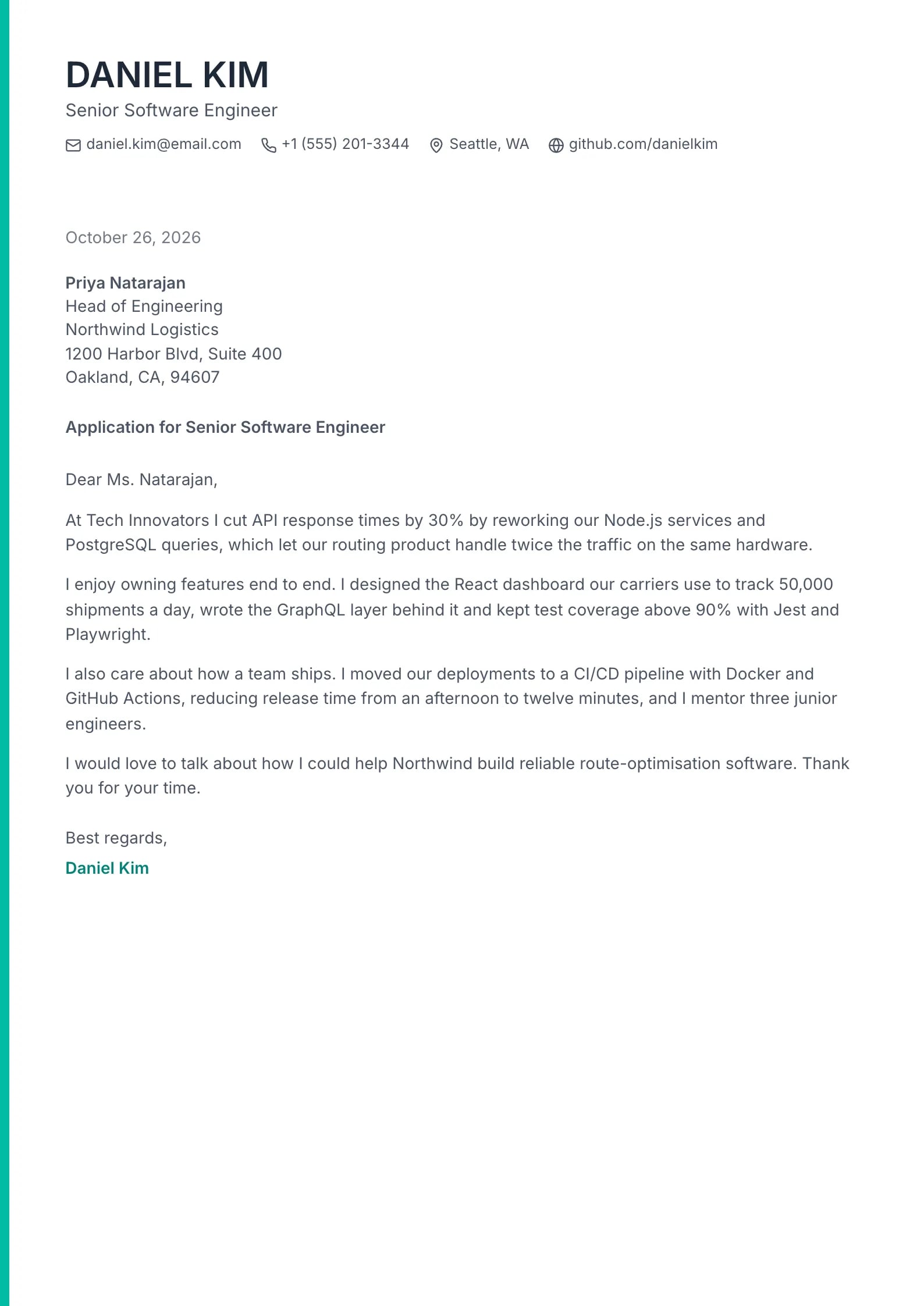
    Use This Template
  • Lumen Preview
    Use This Template

    Lumen

    Matches the “Lumen” resume template: same header, colors and fonts, so your letter and resume read as one set.
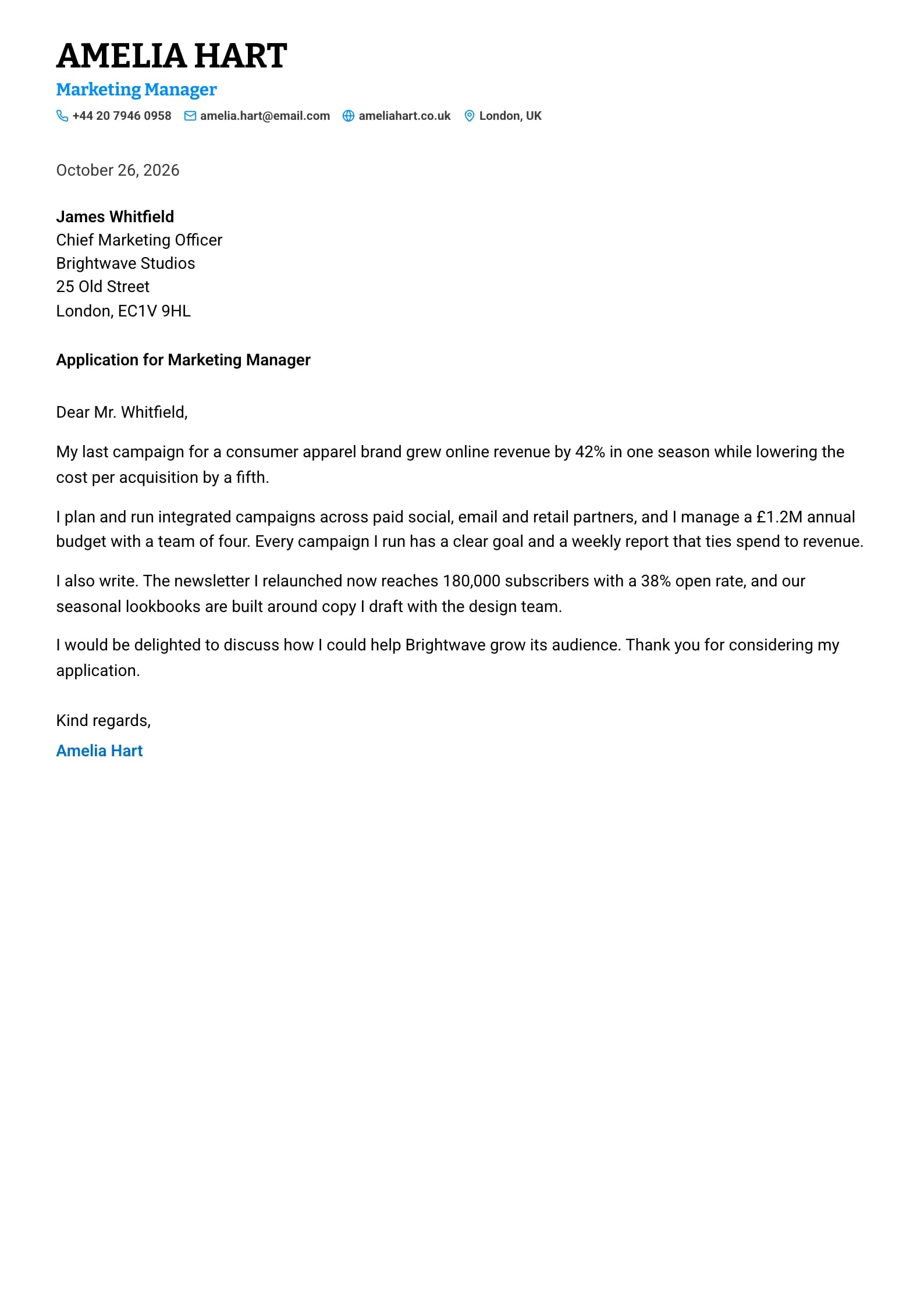
    Use This Template
  • Petal Preview
    Use This Template

    Petal

    Matches the “Petal” resume template: same header, colors and fonts, so your letter and resume read as one set.
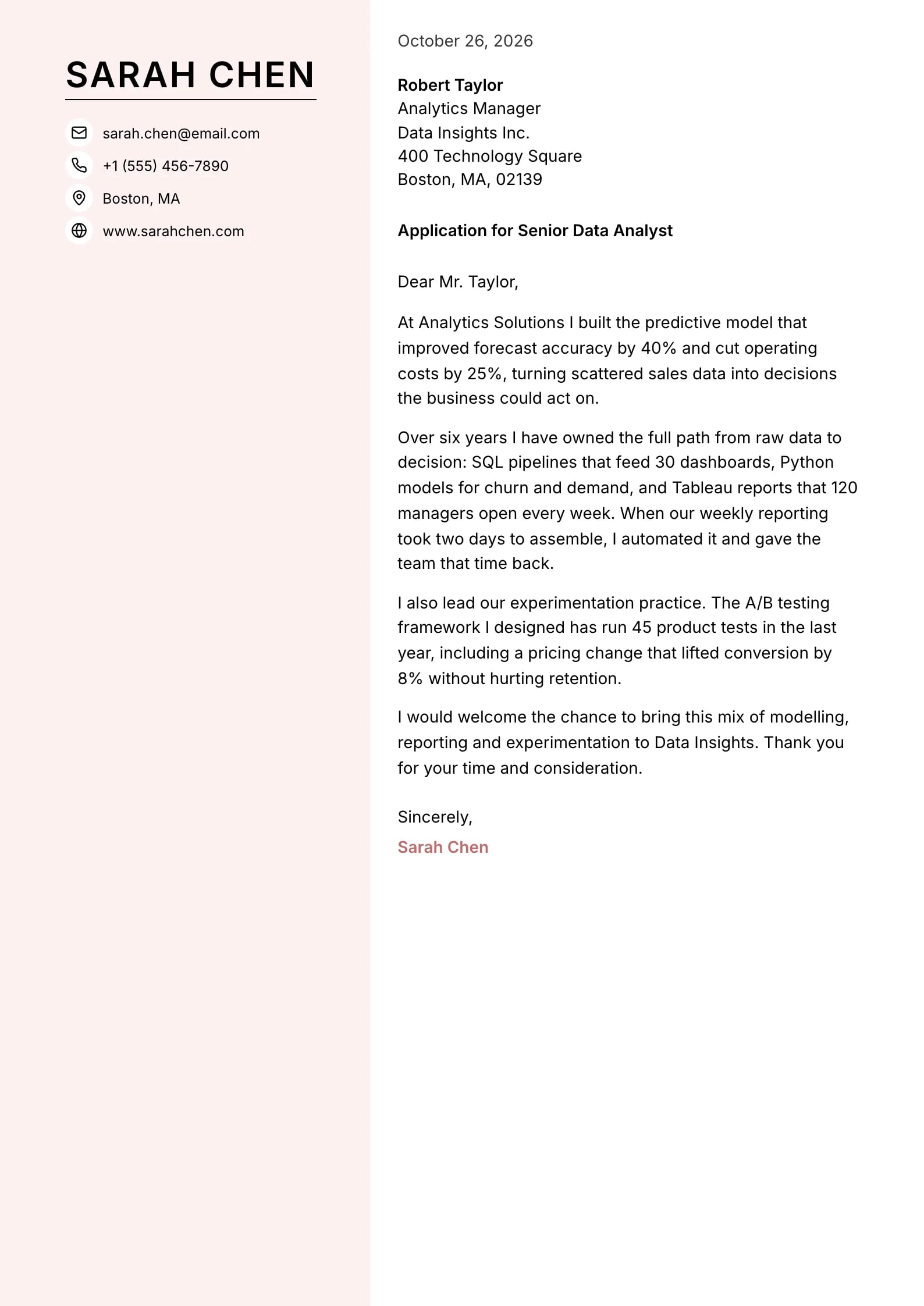
    Use This Template
  • Graphite Preview
    Use This Template

    Graphite

    Matches the “Graphite” resume template: same header, colors and fonts, so your letter and resume read as one set.
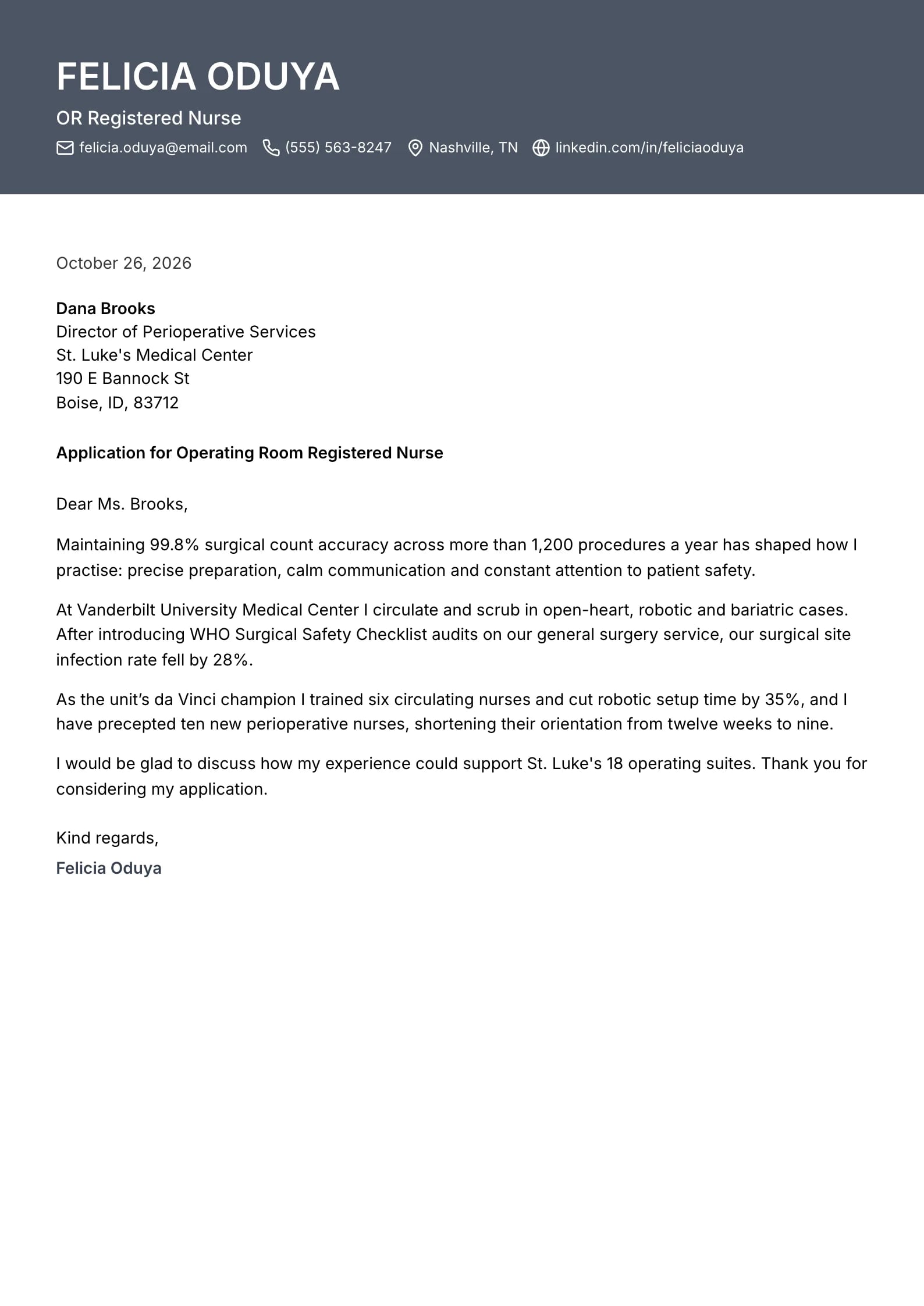
    Use This Template
  • Pewter Preview
    Use This Template

    Pewter

    Matches the “Pewter” resume template: same header, colors and fonts, so your letter and resume read as one set.
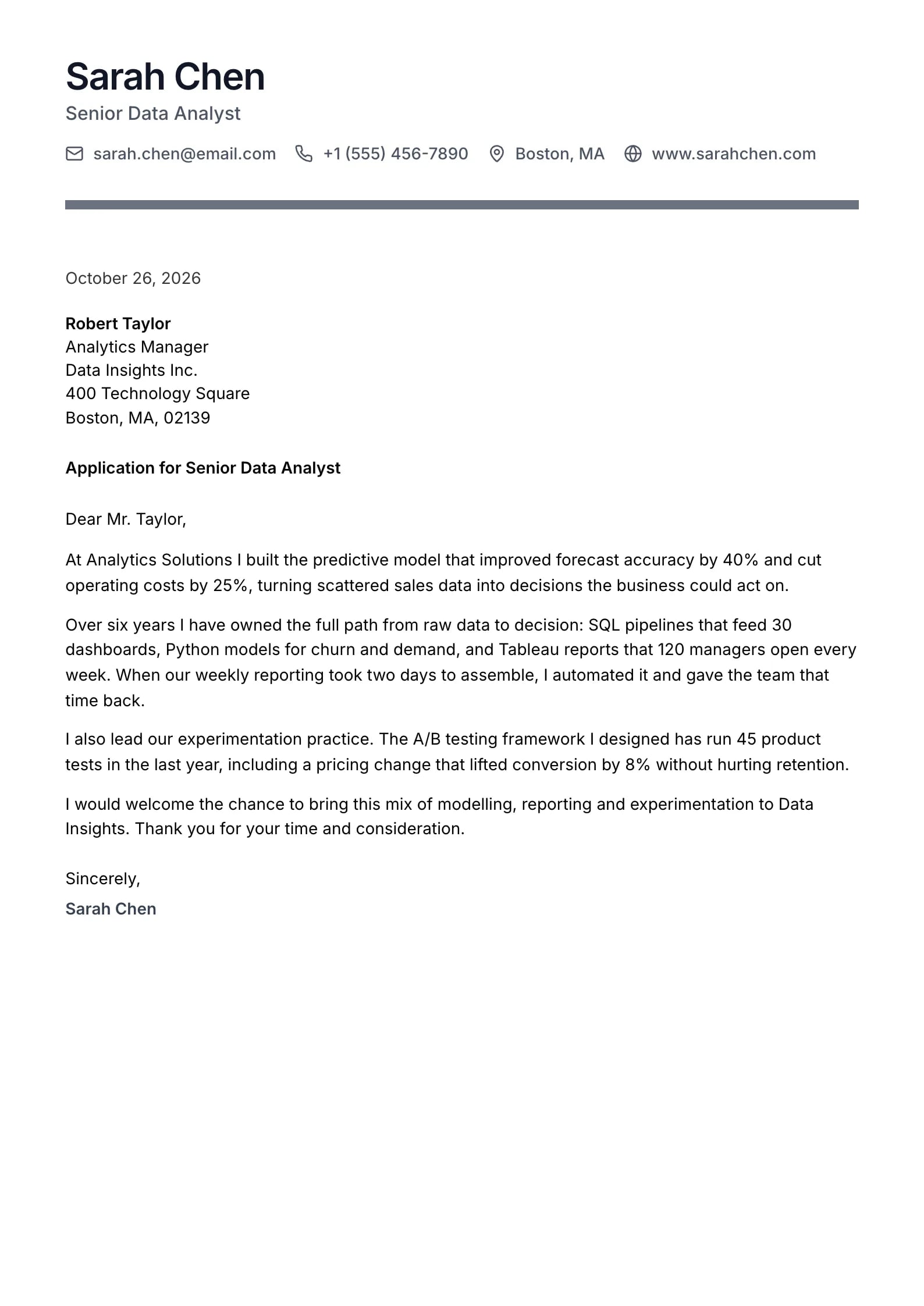
    Use This Template
  • Orchid Preview
    Use This Template

    Orchid

    Matches the “Orchid” resume template: same header, colors and fonts, so your letter and resume read as one set.
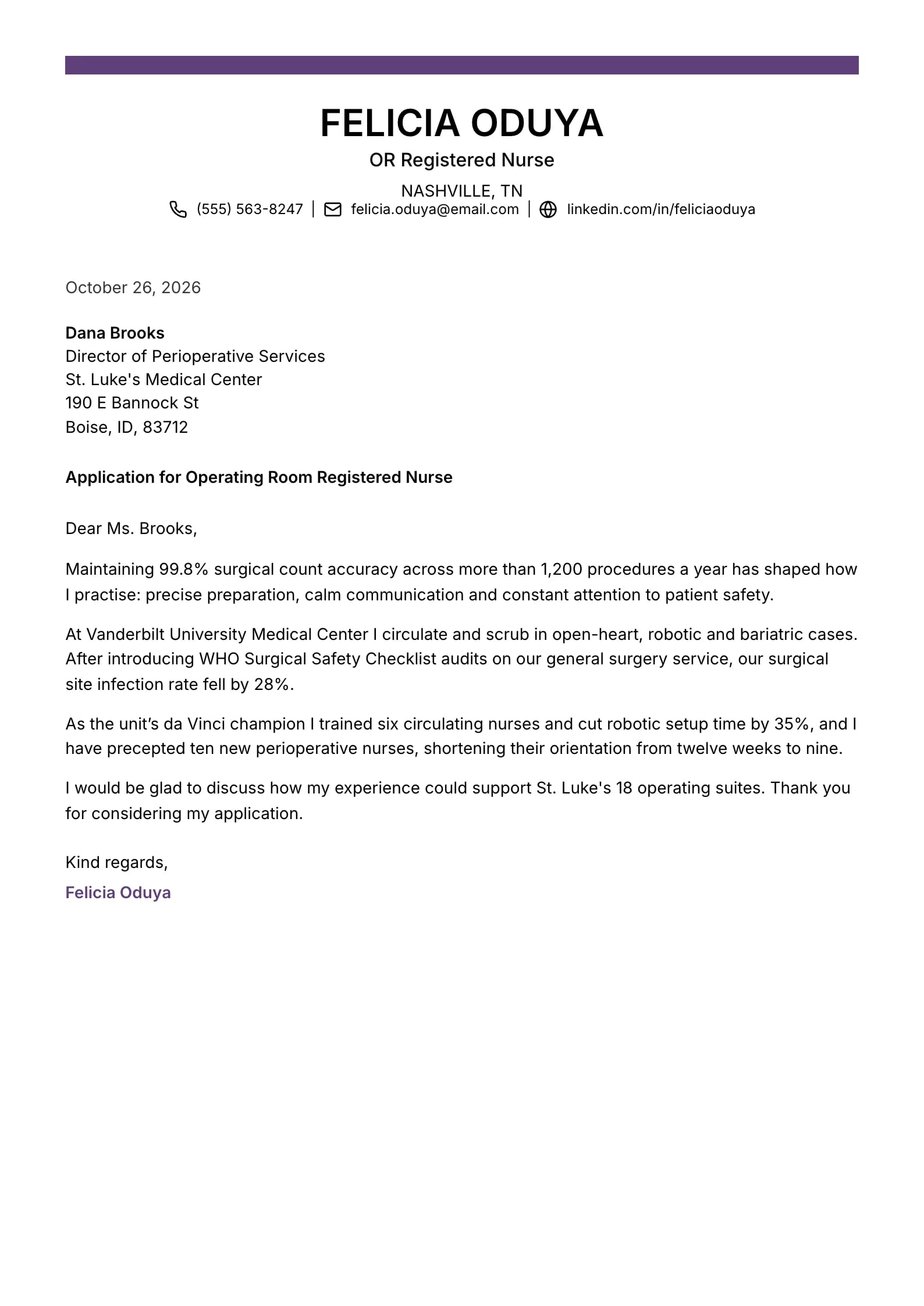
    Use This Template
  • Onyx Preview
    Use This Template

    Onyx

    Matches the “Onyx” resume template: same header, colors and fonts, so your letter and resume read as one set.
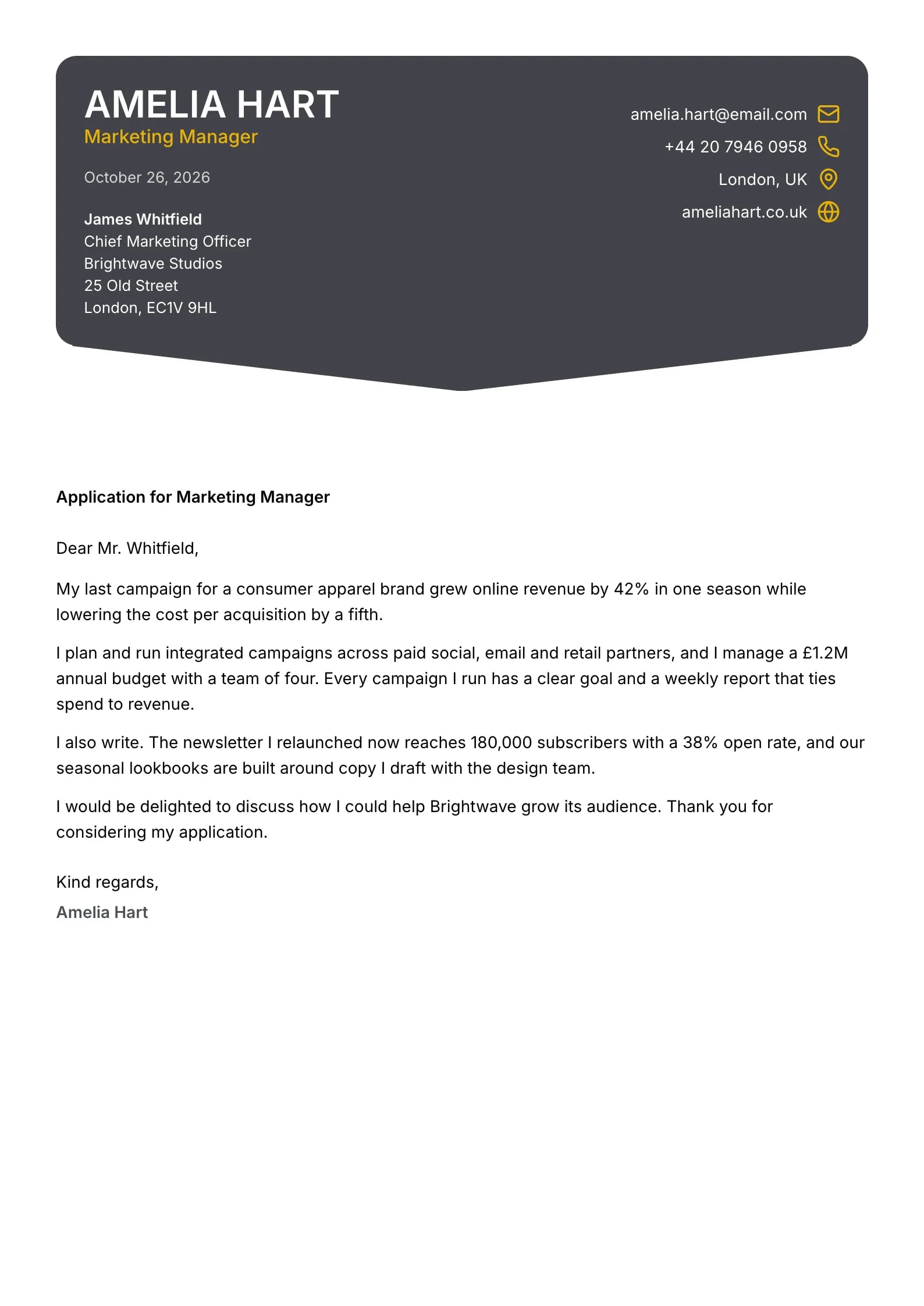
    Use This Template
  • Palette Preview
    Use This Template

    Palette

    Matches the “Palette” resume template: same header, colors and fonts, so your letter and resume read as one set.
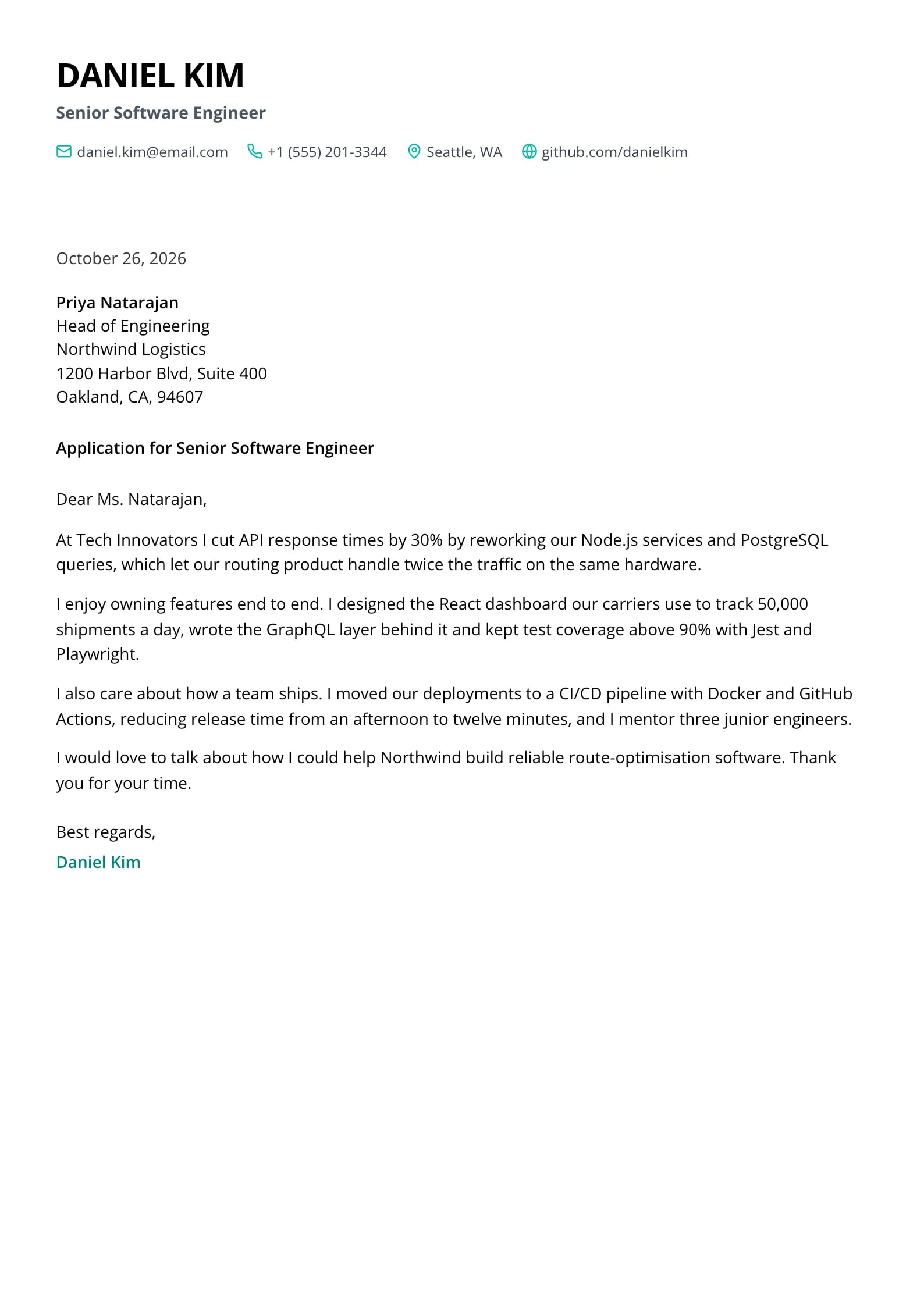
    Use This Template
  • Blush Preview
    Use This Template

    Blush

    Matches the “Blush” resume template: same header, colors and fonts, so your letter and resume read as one set.
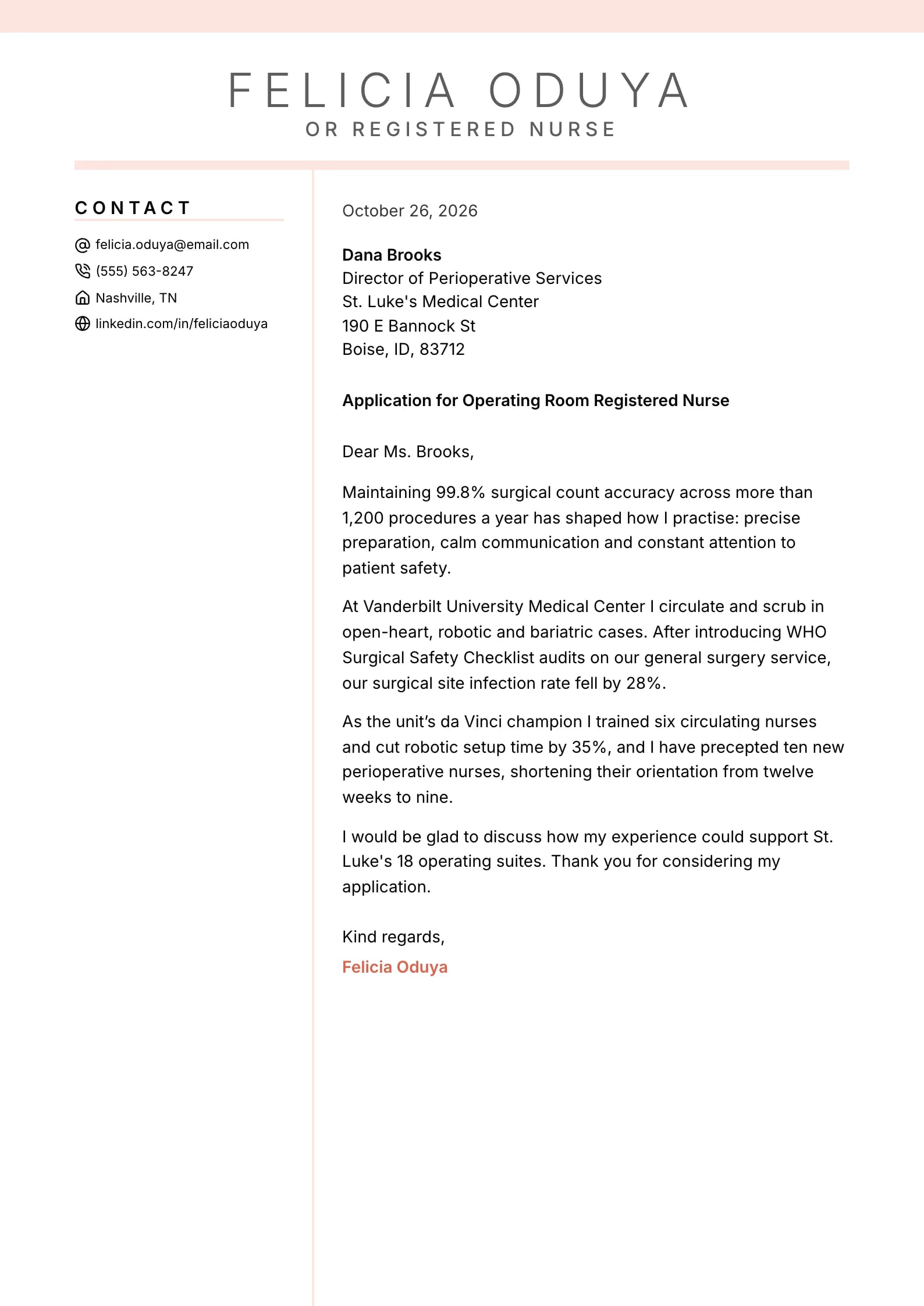
    Use This Template
  • Azure Preview
    Use This Template

    Azure

    Matches the “Azure” resume template: same header, colors and fonts, so your letter and resume read as one set.
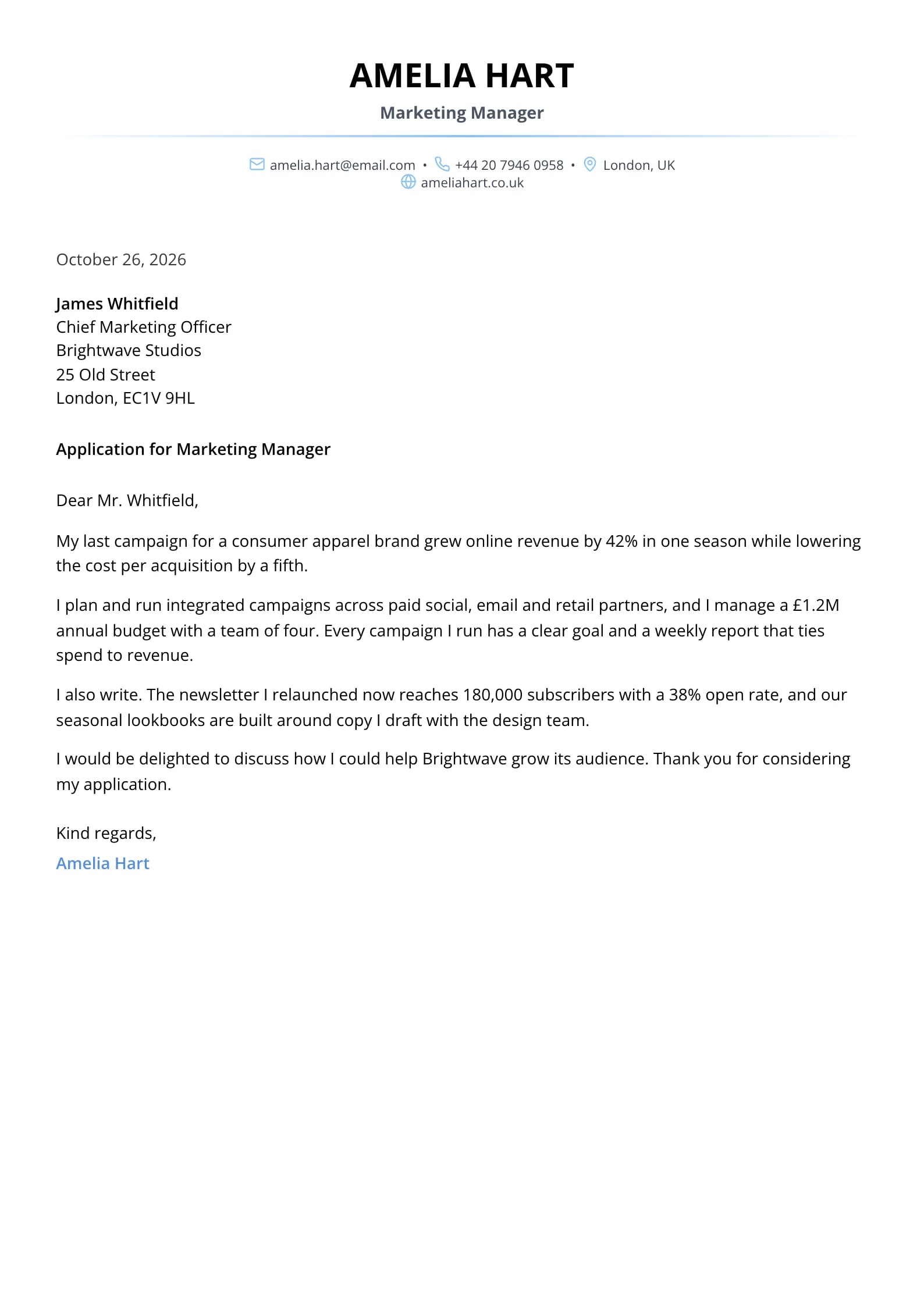
    Use This Template
  • Pillar Preview
    Use This Template

    Pillar

    Matches the “Pillar” resume template: same header, colors and fonts, so your letter and resume read as one set.
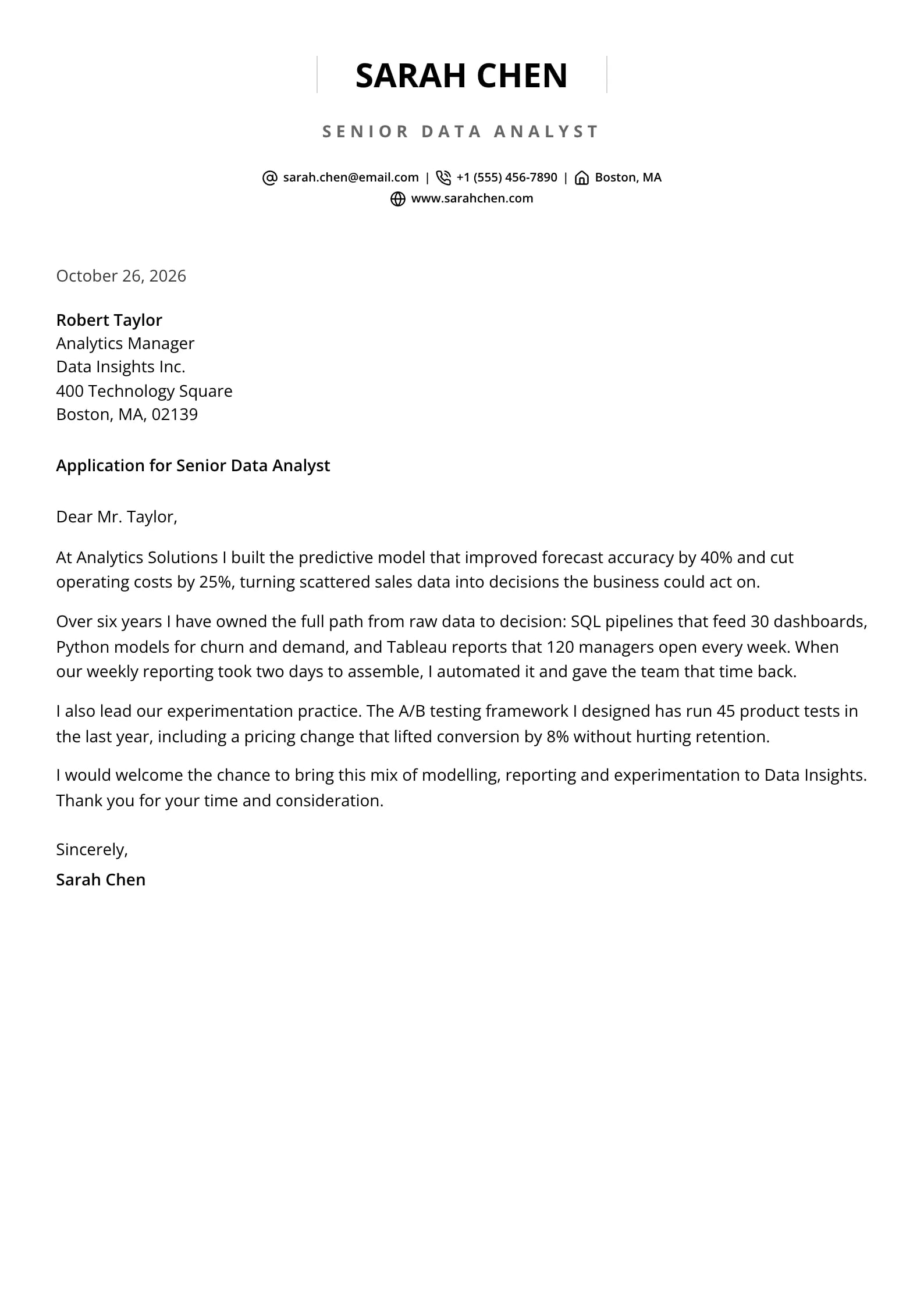
    Use This Template
  • Indigo Preview
    Use This Template

    Indigo

    Matches the “Indigo” resume template: same header, colors and fonts, so your letter and resume read as one set.
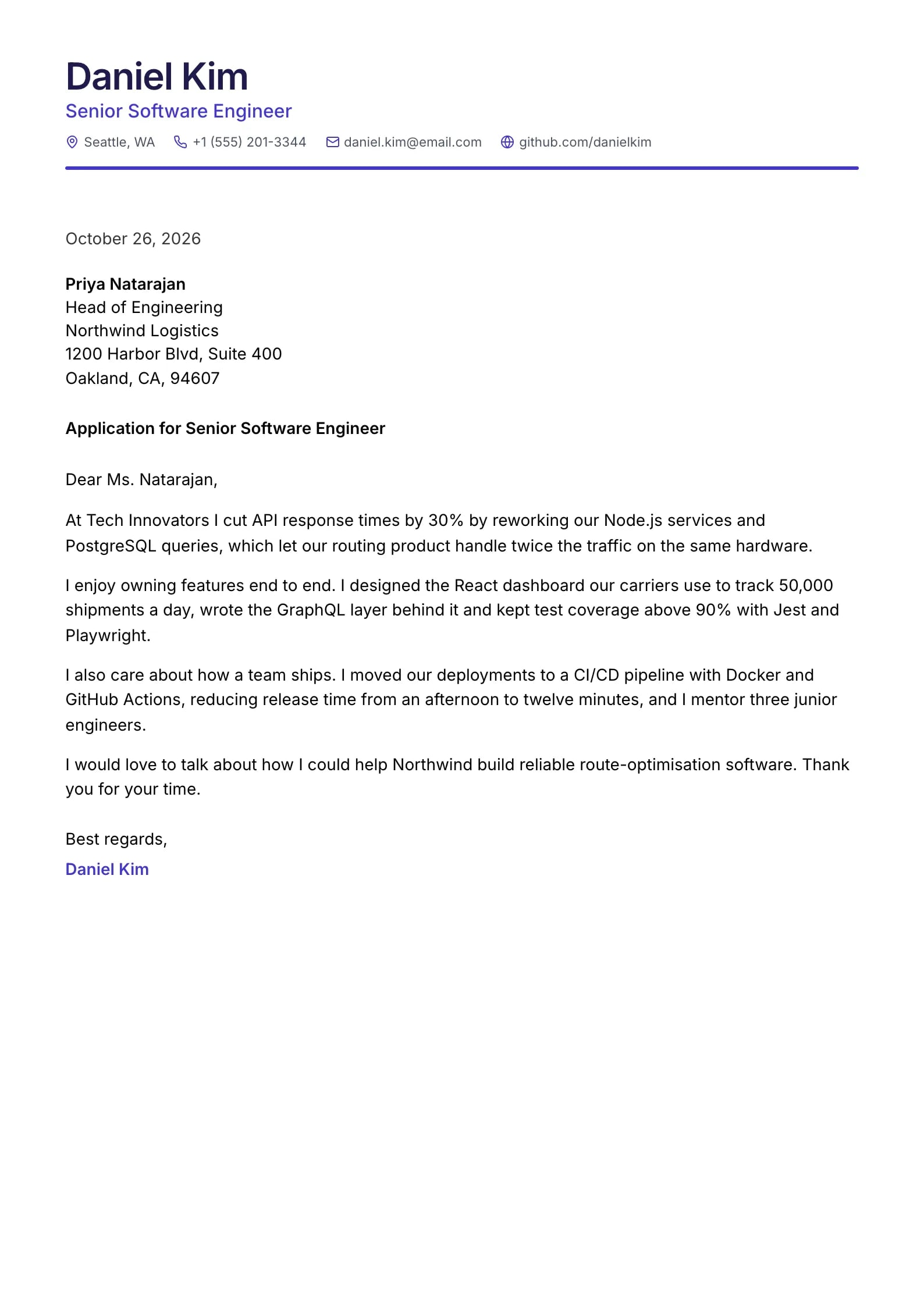
    Use This Template
  • Amber Crest Preview
    Use This Template

    Amber Crest

    Matches the “Amber Crest” resume template: same header, colors and fonts, so your letter and resume read as one set.
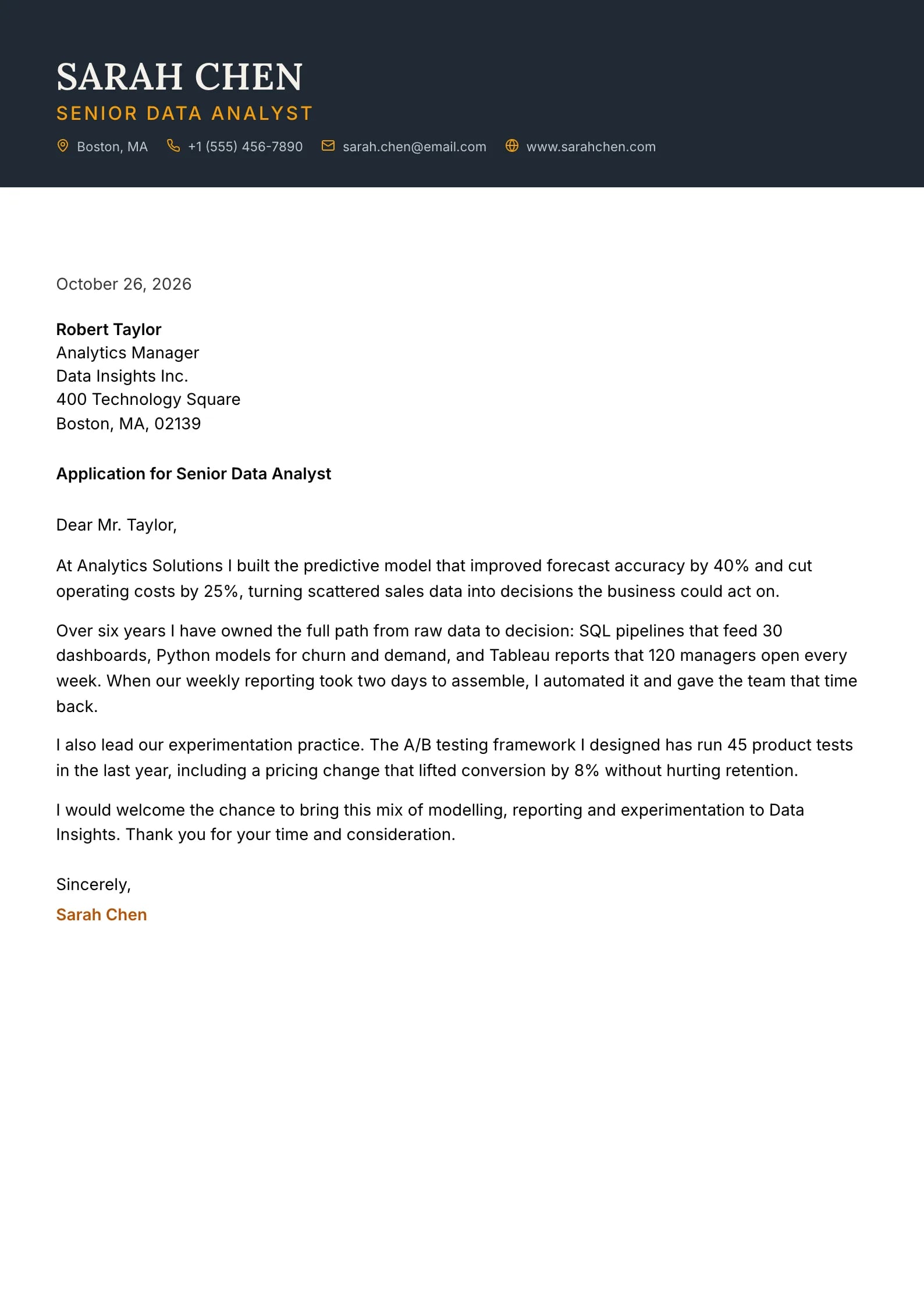
    Use This Template
  • Reef Preview
    Use This Template

    Reef

    Matches the “Reef” resume template: same header, colors and fonts, so your letter and resume read as one set.
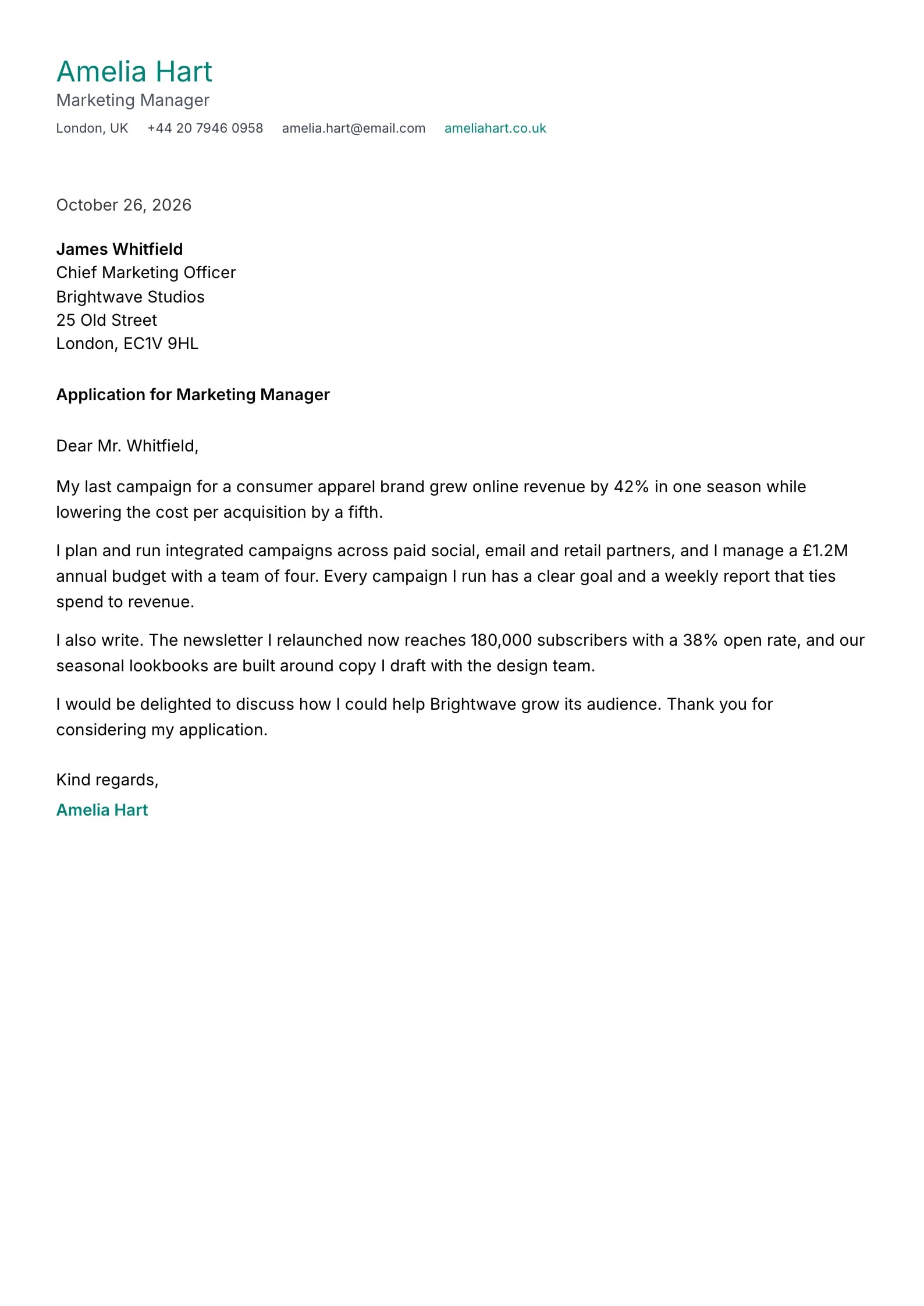
    Use This Template
  • Iris Preview
    Use This Template

    Iris

    Matches the “Iris” resume template: same header, colors and fonts, so your letter and resume read as one set.
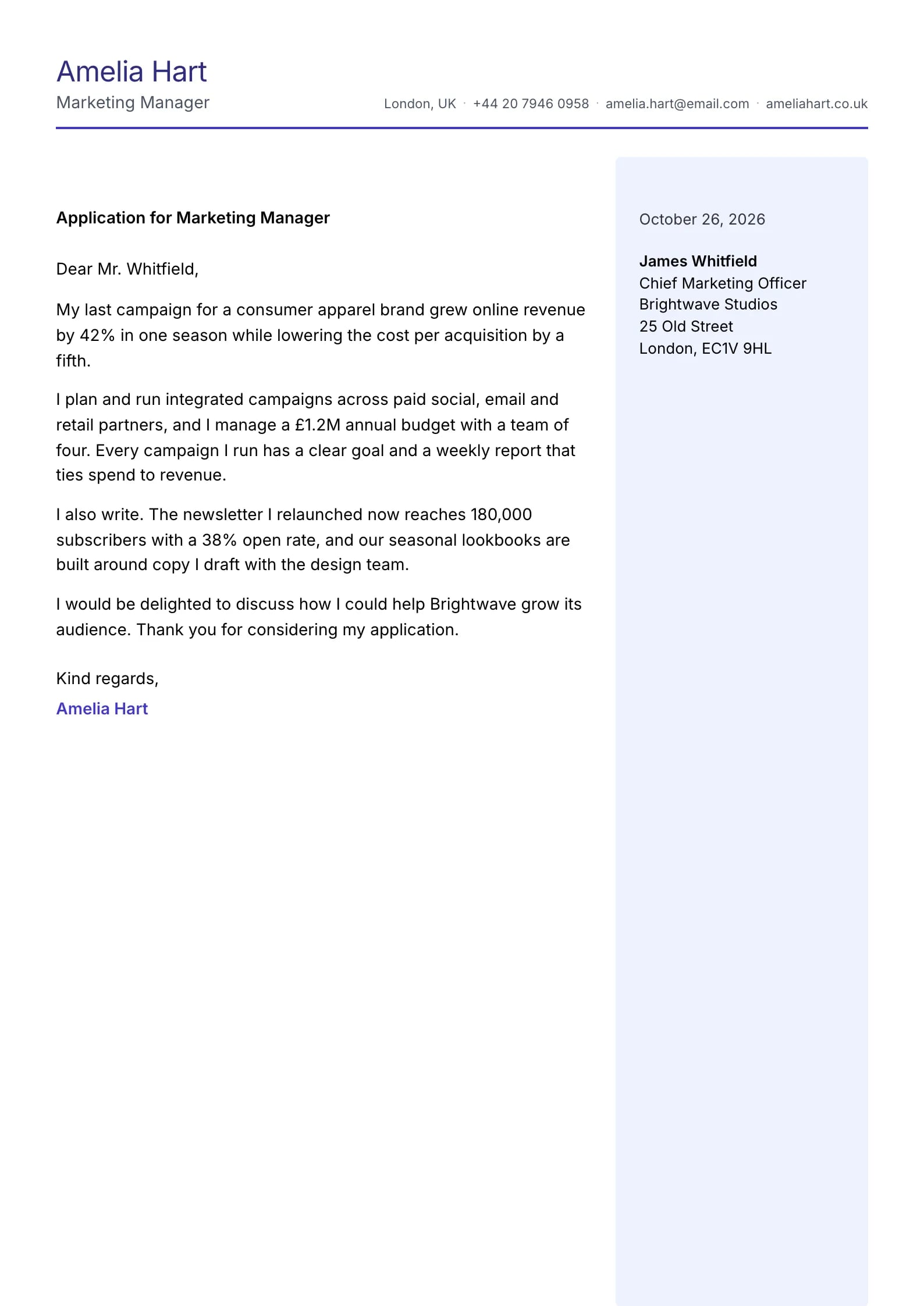
    Use This Template
  • Verdant Preview
    Use This Template

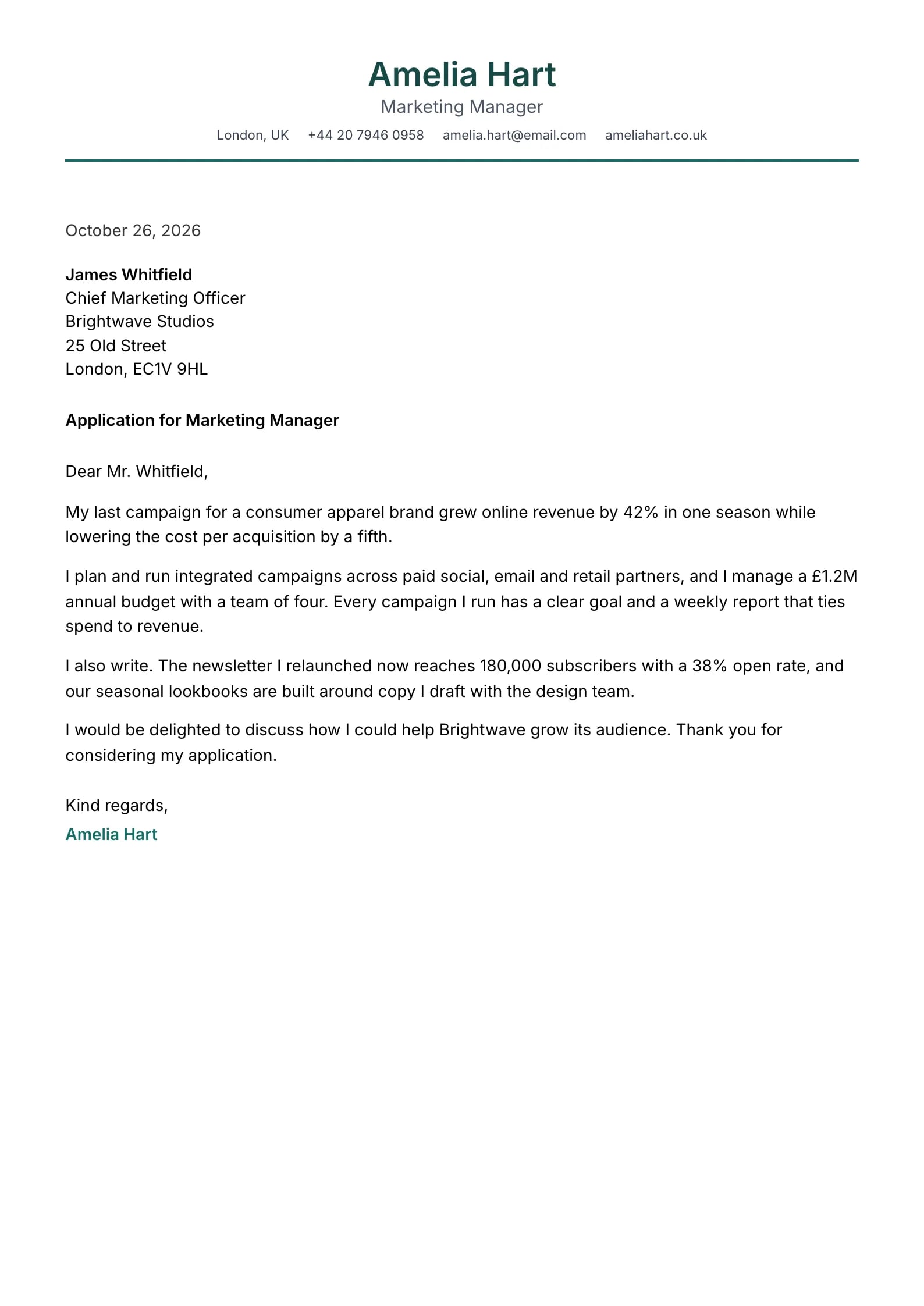
    Verdant

    Matches the “Verdant” resume template: same header, colors and fonts, so your letter and resume read as one set.
    Use This Template
  • Vanguard Preview
    Use This Template

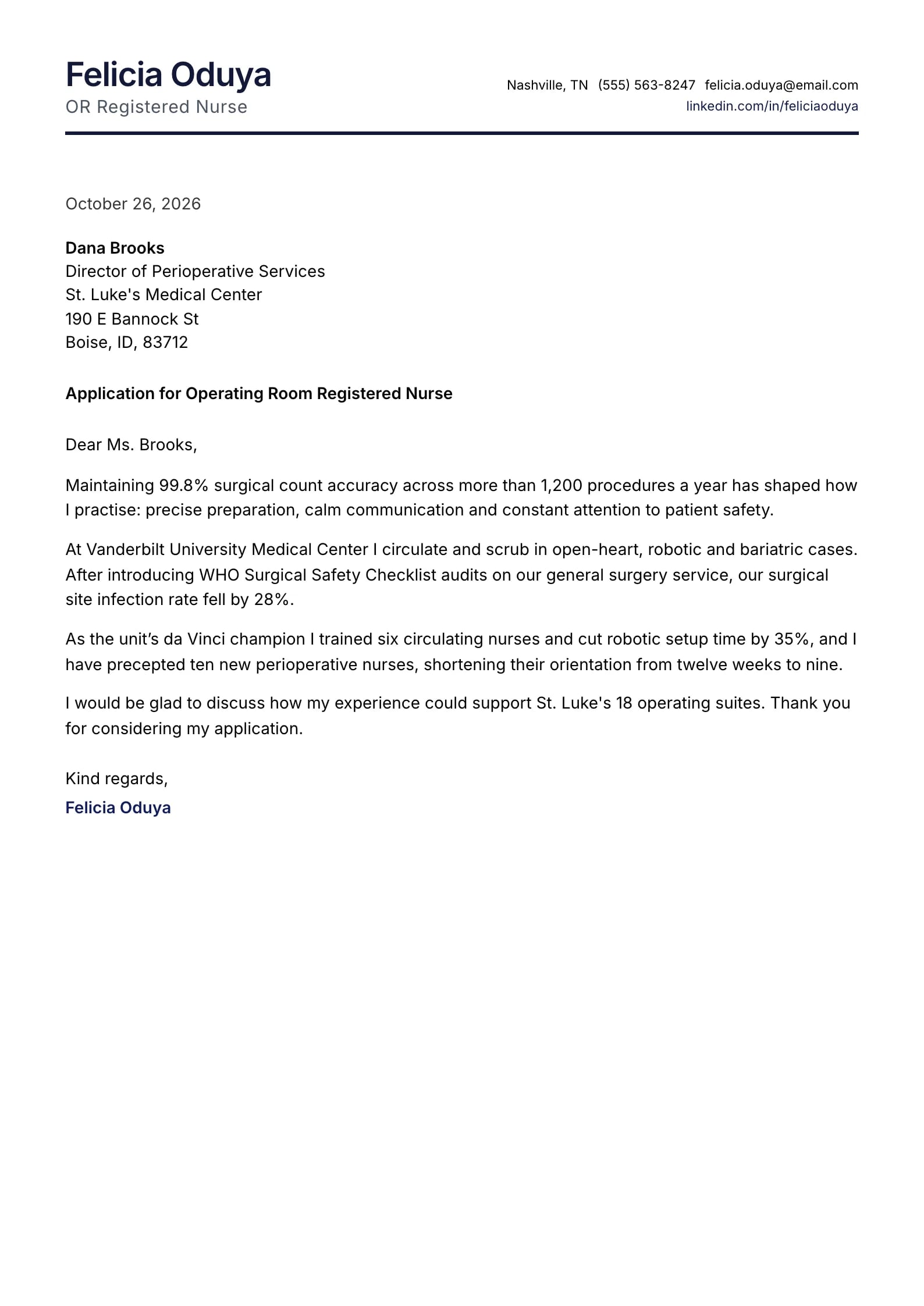
    Vanguard

    Matches the “Vanguard” resume template: same header, colors and fonts, so your letter and resume read as one set.
    Use This Template
  • Axis Preview
    Use This Template

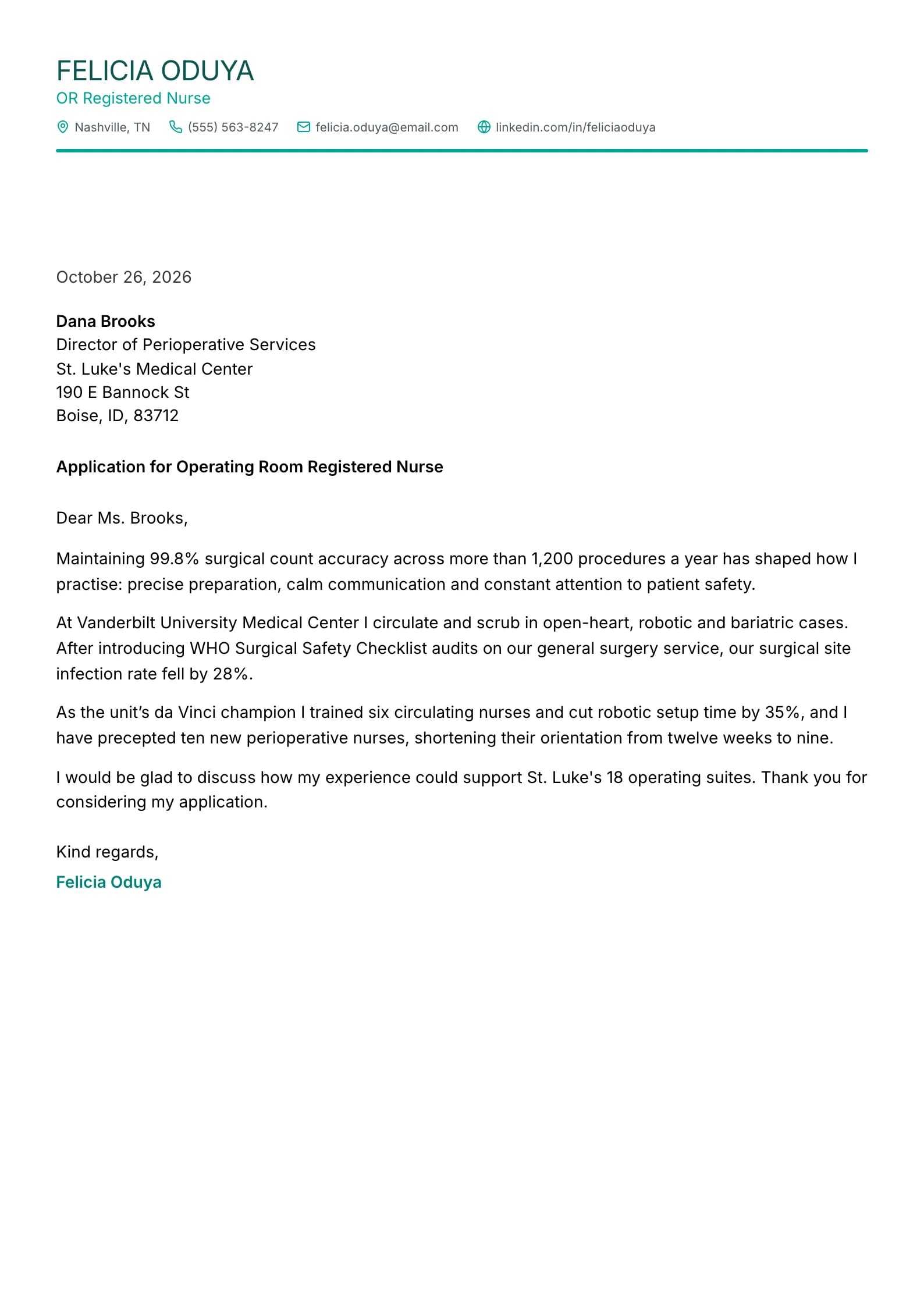
    Axis

    Matches the “Axis” resume template: same header, colors and fonts, so your letter and resume read as one set.
    Use This Template
  • Amethyst Preview
    Use This Template

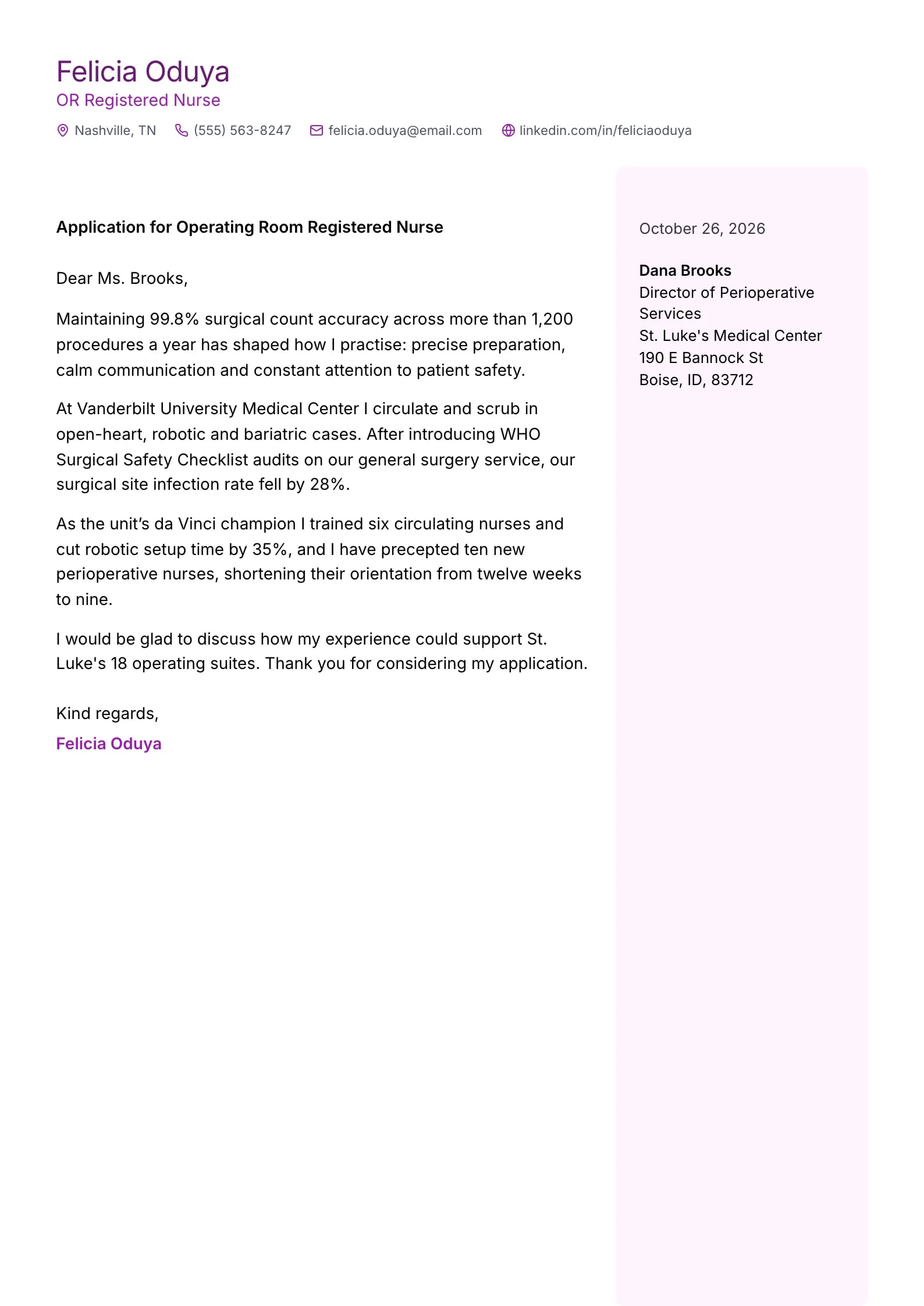
    Amethyst

    Matches the “Amethyst” resume template: same header, colors and fonts, so your letter and resume read as one set.
    Use This Template
  • Slate Preview
    Use This Template

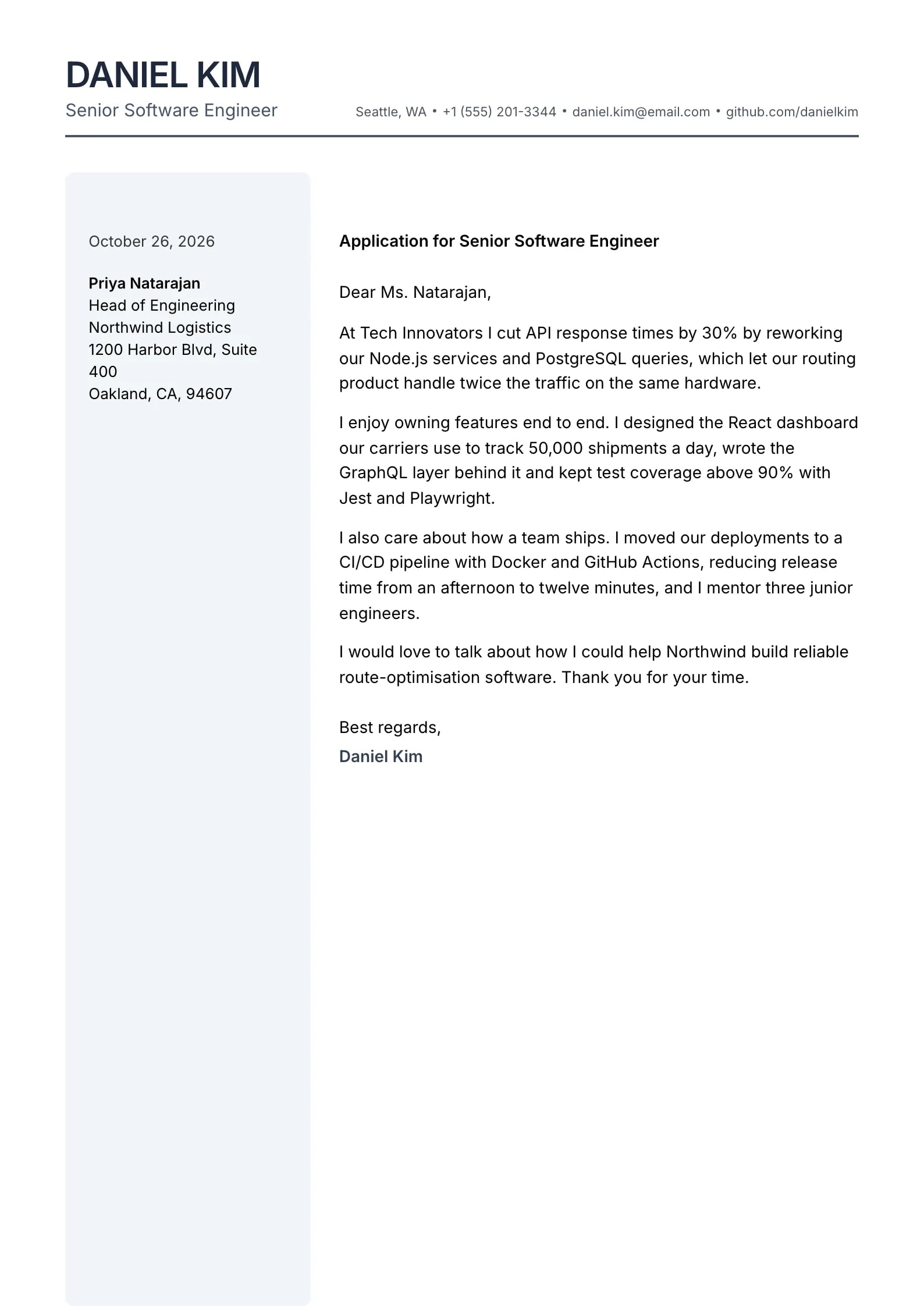
    Slate

    Matches the “Slate” resume template: same header, colors and fonts, so your letter and resume read as one set.
    Use This Template
  • Seafoam Preview
    Use This Template

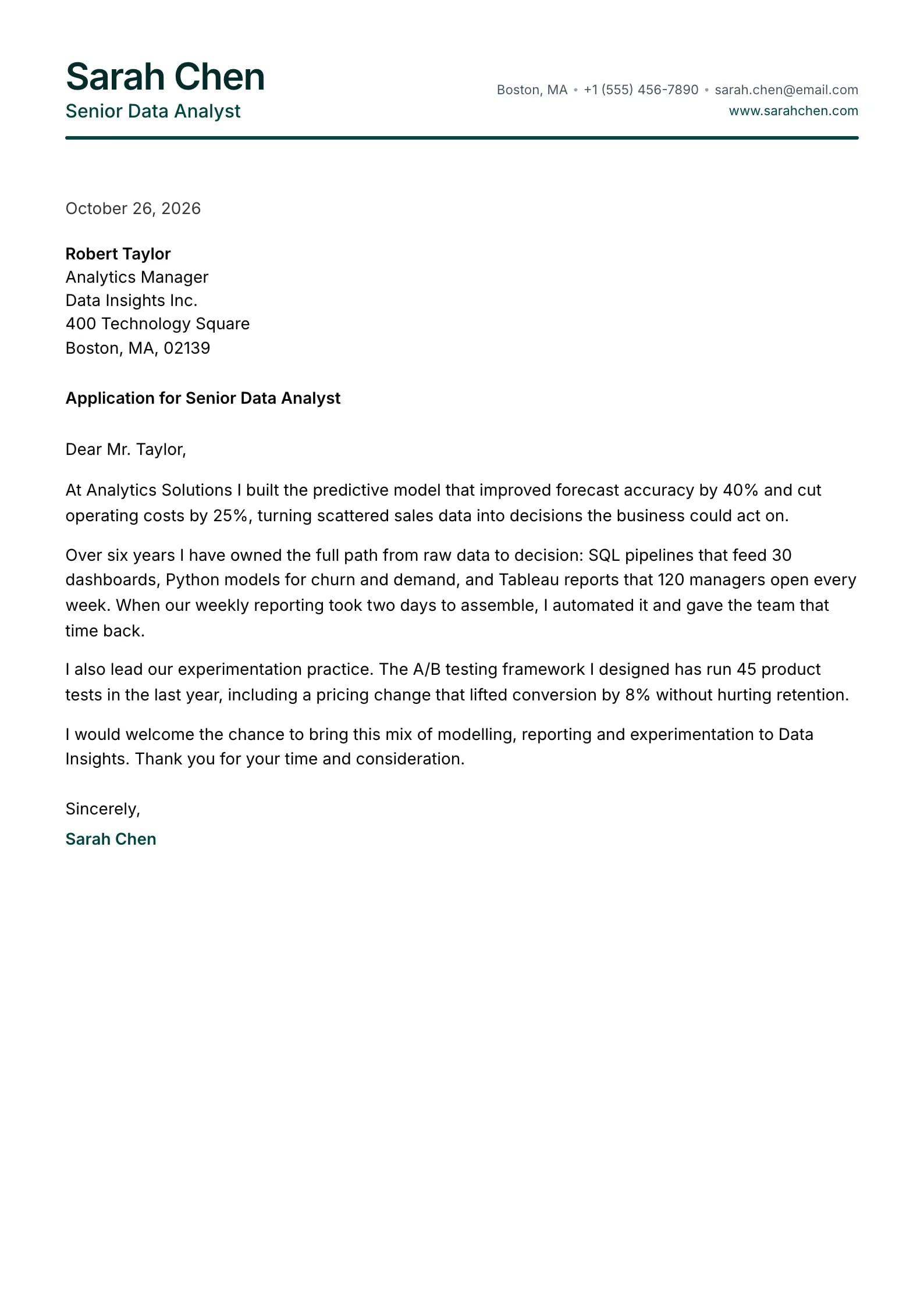
    Seafoam

    Matches the “Seafoam” resume template: same header, colors and fonts, so your letter and resume read as one set.
    Use This Template
  • Ember Preview
    Use This Template

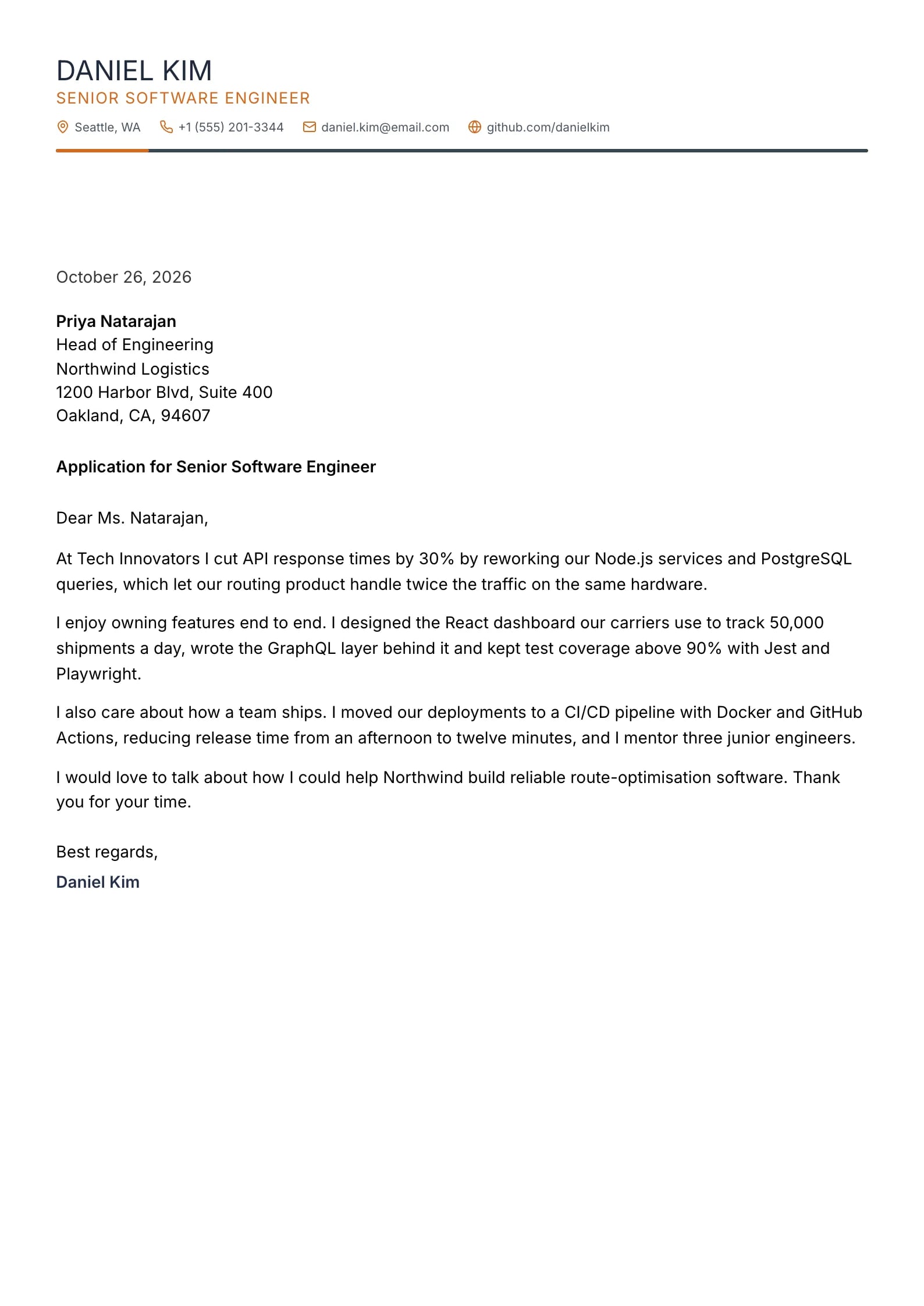
    Ember

    Matches the “Ember” resume template: same header, colors and fonts, so your letter and resume read as one set.
    Use This Template
  • Terminal Preview
    Use This Template

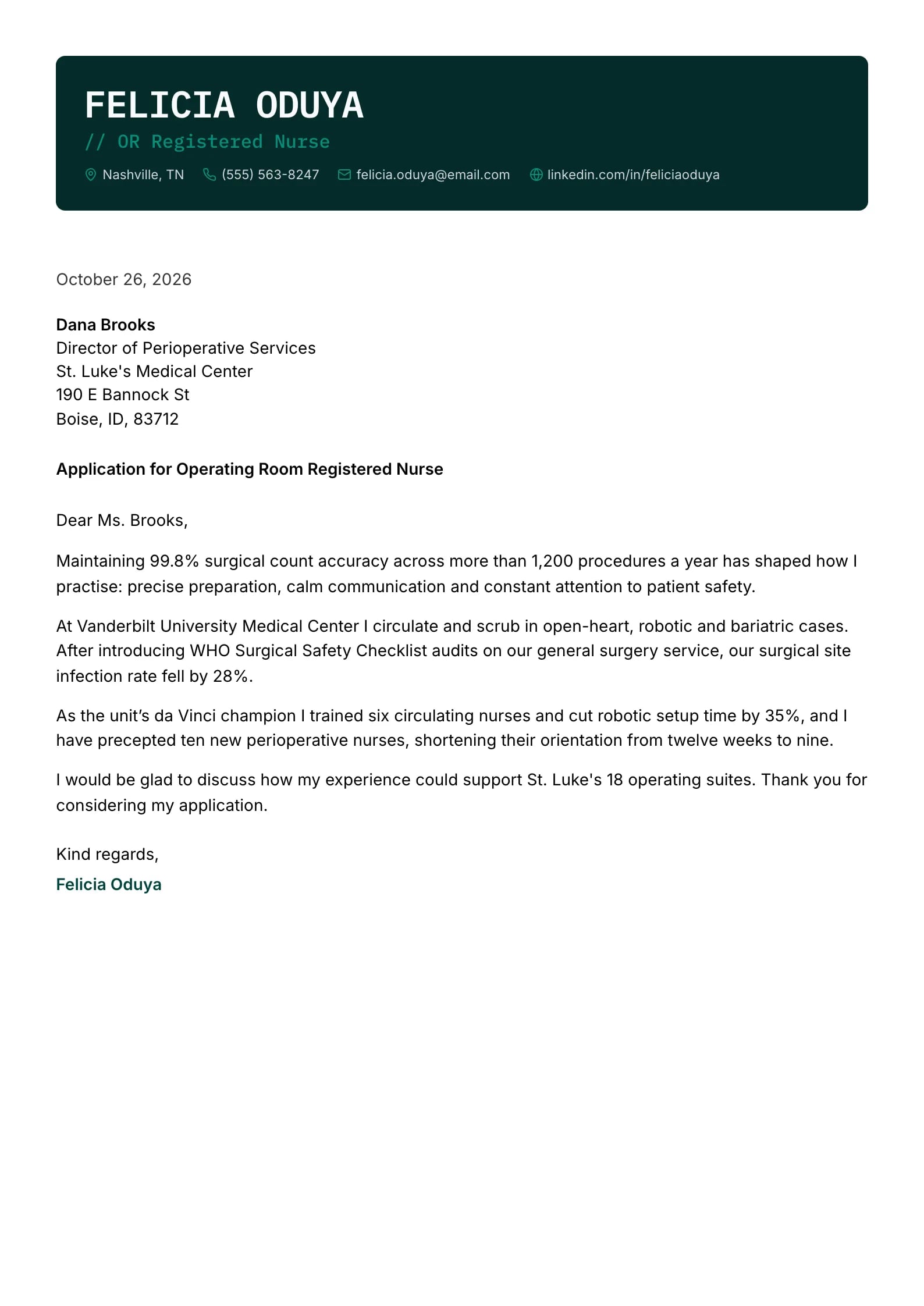
    Terminal

    Matches the “Terminal” resume template: same header, colors and fonts, so your letter and resume read as one set.
    Use This Template
  • Aurelia Preview
    Use This Template

    Aurelia

    Matches the “Aurelia” resume template: same header, colors and fonts, so your letter and resume read as one set.
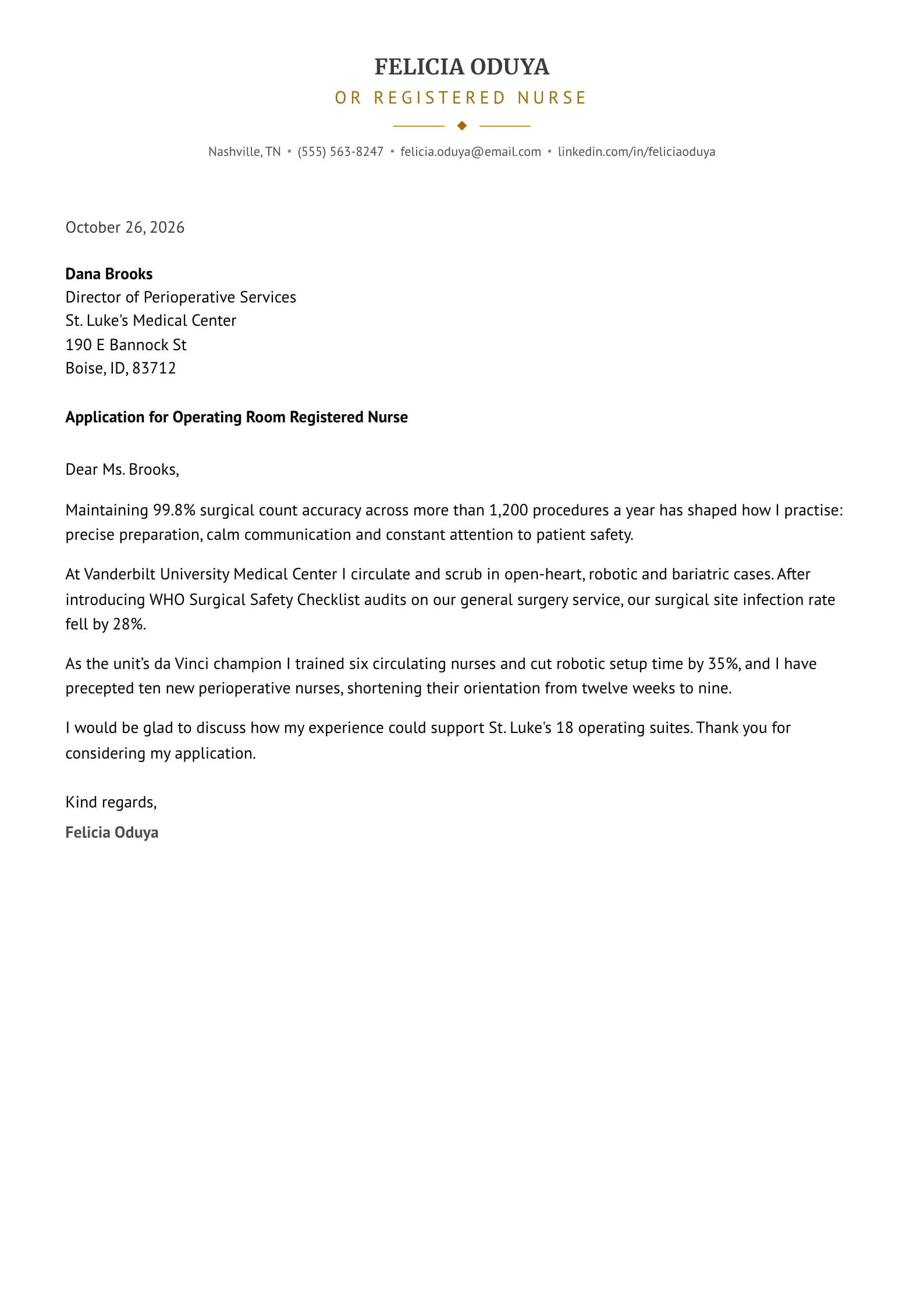
    Use This Template
  • Steel Preview
    Use This Template

    Steel

    Matches the “Steel” resume template: same header, colors and fonts, so your letter and resume read as one set.
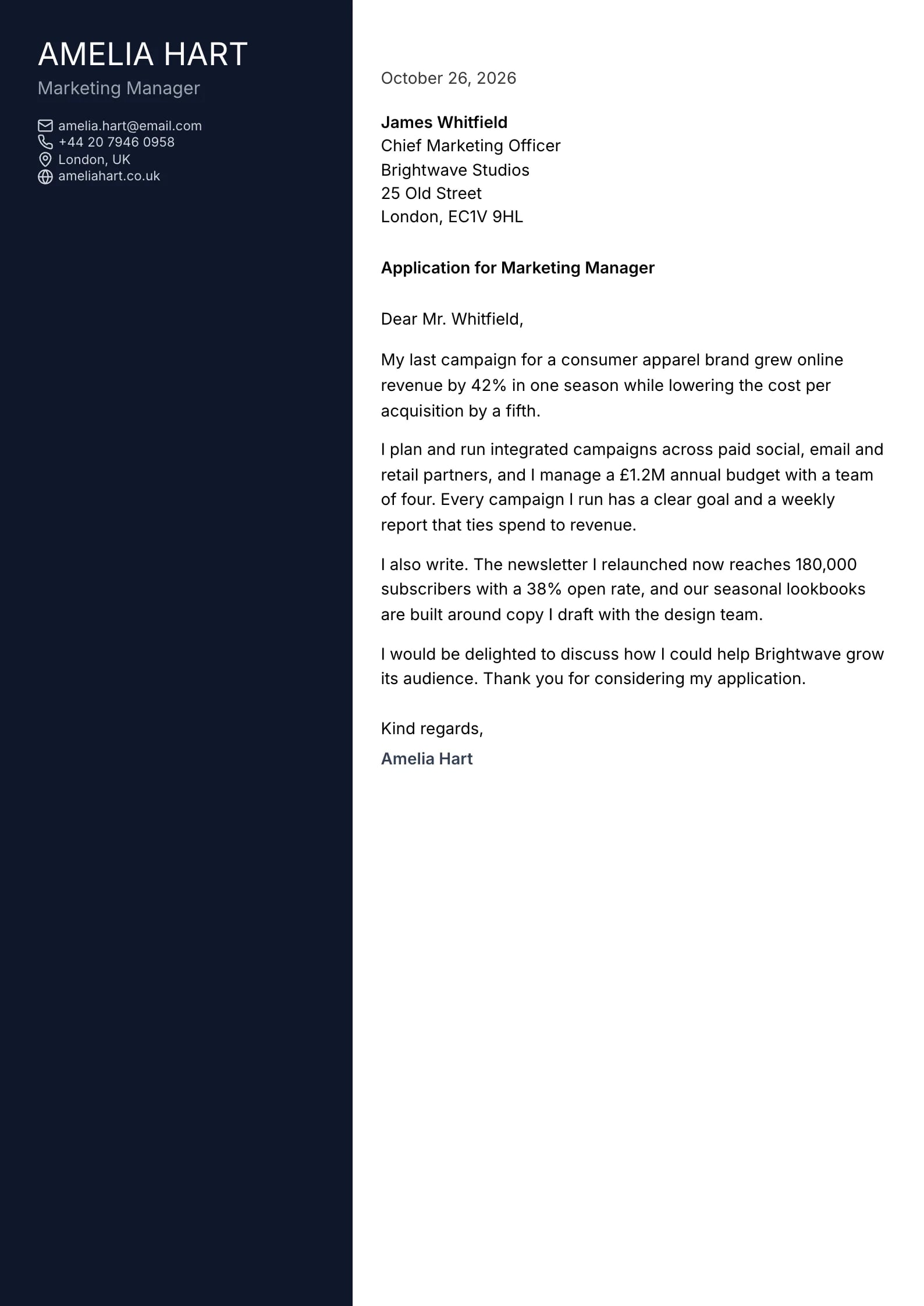
    Use This Template
  • Jade Preview
    Use This Template

    Jade

    Matches the “Jade” resume template: same header, colors and fonts, so your letter and resume read as one set.
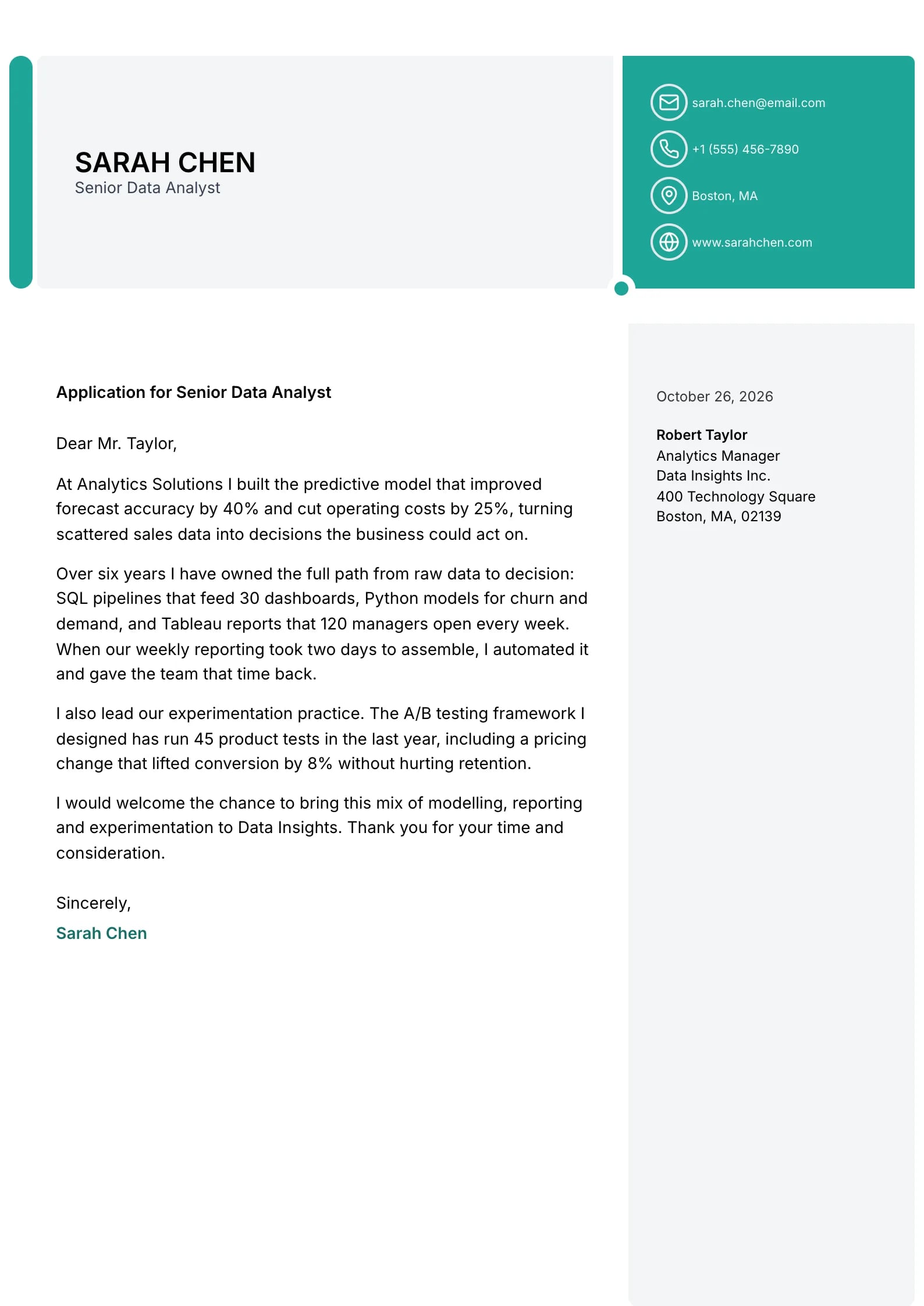
    Use This Template
  • Portrait Preview
    Use This Template

    Portrait

    Matches the “Portrait” resume template: same header, colors and fonts, so your letter and resume read as one set.
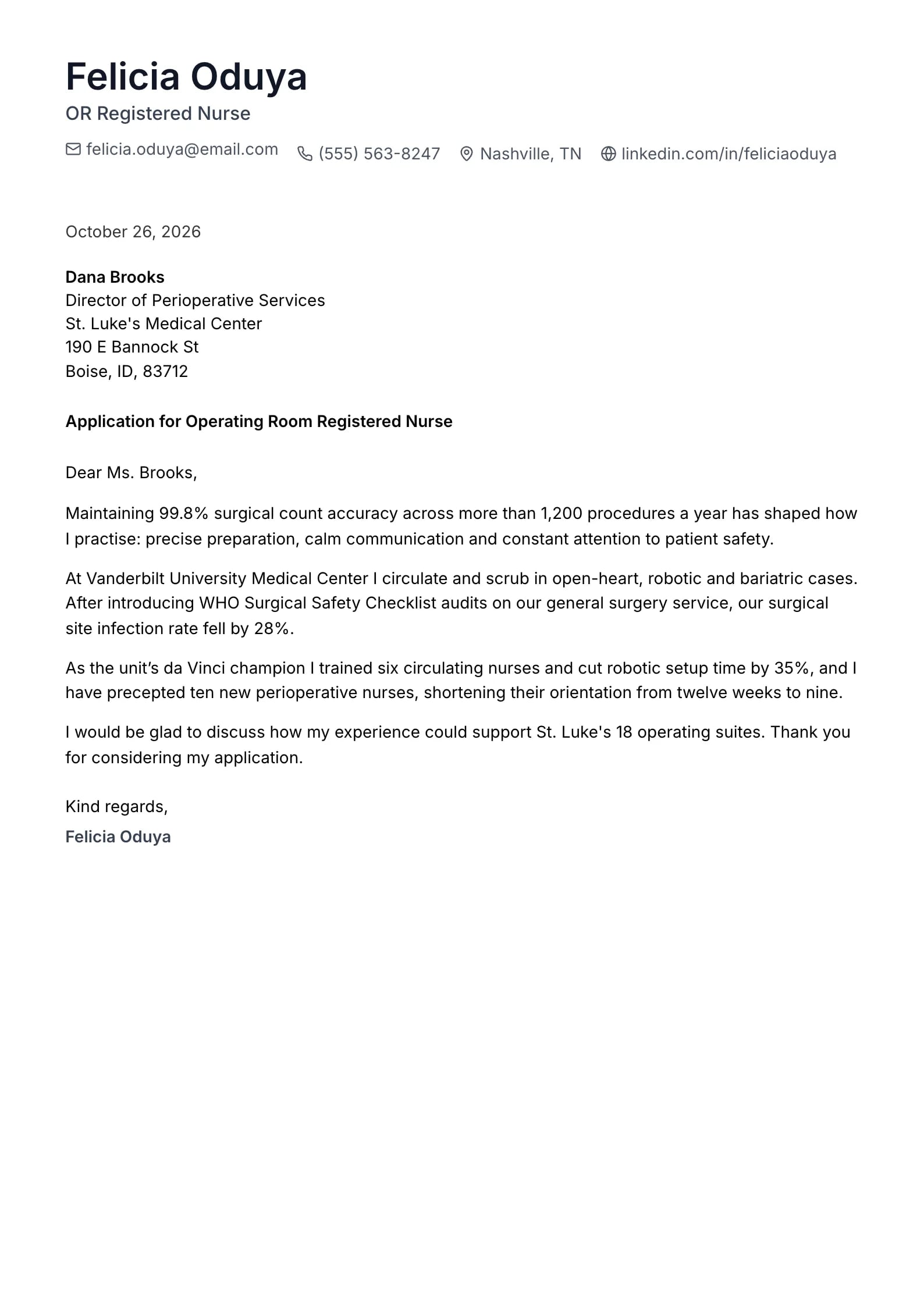
    Use This Template
  • Sapphire Preview
    Use This Template

    Sapphire

    Matches the “Sapphire” resume template: same header, colors and fonts, so your letter and resume read as one set.
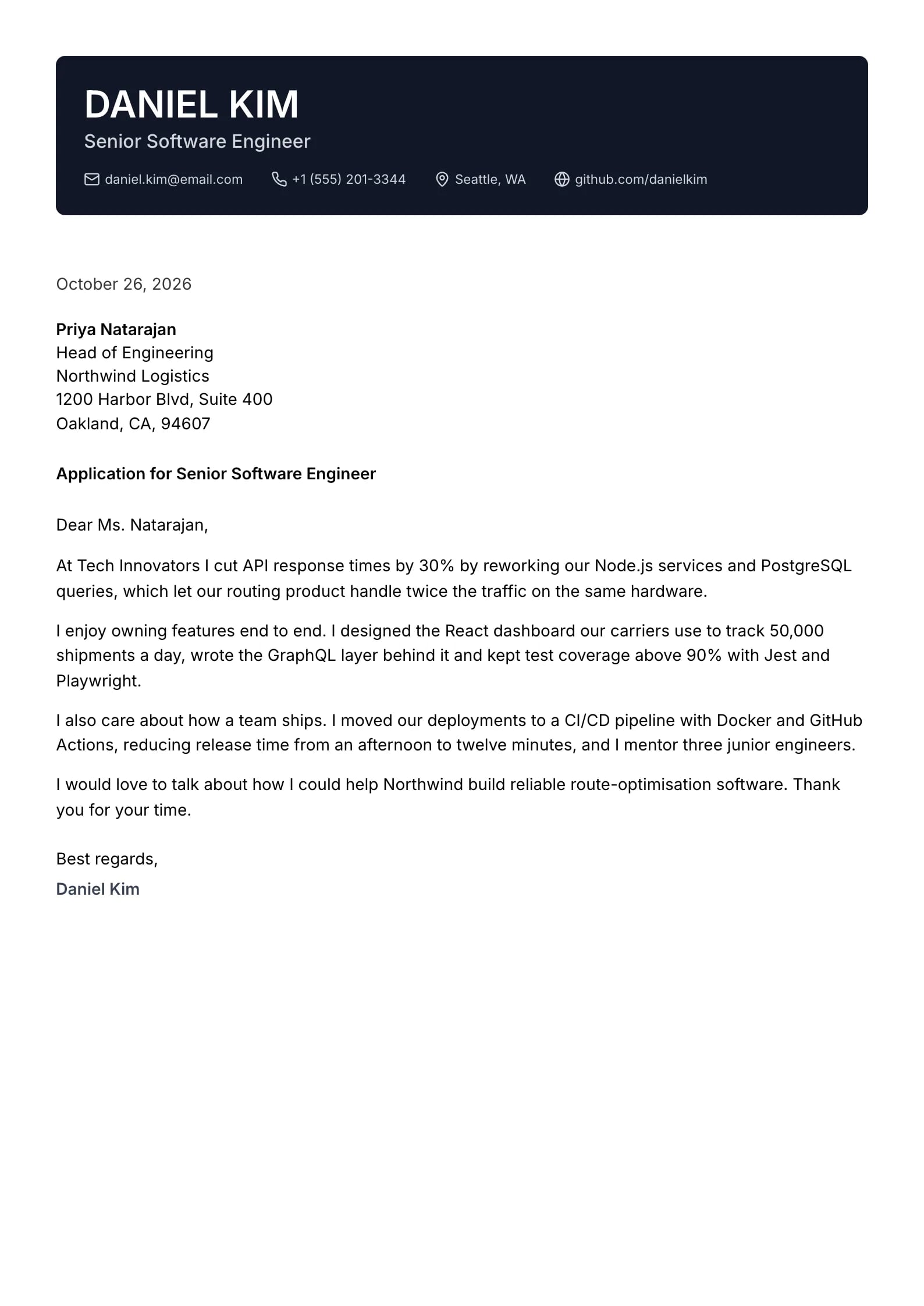
    Use This Template
  • Basalt Preview
    Use This Template

    Basalt

    Matches the “Basalt” resume template: same header, colors and fonts, so your letter and resume read as one set.
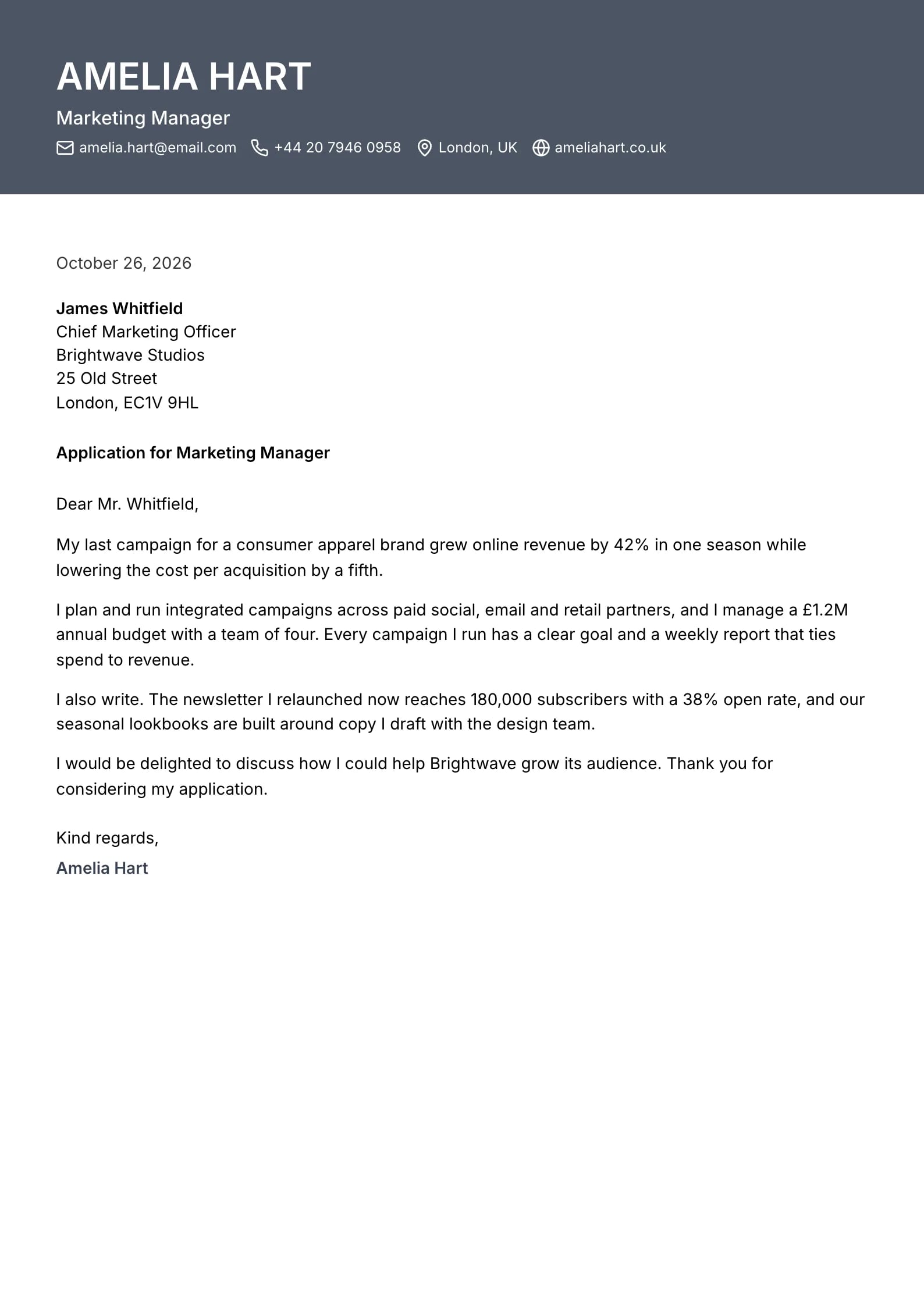
    Use This Template
  • Flint Preview
    Use This Template

    Flint

    Matches the “Flint” resume template: same header, colors and fonts, so your letter and resume read as one set.
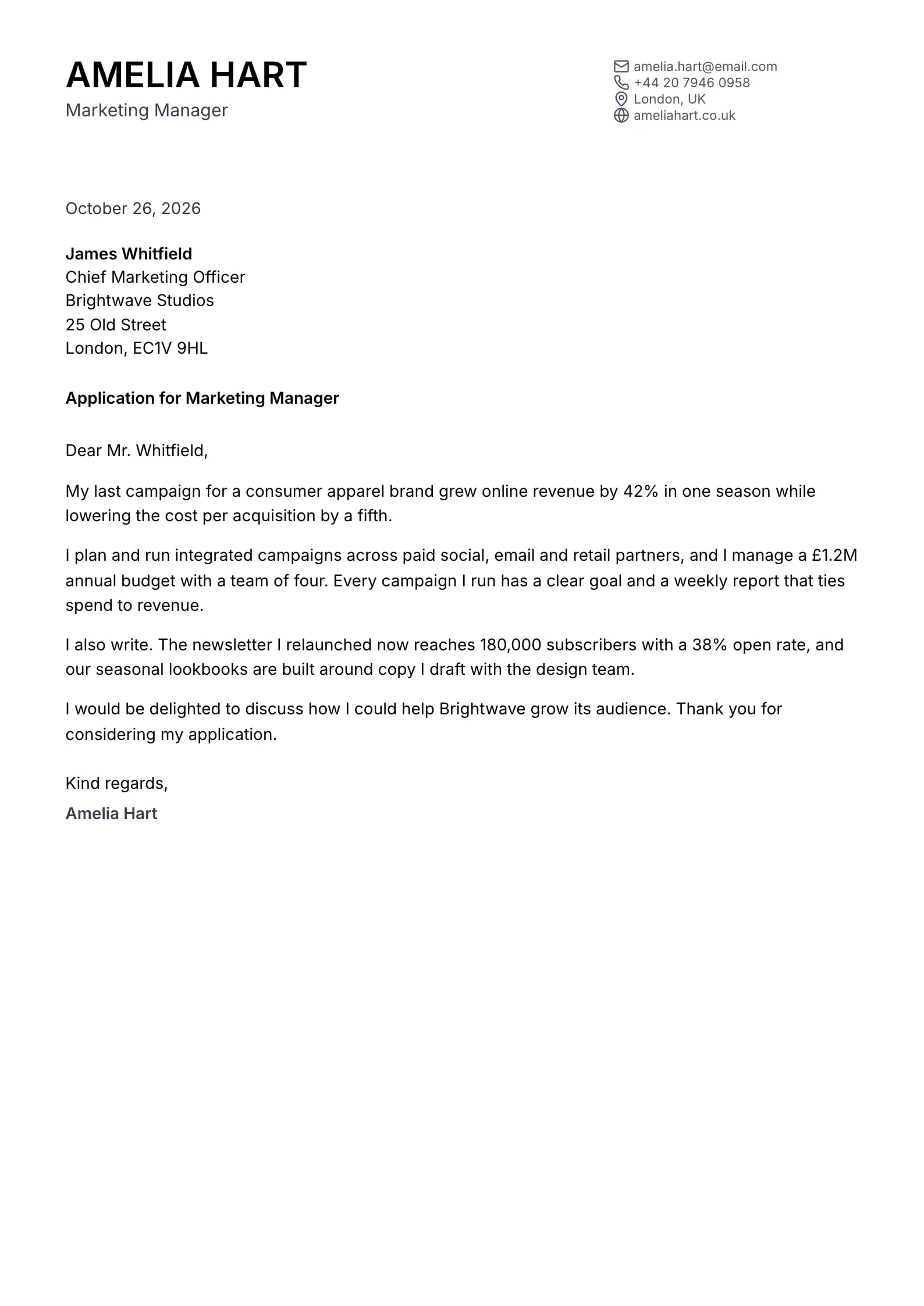
    Use This Template
  • Marina Preview
    Use This Template

    Marina

    Matches the “Marina” resume template: same header, colors and fonts, so your letter and resume read as one set.
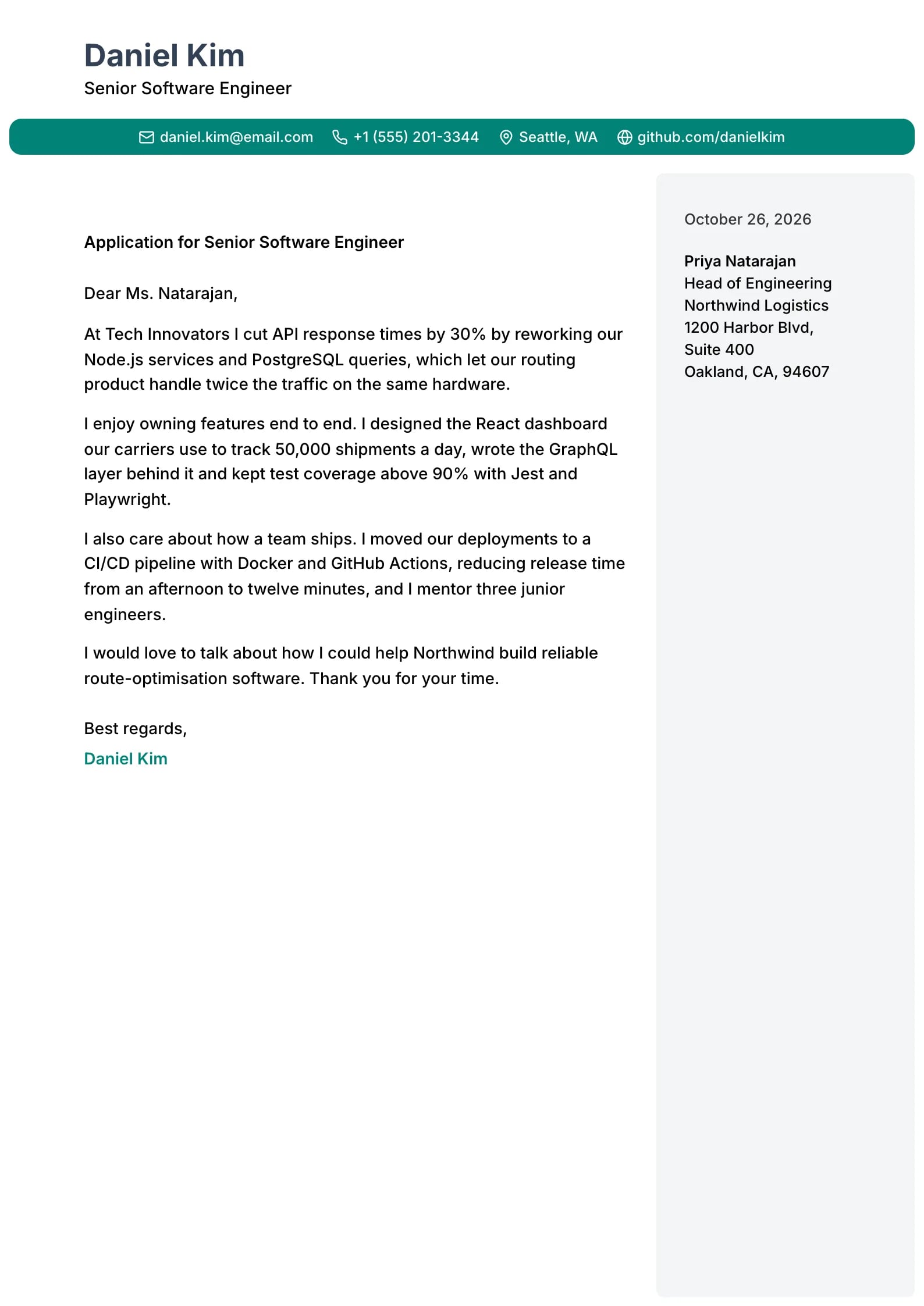
    Use This Template
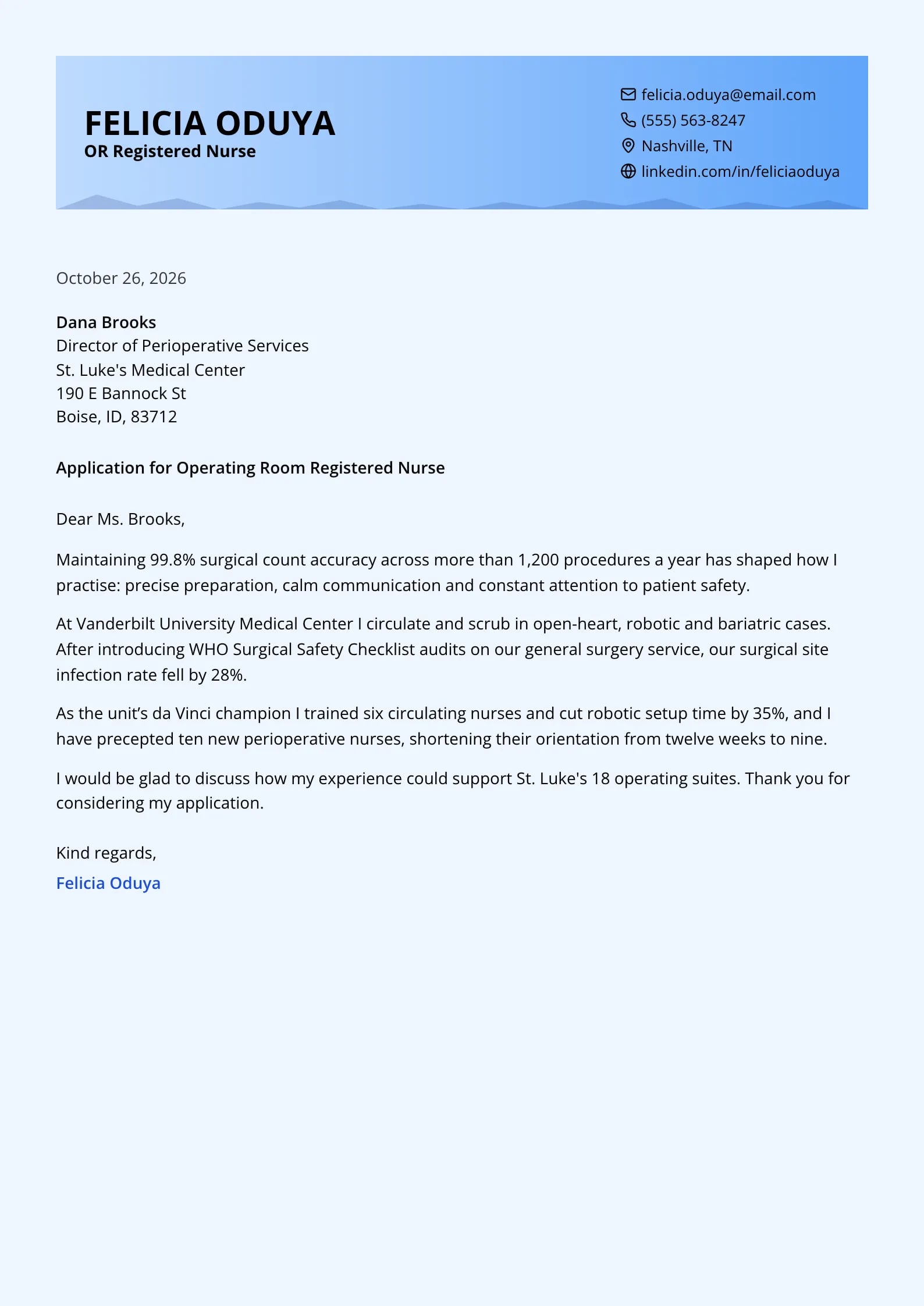
  • Ripple Preview
    Use This Template

    Ripple

    Matches the “Ripple” resume template: same header, colors and fonts, so your letter and resume read as one set.
    Use This Template
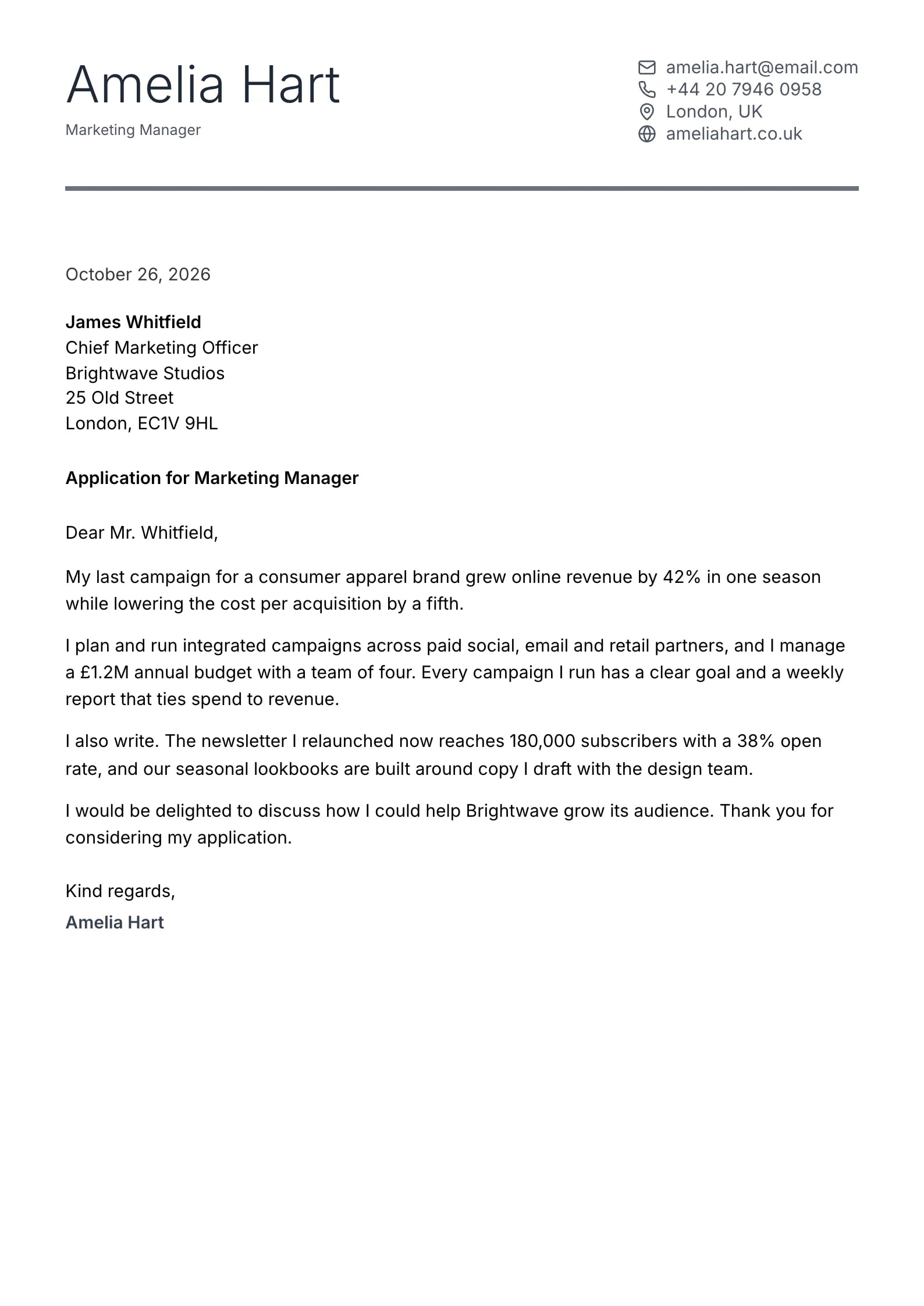
  • Keystone Preview
    Use This Template

    Keystone

    Matches the “Keystone” resume template: same header, colors and fonts, so your letter and resume read as one set.
    Use This Template
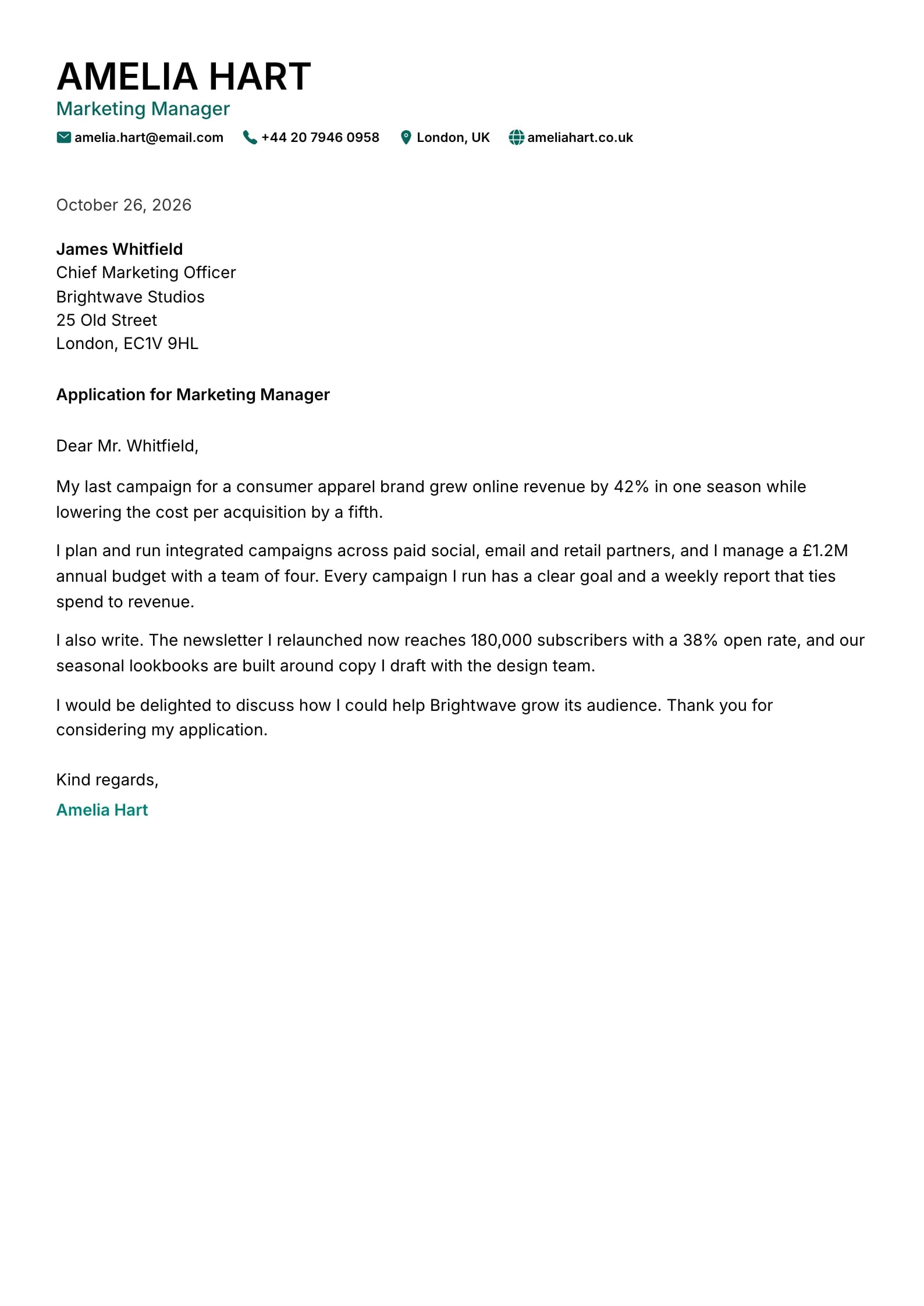
  • Cypress Preview
    Use This Template

    Cypress

    Matches the “Cypress” resume template: same header, colors and fonts, so your letter and resume read as one set.
    Use This Template
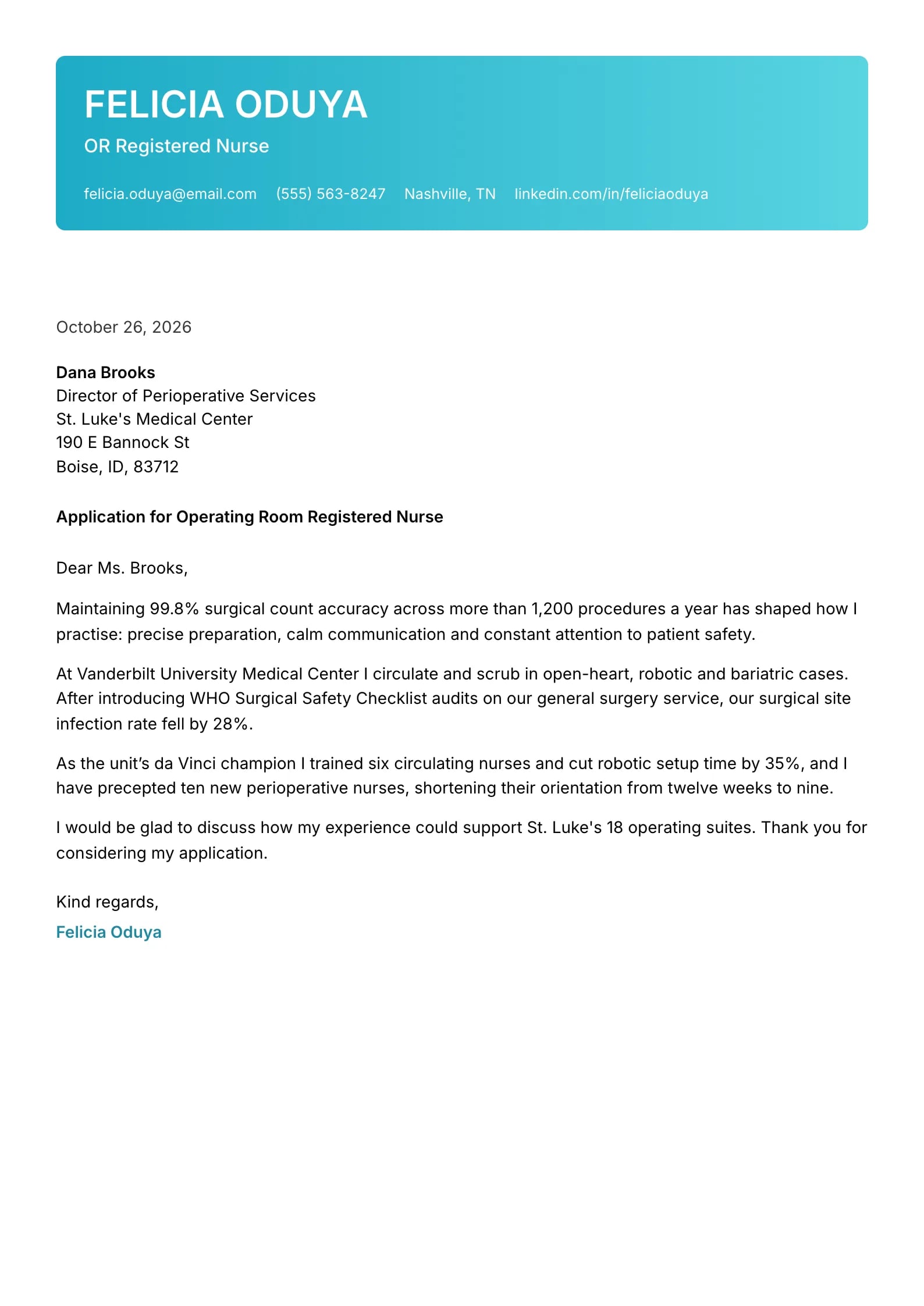
  • Lagoon Preview
    Use This Template

    Lagoon

    Matches the “Lagoon” resume template: same header, colors and fonts, so your letter and resume read as one set.
    Use This Template
  • Sentinel Preview
    Use This Template

    Sentinel

    Matches the “Sentinel” resume template: same header, colors and fonts, so your letter and resume read as one set.
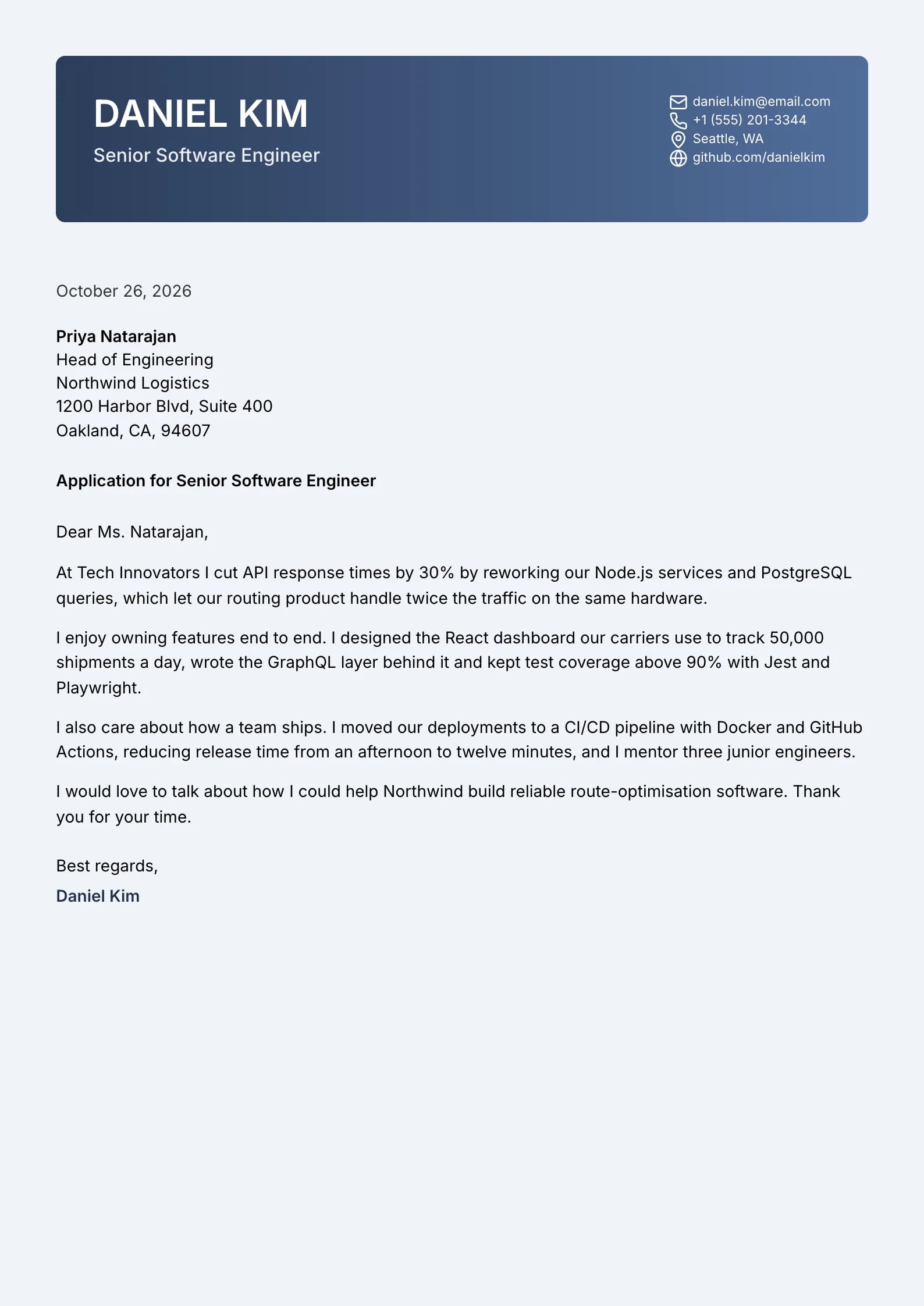
    Use This Template
  • Marigold Preview
    Use This Template

    Marigold

    Matches the “Marigold” resume template: same header, colors and fonts, so your letter and resume read as one set.
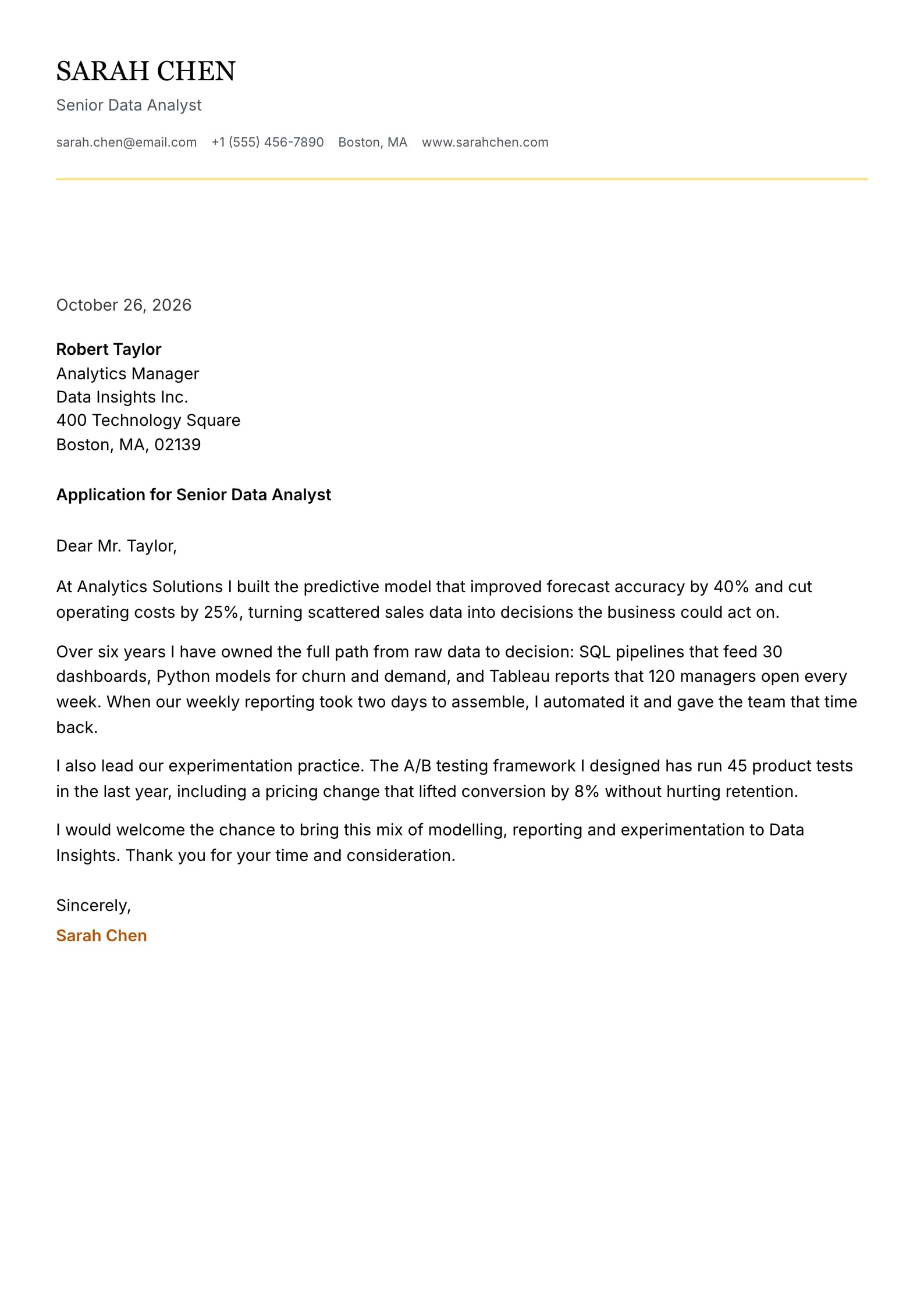
    Use This Template
  • Titanium Preview
    Use This Template

    Titanium

    Matches the “Titanium” resume template: same header, colors and fonts, so your letter and resume read as one set.
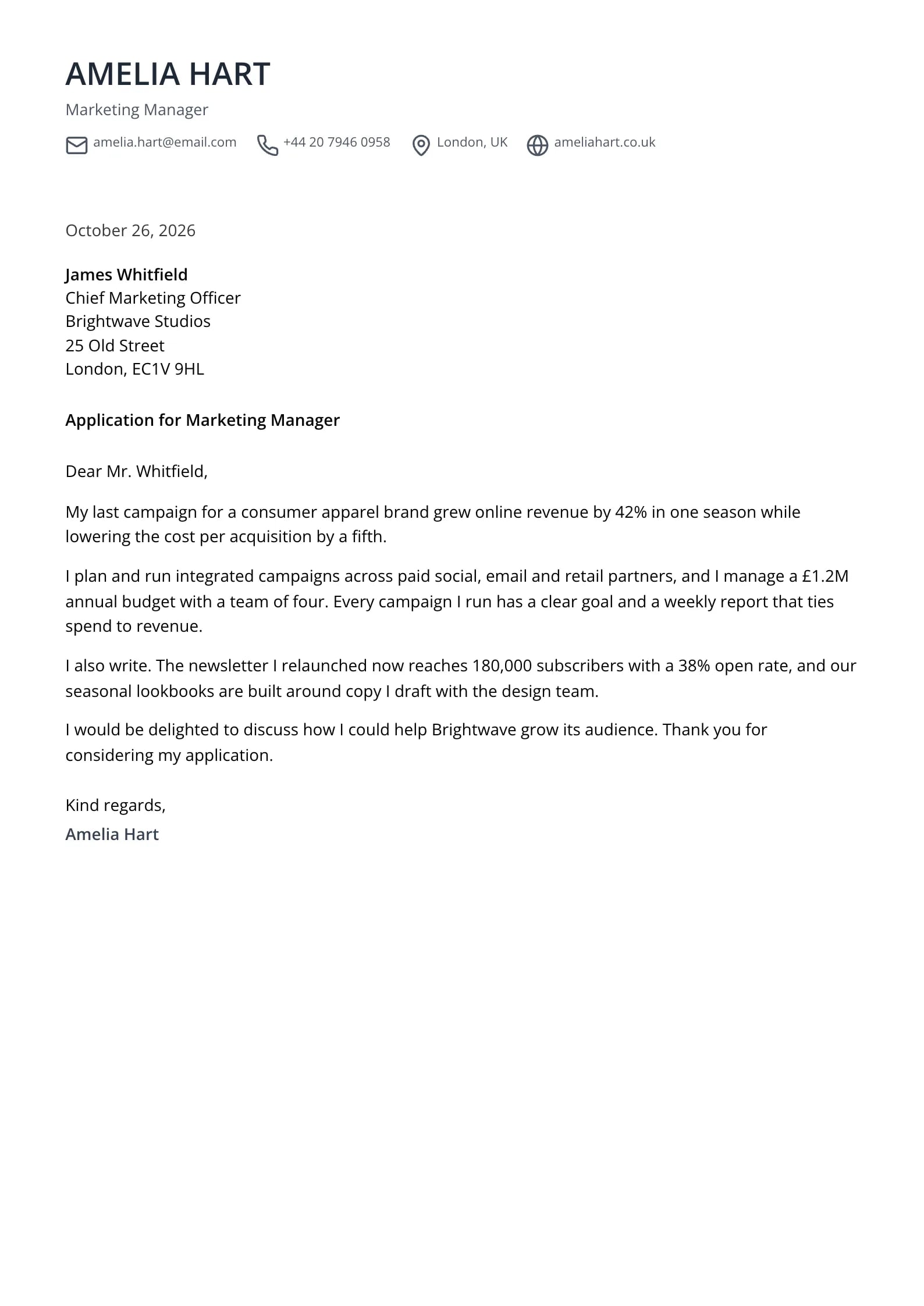
    Use This Template
  • Cobalt Preview
    Use This Template

    Cobalt

    Matches the “Cobalt” resume template: same header, colors and fonts, so your letter and resume read as one set.
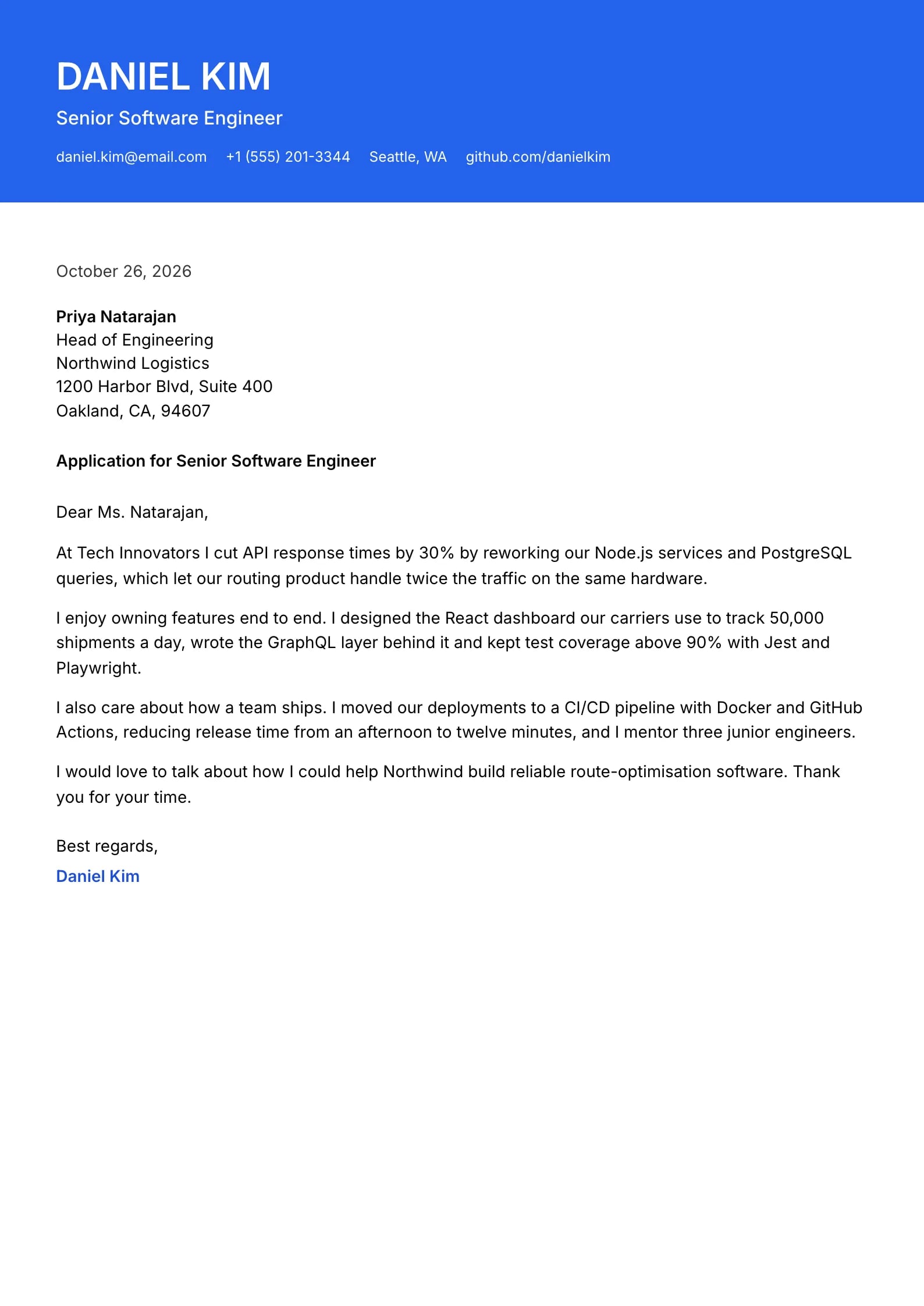
    Use This Template
  • What is a modern cover letter template?
  • Modern vs. traditional cover letter: what actually changes?
  • Modern cover letter example
  • When should you use a modern cover letter template?
  • Are modern cover letter templates ATS-friendly?
  • Five rules that keep a modern template professional
  • Modern vs. simple and creative templates
  • Does a modern design get more interviews?
  • Modern Cover Letter Templates FAQ
  • Are the modern cover letter templates free?
  • What makes a cover letter template modern?
  • Is a modern cover letter appropriate for a conservative industry?
  • Can a modern cover letter use color?
  • Should a modern cover letter be shorter?
  • Can I start with "Hi" in a modern cover letter?
  • Can I switch from a modern to a simple template later?

Modern means a current look, not a different letter: a clean sans-serif font, one accent color and a structured header around the same one-page, three-to-four-paragraph letter every job application needs. Here is what separates a modern template from a creative one, when to use it, and a short example for a product role.

6 minute readJanuary 16, 2025

What is a modern cover letter template?

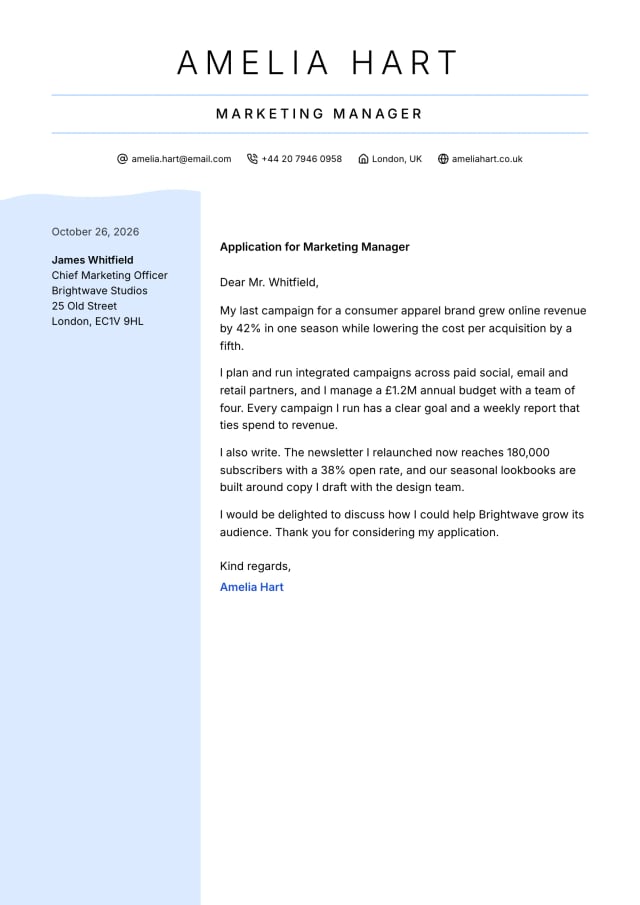
A modern cover letter template is a one-page layout with a contemporary look: a clean sans-serif font, one accent color used sparingly (a name, a title line or a rule), generous white space and a structured header, sometimes with your contact details in a soft side panel. The letter text itself stays in one plain column.

It sits between simple and creative. It looks current without asking the reader to notice the design, which is why it suits technology companies, startups, product, marketing, operations and other fast-moving teams, and most mid-career applications in those fields.

"Modern" also describes how the letter is written today: shorter (often 250 to 350 words), opening with a result instead of a formal preamble, and focused on fit with this team rather than a career summary. The example below shows both the look and the voice.
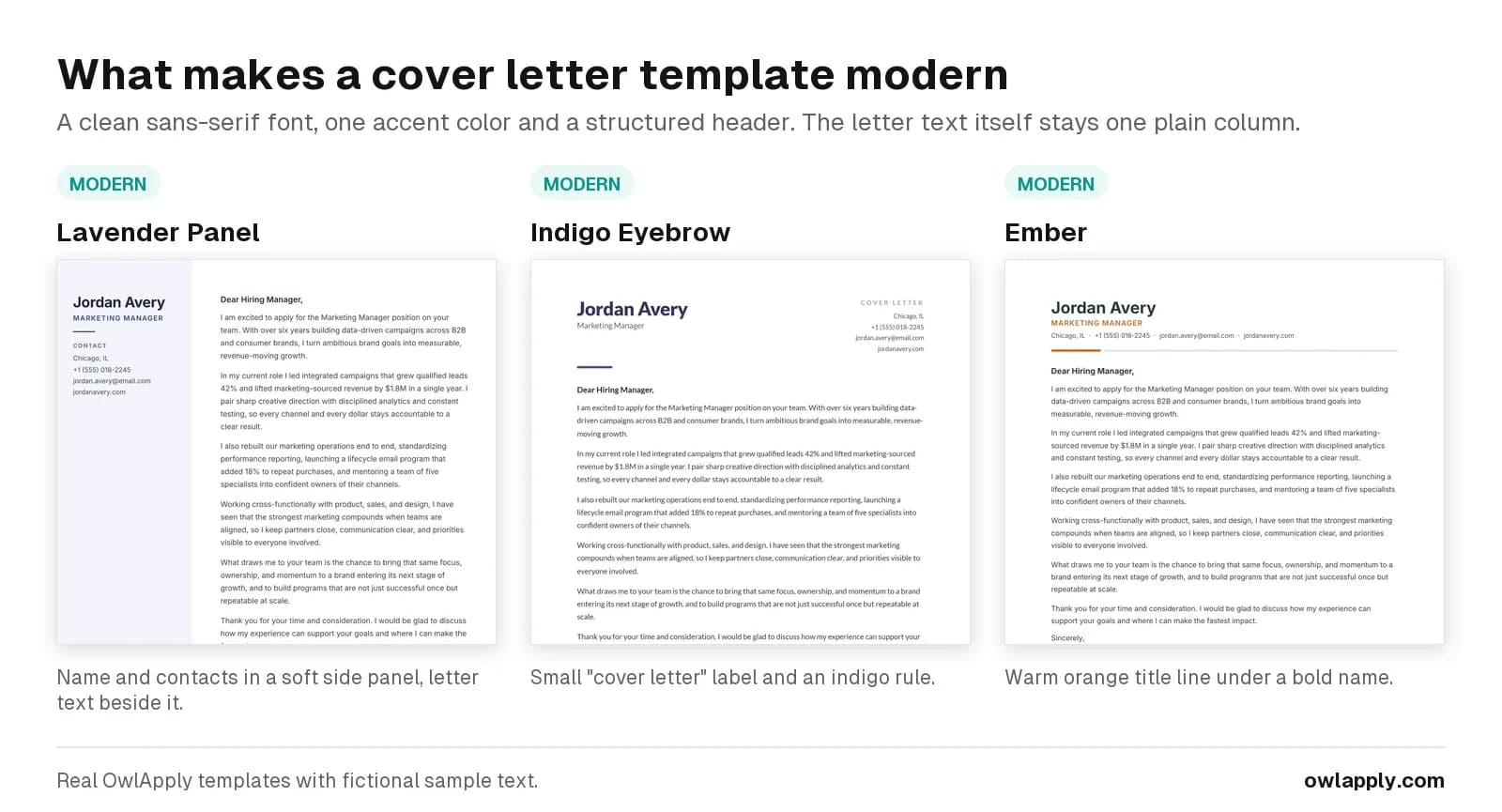
Three modern OwlApply cover letter templates, Petal, Vanguard and Ember, each with a sample letter
Three modern designs: a soft blush side panel, a split header with a navy rule, and a warm orange accent line.

Modern vs. traditional cover letter: what actually changes?

The structure is the same; the type, header and tone differ.
Modern templateTraditional (professional) template
FontA clean sans-serifA classic serif
HeaderName with a colored title line, contact details in one row or a side panelCentered or left letterhead, often with the employer's full address below
ColorOne accent colorBlack or one dark accent
Tone of the writingDirect, first person, short sentencesFormal, complete business-letter phrasing
Recipient blockOften just name and company, or skipped for emailFull name, title, company and street address
Length and structureOne page, three or four paragraphsOne page, three or four paragraphs

Modern cover letter example

A modern letter reads as direct as it looks. This fictional example (about 210 words) fits the Petal or Ember template. More full letters by situation and industry are in these cover letter examples.

Modern cover letter example: product manager
Hi Priya, Your Product Manager posting for Loopwise's onboarding team asks for someone who can move activation with experiments, not opinions. At Tidewater Apps I owned onboarding for a budgeting app with 300,000 monthly users and raised day-7 activation from 22% to 31% in two quarters. Most of that came from three things: a shorter sign-up (five screens to two), a guided first budget built from the user's own bank categories, and a weekly experiment review with design and engineering where we killed as many ideas as we shipped. I use Loopwise to plan my own team's sprints, and the empty-project screen is the one place I have seen new teammates stall. I would love to show you two ideas I have for it. Could we find 20 minutes next week? Best, Sam Rivera [email protected] | (555) 013-7720 | linkedin.com/in/samrivera-example
Expert tip
Use a first-name greeting ("Hi Priya,") only when the posting, the company's own tone or a referral makes it natural. When in doubt, "Dear Priya Shah," is modern and still polite.
OwlApply Team
Career Development PlatformOwlApply

When should you use a modern cover letter template?

  • Technology and software: engineering, product, data, design-adjacent and IT roles.
  • Startups and scale-ups: where a formal letterhead can read as out of step with the team.
  • Marketing, growth and communications: a modern layout shows current taste without the risk of a full creative design.
  • Operations, customer success and sales: at companies whose own website and job ads use a modern, informal voice.
  • Career changers into these fields: a modern look signals that you know the culture you are moving into.

Choose a professional template instead for banks, law firms, government and executive roles, and a creative template when the letter itself should show design skill.

Are modern cover letter templates ATS-friendly?

The letter paragraphs in every modern template are real text in one column with standard fonts, which is what applicant tracking systems need to store and display them. The one design detail to think about is a side panel: Petal places your name and contact details in a column beside the letter. People read it easily, but if an online form accepts only one uploaded file, pick a modern design with a top header instead, such as Vanguard, Ember or Seafoam.

Five rules that keep a modern template professional

  1. One accent color. Use it for your name, a rule or a small label, never for body text.
  2. One font family. The templates set a matched font; change it in Font Settings only to match your resume.
  3. Real text only. No logos, icons or text inside images.
  4. Match your resume. Same font family and header color as your modern resume template.
  5. Content first. A modern look makes a vague letter look more vague; open with a result.

How to Use a Cover Letter Template in OwlApply

  1. 1CHOOSE

    Pick a Template

    Click Use This Template on any design above in the Modern tab. It opens in the cover letter builder with a sample letter already in place, so you can see the finished layout before you type a word.
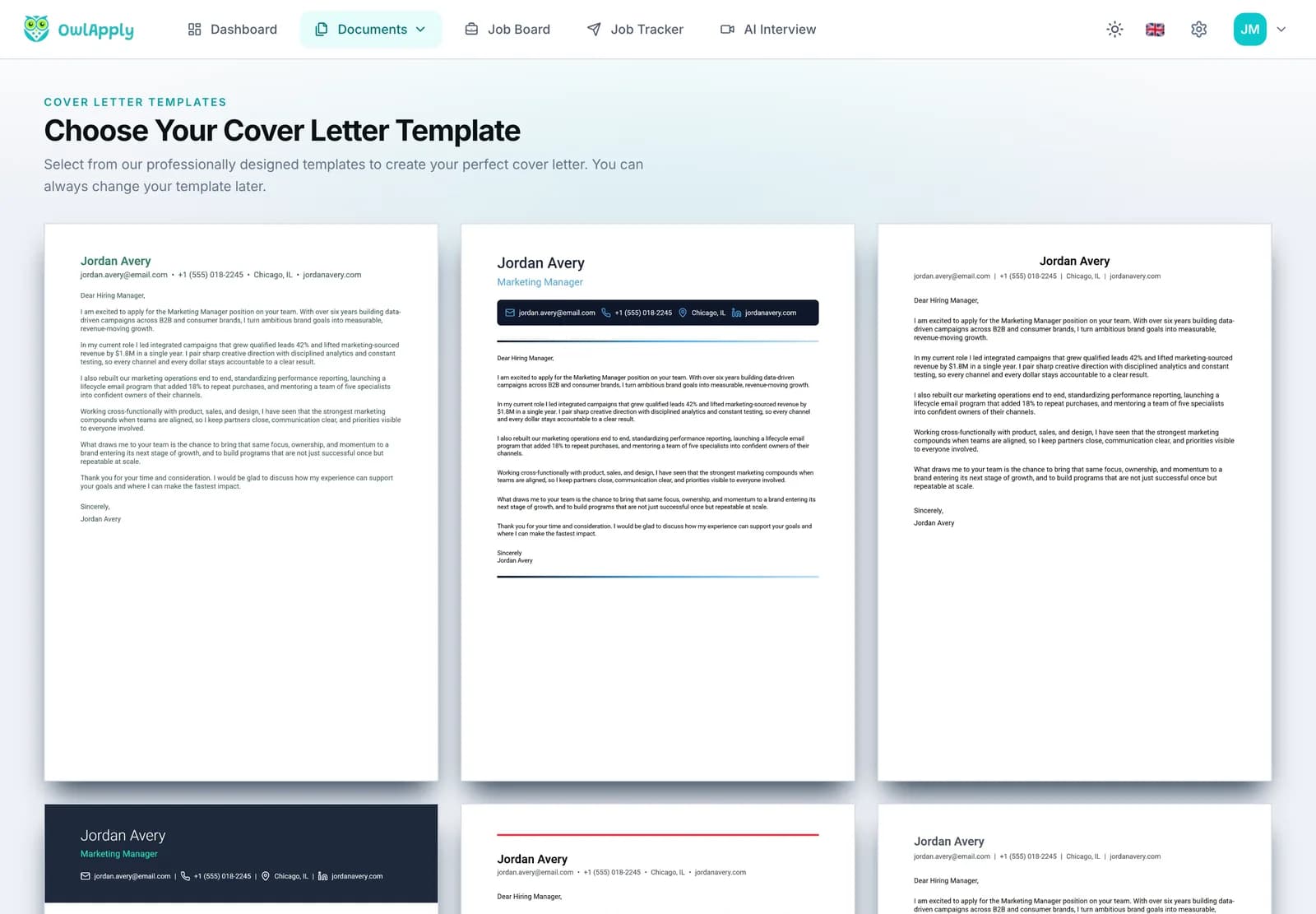
    OwlApply cover letter template gallery with several designs, each with a sample letter
  2. 2WRITE

    Replace the Sample Text

    The editor has three steps: Personal Info (name, title, email, phone, location, website), Letter Details (date and recipient) and Content (greeting, introduction, body paragraphs, closing and signature). Add, remove or reorder body paragraphs, and hide any field you do not need.
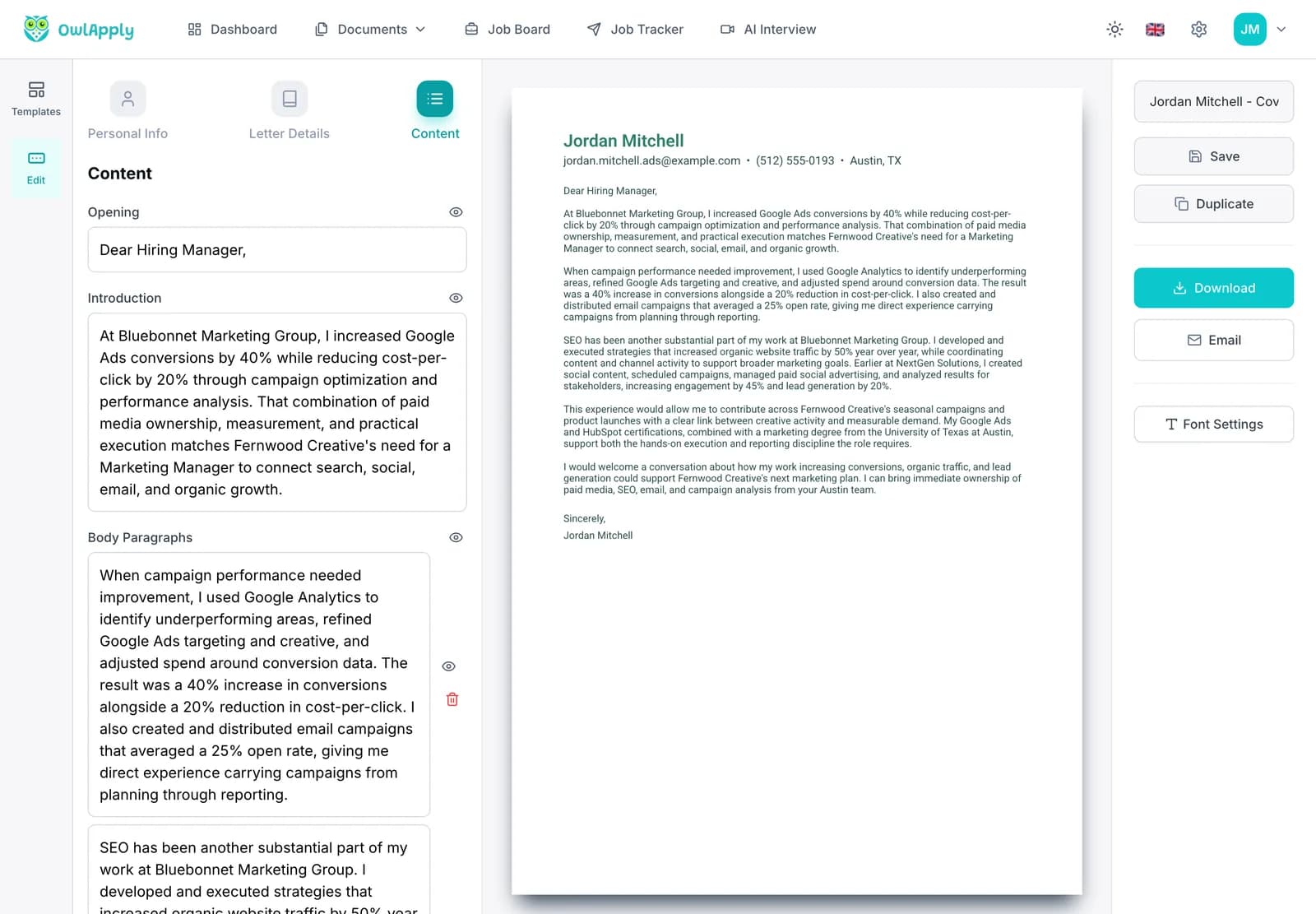
    Cover letter builder with the Content step open, showing the greeting, introduction and body paragraph fields next to a live preview
  3. 3FINISH

    Switch Designs, Then Save or Send

    Try other templates from the Templates tab: the text stays exactly as you wrote it. Adjust the font in Font Settings, save the letter to your account, duplicate it for the next job, and download it as a PDF or email it.
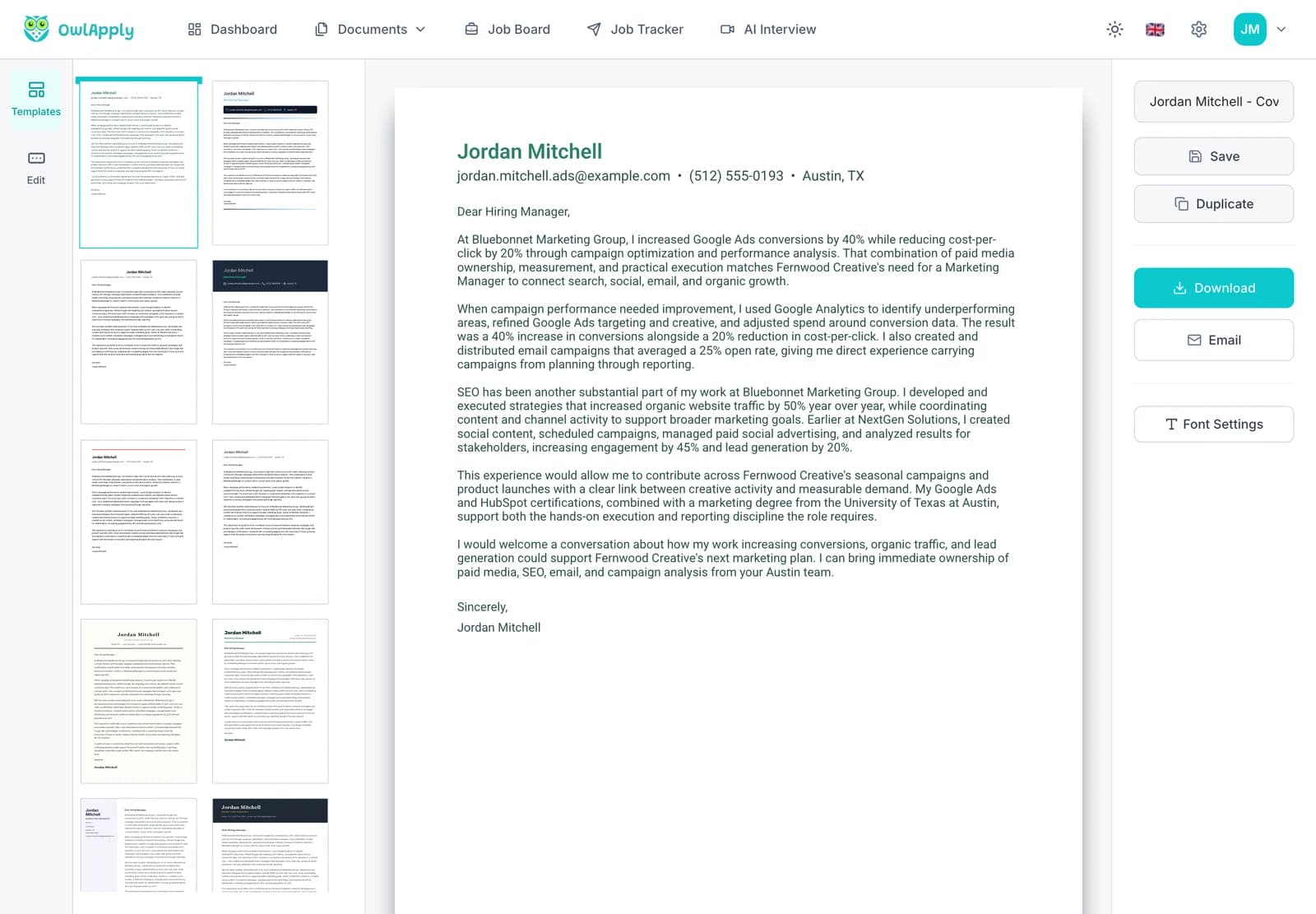
    Finished cover letter in the OwlApply builder, with the template panel on the left and Save, Duplicate, Download and Email buttons
Open the Template Gallery

Modern vs. simple and creative templates

Modern is the middle option: visible taste, low risk.
StyleDesign signalRisk
SimpleNone; plain textCan feel generic if the writing is generic
ModernCurrent type and one accentLow; avoid side panels for single-file uploads
CreativeColor blocks, banners, strong headersCan look out of place outside creative fields

See simple cover letter templates or browse all cover letter templates.

Does a modern design get more interviews?

No study we know of shows that a design alone wins interviews; the evidence is about content. In ResumeGo's field experiment with 7,287 applications, cover letters tailored to the job earned 53% more callbacks than no cover letter. Use the modern template to look current, then spend your effort on the opening result and the "why this company" line.

For a tailored draft in seconds, the AI cover letter generator writes one letter per run from your resume and the job description, and you can drop it into any modern template.

Write a Modern Cover Letter

Open a modern design with a sample letter in place, write your own three paragraphs and switch designs whenever you like.

Use a Modern Template

Modern Cover Letter Templates FAQ

Are the modern cover letter templates free?
Choosing and editing them is free, and you can start without an account. Saving needs a free account; downloading the PDF and emailing the letter from the builder are part of OwlApply Pro.
What makes a cover letter template modern?
A clean sans-serif font, one accent color, generous white space and a structured header. The letter still has the usual one-page, three-to-four-paragraph structure.
Is a modern cover letter appropriate for a conservative industry?
Usually not the best fit. For finance, law, government and senior corporate roles, a professional or simple template is safer.
Can a modern cover letter use color?
Yes, one accent color for your name, a rule or a label. Keep the paragraphs black or dark gray.
Should a modern cover letter be shorter?
Not necessarily shorter, but tighter: short sentences and three or four paragraphs on one page, roughly 250 to 400 words.
Can I start with "Hi" in a modern cover letter?
Only when the company's tone or a personal connection makes it natural. "Dear [First Last]," is modern and safe everywhere.
Can I switch from a modern to a simple template later?
Yes. The text and the design are separate in the builder, so you can switch templates at any time without retyping.
Share article

Launch your resume in 15 minutes

Pick a proven layout, let AI suggest winning bullet points, and export a polished resume before your coffee cools.

Build my resume
Resume Templates
Resume Templates

Launch your resume in 15 minutes

Pick a proven layout, let AI suggest winning bullet points, and export a polished resume before your coffee cools.

Build my resume
HomeBuild Resume

Connect with OwlApply

Follow on LinkedInWatch on YouTubeFollow on PinterestFollow on InstagramLike on FacebookFollow on XFollow on MediumFollow on TikTok

JOB SEEKERS

  • Build Resume
  • Resume Examples
  • Resume Templates
  • Cover Letter Templates
  • Job Search Helper
  • Job Tracker

CAREER RESOURCES

  • Resume Help
  • Job Interview
  • Career
  • Cover Letter
  • OwlApply Extension
  • Blog
  • Career Pay & Requirements
  • Job Market Research

AI TOOLS

  • Cover Letter Builder
  • AI Resume Optimizer
  • Job Application Autofill
  • AI Resume Builder
  • ATS Resume Checker
  • All AI Tools

SUPPORT

  • Pricing
  • FAQ
  • Contact Us
  • Terms of Service
  • Privacy Policy
  • Cookie Policy
  • Right of Withdrawal

Copyright 2026 OwlApply. All rights reserved.

EnglishBahasa IndonesiaBahasa MelayuČeštinaDanskDeutschEestiEspañolFilipinoFrançaisHrvatskiItalianoKiswahiliLatviešuLietuviųMagyarNederlandsNorskPolskiPortuguês (Brasil)Português (Portugal)RomânăSlovenčinaSlovenščinaSrpskiSuomiSvenskaTiếng ViệtTürkçeΕλληνικάБългарскиРусскийУкраїнськаעבריתالعربيةفارسیไทย日本語繁體中文한국어
Launched on Fazier