
AI Resume Builder
Build your resume section by section and let AI strengthen every line. Click any bullet point and the AI rewrites it into 3 ATS-optimized alternatives with action verbs, metrics, and keywords. Paste a job description to target specific roles — the AI extracts keywords and responsibilities, then generates bullets that match. Choose from professional ATS templates, customize colors and fonts, and download as PDF.
Create Your Resume Now
AI That Writes With You, Not For You
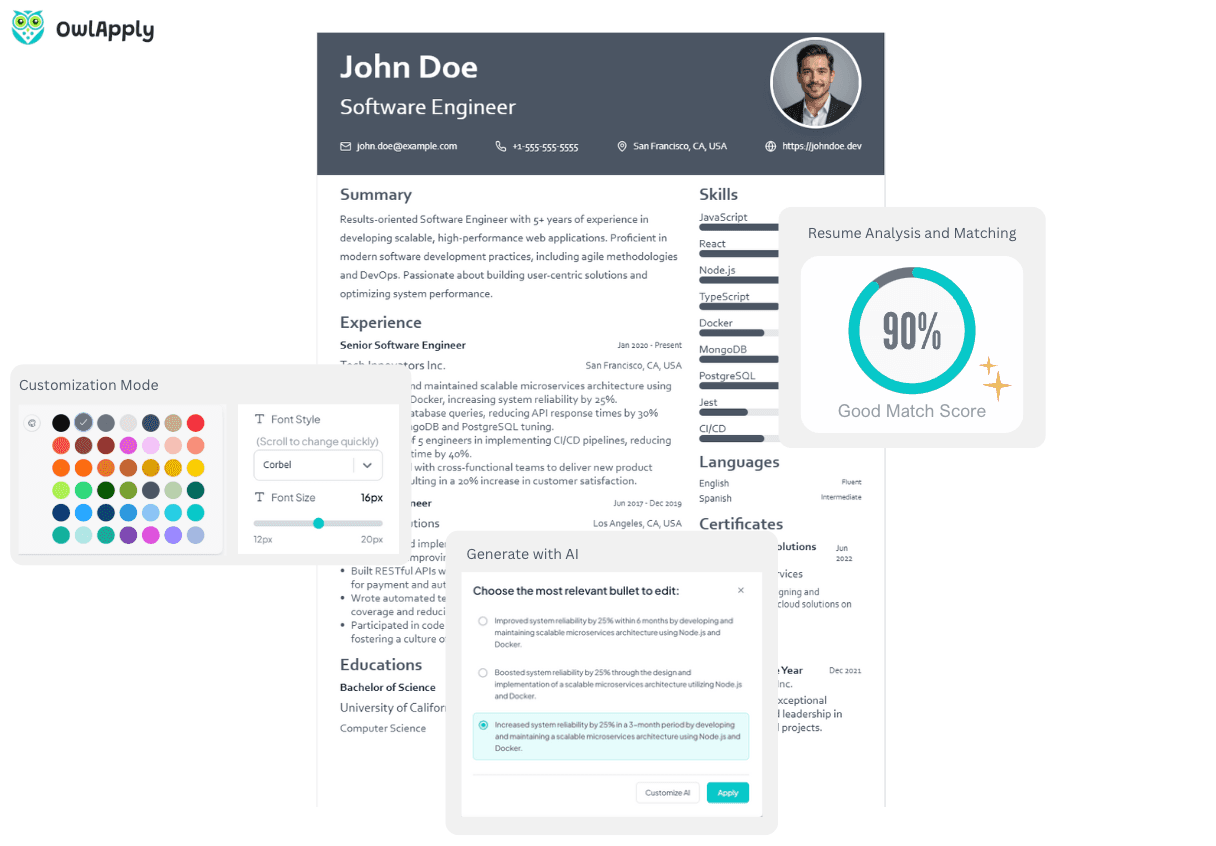
Inline AI Bullet Rewriting
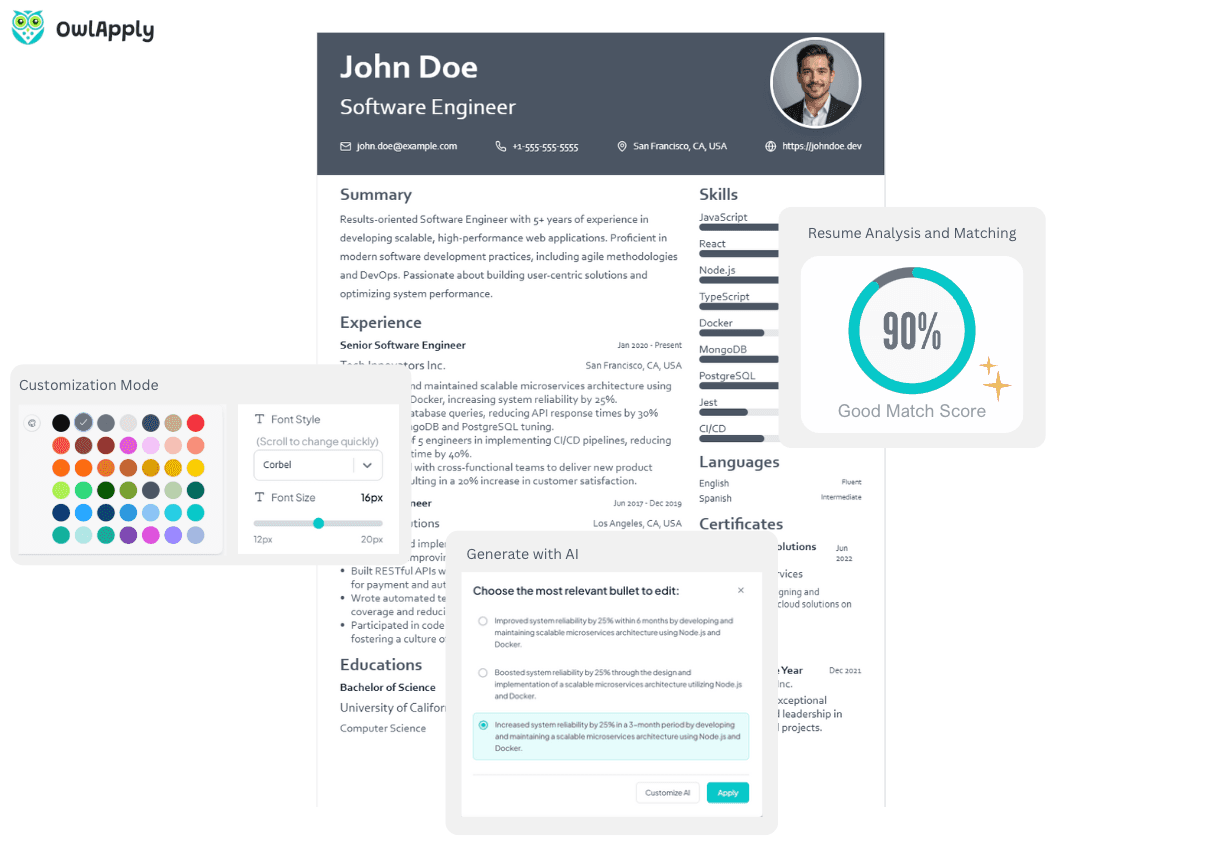
Click any experience bullet and the AI generates 3 ATS-compliant alternatives. Each suggestion starts with a strong action verb, includes quantified metrics, and avoids buzzwords — following the Action-Result-Impact rules professional resume writers use. Select the best version and apply it with one click.
Job Description Keyword Targeting
Paste a job description and the AI extracts its keywords, responsibilities, and requirements. Then generate bullets that incorporate those specific terms — or select individual keywords and job requirements to target. Your resume speaks the employer's language.
10 AI-Generated Professional Summaries
Click your summary section and the AI analyzes your entire resume — experiences, skills, achievements — then generates 10 unique professional summaries. Each one highlights different aspects of your profile: technical expertise, leadership, certifications, or career progression.
Every Section, AI-Enhanced
OwlApply's Resume Builder is not a generic fill-in-the-blank form. It is a full resume editor with AI integrated into every section.
Add your experience and click any bullet — the AI rewrites it using the Action Verb + Specific Work + Measurable Result formula professional resume writers use. Need to target a specific job? Paste the job description, and the AI extracts keywords and responsibilities. Then generate bullets that naturally incorporate at least 2 keywords from the posting.
Your summary section gets the same treatment: 10 AI-generated variations, each between 50–100 words, free of buzzwords, and packed with quantified achievements from your actual resume data.
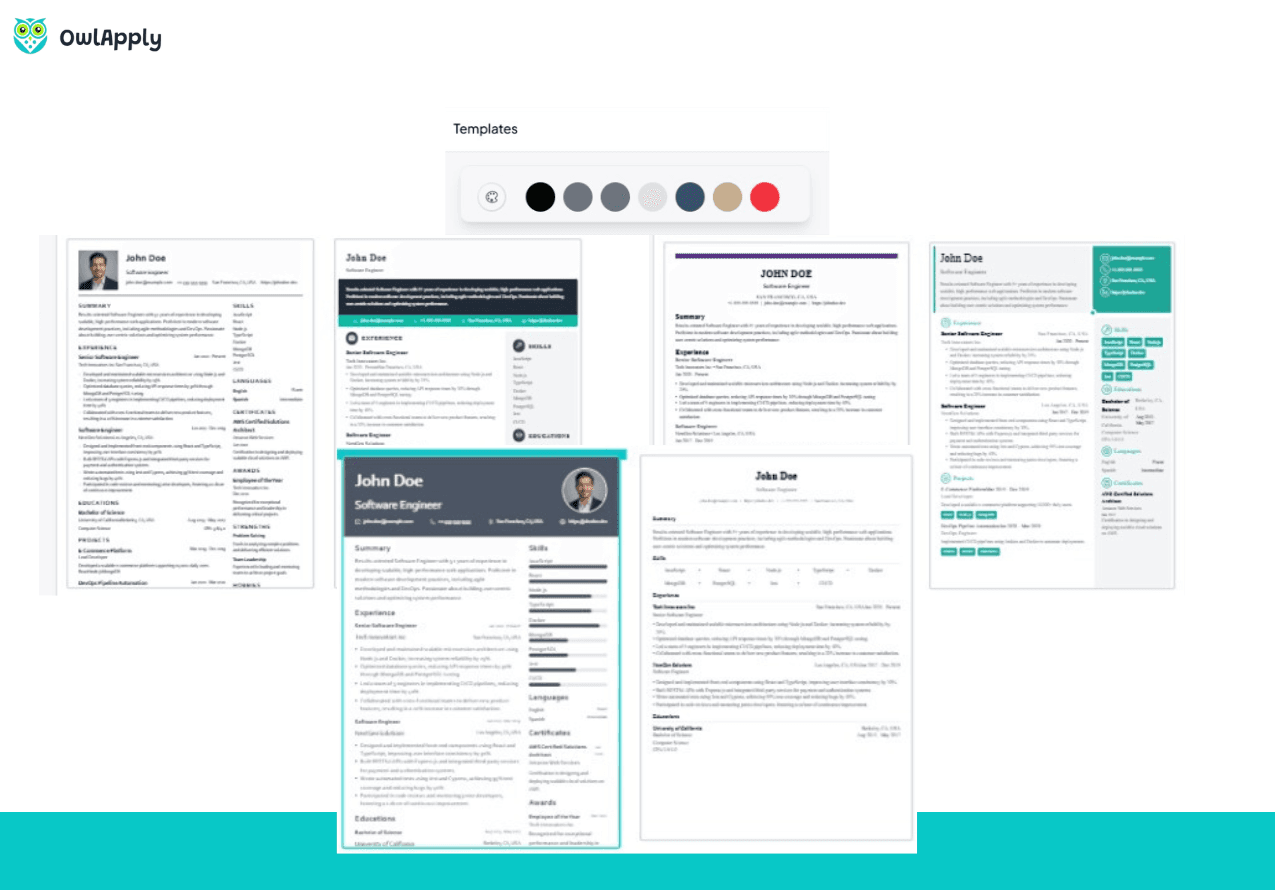
Switch between ATS-compatible templates without losing any data. Customize colors, fonts, and section order. Import an existing resume from PDF, Word, or LinkedIn. Download the final version as a high-fidelity PDF.
Build Your Resume in 4 Steps
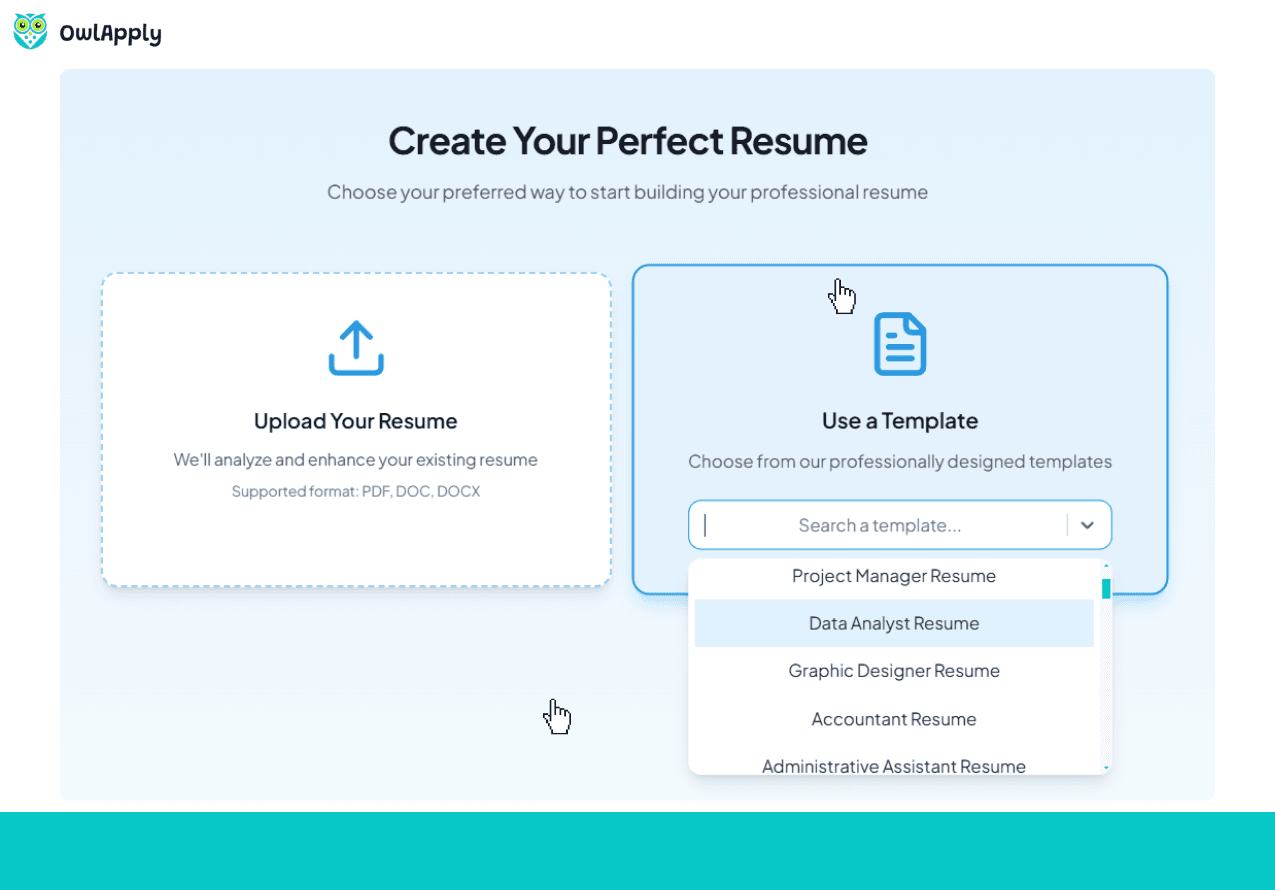
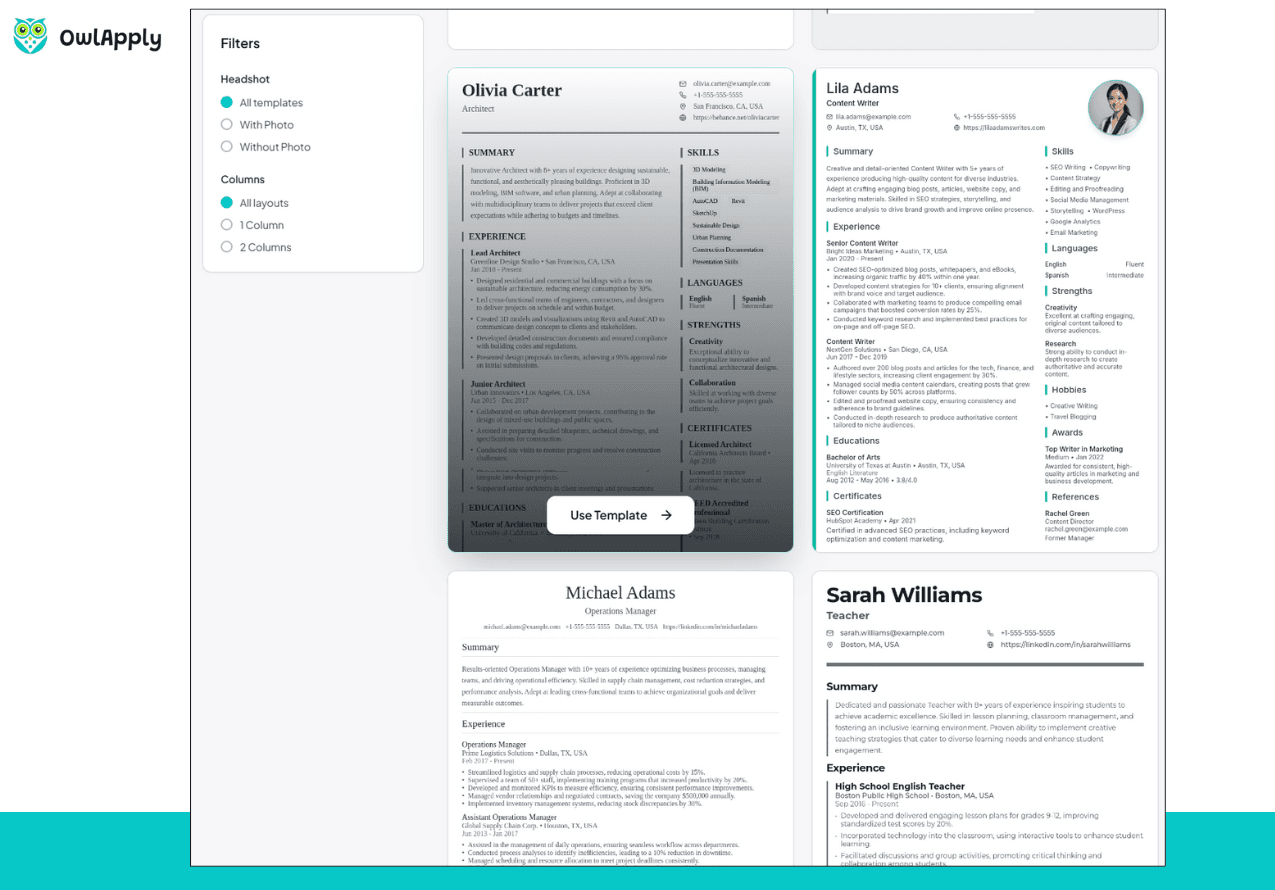
Pick a Template or Import
Choose from ATS-compatible templates or import an existing resume from PDF, Word, or LinkedIn. All your data is preserved when you switch templates later.
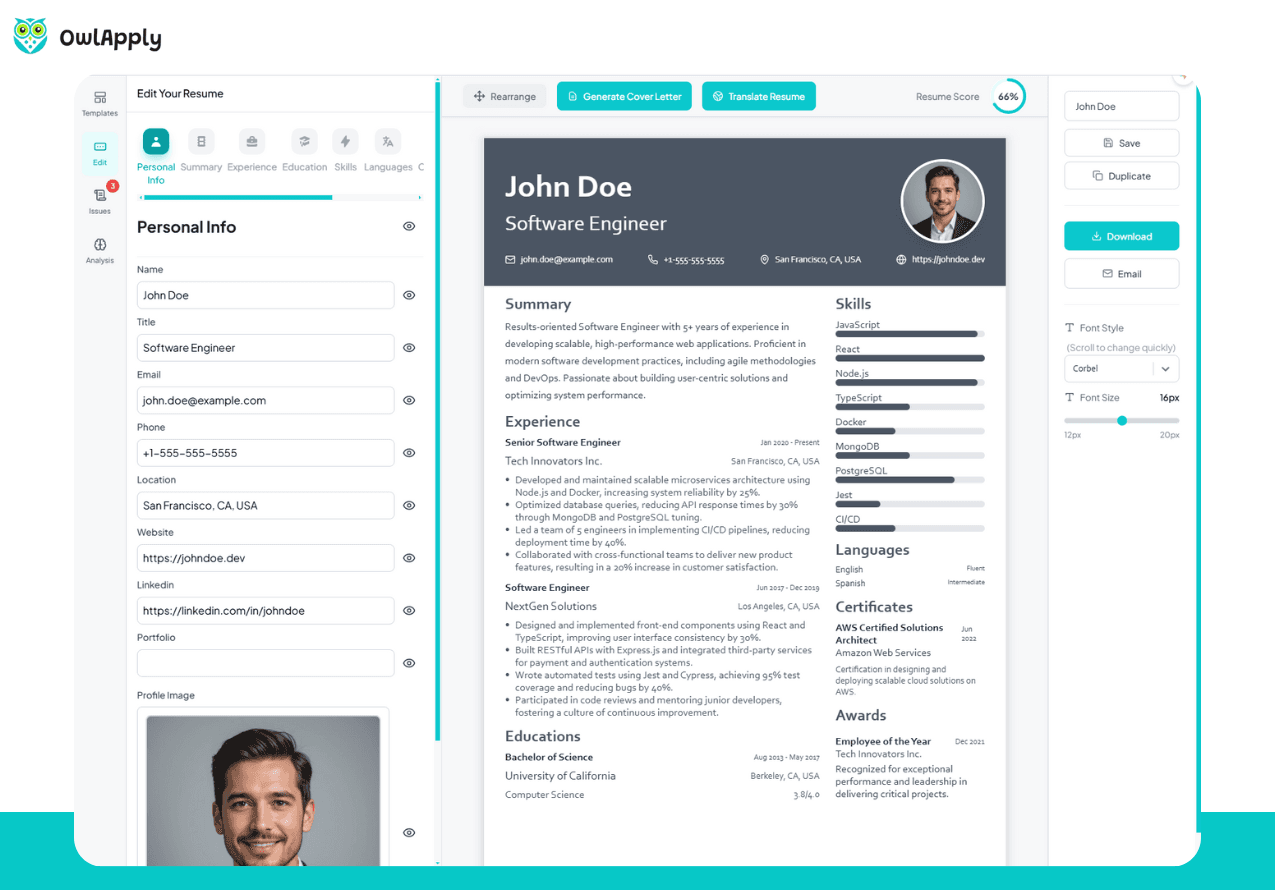
Fill in Your Sections
Add experience, education, skills, projects, certifications, and more. Drag sections to reorder. The builder supports 12+ section types including awards, publications, and references.
Enhance With AI
Click any bullet to get 3 AI-rewritten alternatives. Paste a job description to target specific keywords. Generate 10 unique professional summaries. Each AI suggestion follows strict ATS rules: action verbs, metrics, no buzzwords.
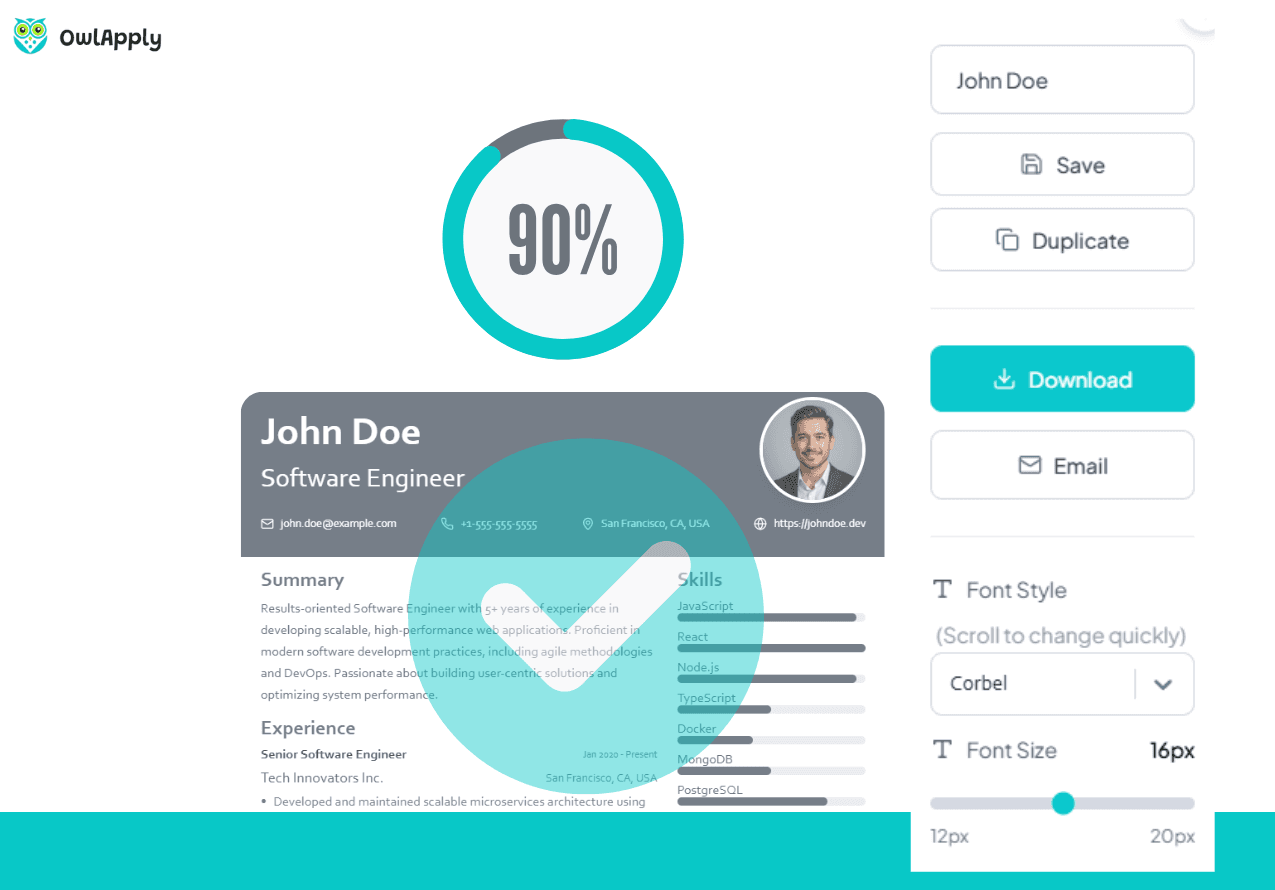
Customize and Download
Adjust colors, fonts, and layout. Preview the final result in real time. Download as a high-fidelity PDF ready for applications, email, or printing.
AI Resume Builder — FAQ
Does the AI write my entire resume?
How does the job description targeting work?
What are ATS-compatible templates?
Can I import my existing resume?
How does the AI summary generator work?
Is the resume builder free?
How does OwlApply compare with other AI resume builders?
From blank page to submitted application
Build the resume, see the openings that actually match it, and send the application without filling the same form twice.
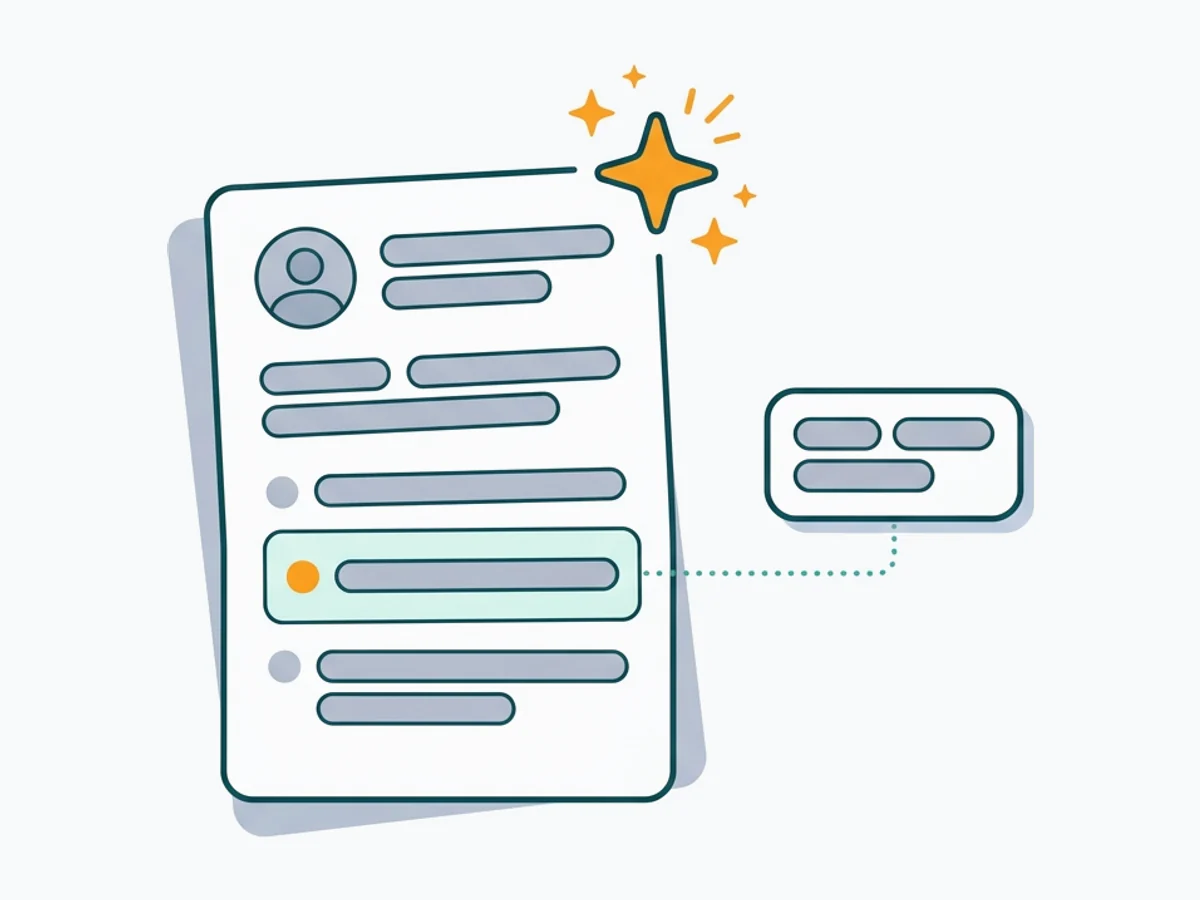
Build an ATS-ready resume
Start from a proven template or import the resume you already have, then sharpen every bullet point with AI.
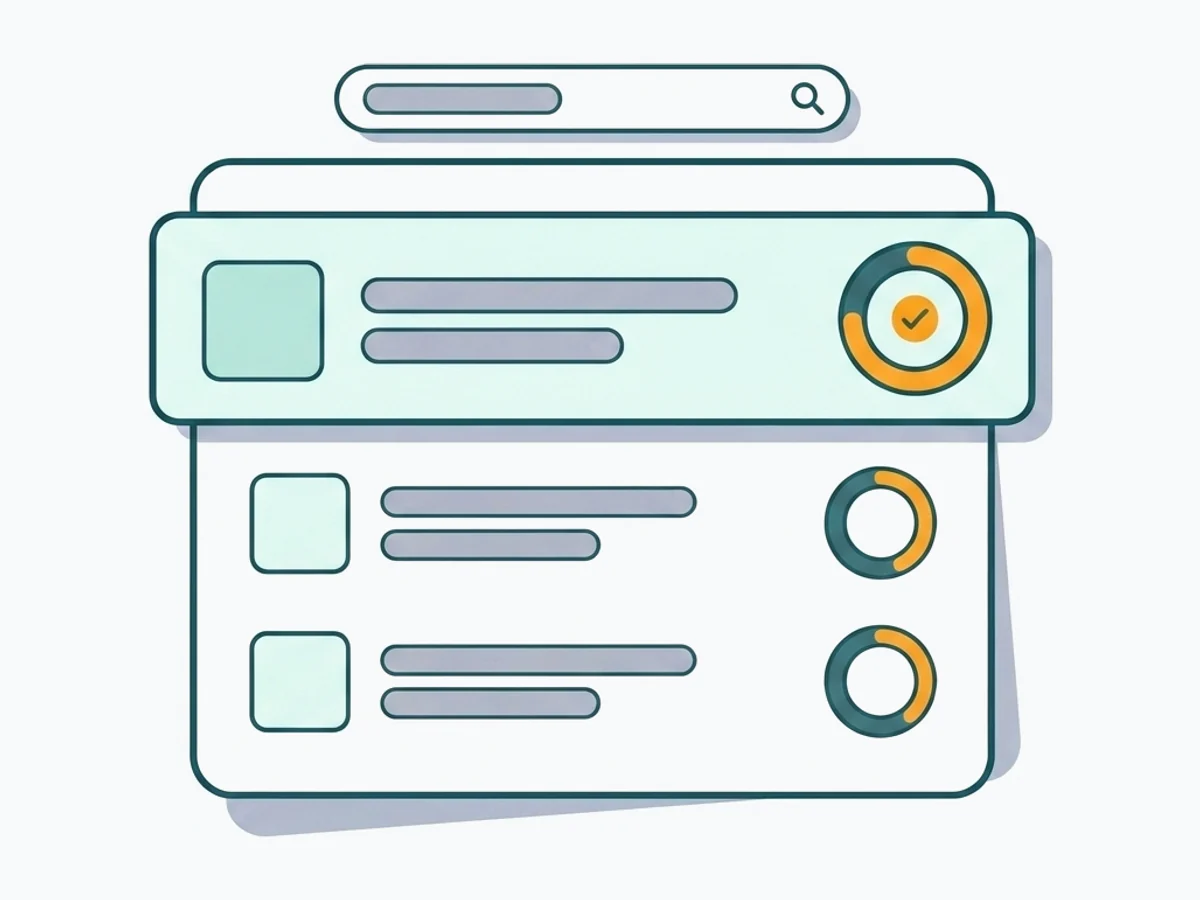
Find jobs that match your resume
Live openings are scored against your resume, so the roles that fit your experience come to the top.
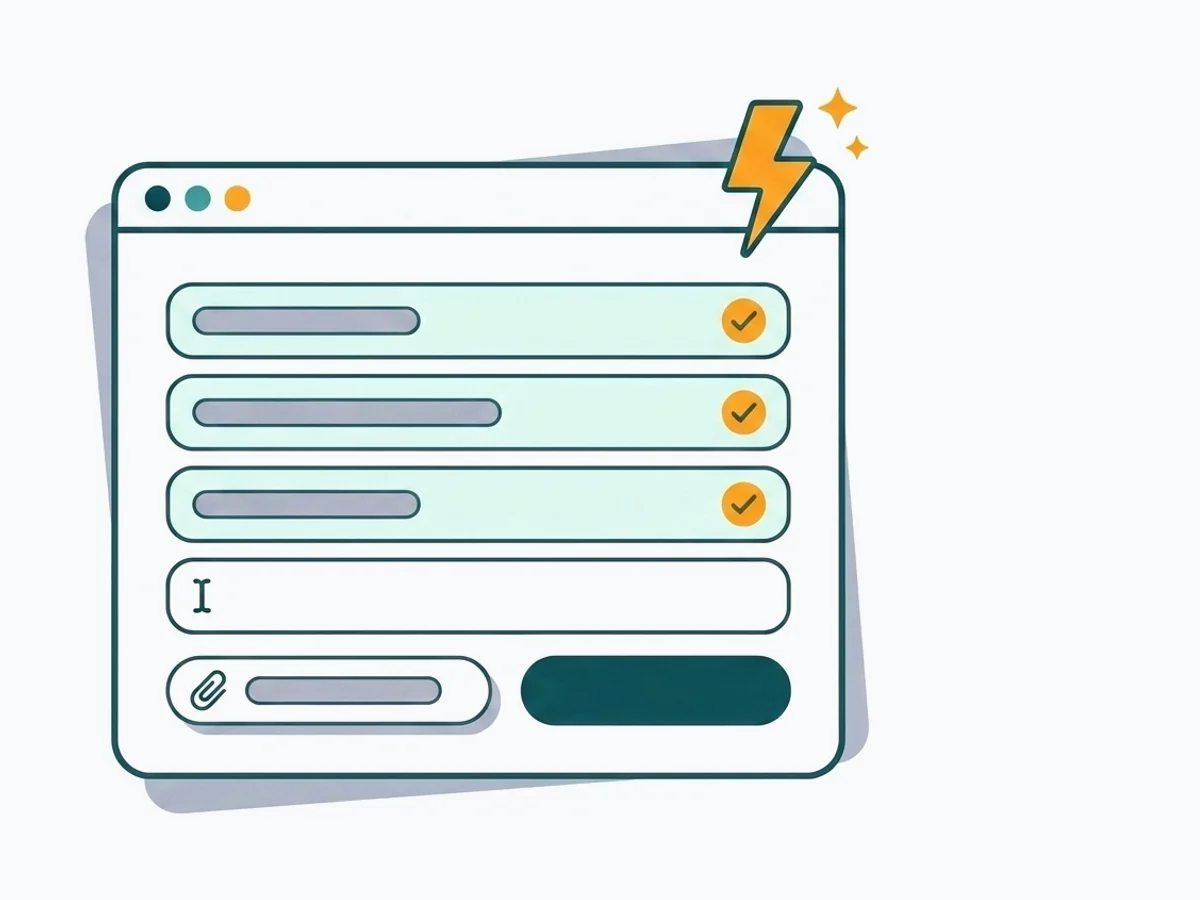
Apply without retyping
The Chrome extension fills applications on Workday, Lever, Greenhouse and 50+ other platforms and attaches your documents.
- 50+ ATS-ready templates
- Autofill on 50+ job platforms
- Resumes in 50+ languages