Home
  • Resumes & CVs
    Resume TemplatesView all
    SimpleMinimal layouts that keep every recruiter focused on your content.ProfessionalBoardroom-ready templates that spotlight experience and leadership.ModernFresh, contemporary designs for innovative roles and companies.CreativeBold visuals and unique layouts crafted for design-forward careers.ATS FriendlyStructured so applicant tracking systems read every section correctly.
    Resume BuilderDrag, drop, and export a job-ready resume with instant AI suggestions.
    Resume ExamplesBrowse our ready-to-use resume examples and create your professional resume in minutes
  • AI Career Tools
    AI Career ToolsView all AI tools
    Resume CheckerAudit structure, keywords, and impact with instant AI feedback.Resume Job MatchScore your resume against any job posting and see what is missing.AI Resume BuilderGenerate a polished resume with AI-written bullets and proven layouts.AI Mock InterviewPractice a live voice interview and get scored feedback.Resume TranslatorTranslate your resume into any language without losing nuance.Job Application AutofillAuto-complete repetitive application fields on any job site.Cover Letter GeneratorCreate pitch-perfect letters that mirror every job posting.Keyword OptimizerInject recruiter-approved keywords and rise to the top of ATS results.Resume SummaryCraft attention-grabbing summaries tailored to each role.Resume Bullet Point GeneratorTurn achievements into punchy bullet points in seconds.
    Resume BuilderDrag, drop, and export a job-ready resume with instant AI suggestions.
    Install OwlApply ExtensionAutofill job forms, create tailored resumes, and score postings directly from Chrome.
  • Cover Letters
    Cover Letter TemplatesView all
    SimpleClean layouts ideal for traditional teams and entry-level roles.ProfessionalClassic business styling that reinforces authority and credibility.ModernSleek designs that feel right at home in tech and high-growth companies.CreativeA unique canvas to showcase personality without sacrificing polish.
    Cover Letter BuilderPair your resume with a tailored letter in minutes using guided prompts.
    Install OwlApply ExtensionAutofill job forms, create tailored resumes, and score postings directly from Chrome.
  • Resources
    ResourcesView all
    OwlApply ExtensionAutofill applications, generate cover letters, and track every job from your browser.Job InterviewScripts, frameworks, and confidence boosters for every interview format.Cover LetterStory-driven templates and tactics for memorable cover letters.CareerNavigate negotiations, promotions, and pivots with practical advice.ResumeStep-by-step guidance to craft a standout resume in any industry.Career pay & requirementsPay, skills and experience from US job postingsJob market researchReports and methodology behind our data
    Resume BuilderDrag, drop, and export a job-ready resume with instant AI suggestions.
    Install OwlApply ExtensionAutofill job forms, create tailored resumes, and score postings directly from Chrome.
  • Pricing
EnglishBahasa IndonesiaBahasa MelayuČeštinaDanskDeutschEestiEspañolFilipinoFrançaisHrvatskiItalianoKiswahiliLatviešuLietuviųMagyarNederlandsNorskPolskiPortuguês (Brasil)Português (Portugal)RomânăSlovenčinaSlovenščinaSrpskiSuomiSvenskaTiếng ViệtTürkçeΕλληνικάБългарскиРусскийУкраїнськаעבריתالعربيةفارسیไทย日本語繁體中文한국어
My AccountBuild Resume
EnglishBahasa IndonesiaBahasa MelayuČeštinaDanskDeutschEestiEspañolFilipinoFrançaisHrvatskiItalianoKiswahiliLatviešuLietuviųMagyarNederlandsNorskPolskiPortuguês (Brasil)Português (Portugal)RomânăSlovenčinaSlovenščinaSrpskiSuomiSvenskaTiếng ViệtTürkçeΕλληνικάБългарскиРусскийУкраїнськаעבריתالعربيةفارسیไทย日本語繁體中文한국어
  • Resumes & CVs
    SimpleMinimal layouts that keep every recruiter focused on your content.ProfessionalBoardroom-ready templates that spotlight experience and leadership.ModernFresh, contemporary designs for innovative roles and companies.CreativeBold visuals and unique layouts crafted for design-forward careers.ATS FriendlyStructured so applicant tracking systems read every section correctly.View all
  • AI Career Tools
    Resume CheckerAudit structure, keywords, and impact with instant AI feedback.Resume Job MatchScore your resume against any job posting and see what is missing.AI Resume BuilderGenerate a polished resume with AI-written bullets and proven layouts.AI Mock InterviewPractice a live voice interview and get scored feedback.Resume TranslatorTranslate your resume into any language without losing nuance.Job Application AutofillAuto-complete repetitive application fields on any job site.Cover Letter GeneratorCreate pitch-perfect letters that mirror every job posting.Keyword OptimizerInject recruiter-approved keywords and rise to the top of ATS results.Resume SummaryCraft attention-grabbing summaries tailored to each role.Resume Bullet Point GeneratorTurn achievements into punchy bullet points in seconds.View all AI tools
  • Cover Letters
    SimpleClean layouts ideal for traditional teams and entry-level roles.ProfessionalClassic business styling that reinforces authority and credibility.ModernSleek designs that feel right at home in tech and high-growth companies.CreativeA unique canvas to showcase personality without sacrificing polish.View all
  • Resources
    OwlApply ExtensionAutofill applications, generate cover letters, and track every job from your browser.Job InterviewScripts, frameworks, and confidence boosters for every interview format.Cover LetterStory-driven templates and tactics for memorable cover letters.CareerNavigate negotiations, promotions, and pivots with practical advice.ResumeStep-by-step guidance to craft a standout resume in any industry.Career pay & requirementsPay, skills and experience from US job postingsJob market researchReports and methodology behind our dataView all
  • Pricing
My AccountBuild Resume
  1. Home
  2. Resume Templates
  3. Free Professional Resume Templates

Free Professional Resume Templates

A professional resume template is a conservative layout with serif or neutral type, dark accents and a reverse-chronological structure, suited to corporate, finance, legal, healthcare and senior roles. Edit any design below online and switch layouts without retyping.

Upload your resumeInstall Chrome Extension
Zenith
Crimson
Heritage
Brightline
Evergreen
Harbor
Petal
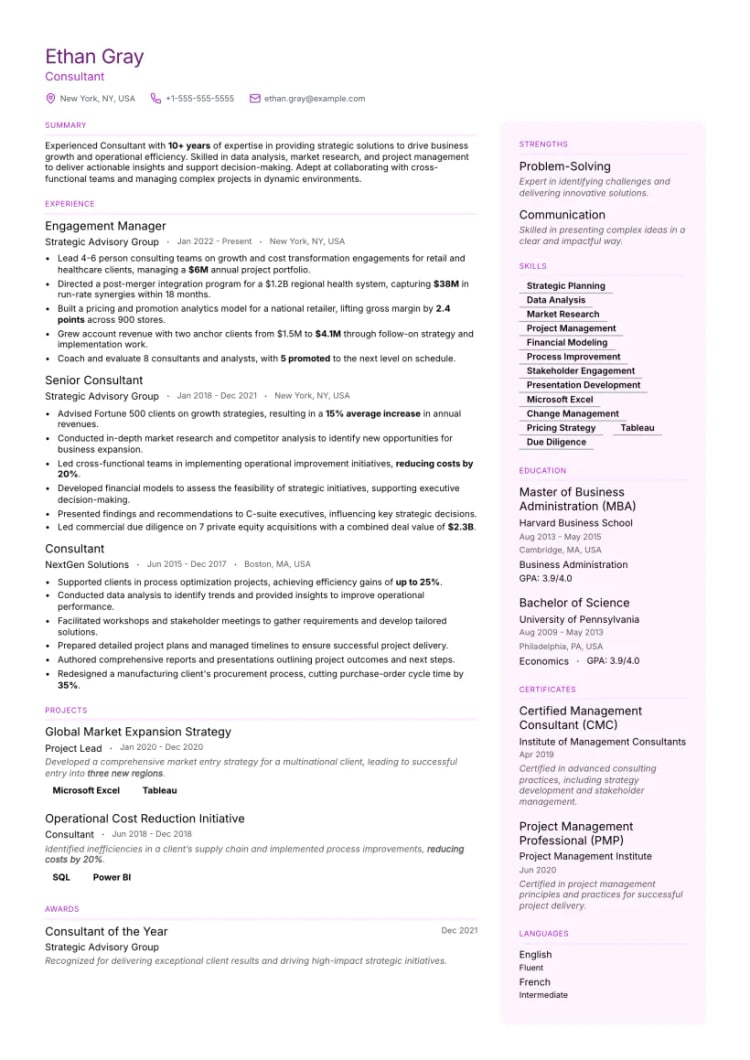
Amethyst
Zenith
ZenithCrimsonHeritageBrightlineEvergreenHarborPetalAmethyst
All Resume Templates60Simple12ATS Friendly22Modern44Creative10Professional52
  • Zenith Preview
    Use This Template

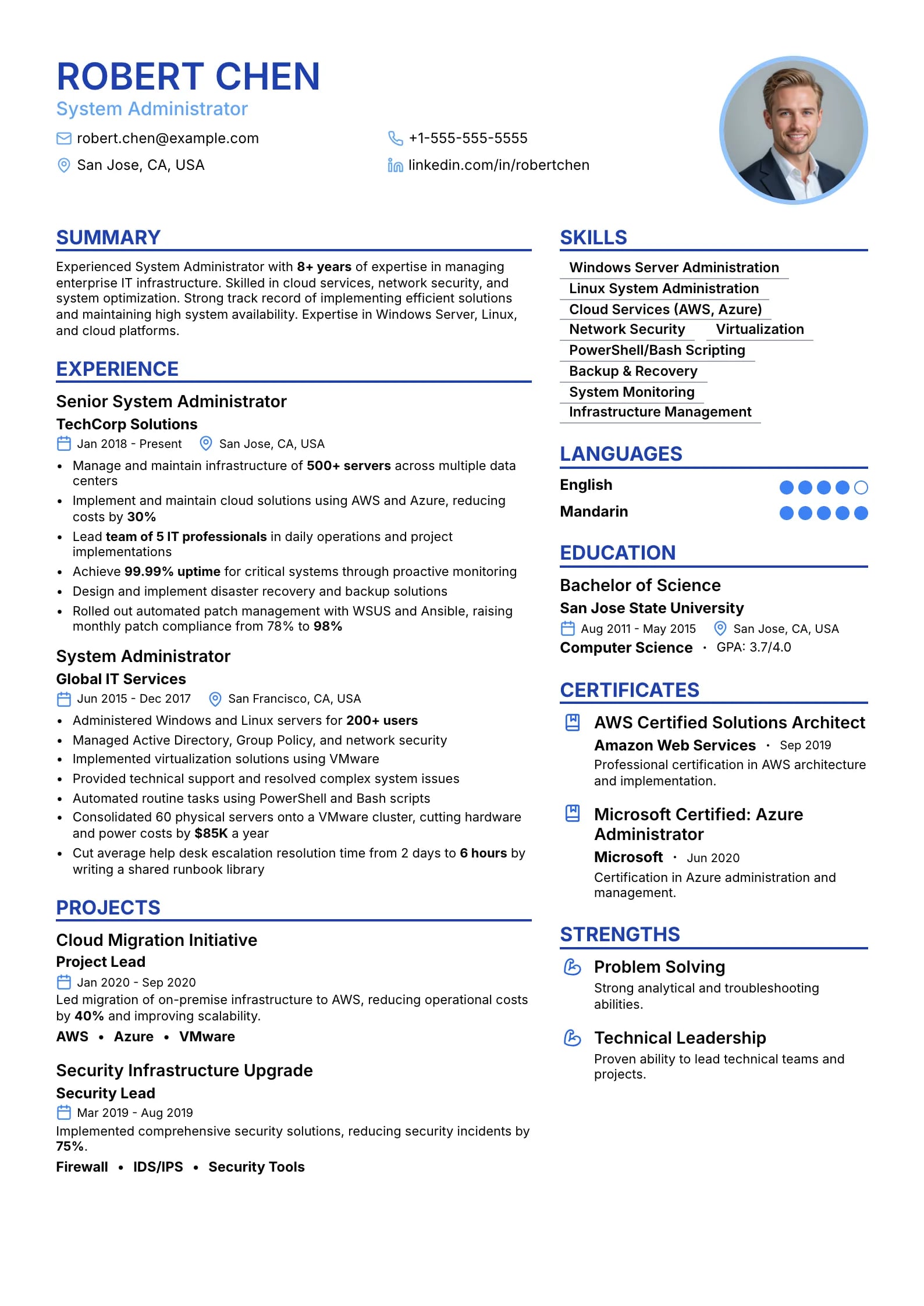
    Zenith

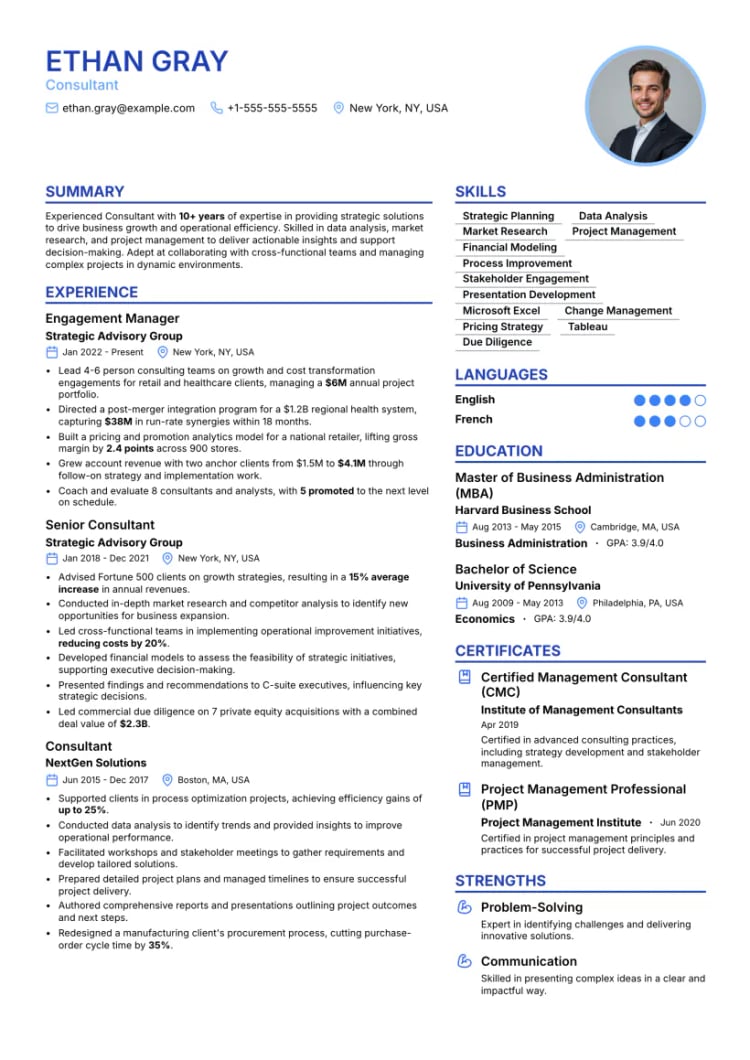
    A corporate two-column resume with blue serif-style headings, a circular photo, and skill and language rating dots, aimed at IT, engineering, and technical management roles.

    Use This Template
  • Heritage Preview
    Use This Template

    Heritage

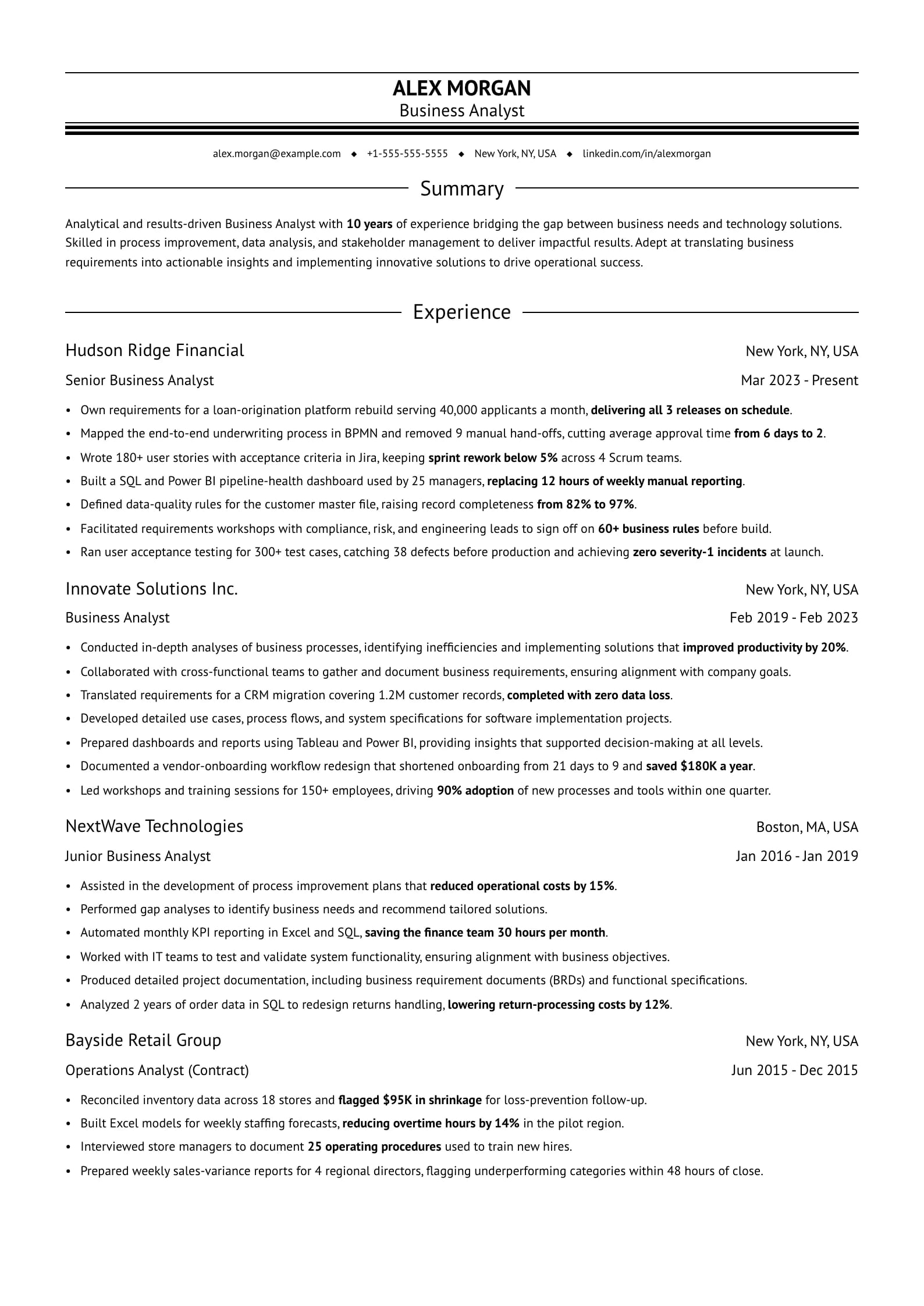
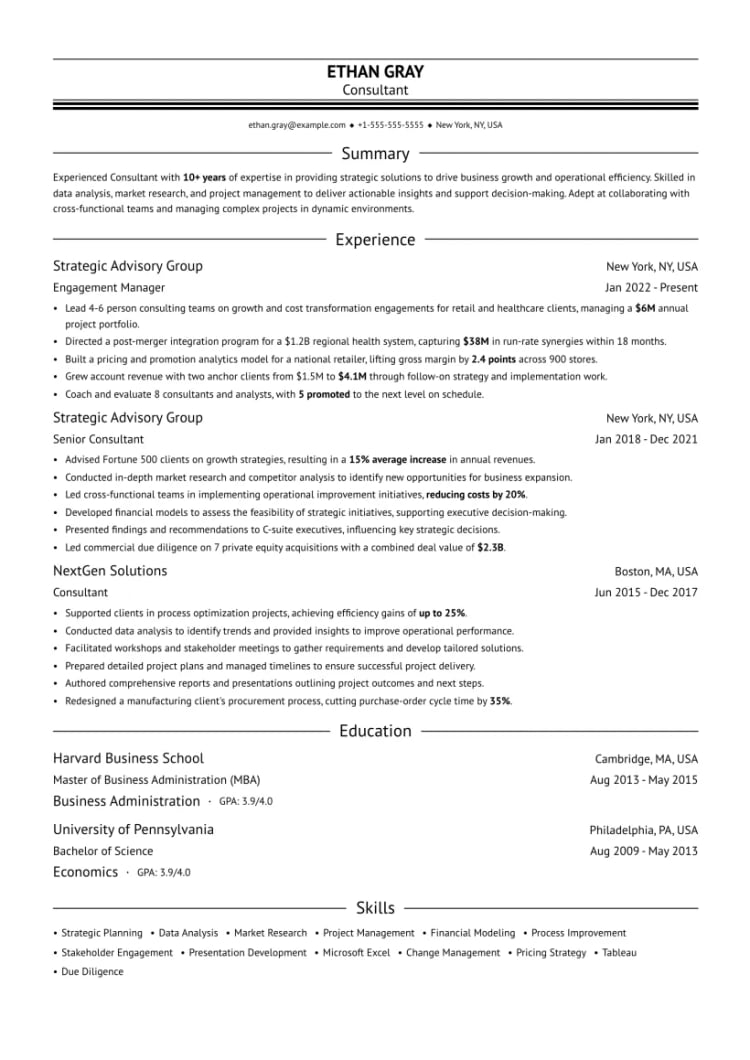
    A classic single-column resume with centered serif headings and traditional double rules, built for law, finance, analyst, and other conservative business fields.
    Use This Template
  • Brightline Preview
    Use This Template

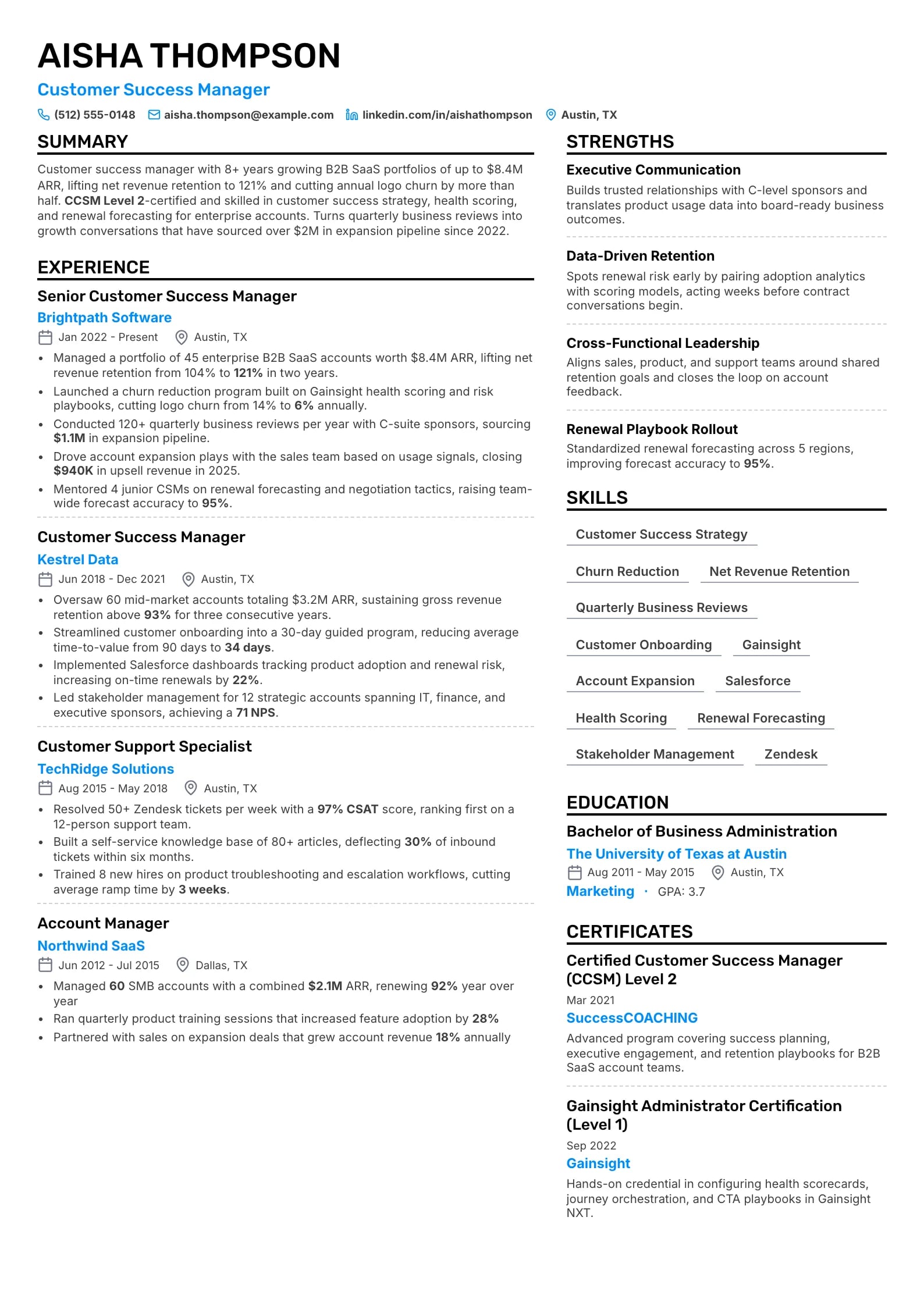
    Brightline

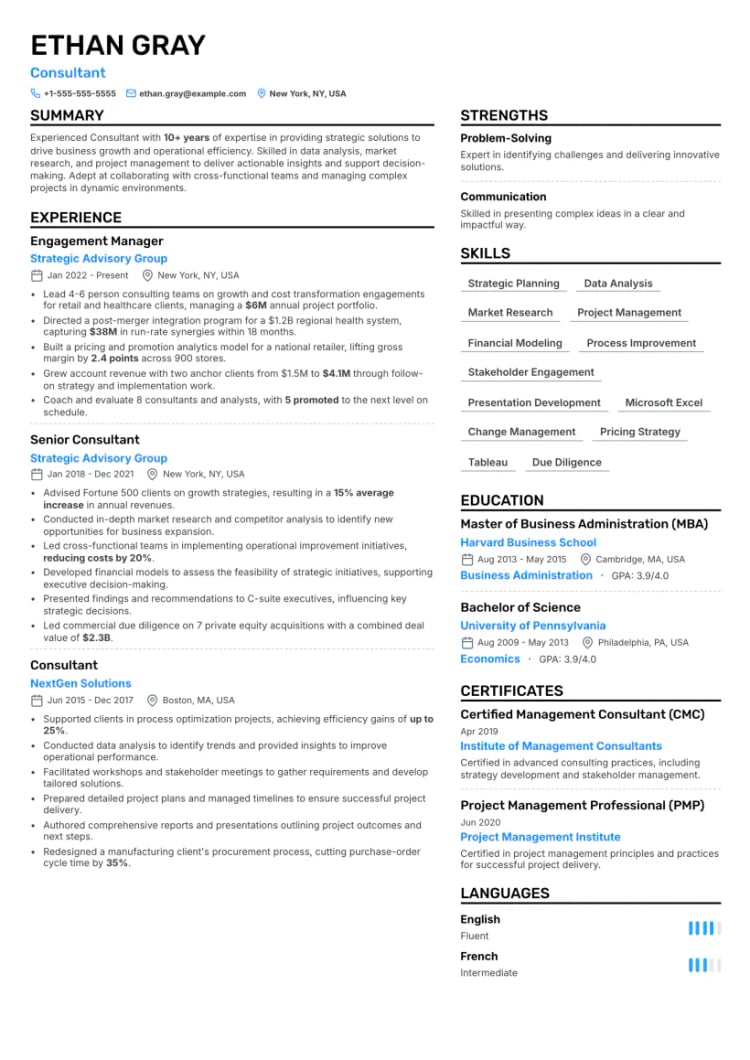
    A crisp two-column resume with blue company names, icon-marked dates and locations, and a right-hand column for strengths, skills, and certifications, made for customer success, account management, and SaaS roles.
    Use This Template
  • Laurel Preview
    Use This Template

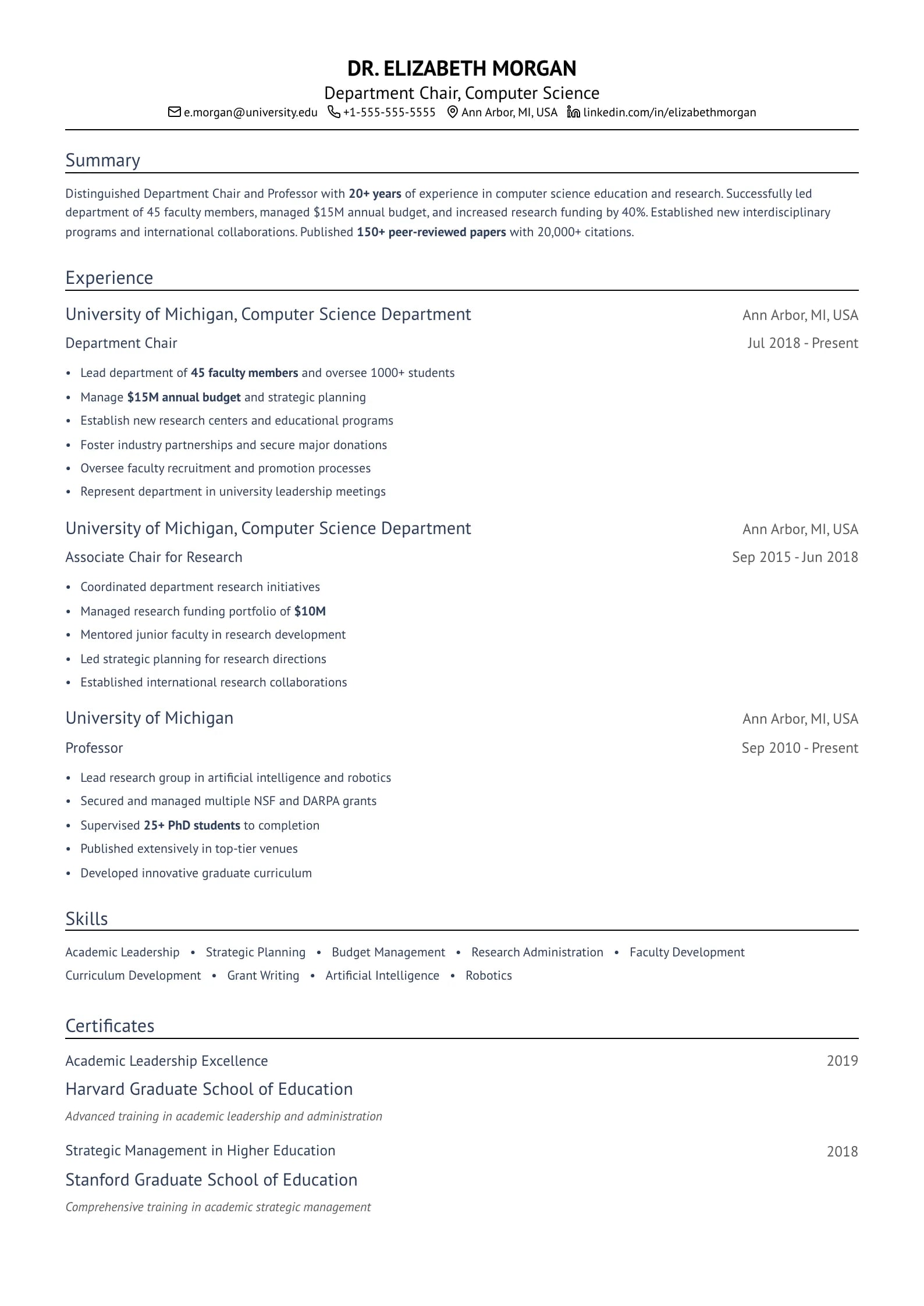
    Laurel

    A traditional single-column serif resume with a centered header and thin rules, perfect for academics, researchers, and conservative executive roles.
    Use This Template
  • Harbor Preview
    Use This Template

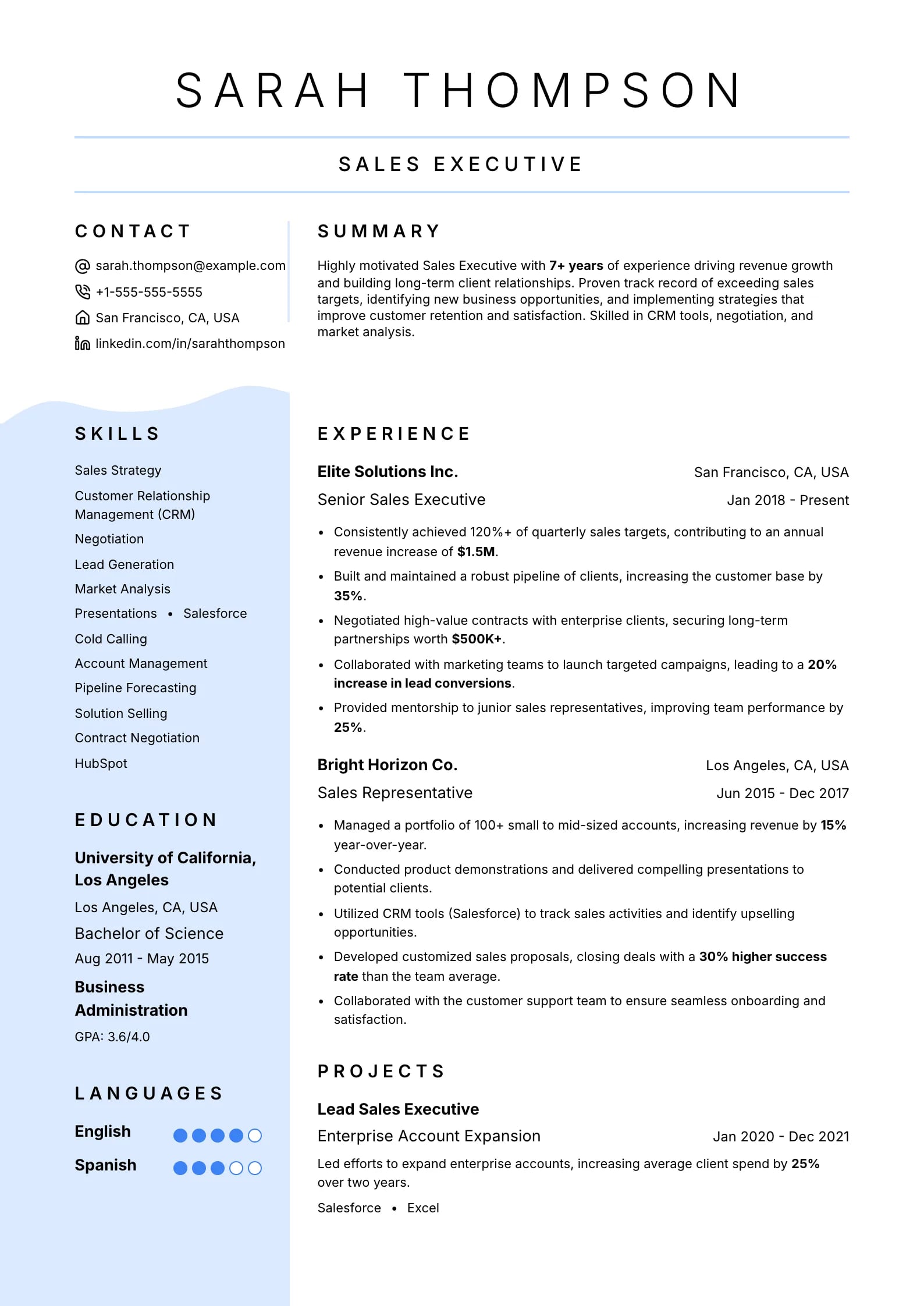
    Harbor

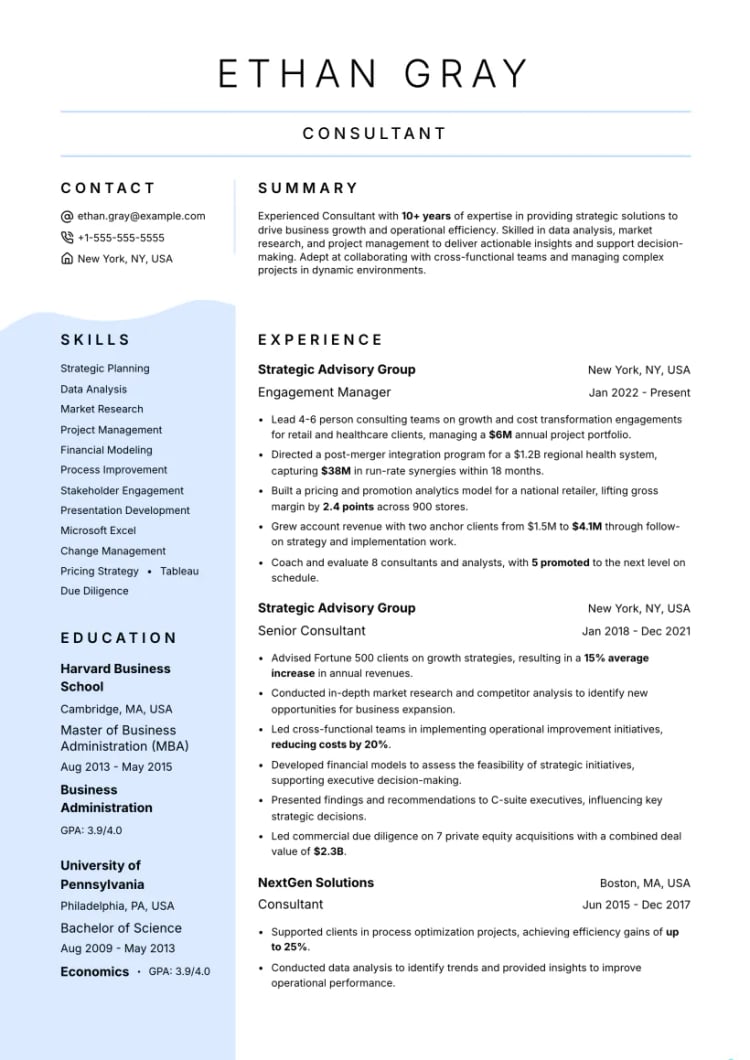
    A two-column modern resume with a soft light-blue sidebar and a bold full-width name banner, suited to sales, account management, and client-facing business roles.
    Use This Template
  • Midnight Preview
    Use This Template

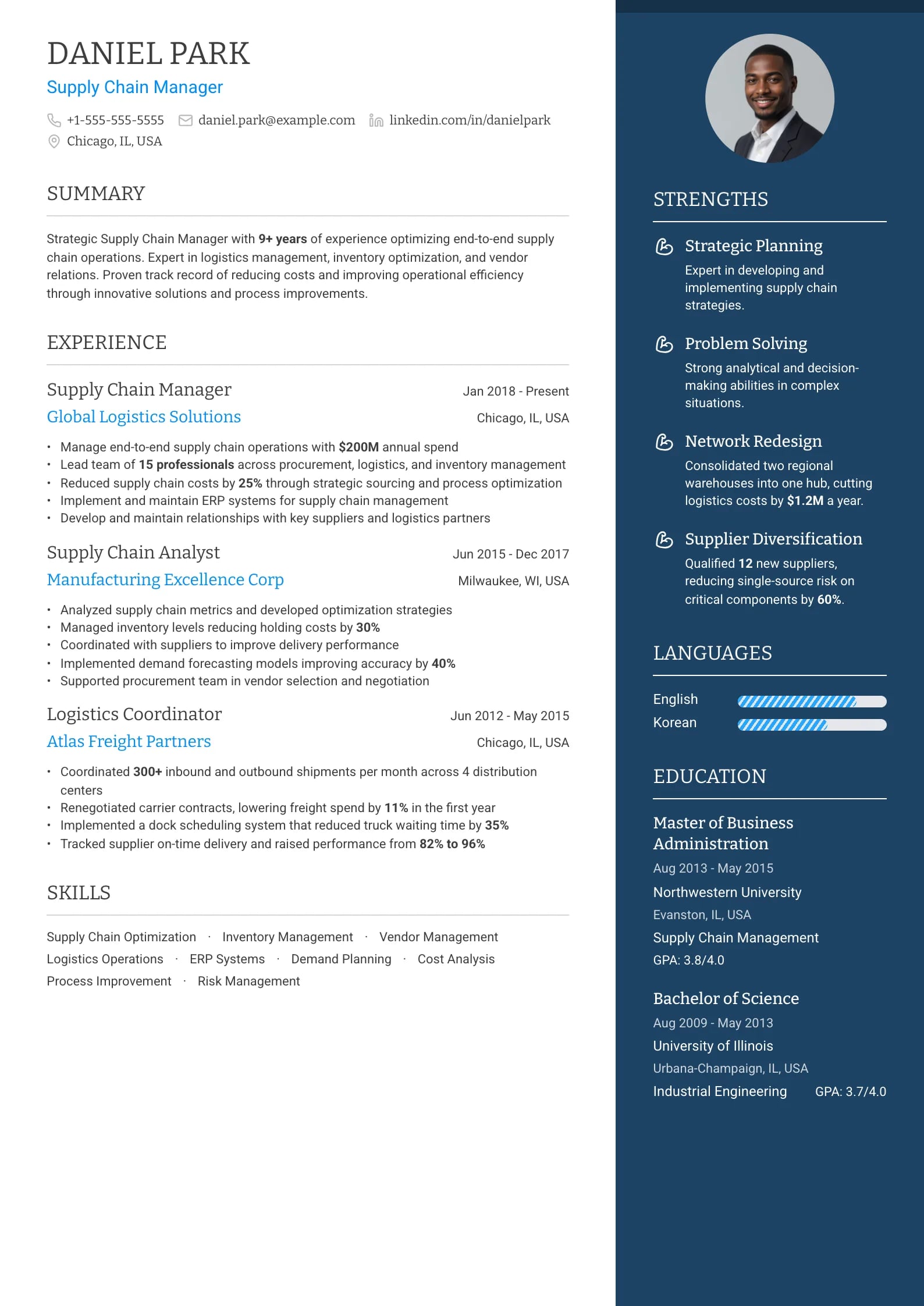
    Midnight

    A polished two-column resume with a deep navy sidebar for the profile photo, strengths, languages, and education, paired with elegant serif headings, suited to operations, supply chain, and management roles.
    Use This Template
  • Beacon Preview
    Use This Template

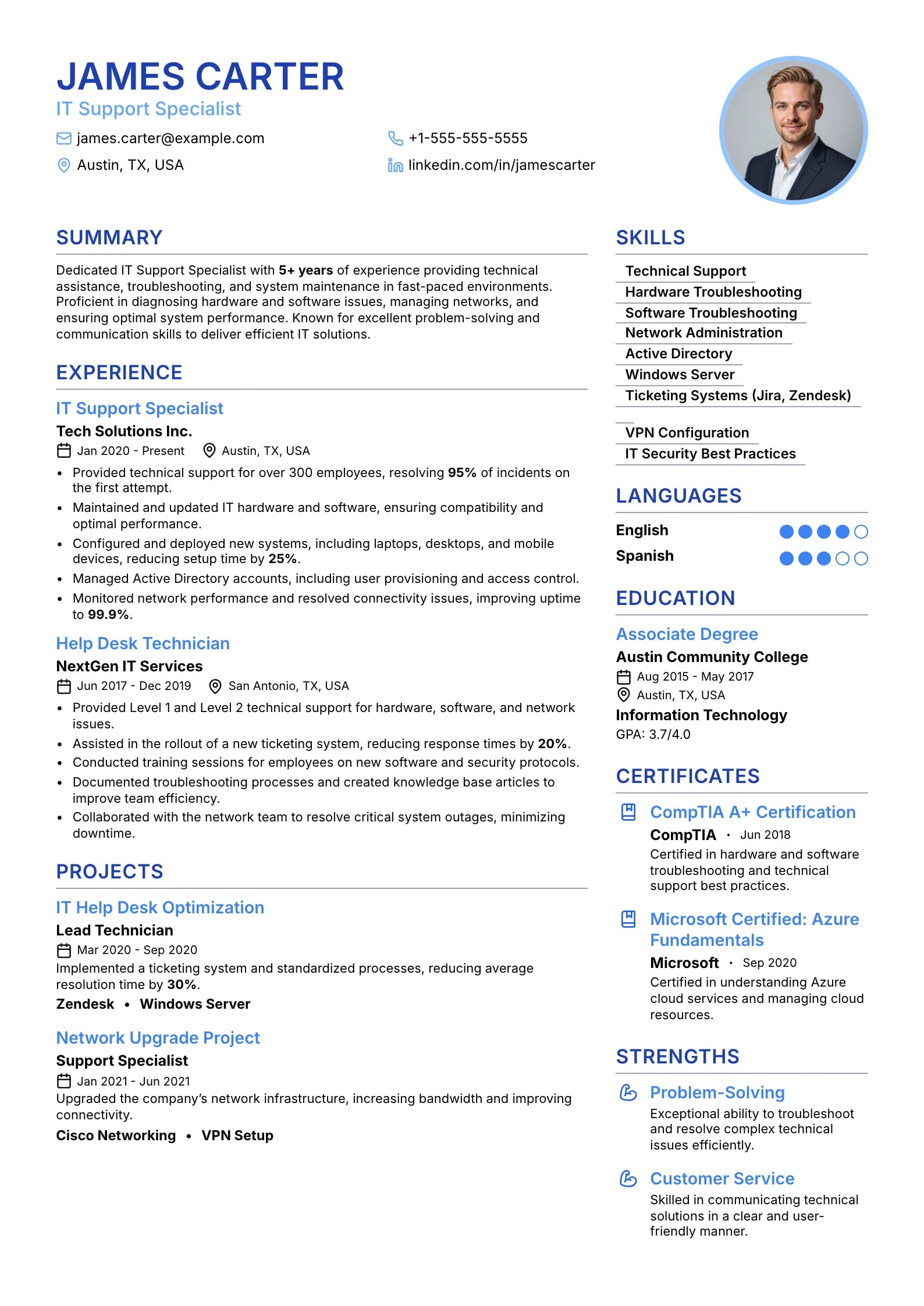
    Beacon

    A modern blue-accented two-column resume with a profile photo and skill rating dots, fitting IT, technical support, and roles that want a lively, skills-forward presentation.
    Use This Template
  • Cascade Preview
    Use This Template

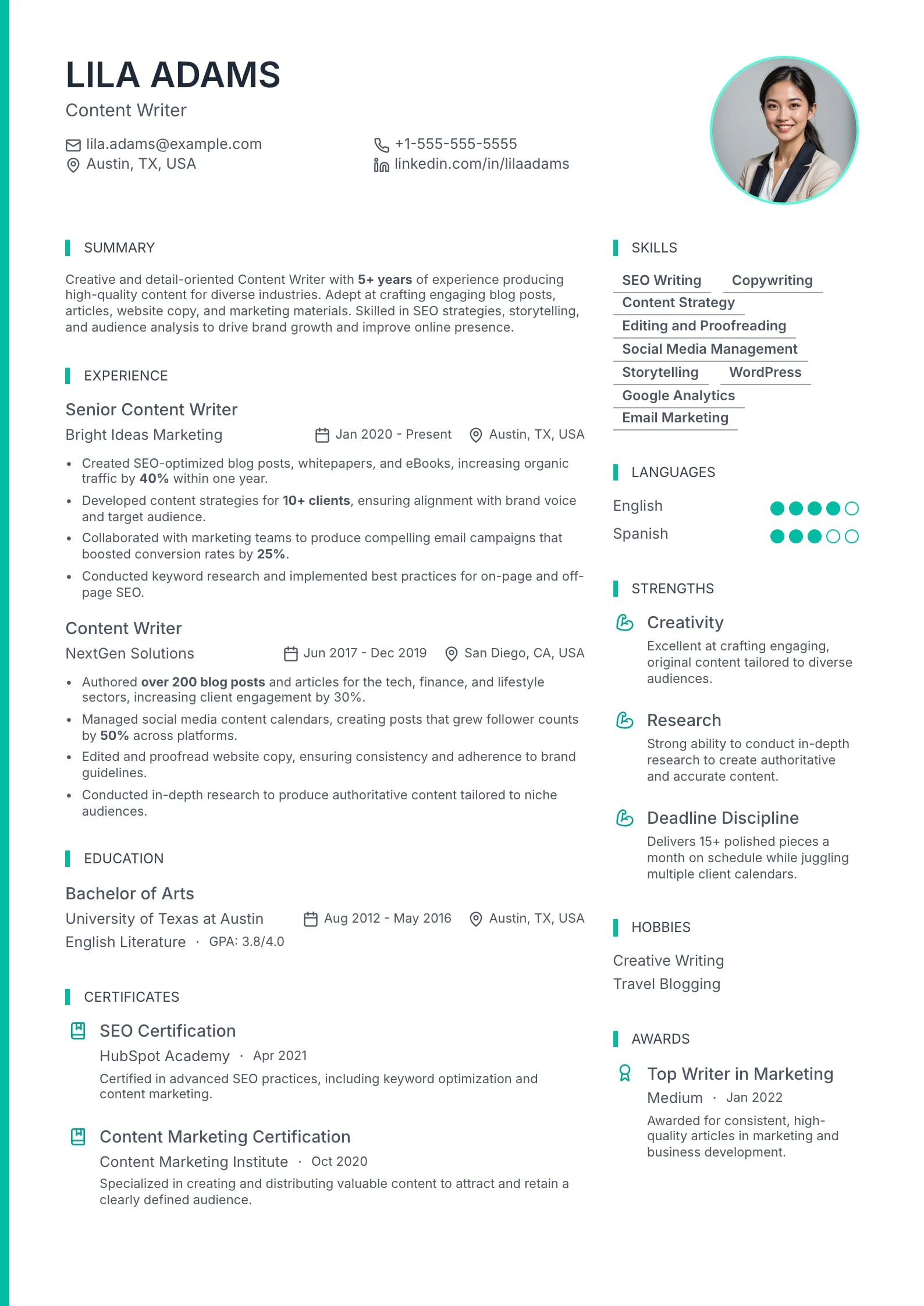
    Cascade

    A contemporary two-column resume with a circular profile photo and teal accents, suited to content, marketing, and communications professionals wanting a friendly, modern presentation.
    Use This Template
  • Lumen Preview
    Use This Template

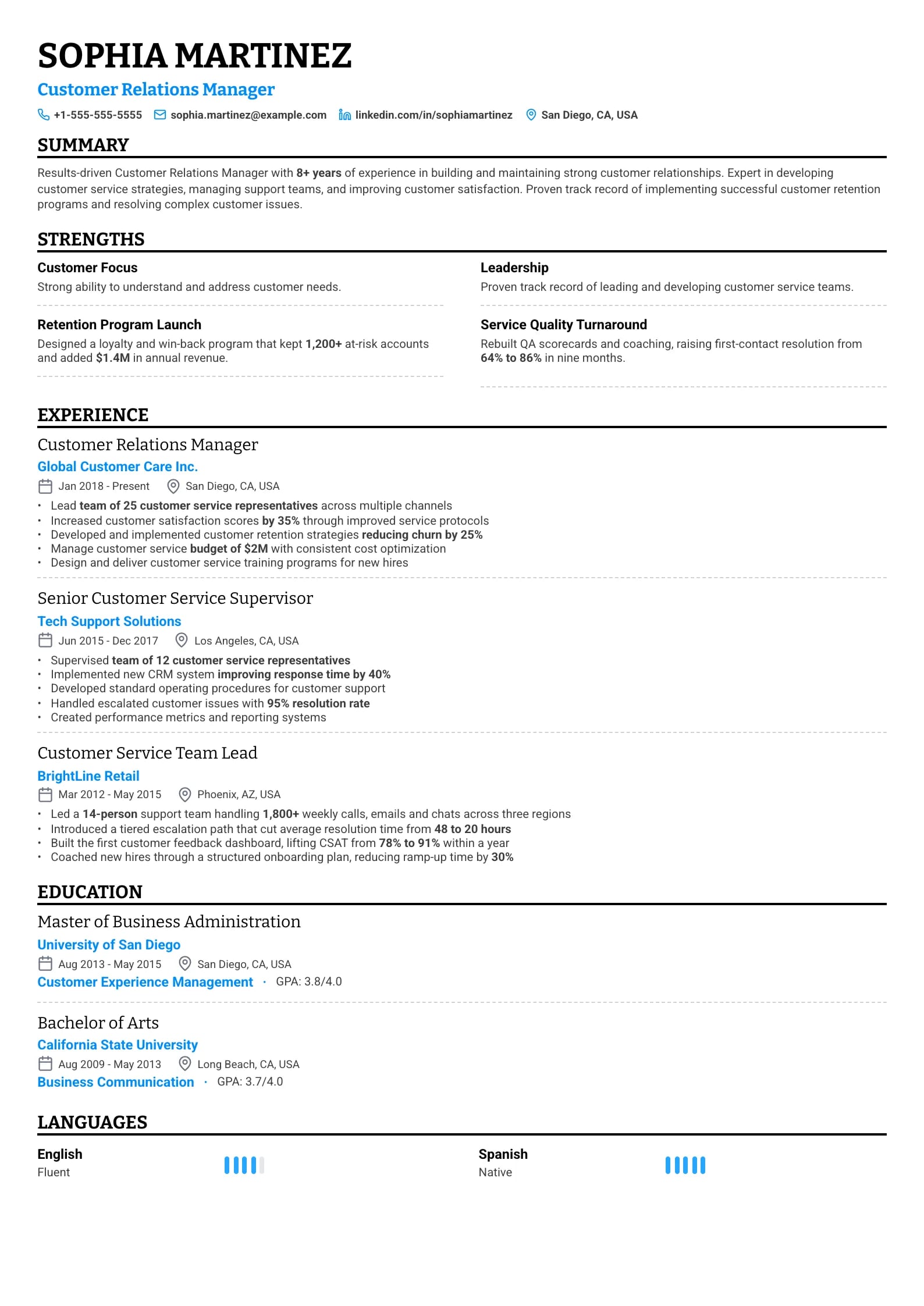
    Lumen

    A single-column resume with serif section headings, a two-column strengths grid at the top, and blue company names, built for customer-facing, service, and team-lead roles.
    Use This Template
  • Petal Preview
    Use This Template

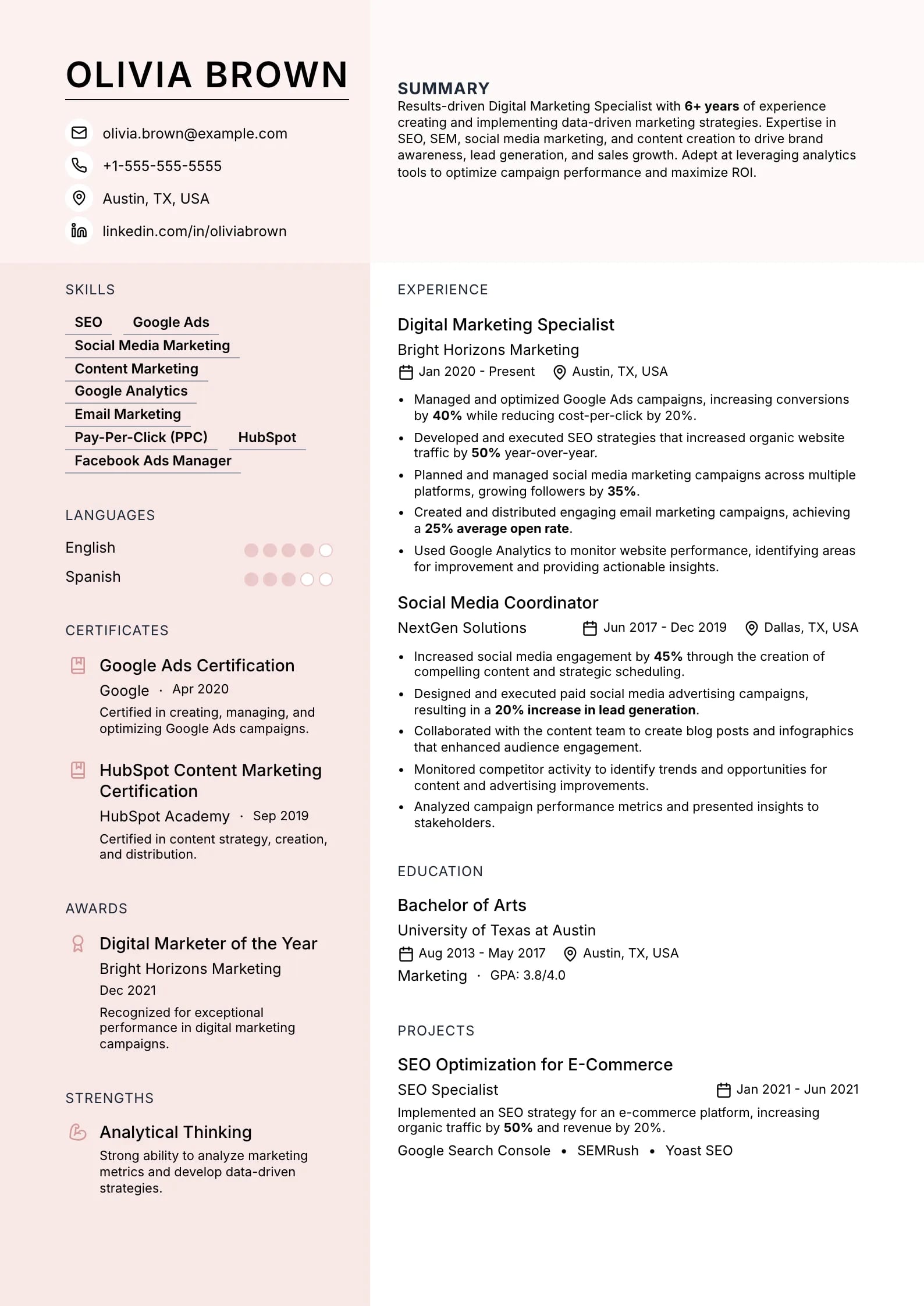
    Petal

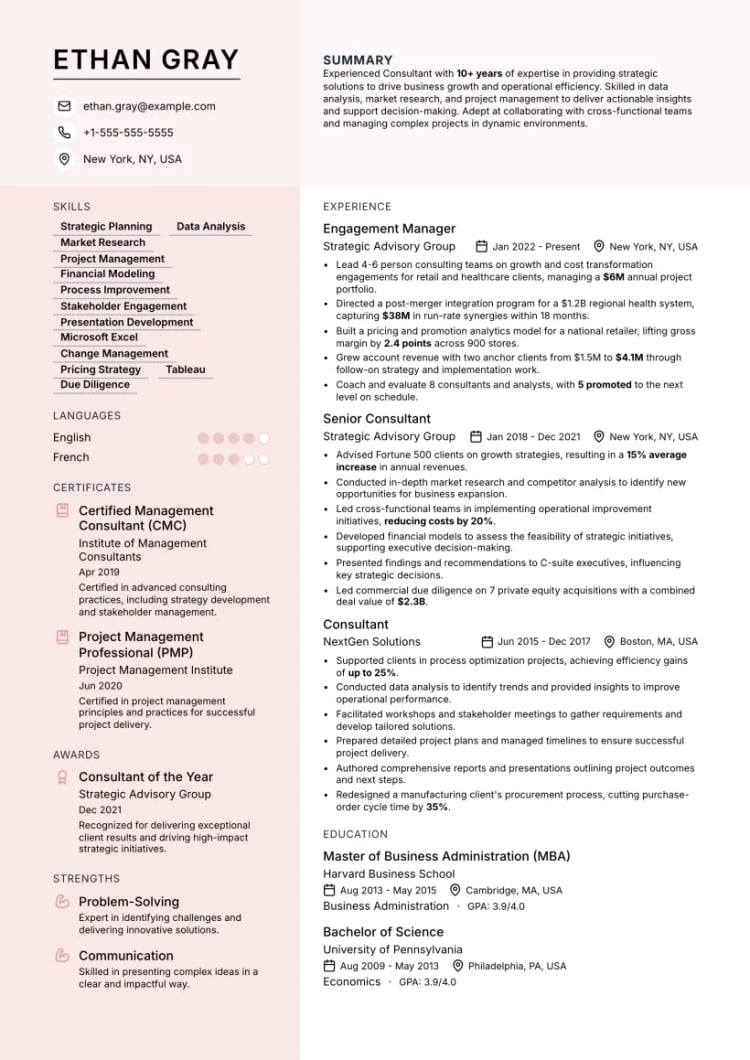
    A two-column modern resume with a soft blush sidebar and a bold sidebar-anchored name, ideal for digital marketing, communications, and creative-adjacent professionals.
    Use This Template
  • Graphite Preview
    Use This Template

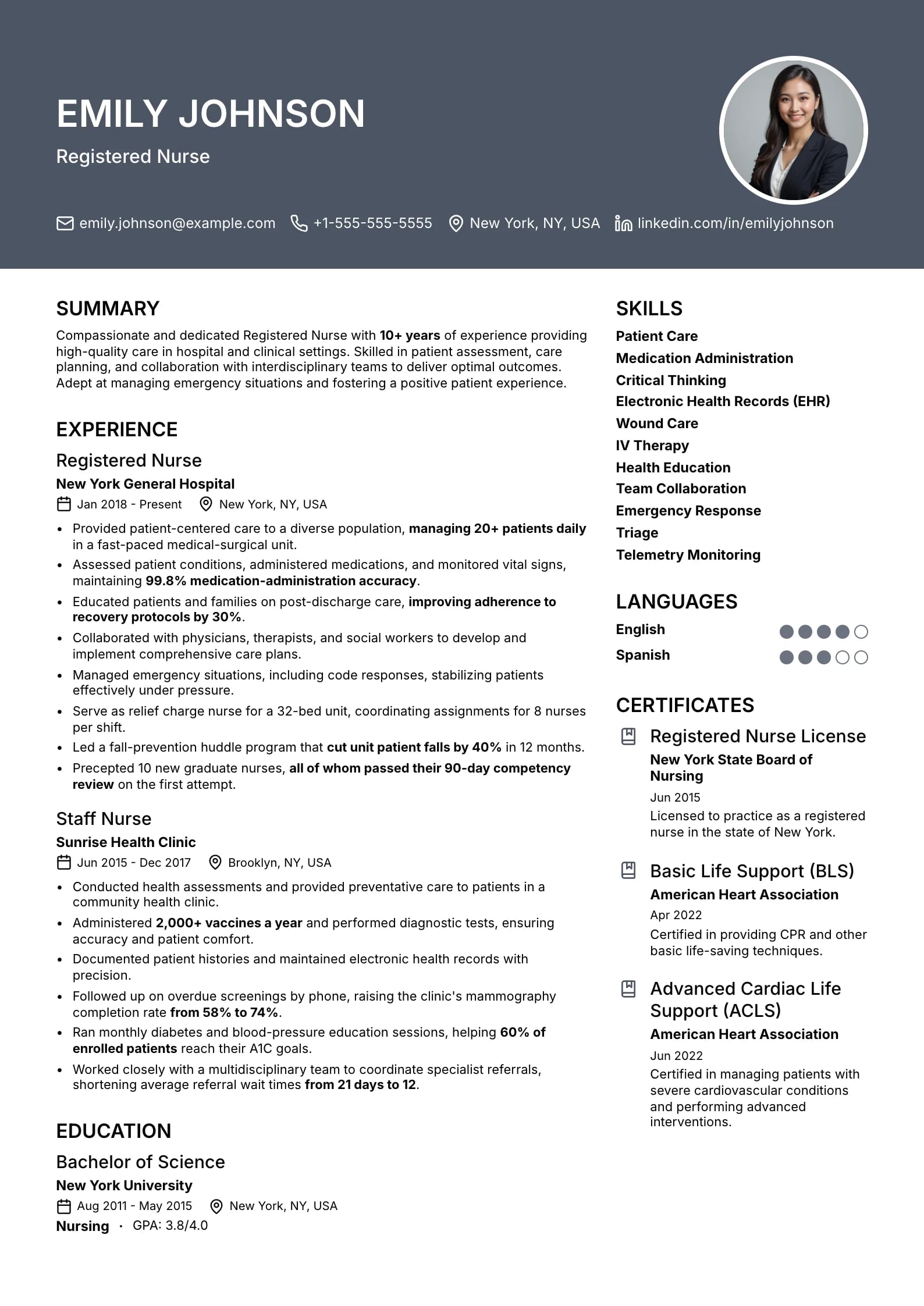
    Graphite

    A two-column resume with a dark slate header band, circular profile photo, and graphic skill-rating bars, suited to healthcare and clinical professionals seeking a polished corporate look.
    Use This Template
  • Vellum Preview
    Use This Template

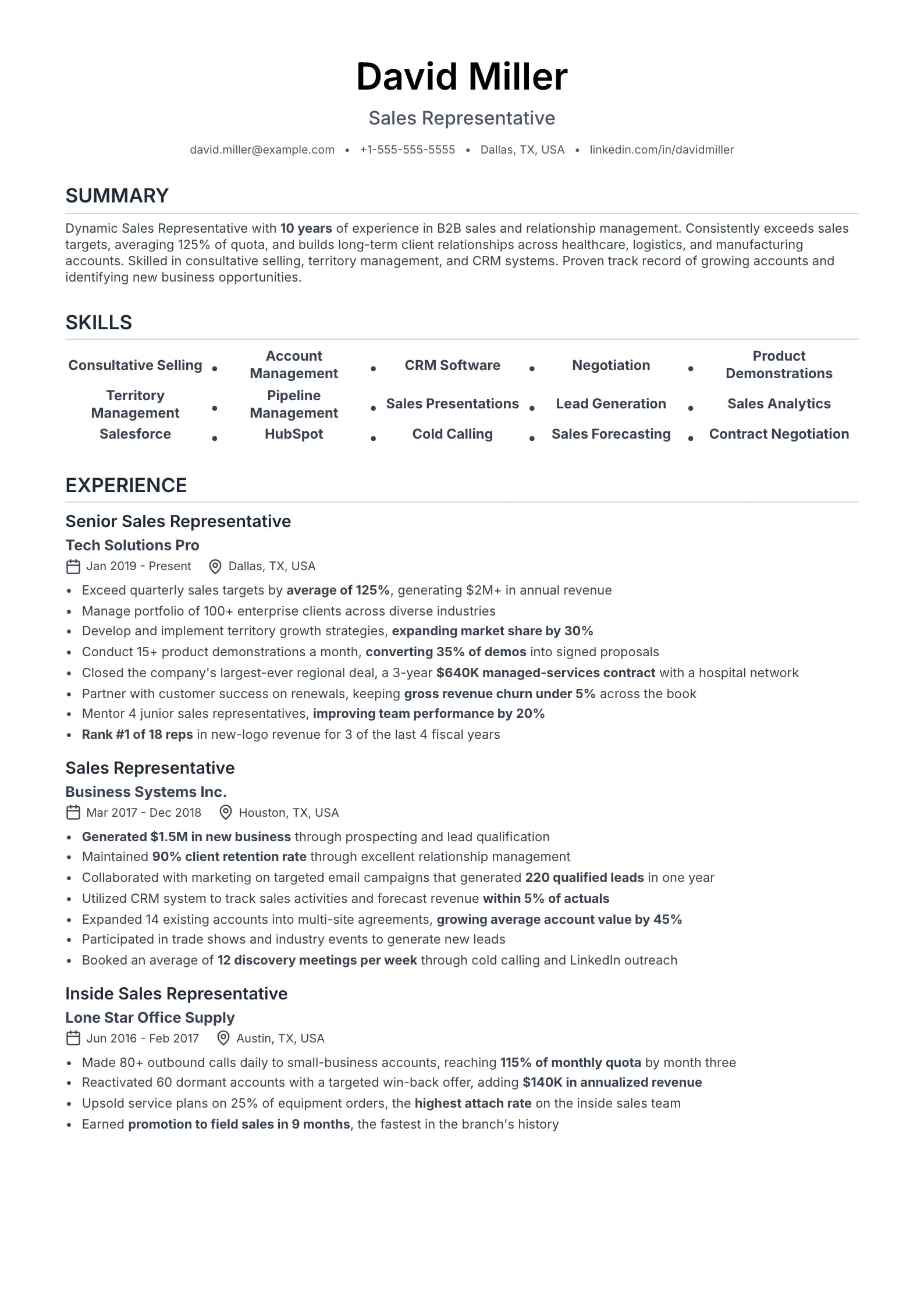
    Vellum

    A centered single-column resume in clean monochrome sans-serif type with airy whitespace, ideal for sales, business, and any candidate wanting a distraction-free, ATS-safe layout.
    Use This Template
  • Pewter Preview
    Use This Template

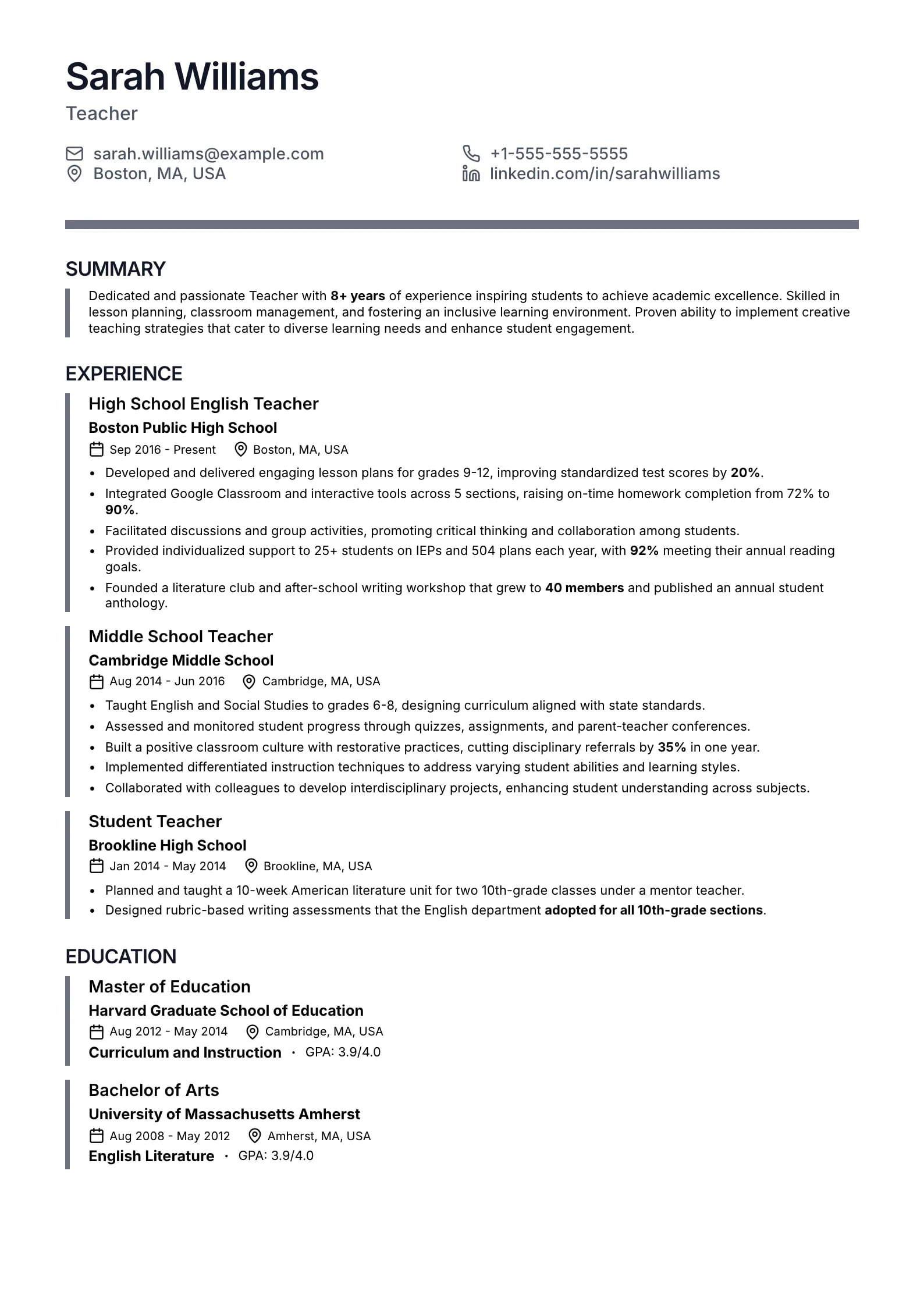
    Pewter

    A clean single-column resume in muted slate-gray with bold headings and rounded skill chips, well suited to teachers, administrators, and generalist professionals seeking near-monochrome polish.
    Use This Template
  • Regent Preview
    Use This Template

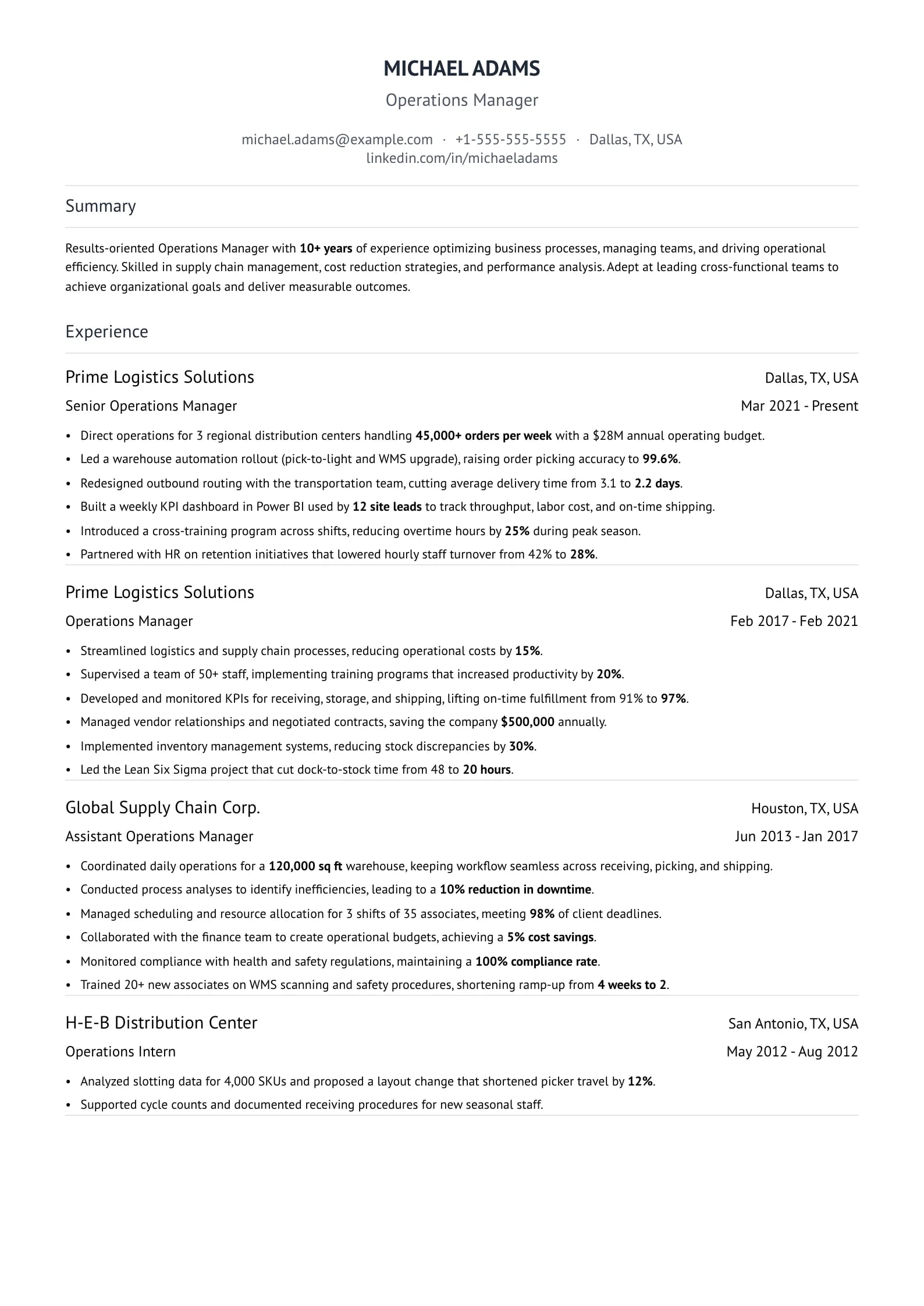
    Regent

    A traditional single-column serif resume with a centered header and horizontal rules, tailored to executives, operations, and finance leaders in conservative corporate fields.
    Use This Template
  • Orchid Preview
    Use This Template

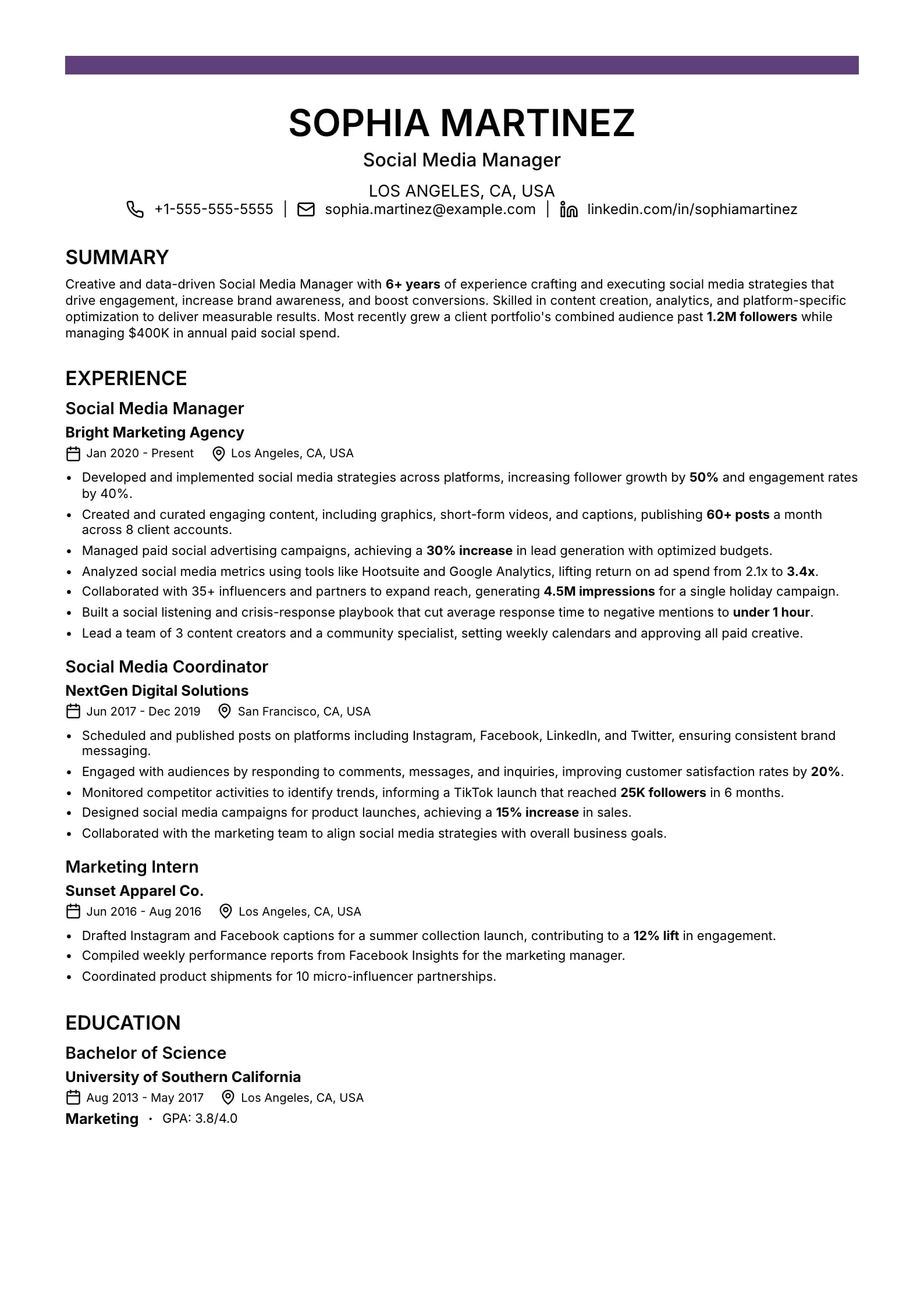
    Orchid

    A clean single-column resume with a centered header and a bold plum top bar, ideal for marketers and communicators who want a modern yet ATS-safe layout.
    Use This Template
  • Onyx Preview
    Use This Template

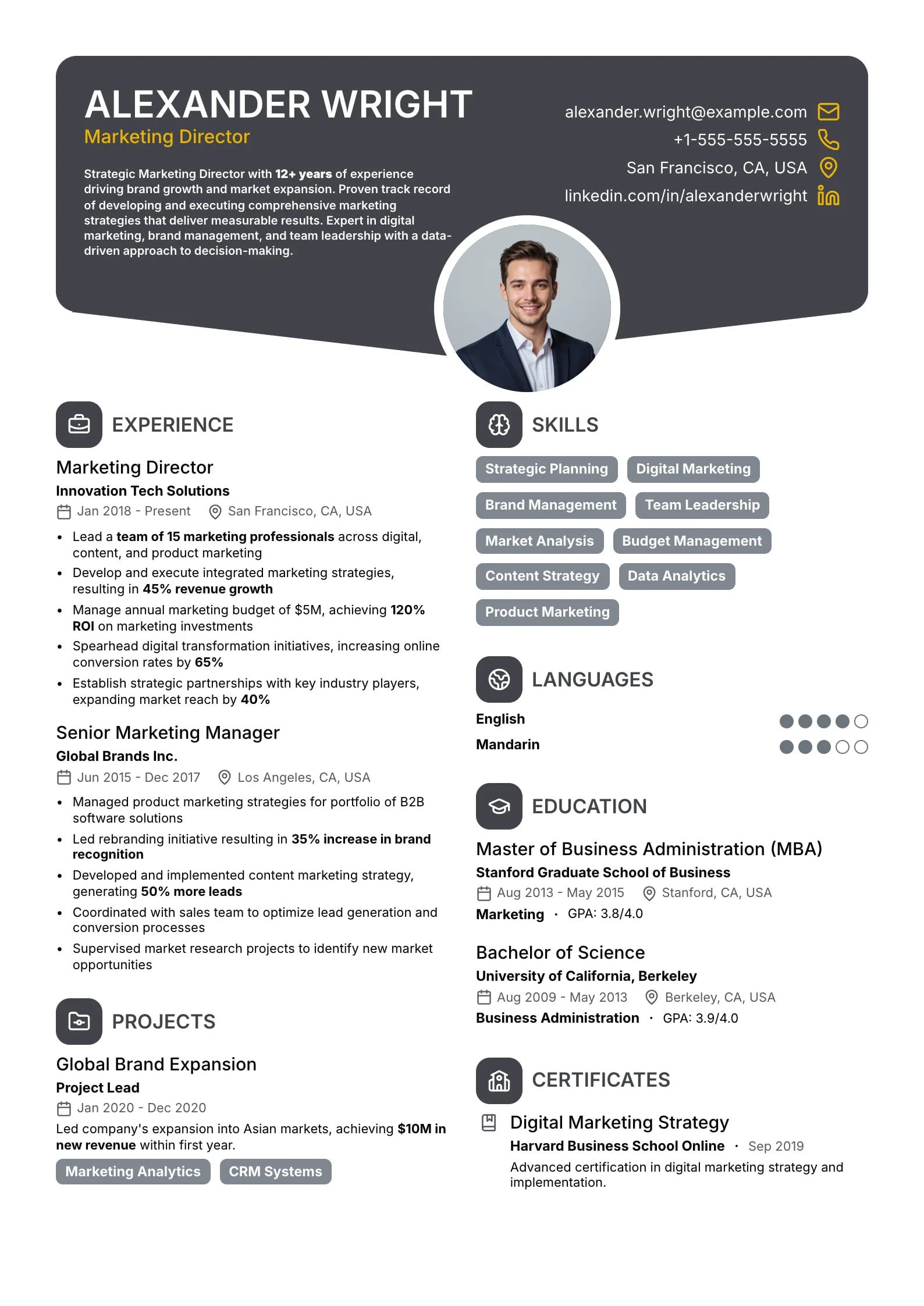
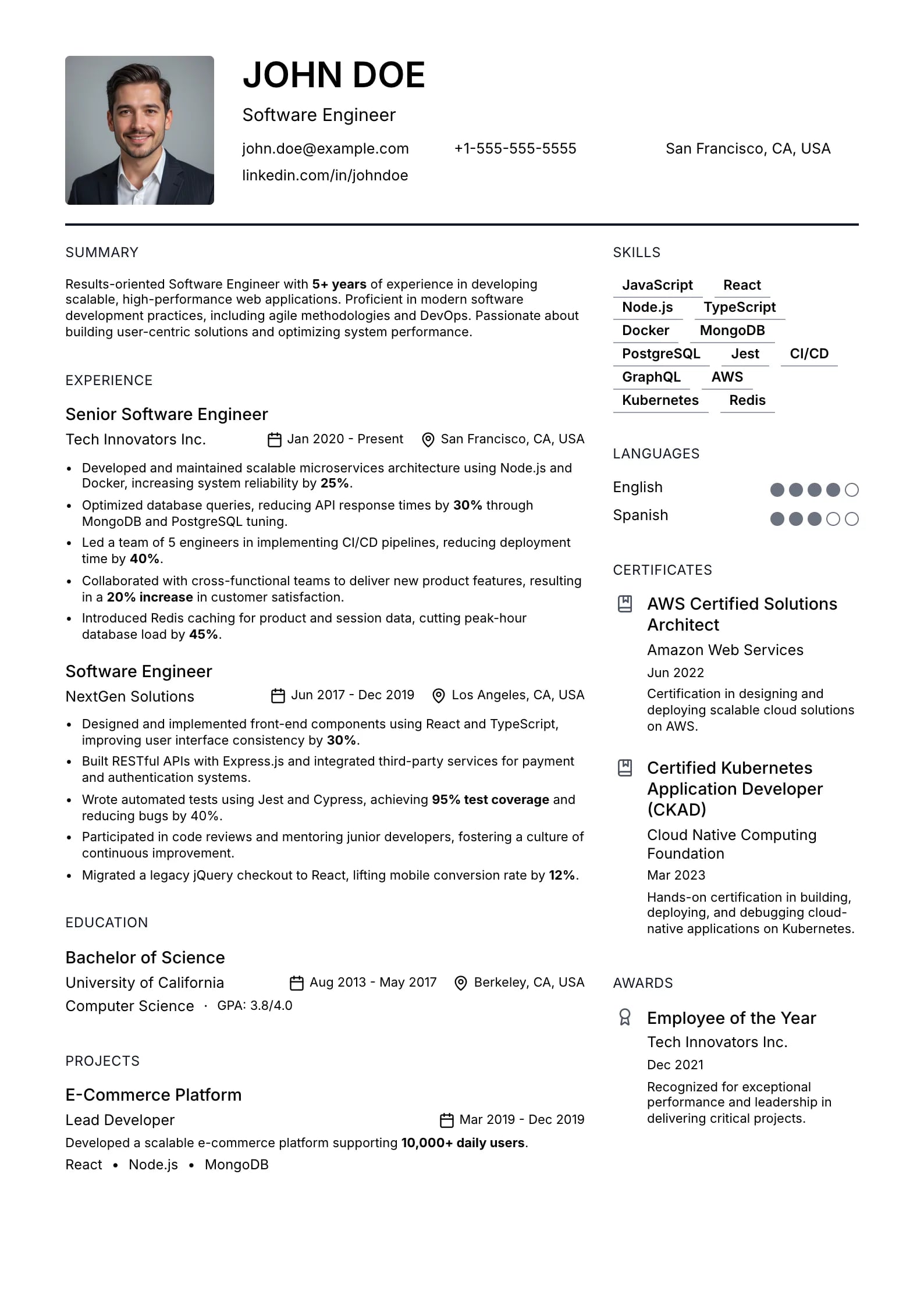
    Onyx

    A bold executive resume with a rounded charcoal header card, gold accent title, and overlapping circular photo, made for marketing, brand, and senior leadership roles wanting standout impact.
    Use This Template
  • Chronicle Preview
    Use This Template

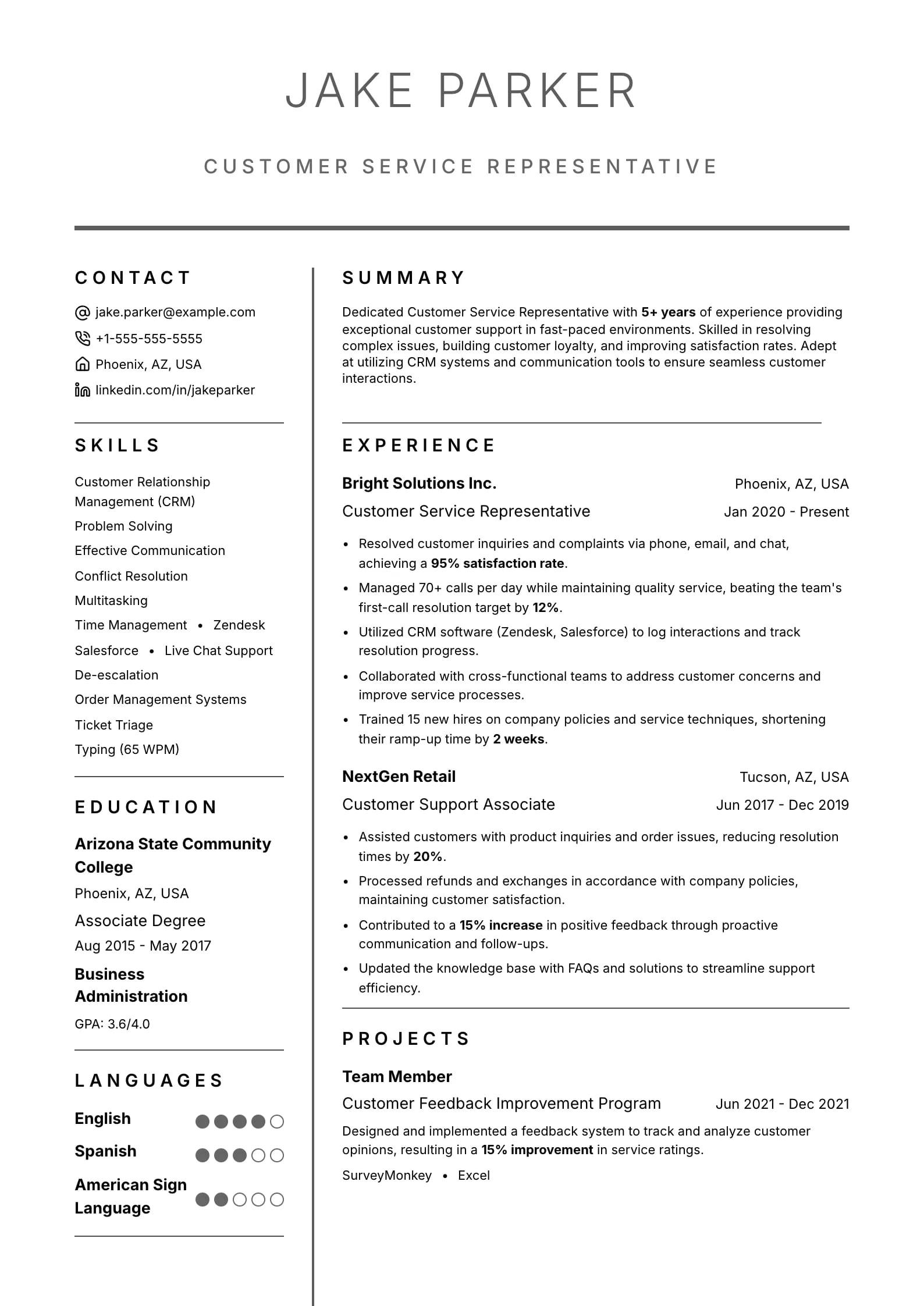
    Chronicle

    A classic editorial two-column resume with bold serif uppercase headings and a square photo, ideal for candidates wanting a timeless, restrained business look.
    Use This Template
  • Ivory Preview
    Use This Template

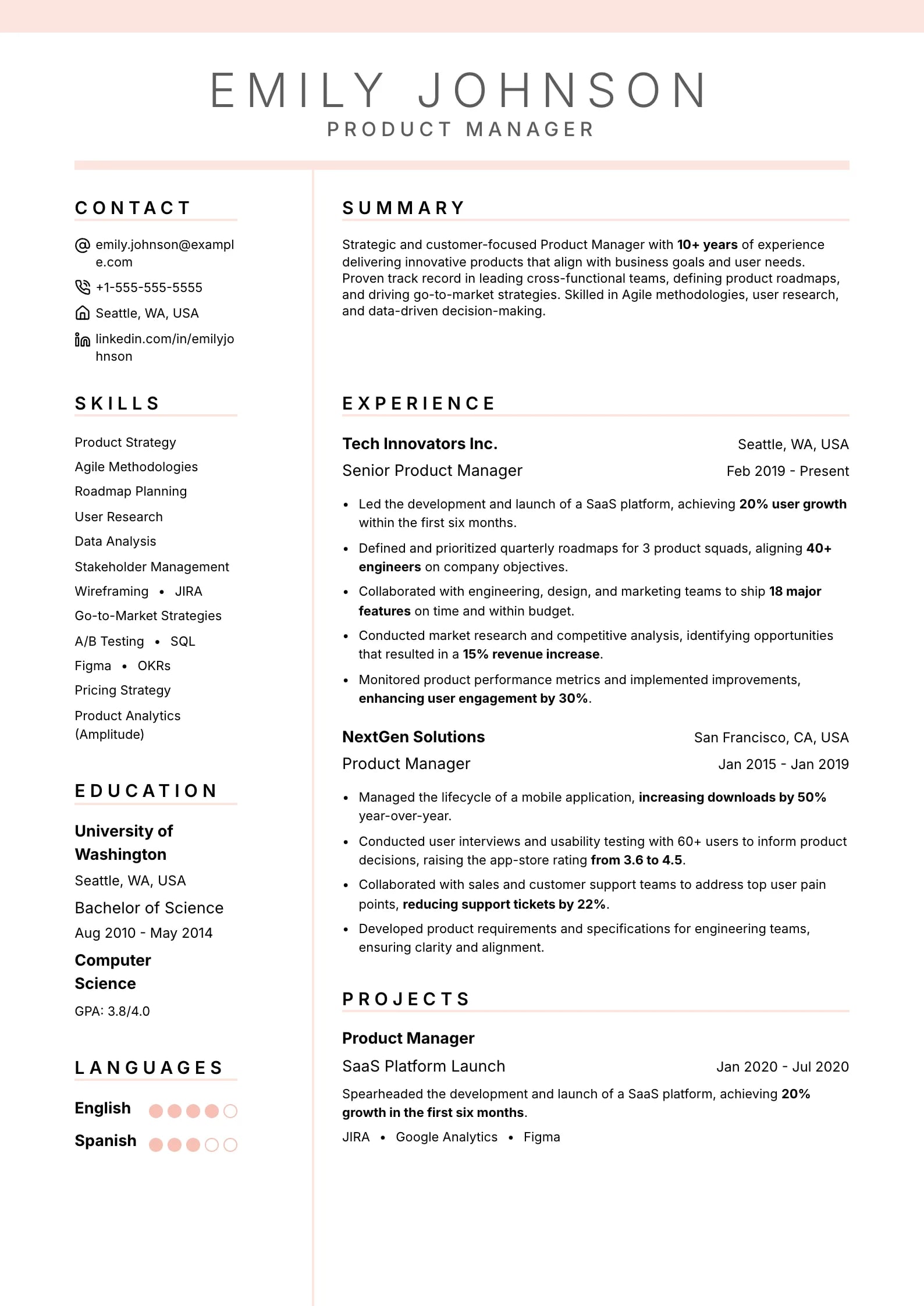
    Ivory

    A minimalist resume with a centered letter-spaced header and a plain-text sidebar in airy monochrome whitespace, ideal for customer service and administrative roles favoring understated refinement.
    Use This Template
  • Blush Preview
    Use This Template

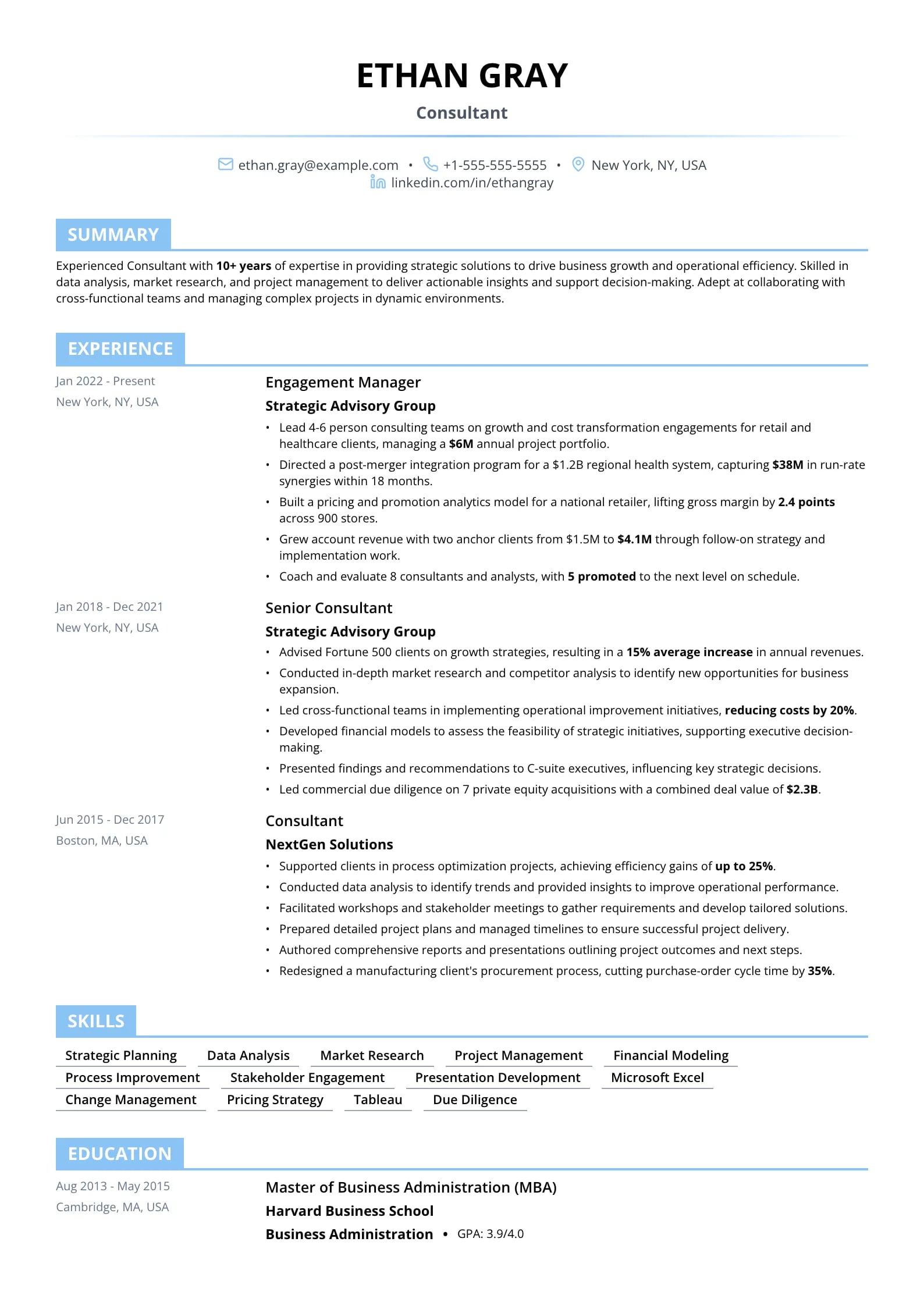
    Blush

    A clean two-column resume with subtle blush accent bands and airy typography, a good fit for product managers and corporate professionals wanting a soft, contemporary look.
    Use This Template
  • Azure Preview
    Use This Template

    Azure

    A polished single-column resume with soft-blue pill headings and a rounded sans-serif title, fitting consultants, analysts, and client-facing business professionals who want an approachable modern feel.
    Use This Template
  • Pillar Preview
    Use This Template

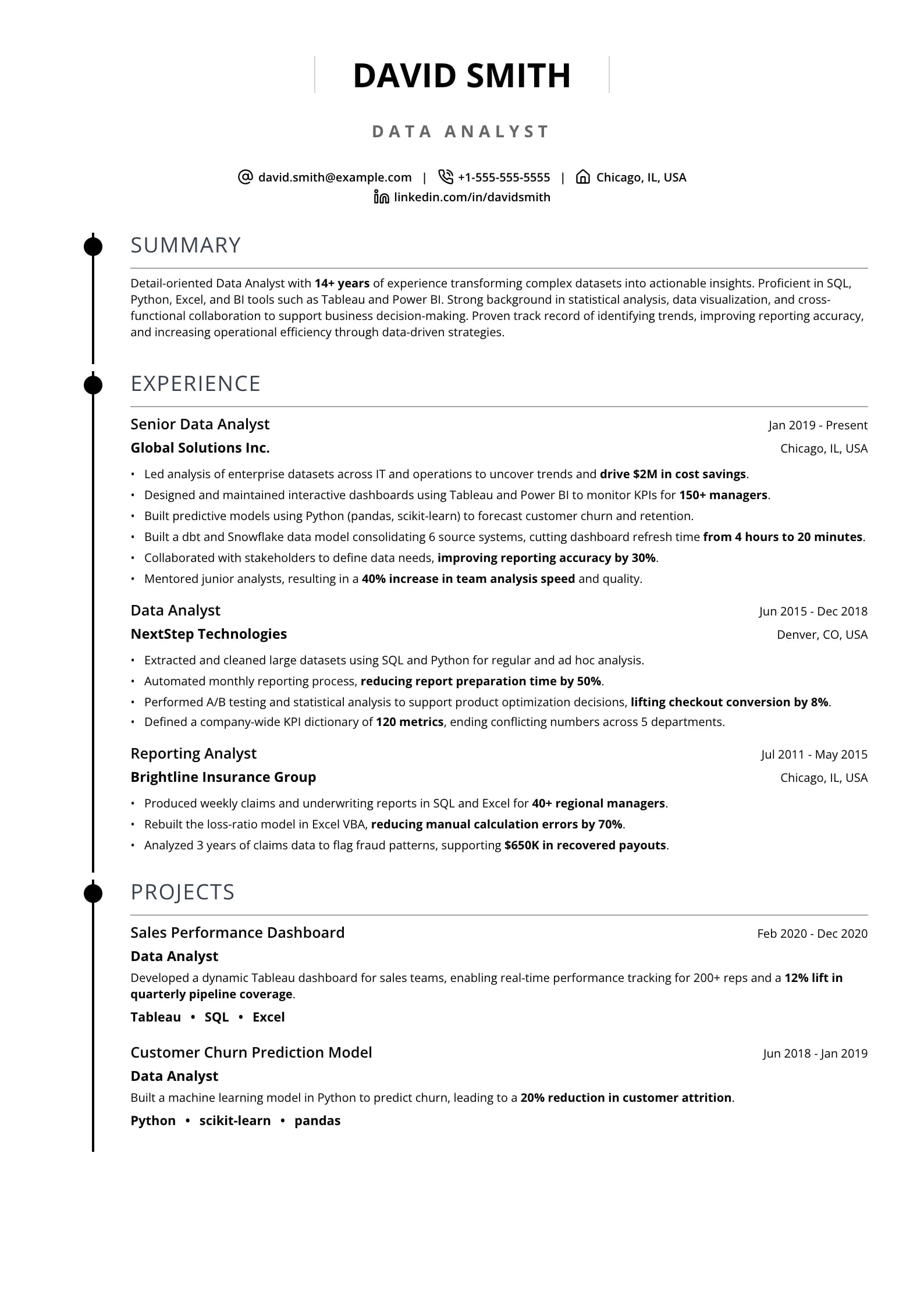
    Pillar

    A single-column monochrome resume with a distinctive vertical timeline spine and dotted section markers, ideal for project managers and operations professionals who want structure without color.
    Use This Template
  • Crimson Preview
    Use This Template

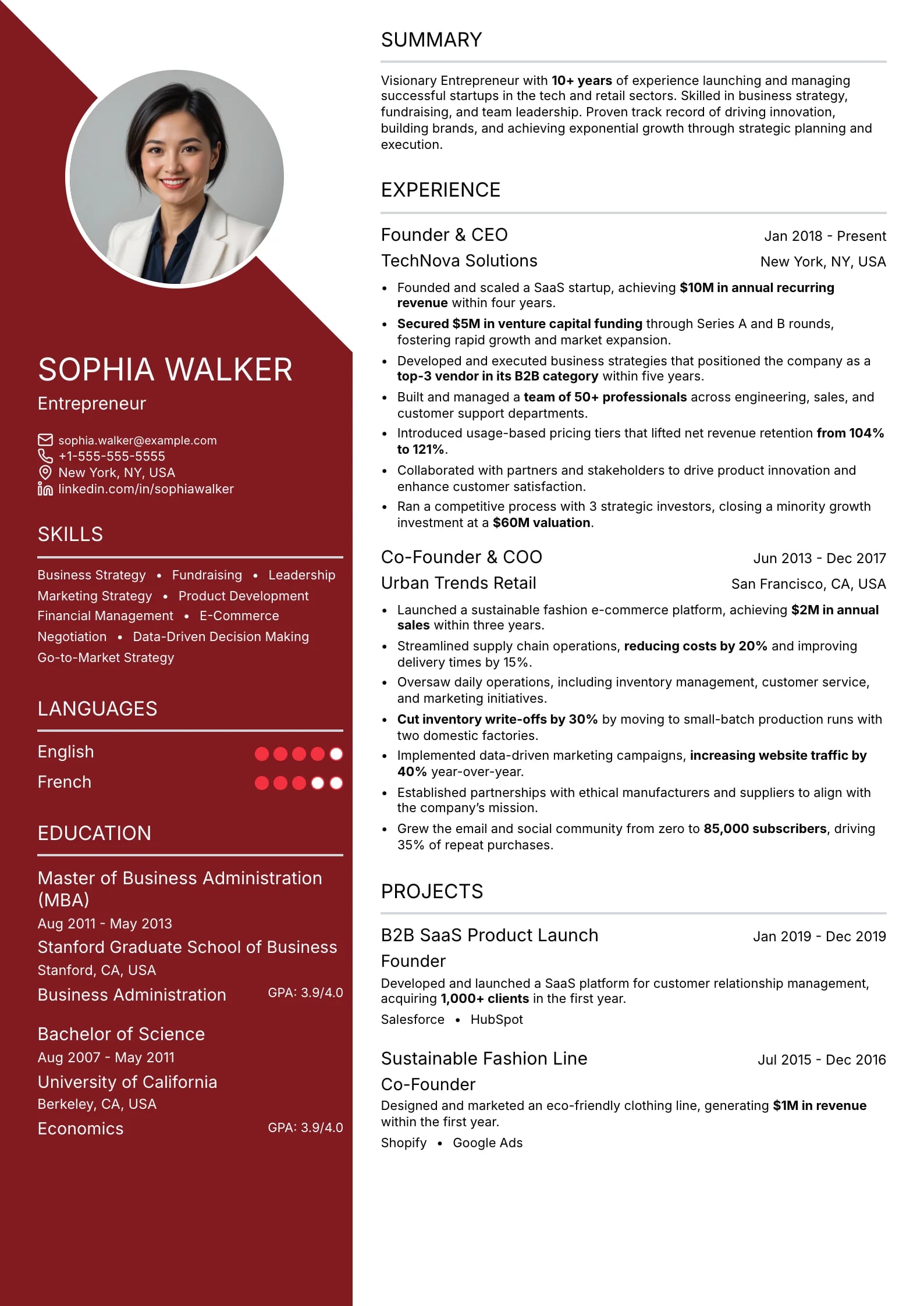
    Crimson

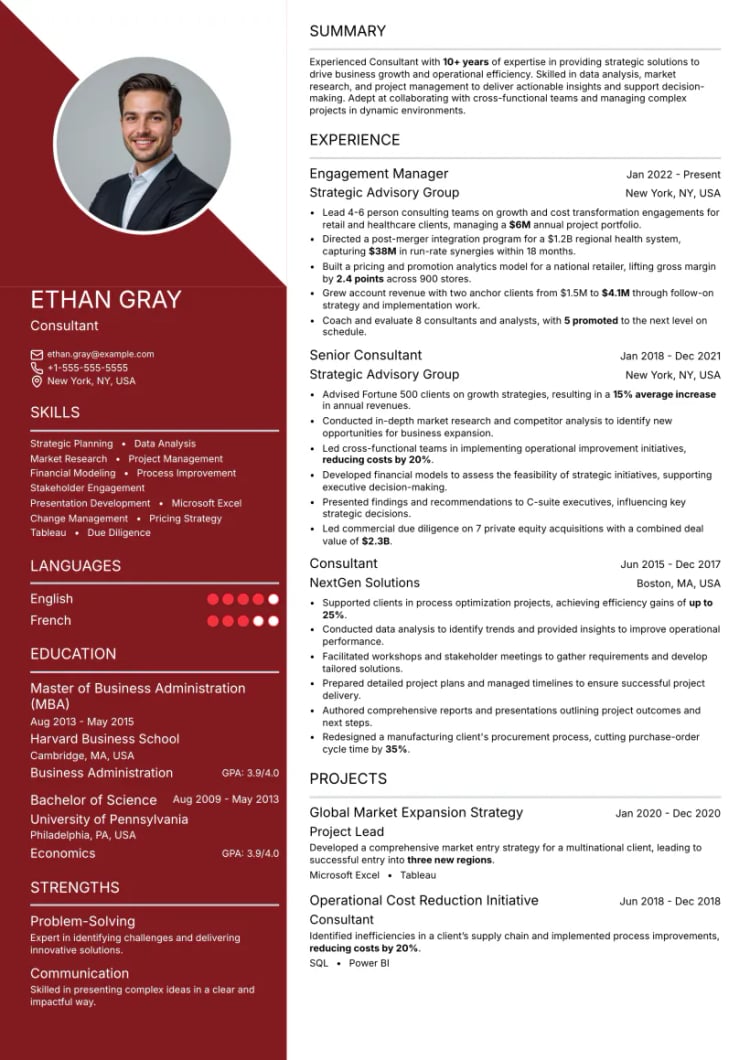
    A bold two-column executive resume with a deep crimson photo sidebar and white main column, suited to entrepreneurs, founders, and senior leaders who want a striking branded look.
    Use This Template
  • Barrister Preview
    Use This Template

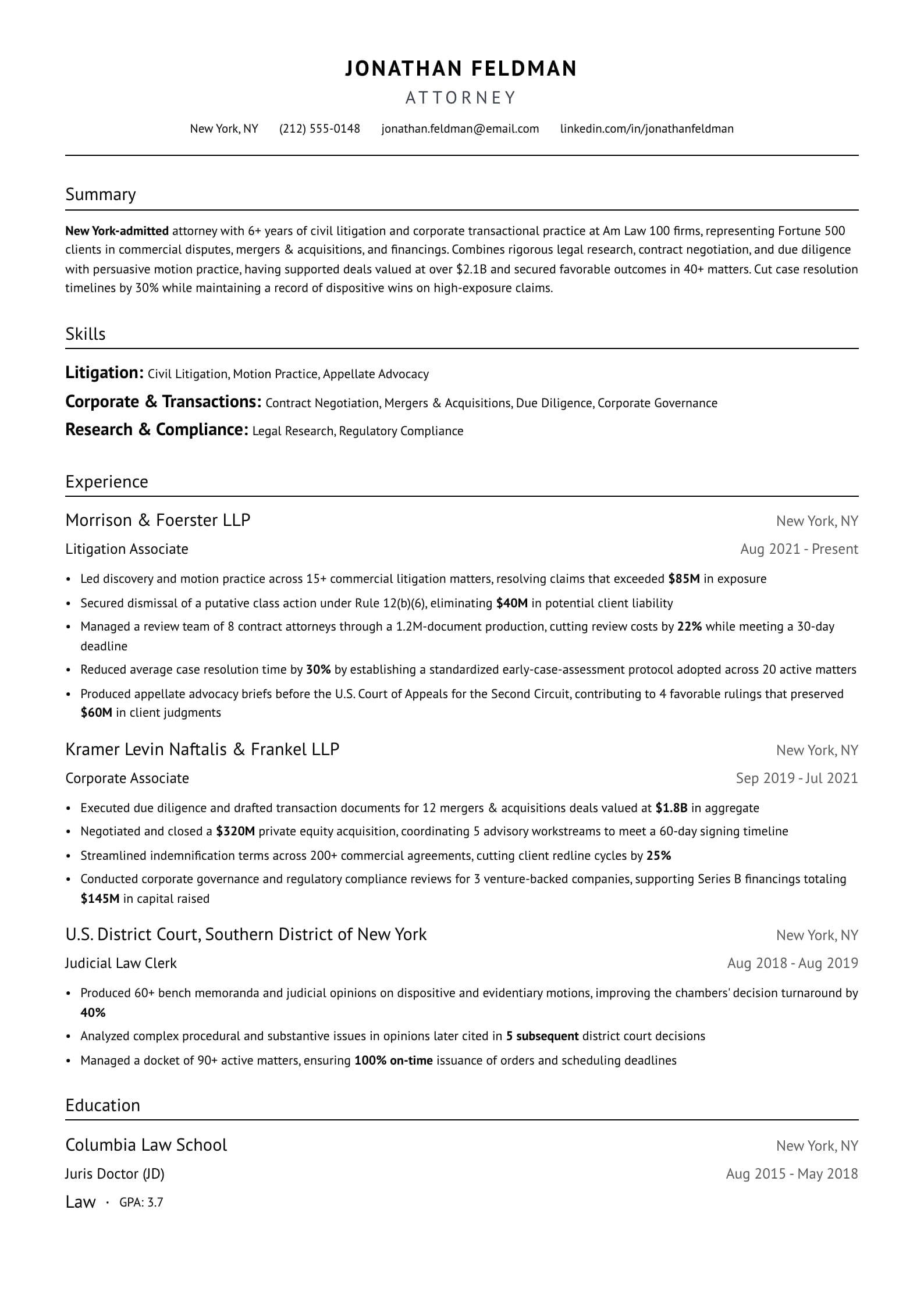
    Barrister

    A refined single-column serif resume with a centered letter-spaced title and clean rules, tailored to attorneys, finance, and executive candidates.
    Use This Template
  • Amber Crest Preview
    Use This Template

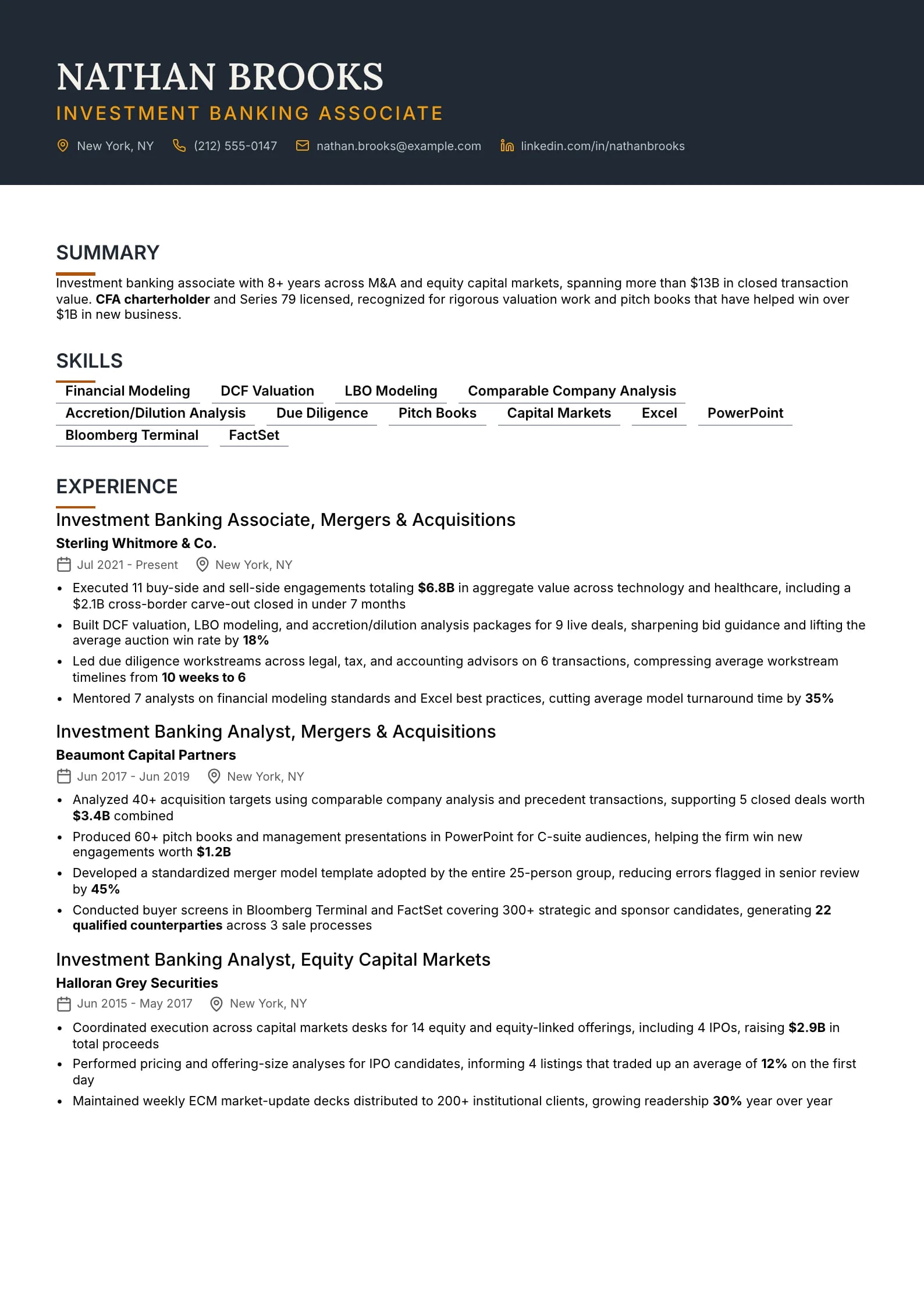
    Amber Crest

    A striking single-column resume with a dark navy header and amber accents in serif type, made for finance, banking, and senior corporate roles.
    Use This Template
  • Garnet Preview
    Use This Template

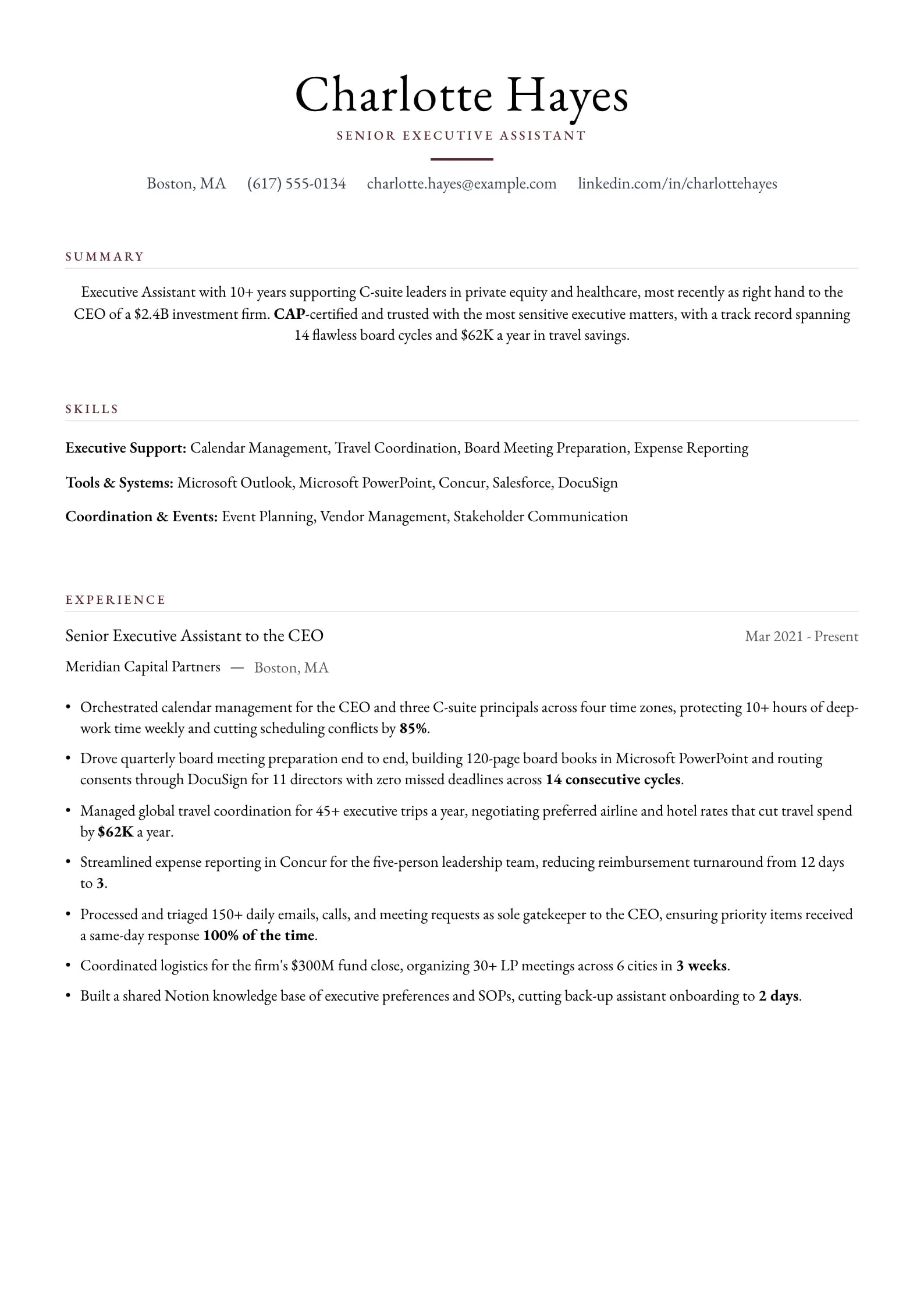
    Garnet

    A centered single-column serif resume with an elegant burgundy accent, ideal for executive assistants, legal, and finance professionals who want a classic, polished look.
    Use This Template
  • Iris Preview
    Use This Template

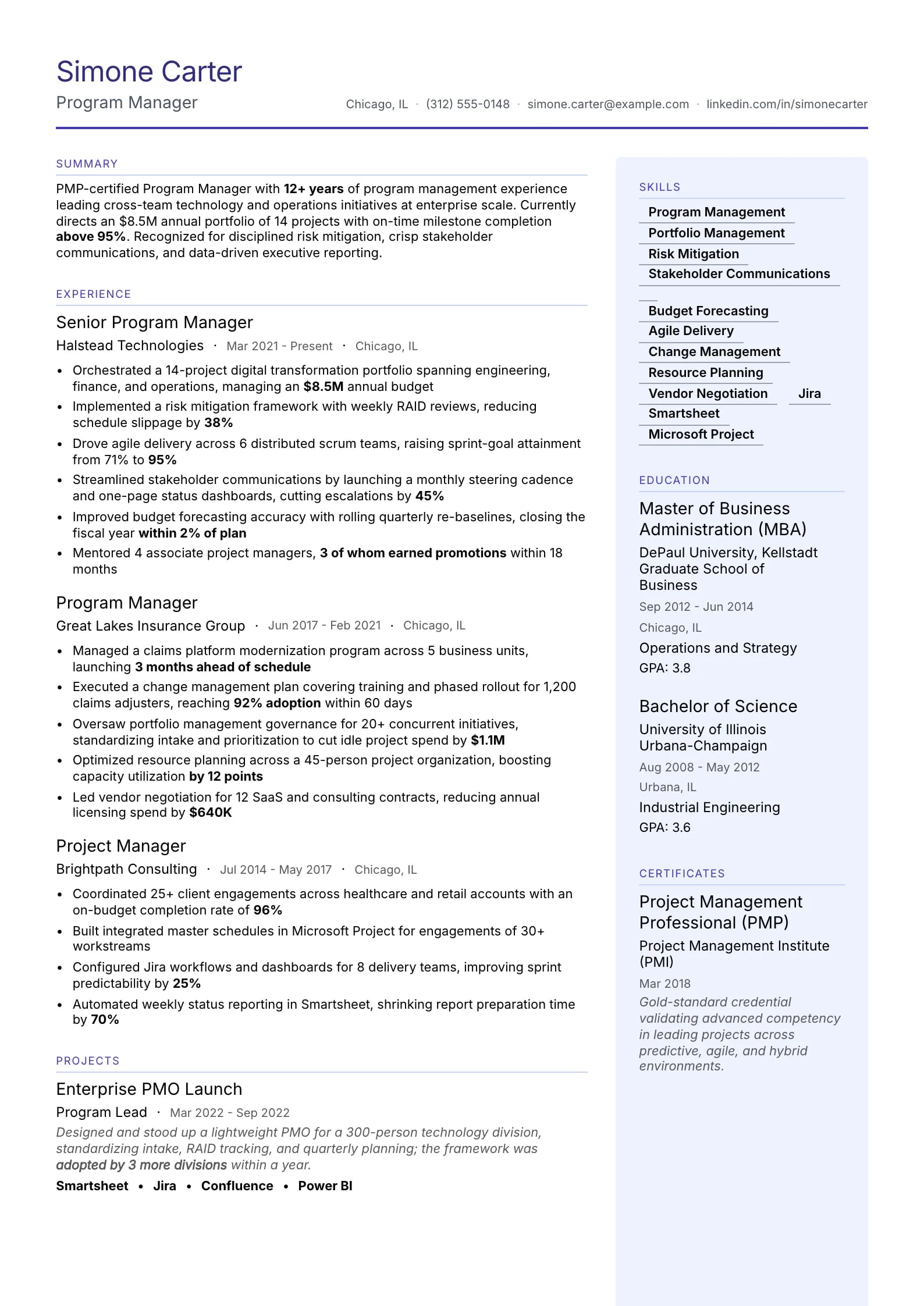
    Iris

    A two-column resume with a soft lavender sidebar and indigo headings, tailored to program and project managers who want structure with a modern corporate feel.
    Use This Template
  • Verdant Preview
    Use This Template

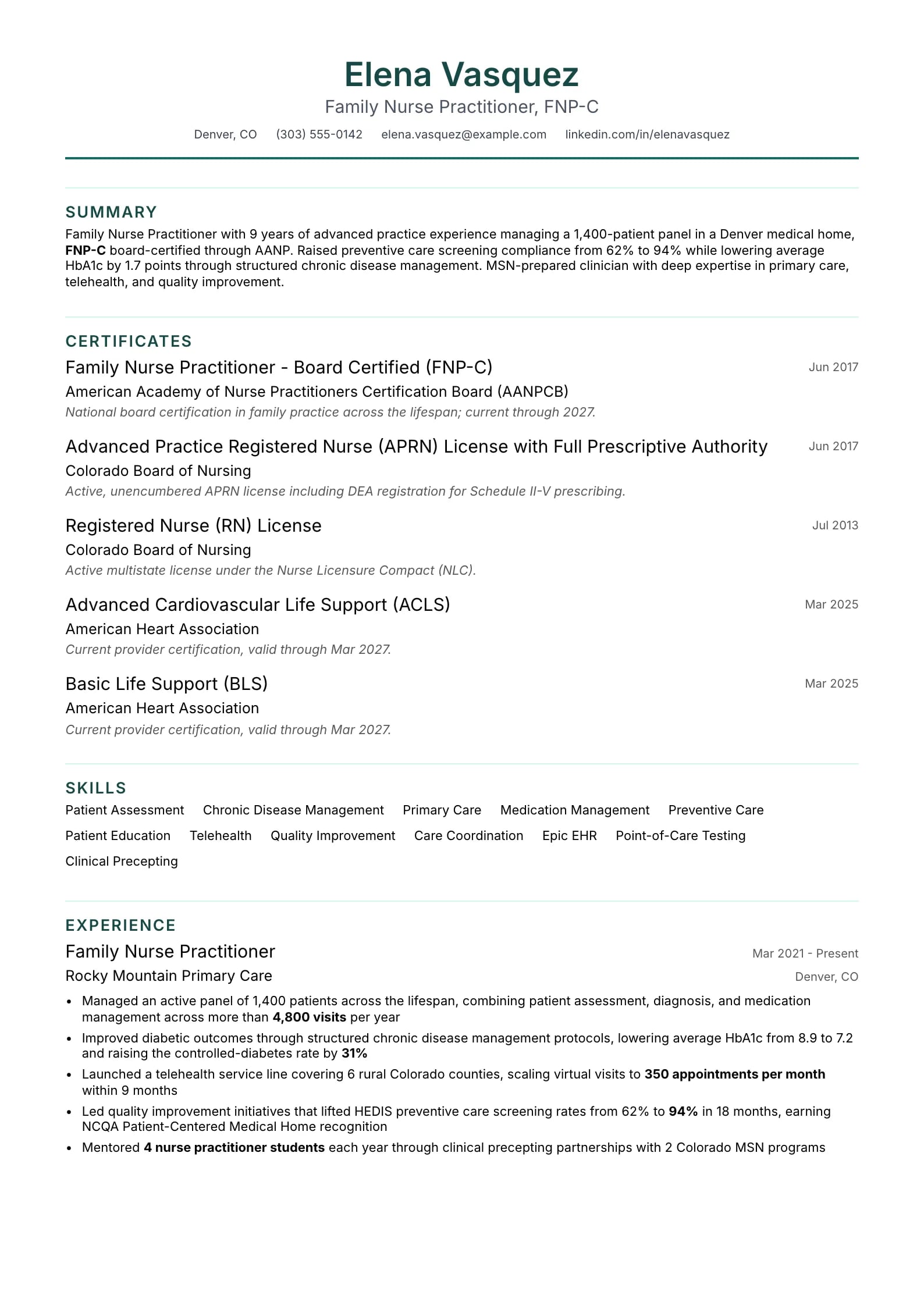
    Verdant

    A centered single-column resume with a deep teal-green accent and certificate-forward layout, ideal for nurses, clinicians, and healthcare practitioners.
    Use This Template
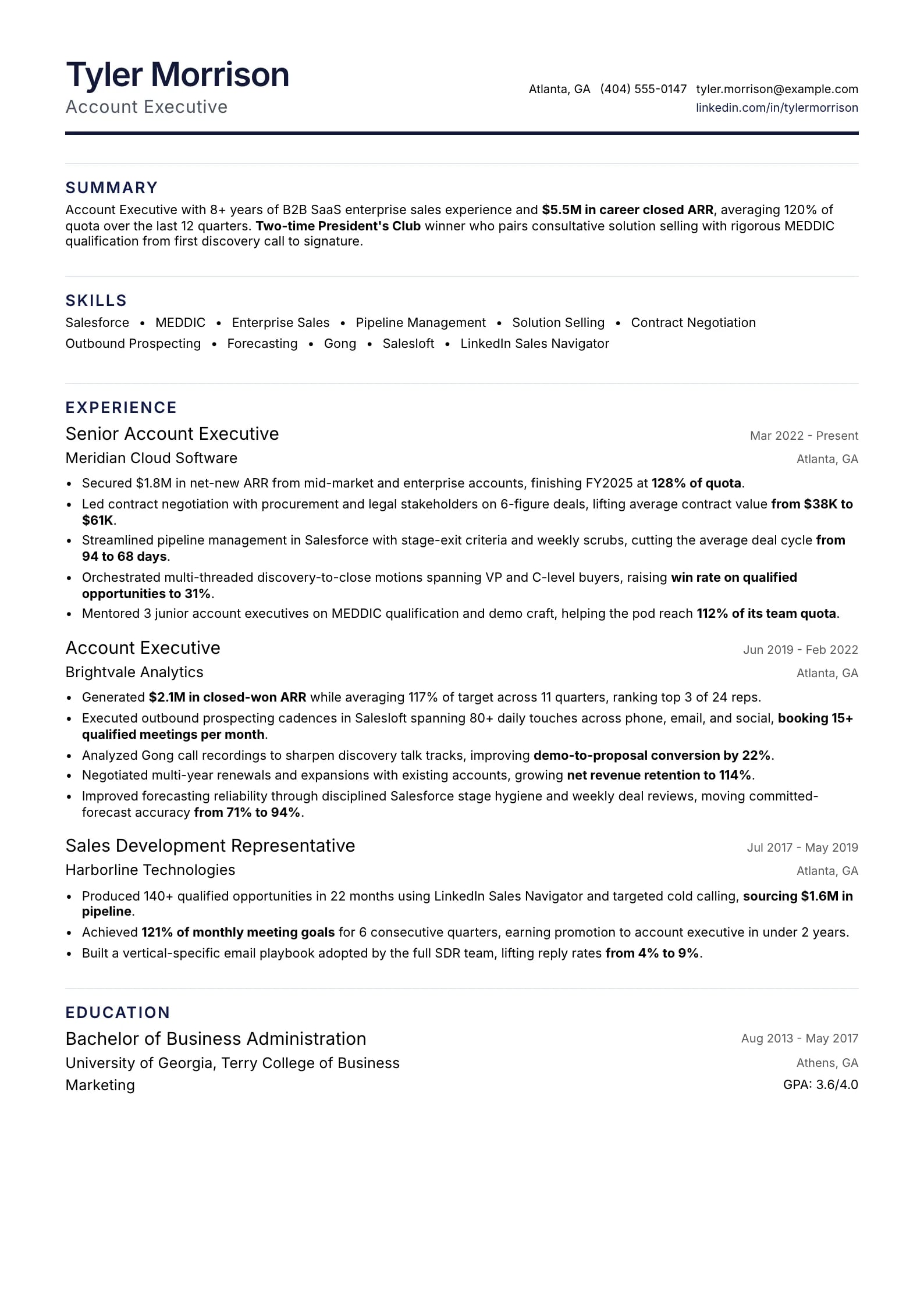
  • Parchment Preview
    Use This Template

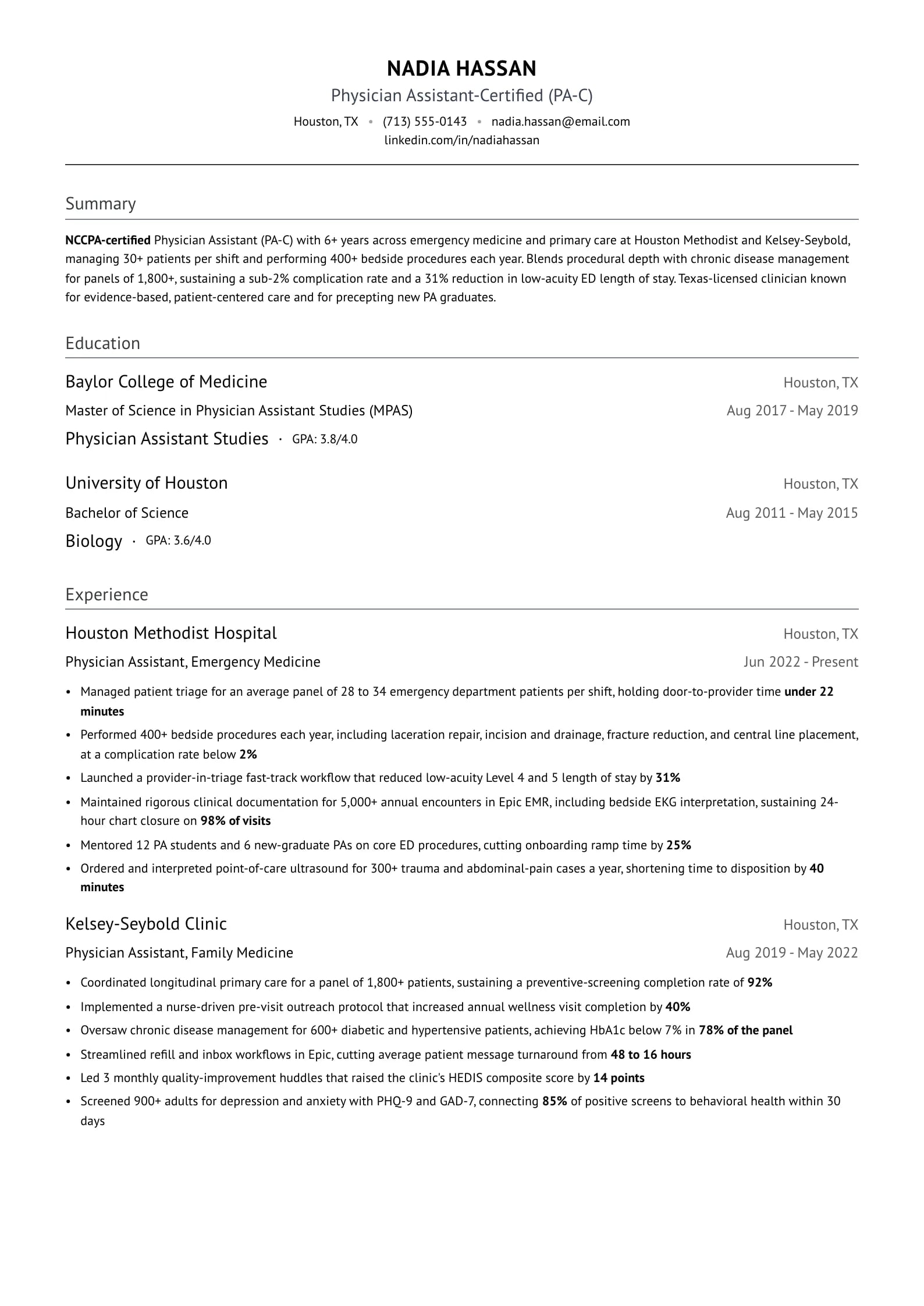
    Parchment

    A monochrome centered serif resume with traditional rules and generous whitespace, best for physicians, clinicians, academics, and other conservative professions.
    Use This Template
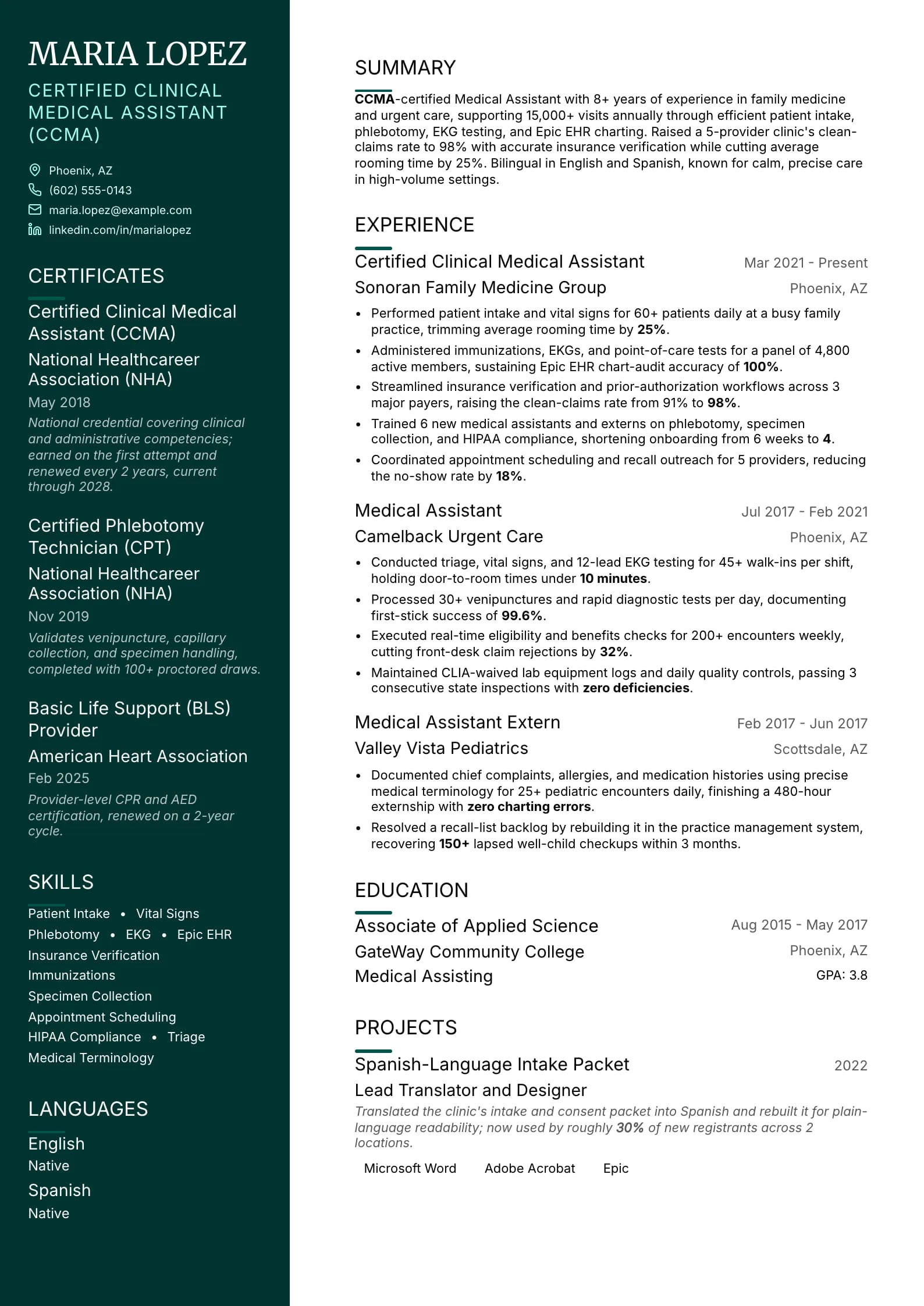
  • Vanguard Preview
    Use This Template

    Vanguard

    A crisp single-column sans-serif resume with navy accents and a bold header rule, suited to sales, account, and business professionals wanting a confident modern look.
    Use This Template
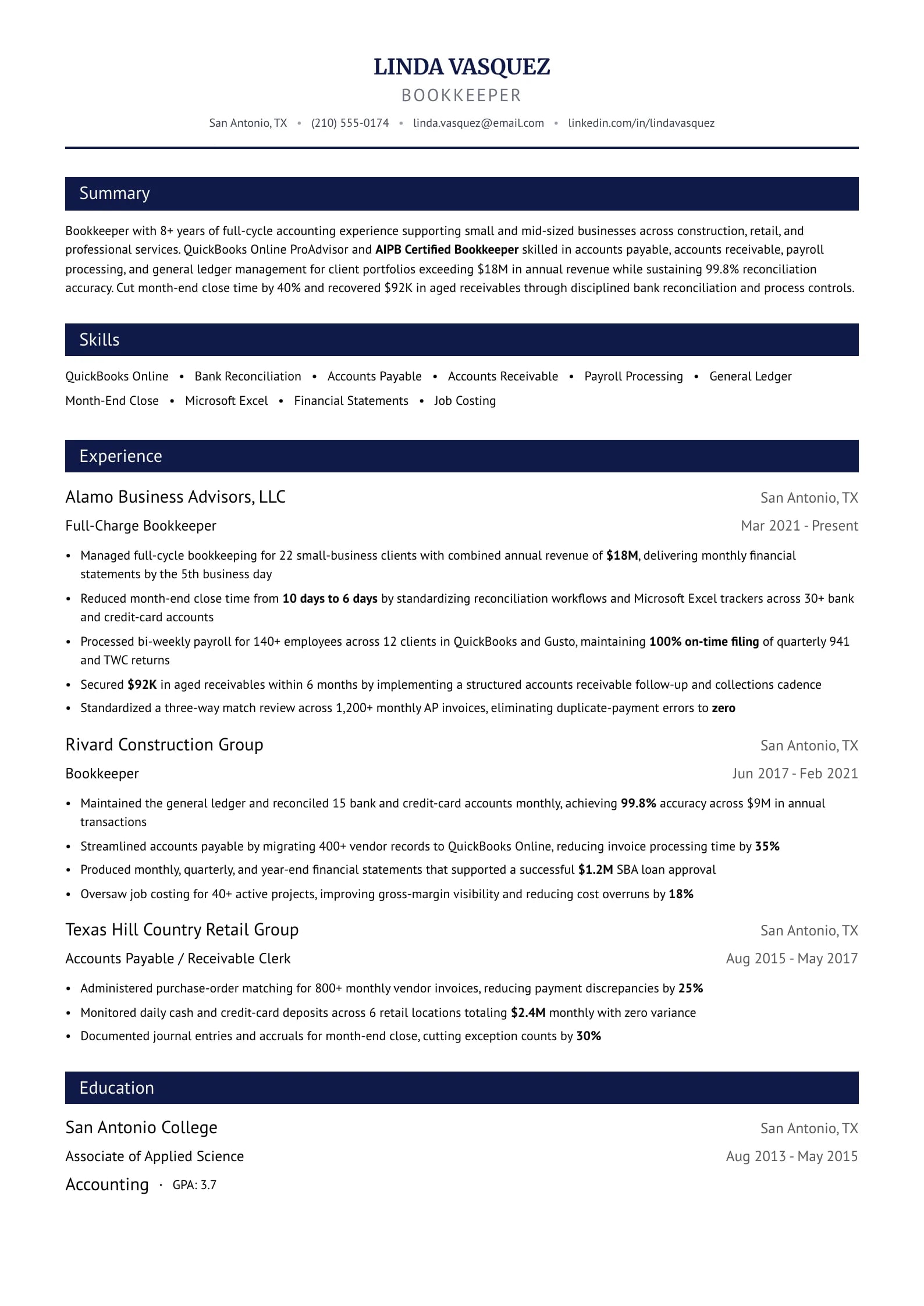
  • Evergreen Preview
    Use This Template

    Evergreen

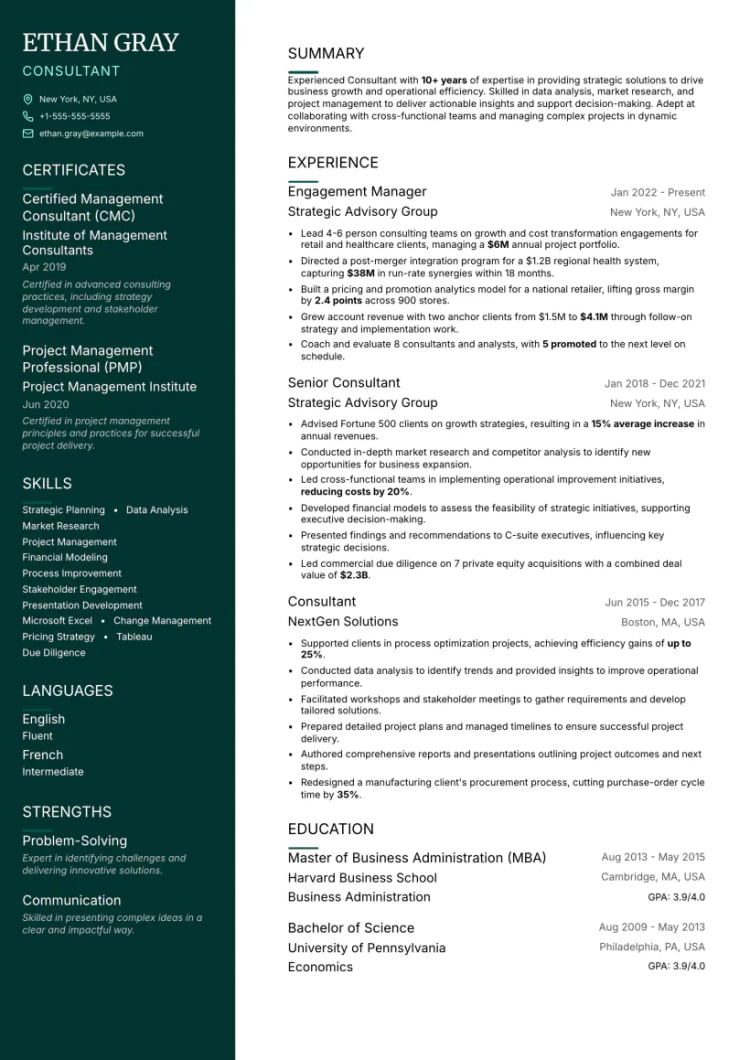
    A two-column resume with a full-height deep-green sidebar and refined serif headings, suited to healthcare, hospitality, and executive candidates who want an elegant, upscale look.
    Use This Template
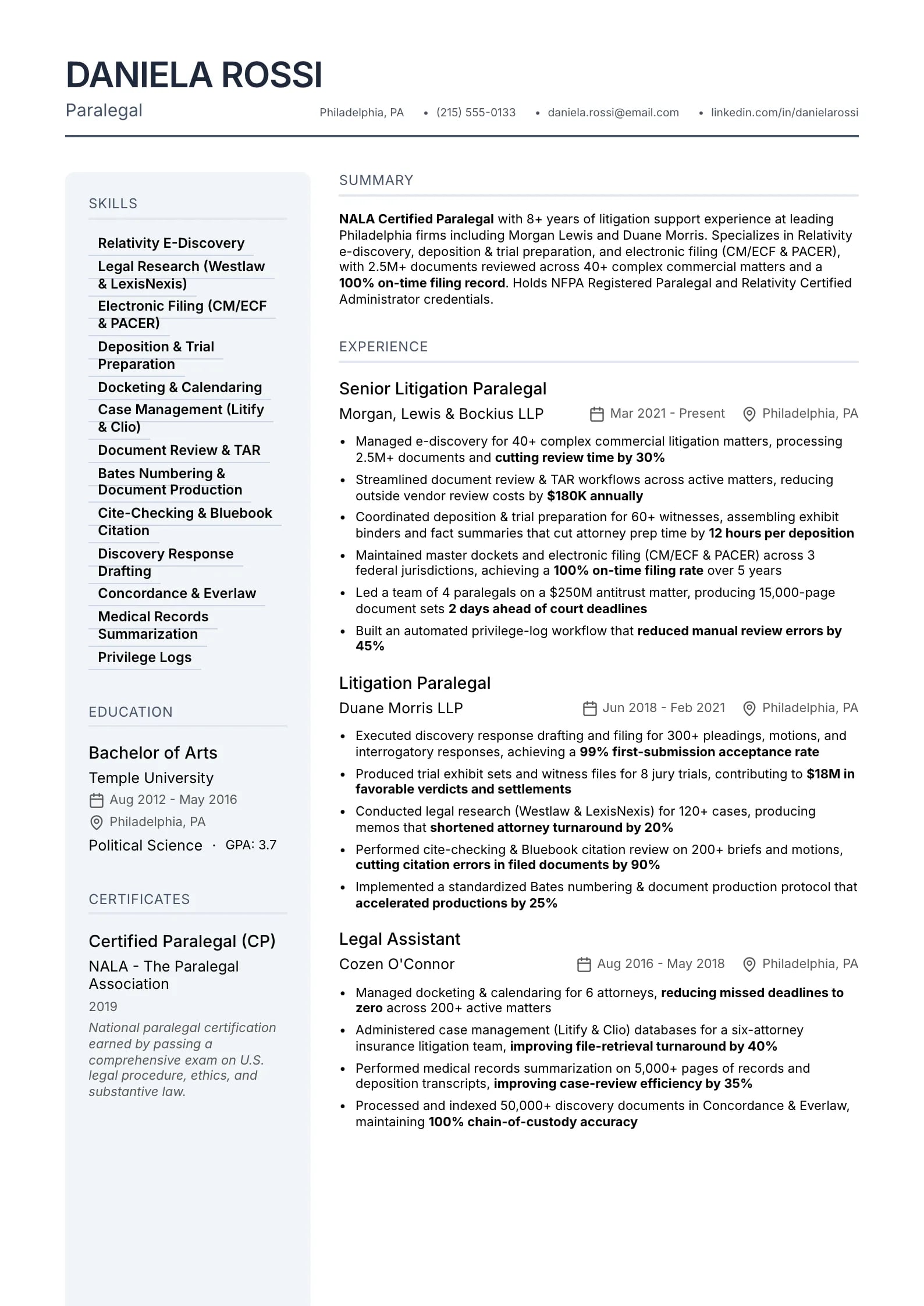
  • Admiral Preview
    Use This Template

    Admiral

    A single-column resume with bold navy section bars and a centered serif name, ideal for accounting, finance, and administrative professionals who want a traditional corporate feel.
    Use This Template
  • Slate Preview
    Use This Template

    Slate

    A clean two-column resume with a soft gray skills sidebar and bold slate headings, well suited to legal, compliance, and operations professionals wanting a modern-but-conservative layout.
    Use This Template
  • Seafoam Preview
    Use This Template

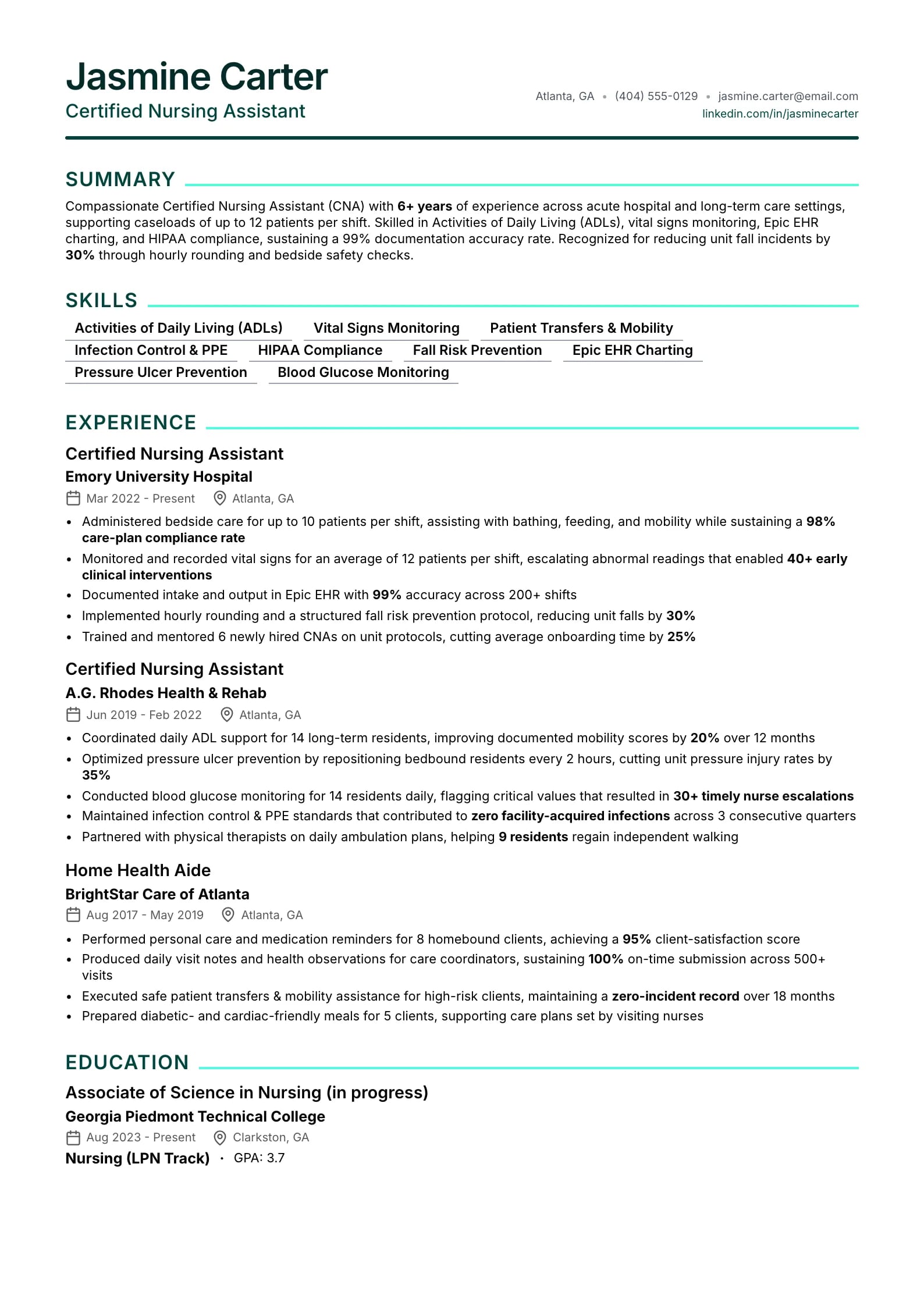
    Seafoam

    A single-column resume with tidy teal accent rules and a dark-green heading, a clean modern choice for nursing, caregiving, and other healthcare roles.
    Use This Template
  • Aurelia Preview
    Use This Template

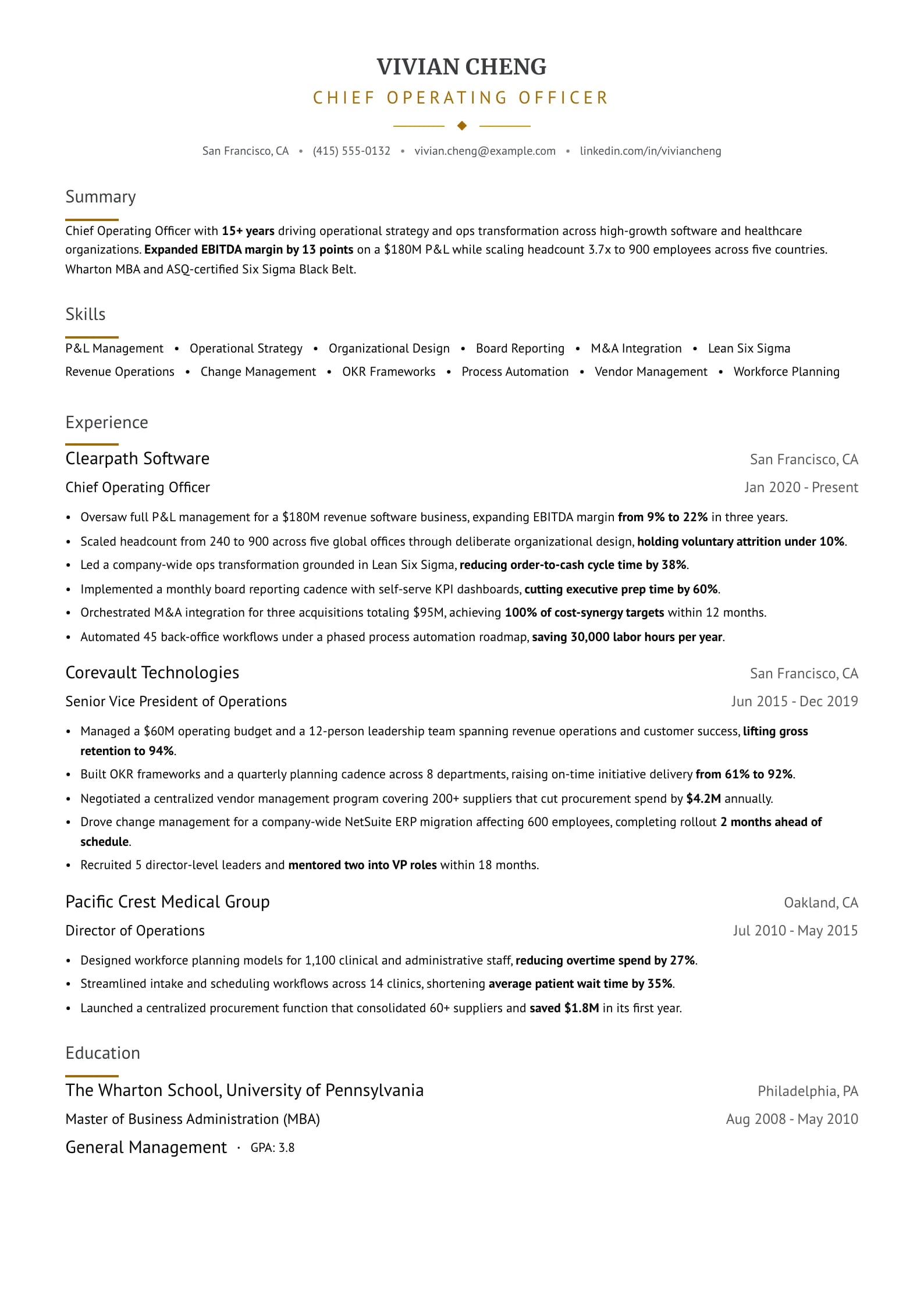
    Aurelia

    An elegant single-column executive resume with a centered serif nameplate, gold diamond divider, and understated bronze accents, ideal for C-suite, finance, and senior operations leaders.
    Use This Template
  • Sterling Preview
    Use This Template

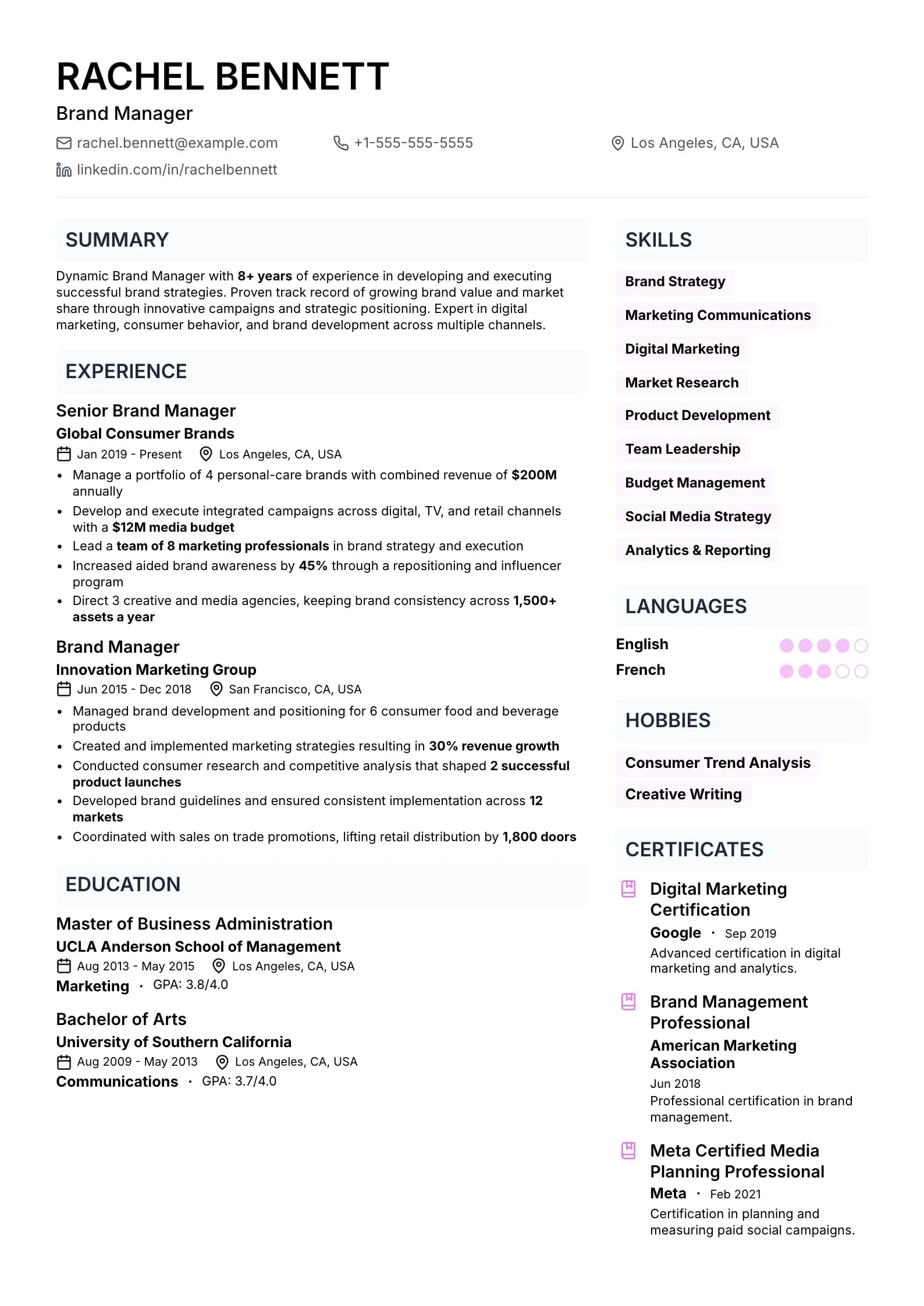
    Sterling

    A restrained two-column resume with light-gray shaded section headers and a refined serif name, well suited to brand, marketing, and general corporate roles in near-monochrome styling.
    Use This Template
  • Steel Preview
    Use This Template

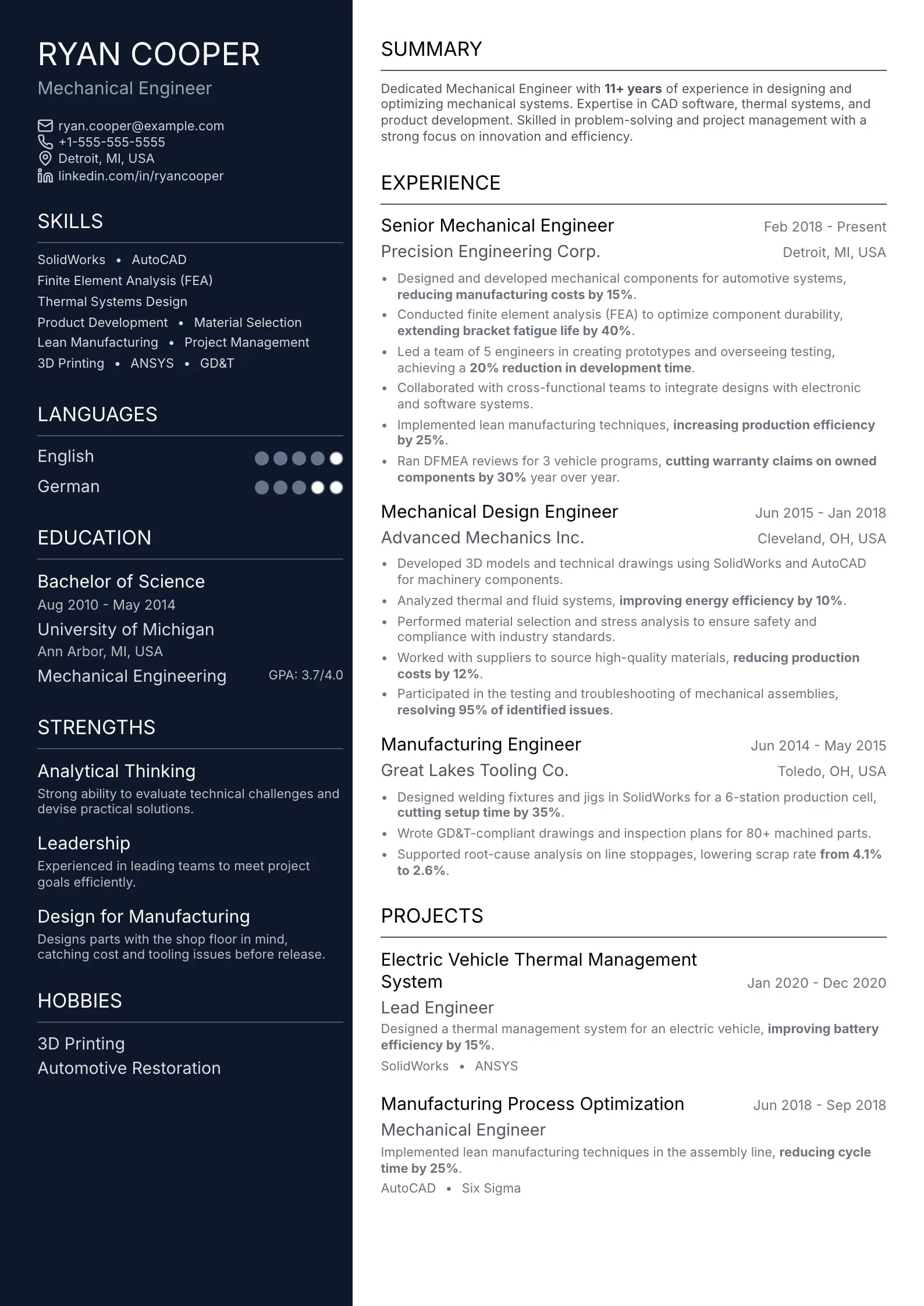
    Steel

    A two-column resume with a dark navy sidebar and clean sans-serif body, ideal for engineers and technical professionals who want a modern, structured layout.
    Use This Template
  • Jade Preview
    Use This Template

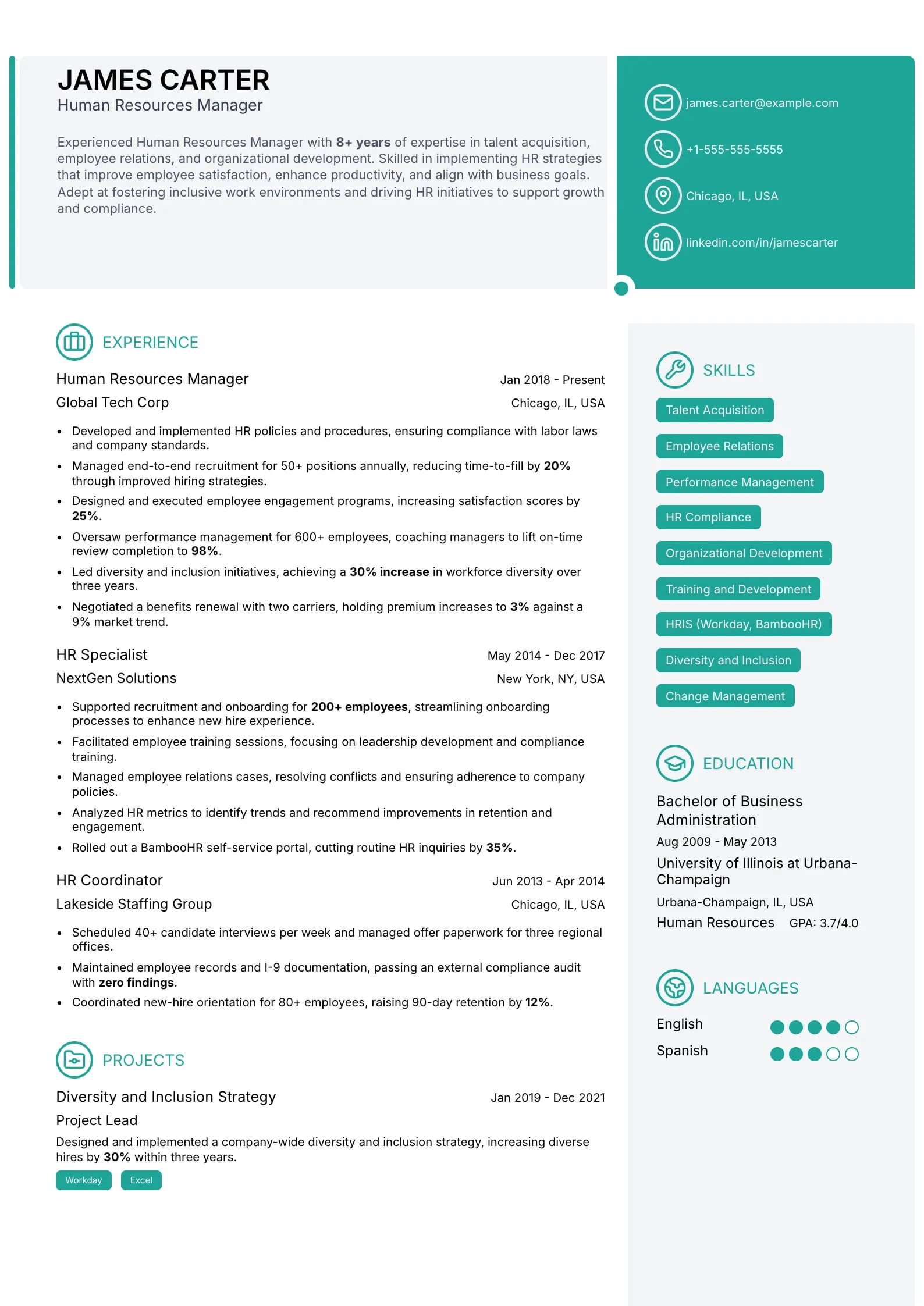
    Jade

    A two-column resume with a light header block, a bold teal contact panel, and teal pill skills, suited to HR, operations, and business professionals wanting a modern identity.
    Use This Template
  • Portrait Preview
    Use This Template

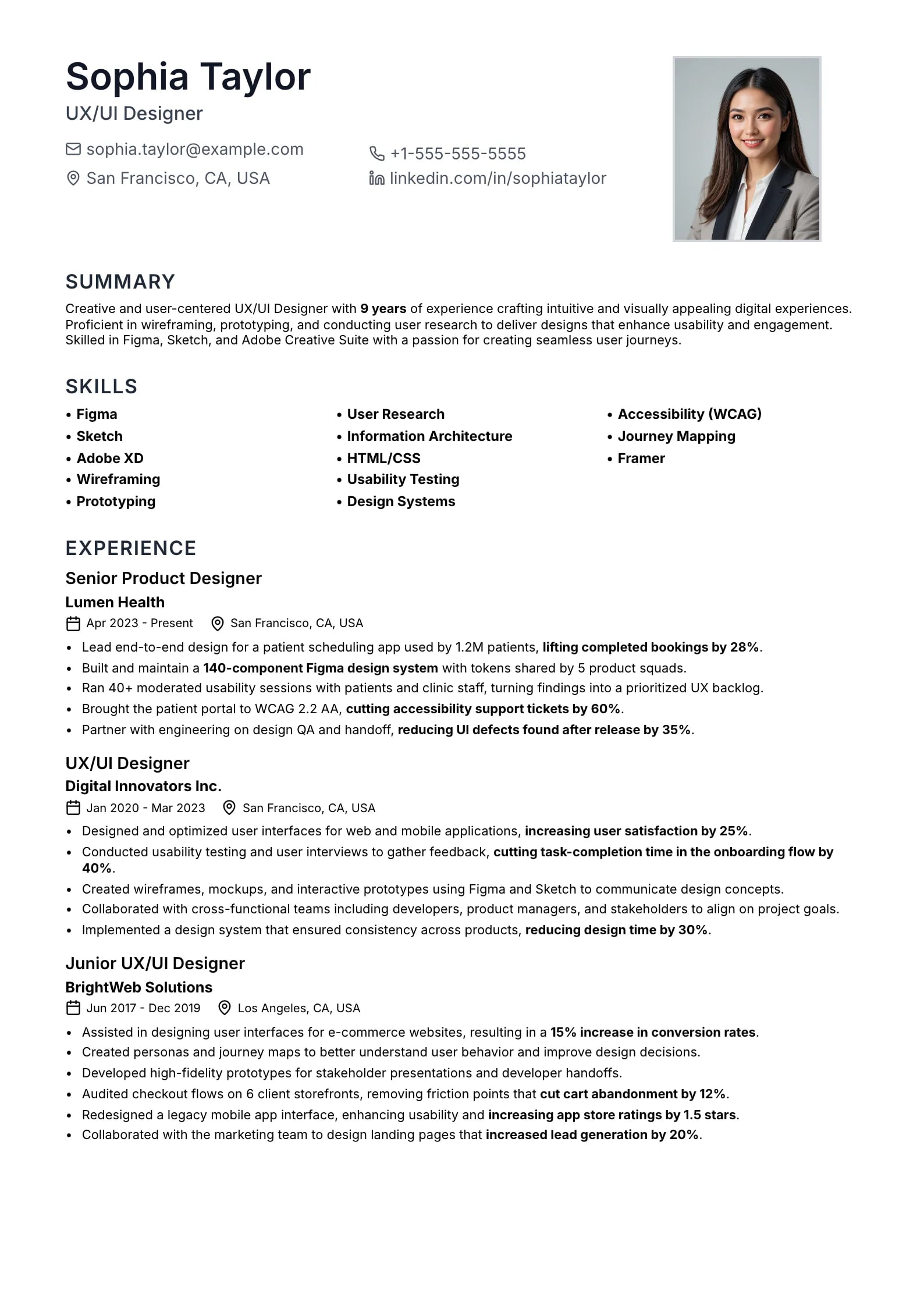
    Portrait

    A restrained single-column resume in crisp monochrome type anchored by a rectangular headshot, suited to designers, product roles, and modern professionals who want a photo without clutter.
    Use This Template
  • Sapphire Preview
    Use This Template

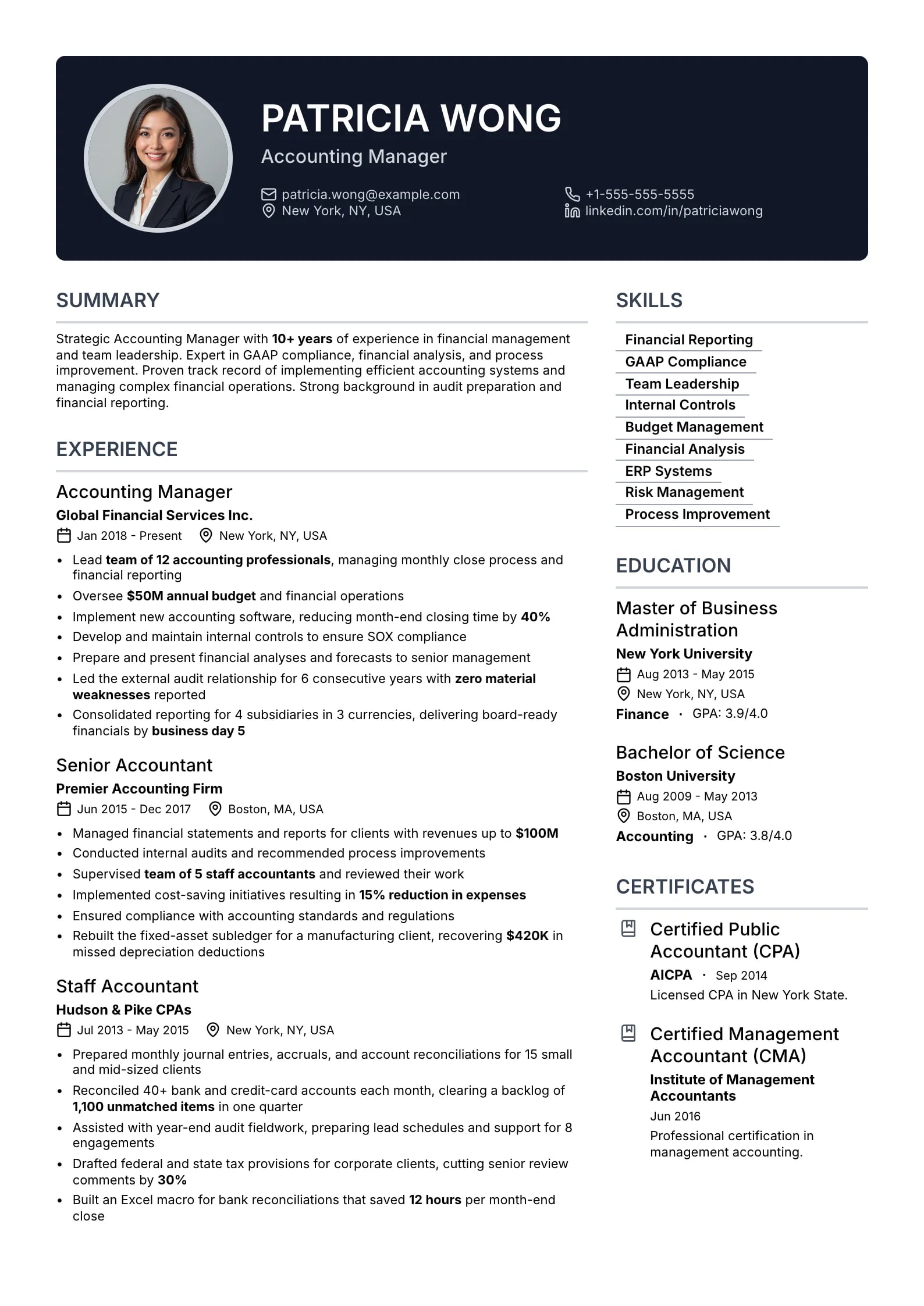
    Sapphire

    A bold executive resume with a dark navy header banner and profile photo over a clean two-column body, suited to accounting, finance, and management leaders wanting real presence.
    Use This Template
  • Basalt Preview
    Use This Template

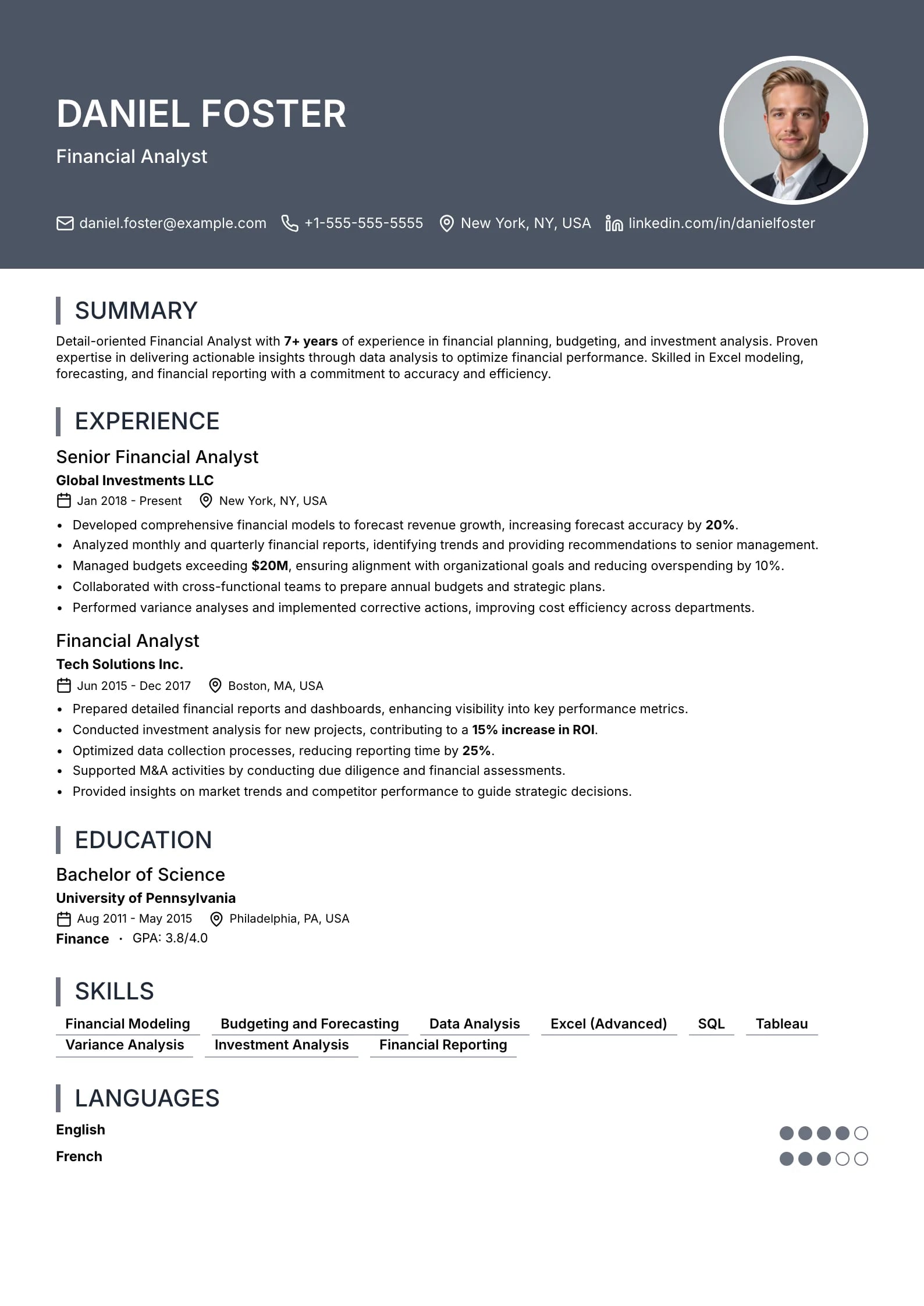
    Basalt

    A corporate single-column resume with a dark slate header banner, circular profile photo, and serif type, built for executives and legal or finance professionals.
    Use This Template
  • Flint Preview
    Use This Template

    Flint

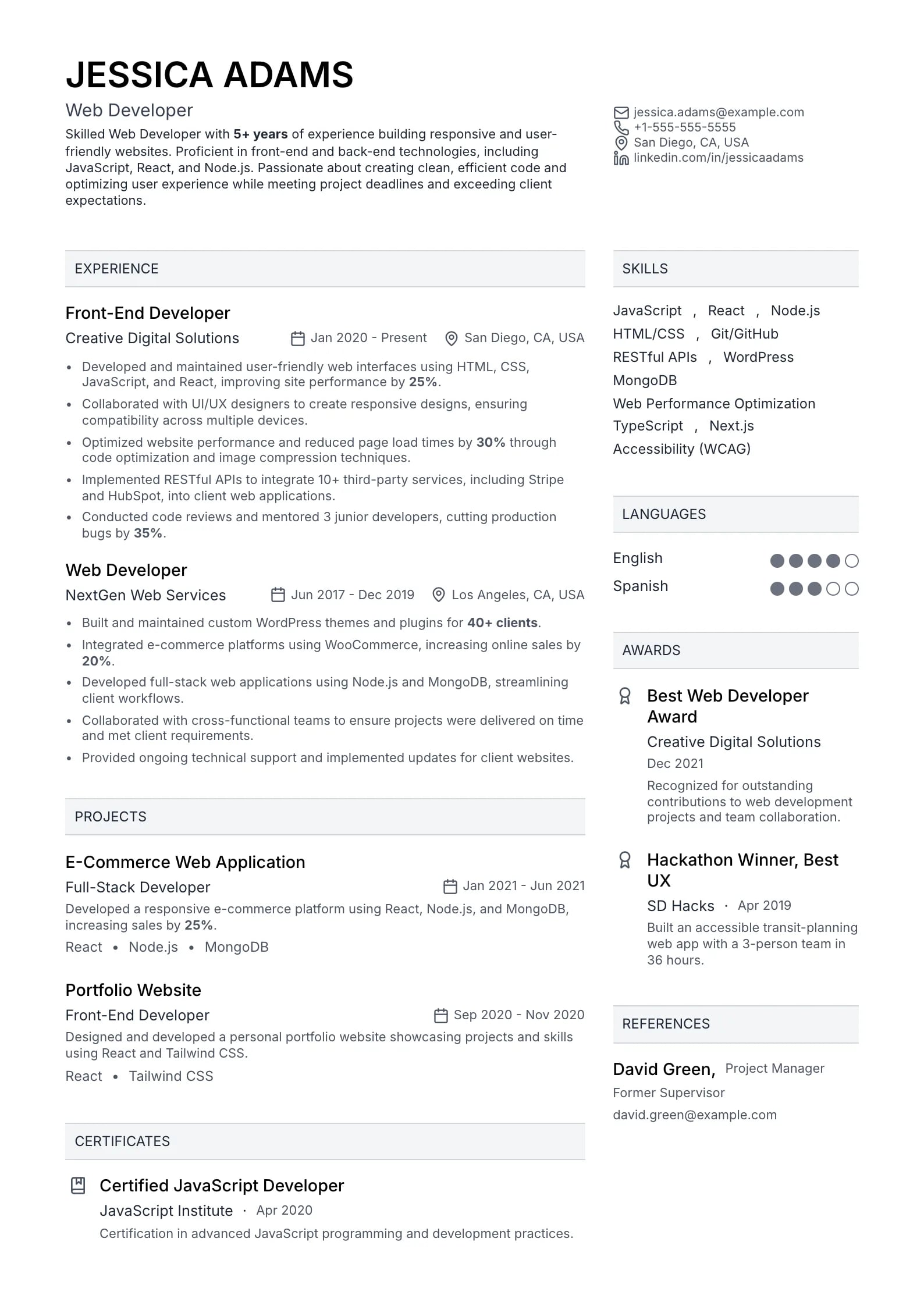
    A contemporary two-column resume with a plain-text sidebar and soft gray heading bands, well suited to developers, engineers, and knowledge-work professionals who prefer understated, color-free design.
    Use This Template
  • Broadsheet Preview
    Use This Template

    Broadsheet

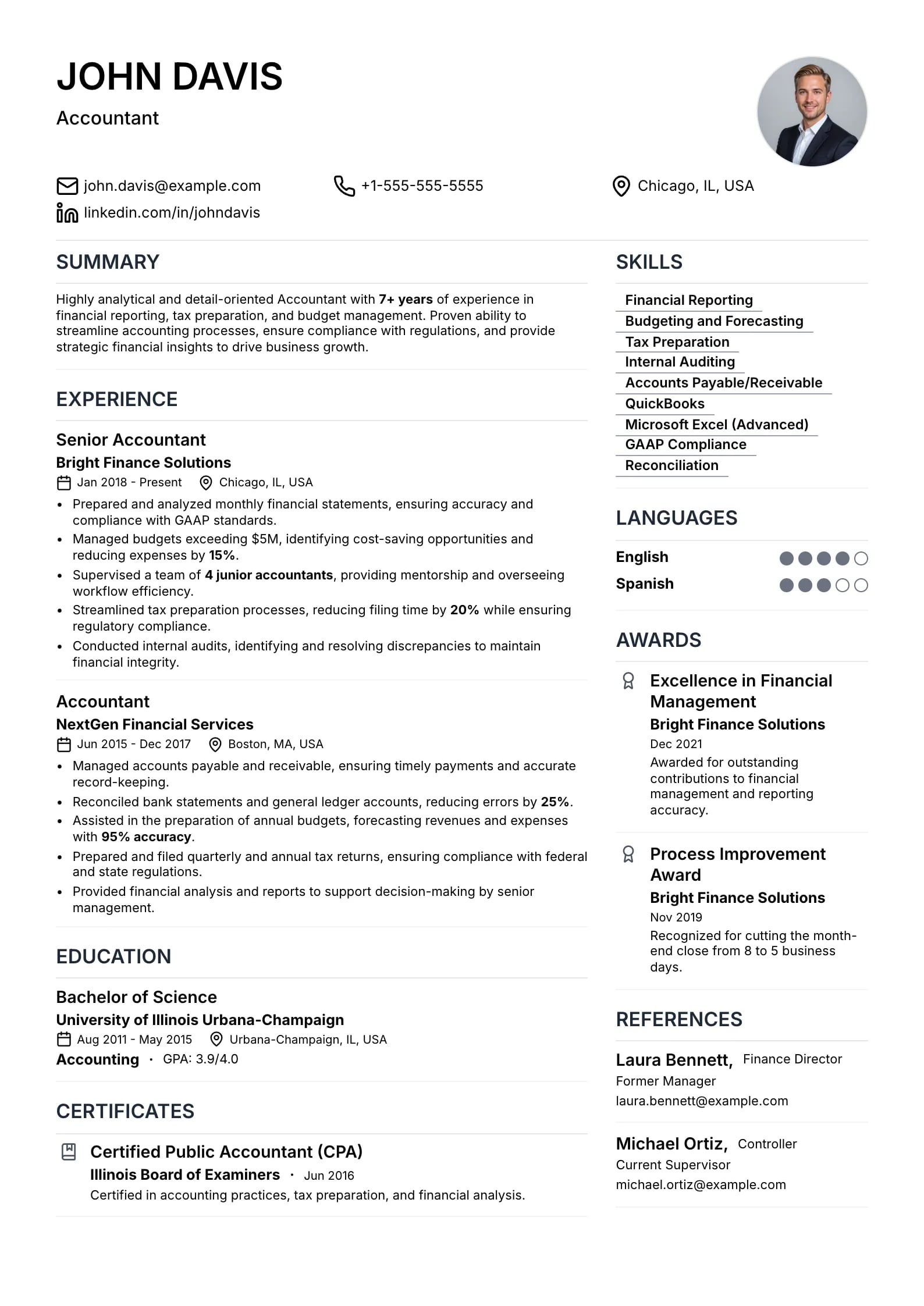
    A conservative serif two-column resume with full-width ruled section headers and a small portrait, tailored to finance, accounting, and administrative roles.
    Use This Template
  • Marina Preview
    Use This Template

    Marina

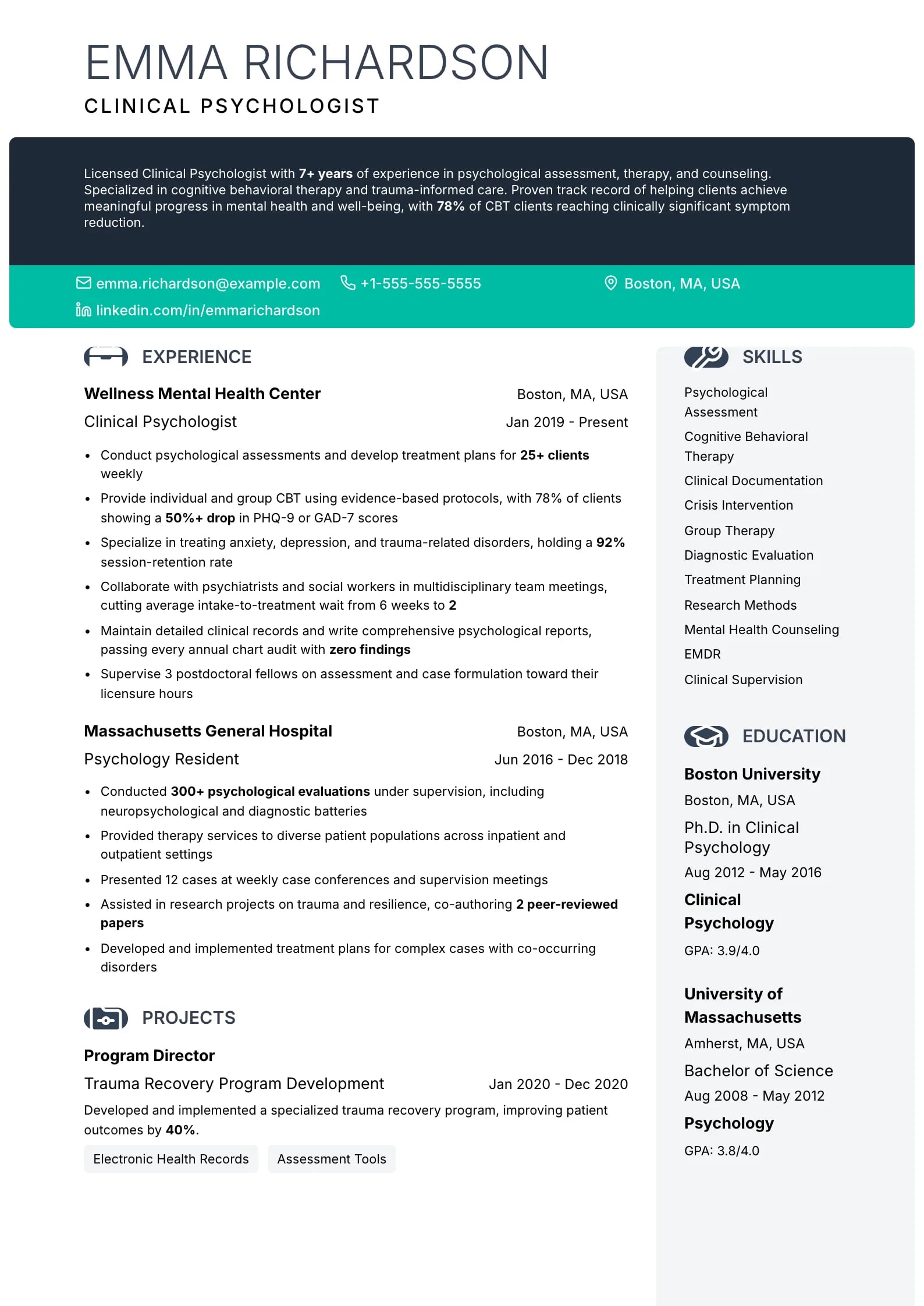
    A two-column resume with a charcoal summary band, teal contact strip, and round section icons, fitting healthcare, counseling, and academic professionals who want a modern, structured look.
    Use This Template
  • Ripple Preview
    Use This Template

    Ripple

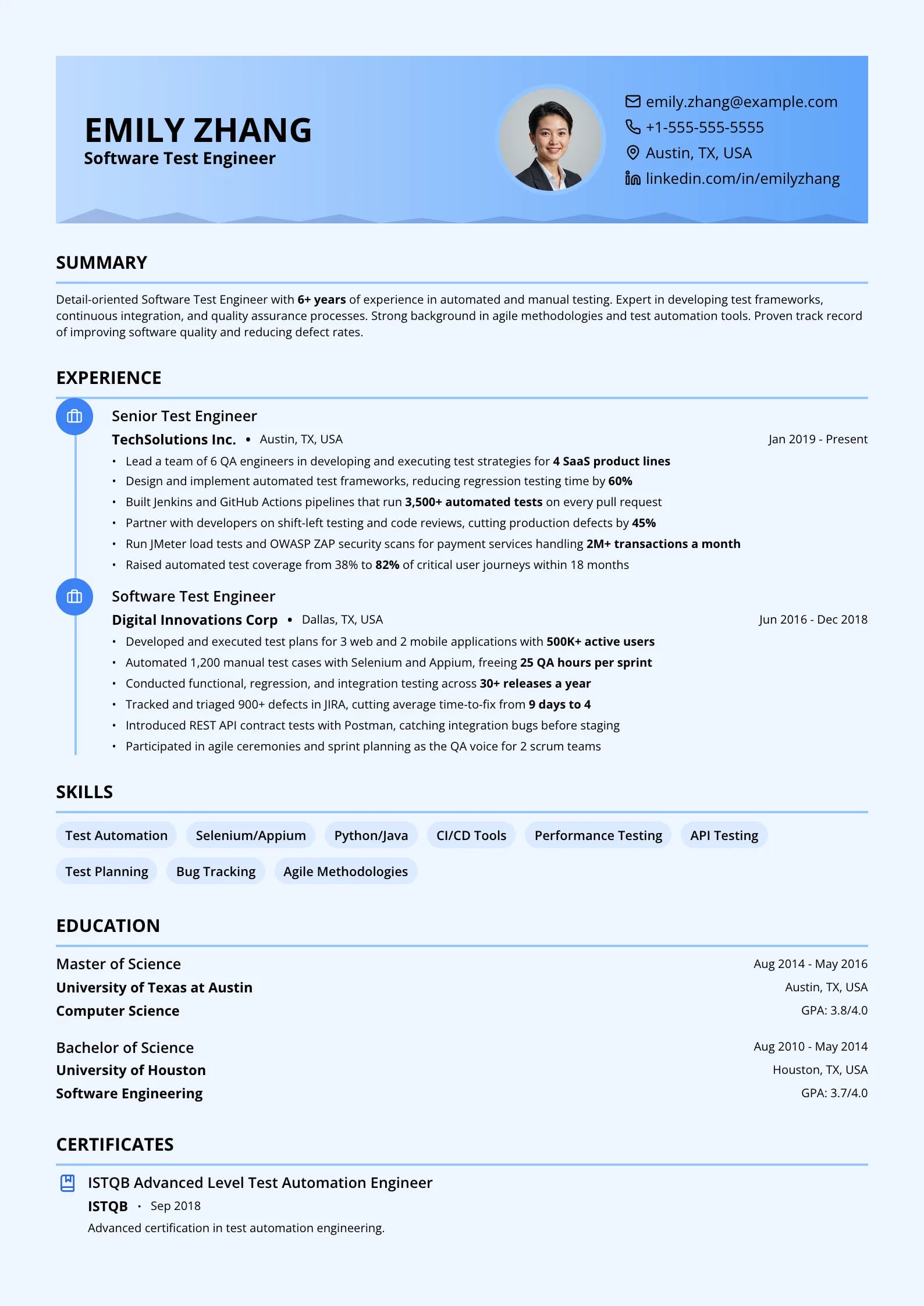
    A single-column modern resume with a soft blue wave header, profile photo, and timeline experience markers, ideal for tech and engineering candidates wanting a friendly contemporary feel.
    Use This Template
  • Keystone Preview
    Use This Template

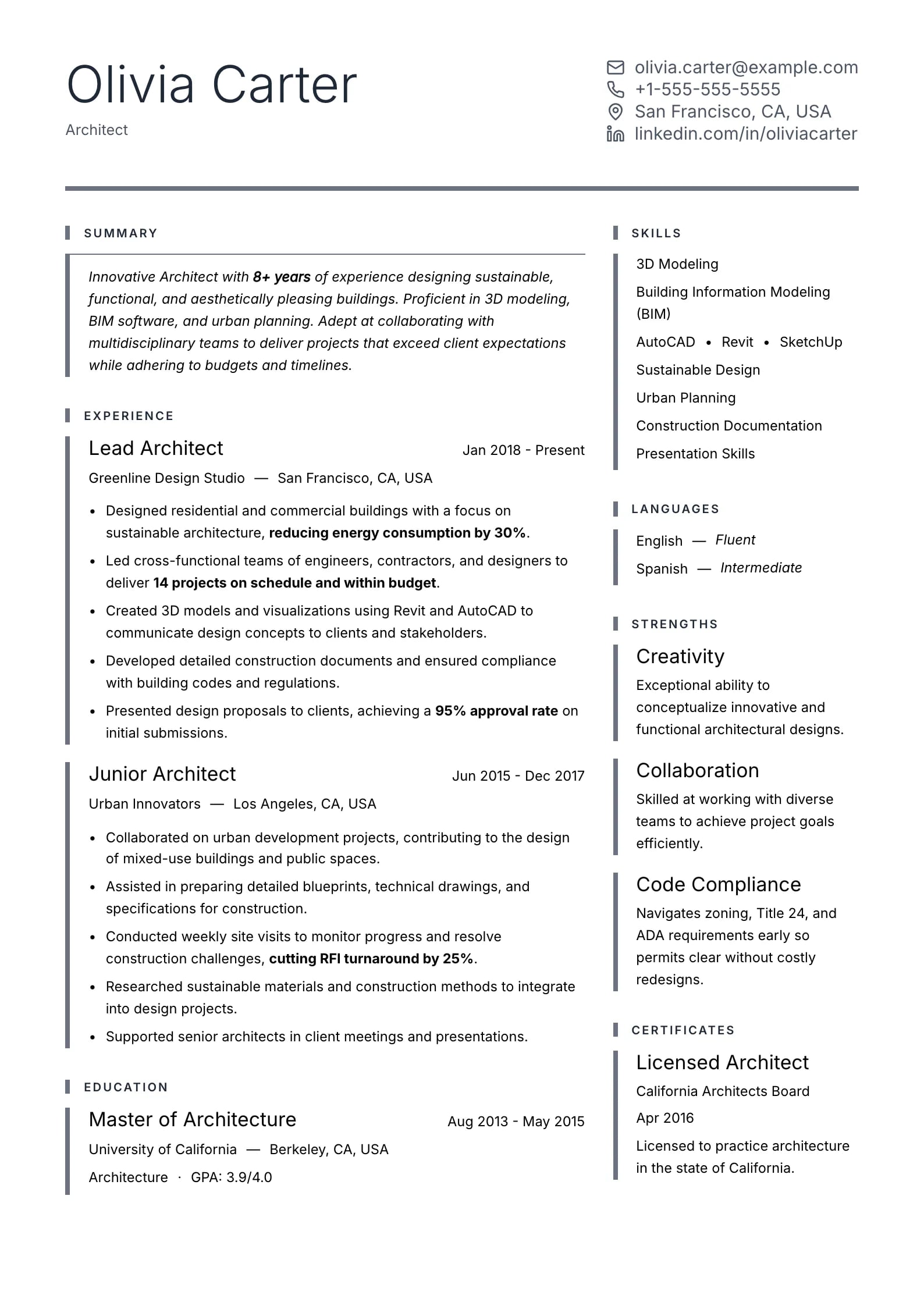
    Keystone

    A clean two-column resume with a plain-text sidebar and subtle gray-blue tab accents, ideal for architects, engineers, and technical professionals who want a modern, structured layout.
    Use This Template
  • Cypress Preview
    Use This Template

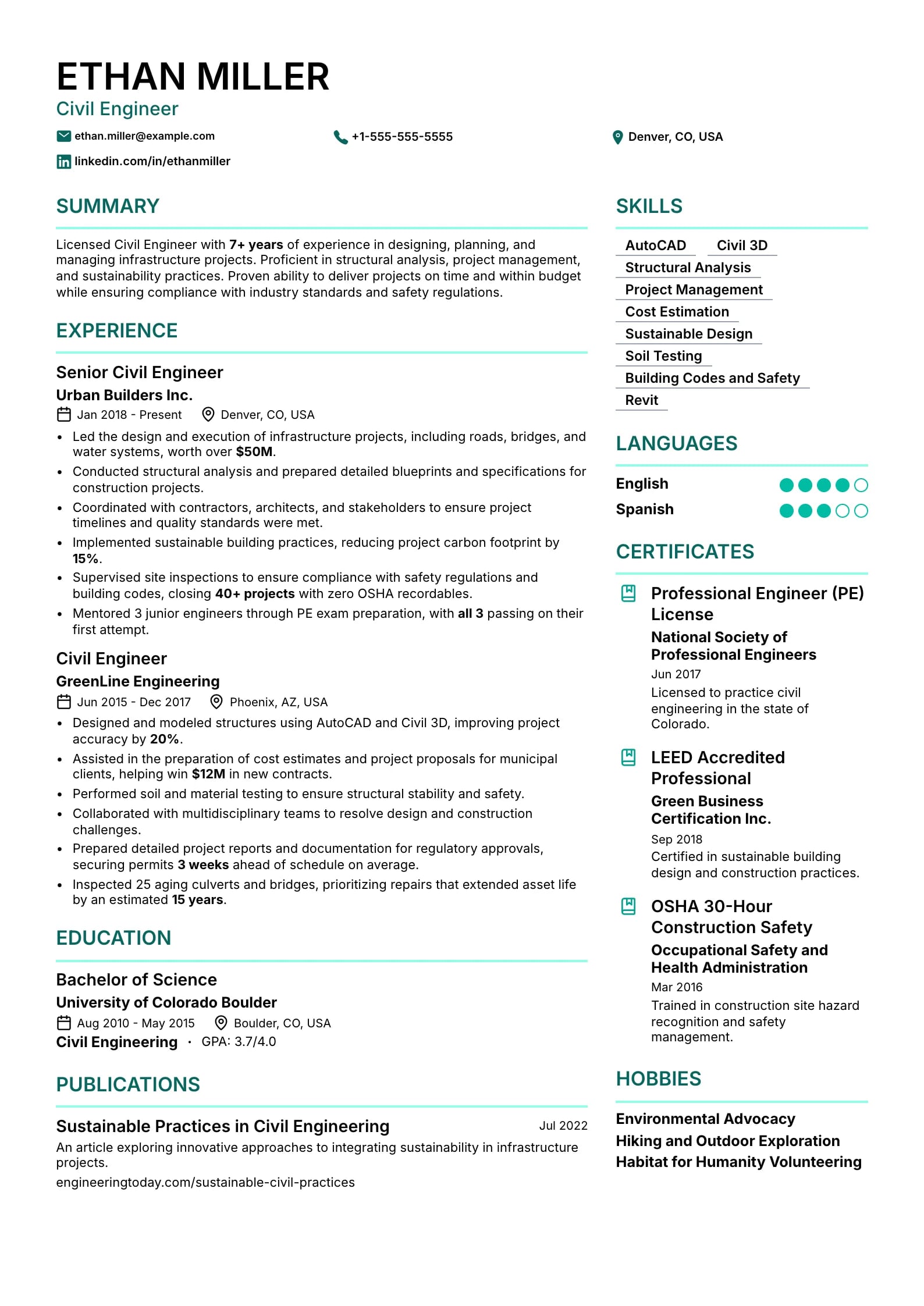
    Cypress

    A modern photo-free two-column resume with teal-green accent headings and a plain-text sidebar, a clean pick for engineers and technical professionals.
    Use This Template
  • Meridian Preview
    Use This Template

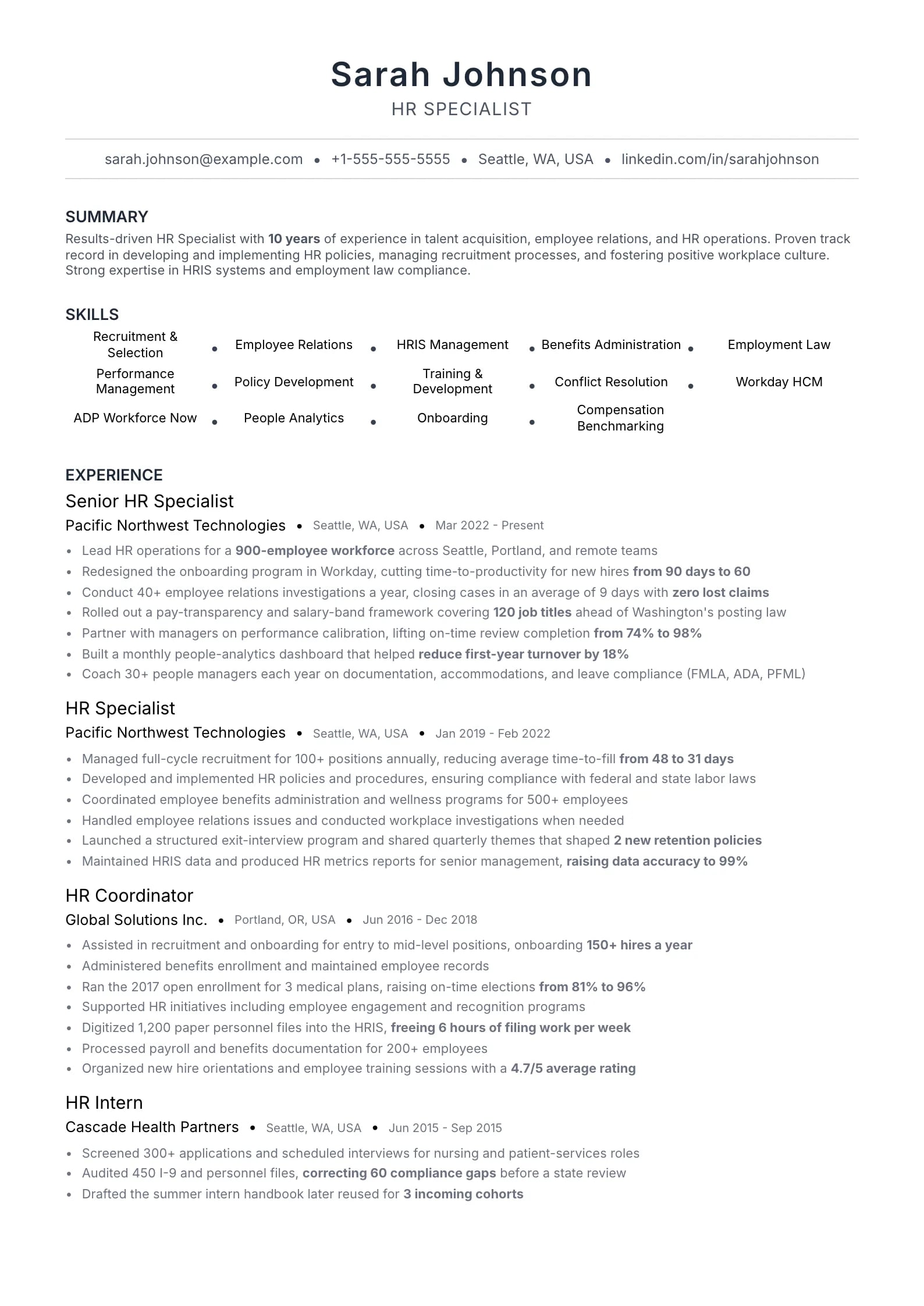
    Meridian

    A fully centered, monochrome single-column resume with generous whitespace and a light serif name, ideal for candidates who want an understated, highly ATS-friendly classic document.
    Use This Template
  • Scholar Preview
    Use This Template

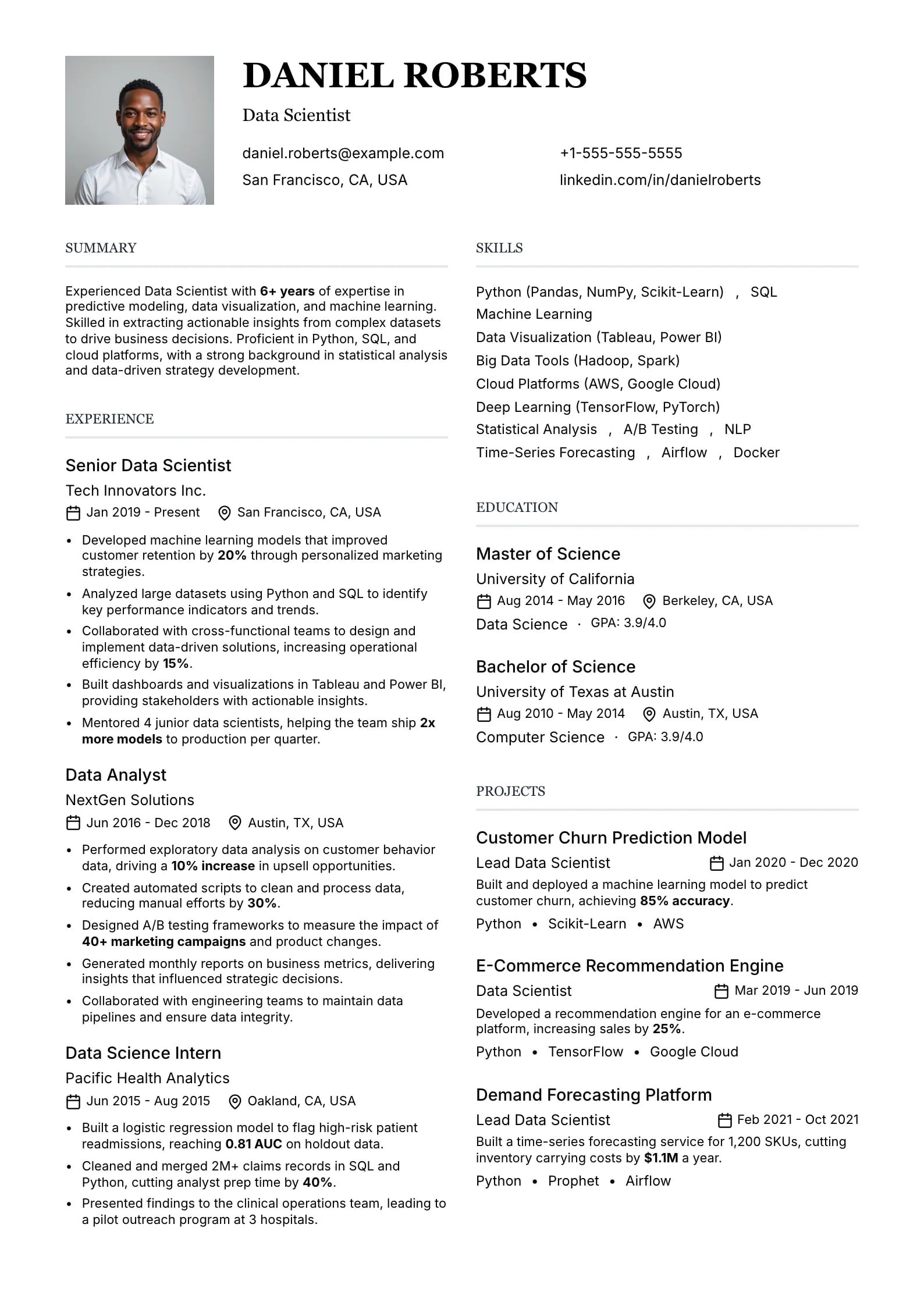
    Scholar

    A traditional serif two-column resume with a square photo and monochrome palette, well suited to academics, analysts, and research-minded professionals.
    Use This Template
  • Sentinel Preview
    Use This Template

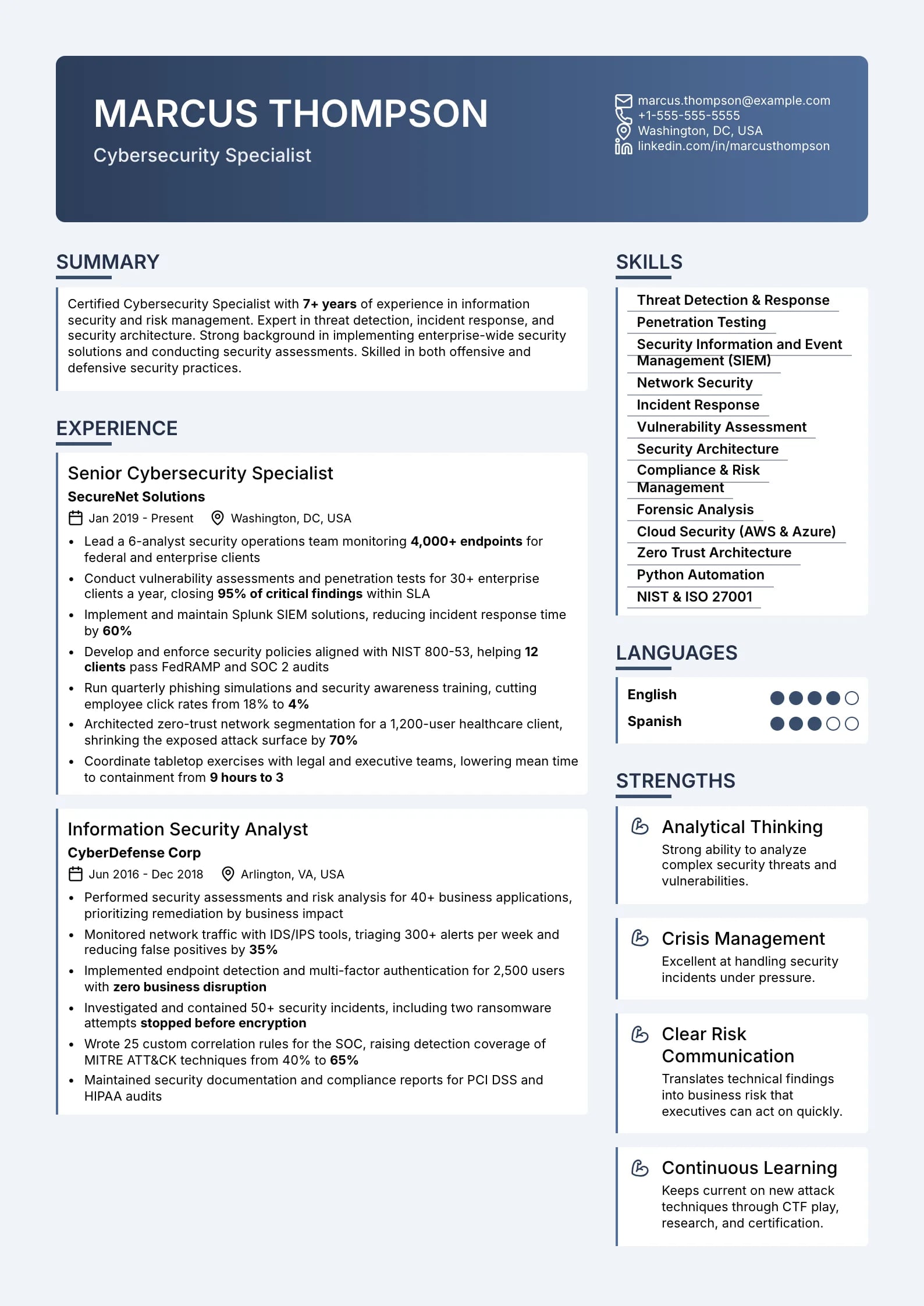
    Sentinel

    A striking resume led by a dark navy gradient header banner over thin-bordered content cards, fitting cybersecurity, IT, and technical professionals who want bold yet corporate polish.
    Use This Template
  • Marigold Preview
    Use This Template

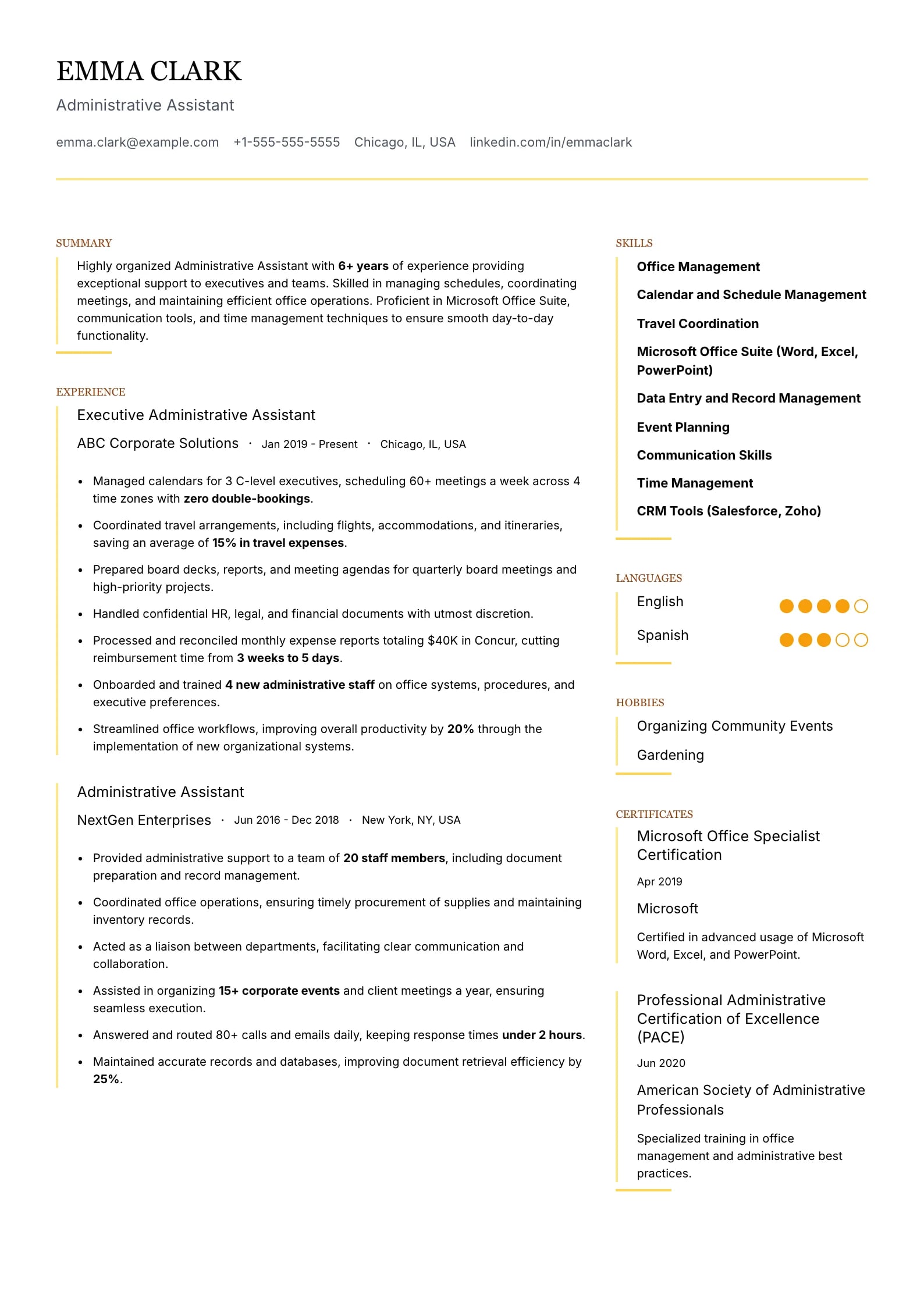
    Marigold

    A two-column white resume with warm gold serif headings and a plain-text sidebar, suited to administrative, office, and support professionals wanting a polished, readable look.
    Use This Template
  • Titanium Preview
    Use This Template

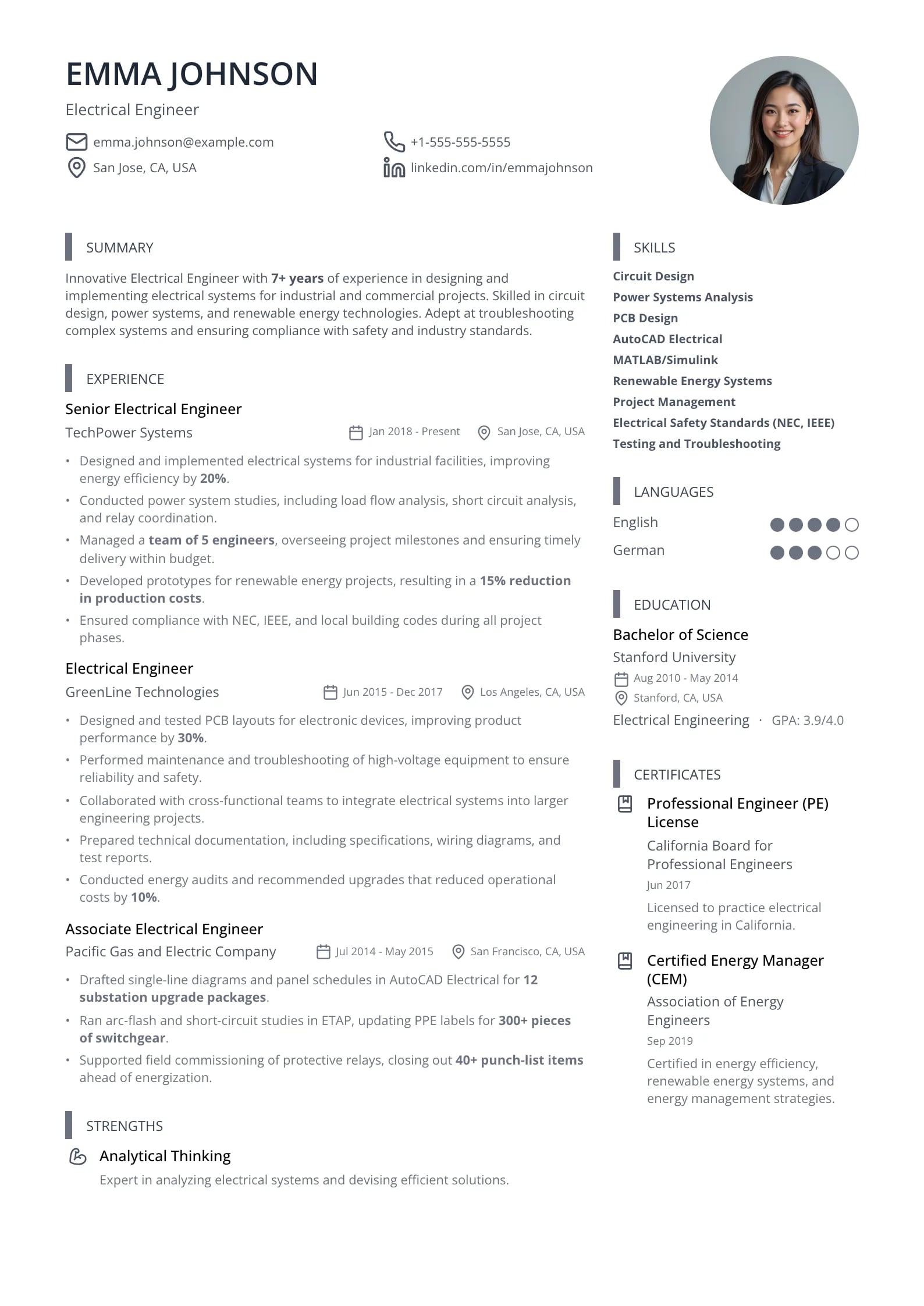
    Titanium

    A modern two-column resume with a circular profile photo and graphic gray skill bars, suited to engineers and technical professionals wanting a polished visual profile.
    Use This Template
  • Cobalt Preview
    Use This Template

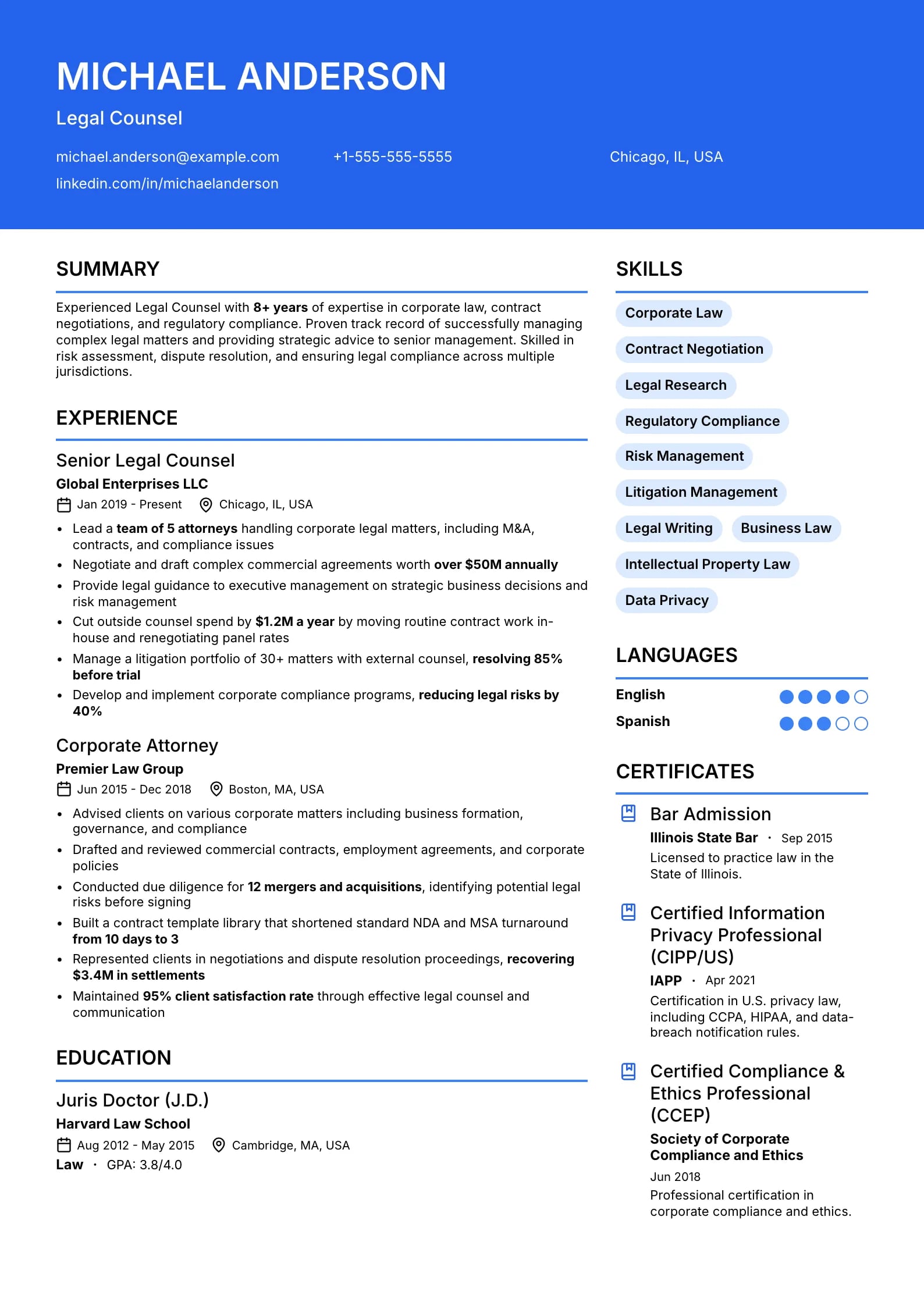
    Cobalt

    A photo-free two-column resume with a bold cobalt header band and plain-text pill sidebar, well suited to law, finance, and executive roles needing a clean, structured layout.

    Use This Template
  • What makes a resume look professional?
  • The professional resume format
  • One-column professional templates (for online applications)
  • Professional templates with a photo or sidebar
  • Executive resume templates: what changes at the top
  • Which professional template for which field?
  • How to make a professional resume in OwlApply
  • Professional resume templates: FAQ
  • What is the most professional resume template?
  • Are the resume templates free?
  • Professional or modern template: which should I use?
  • How long should a professional resume be?
  • Should a professional resume have a photo?
  • Which font looks most professional on a resume?
  • Are professional resume templates ATS-friendly?
  • What should an executive resume include that others do not?

Professional resume templates use conservative type, dark accents and a reverse-chronological structure that corporate readers expect. Here is the professional resume format, one-column templates for online applications, and what changes for executives.

7 minute readSeptember 16, 2025

A professional resume template is a conservative, easy-to-scan layout: serif or neutral sans-serif type, dark accents such as navy, gray or burgundy, standard section headings and a reverse-chronological structure. It suits corporate, finance, legal, healthcare, operations and senior roles, where the reader expects a familiar document and judges the content, not the design. For online applications, choose a one-column professional template; save sidebar and photo layouts for resumes you hand to people.

Every template on this page opens in the same online editor, so you can compare them with your own content and switch without retyping. Check the final PDF with the free ATS resume checker before you upload it.
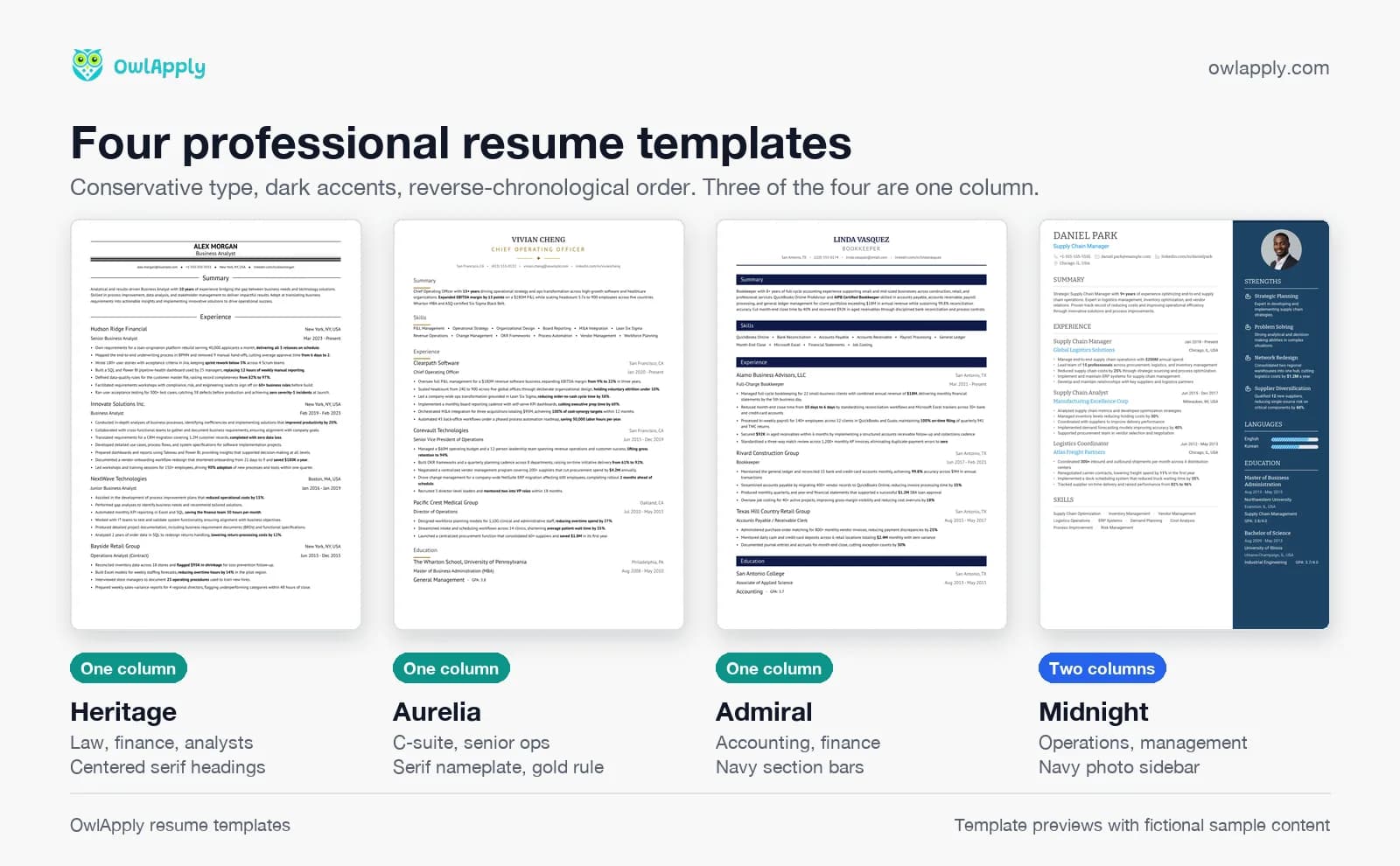
Four professional resume templates side by side: Heritage with centered serif headings, Aurelia with a serif nameplate and gold rule, Admiral with navy section bars, and Midnight with a navy photo sidebar
Heritage, Aurelia and Admiral are one column; Midnight adds a photo sidebar.

What makes a resume look professional?

Consistency more than decoration. A professional resume uses one type family (or a serif name over a sans-serif body), one dark accent, the same date format and bullet style throughout, and white space between sections. Recruiters decide quickly whether to keep reading: in Ladders' 2018 eye-tracking study, the first look lasted 7.4 seconds on average, and clear headings and simple layouts held attention best.

What a professional resume has

  • A name, target title and one contact line in the body of the page
  • A two- or three-line summary that names your level and specialty
  • Experience in reverse-chronological order with title, employer, location and month-year dates
  • Bullets that start with a verb and end with a result: revenue, cost, time, risk, people
  • Plain-word skills and certifications that match the posting
  • Body text at 10 to 12 pt, margins of 0.5 to 1 inch, one date format
  • A printed LinkedIn address and no photo in the US, UK or Canada

The professional resume format

The professional resume format at a glance
ElementProfessional format
StructureReverse-chronological; combination (skills first) only for career changers
OrderContact line, Summary, Experience, Skills or Core Competencies, Education, Certifications
LengthOne page early in a career, two pages for most mid-level and senior candidates, more only for academic CVs
TypeSerif (Georgia-like, Garamond-like) or a neutral sans-serif; body 10 to 12 pt
ColorBlack plus one dark accent
Executive extrasA short "Selected achievements" block, board seats, P&L size, team size
FileText-based PDF unless the posting asks for .docx

For the classic structure written out in full, see the chronological resume template.

One-column professional templates (for online applications)

One-column professional resume templates
TemplateLookFits
HeritageCentered serif headings, traditional double rulesLaw, finance, analysts
AureliaSerif nameplate, gold diamond divider, bronze accentsC-suite, finance, senior operations
AdmiralBold navy section bars, centered serif nameAccounting, finance, administration
BarristerLetter-spaced serif title, clean rulesAttorneys, finance, executives
RegentSerif, centered header, horizontal rulesExecutives, operations, finance leaders
Amber CrestDark navy header with amber accentsBanking, senior corporate roles
GarnetCentered serif with a burgundy accentExecutive assistants, legal, finance
VerdantTeal-green accent, certificate-forwardNurses, clinicians
ParchmentMonochrome serif, generous whitespacePhysicians, academics
VanguardSans-serif with a navy header ruleSales, account and business roles

Professional templates with a photo or sidebar

These suit markets where a photo is expected (much of Europe, the Middle East and Asia) or resumes you hand over in person: Midnight (navy sidebar for photo, strengths and languages), Zenith (blue headings, photo, rating dots), Sapphire (navy header banner), Graphite (slate header band), Basalt (one column with a photo) and Broadsheet (ruled serif headers, small portrait). Our checker flags sidebar layouts because linear parsers can read across both columns, so for portal applications switch the same content to a one-column template.

Why one column for portals: 3,313 resume PDFs checked on OwlApply, September 2026

17.2%
used two columns or a sidebar, about 15 points lower in our checker than files with no layout finding
4.1%
put contact details in the page header band, about 13 points lower
41.2%
had a link whose address was never printed, so it vanishes on paper

Executive resume templates: what changes at the top

An executive resume uses the same professional layout, with different content priorities. The reader is often a search consultant or a board member, and they look for scale before detail.

  • Lead with scope. Under each role, one line on what you ran: revenue or budget, headcount, regions, reporting line.
  • Add a selected achievements block under the summary: three or four results that define your career, each with a number.
  • Two pages is normal. Keep the last ten to fifteen years in detail and compress earlier roles to one line each.
  • Board seats, advisory roles and major certifications get their own section, not a footnote.
  • Templates to start from: Aurelia, Regent and Amber Crest for one column; Sapphire or Onyx when a designed version is welcome.

Do this

  • Chief Operating Officer, Example Logistics (2019 – Present): P&L $480M, 2,300 people in 6 countries, reporting to the CEO
  • Cut cost per shipment 18% in two years by consolidating four regional hubs
  • Led the integration of a $120M acquisition; retained 94% of acquired customers

Avoid this

  • Responsible for overseeing all operations and driving operational excellence
  • Strategic visionary leader with a passion for transformation
  • Managed various teams and projects across the organization

Which professional template for which field?

Professional template choice by field
FieldWhat readers expectStart with
LawSerif type, bar admissions and court experience easy to findBarrister, Heritage
Finance and bankingDeal sizes, certifications (CFA, CPA) near the topAmber Crest, Admiral, Heritage
AccountingSoftware and standards as skills, licenses visibleAdmiral, Garnet
HealthcareLicenses and certifications directly under the summaryVerdant, Parchment, Seafoam
Operations and supply chainScale, cost and throughput numbersRegent, Midnight, Pillar
ConsultingClient results, industries, methodsAzure, Heritage
ExecutivesScope, selected achievements, board rolesAurelia, Regent

How to make a professional resume in OwlApply

  1. Open a professional template from the gallery above; you can start without an account.
  2. Import your current resume (PDF or Word) or your LinkedIn profile, or type over the sample.
  3. Preview other layouts with your own content in the Templates panel; switching keeps every word. The resume templates guide explains when another family fits better.
  4. Keep the accent dark and change the heading font only if your field expects serif type.
  5. Fit to 1 or 2 pages and choose US Letter or A4.
  6. Check the file in the ATS tab, and after downloading, with the free ATS resume checker.

For wording, the bullet point generator turns duty lists into results and the job match score shows which required terms from a posting your resume still lacks.

Professional resume templates: FAQ

Short answers about professional and executive resume templates.

What is the most professional resume template?
A one-column, reverse-chronological template with serif or neutral type, one dark accent and standard headings, such as Heritage, Aurelia or Admiral. It reads as familiar to corporate readers and extracts cleanly in applicant tracking systems.
Are the resume templates free?
Choosing a template, editing it, previewing your resume in every other design and switching between them costs nothing and needs no account. You can also import an existing PDF or Word resume or a LinkedIn profile. Downloading the finished PDF is part of Pro. There is no Word export; the download is a text-based PDF.
Professional or modern template: which should I use?
Professional for law, finance, healthcare, government, operations and most senior corporate roles; modern for tech, product, marketing and startups. The structure underneath is the same, so you can switch later without rewriting.
How long should a professional resume be?
One page early in a career, two pages for most mid-level and senior candidates. Executives can use two full pages; more is only usual for academic CVs. The editor's Fit to pages buttons tighten spacing and type without going below readable sizes.
Should a professional resume have a photo?
In the US, UK and Canada, no. In parts of Europe, the Middle East and Asia a photo is common; Midnight, Zenith, Sapphire and Basalt have one, and every photo can be hidden.
Which font looks most professional on a resume?
A classic serif or a neutral sans-serif at 10 to 12 pt for the body. The best font for a resume guide lists the families that extract cleanly; avoid thin or decorative faces.
Are professional resume templates ATS-friendly?
The one-column ones are: contact details in the body, standard headings and real text. Professional templates with a sidebar can be read out of order by some parsers, and our checker flags every sidebar layout. Use one column for portals.
What should an executive resume include that others do not?
Scope lines under each role (budget or P&L, headcount, regions), a short selected achievements block, and board or advisory roles. Keep the layout conservative; the numbers carry the seniority.

Start with a professional template

Open a professional template, import your current resume or LinkedIn profile, and switch layouts at any time without retyping.
Browse the templates
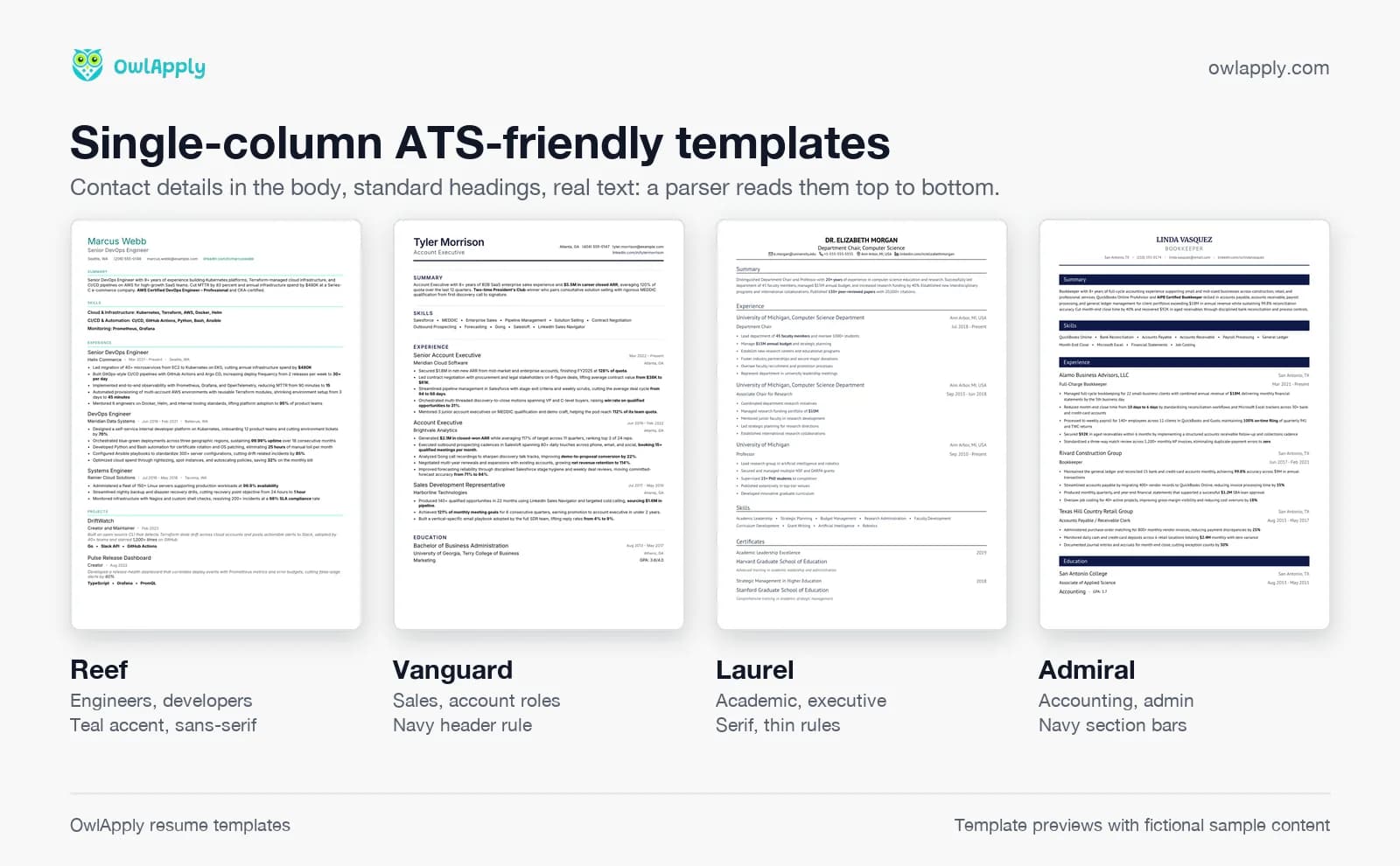
Four single-column ATS-friendly resume templates: Reef, Vanguard, Laurel and Admiral
Resume21 minute read

Free ATS-Friendly Resume Templates and Format Rules (2026)

Single-column ATS-friendly resume templates with standard section headers, so parsers read them in the right order. Edit online, export a PDF, and check the file with the free ATS checker before you apply.
OwlApply TeamOwlApply TeamOctober 31, 2026
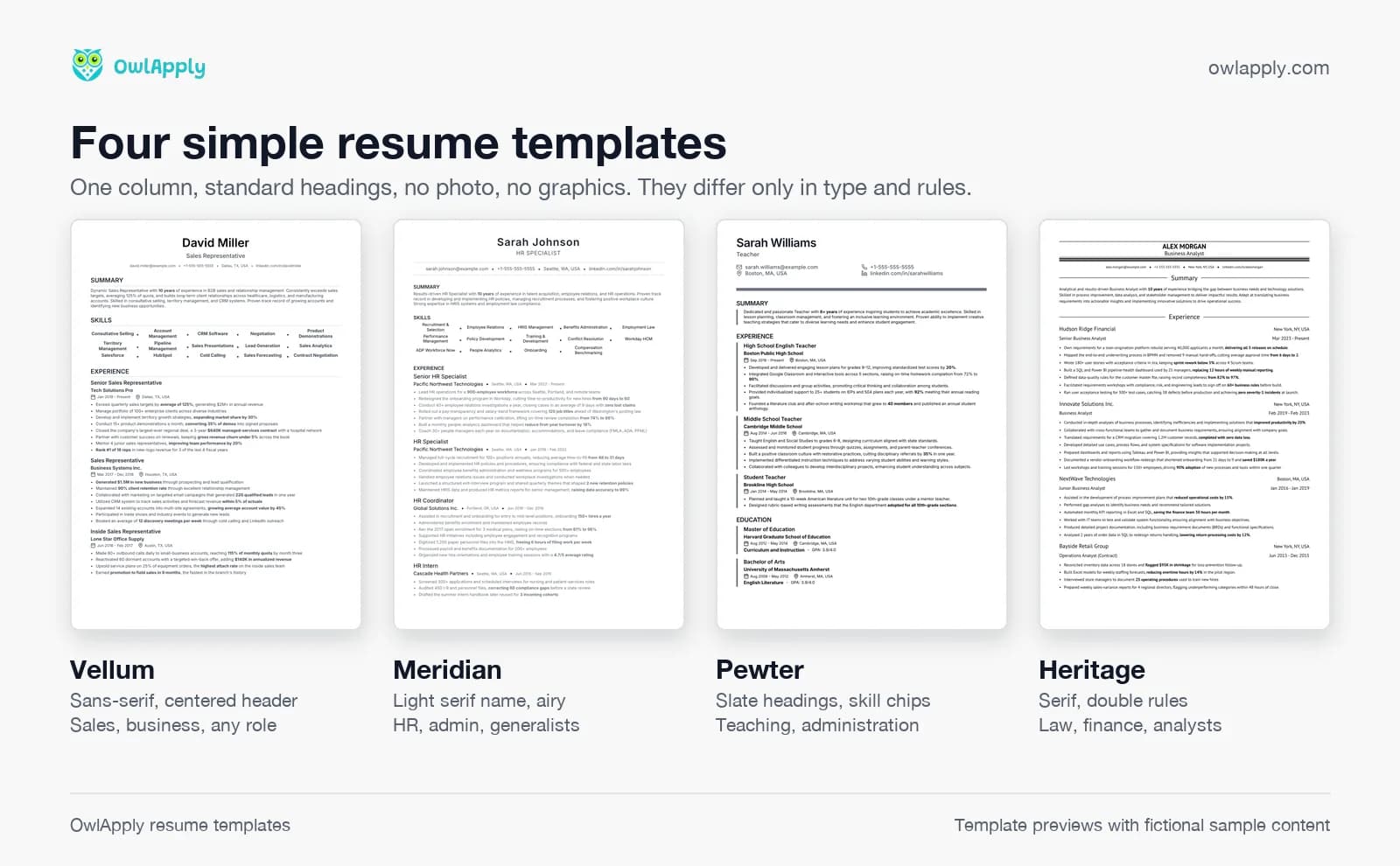
Four simple one-column resume templates: Vellum, Meridian, Pewter and Heritage
Resume9 minute read

Simple Resume Templates and the Simple Resume Format (2026)

Simple resume templates put your qualifications first: one column, standard section headers and nothing for an applicant tracking system to misread. Here is the simple resume format, twelve templates compared, and when to use one.

OwlApply TeamOwlApply TeamOctober 23, 2026
Share article

Launch your resume in 15 minutes

Pick a proven layout, let AI suggest winning bullet points, and export a polished resume before your coffee cools.

Build my resume
Resume Templates
Resume Templates

Launch your resume in 15 minutes

Pick a proven layout, let AI suggest winning bullet points, and export a polished resume before your coffee cools.

Build my resume
HomeBuild Resume

Connect with OwlApply

Follow on LinkedInWatch on YouTubeFollow on PinterestFollow on InstagramLike on FacebookFollow on XFollow on MediumFollow on TikTok

JOB SEEKERS

  • Build Resume
  • Resume Examples
  • Resume Templates
  • Cover Letter Templates
  • Job Search Helper
  • Job Tracker

CAREER RESOURCES

  • Resume Help
  • Job Interview
  • Career
  • Cover Letter
  • OwlApply Extension
  • Blog
  • Career Pay & Requirements
  • Job Market Research

AI TOOLS

  • Cover Letter Builder
  • AI Resume Optimizer
  • Job Application Autofill
  • AI Resume Builder
  • ATS Resume Checker
  • All AI Tools

SUPPORT

  • About
  • Pricing
  • FAQ
  • Contact Us
  • Terms of Service
  • Privacy Policy
  • Cookie Policy
  • Right of Withdrawal

Copyright 2026 OwlApply. All rights reserved.

EnglishBahasa IndonesiaBahasa MelayuČeštinaDanskDeutschEestiEspañolFilipinoFrançaisHrvatskiItalianoKiswahiliLatviešuLietuviųMagyarNederlandsNorskPolskiPortuguês (Brasil)Português (Portugal)RomânăSlovenčinaSlovenščinaSrpskiSuomiSvenskaTiếng ViệtTürkçeΕλληνικάБългарскиРусскийУкраїнськаעבריתالعربيةفارسیไทย日本語繁體中文한국어
Launched on Fazier