Home
  • Resumes & CVs
    Resume TemplatesView all
    SimpleMinimal layouts that keep every recruiter focused on your content.ProfessionalBoardroom-ready templates that spotlight experience and leadership.ModernFresh, contemporary designs for innovative roles and companies.CreativeBold visuals and unique layouts crafted for design-forward careers.ATS FriendlyStructured so applicant tracking systems read every section correctly.
    Resume BuilderDrag, drop, and export a job-ready resume with instant AI suggestions.
    Resume ExamplesBrowse our ready-to-use resume examples and create your professional resume in minutes
  • AI Career Tools
    AI Career ToolsView all AI tools
    Resume CheckerAudit structure, keywords, and impact with instant AI feedback.Resume Job MatchScore your resume against any job posting and see what is missing.AI Resume BuilderGenerate a polished resume with AI-written bullets and proven layouts.AI Mock InterviewPractice a live voice interview and get scored feedback.Resume TranslatorTranslate your resume into any language without losing nuance.Job Application AutofillAuto-complete repetitive application fields on any job site.Cover Letter GeneratorCreate pitch-perfect letters that mirror every job posting.Keyword OptimizerInject recruiter-approved keywords and rise to the top of ATS results.Resume SummaryCraft attention-grabbing summaries tailored to each role.Resume Bullet Point GeneratorTurn achievements into punchy bullet points in seconds.
    Resume BuilderDrag, drop, and export a job-ready resume with instant AI suggestions.
    Install OwlApply ExtensionAutofill job forms, create tailored resumes, and score postings directly from Chrome.
  • Cover Letters
    Cover Letter TemplatesView all
    SimpleClean layouts ideal for traditional teams and entry-level roles.ProfessionalClassic business styling that reinforces authority and credibility.ModernSleek designs that feel right at home in tech and high-growth companies.CreativeA unique canvas to showcase personality without sacrificing polish.
    Cover Letter BuilderPair your resume with a tailored letter in minutes using guided prompts.
    Install OwlApply ExtensionAutofill job forms, create tailored resumes, and score postings directly from Chrome.
  • Resources
    ResourcesView all
    OwlApply ExtensionAutofill applications, generate cover letters, and track every job from your browser.Job InterviewScripts, frameworks, and confidence boosters for every interview format.Cover LetterStory-driven templates and tactics for memorable cover letters.CareerNavigate negotiations, promotions, and pivots with expert advice.ResumeStep-by-step guidance to craft a standout resume in any industry.Career pay & requirementsPay, skills and experience from US job postingsJob market researchReports and methodology behind our data
    Resume BuilderDrag, drop, and export a job-ready resume with instant AI suggestions.
    Install OwlApply ExtensionAutofill job forms, create tailored resumes, and score postings directly from Chrome.
  • Pricing
EnglishBahasa IndonesiaBahasa MelayuČeštinaDanskDeutschEestiEspañolFilipinoFrançaisHrvatskiItalianoKiswahiliLatviešuLietuviųMagyarNederlandsNorskPolskiPortuguês (Brasil)Português (Portugal)RomânăSlovenčinaSlovenščinaSrpskiSuomiSvenskaTiếng ViệtTürkçeΕλληνικάБългарскиРусскийУкраїнськаעבריתالعربيةفارسیไทย日本語繁體中文한국어
My AccountBuild Resume
EnglishBahasa IndonesiaBahasa MelayuČeštinaDanskDeutschEestiEspañolFilipinoFrançaisHrvatskiItalianoKiswahiliLatviešuLietuviųMagyarNederlandsNorskPolskiPortuguês (Brasil)Português (Portugal)RomânăSlovenčinaSlovenščinaSrpskiSuomiSvenskaTiếng ViệtTürkçeΕλληνικάБългарскиРусскийУкраїнськаעבריתالعربيةفارسیไทย日本語繁體中文한국어
  • Resumes & CVs
    SimpleMinimal layouts that keep every recruiter focused on your content.ProfessionalBoardroom-ready templates that spotlight experience and leadership.ModernFresh, contemporary designs for innovative roles and companies.CreativeBold visuals and unique layouts crafted for design-forward careers.ATS FriendlyStructured so applicant tracking systems read every section correctly.View all
  • AI Career Tools
    Resume CheckerAudit structure, keywords, and impact with instant AI feedback.Resume Job MatchScore your resume against any job posting and see what is missing.AI Resume BuilderGenerate a polished resume with AI-written bullets and proven layouts.AI Mock InterviewPractice a live voice interview and get scored feedback.Resume TranslatorTranslate your resume into any language without losing nuance.Job Application AutofillAuto-complete repetitive application fields on any job site.Cover Letter GeneratorCreate pitch-perfect letters that mirror every job posting.Keyword OptimizerInject recruiter-approved keywords and rise to the top of ATS results.Resume SummaryCraft attention-grabbing summaries tailored to each role.Resume Bullet Point GeneratorTurn achievements into punchy bullet points in seconds.View all AI tools
  • Cover Letters
    SimpleClean layouts ideal for traditional teams and entry-level roles.ProfessionalClassic business styling that reinforces authority and credibility.ModernSleek designs that feel right at home in tech and high-growth companies.CreativeA unique canvas to showcase personality without sacrificing polish.View all
  • Resources
    OwlApply ExtensionAutofill applications, generate cover letters, and track every job from your browser.Job InterviewScripts, frameworks, and confidence boosters for every interview format.Cover LetterStory-driven templates and tactics for memorable cover letters.CareerNavigate negotiations, promotions, and pivots with expert advice.ResumeStep-by-step guidance to craft a standout resume in any industry.Career pay & requirementsPay, skills and experience from US job postingsJob market researchReports and methodology behind our dataView all
  • Pricing
My AccountBuild Resume
  1. Home
  2. Free Cover Letter Templates

Free Cover Letter Templates

A cover letter template is a ready-made one-page layout with the header, greeting, three or four paragraphs and sign-off already in place, so you only write the content. Choose from 30+ designs below, edit the text online and switch designs at any time without retyping.

Build a free cover letterUpload your resume
Harbor Resume previewMidnight Resume previewHarbor PreviewMidnight PreviewUse This TemplateHarbor
All Cover Letter Templates60Simple12Modern44Creative10Professional52
  • Zenith Preview
    Use This Template

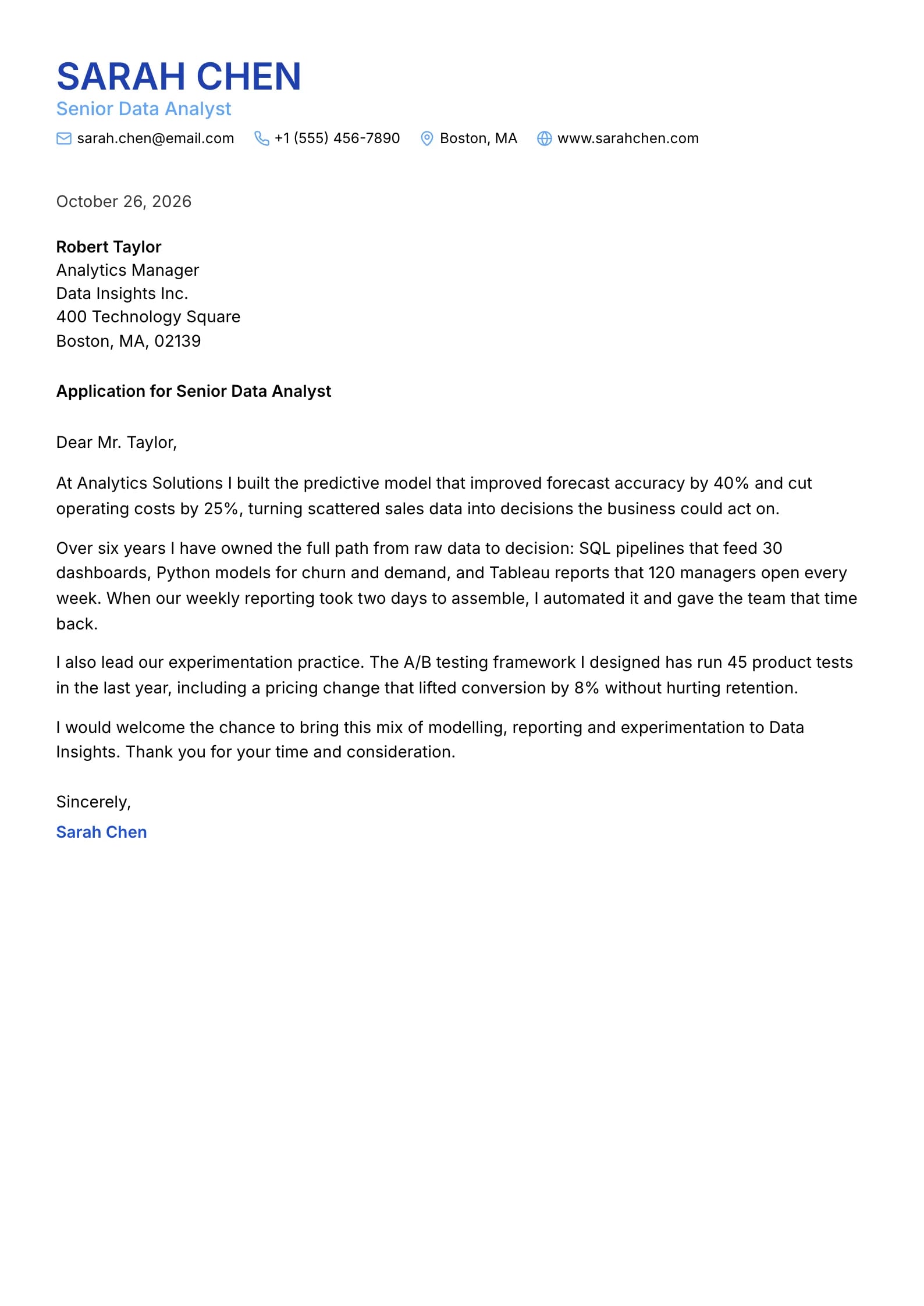
    Zenith

    Matches the “Zenith” resume template: same header, colors and fonts, so your letter and resume read as one set.

    Use This Template
  • Heritage Preview
    Use This Template

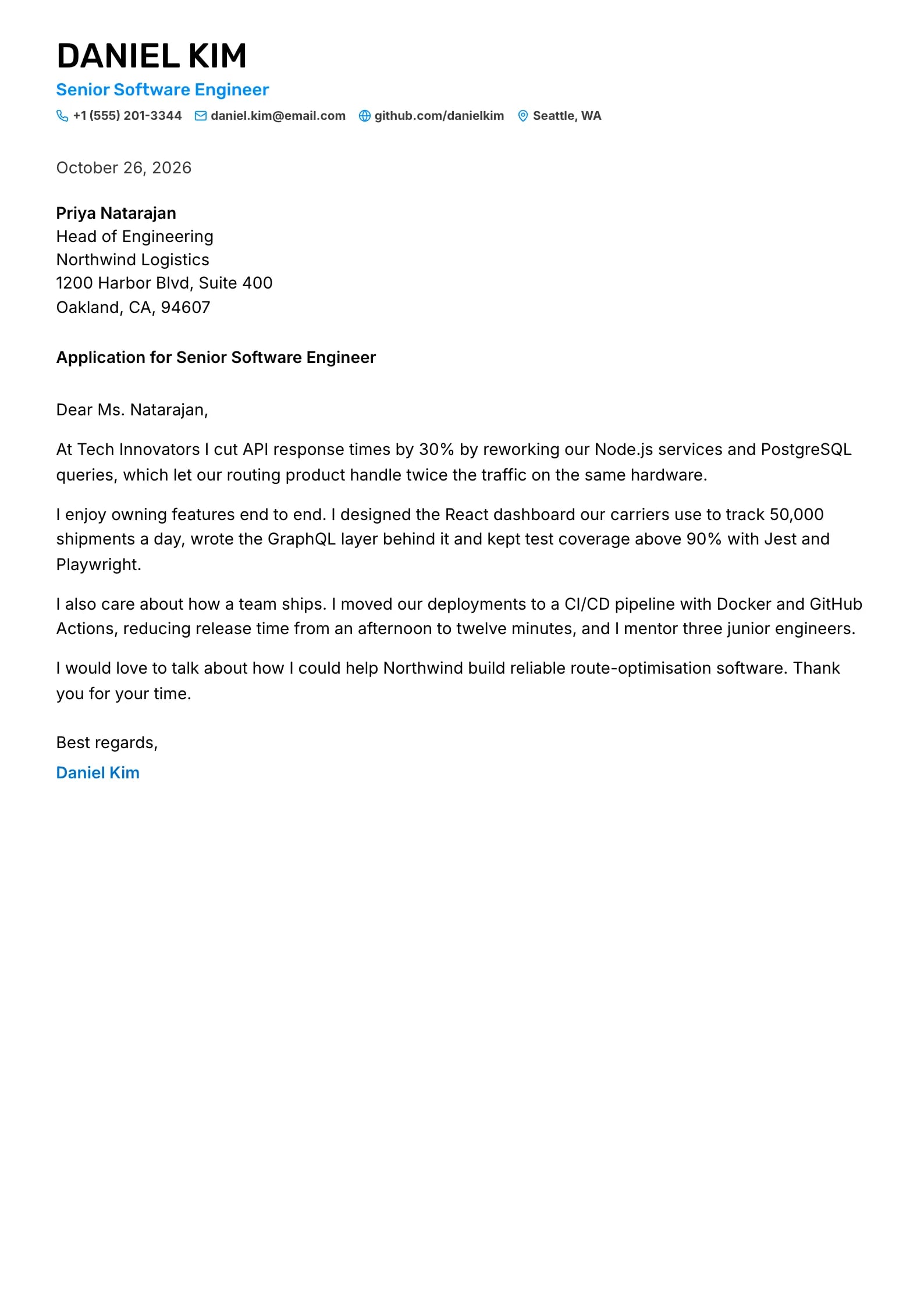
    Heritage

    Matches the “Heritage” resume template: same header, colors and fonts, so your letter and resume read as one set.
    Use This Template
  • Brightline Preview
    Use This Template

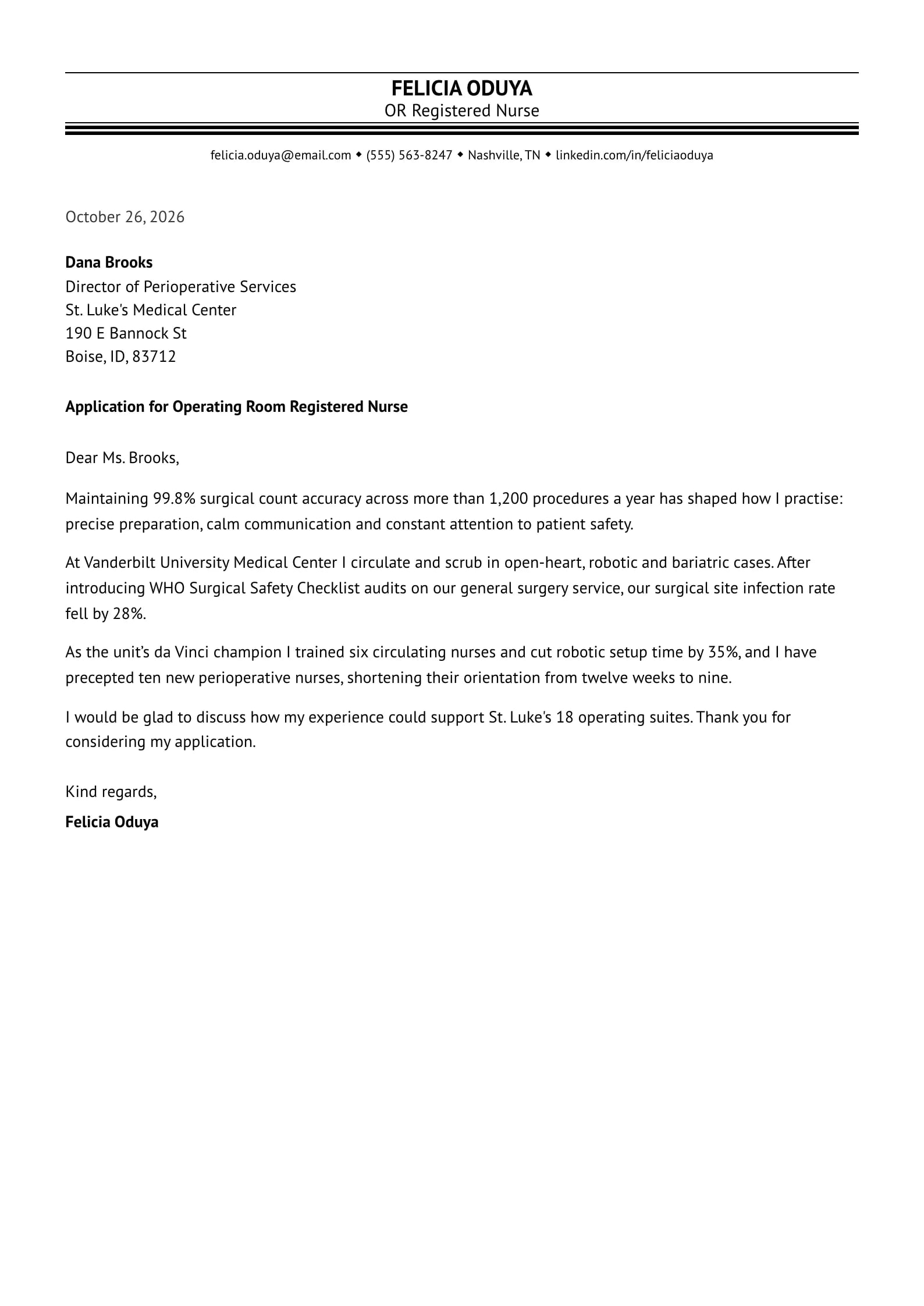
    Brightline

    Matches the “Brightline” resume template: same header, colors and fonts, so your letter and resume read as one set.
    Use This Template
  • Laurel Preview
    Use This Template

    Laurel

    Matches the “Laurel” resume template: same header, colors and fonts, so your letter and resume read as one set.
    Use This Template
  • Harbor Preview
    Use This Template

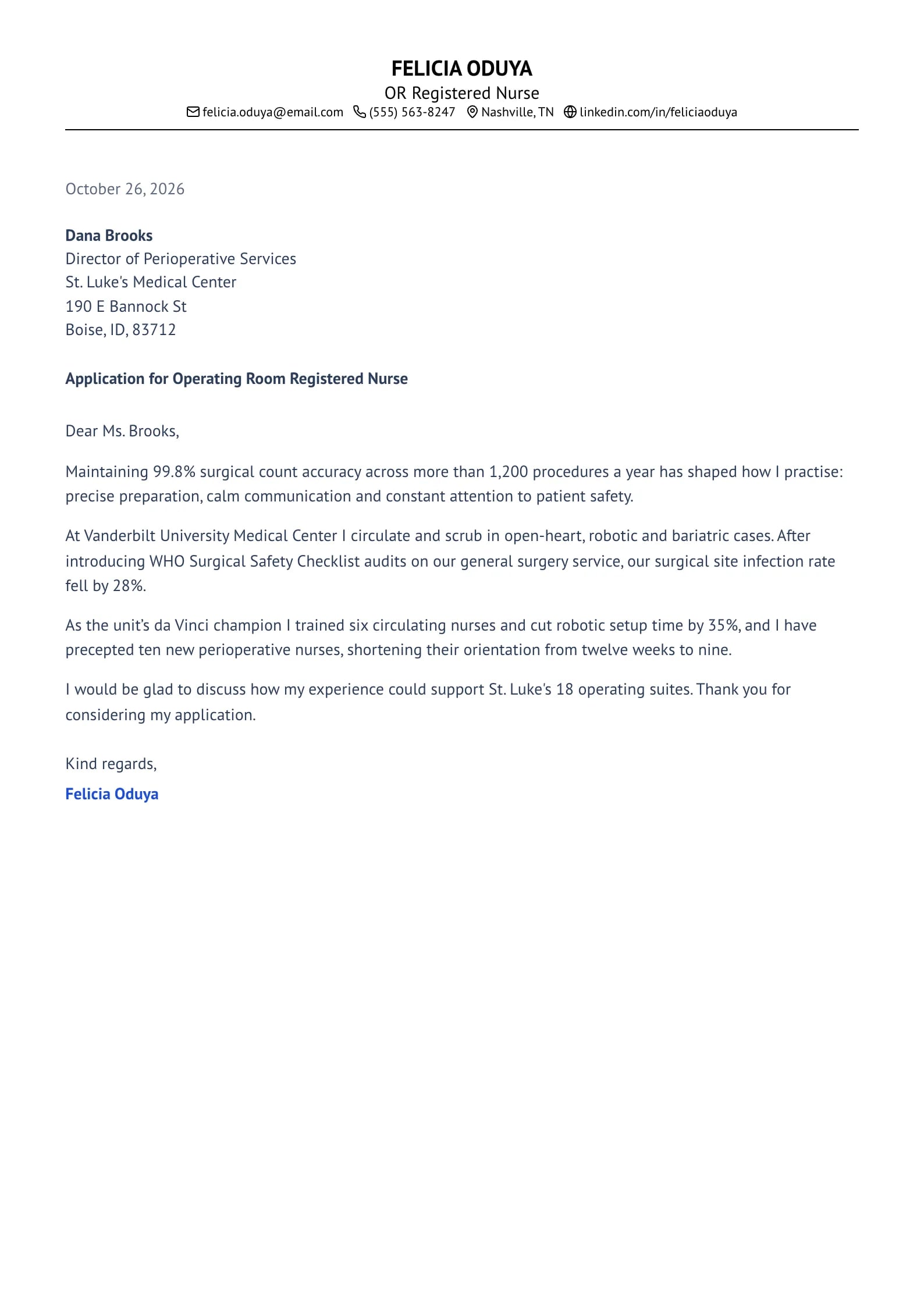
    Harbor

    Matches the “Harbor” resume template: same header, colors and fonts, so your letter and resume read as one set.
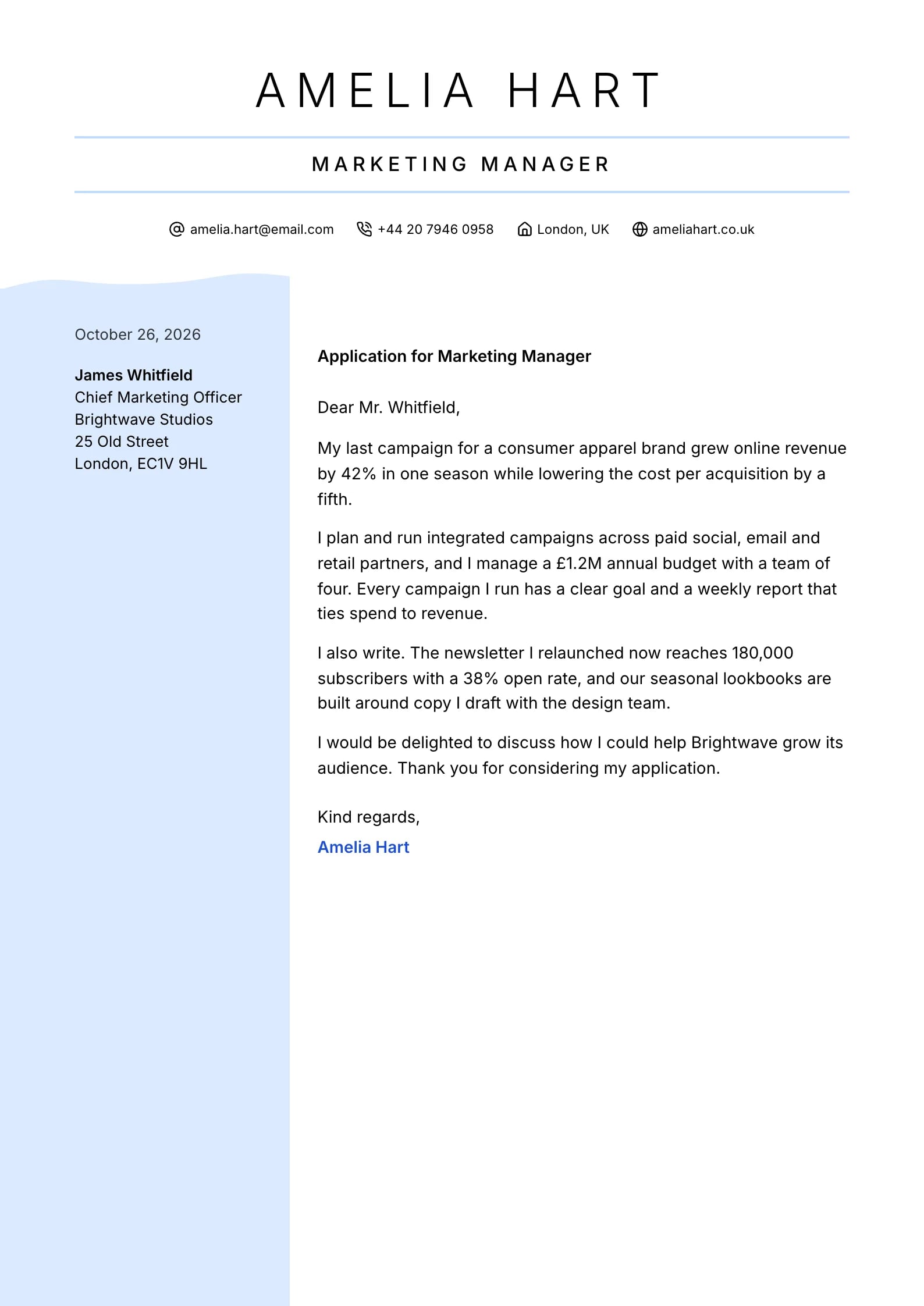
    Use This Template
  • Midnight Preview
    Use This Template

    Midnight

    Matches the “Midnight” resume template: same header, colors and fonts, so your letter and resume read as one set.
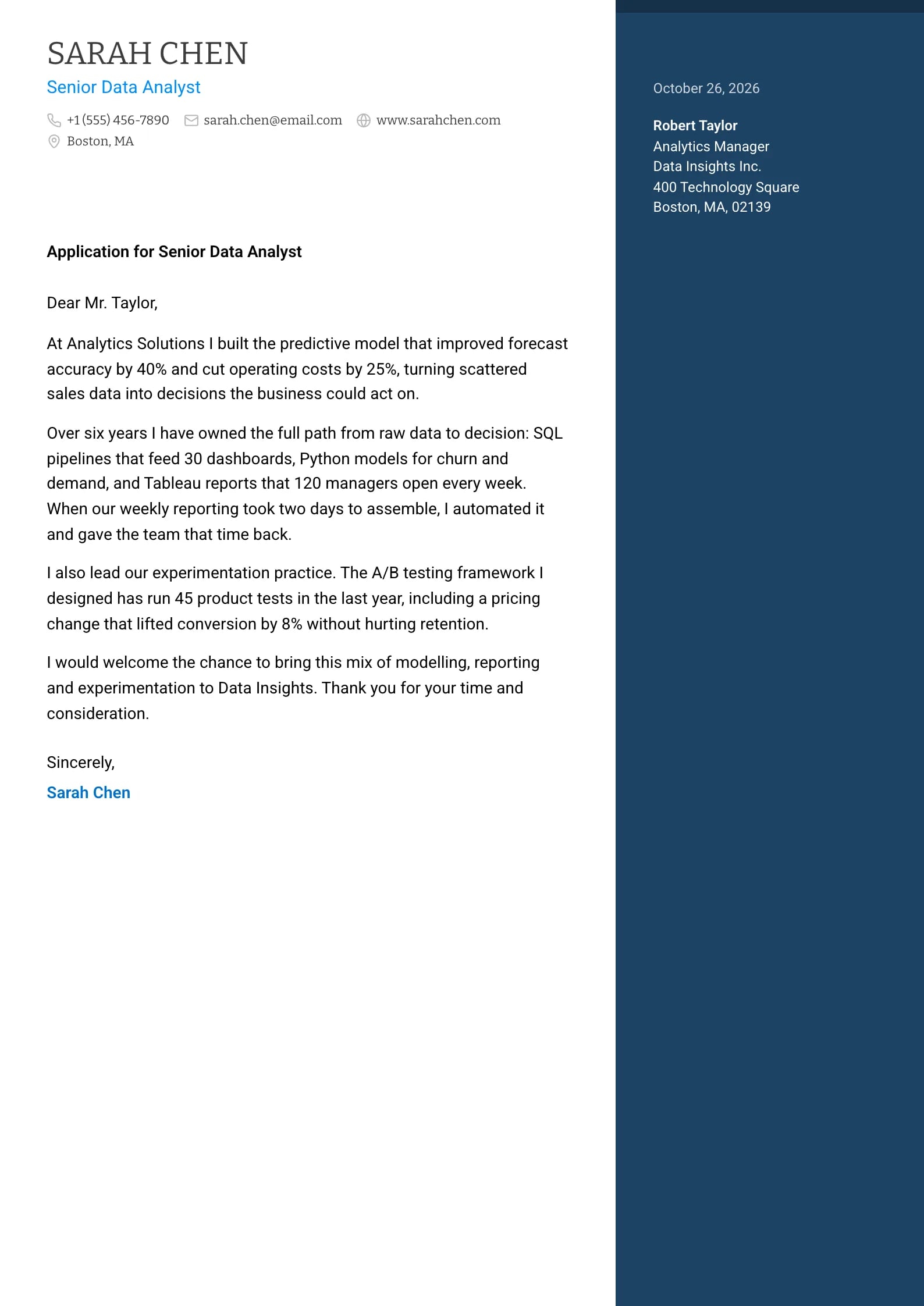
    Use This Template
  • Beacon Preview
    Use This Template

    Beacon

    Matches the “Beacon” resume template: same header, colors and fonts, so your letter and resume read as one set.
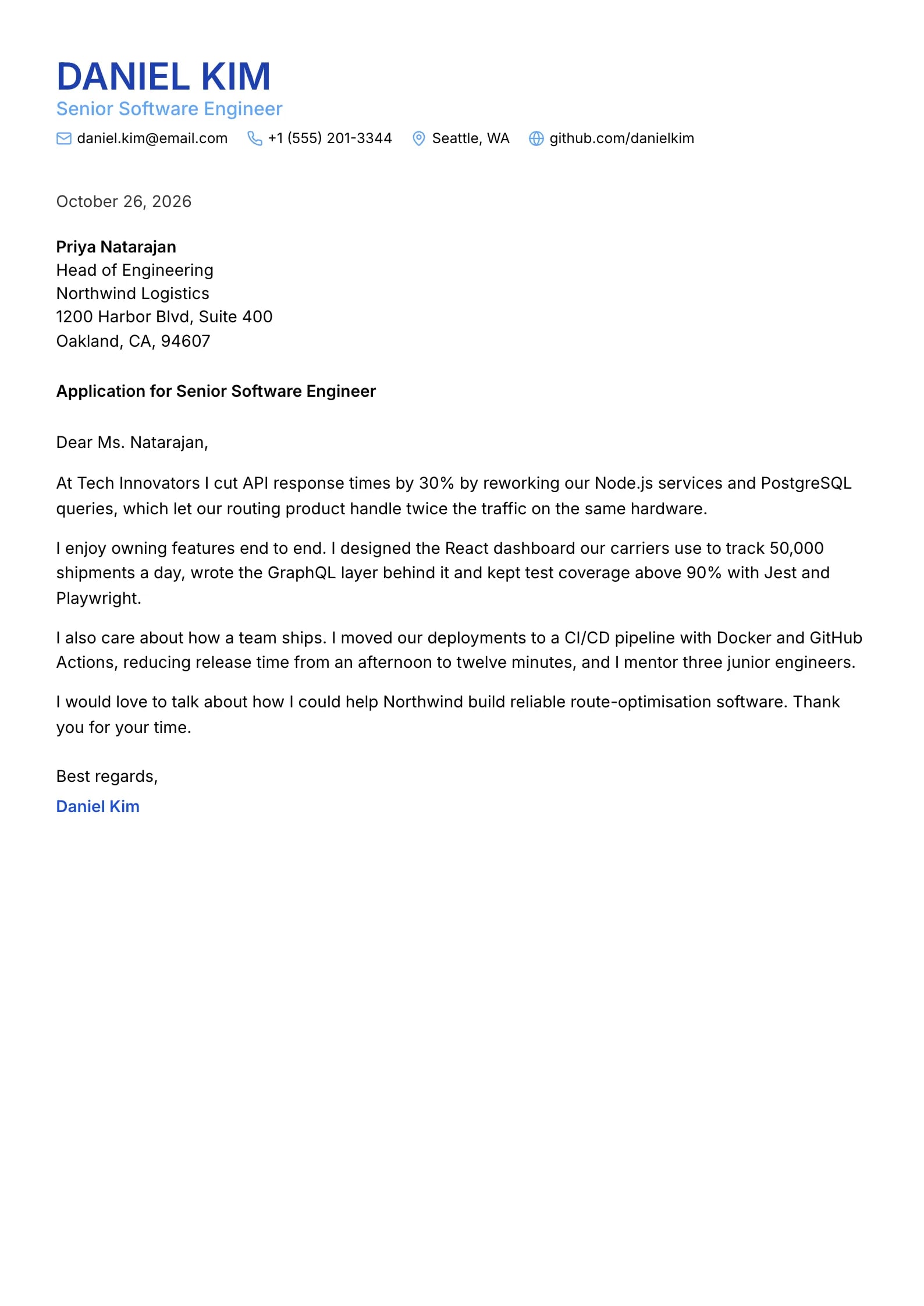
    Use This Template
  • Cascade Preview
    Use This Template

    Cascade

    Matches the “Cascade” resume template: same header, colors and fonts, so your letter and resume read as one set.
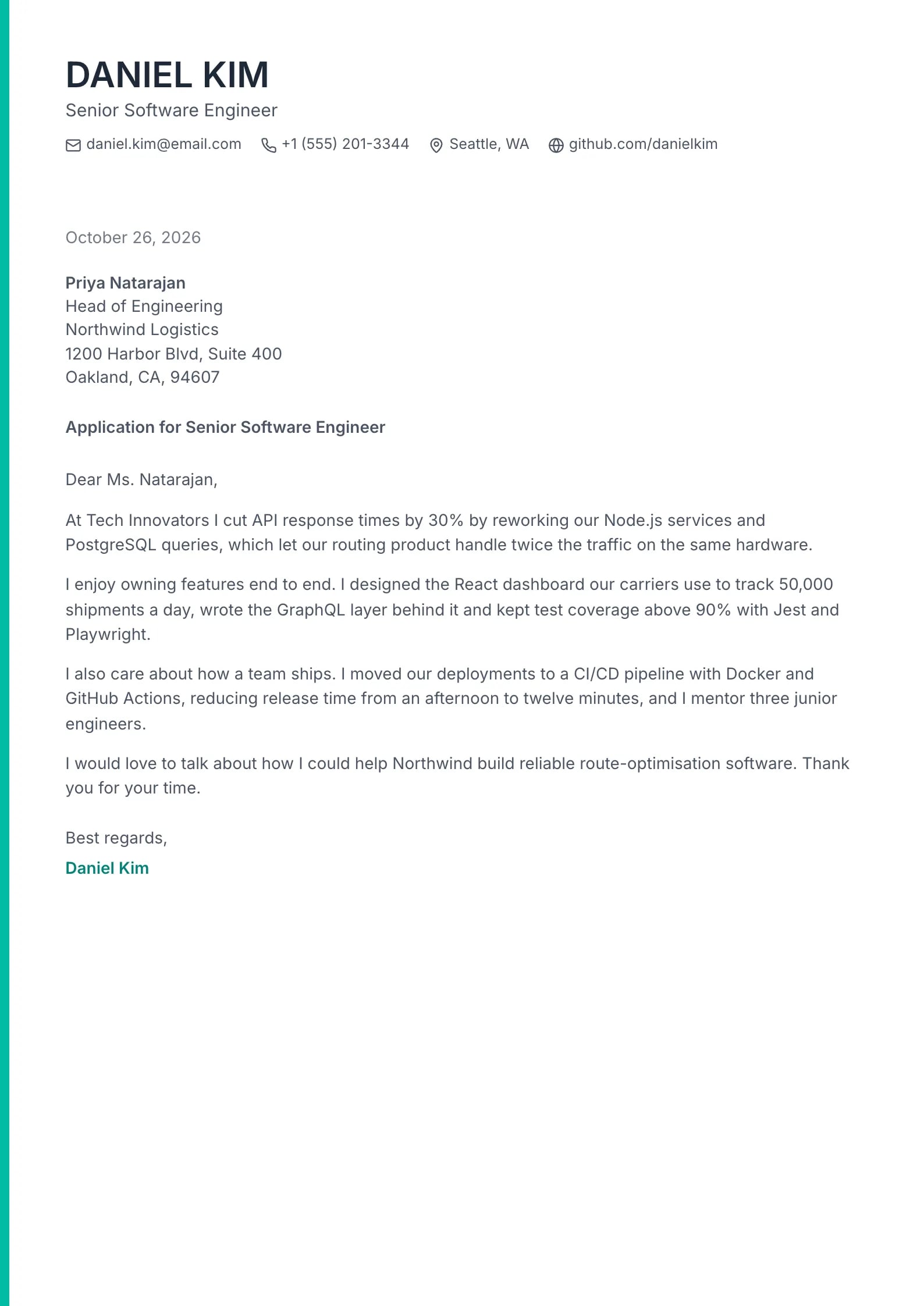
    Use This Template
  • Lumen Preview
    Use This Template

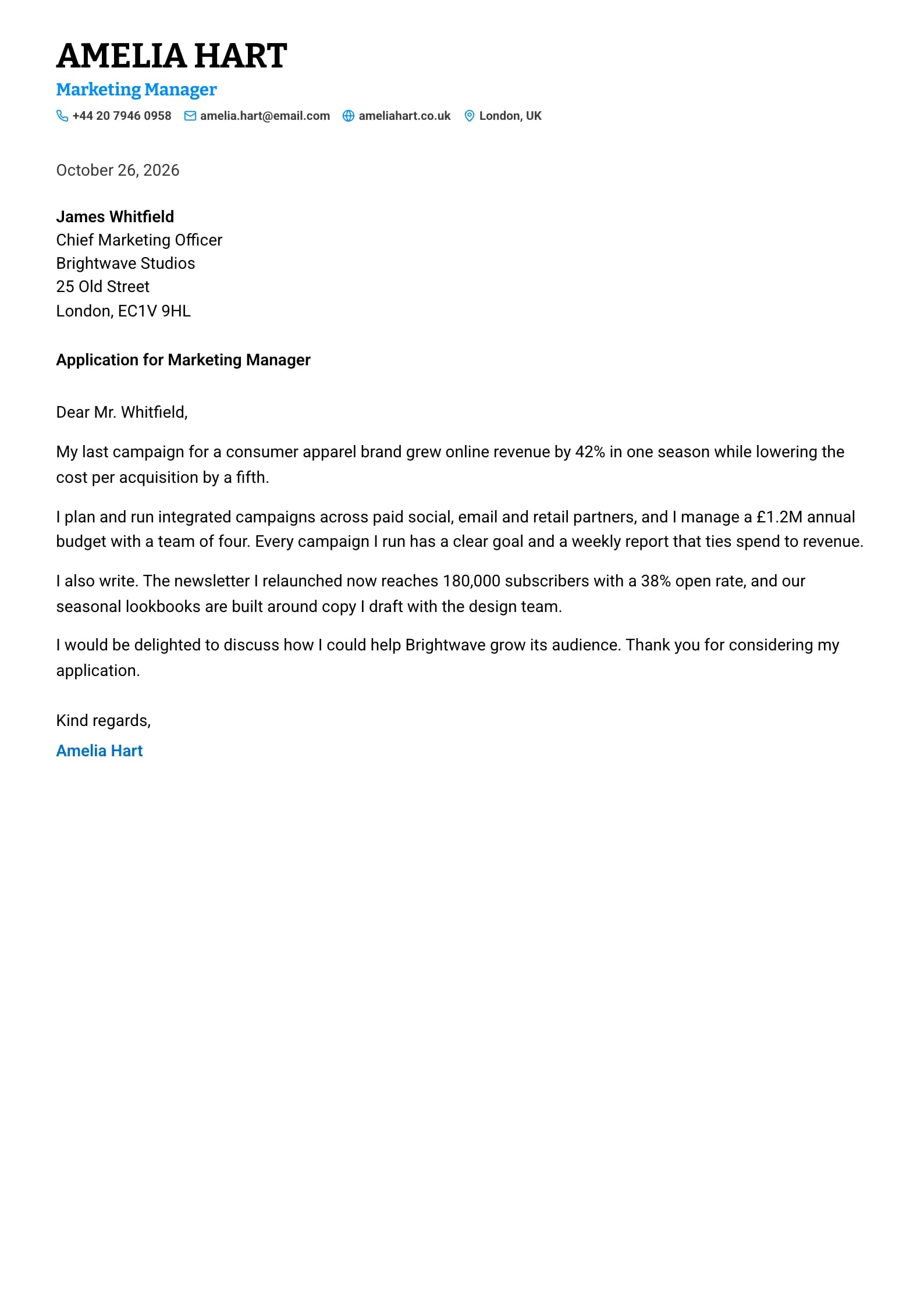
    Lumen

    Matches the “Lumen” resume template: same header, colors and fonts, so your letter and resume read as one set.
    Use This Template
  • Petal Preview
    Use This Template

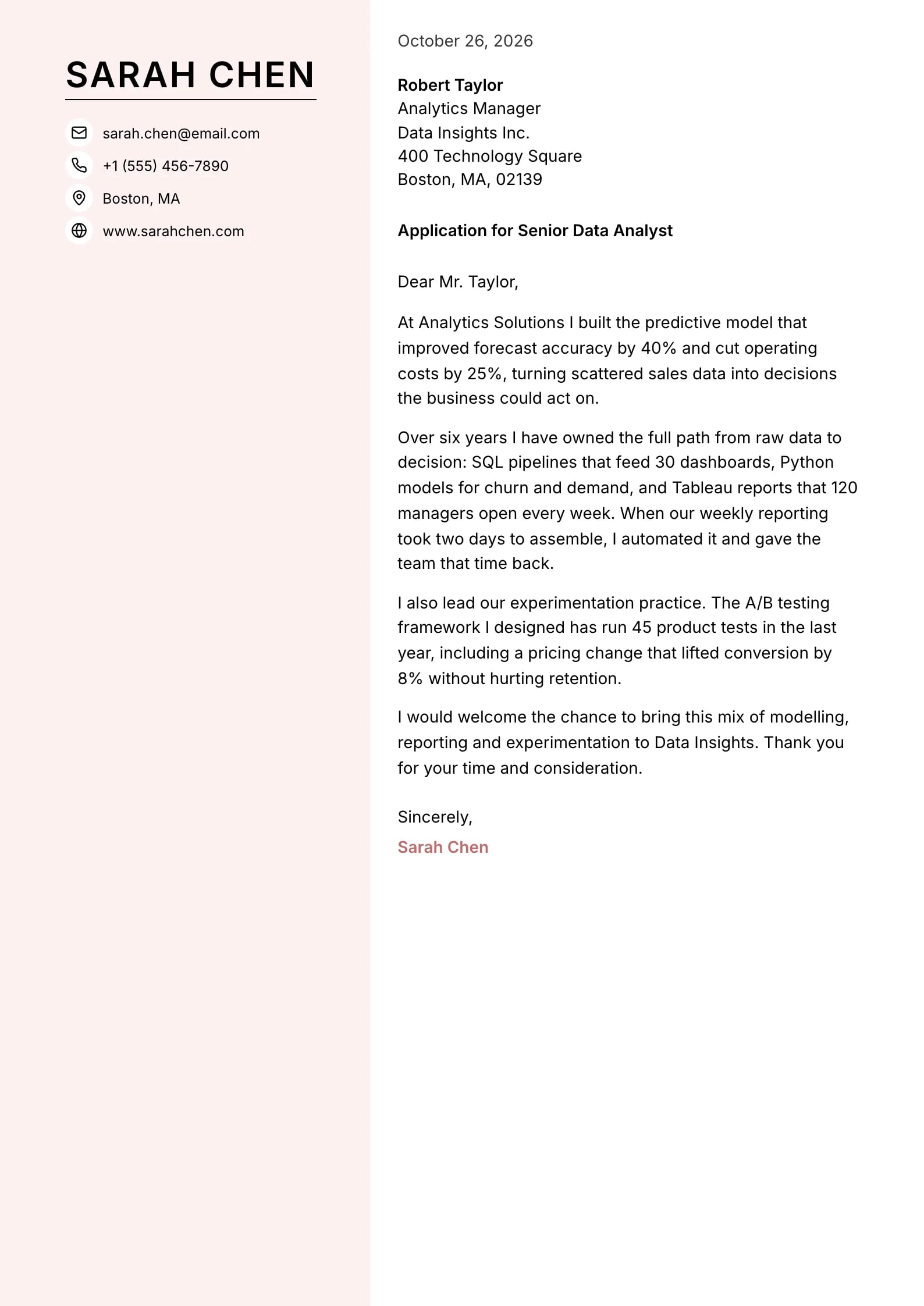
    Petal

    Matches the “Petal” resume template: same header, colors and fonts, so your letter and resume read as one set.
    Use This Template
  • Graphite Preview
    Use This Template

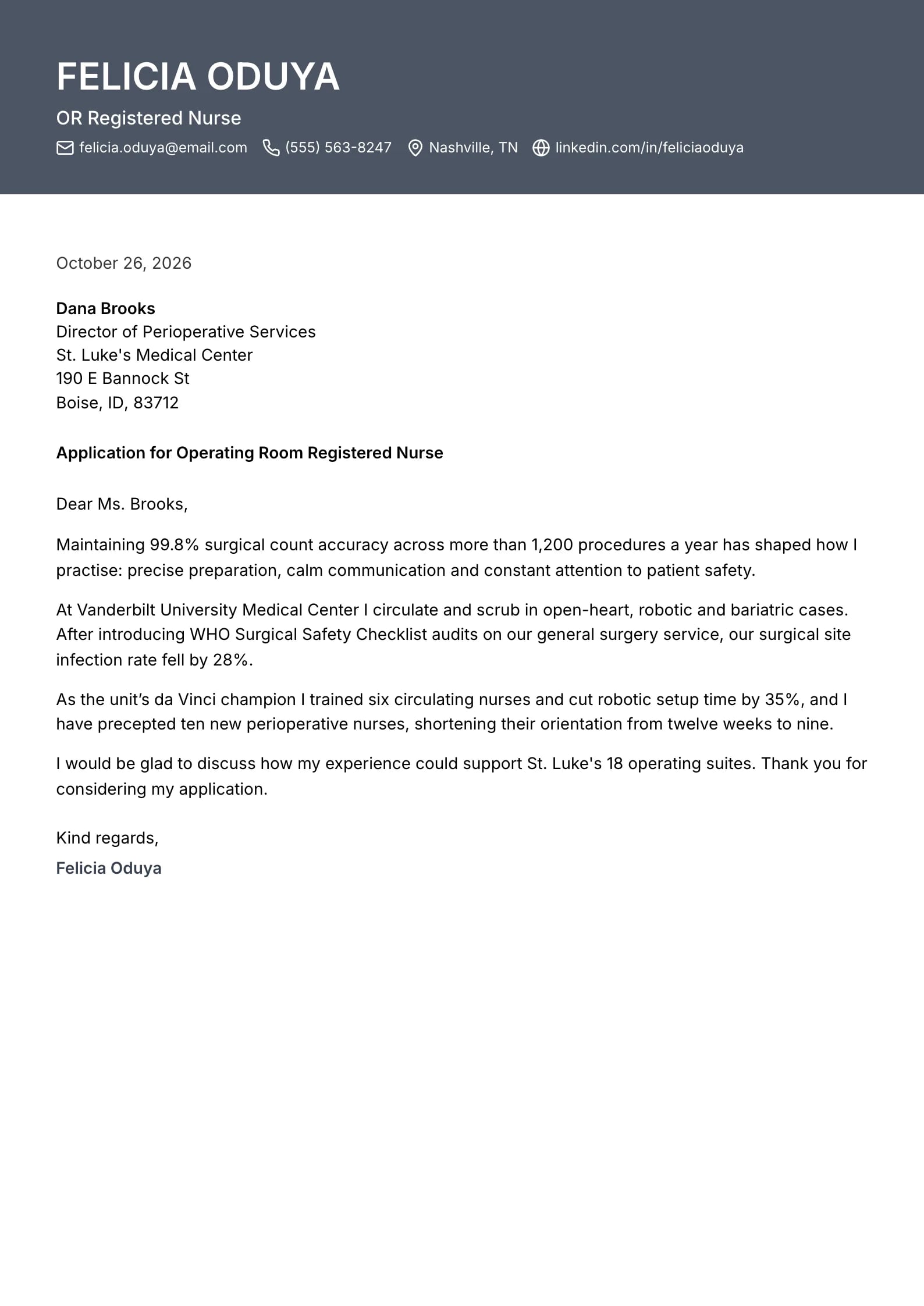
    Graphite

    Matches the “Graphite” resume template: same header, colors and fonts, so your letter and resume read as one set.
    Use This Template
  • Vellum Preview
    Use This Template

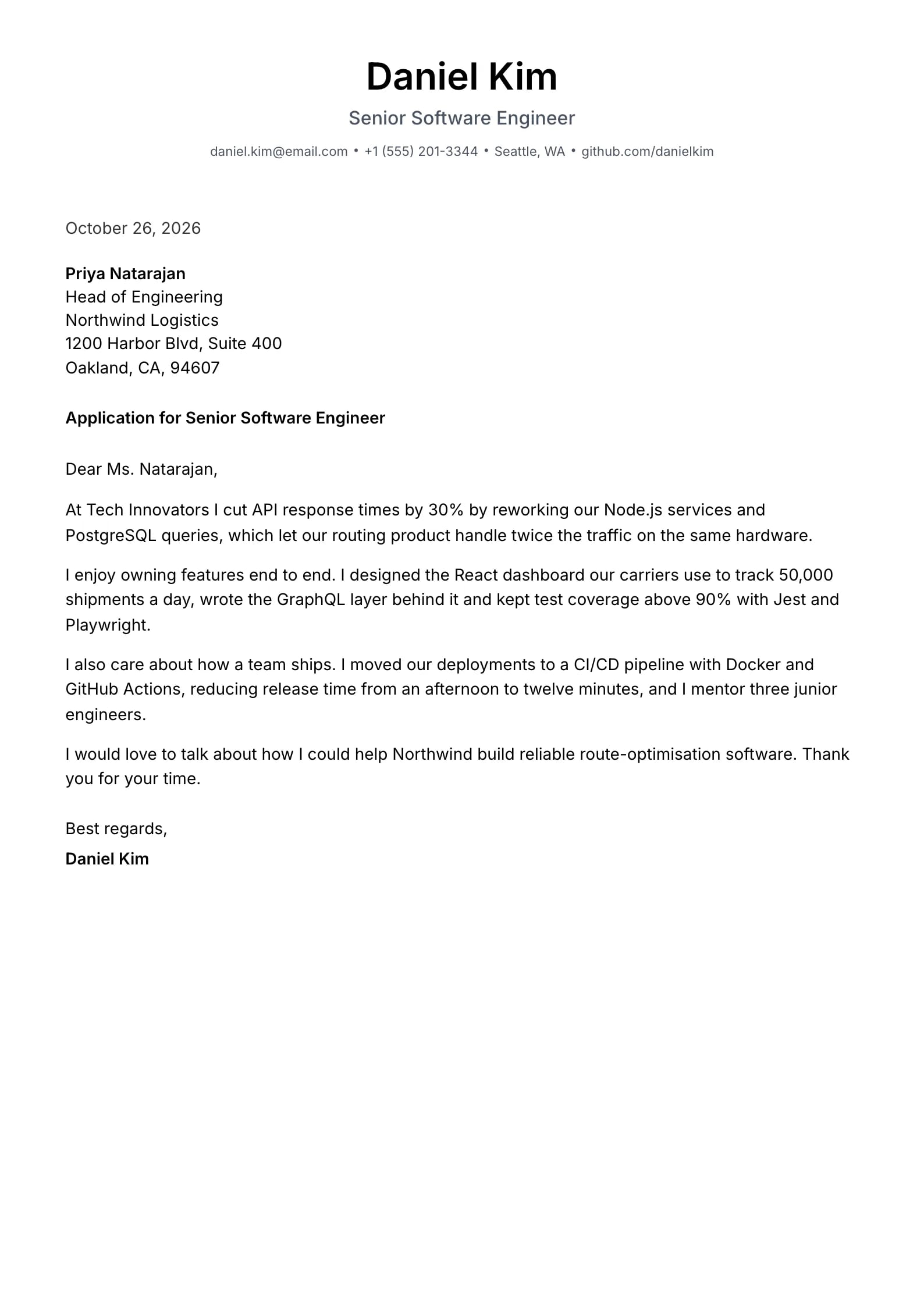
    Vellum

    Matches the “Vellum” resume template: same header, colors and fonts, so your letter and resume read as one set.
    Use This Template
  • Pewter Preview
    Use This Template

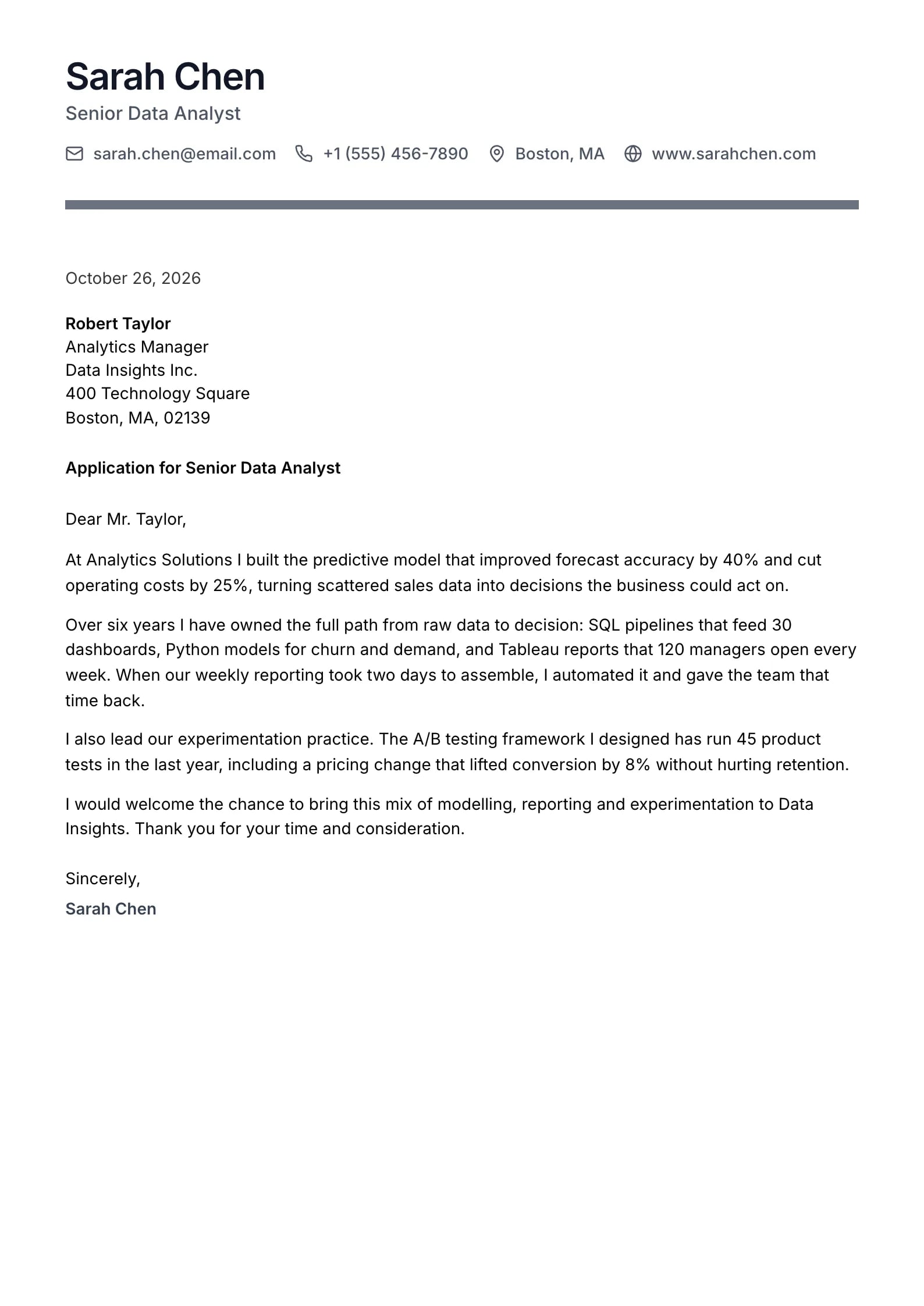
    Pewter

    Matches the “Pewter” resume template: same header, colors and fonts, so your letter and resume read as one set.
    Use This Template
  • Regent Preview
    Use This Template

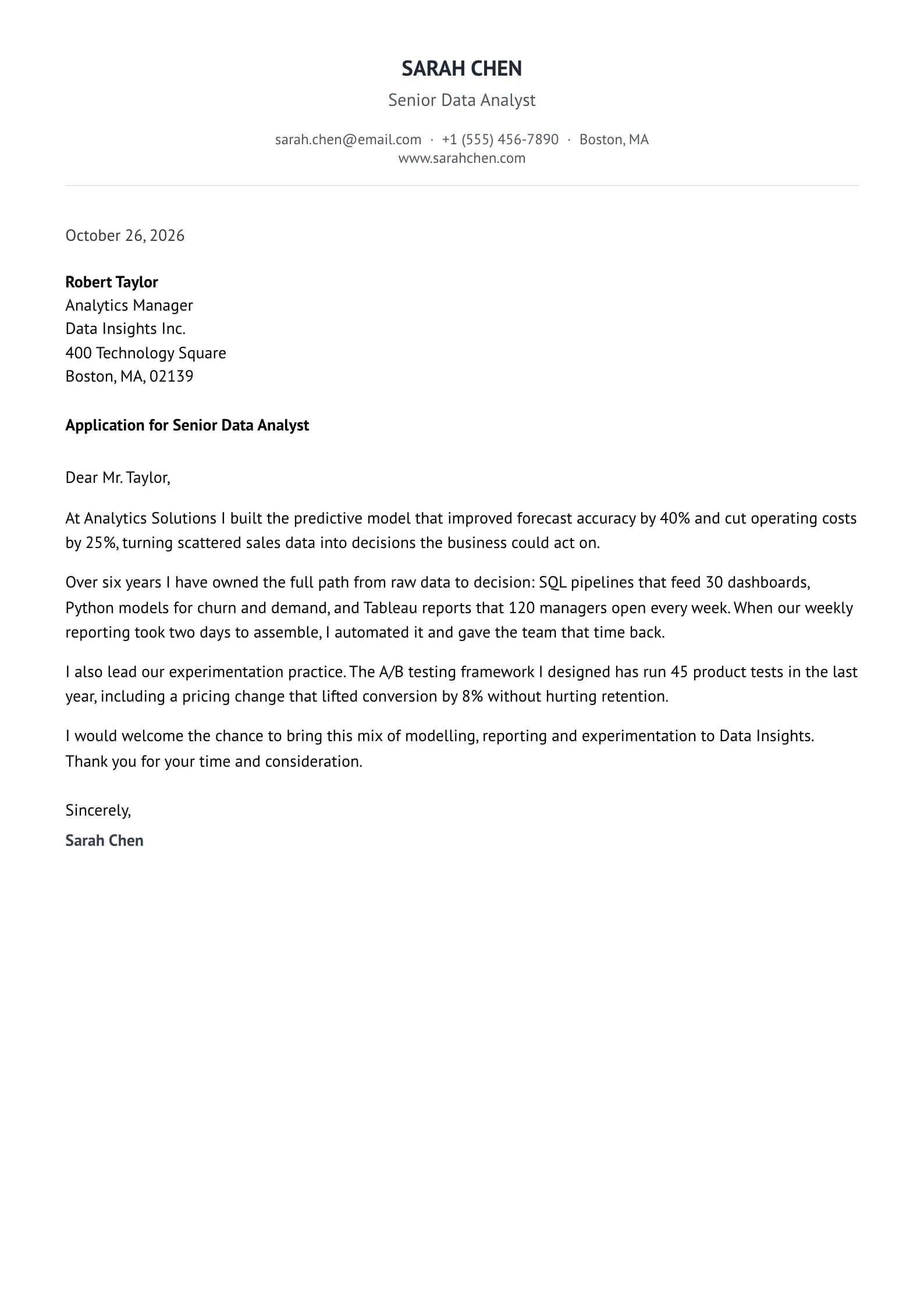
    Regent

    Matches the “Regent” resume template: same header, colors and fonts, so your letter and resume read as one set.
    Use This Template
  • Orchid Preview
    Use This Template

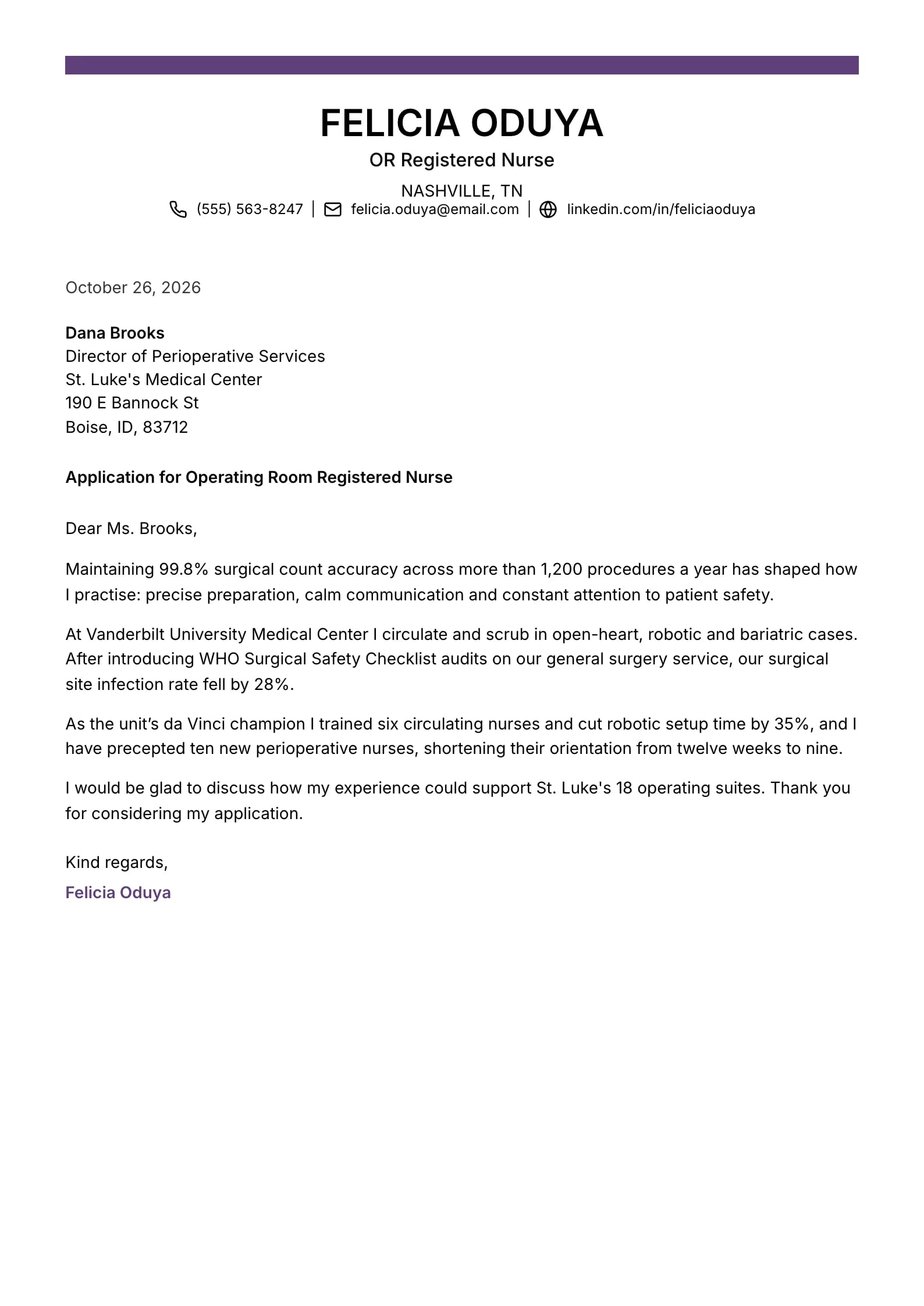
    Orchid

    Matches the “Orchid” resume template: same header, colors and fonts, so your letter and resume read as one set.
    Use This Template
  • Onyx Preview
    Use This Template

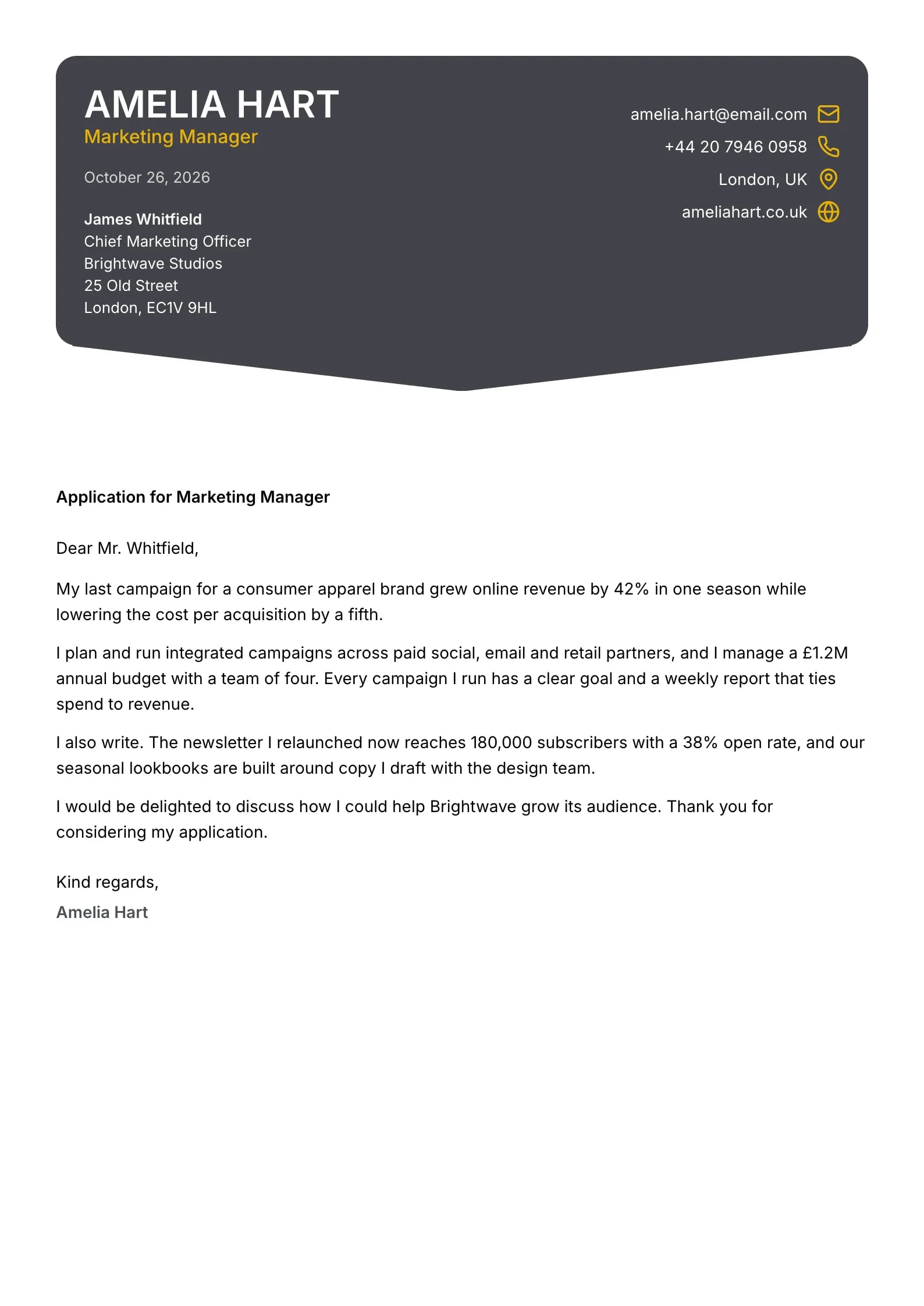
    Onyx

    Matches the “Onyx” resume template: same header, colors and fonts, so your letter and resume read as one set.
    Use This Template
  • Chronicle Preview
    Use This Template

    Chronicle

    Matches the “Chronicle” resume template: same header, colors and fonts, so your letter and resume read as one set.
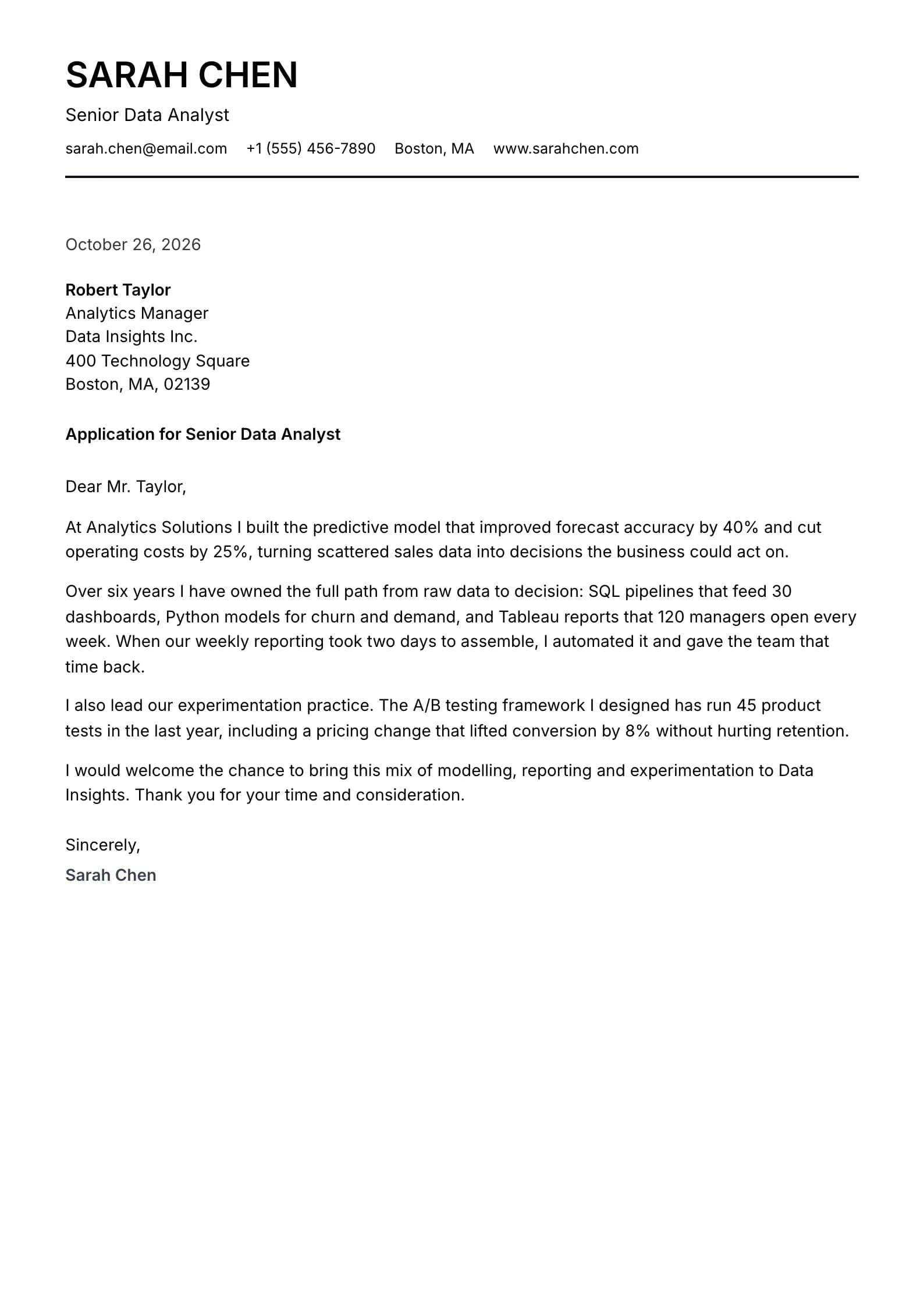
    Use This Template
  • Palette Preview
    Use This Template

    Palette

    Matches the “Palette” resume template: same header, colors and fonts, so your letter and resume read as one set.
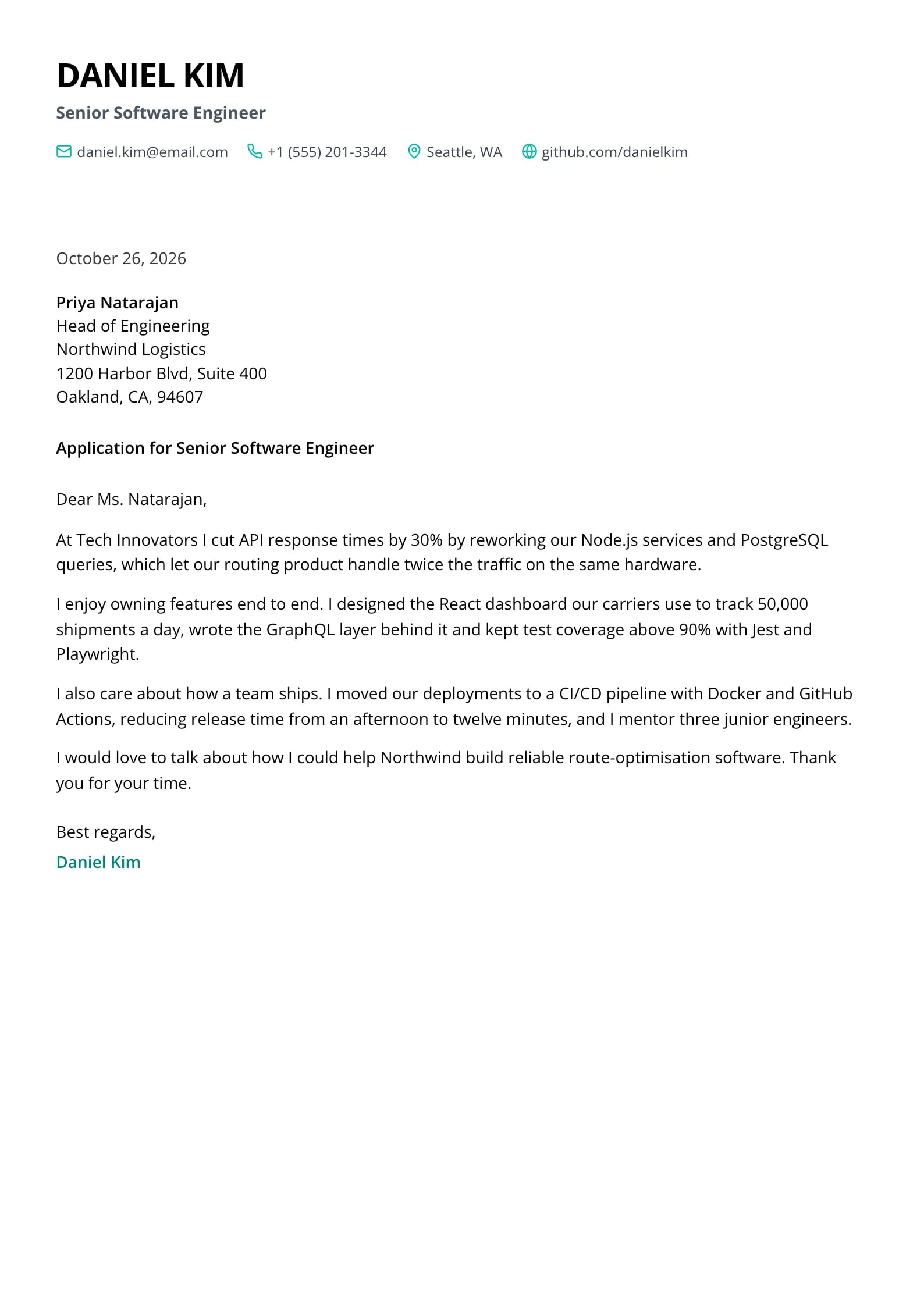
    Use This Template
  • Ivory Preview
    Use This Template

    Ivory

    Matches the “Ivory” resume template: same header, colors and fonts, so your letter and resume read as one set.
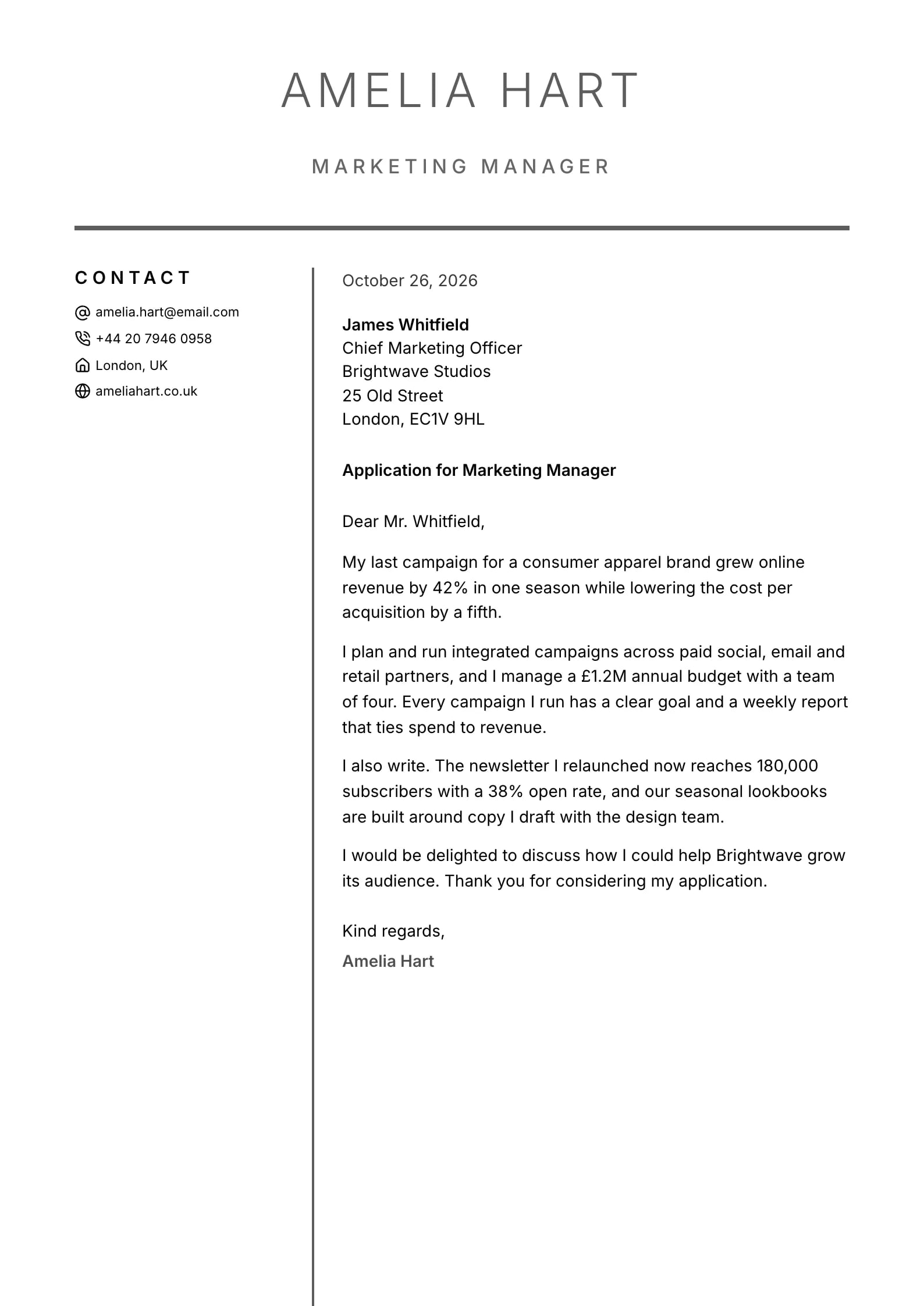
    Use This Template
  • Blush Preview
    Use This Template

    Blush

    Matches the “Blush” resume template: same header, colors and fonts, so your letter and resume read as one set.
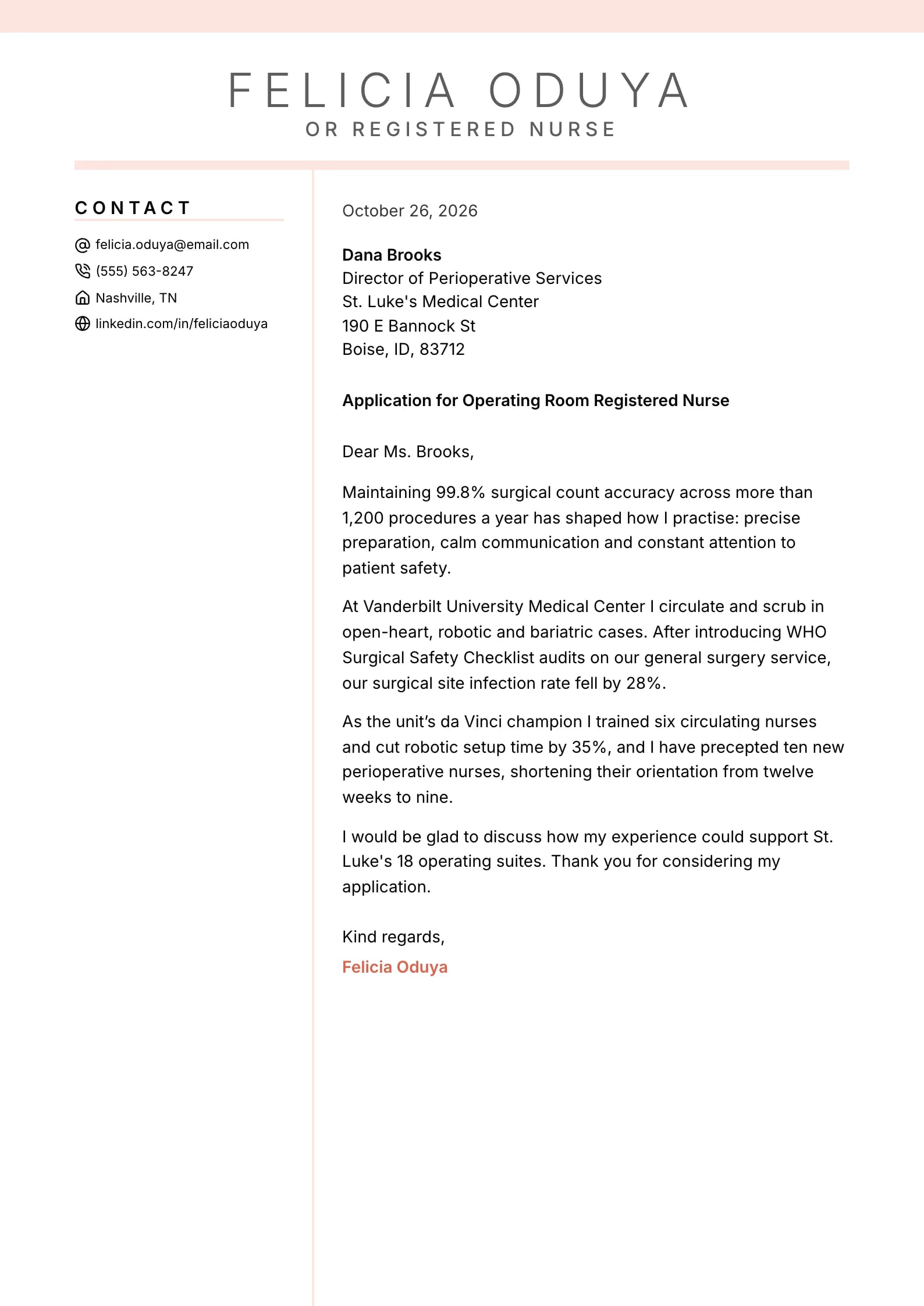
    Use This Template
  • Azure Preview
    Use This Template

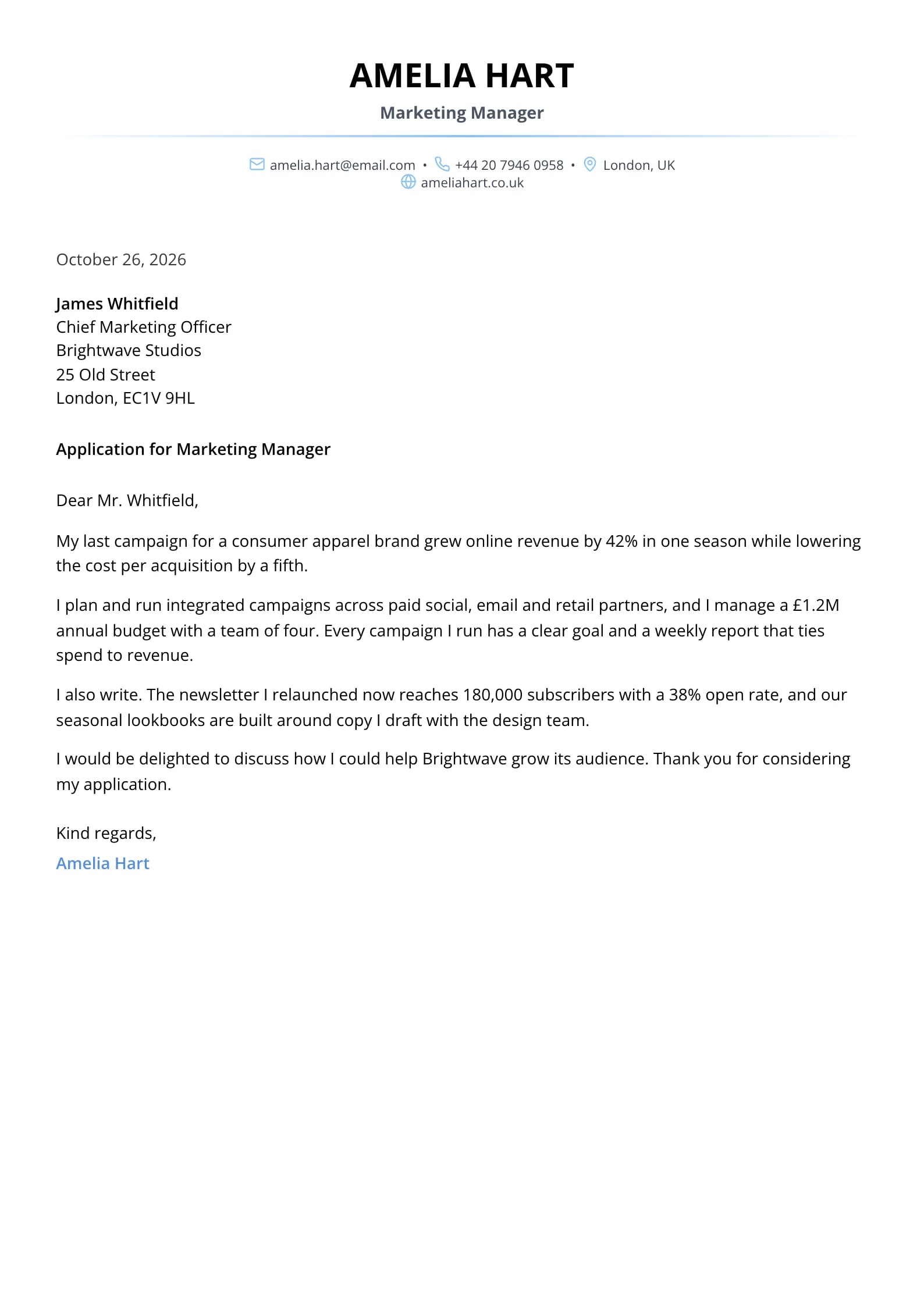
    Azure

    Matches the “Azure” resume template: same header, colors and fonts, so your letter and resume read as one set.
    Use This Template
  • Pillar Preview
    Use This Template

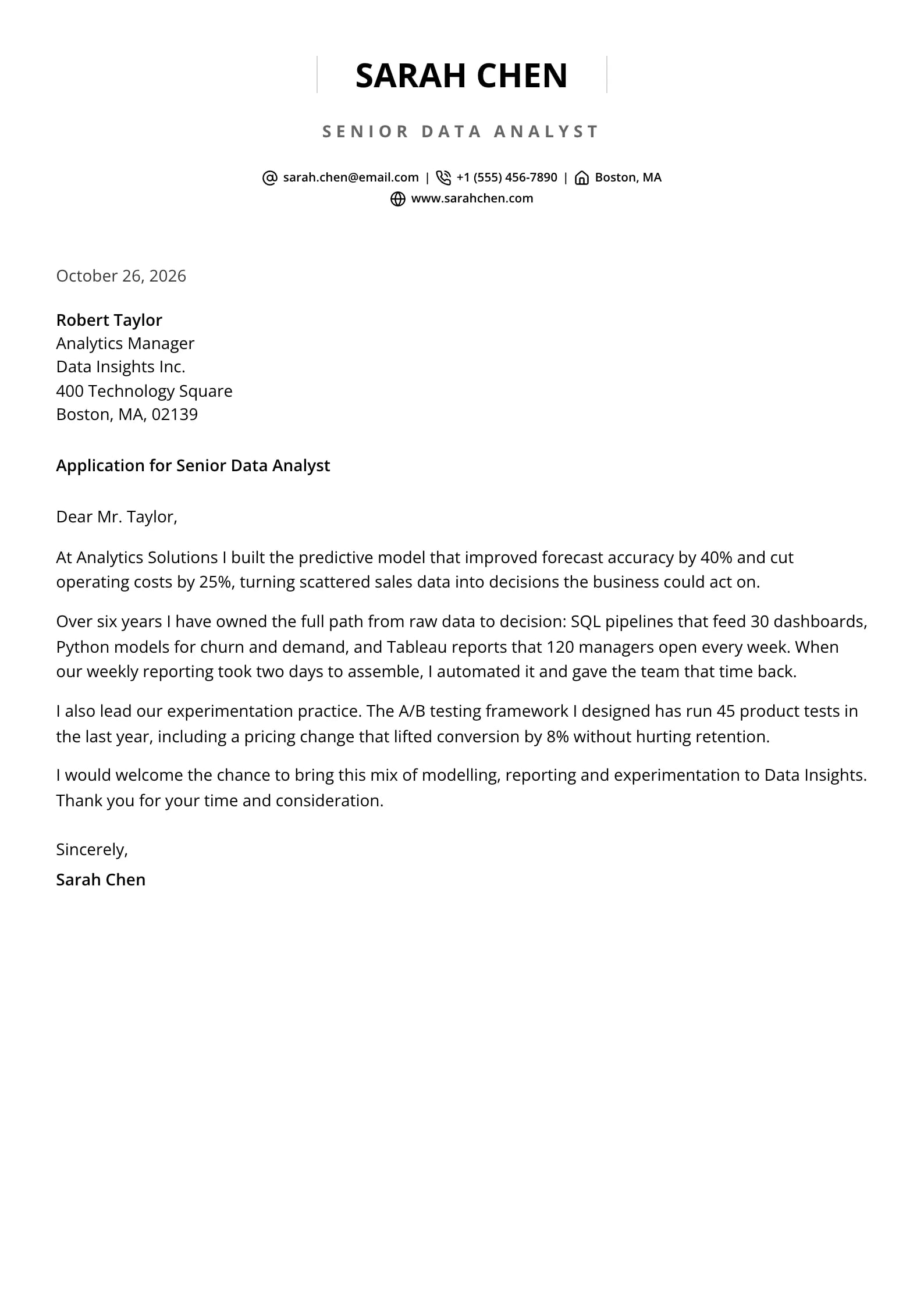
    Pillar

    Matches the “Pillar” resume template: same header, colors and fonts, so your letter and resume read as one set.
    Use This Template
  • Crimson Preview
    Use This Template

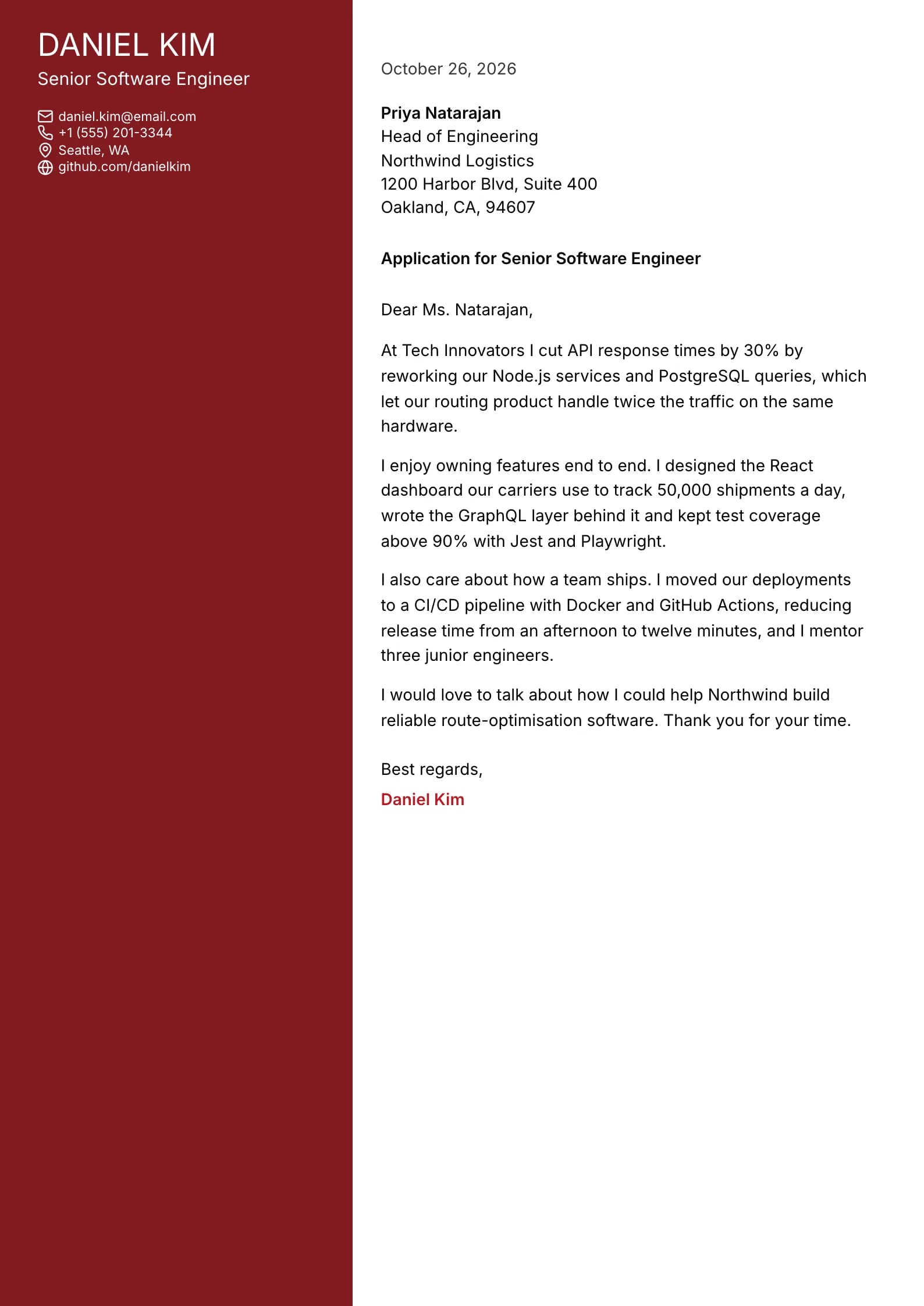
    Crimson

    Matches the “Crimson” resume template: same header, colors and fonts, so your letter and resume read as one set.
    Use This Template
  • Barrister Preview
    Use This Template

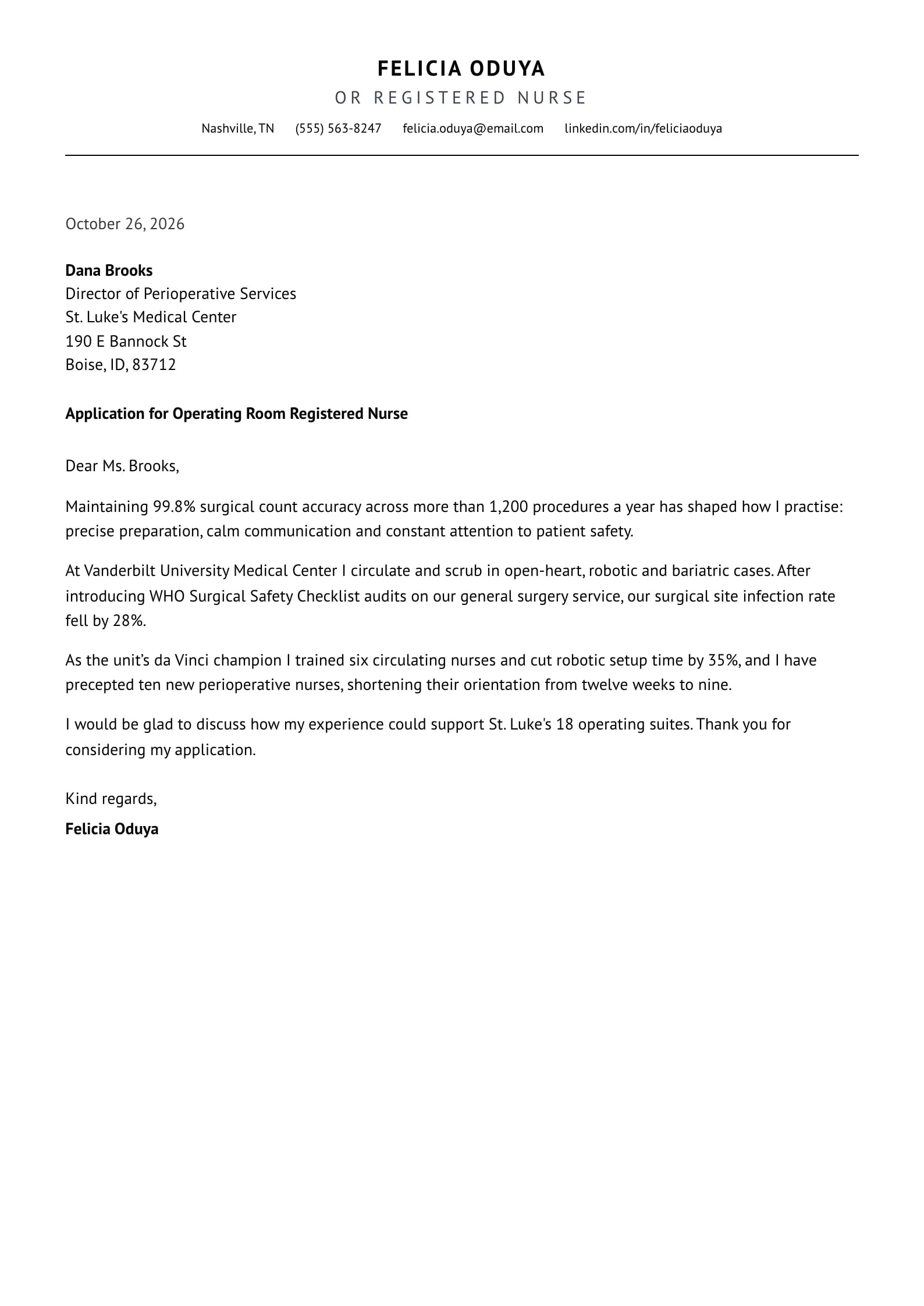
    Barrister

    Matches the “Barrister” resume template: same header, colors and fonts, so your letter and resume read as one set.
    Use This Template
  • Indigo Preview
    Use This Template

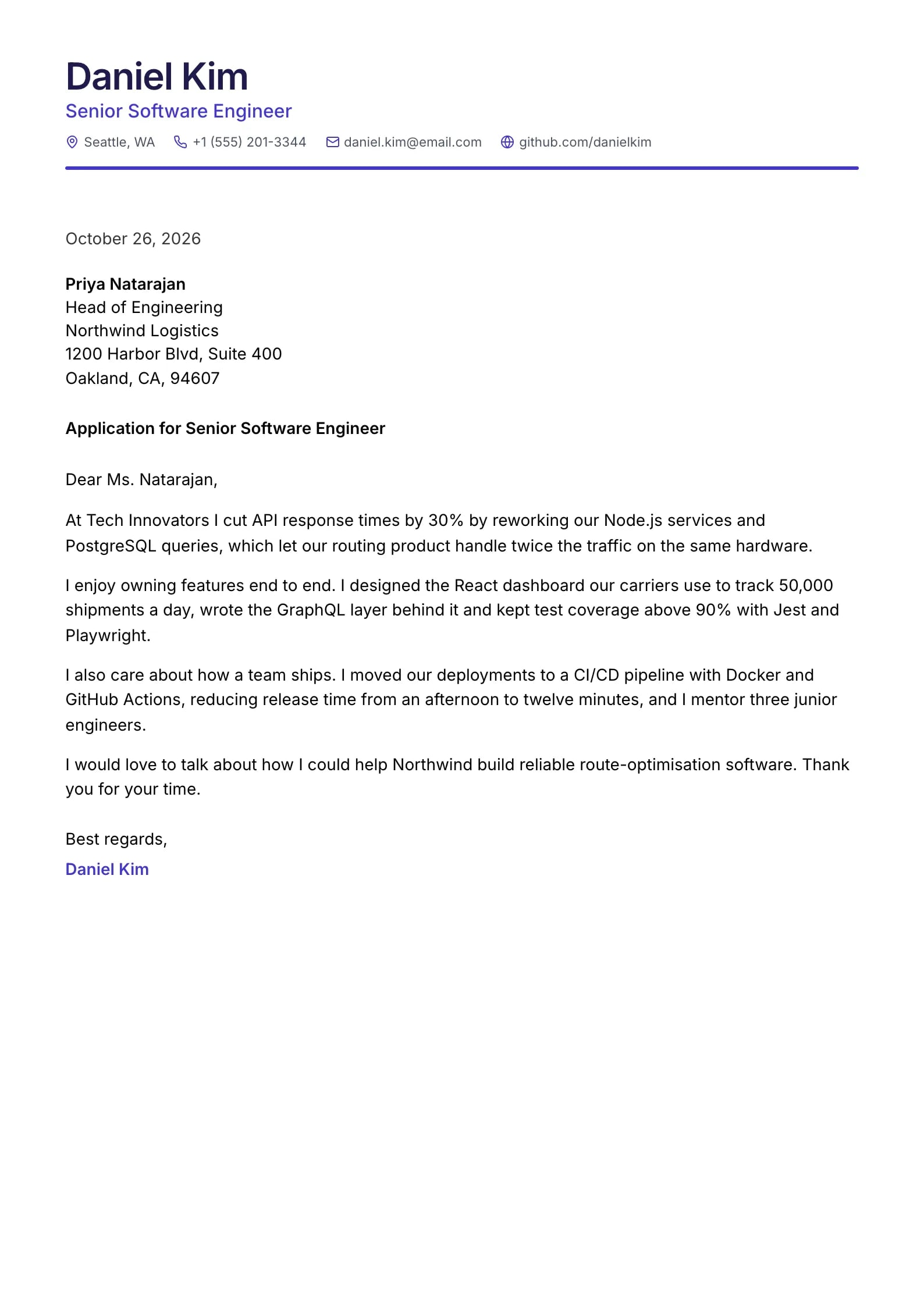
    Indigo

    Matches the “Indigo” resume template: same header, colors and fonts, so your letter and resume read as one set.
    Use This Template
  • Amber Crest Preview
    Use This Template

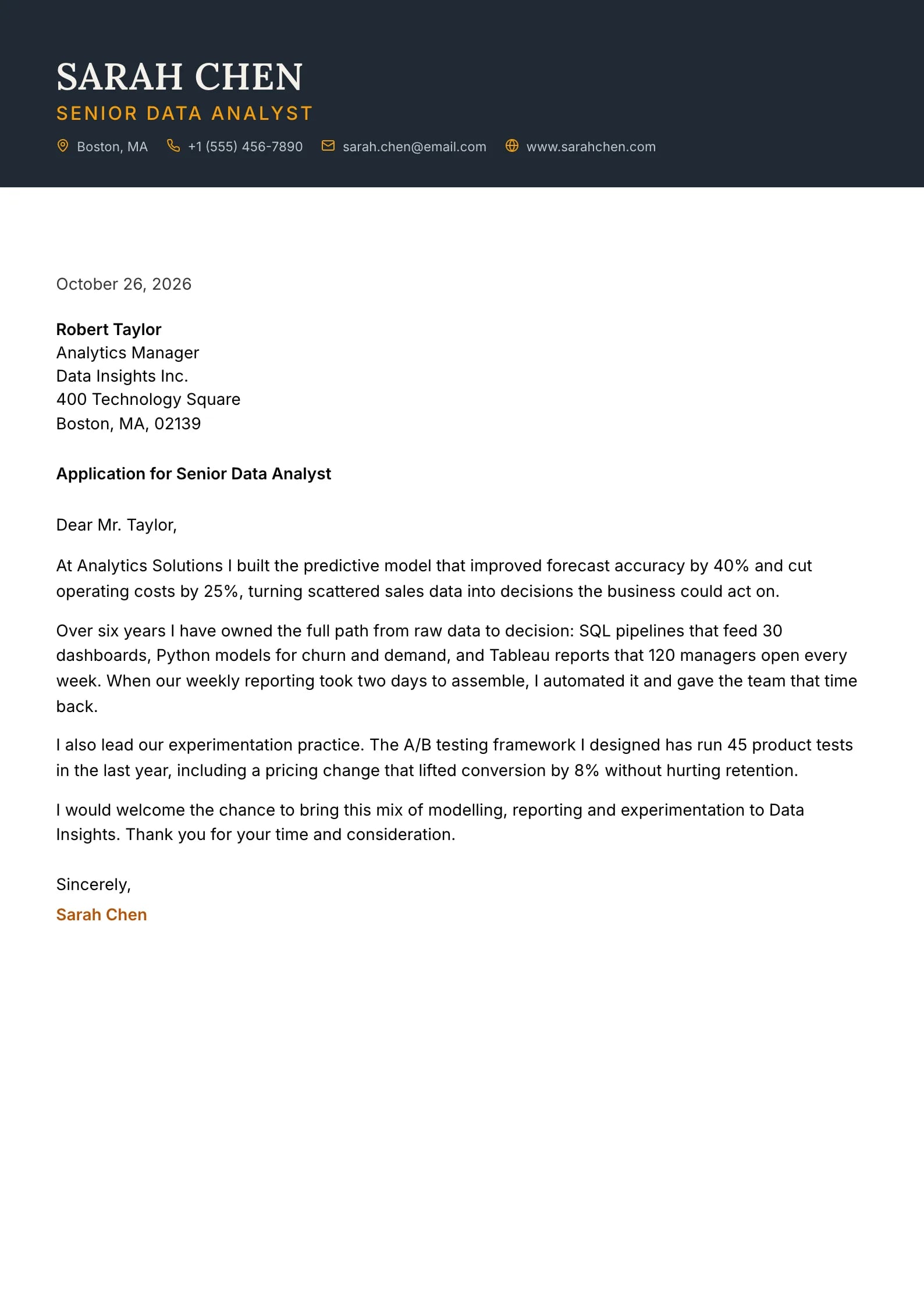
    Amber Crest

    Matches the “Amber Crest” resume template: same header, colors and fonts, so your letter and resume read as one set.
    Use This Template
  • Garnet Preview
    Use This Template

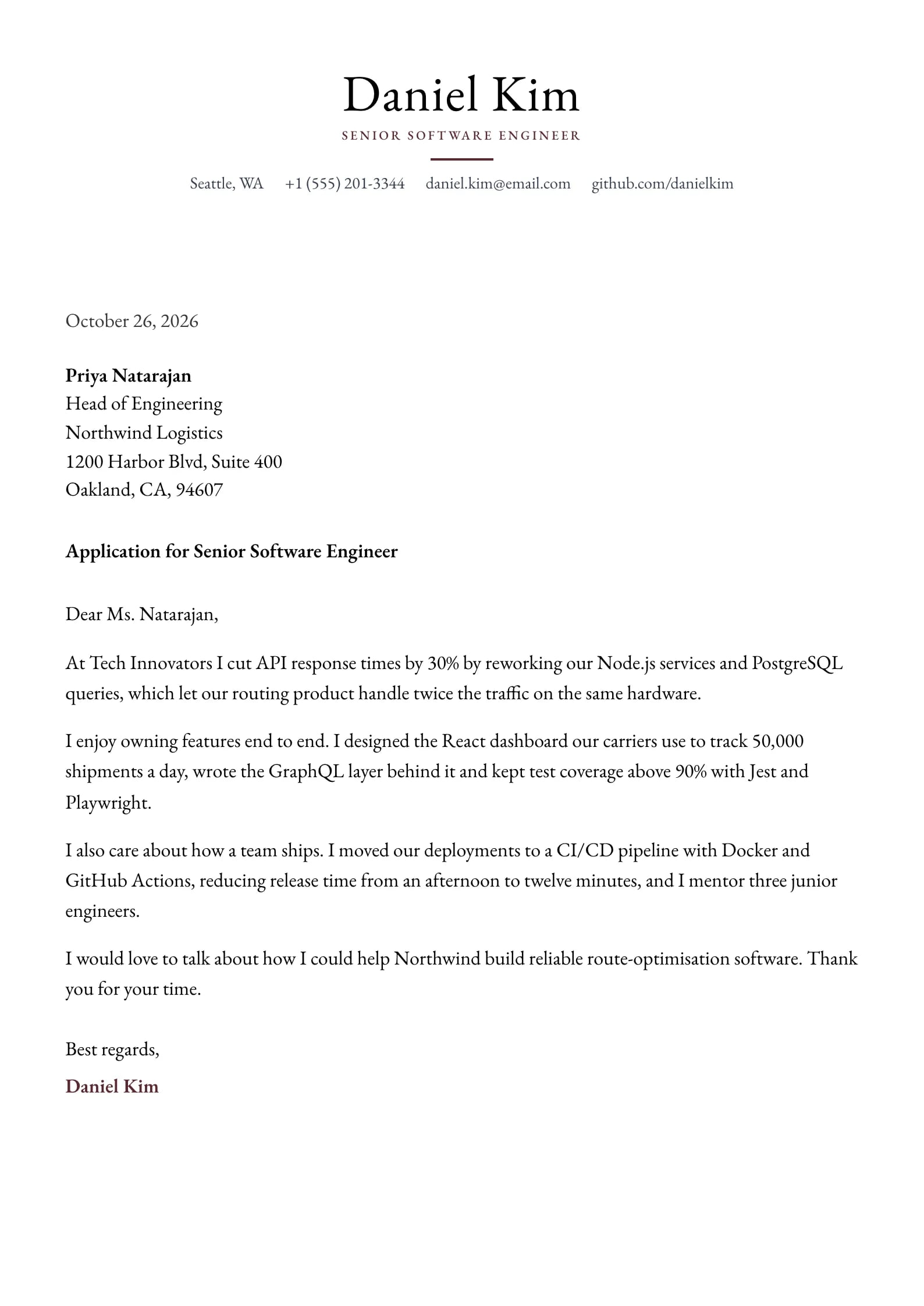
    Garnet

    Matches the “Garnet” resume template: same header, colors and fonts, so your letter and resume read as one set.
    Use This Template
  • Reef Preview
    Use This Template

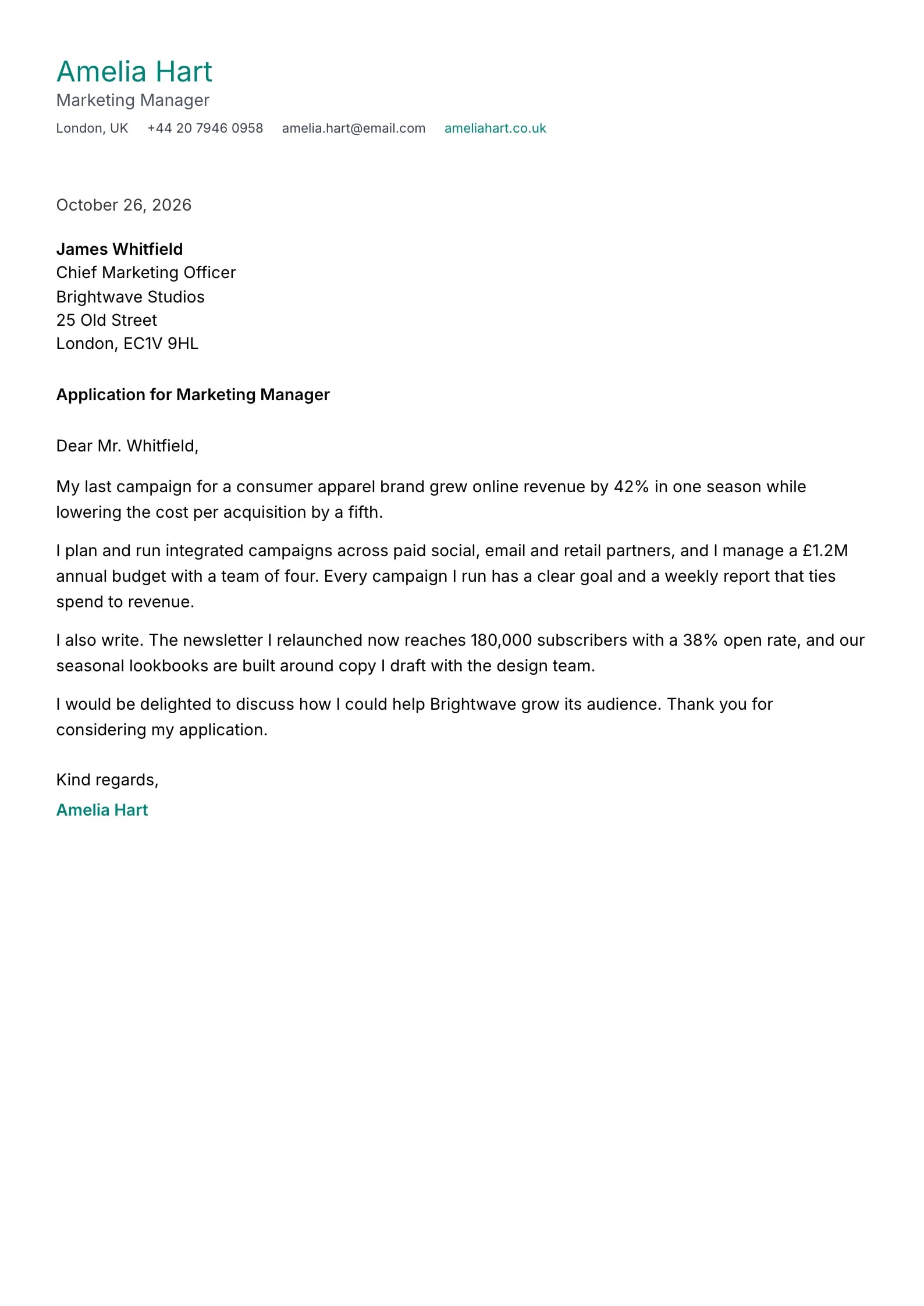
    Reef

    Matches the “Reef” resume template: same header, colors and fonts, so your letter and resume read as one set.
    Use This Template
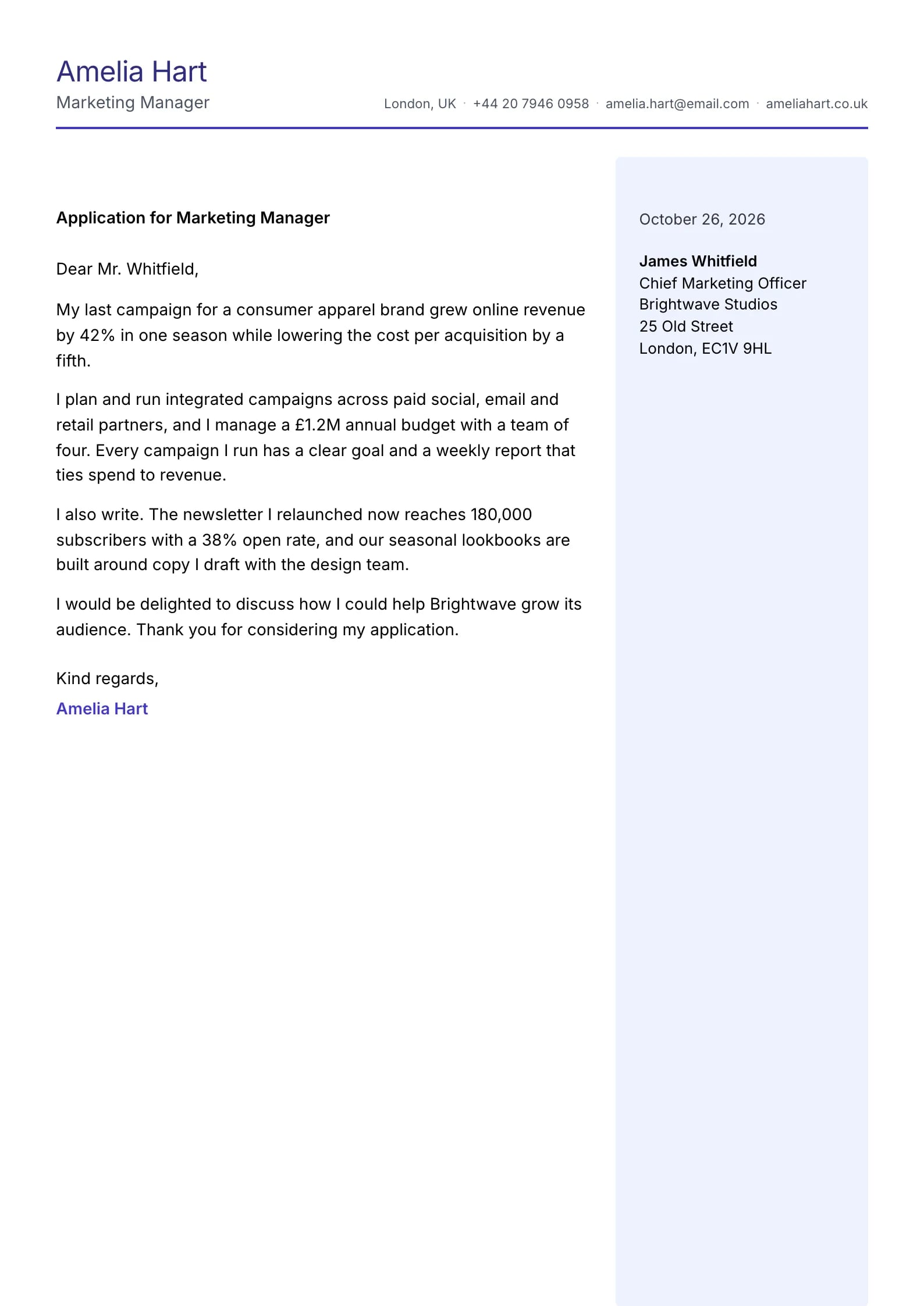
  • Iris Preview
    Use This Template

    Iris

    Matches the “Iris” resume template: same header, colors and fonts, so your letter and resume read as one set.
    Use This Template
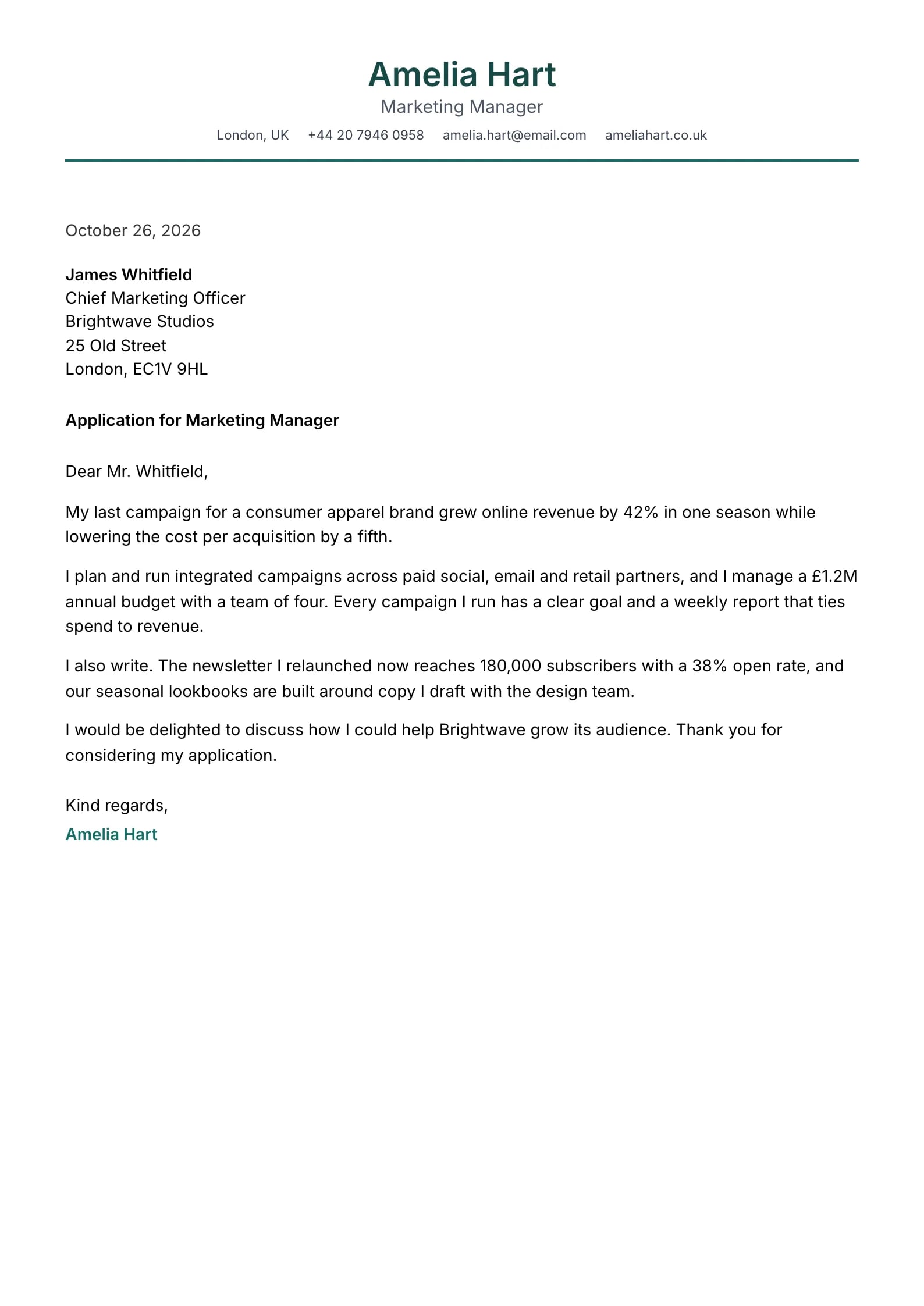
  • Verdant Preview
    Use This Template

    Verdant

    Matches the “Verdant” resume template: same header, colors and fonts, so your letter and resume read as one set.
    Use This Template
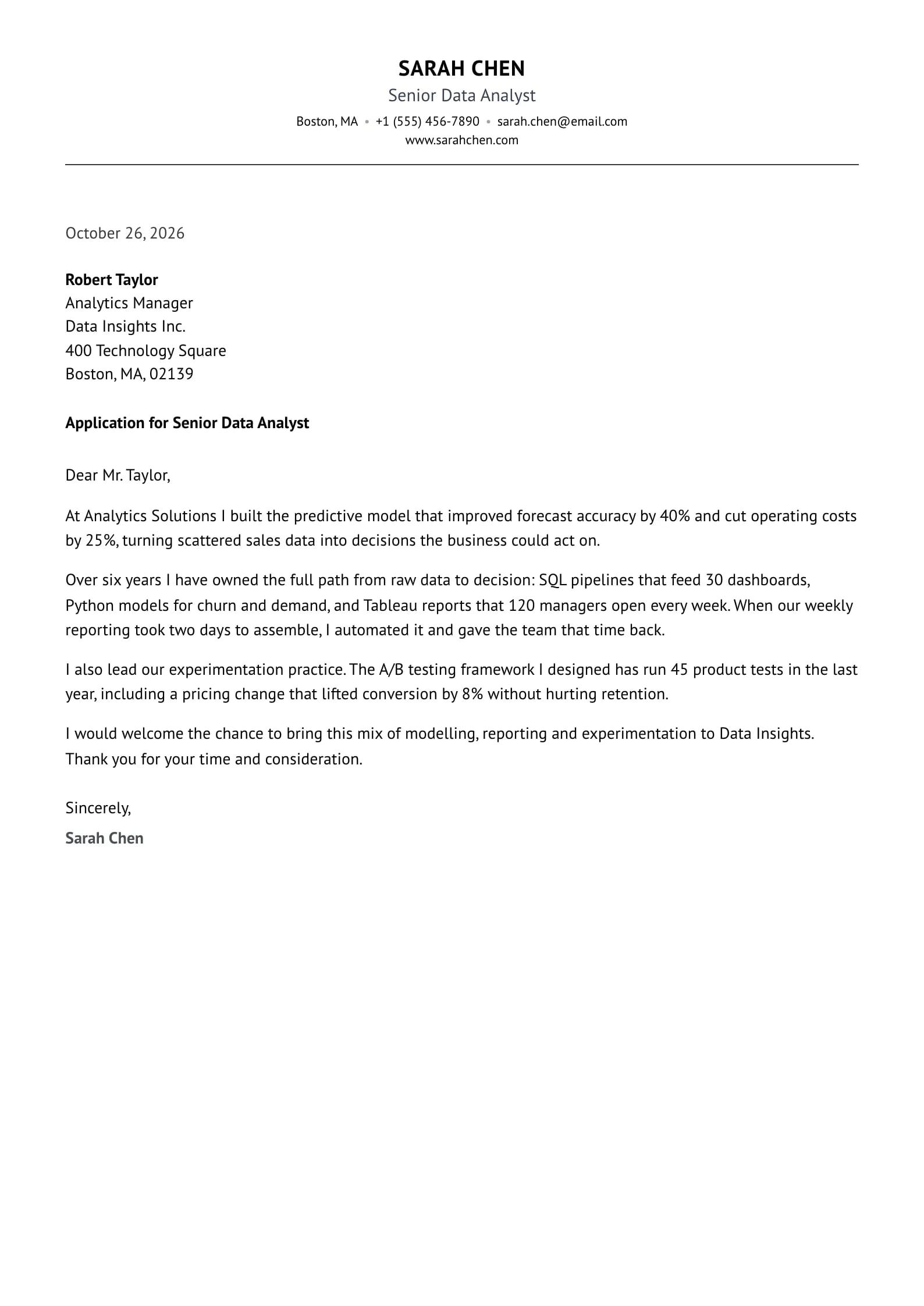
  • Parchment Preview
    Use This Template

    Parchment

    Matches the “Parchment” resume template: same header, colors and fonts, so your letter and resume read as one set.
    Use This Template
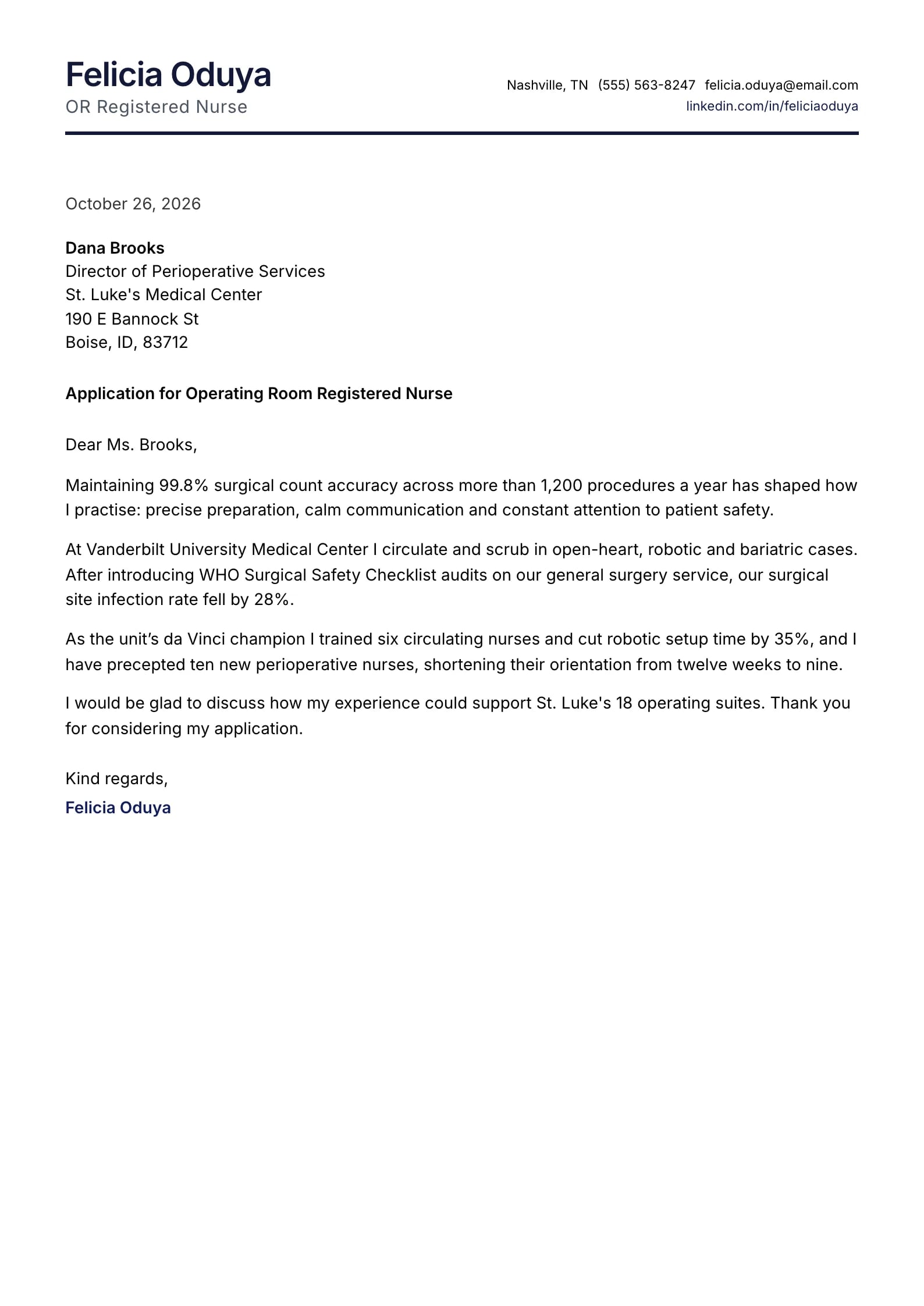
  • Vanguard Preview
    Use This Template

    Vanguard

    Matches the “Vanguard” resume template: same header, colors and fonts, so your letter and resume read as one set.
    Use This Template
  • Axis Preview
    Use This Template

    Axis

    Matches the “Axis” resume template: same header, colors and fonts, so your letter and resume read as one set.
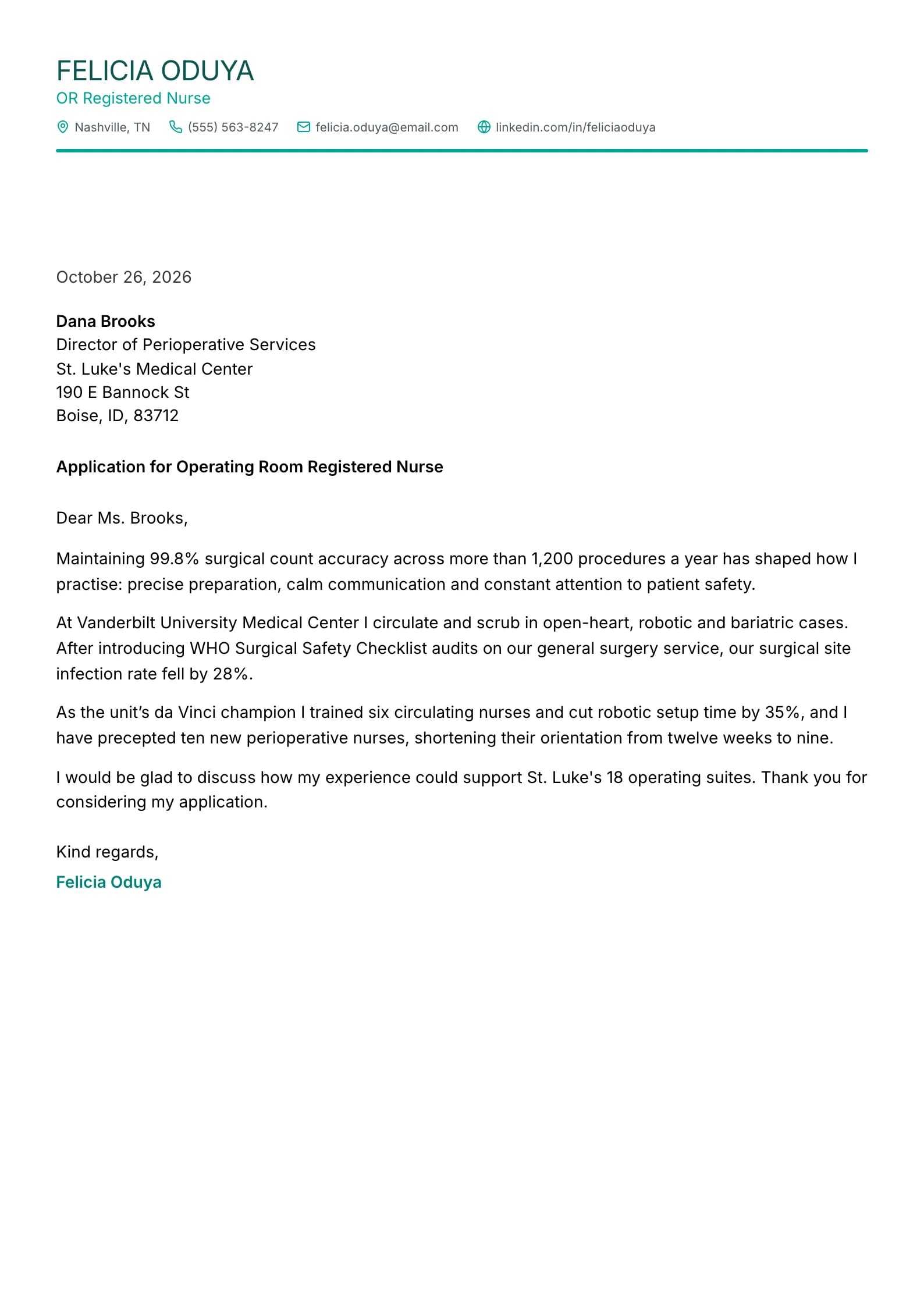
    Use This Template
  • Evergreen Preview
    Use This Template

    Evergreen

    Matches the “Evergreen” resume template: same header, colors and fonts, so your letter and resume read as one set.
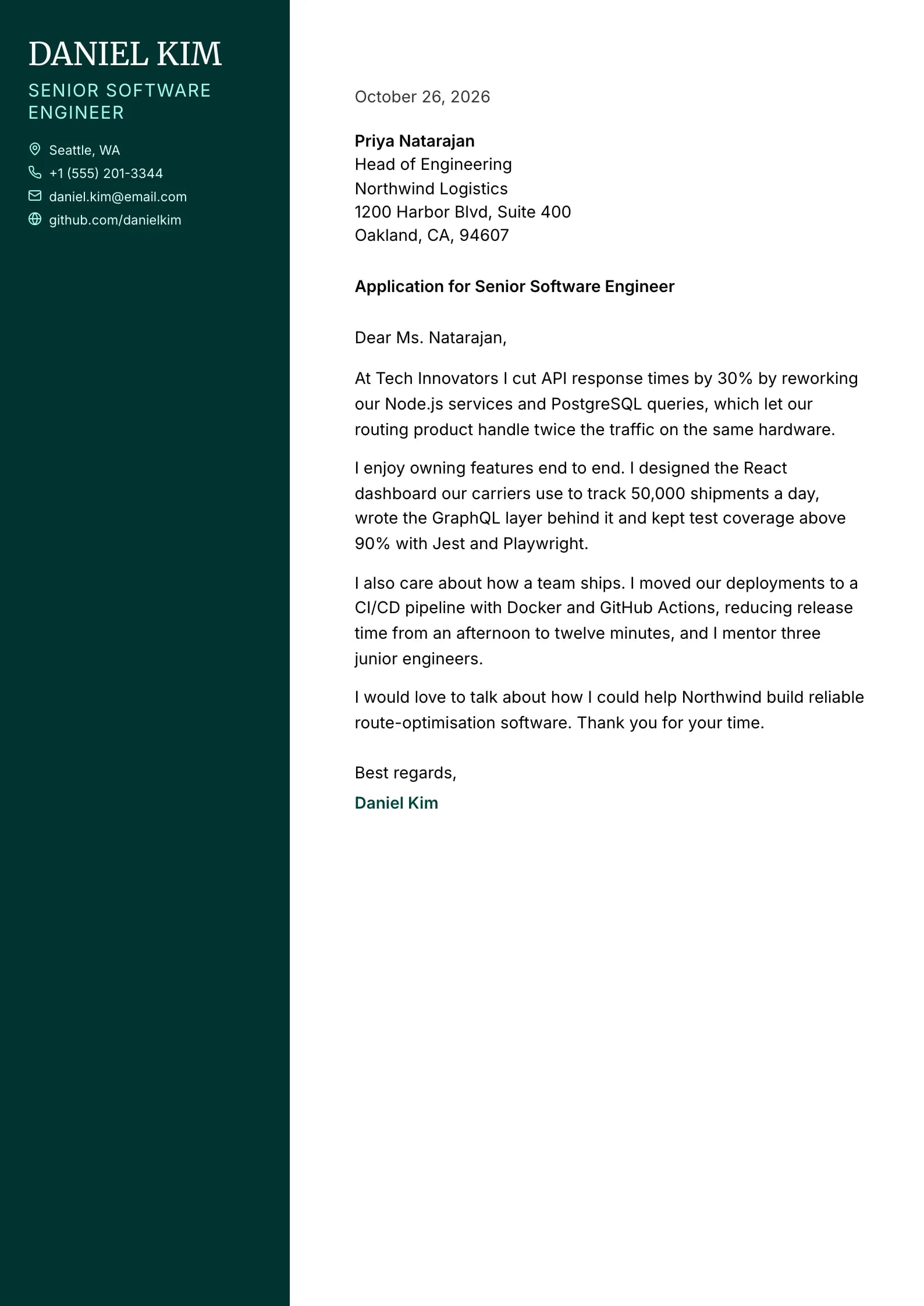
    Use This Template
  • Admiral Preview
    Use This Template

    Admiral

    Matches the “Admiral” resume template: same header, colors and fonts, so your letter and resume read as one set.
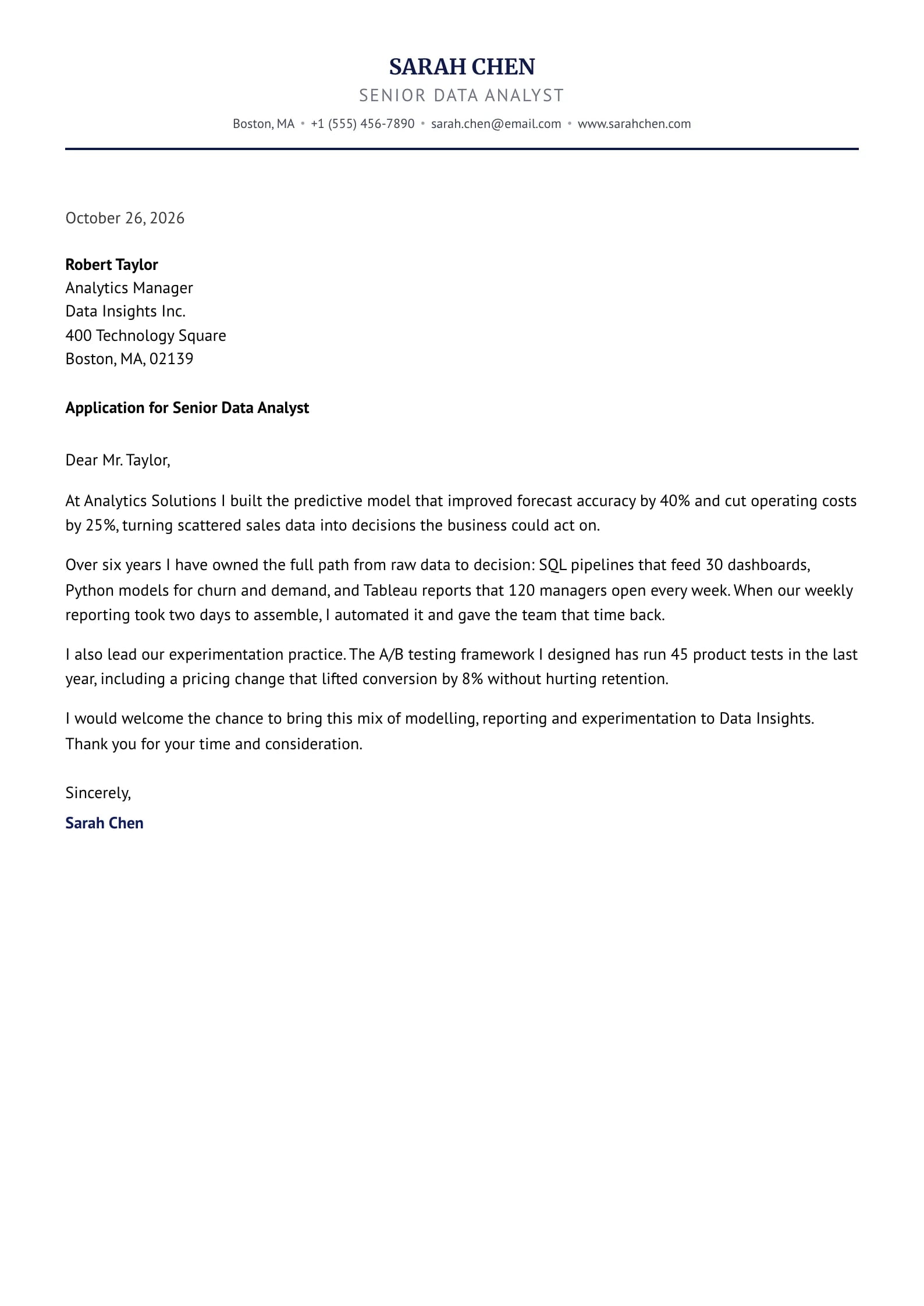
    Use This Template
  • Amethyst Preview
    Use This Template

    Amethyst

    Matches the “Amethyst” resume template: same header, colors and fonts, so your letter and resume read as one set.
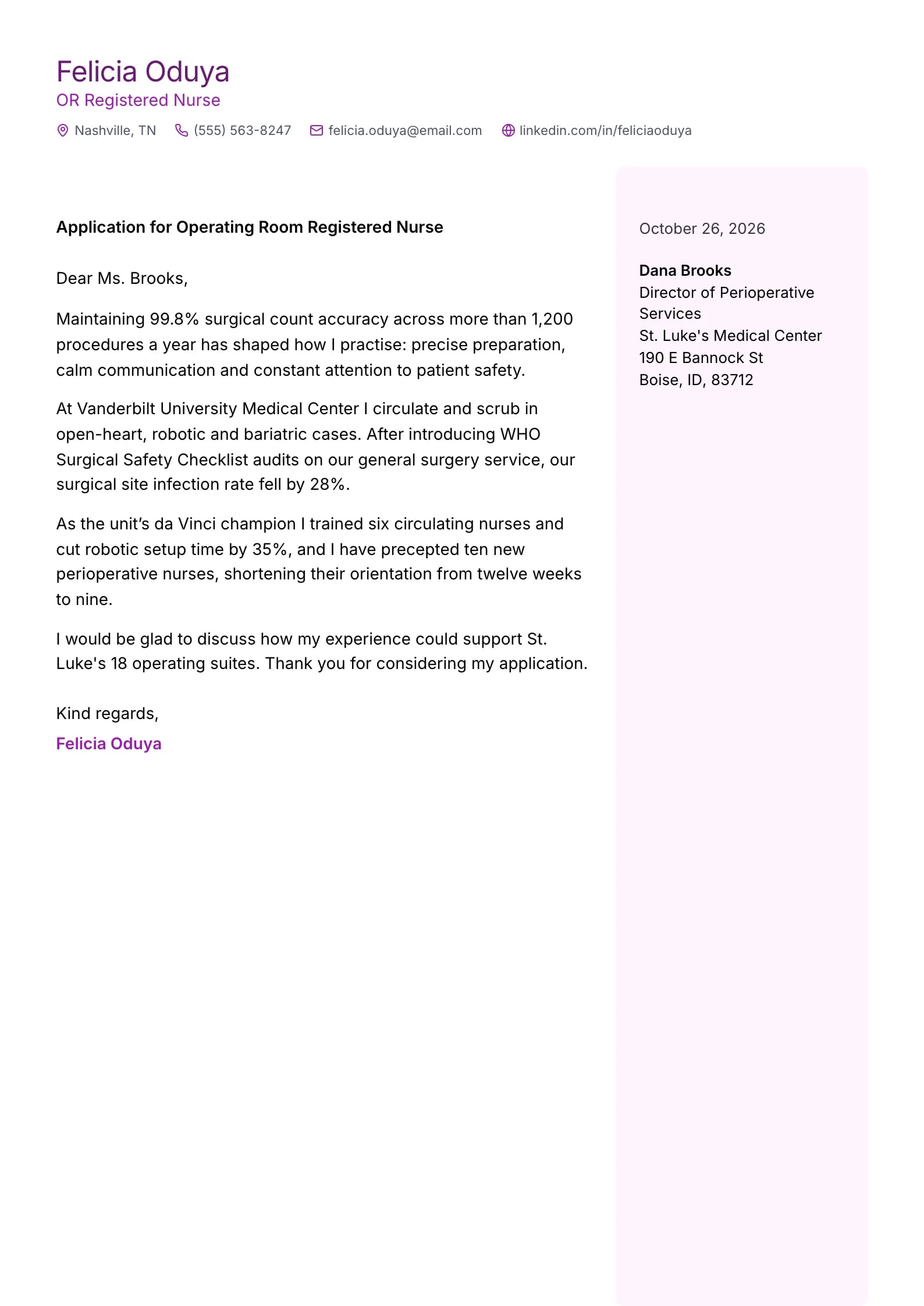
    Use This Template
  • Slate Preview
    Use This Template

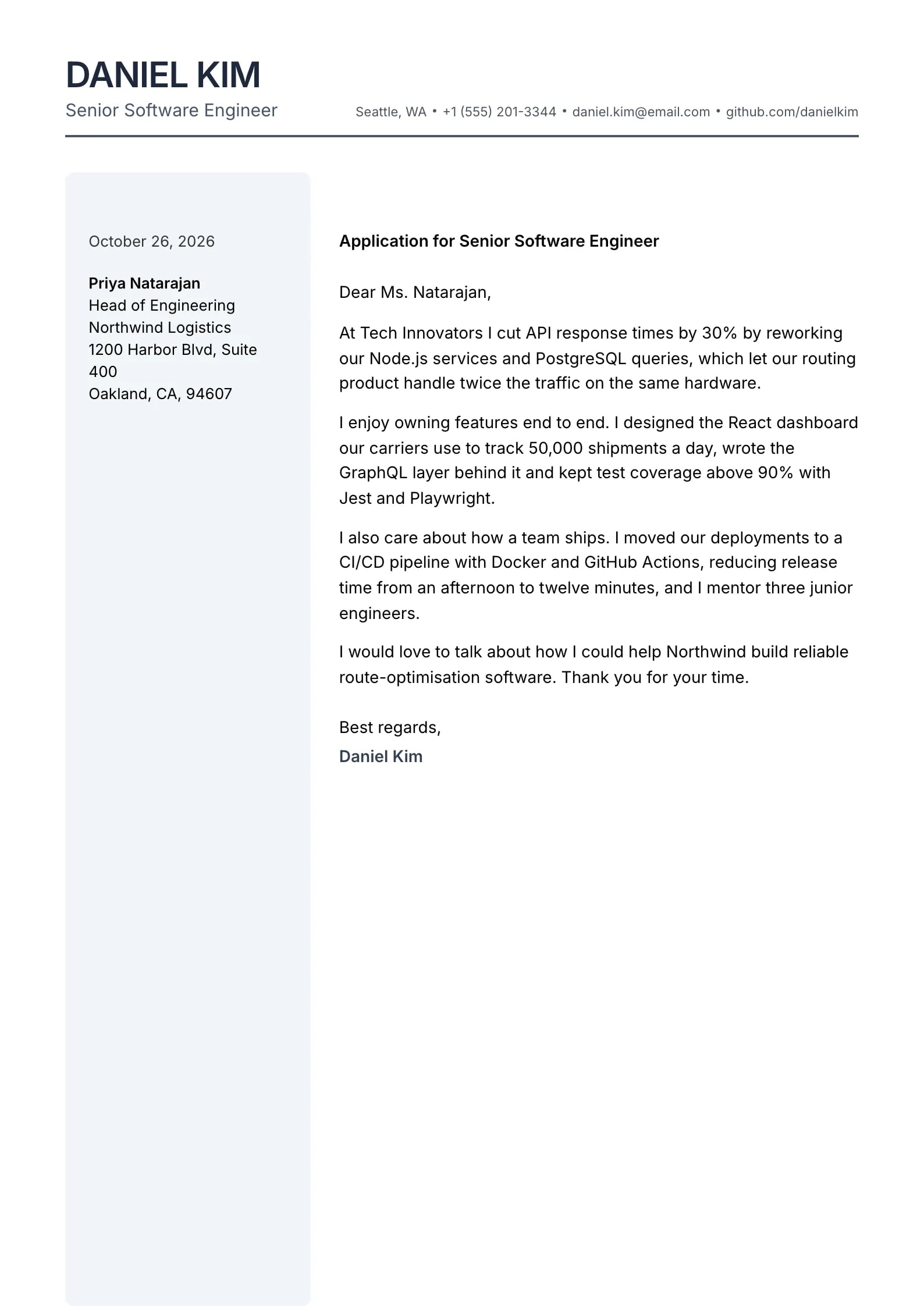
    Slate

    Matches the “Slate” resume template: same header, colors and fonts, so your letter and resume read as one set.
    Use This Template
  • Seafoam Preview
    Use This Template

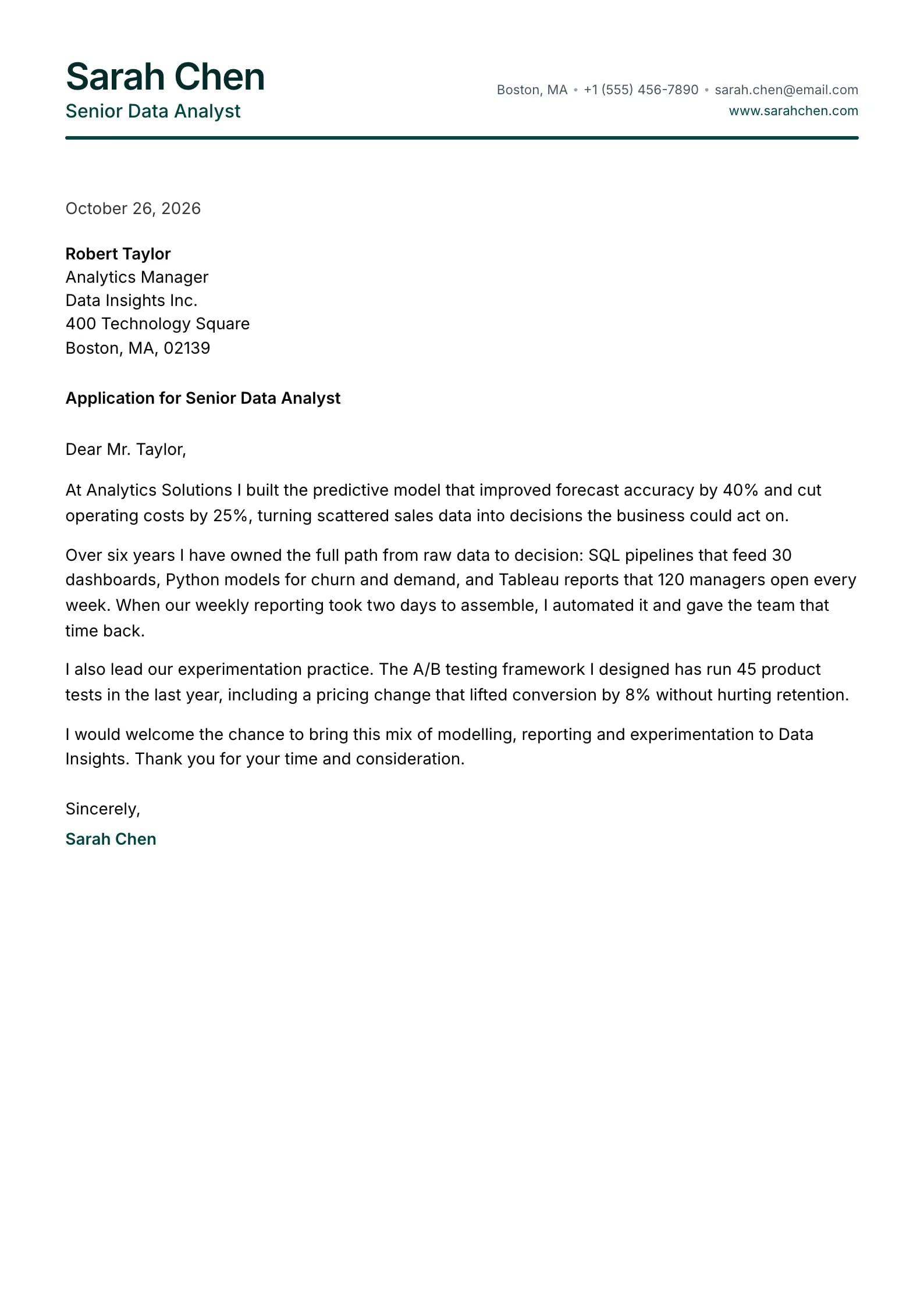
    Seafoam

    Matches the “Seafoam” resume template: same header, colors and fonts, so your letter and resume read as one set.
    Use This Template
  • Ember Preview
    Use This Template

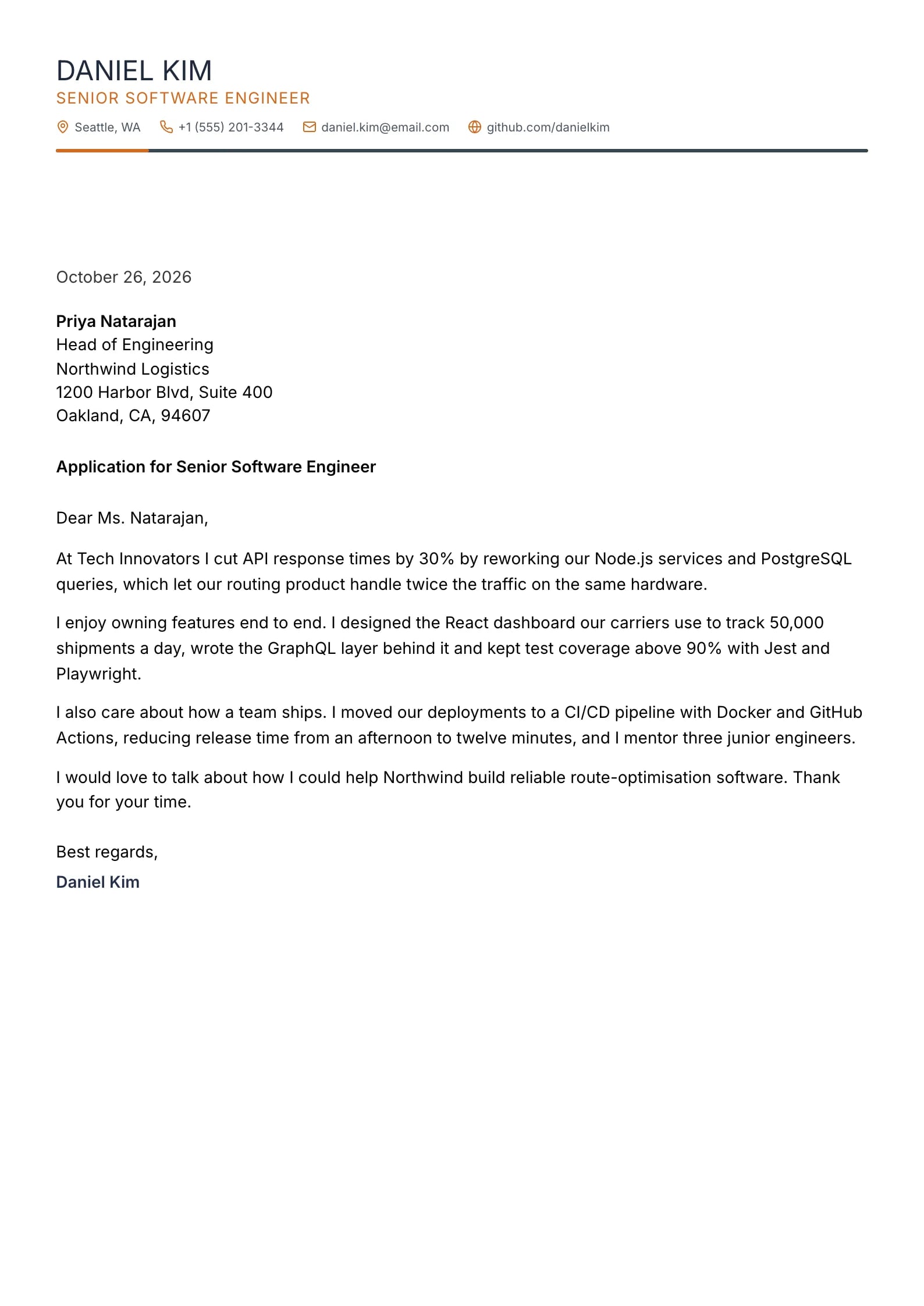
    Ember

    Matches the “Ember” resume template: same header, colors and fonts, so your letter and resume read as one set.
    Use This Template
  • Terminal Preview
    Use This Template

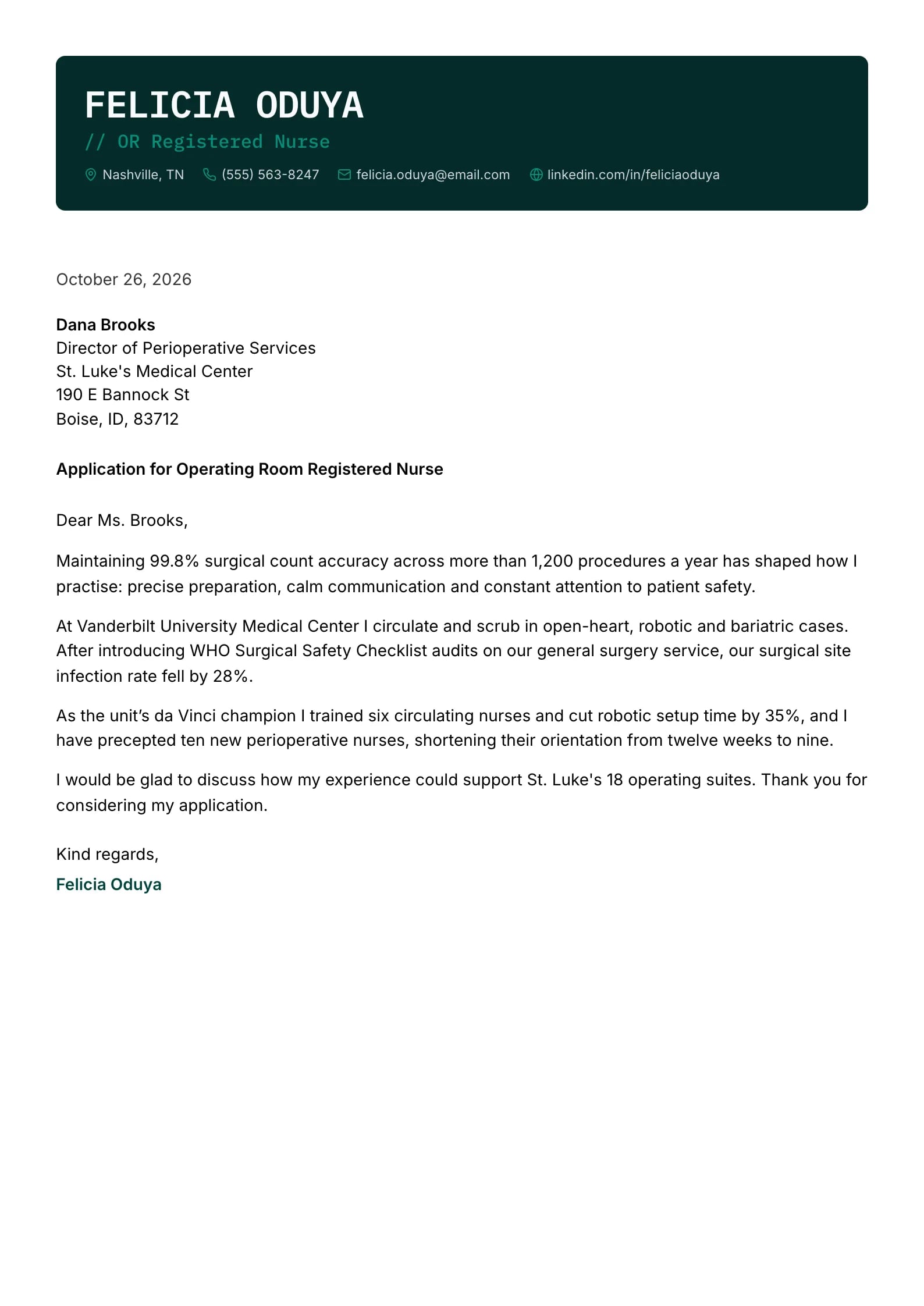
    Terminal

    Matches the “Terminal” resume template: same header, colors and fonts, so your letter and resume read as one set.
    Use This Template
  • Aurelia Preview
    Use This Template

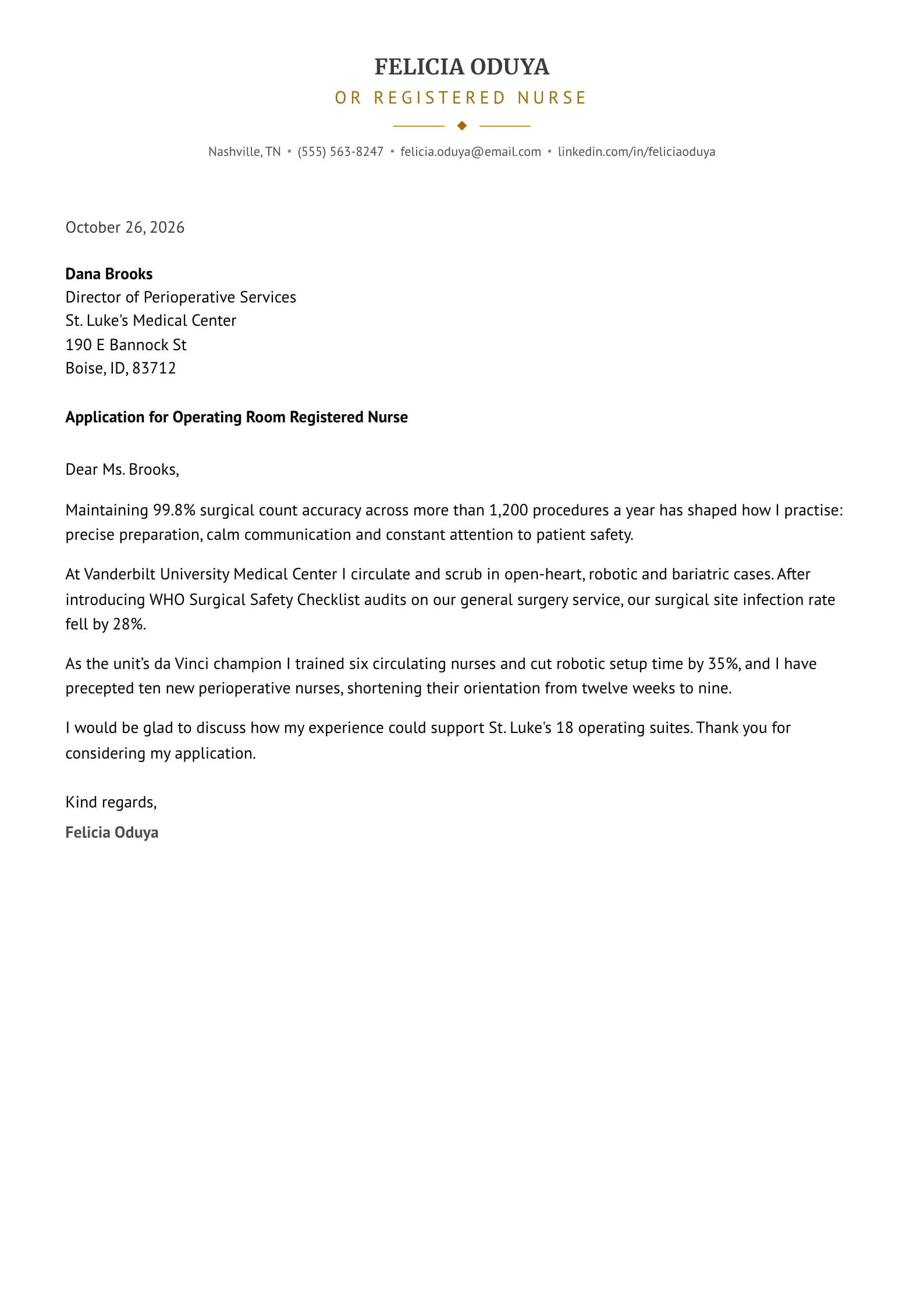
    Aurelia

    Matches the “Aurelia” resume template: same header, colors and fonts, so your letter and resume read as one set.
    Use This Template
  • Sterling Preview
    Use This Template

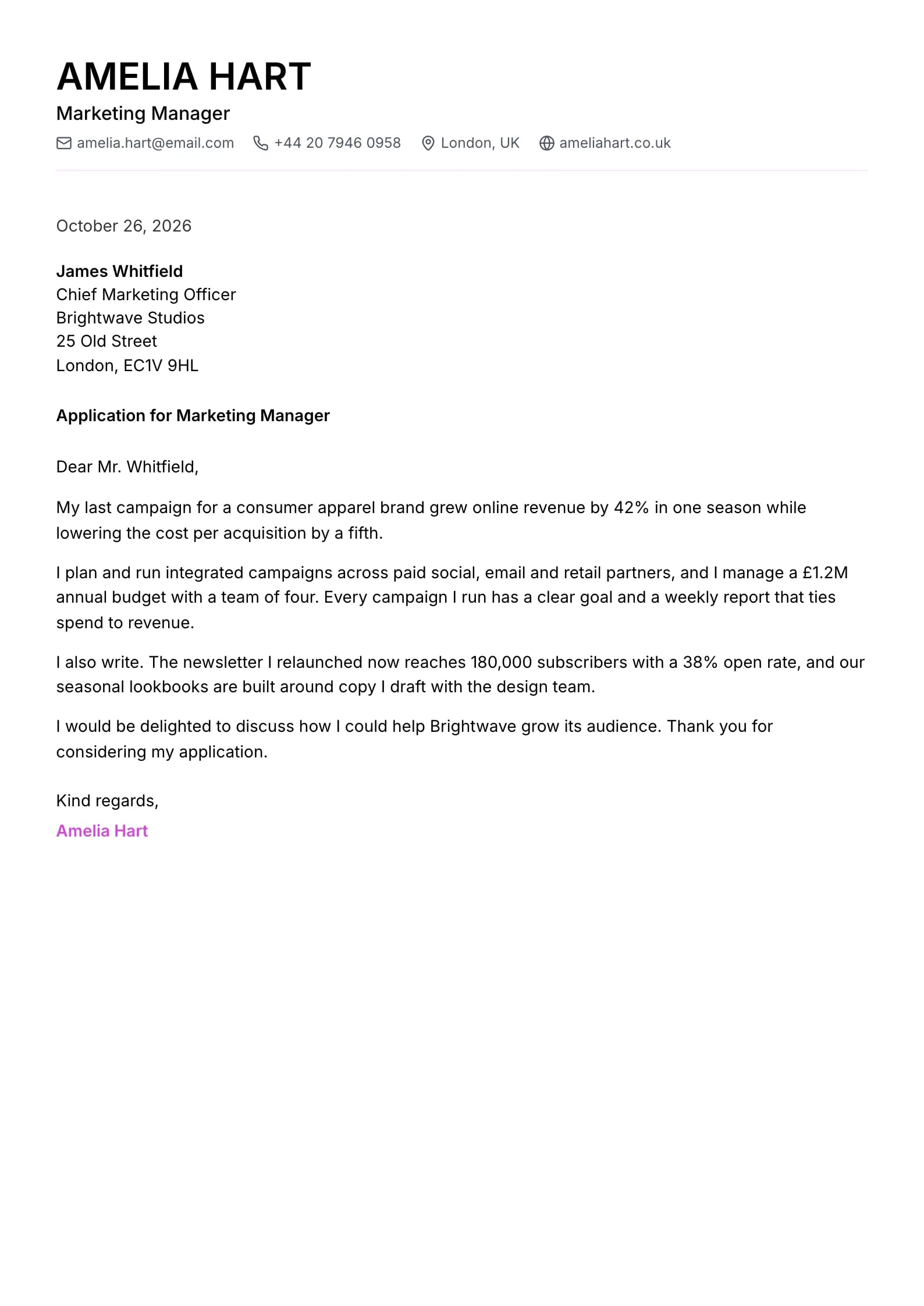
    Sterling

    Matches the “Sterling” resume template: same header, colors and fonts, so your letter and resume read as one set.
    Use This Template
  • Steel Preview
    Use This Template

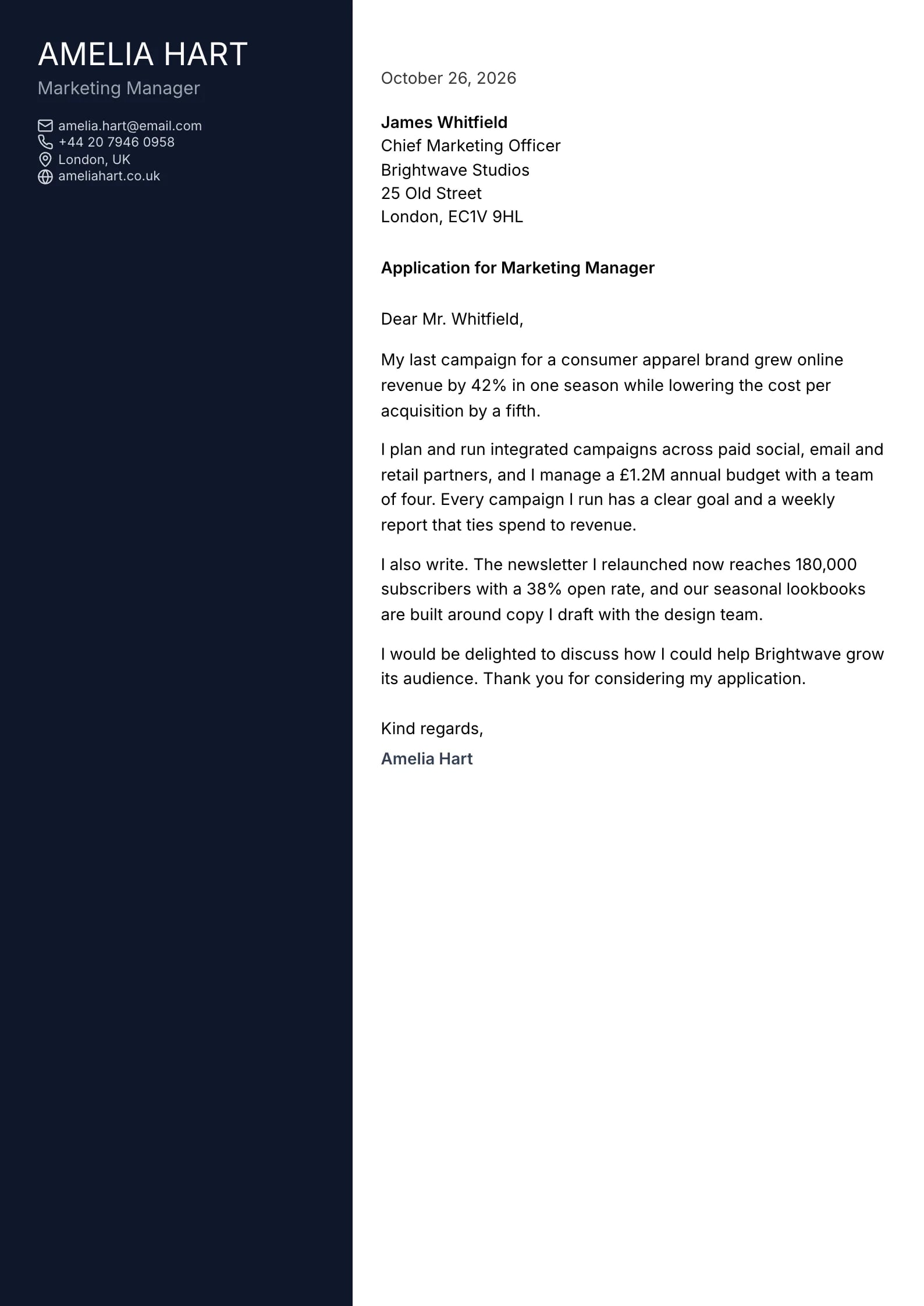
    Steel

    Matches the “Steel” resume template: same header, colors and fonts, so your letter and resume read as one set.
    Use This Template
  • Jade Preview
    Use This Template

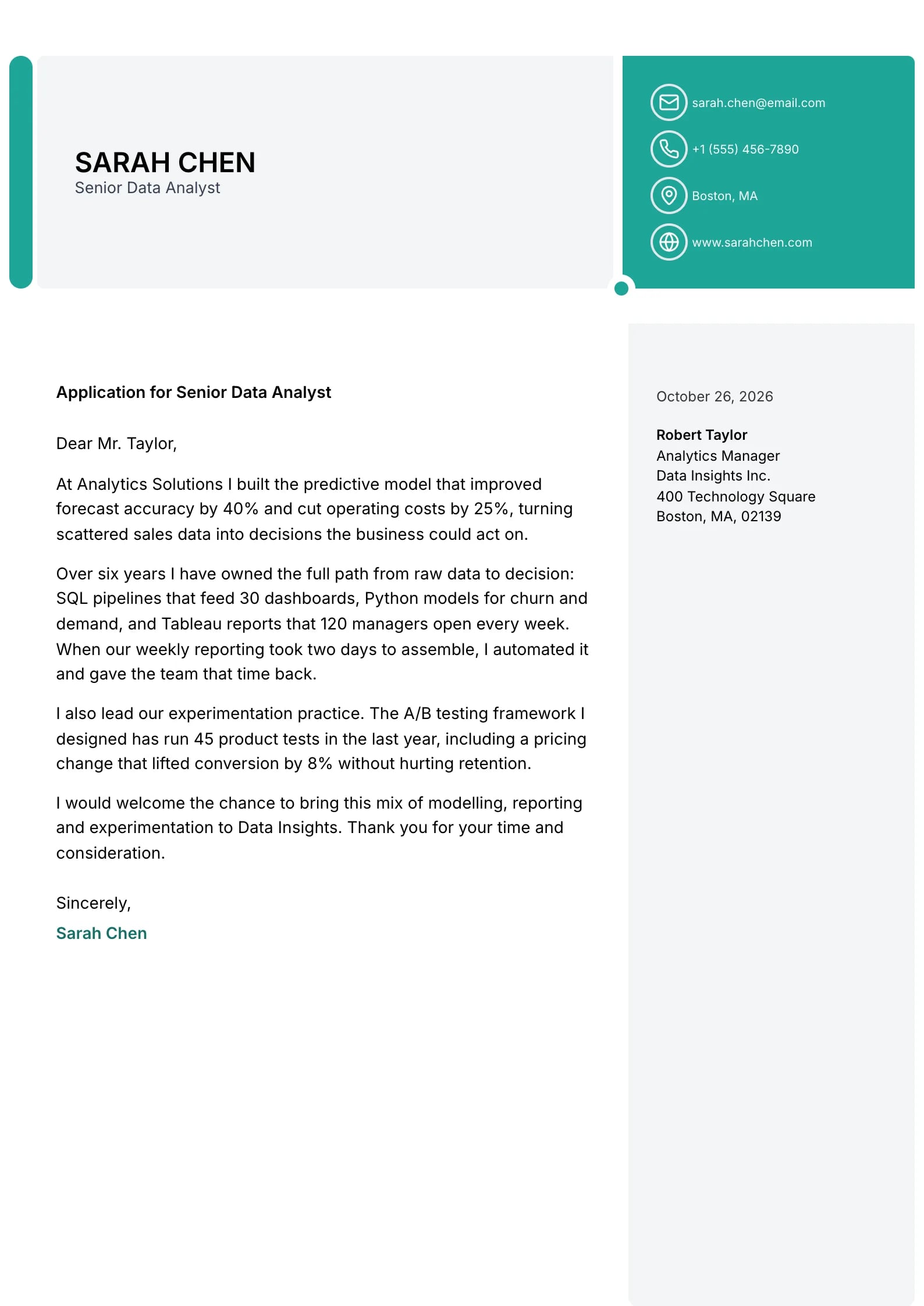
    Jade

    Matches the “Jade” resume template: same header, colors and fonts, so your letter and resume read as one set.
    Use This Template
  • Portrait Preview
    Use This Template

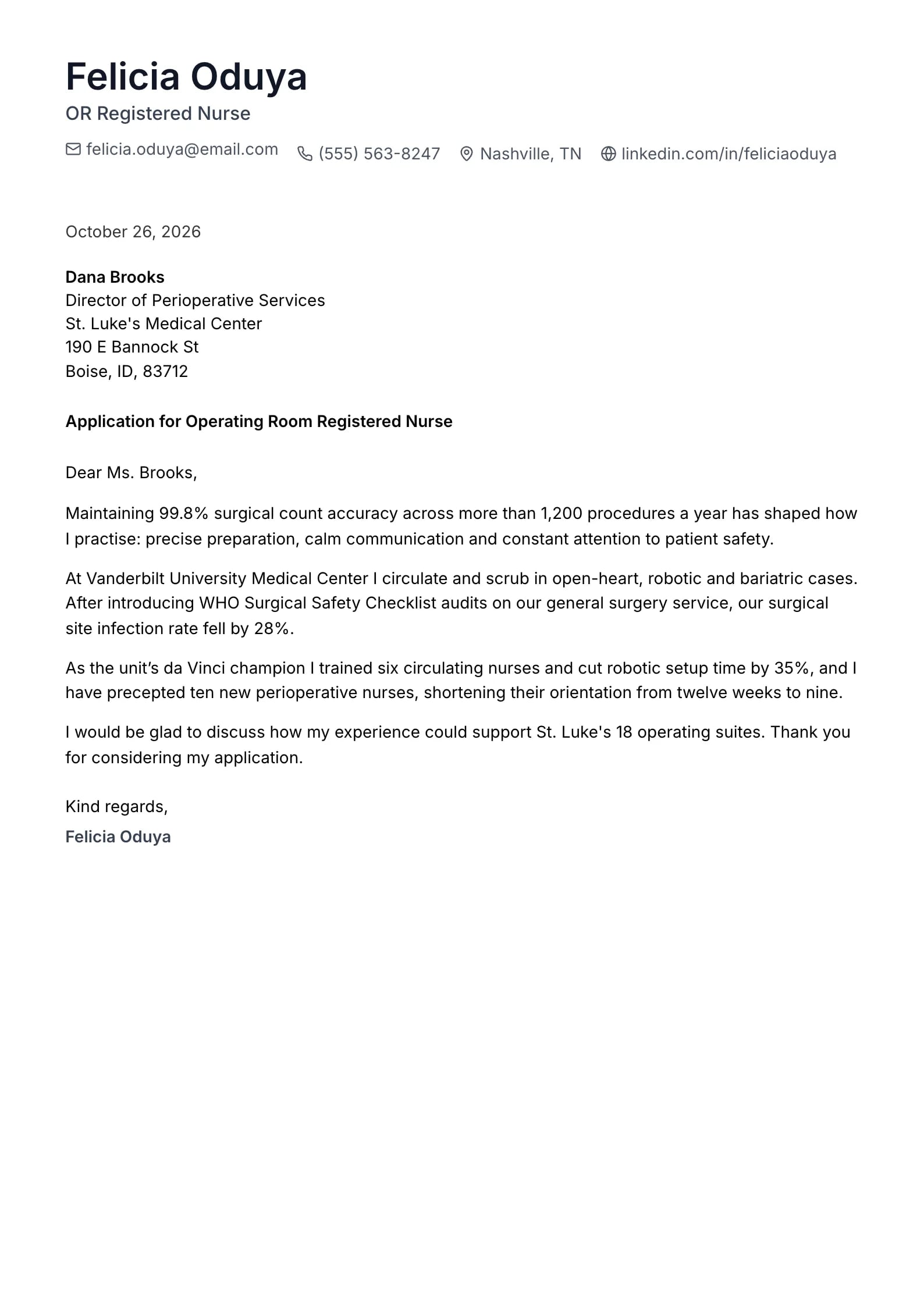
    Portrait

    Matches the “Portrait” resume template: same header, colors and fonts, so your letter and resume read as one set.
    Use This Template
  • Sapphire Preview
    Use This Template

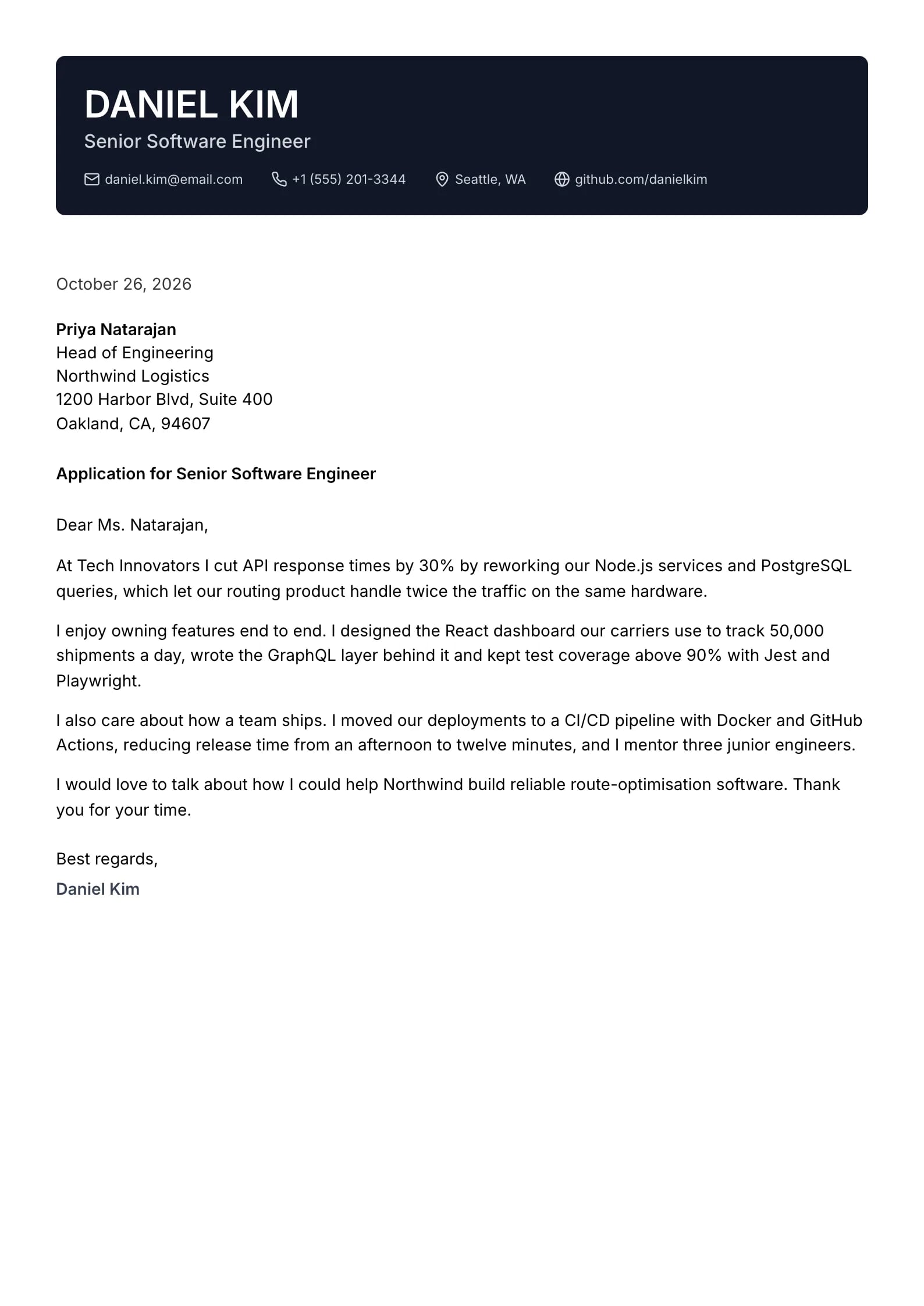
    Sapphire

    Matches the “Sapphire” resume template: same header, colors and fonts, so your letter and resume read as one set.
    Use This Template
  • Basalt Preview
    Use This Template

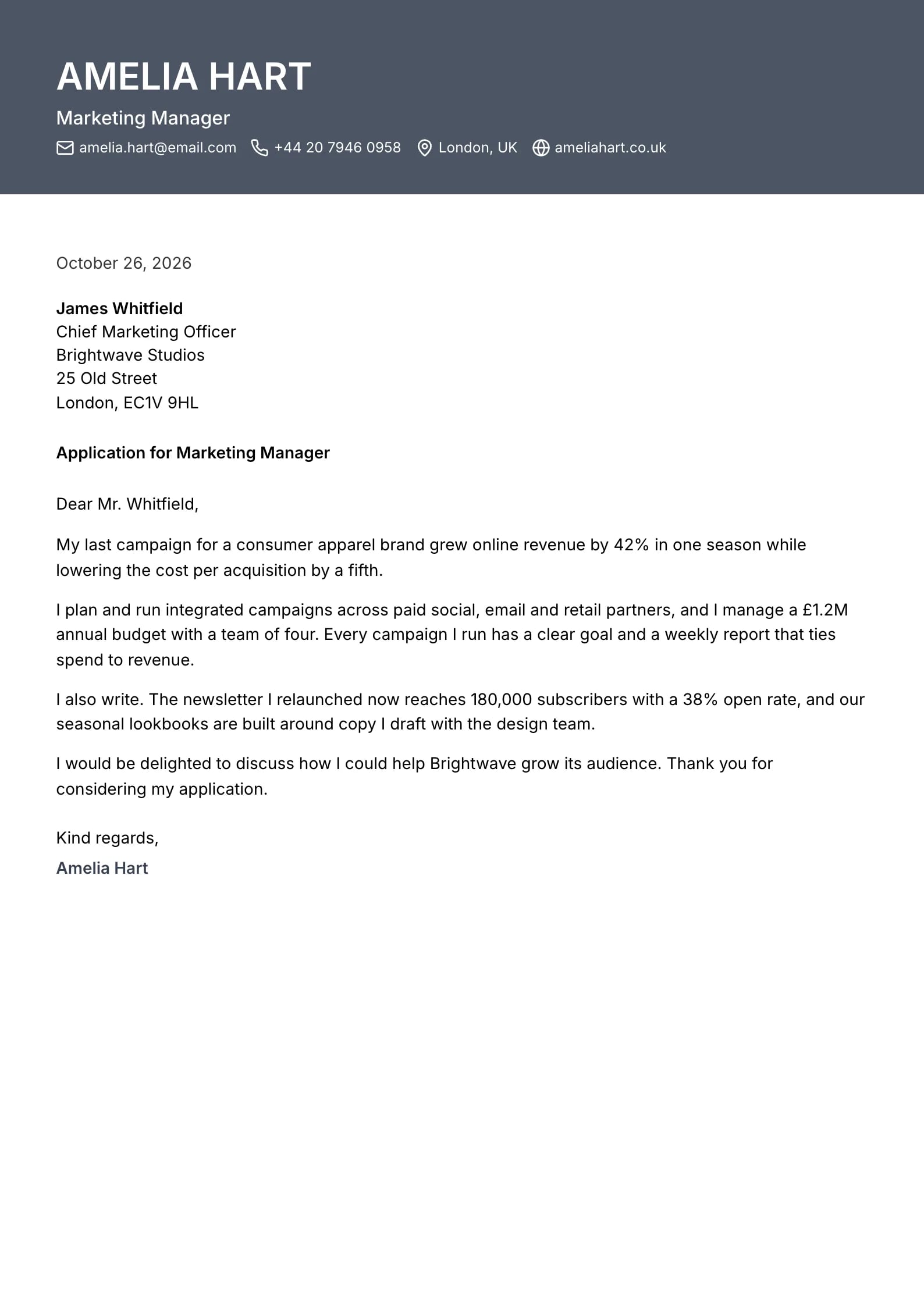
    Basalt

    Matches the “Basalt” resume template: same header, colors and fonts, so your letter and resume read as one set.
    Use This Template
  • Flint Preview
    Use This Template

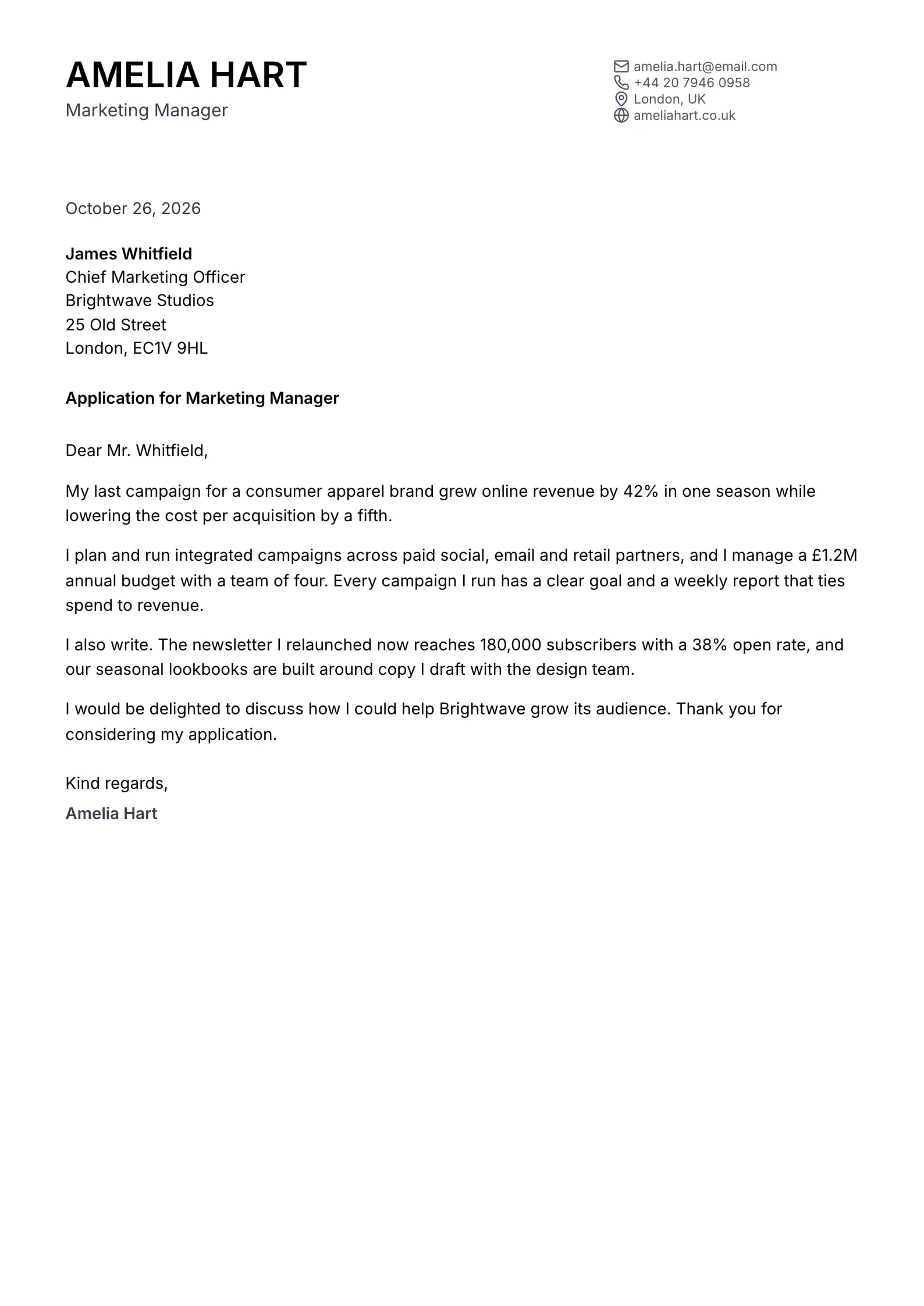
    Flint

    Matches the “Flint” resume template: same header, colors and fonts, so your letter and resume read as one set.
    Use This Template
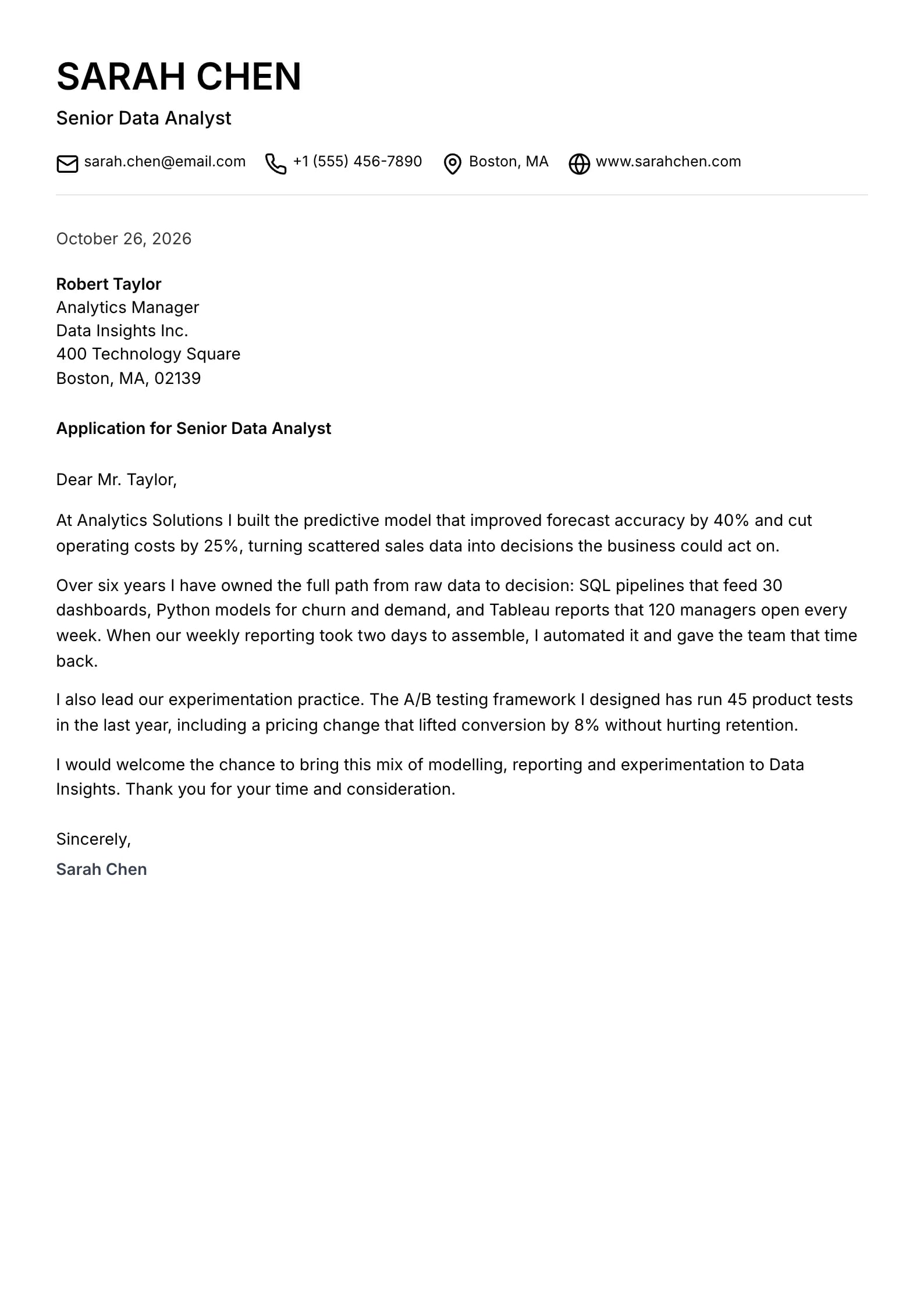
  • Broadsheet Preview
    Use This Template

    Broadsheet

    Matches the “Broadsheet” resume template: same header, colors and fonts, so your letter and resume read as one set.
    Use This Template
  • Marina Preview
    Use This Template

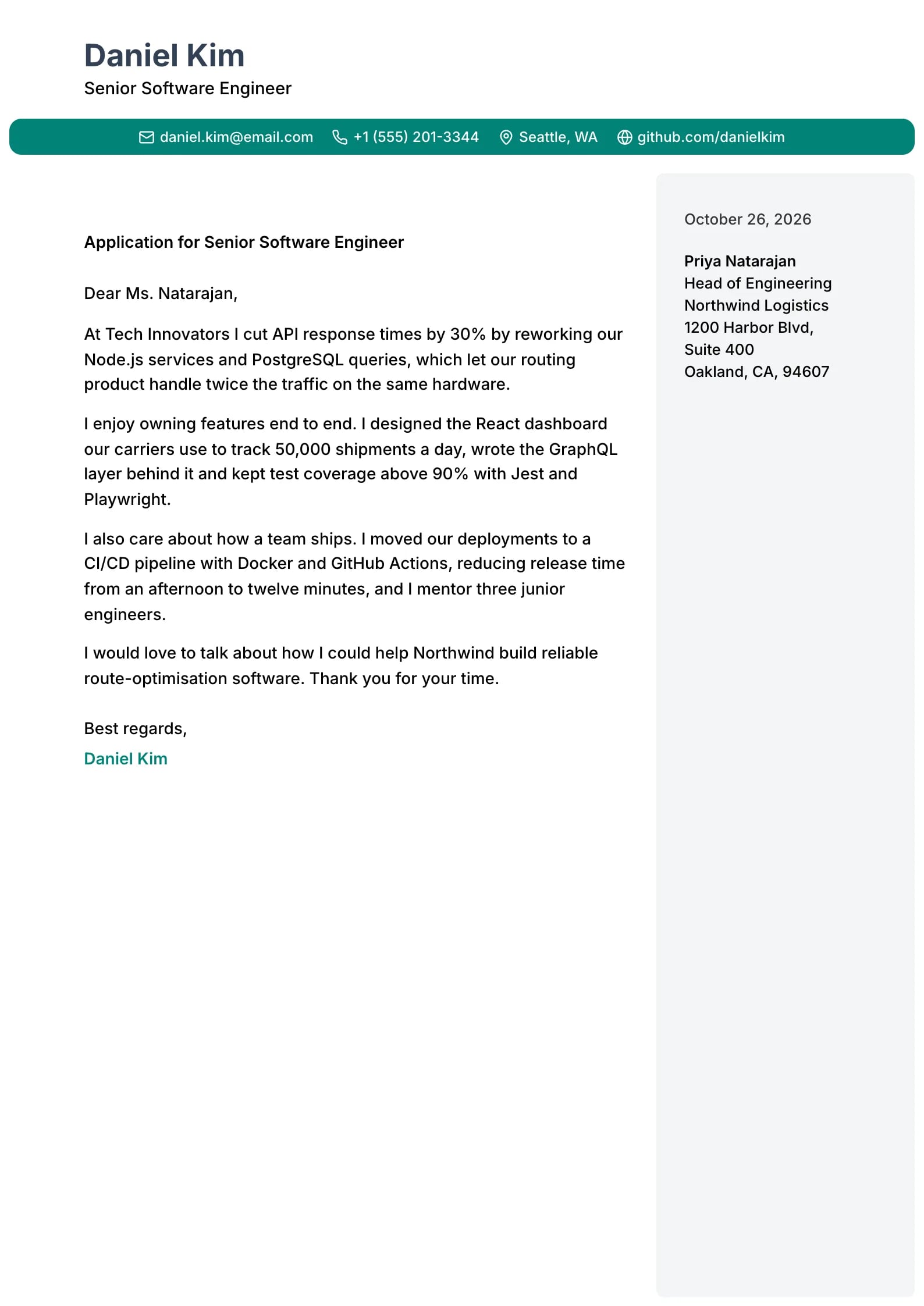
    Marina

    Matches the “Marina” resume template: same header, colors and fonts, so your letter and resume read as one set.
    Use This Template
  • Ripple Preview
    Use This Template

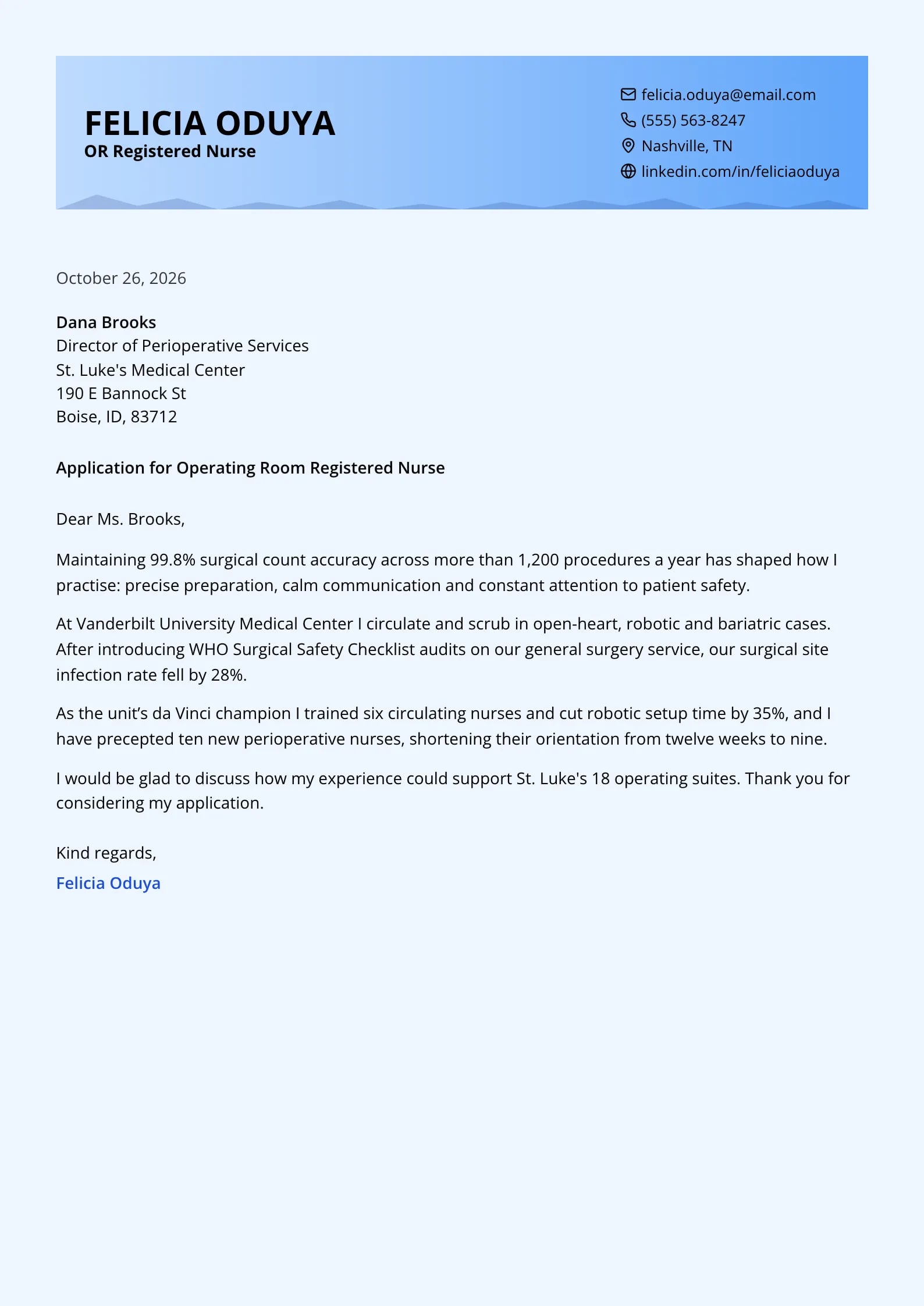
    Ripple

    Matches the “Ripple” resume template: same header, colors and fonts, so your letter and resume read as one set.
    Use This Template
  • Keystone Preview
    Use This Template

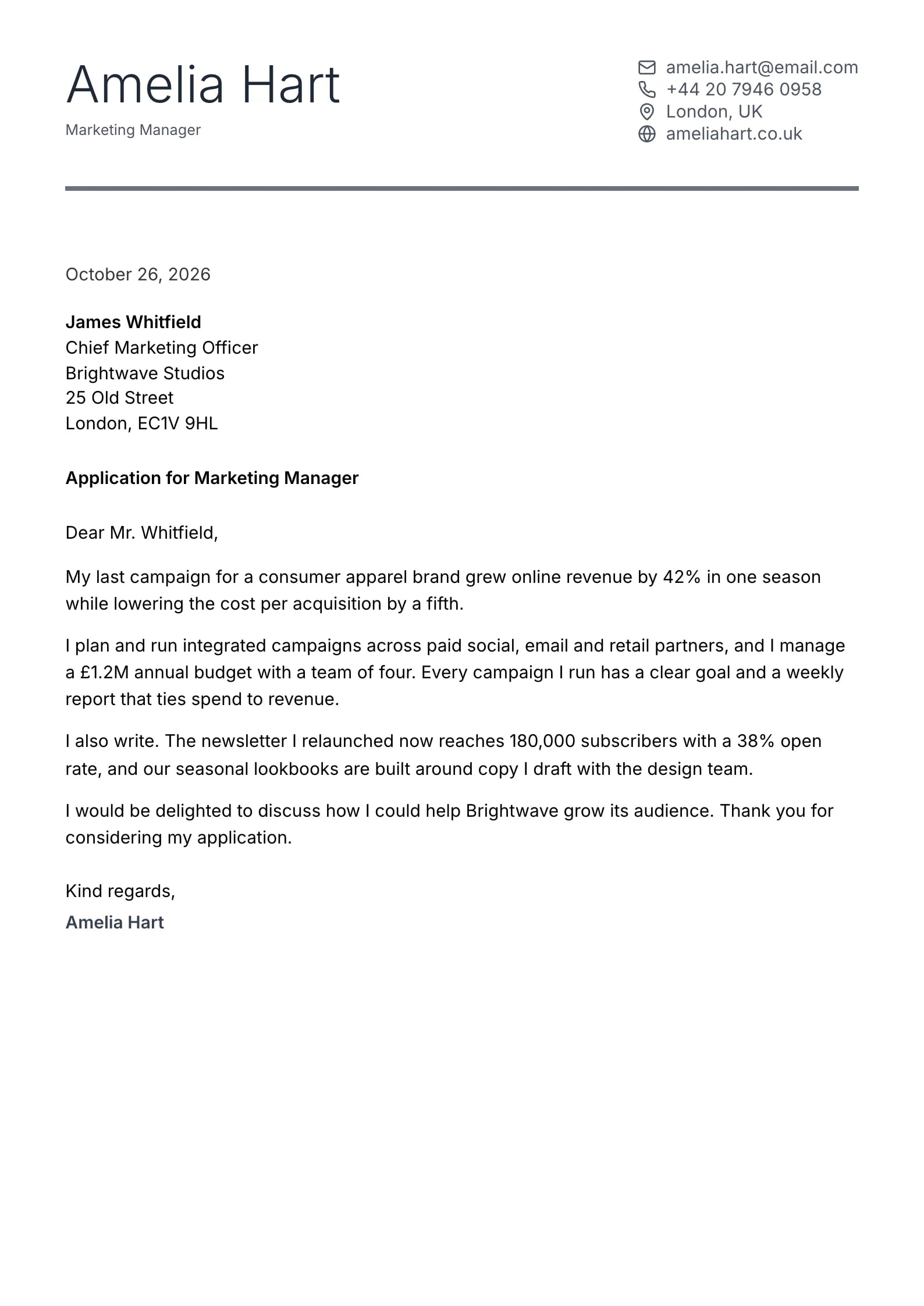
    Keystone

    Matches the “Keystone” resume template: same header, colors and fonts, so your letter and resume read as one set.
    Use This Template
  • Cypress Preview
    Use This Template

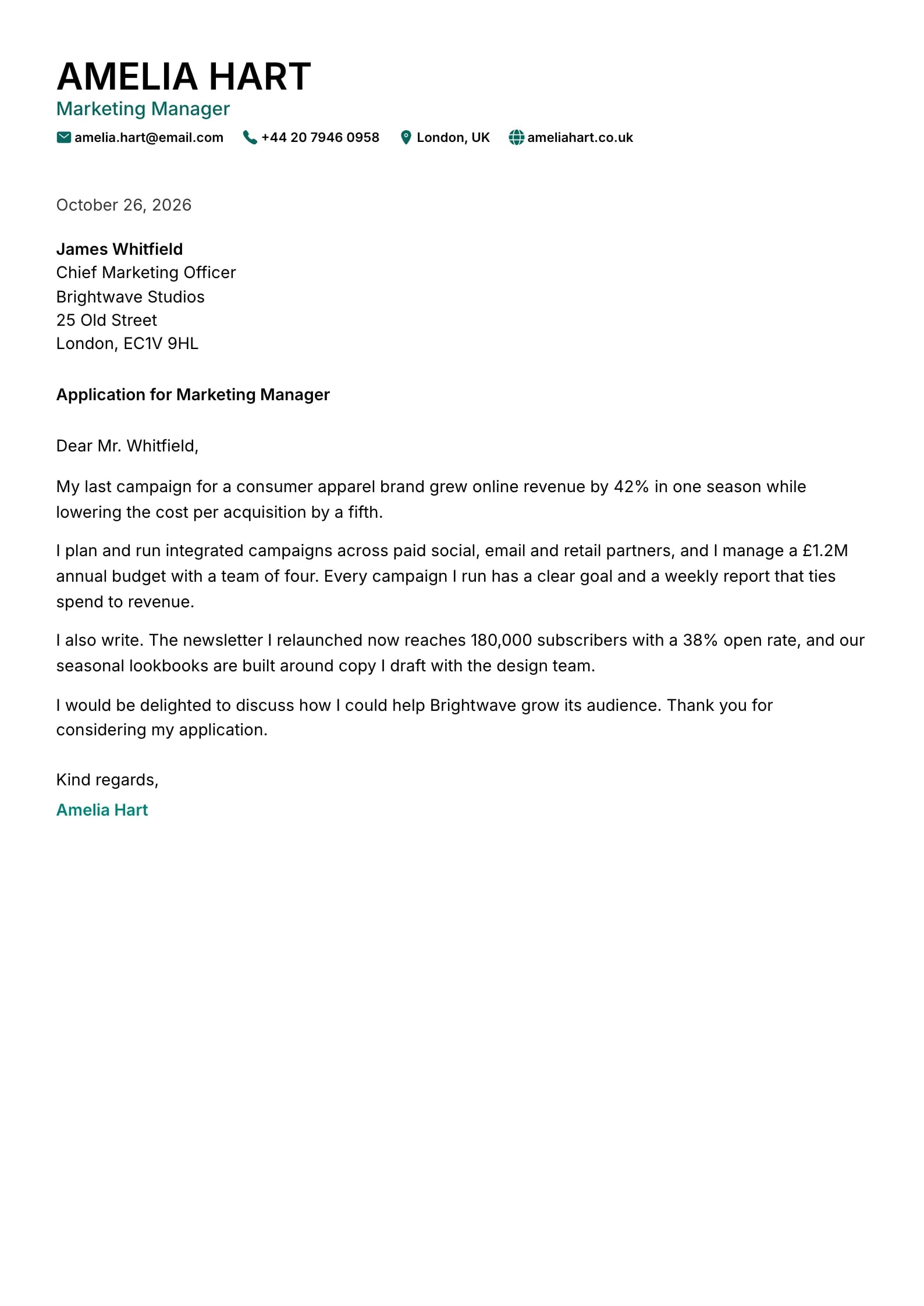
    Cypress

    Matches the “Cypress” resume template: same header, colors and fonts, so your letter and resume read as one set.
    Use This Template
  • Meridian Preview
    Use This Template

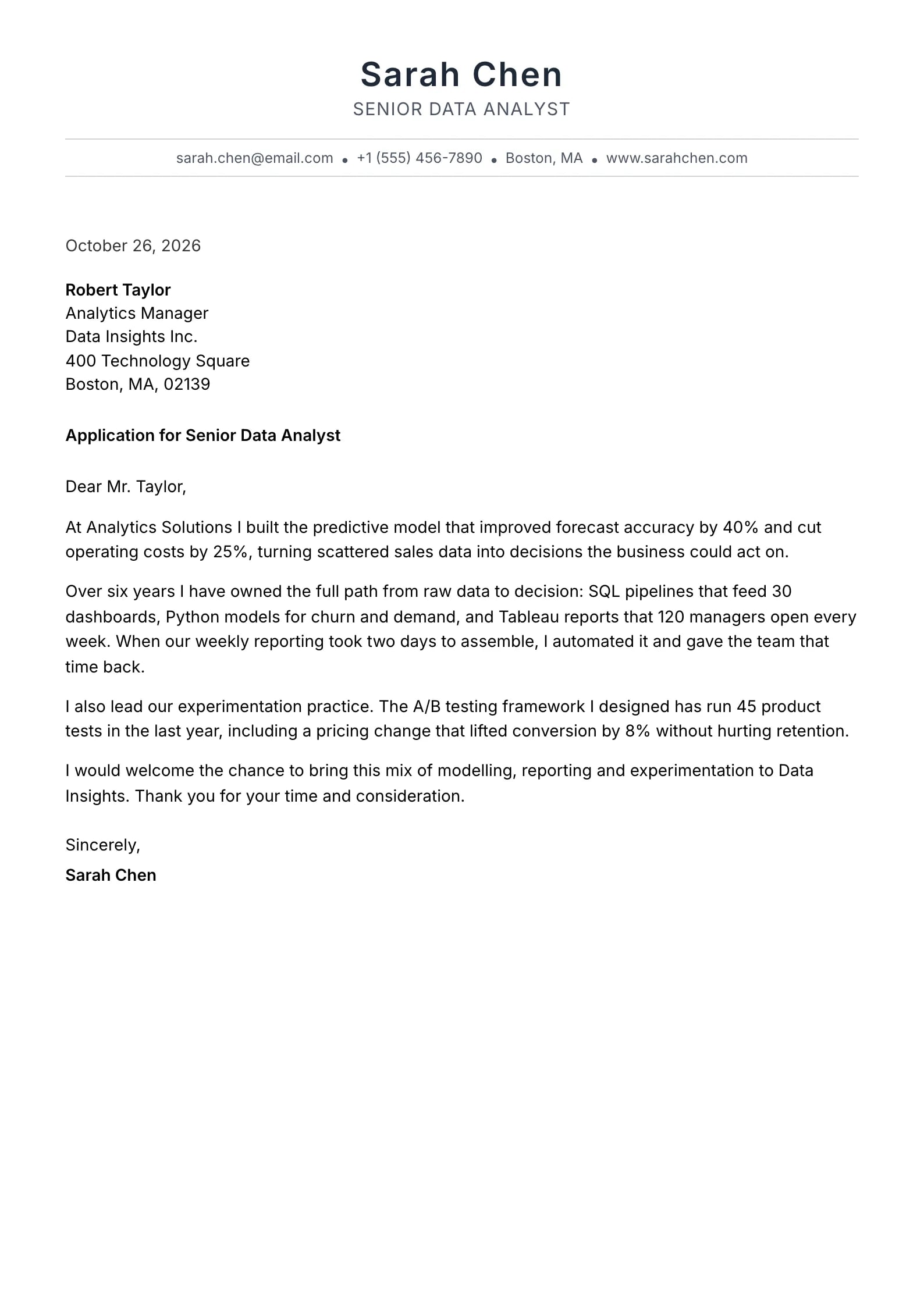
    Meridian

    Matches the “Meridian” resume template: same header, colors and fonts, so your letter and resume read as one set.
    Use This Template
  • Scholar Preview
    Use This Template

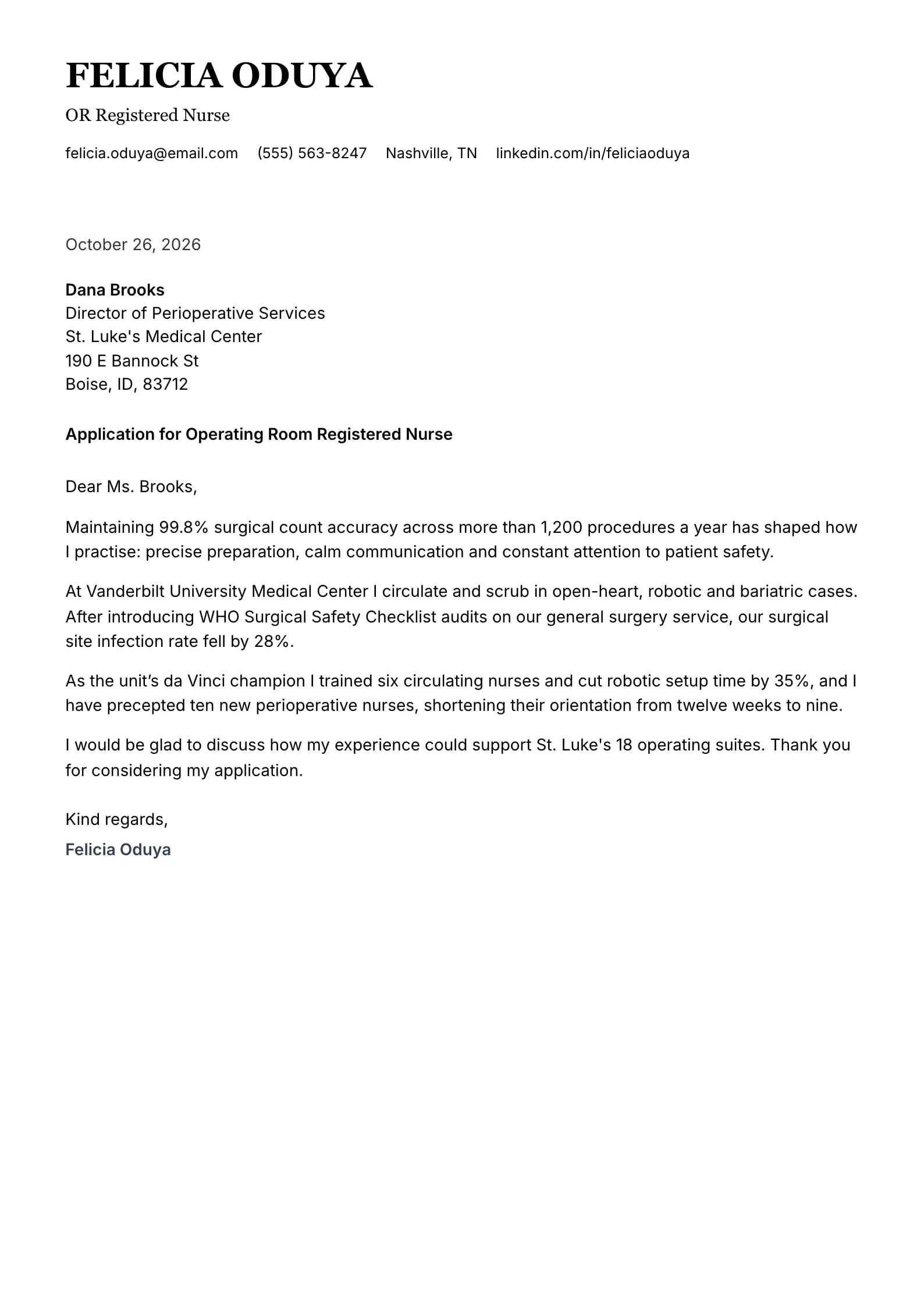
    Scholar

    Matches the “Scholar” resume template: same header, colors and fonts, so your letter and resume read as one set.
    Use This Template
  • Lagoon Preview
    Use This Template

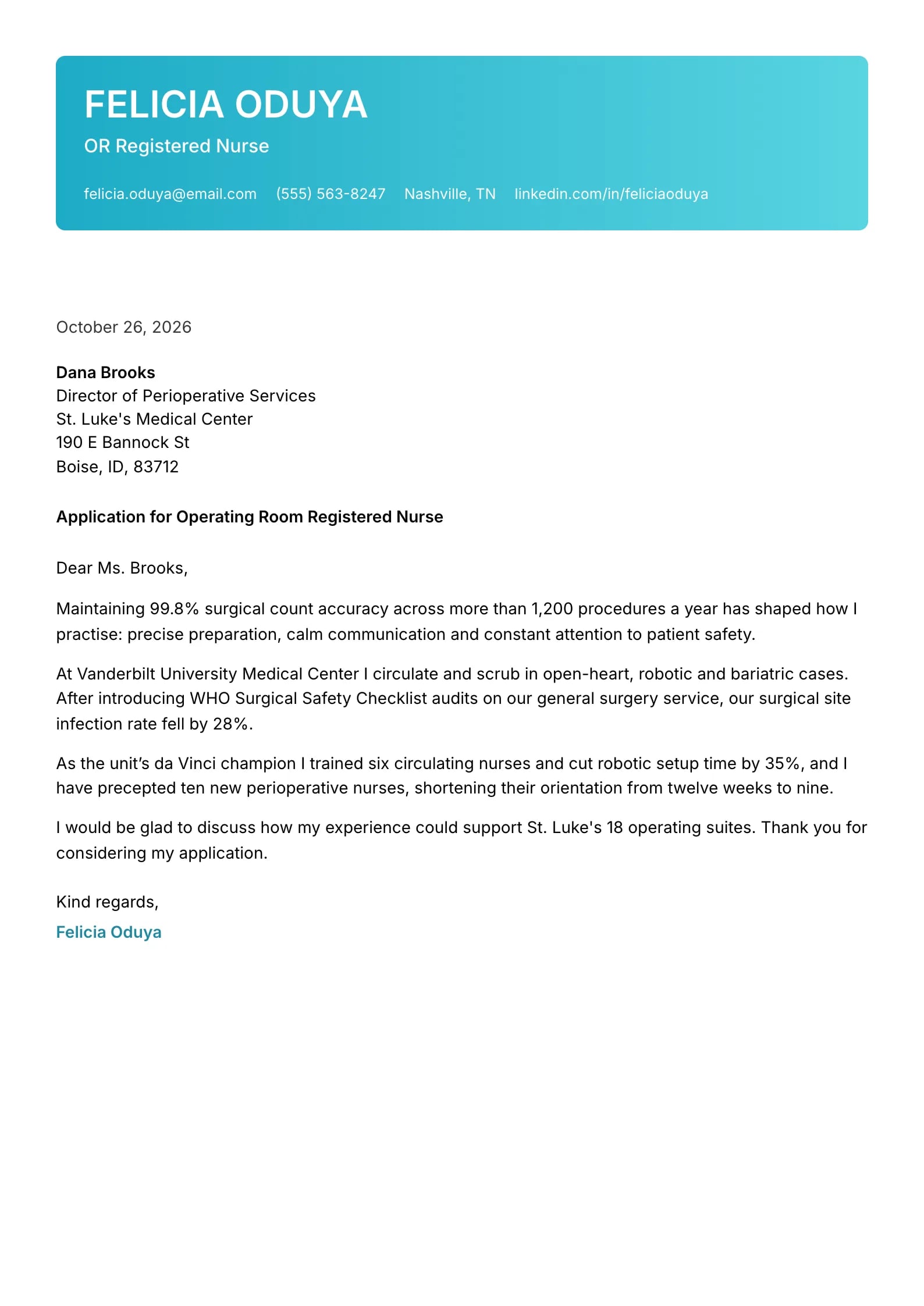
    Lagoon

    Matches the “Lagoon” resume template: same header, colors and fonts, so your letter and resume read as one set.
    Use This Template
  • Sentinel Preview
    Use This Template

    Sentinel

    Matches the “Sentinel” resume template: same header, colors and fonts, so your letter and resume read as one set.
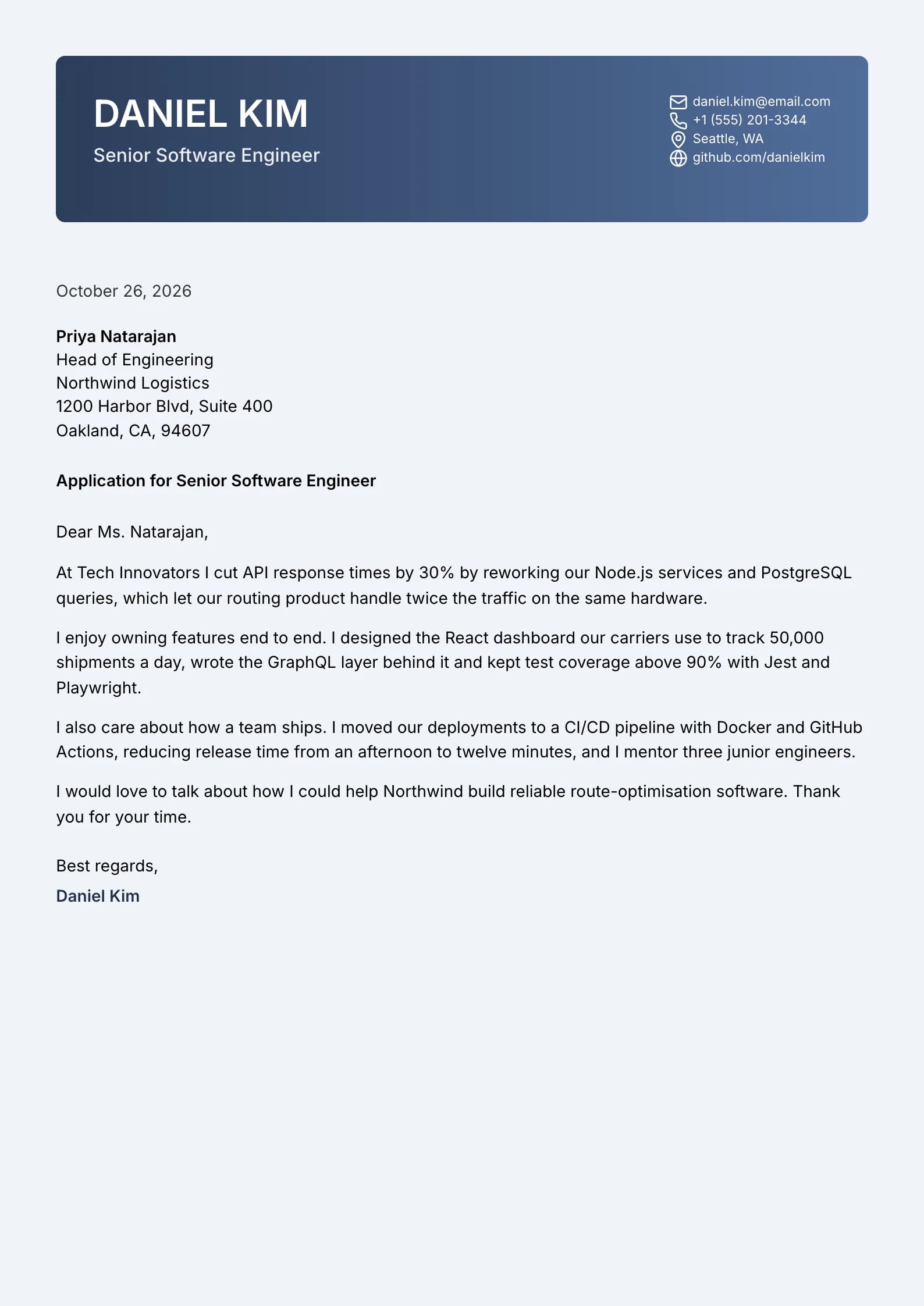
    Use This Template
  • Marigold Preview
    Use This Template

    Marigold

    Matches the “Marigold” resume template: same header, colors and fonts, so your letter and resume read as one set.
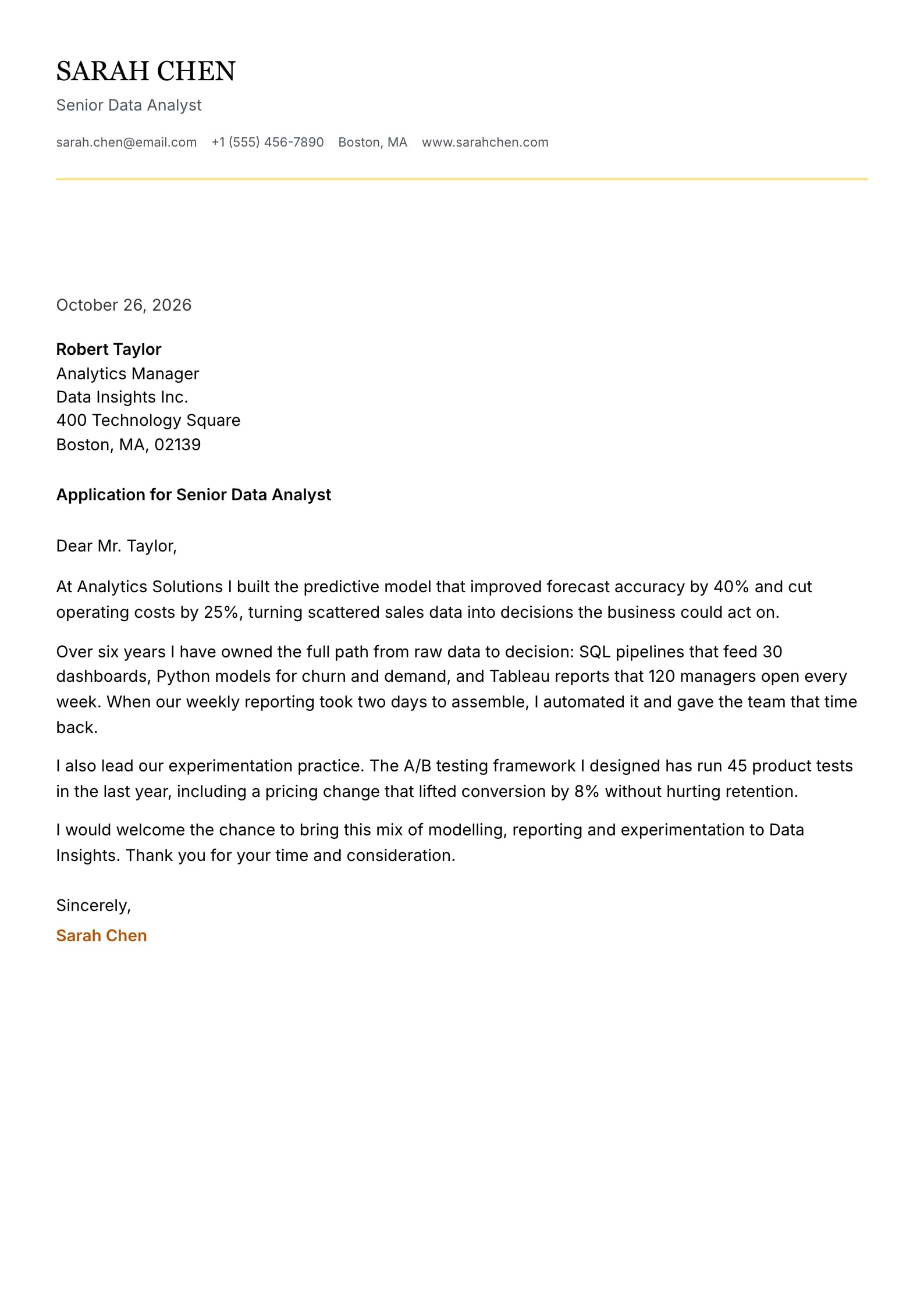
    Use This Template
  • Titanium Preview
    Use This Template

    Titanium

    Matches the “Titanium” resume template: same header, colors and fonts, so your letter and resume read as one set.
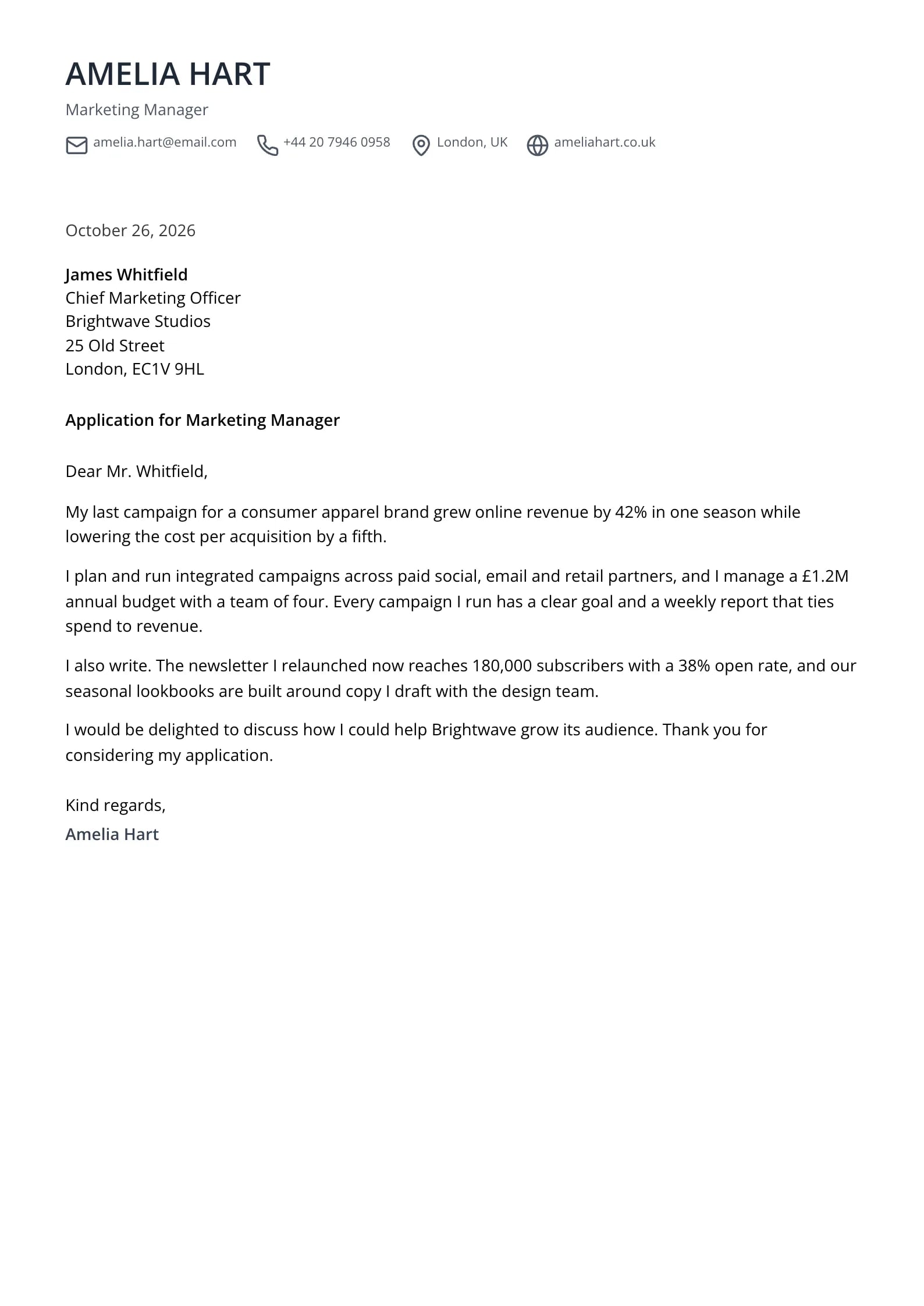
    Use This Template
  • Cobalt Preview
    Use This Template

    Cobalt

    Matches the “Cobalt” resume template: same header, colors and fonts, so your letter and resume read as one set.
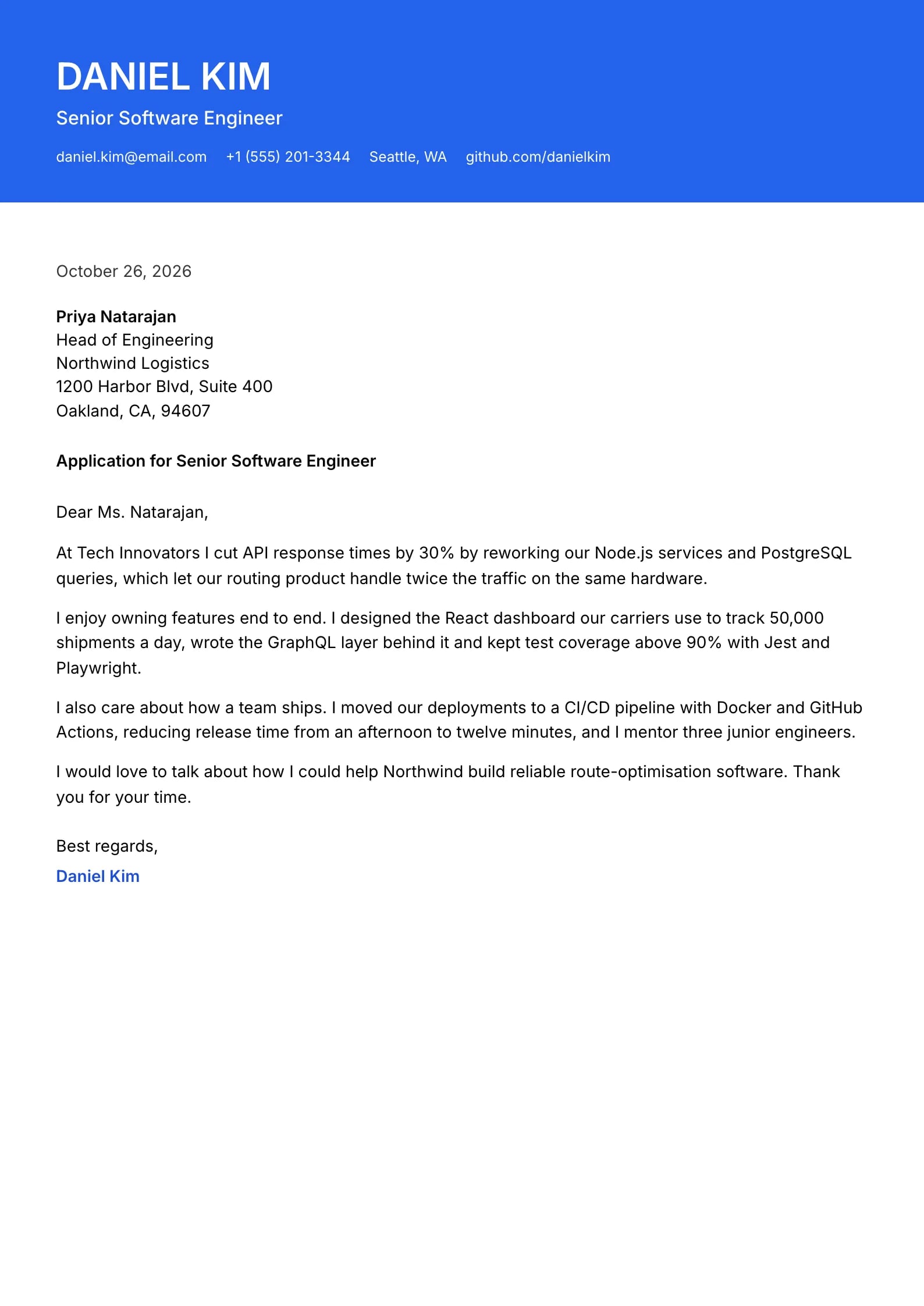
    Use This Template
  • What is a cover letter template?
  • Which cover letter template should you use?
  • Copy a basic cover letter template
  • How should a cover letter template be formatted?
  • Are these cover letter templates ATS-friendly?
  • Template, AI generator or blank page: which is faster?
  • Do cover letters still matter in 2026?
  • Mistakes that make a template letter look generic
  • How we built and ordered these templates
  • Explore cover letter templates by style
  • Cover Letter Templates FAQ
  • Are these cover letter templates free?
  • What is the best cover letter template?
  • Can I download the templates as Word or Google Docs files?
  • Can I change the template after I write my letter?
  • Should my cover letter template match my resume?
  • How long should a cover letter be?
  • Do I need a different cover letter for every job?
  • Can AI fill in a cover letter template for me?

Pick the design by the employer, not by taste: simple for most jobs and online forms, professional for formal and senior roles, modern for tech and startups, creative for design and media. Every template here holds the same structure, a header, greeting, three or four short paragraphs and a sign-off, in one page of 250 to 400 words.

9 minute readApril 4, 2025

What is a cover letter template?

A cover letter template is a pre-formatted, one-page letter layout that already contains every standard part of a cover letter: your contact header, the date and employer details, a greeting, an opening paragraph, one or two body paragraphs, a closing paragraph and a sign-off. The template decides how the letter looks (fonts, spacing, header style, accent color). You still write what it says.

That split matters. A template saves the 20 to 30 minutes of formatting and guarantees a clean, consistent page, but recruiters judge the content. The best template is the one that fits the employer and gets out of the way of three specific paragraphs about this job.
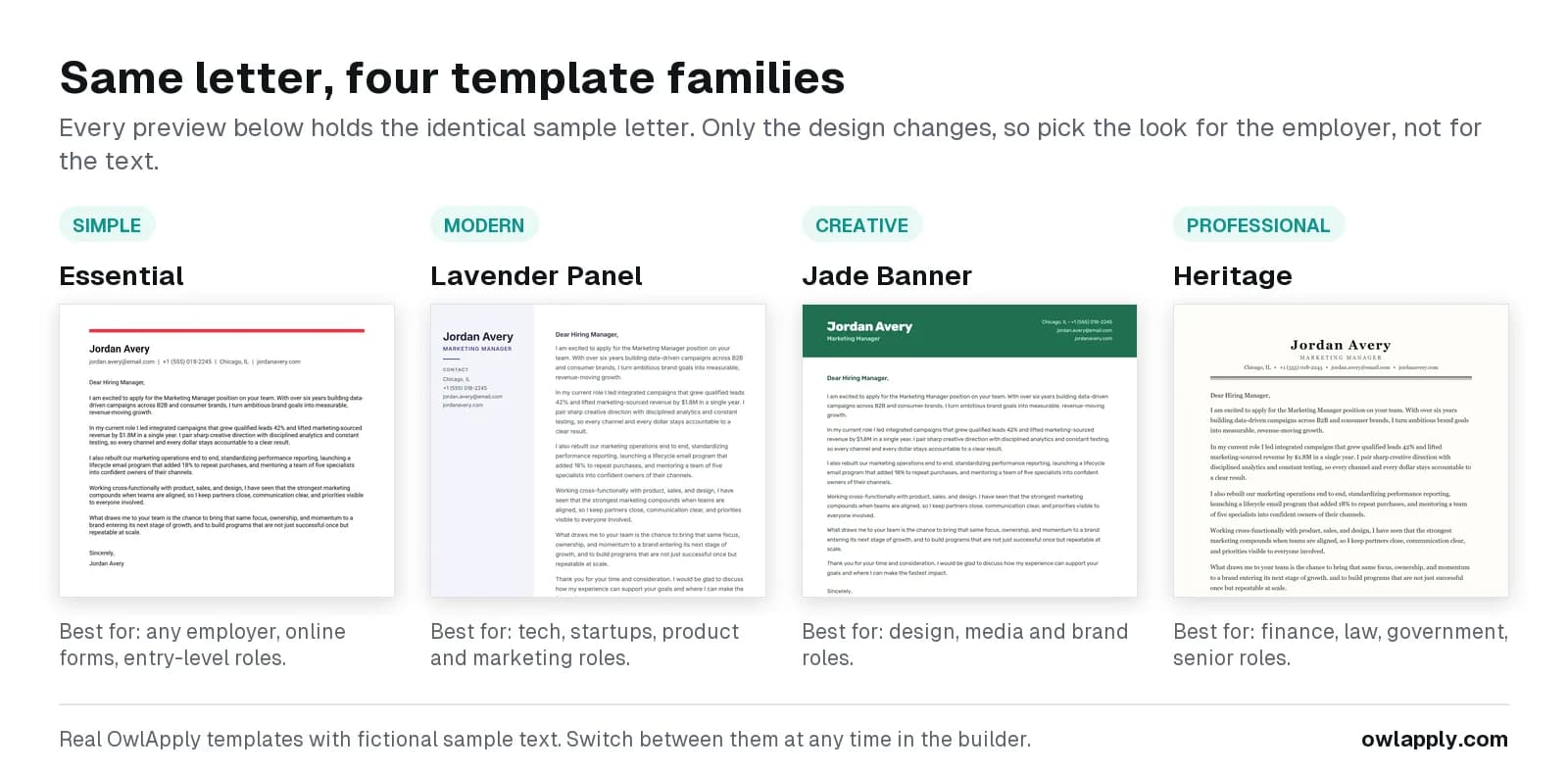
Four OwlApply cover letter templates side by side, Pewter (simple), Petal (modern), Lagoon (creative) and Heritage (professional), each with its own sample letter and the jobs it suits best
One design from each of the four template families. Each sample letter is different; the structure stays the same.

Which cover letter template should you use?

Match the template to the employer and the role. When you are unsure, choose simple: it is never wrong, while a bold design can be wrong for a bank or a law firm.

How the four template families compare. All of them use the same one-page letter structure.
Template familyWhat it looks likeBest forThink twice forExamples in this gallery
SimpleOne font, at most a colored name or a rule, no columnsAlmost any job, online application forms, entry-level roles, career changersDesign roles where the letter doubles as a portfolio samplePewter, Reef, Indigo, Pillar
ProfessionalSerif or restrained sans-serif, letterhead, formal business-letter layoutFinance, law, government, healthcare administration, senior and executive rolesCasual startups, where it can read as stiffHeritage, Garnet, Scholar, Cascade, Marina
ModernSans-serif font, one accent color, structured header or soft side panelTech, startups, product, marketing, operationsVery conservative employersPetal, Vanguard, Ember, Seafoam, Flint
CreativeColor blocks, banners, bold headers, side panelsDesign, media, advertising, brand and content rolesBanks, law firms, public sector, most senior corporate rolesLagoon, Crimson, Onyx, Terminal, Axis

Each family has its own guide with examples: simple cover letter templates, professional cover letter templates, modern cover letter templates and creative cover letter templates.

Copy a basic cover letter template

If you only need the words, copy this fill-in template into any editor. Replace every bracket, delete the hints, and keep it to one page. It opens with a result instead of "I am writing to apply", which is the single easiest way to sound less like a template.

Fill-in cover letter template
[Your Full Name] [City, State] | [Phone] | [Email] | [LinkedIn or portfolio URL] [Month Day, Year] [Hiring Manager Name] [Job Title] [Company Name] [Company Address] Dear [Mr./Ms./Dr. Last Name or "Hiring Manager"], [Opening: name the role and lead with your strongest result that matters for it. Example: "At [Current Company], I [did X], which [measurable result]. That is the kind of work your [Job Title] role describes, and it is why I am applying."] [Body: prove the one or two requirements the posting stresses most. For each, give the situation, what you did and the result, with a number where you have one.] [Fit: one or two sentences on why this company specifically: a product, a goal, a value or a person you spoke to.] [Close: propose a next step. Example: "I would welcome a 20-minute call to talk about how I could help [Company] with [priority from the posting]."] Sincerely, [Your Full Name]

Want a finished letter instead of a blank one? The AI cover letter generator writes one letter per run from your resume and the job description you paste, then drops it into whichever template you choose.

How should a cover letter template be formatted?

University career centers and recruiters agree on the basics. The University of Michigan Career Center recommends three to four paragraphs, a 10 to 12 point font that matches your resume, 0.5 to 1 inch margins and left-justified text. Every OwlApply template is built to these limits.

Cover letter format standards that every template on this page follows.
ElementStandardWhy
LengthOne page, roughly 250 to 400 wordsRecruiters skim; a second page is rarely read
ParagraphsThree or four, two to four sentences eachOpening, one or two proof paragraphs, close
FontOne readable font, 10 to 12 pt, same family as your resumeLooks deliberate next to the resume
Margins0.5 to 1 inch on all sidesRoom to breathe without wasting the page
AlignmentLeft-aligned, single-spaced, a blank line between paragraphsFastest to scan
HeaderName, phone, email, city, one linkRecruiters need to reach you in one glance
FilePDF unless the posting asks for another format; name it FirstName-LastName-Cover-Letter.pdfKeeps the layout identical on every screen

How to Use a Cover Letter Template in OwlApply

  1. 1CHOOSE

    Pick a Template

    Click Use This Template on any design above. It opens in the cover letter builder with a sample letter already in place, so you can see the finished layout before you type a word.
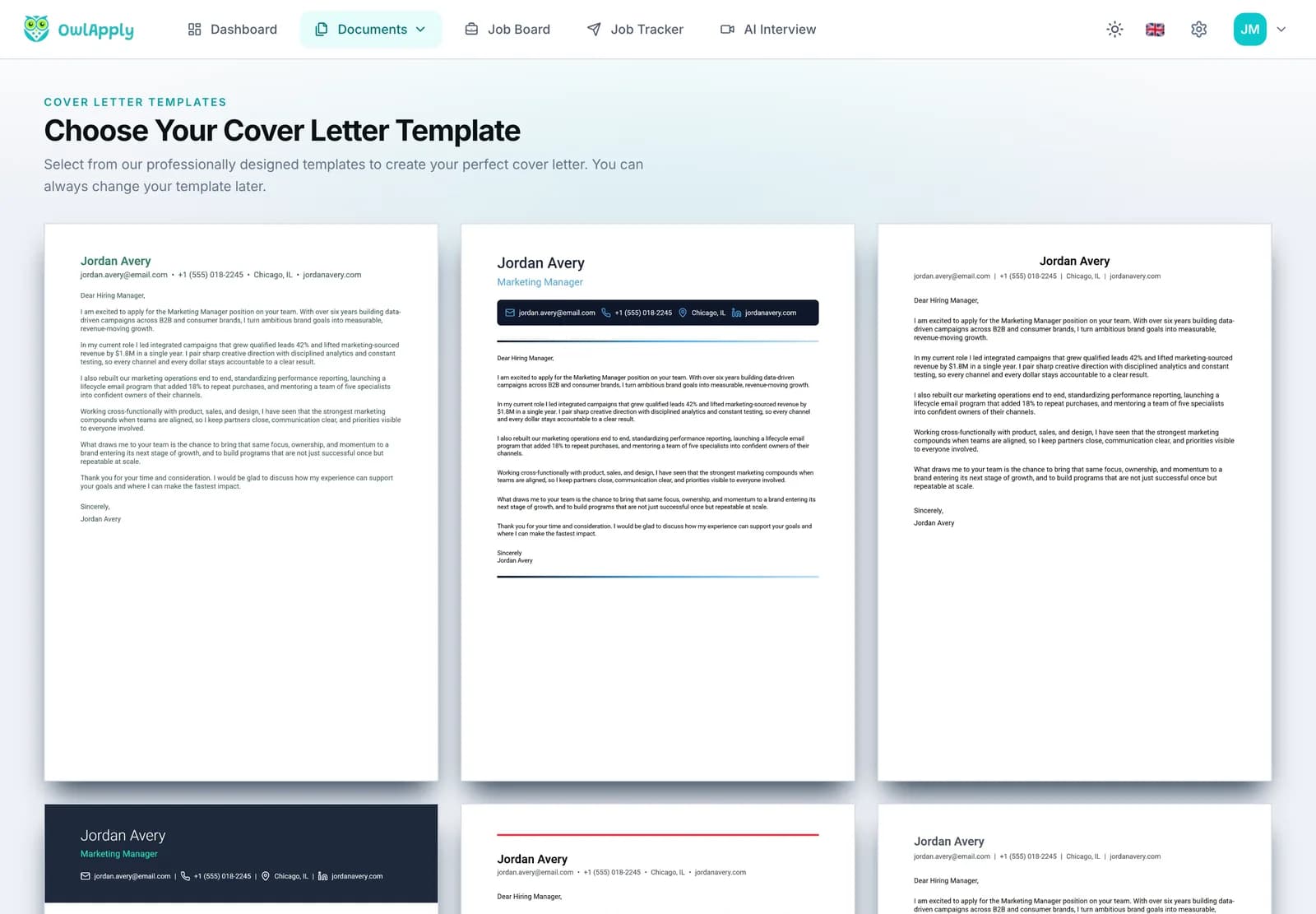
    OwlApply cover letter template gallery with several designs, each with a sample letter
  2. 2WRITE

    Replace the Sample Text

    The editor has three steps: Personal Info (name, title, email, phone, location, website), Letter Details (date and recipient) and Content (greeting, introduction, body paragraphs, closing and signature). Add, remove or reorder body paragraphs, and hide any field you do not need.
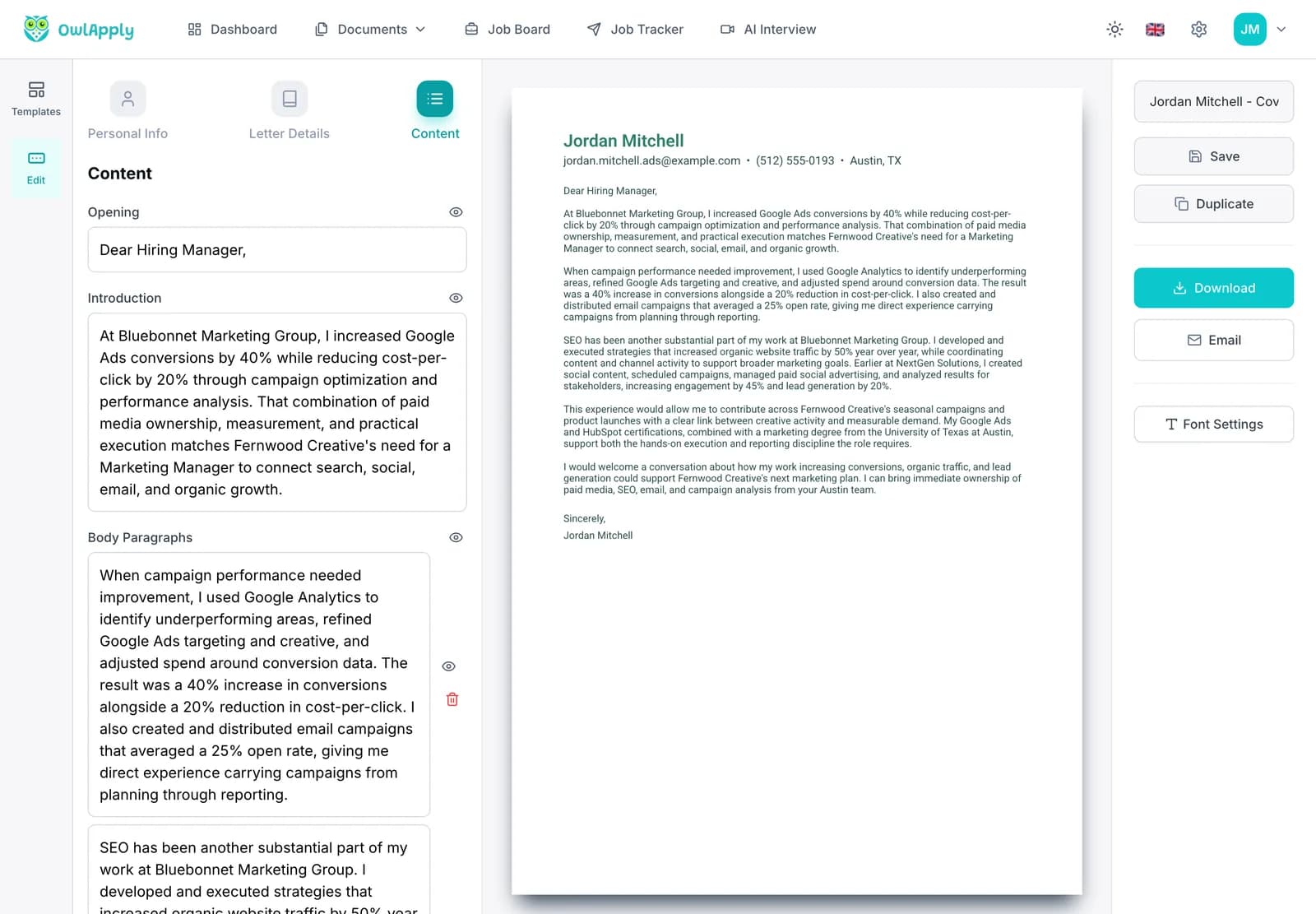
    Cover letter builder with the Content step open, showing the greeting, introduction and body paragraph fields next to a live preview
  3. 3FINISH

    Switch Designs, Then Save or Send

    Try other templates from the Templates tab: the text stays exactly as you wrote it. Adjust the font in Font Settings, save the letter to your account, duplicate it for the next job, and download it as a PDF or email it.
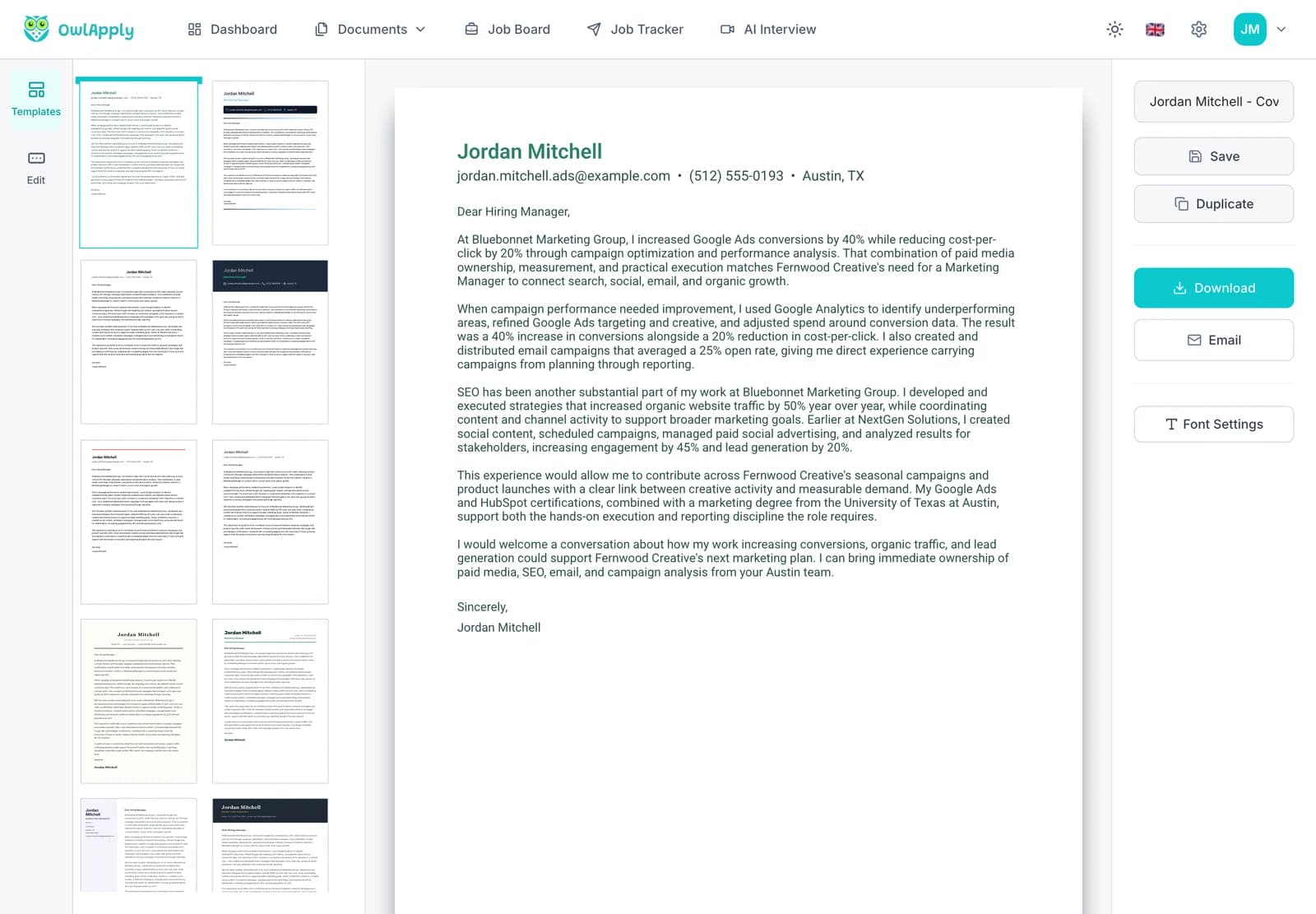
    Finished cover letter in the OwlApply builder, with the template panel on the left and Save, Duplicate, Download and Email buttons
Open the Template Gallery

Are these cover letter templates ATS-friendly?

Yes, with one caveat worth knowing. Every template keeps the letter itself as real, selectable text in a single reading order, with no text inside images, no tables for the paragraphs and standard fonts. That is what an applicant tracking system needs to store and show your letter correctly.

The caveat: a handful of designs (Petal, Crimson, Evergreen) put your name and contact details in a side panel. People read them easily, and the letter paragraphs are unaffected, but if an online form asks you to upload the cover letter as the only document, a single-column header is the safest choice. Your contact details also belong on your resume, which is the file the system actually parses for them.

Template, AI generator or blank page: which is faster?

All three end in the same place: one tailored page. They differ in how much you type.
Cover letter templateAI cover letter generatorBlank document
What you getA finished layout with sample text to replaceA complete first draft written from your resume and the postingNothing until you write it
Time to a sendable letterAbout 20 to 40 minutes of writingSeconds to generate, a few minutes to checkOften an hour or more, including formatting
TailoringAs specific as you make itBuilt from the job description you paste, one letter per runAs specific as you make it
RiskSending the sample phrasing unchangedA draft you did not read; always check itFormatting errors, a second page

Do cover letters still matter in 2026?

Usually, and a tailored one matters most. In a field experiment with 7,287 applications sent to real job postings between July 2019 and January 2020, ResumeGo found that applications with a cover letter tailored to the job received a 53% higher callback rate than applications with no cover letter. In the same study's survey of 236 recruiters and hiring managers, 87% said they read cover letters and 81% valued tailored letters significantly more than generic ones.

So the template is the easy part. The callback comes from the two sentences only you could write for this employer.

Expert tip
Duplicate your finished letter before each new application and change the opening result, the proof paragraph and the "why this company" line. Keep the template and header; rewrite the substance. Swapping only the company name is the most common reason a template letter reads as generic.
OwlApply Team
Career Development PlatformOwlApply

Mistakes that make a template letter look generic

Do this

  • Open with a specific result tied to the role
  • Name the company and something real about it
  • Use the same font and header style as your resume
  • Keep it to one page and three or four paragraphs
  • Address a named person when you can find one

Avoid this

  • Leave the sample sentences or brackets in place
  • Repeat your resume bullet by bullet
  • Mix several fonts or bright colors
  • Open with "To Whom It May Concern"
  • Pick a bold creative design for a conservative employer

How we built and ordered these templates

All 30+ designs are the same templates you use inside the OwlApply builder, rendered here with fictional sample letters. The gallery opens with the designs our users pick most often. Newer designs sit in the middle of the gallery; the least-used ones are at the end.

Want a resume to match? The resume templates use the same fonts and header styles, and the ATS resume checker shows how a system reads the resume you send with the letter. For finished letters to learn from, see 10 cover letter examples and the best cover letter openings.

Explore cover letter templates by style

Simple OwlApply cover letter templates shown as sample documents
Cover Letter10 minute read

Simple Cover Letter Templates: ATS-Friendly Designs and Examples

A simple cover letter has four parts on one page: a header, a greeting, three or four short paragraphs and a sign-off. Below: the plain designs, a fill-in simple cover letter template to copy, five short examples for different roles and career stages, and the format rules that keep it ATS-friendly.

Riyasha JaiswalRiyasha JaiswalOctober 31, 2026
Professional OwlApply cover letter templates shown as sample documents
Cover Letter7 minute read

Professional Cover Letter Templates: Business Format and Examples

A professional cover letter follows the business-letter format: your contact block, the date, the employer's name and address, a formal greeting, three or four paragraphs and a signature, on one page. Here are the formal designs, a copyable professional template, an executive example and the exact format.

Riyasha JaiswalRiyasha JaiswalOctober 31, 2026
Modern OwlApply cover letter templates shown as sample documents
Cover Letter6 minute read

Modern Cover Letter Templates for Tech, Startups and 2026 Applications

Modern means a current look, not a different letter: a clean sans-serif font, one accent color and a structured header around the same one-page, three-to-four-paragraph letter every job application needs. Here is what separates a modern template from a creative one, when to use it, and a short example for a product role.

Riyasha JaiswalRiyasha JaiswalOctober 31, 2026
Creative OwlApply cover letter templates shown as sample documents
Cover Letter7 minute read

Creative Cover Letter Templates and Examples for Design, Media and Brand Roles

A creative cover letter puts its personality in the design and the voice, not in the structure: it is still one page, three or four paragraphs and a sign-off. Here are the bold designs, when they help and when they hurt, a creative cover letter example, and how to keep a striking layout readable.

Riyasha JaiswalRiyasha JaiswalOctober 31, 2026

Start With a Template, Finish With Your Story

Pick any of the 30+ designs, replace the sample text with your own three paragraphs and switch designs whenever you like.

Choose a Template

Cover Letter Templates FAQ

Are these cover letter templates free?
Choosing and editing any of the 30+ templates is free, and you can start without an account. Saving a letter needs a free account. Downloading the PDF and emailing the letter from the builder are part of OwlApply Pro. The fill-in template on this page is plain text you can copy into any editor.
What is the best cover letter template?
For most applications, a simple single-column template with one font and a clear header. It reads well for people and software and suits almost any employer. Move to a professional template for formal or senior roles, a modern one for tech and startups, and a creative one only for design, media and brand roles.
Can I download the templates as Word or Google Docs files?
No. OwlApply letters download as PDF, which keeps the layout identical on every screen and is what most applications ask for. If a posting requires a Word file, copy the fill-in template on this page into Word or Google Docs instead.
Can I change the template after I write my letter?
Yes. The text and the design are separate, so you can switch between all 30+ templates at any time and your wording stays exactly as it is.
Should my cover letter template match my resume?
It should look like it belongs with it: the same font family, a similar header and the same accent color if you use one. It does not have to be the identical design.
How long should a cover letter be?
One page, roughly 250 to 400 words in three or four paragraphs. If yours runs longer, cut the paragraph that repeats your resume.
Do I need a different cover letter for every job?
You need a different letter, not a different template. Keep your template and header, then rewrite the opening result, the proof paragraph and the reason you want this employer. The ResumeGo study above found tailored letters earned 53% more callbacks than no letter at all.
Can AI fill in a cover letter template for me?
Yes. The AI cover letter generator reads one of your saved resumes and the job description you paste, writes one letter of about 300 to 350 words using only facts from your resume, and opens it in the builder, where you can switch to any template.
Share article

Launch your resume in 15 minutes

Pick a proven layout, let AI suggest winning bullet points, and export a polished resume before your coffee cools.

Build my resume
Resume Templates
Resume Templates

Launch your resume in 15 minutes

Pick a proven layout, let AI suggest winning bullet points, and export a polished resume before your coffee cools.

Build my resume
HomeBuild Resume

Connect with OwlApply

Follow on LinkedInWatch on YouTubeFollow on PinterestFollow on InstagramLike on FacebookFollow on XFollow on MediumFollow on TikTok

JOB SEEKERS

  • Build Resume
  • Resume Examples
  • Resume Templates
  • Cover Letter Templates
  • Job Search Helper
  • Job Tracker

CAREER RESOURCES

  • Resume Help
  • Job Interview
  • Career
  • Cover Letter
  • OwlApply Extension
  • Blog
  • Career Pay & Requirements
  • Job Market Research

AI TOOLS

  • Cover Letter Builder
  • AI Resume Optimizer
  • Job Application Autofill
  • AI Resume Builder
  • ATS Resume Checker
  • All AI Tools

SUPPORT

  • Pricing
  • FAQ
  • Contact Us
  • Terms of Service
  • Privacy Policy
  • Cookie Policy
  • Right of Withdrawal

Copyright 2026 OwlApply. All rights reserved.

EnglishBahasa IndonesiaBahasa MelayuČeštinaDanskDeutschEestiEspañolFilipinoFrançaisHrvatskiItalianoKiswahiliLatviešuLietuviųMagyarNederlandsNorskPolskiPortuguês (Brasil)Português (Portugal)RomânăSlovenčinaSlovenščinaSrpskiSuomiSvenskaTiếng ViệtTürkçeΕλληνικάБългарскиРусскийУкраїнськаעבריתالعربيةفارسیไทย日本語繁體中文한국어
Launched on Fazier