Home
  • Resumes & CVs
    Resume TemplatesView all
    Simple
    Minimal layouts that keep every recruiter focused on your content.
    Professional
    Boardroom-ready templates that spotlight experience and leadership.
    Modern
    Fresh, contemporary designs for innovative roles and companies.
    Creative
    Bold visuals and unique layouts crafted for design-forward careers.
    ATS Friendly
    Structured specifically to clear every Applicant Tracking System.
    Resume Builder
    Resume Builder
    Drag, drop, and export a job-ready resume with instant AI suggestions.
    See all resume examples
    Resume Examples
    Browse our ready-to-use resume examples and create your professional resume in minutes
  • AI Career Tools
    AI Career ToolsView all AI tools
    Keyword Optimizer
    Inject recruiter-approved keywords and rise to the top of ATS results.
    AI Resume Builder
    Generate a polished resume with AI-written bullets and proven layouts.
    Resume Translator
    Translate your resume into any language without losing nuance.
    Resume Score
    Measure how hiring-ready your resume is before you click apply.
    Resume Summary
    Craft attention-grabbing summaries tailored to each role.
    Resume Bullet Point Generator
    Turn achievements into punchy bullet points in seconds.
    Cover Letter Generator
    Create pitch-perfect letters that mirror every job posting.
    Job Application Autofill
    Auto-complete repetitive application fields across top job boards.
    Resume Checker
    Audit structure, keywords, and impact with instant AI feedback.
    Resume Builder
    Resume Builder
    Drag, drop, and export a job-ready resume with instant AI suggestions.
    Chrome browser
    Firefox browser
    Opera browser
    Safari browser
    Install OwlApply Extension
    Autofill job forms, create tailored resumes, and score postings directly from Chrome.
  • Cover Letters
    Cover Letter TemplatesView all
    Simple
    Clean layouts ideal for traditional teams and entry-level roles.
    Professional
    Classic business styling that reinforces authority and credibility.
    Modern
    Sleek designs that feel right at home in tech and high-growth companies.
    Creative
    A unique canvas to showcase personality without sacrificing polish.
    Cover Letter Builder
    Cover Letter Builder
    Pair your resume with a tailored letter in minutes using guided prompts.
    Chrome browser
    Firefox browser
    Opera browser
    Safari browser
    Install OwlApply Extension
    Autofill job forms, create tailored resumes, and score postings directly from Chrome.
  • Resources
    ResourcesView all
    OwlApply Extension
    Autofill applications, generate cover letters, and track every job from your browser.
    Job Interview
    Scripts, frameworks, and confidence boosters for every interview format.
    Cover Letter
    Story-driven templates and tactics for memorable cover letters.
    Career
    Navigate negotiations, promotions, and pivots with expert advice.
    Resume
    Step-by-step guidance to craft a standout resume in any industry.
    Resume Builder
    Resume Builder
    Drag, drop, and export a job-ready resume with instant AI suggestions.
    Chrome browser
    Firefox browser
    Opera browser
    Safari browser
    Install OwlApply Extension
    Autofill job forms, create tailored resumes, and score postings directly from Chrome.
  • Pricing
My AccountBuild Resume
  • Resumes & CVs
    Simple

    Minimal layouts that keep every recruiter focused on your content.

    Professional

    Boardroom-ready templates that spotlight experience and leadership.

    Modern

    Fresh, contemporary designs for innovative roles and companies.

    Creative

    Bold visuals and unique layouts crafted for design-forward careers.

    ATS Friendly

    Structured specifically to clear every Applicant Tracking System.

    View all
  • AI Career Tools
    Keyword Optimizer

    Inject recruiter-approved keywords and rise to the top of ATS results.

    AI Resume Builder

    Generate a polished resume with AI-written bullets and proven layouts.

    Resume Translator

    Translate your resume into any language without losing nuance.

    Resume Score

    Measure how hiring-ready your resume is before you click apply.

    Resume Summary

    Craft attention-grabbing summaries tailored to each role.

    Resume Bullet Point Generator

    Turn achievements into punchy bullet points in seconds.

    Cover Letter Generator

    Create pitch-perfect letters that mirror every job posting.

    Job Application Autofill

    Auto-complete repetitive application fields across top job boards.

    Resume Checker

    Audit structure, keywords, and impact with instant AI feedback.

    View all AI tools
  • Cover Letters
    Simple

    Clean layouts ideal for traditional teams and entry-level roles.

    Professional

    Classic business styling that reinforces authority and credibility.

    Modern

    Sleek designs that feel right at home in tech and high-growth companies.

    Creative

    A unique canvas to showcase personality without sacrificing polish.

    View all
  • Resources
    OwlApply Extension

    Autofill applications, generate cover letters, and track every job from your browser.

    Job Interview

    Scripts, frameworks, and confidence boosters for every interview format.

    Cover Letter

    Story-driven templates and tactics for memorable cover letters.

    Career

    Navigate negotiations, promotions, and pivots with expert advice.

    Resume

    Step-by-step guidance to craft a standout resume in any industry.

    View all
  • Pricing
My AccountBuild Resume
  1. Home
  2. AI Career Tools
  3. Resume Keyword Optimizer

Resume Keyword Optimizer

The right keywords decide whether your resume passes ATS filters. Paste a job description and our AI identifies every missing keyword, ranks them by impact, and shows you exactly where to place them in your resume — summary, skills, or experience section.

Optimize Keywords Now
AI-powered keyword optimizer dashboard showing keyword gaps and placement suggestions

Add the Keywords That Actually Matter

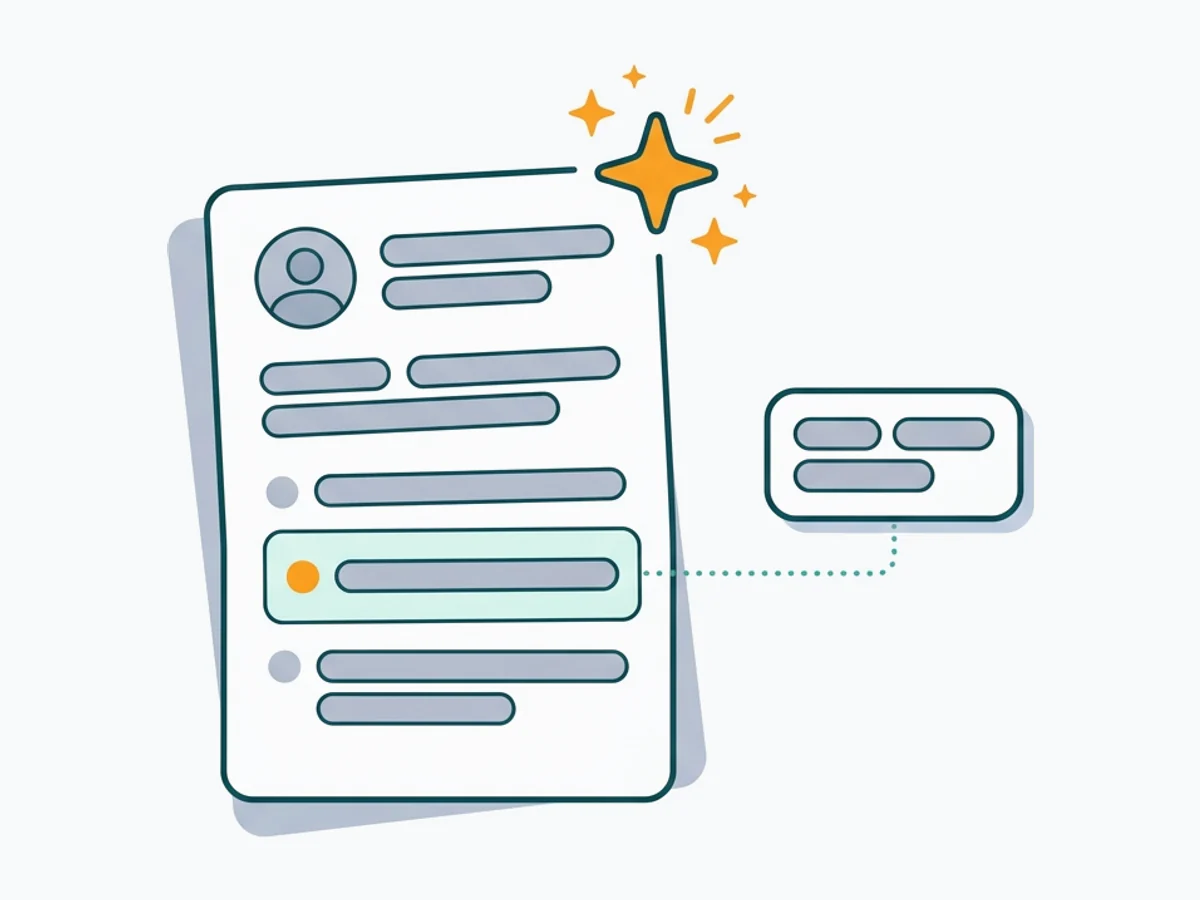
Keyword gap report showing missing terms ranked by importance

Keyword Gap Report

The AI compares your resume against the job posting and lists every keyword you are missing. Each keyword is ranked by frequency in the posting and importance to the role, so you know which to add first.
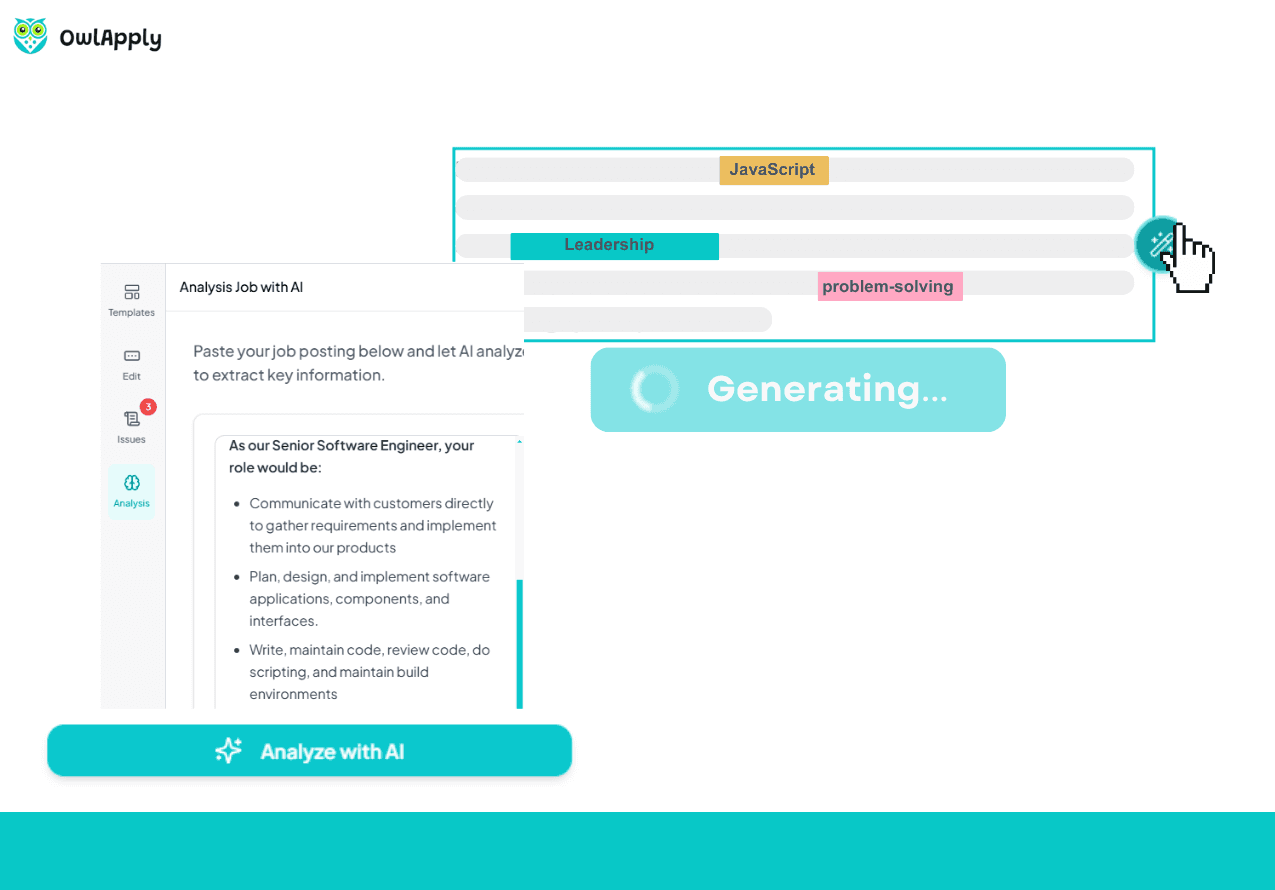
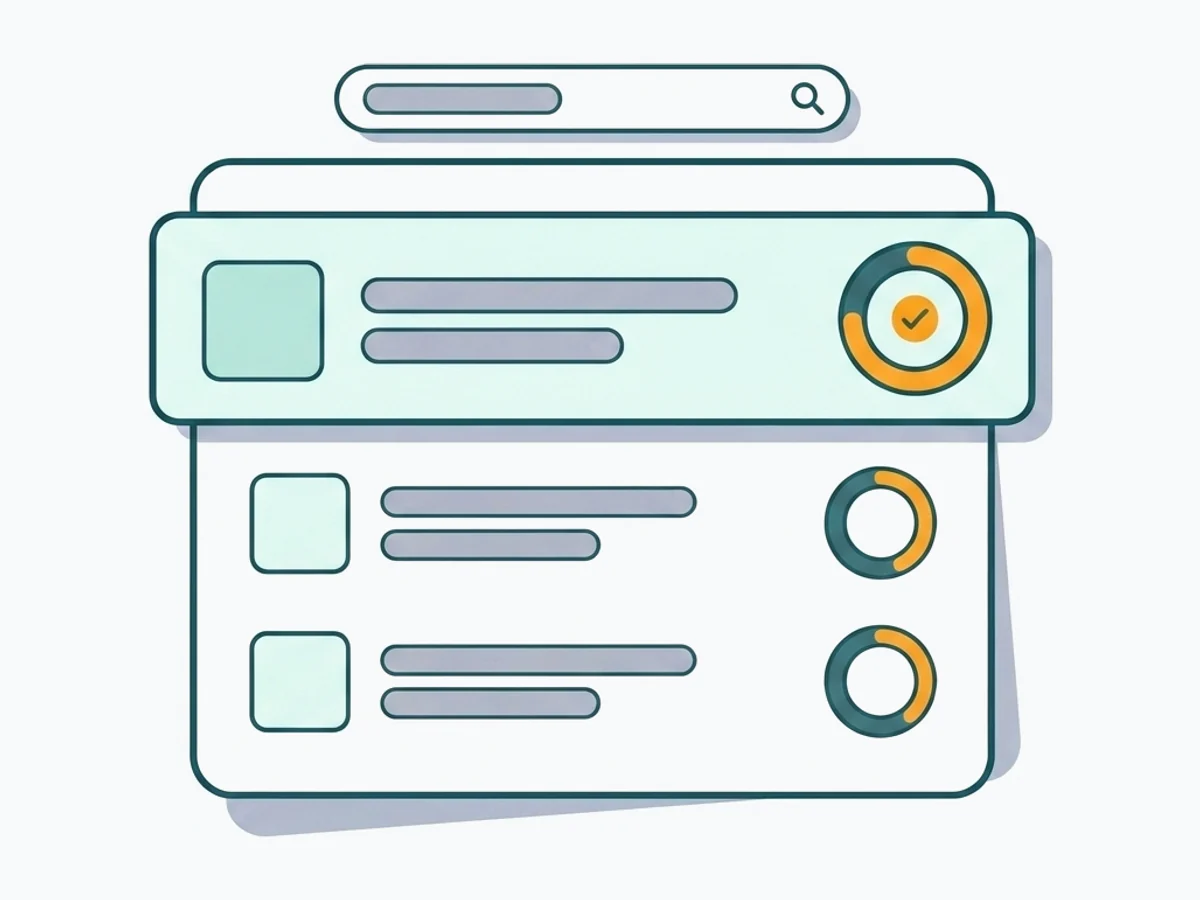
Keyword placement suggestions mapped to resume sections

Smart Placement Suggestions

Adding keywords randomly hurts readability. The optimizer suggests the best section for each keyword — skills list, experience bullets, or professional summary — keeping your resume natural and ATS-friendly.
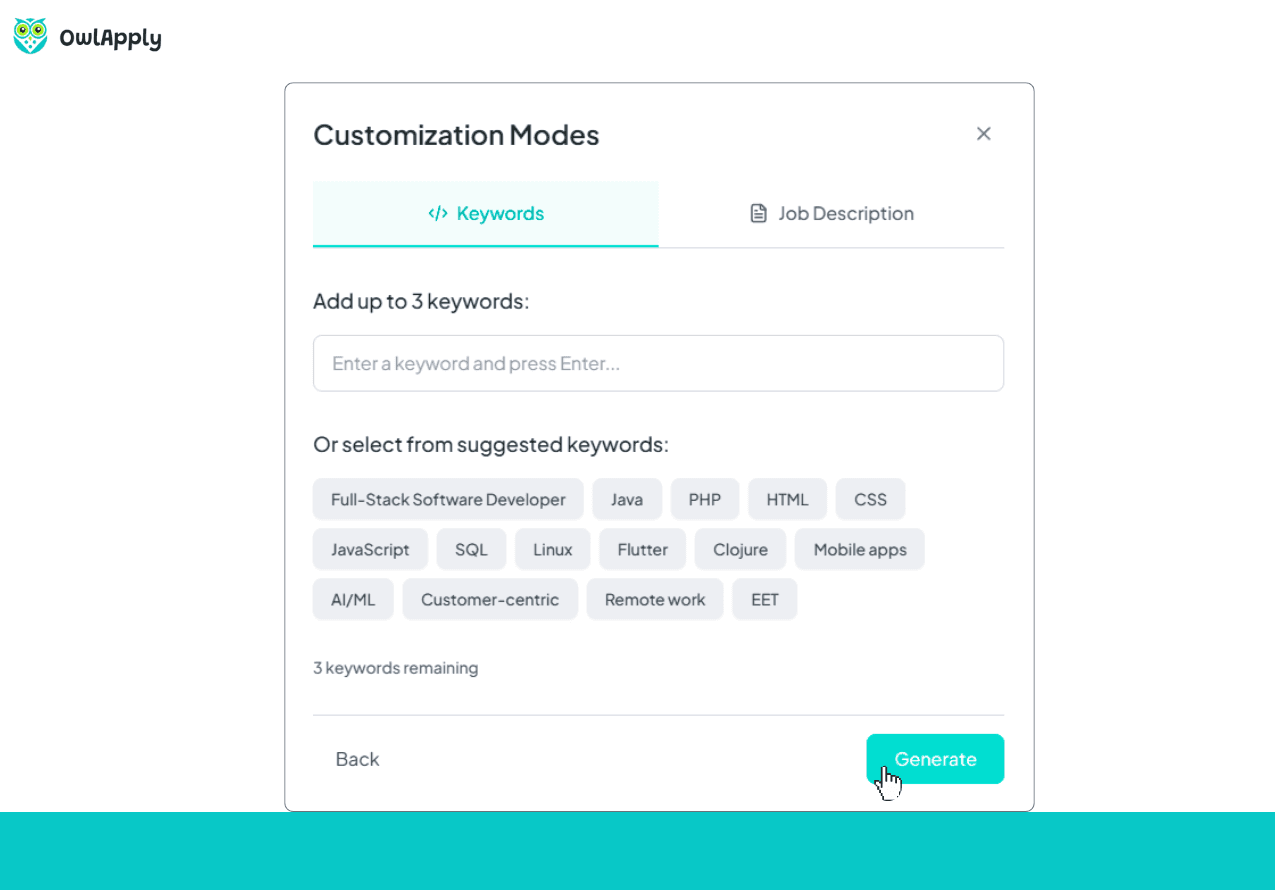
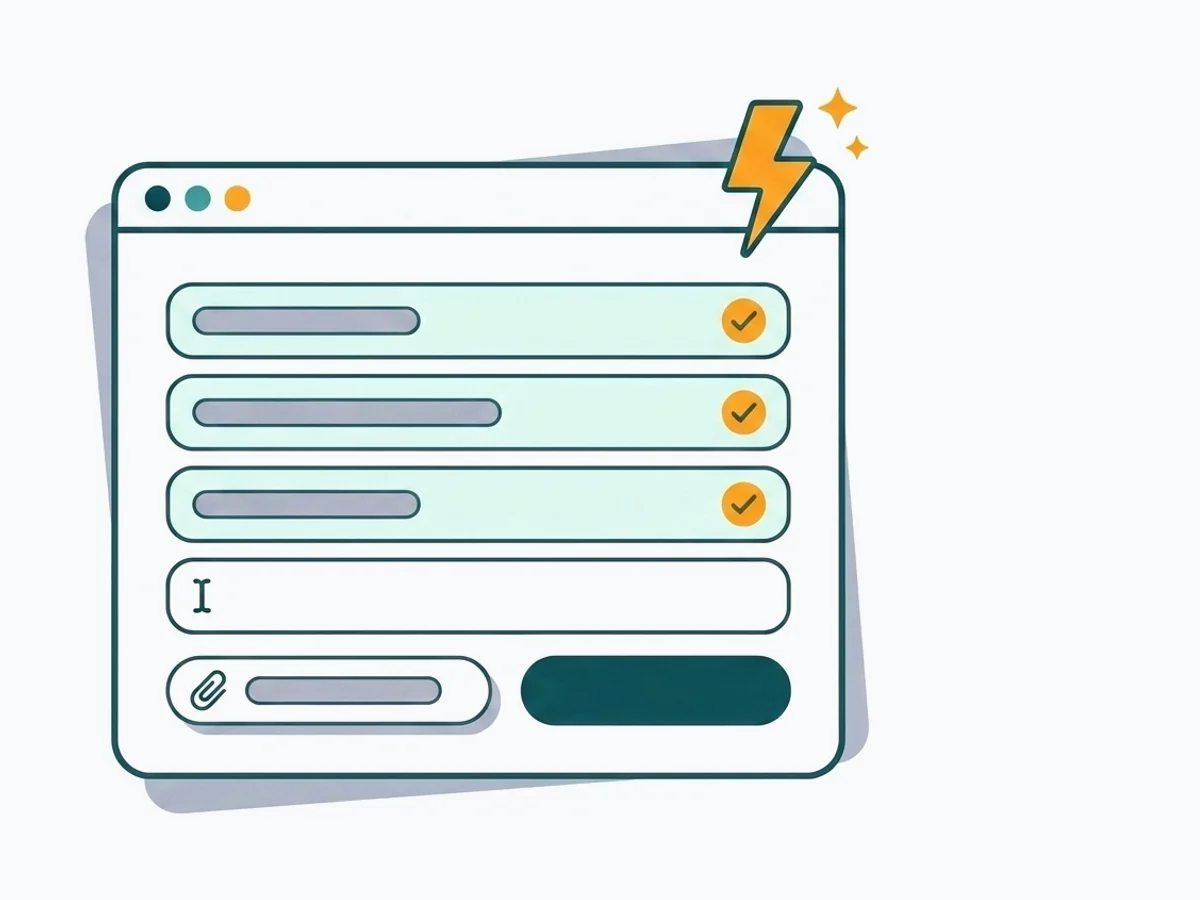
Live ATS score updating as keywords are added to the resume

Real-Time ATS Score Updates

As you add keywords, your ATS compatibility score updates in real time. See how each addition moves your score and stop when you hit the optimal density — no keyword stuffing.

Start Optimizing

Keywords Are the Bridge Between You and the Interview

ATS software scans resumes for specific keywords from the job description. If your resume does not contain them — even if you are qualified — you get filtered out before a human sees your application.

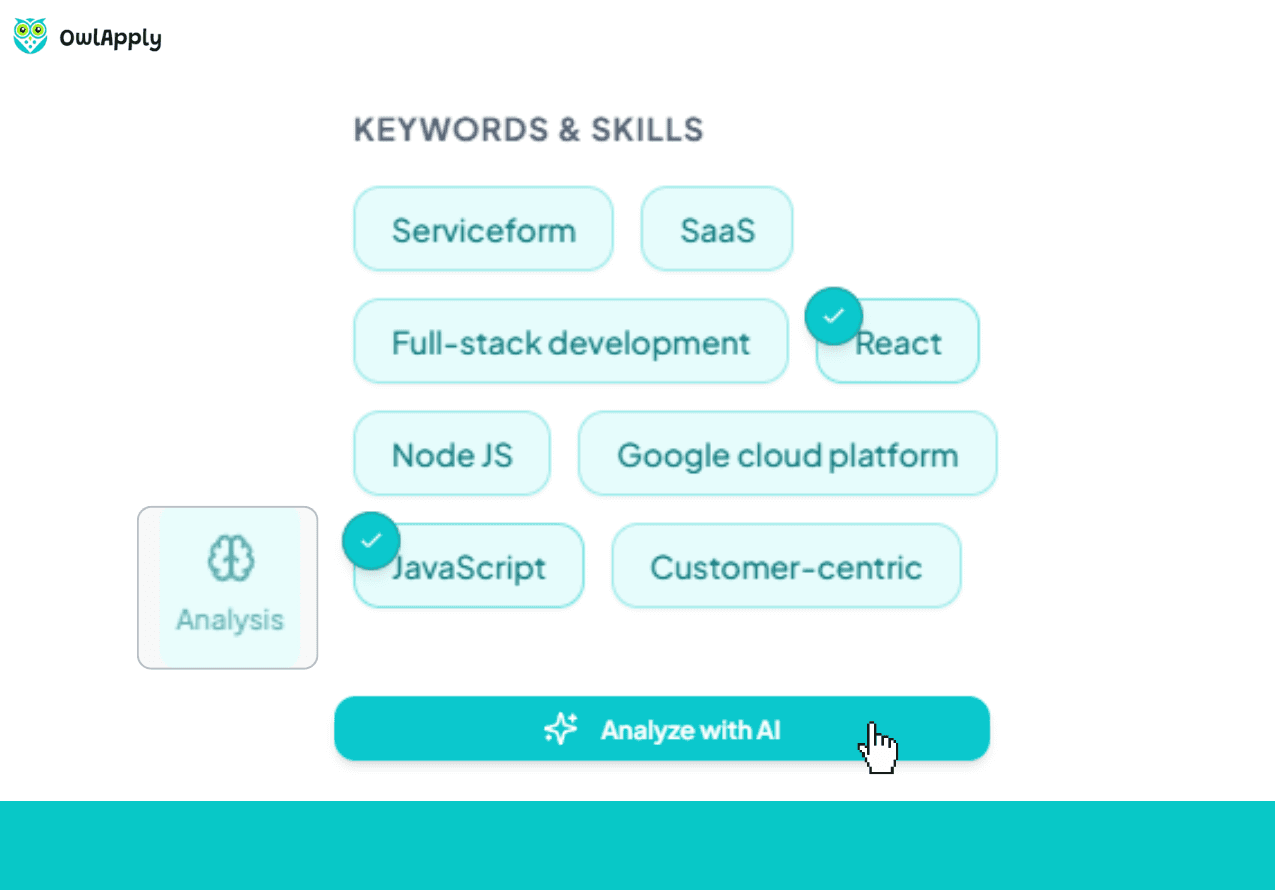
OwlApply's Keyword Optimizer extracts every relevant keyword from the job posting, checks which ones your resume already contains, and highlights the gaps. You see a ranked list of missing keywords with suggested placements, so each addition is strategic, not random.

Add keywords directly in the editor, watch your ATS score climb in real time, and download your optimized resume. Free users get the full gap report; Premium unlocks AI-powered keyword insertion and unlimited optimizations.

Start Optimizing
Keyword optimization dashboard with detailed metrics and ATS score tracking

Optimize Your Resume Keywords in 4 Steps

Upload
01

Upload Your Resume

Upload a PDF or Word file, import from LinkedIn, or create a new resume with our ATS-friendly templates.
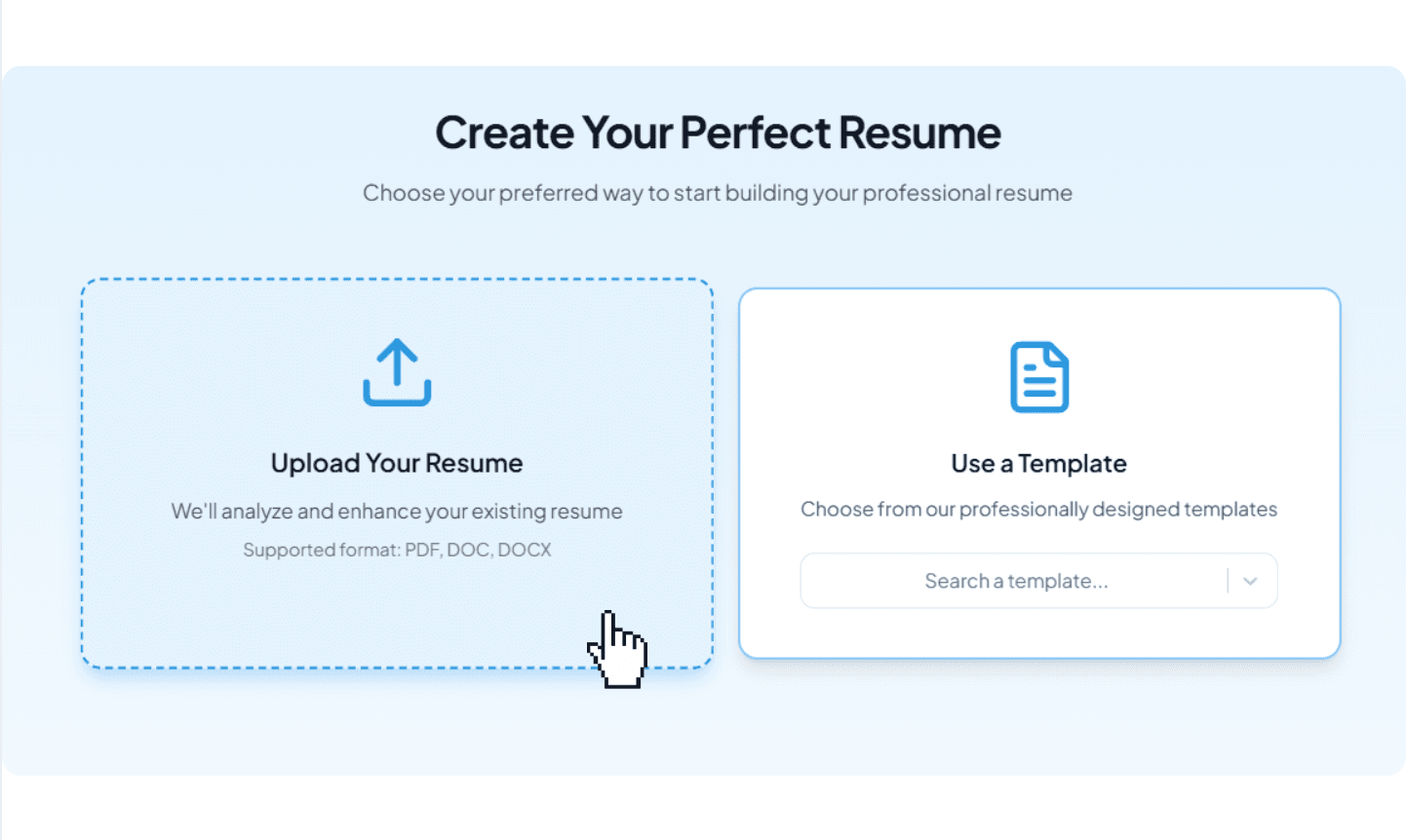
Resume upload interface with multiple import options
Paste
02

Paste the Job Description

Enter the target job posting. The AI extracts required skills, qualifications, and industry terms in seconds.
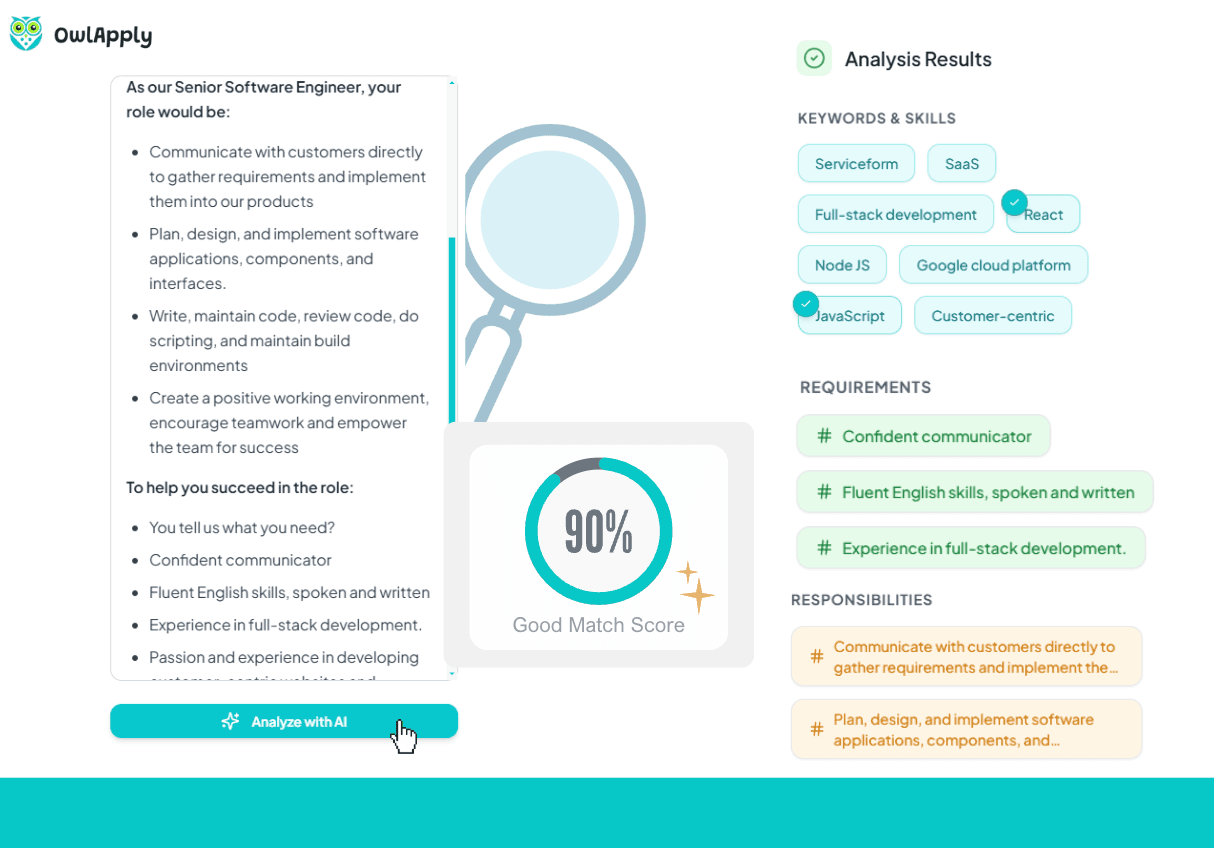
Job description input field for keyword extraction
Review
03

Review the Keyword Report

See every missing keyword ranked by impact. Each entry shows where it appears in the posting and the recommended section in your resume.

Keyword report with ranked missing terms and placement recommendations
Done
04

Add and Verify

Insert keywords via AI suggestions or manually. Re-check your ATS score to confirm improvements and download the optimized resume.
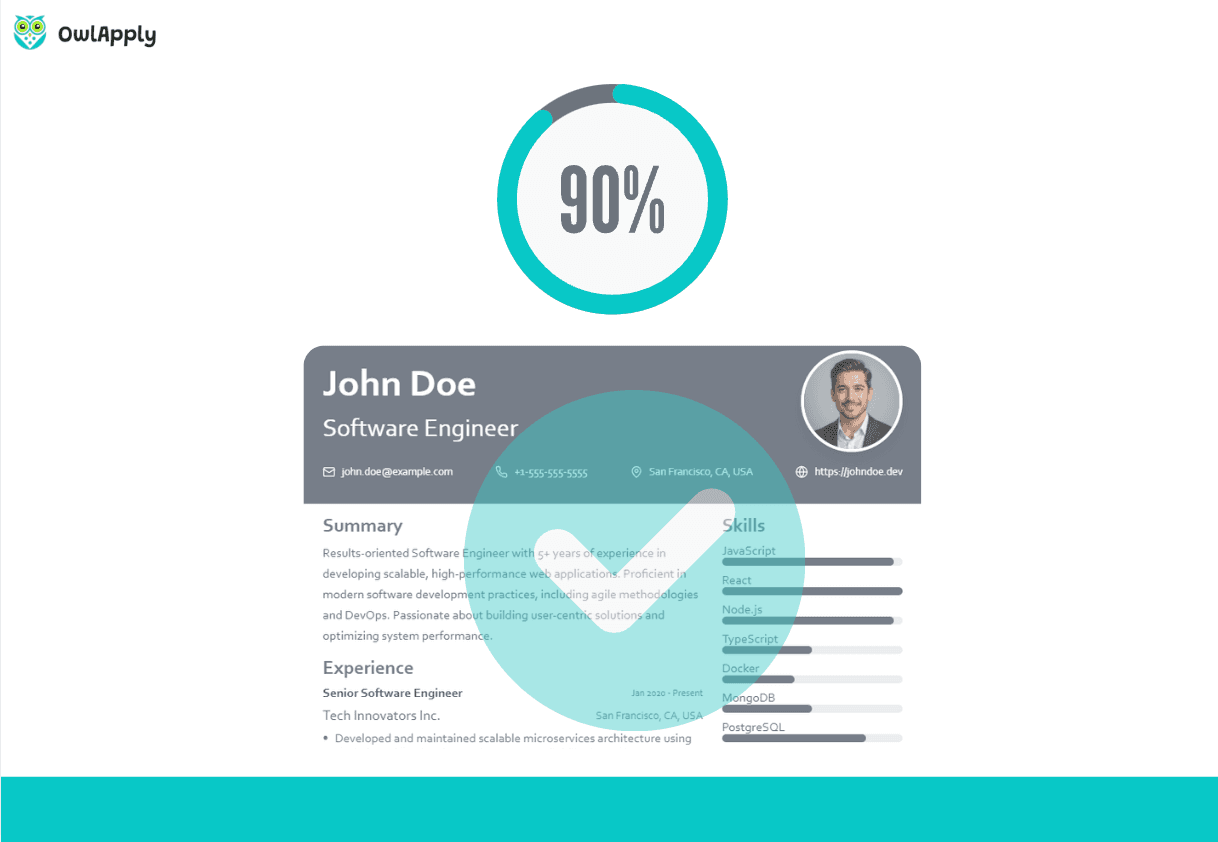
Resume editor showing keyword additions and updated ATS compatibility score
Begin Optimization

Keyword Optimizer — FAQ

The AI extracts every relevant keyword from the job description — skills, certifications, tools, and qualifications — then checks your resume for their presence. Missing terms are listed and ranked by importance.

The keyword score measures how many of the job posting's key terms appear in your resume. A higher score indicates stronger alignment with the employer's language and ATS filter criteria.

Yes. Paste a different job description each time and the optimizer generates a new gap report. Save different keyword-optimized versions for each application.

No. The optimizer suggests where each keyword fits naturally — in your skills list, experience bullets, or summary. It avoids keyword stuffing and preserves your professional tone.

Absolutely. Recruiters manually scan for industry-specific terms and role-relevant skills. Using the right keywords ensures your resume resonates with both ATS software and human readers.
Start Optimizing Free

42% more recruiter replies

Tailor every resume, prove your fit with data-backed keywords, and track applications from one dashboard.

Smart content

Drop in role-specific bullets and summaries vetted by certified resume writers.

Precision targeting

Match any job posting and see your fit score update instantly.

Design control

Tweak colors, fonts, and spacing so every application feels on-brand.

Create my resumeWrite a cover letter

Connect with OwlApply

Follow on LinkedInWatch on YouTubePin on PinterestJoin us on InstagramLike on FacebookFollow on TikTok
Build Resume

JOB SEEKERS

  • Build Resume
  • Resume Examples
  • Resume Templates
  • Cover Letter Templates
  • Job Search Helper
  • Job Tracker

CAREER RESOURCES

  • Resume Help
  • Job Interview
  • Career
  • Cover Letter
  • OwlApply Extension
  • Blog

AI TOOLS

  • Cover Letter Builder
  • AI Resume Optimizer
  • Job Application Autofill
  • AI Resume Builder
  • ATS Resume Scanner
  • All AI Tools

SUPPORT

  • Pricing
  • FAQ
  • Contact Us
  • Terms of Service
  • Privacy Policy
  • Cookie Policy
  • Right of Withdrawal

Copyright 2026 OwlApply. All rights reserved.