
Home
  • Resumes & CVs
    Resume TemplatesView all
    Simple
    Minimal layouts that keep every recruiter focused on your content.
    Professional
    Boardroom-ready templates that spotlight experience and leadership.
    Modern
    Fresh, contemporary designs for innovative roles and companies.
    Creative
    Bold visuals and unique layouts crafted for design-forward careers.
    ATS Friendly
    Structured specifically to clear every Applicant Tracking System.
    Resume Builder
    Resume Builder
    Drag, drop, and export a job-ready resume with instant AI suggestions.
    See all resume examples
    Resume Examples
    Browse our ready-to-use resume examples and create your professional resume in minutes
  • AI Career Tools
    AI Career ToolsView all AI tools
    Keyword Optimizer
    Inject recruiter-approved keywords and rise to the top of ATS results.
    AI Resume Builder
    Generate a polished resume with AI-written bullets and proven layouts.
    Resume Translator
    Translate your resume into any language without losing nuance.
    Resume Summary
    Craft attention-grabbing summaries tailored to each role.
    Resume Bullet Point Generator
    Turn achievements into punchy bullet points in seconds.
    Cover Letter Generator
    Create pitch-perfect letters that mirror every job posting.
    Job Application Autofill
    Auto-complete repetitive application fields across top job boards.
    Resume Checker
    Audit structure, keywords, and impact with instant AI feedback.
    Resume Builder
    Resume Builder
    Drag, drop, and export a job-ready resume with instant AI suggestions.
    Chrome browser
    Firefox browser
    Opera browser
    Safari browser
    Install OwlApply Extension
    Autofill job forms, create tailored resumes, and score postings directly from Chrome.
  • Cover Letters
    Cover Letter TemplatesView all
    Simple
    Clean layouts ideal for traditional teams and entry-level roles.
    Professional
    Classic business styling that reinforces authority and credibility.
    Modern
    Sleek designs that feel right at home in tech and high-growth companies.
    Creative
    A unique canvas to showcase personality without sacrificing polish.
    Cover Letter Builder
    Cover Letter Builder
    Pair your resume with a tailored letter in minutes using guided prompts.
    Chrome browser
    Firefox browser
    Opera browser
    Safari browser
    Install OwlApply Extension
    Autofill job forms, create tailored resumes, and score postings directly from Chrome.
  • Resources
    ResourcesView all
    OwlApply Extension
    Autofill applications, generate cover letters, and track every job from your browser.
    Job Interview
    Scripts, frameworks, and confidence boosters for every interview format.
    Cover Letter
    Story-driven templates and tactics for memorable cover letters.
    Career
    Navigate negotiations, promotions, and pivots with expert advice.
    Resume
    Step-by-step guidance to craft a standout resume in any industry.
    Resume Builder
    Resume Builder
    Drag, drop, and export a job-ready resume with instant AI suggestions.
    Chrome browser
    Firefox browser
    Opera browser
    Safari browser
    Install OwlApply Extension
    Autofill job forms, create tailored resumes, and score postings directly from Chrome.
  • Pricing
EnglishBahasa IndonesiaBahasa MelayuČeštinaDanskDeutschEestiEspañolFilipinoFrançaisHrvatskiItalianoKiswahiliLatviešuLietuviųMagyarNederlandsNorskPolskiPortuguês (Brasil)Português (Portugal)RomânăSlovenčinaSlovenščinaSrpskiSuomiSvenskaTiếng ViệtTürkçeΕλληνικάБългарскиРусскийУкраїнськаעבריתالعربيةفارسیไทย日本語繁體中文한국어
My AccountBuild Resume
EnglishBahasa IndonesiaBahasa MelayuČeštinaDanskDeutschEestiEspañolFilipinoFrançaisHrvatskiItalianoKiswahiliLatviešuLietuviųMagyarNederlandsNorskPolskiPortuguês (Brasil)Português (Portugal)RomânăSlovenčinaSlovenščinaSrpskiSuomiSvenskaTiếng ViệtTürkçeΕλληνικάБългарскиРусскийУкраїнськаעבריתالعربيةفارسیไทย日本語繁體中文한국어
  • Resumes & CVs
    Simple

    Minimal layouts that keep every recruiter focused on your content.

    Professional

    Boardroom-ready templates that spotlight experience and leadership.

    Modern

    Fresh, contemporary designs for innovative roles and companies.

    Creative

    Bold visuals and unique layouts crafted for design-forward careers.

    ATS Friendly

    Structured specifically to clear every Applicant Tracking System.

    View all
  • AI Career Tools
    Keyword Optimizer

    Inject recruiter-approved keywords and rise to the top of ATS results.

    AI Resume Builder

    Generate a polished resume with AI-written bullets and proven layouts.

    Resume Translator

    Translate your resume into any language without losing nuance.

    Resume Summary

    Craft attention-grabbing summaries tailored to each role.

    Resume Bullet Point Generator

    Turn achievements into punchy bullet points in seconds.

    Cover Letter Generator

    Create pitch-perfect letters that mirror every job posting.

    Job Application Autofill

    Auto-complete repetitive application fields across top job boards.

    Resume Checker

    Audit structure, keywords, and impact with instant AI feedback.

    View all AI tools
  • Cover Letters
    Simple

    Clean layouts ideal for traditional teams and entry-level roles.

    Professional

    Classic business styling that reinforces authority and credibility.

    Modern

    Sleek designs that feel right at home in tech and high-growth companies.

    Creative

    A unique canvas to showcase personality without sacrificing polish.

    View all
  • Resources
    OwlApply Extension

    Autofill applications, generate cover letters, and track every job from your browser.

    Job Interview

    Scripts, frameworks, and confidence boosters for every interview format.

    Cover Letter

    Story-driven templates and tactics for memorable cover letters.

    Career

    Navigate negotiations, promotions, and pivots with expert advice.

    Resume

    Step-by-step guidance to craft a standout resume in any industry.

    View all
  • Pricing
My AccountBuild Resume
  1. Home
  2. AI Career Tools
  3. Practice an AI Mock Interview Before the Real One

Practice an AI Mock Interview Before the Real One

Choose an interview type and language, then add your resume and the job posting if you have them. An AI interviewer joins within seconds and asks role-specific interview questions over your microphone. It follows up based on your answers and keeps the session moving. Afterward, you receive a detailed report.

Try 3 Minutes Free
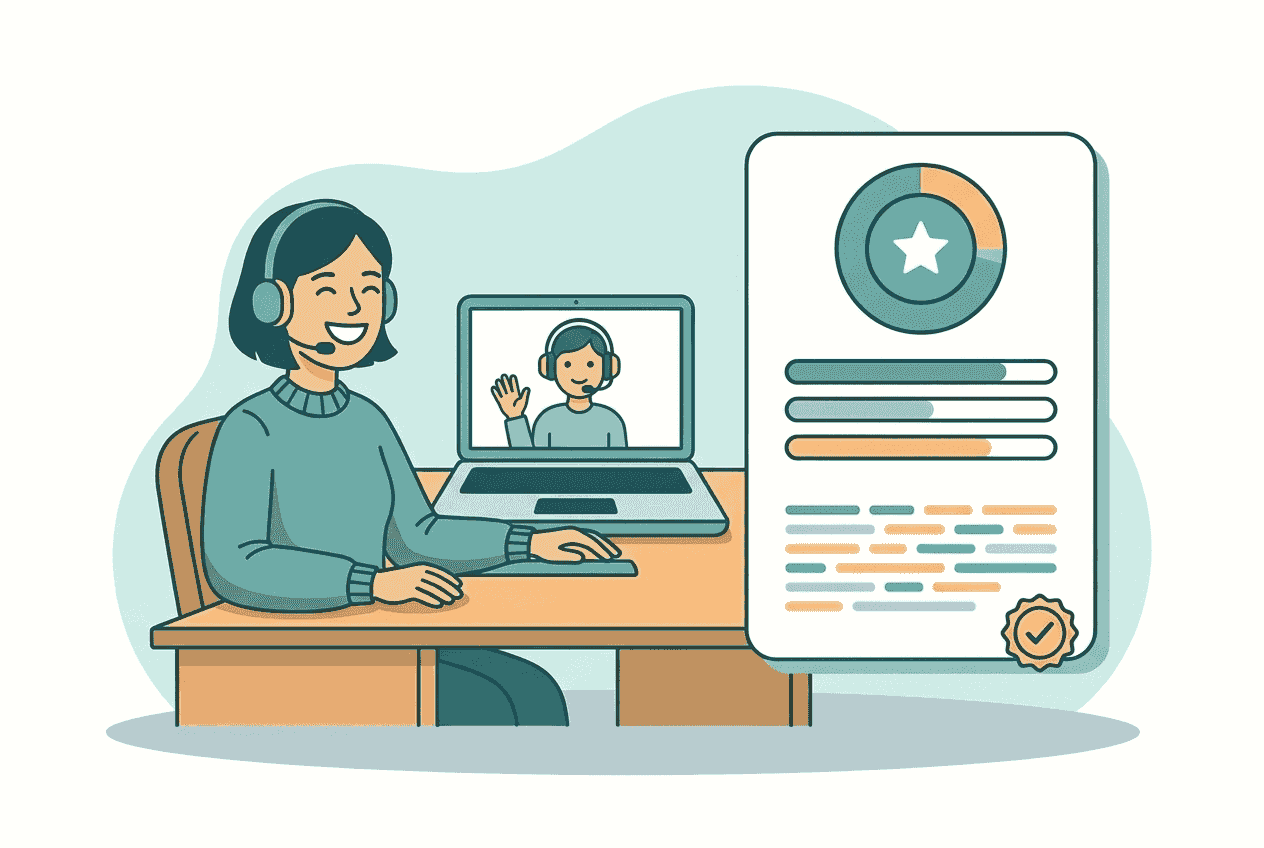
Detailed interview report with scores and transcript

What each session includes

10 min
live spoken interview on paid plans
4
interview types
42
available languages
0-100
score on every answer

A spoken interview that responds to your answers

You start on the AI interview page at app.owlapply.com. Select your microphone, choose one of 42 languages, and pick an HR, technical, behavioral, or hiring manager interview. You can select a resume already saved in your OwlApply account and paste up to 10,000 characters from the job posting. Both are optional, but adding them gives the interviewer more context about your experience and the role. When you select Start, the interviewer joins within seconds.

The interview happens live through your microphone, with no webcam needed. The interviewer has already read summaries of your resume and the job posting, so the interview questions refer to your background and the position. Each next question depends on your previous answer. If you say only that a project “went well,” it may ask once for an example or evidence. It also notices contradictions, avoids repeating answered questions, and asks one thing at a time. You do not receive coaching during the session. Feedback comes afterward in a report based on the full transcript.

What shapes your interview questions
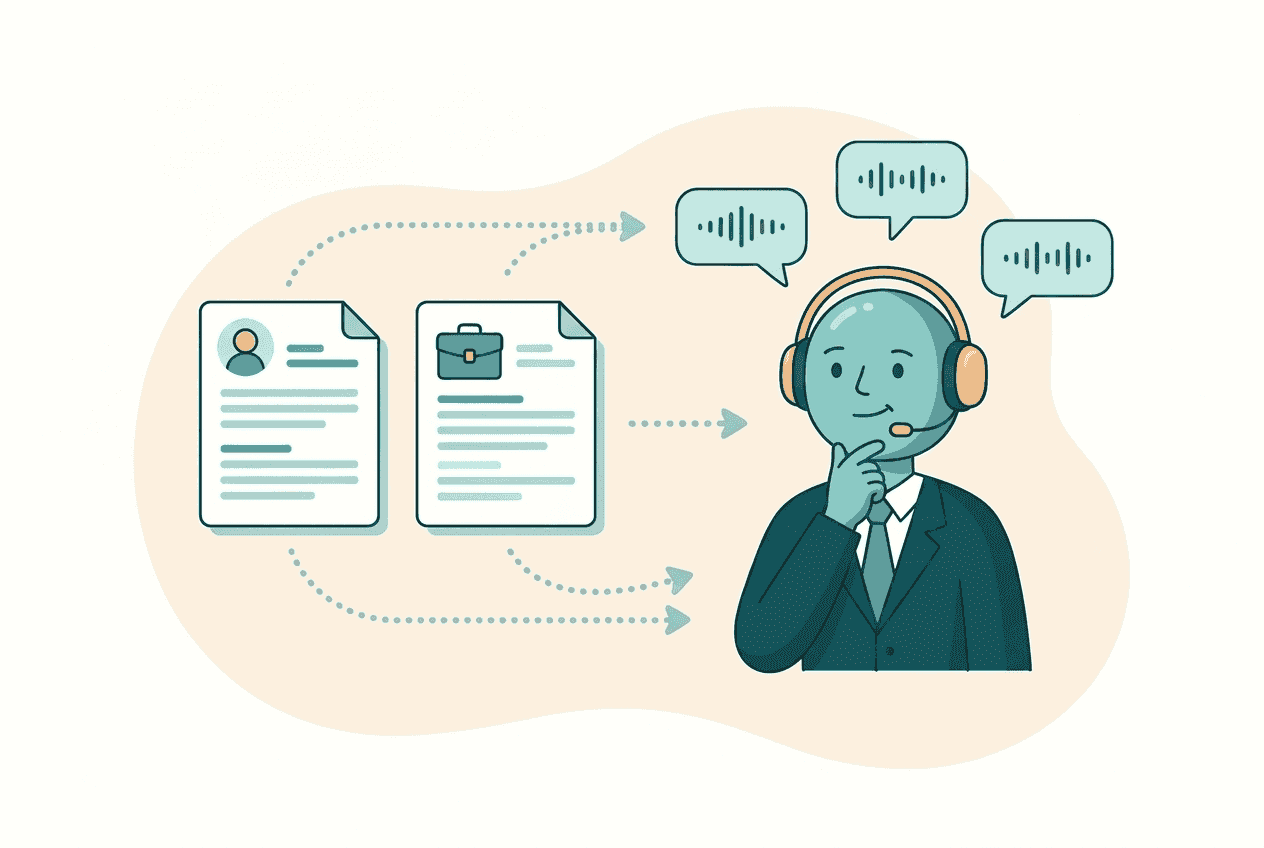
Resume and job posting selected for interview practice

Your resume and the role

Select a saved resume and paste the job posting before you begin. The interviewer uses summaries of both to ask about relevant projects, responsibilities, skills, and goals. Instead of receiving a generic list, you might be asked why a specific part of your experience fits a requirement in the posting.
Spoken answer shaping the next interview question

Your previous answer

The question sequence is not fixed in advance. The interviewer listens to each answer before deciding what to ask next. It can request concrete evidence when an answer is vague, notice a contradiction, or move forward when you have already covered the point. It asks only one question per turn.
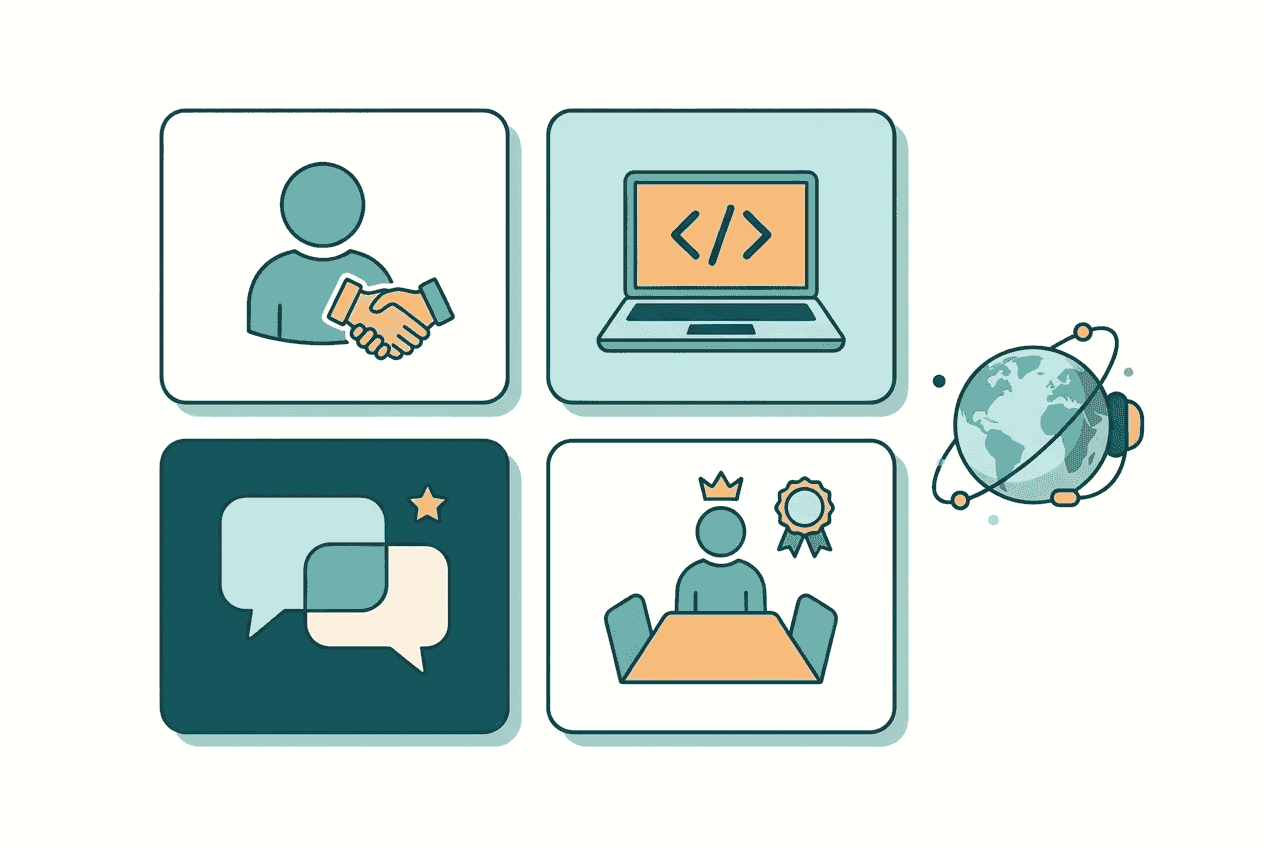
Four interview types shown on the setup screen

The interview you are preparing for

HR interviews focus on fit, motivation, and basic qualifications. Behavioral interviews examine past situations using situation, task, action, and result. Technical interviews explore spoken problem solving and engineering thinking, without a code editor. Hiring manager interviews weigh team fit, career goals, and long-term potential.

Start Practicing

See how each answer held up

When the session ends, the report is generated once from the full transcript. A preparation screen appears briefly, then the saved report opens within seconds.

  • Scores for every answer: Each question-and-answer pair receives a score from 0 to 100, plus relevance, specificity, and structure scores.
  • Clear review notes: A “what worked” note identifies useful parts of your answer, while “what to fix” explains what was missing or unclear.
  • A stronger suggested answer: The report rewrites the response using only your own resume and the experience you described during the interview.
  • Your overall result: You receive an overall score, a short summary, strengths, improvements, and a practical next-steps list.
  • The complete conversation: A timestamped transcript lets you return to the exact wording of each question, answer, and follow-up.
  • Your session history: Previous sessions and reports remain in your account, so you can compare scores and see whether specific answers improved.

A vague answer becomes a useful follow-up

Here is an illustrative behavioral interview exchange, followed by the kind of report entry it produces. The details are examples, but the format is the one used in reports.

Interviewer: Tell me about a time you improved a process at work.

Candidate: I changed our returns handoff, and it went well.

Interviewer: What did you change, and what evidence showed that it worked?

Candidate: At a mid-sized online retailer, I mapped where returns were waiting between customer support and the warehouse. I introduced a shared queue and a twice-daily review. Over six weeks, average response time fell from 18 hours to 11 hours, and repeat customer contacts dropped by 14%.

From the report

Score 74/100. Relevance 85, specificity 70, structure 65.

  • •What worked: The answer names the process change, gives a six-week timeframe, and supports the result with two measurable outcomes.
  • •What to fix: Clarify your personal responsibility and explain why the shared queue and review schedule addressed the original delay.
  • •Suggested answer: “At a mid-sized online retailer, I found that returns were waiting between customer support and the warehouse. I introduced a shared queue and twice-daily review, which reduced average response time from 18 to 11 hours over six weeks and cut repeat contacts by 14%.”

How to run an interview in OwlApply

SETUP
01

Choose the type and language

Pick HR, technical, behavioral, or hiring manager practice. Then select the language you want the interviewer to speak. The report will be written in that language as well, so you can rehearse and review in the language of your real interview.

Interview type and language options in OwlApply
JOIN
02

Add your background and the role

Select one of the resumes saved in your account and paste the job posting. Both steps are optional. When included, they help the interviewer ask about your actual experience, the employer’s requirements, and the areas where the two connect.

Resume and job posting fields on the setup screen
PRACTICE
03

Answer out loud for ten minutes

Select Start and speak through your microphone. A paid session lasts ten minutes, usually covering around six interview questions plus follow-ups. Near the end, the interviewer asks whether you have a question, thanks you, and closes the conversation properly.

Candidate answering a spoken interview question
REVIEW
04

Read the saved report

Once you leave, time runs out, or the interviewer closes the session, the report is prepared from the complete transcript. Review individual scores, suggested answers, strengths, improvements, next steps, and timestamps. The session remains available in your account.
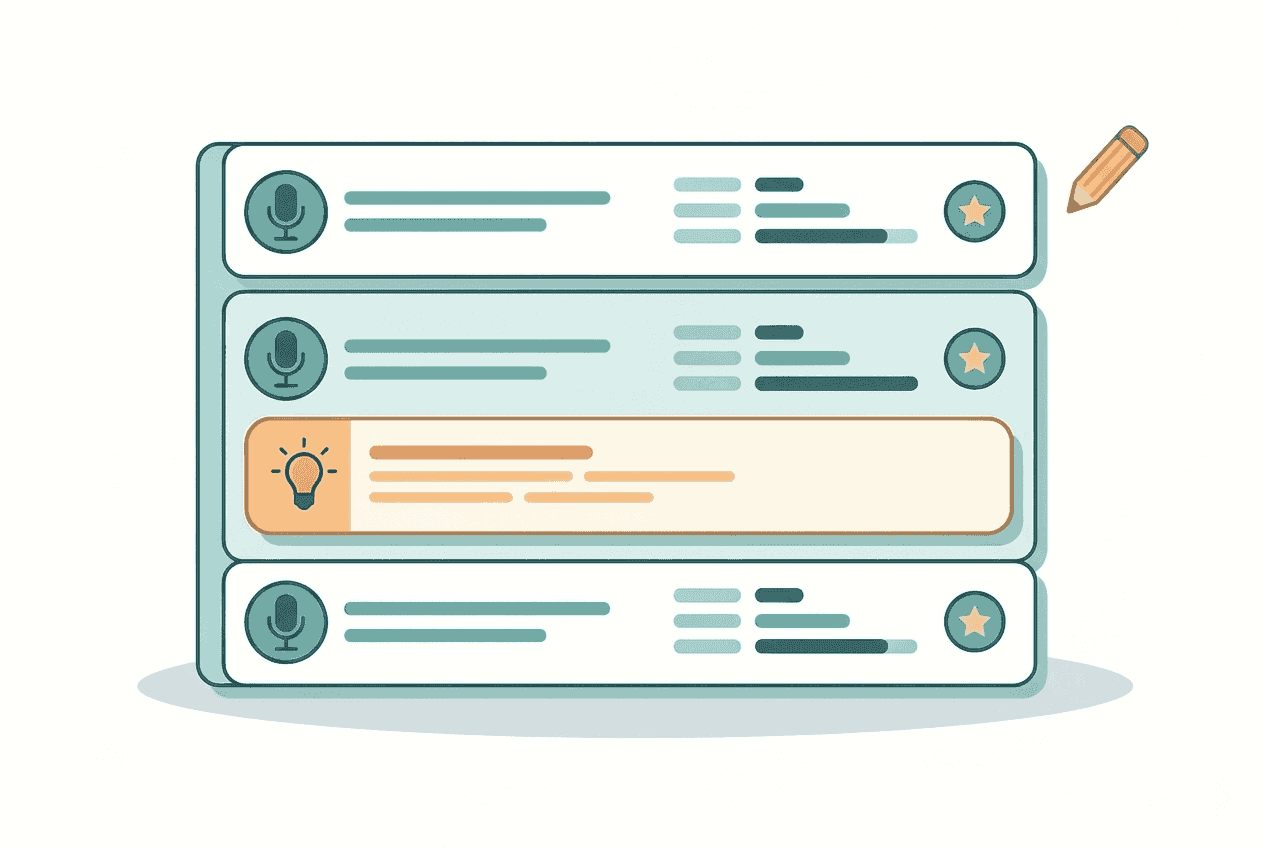
Detailed interview report with scores and transcript
Try a Session

A practical schedule for the week before

Four focused rounds are usually more useful than repeating the same interview. Use each report to decide what to practise next.

  1. Day 1, HR mode. Practise why you want the role, what you know about the employer, and how your background meets the basic requirements. Review any answer that sounds generic or fails to connect your experience to the posting.
  2. Day 3, behavioral mode. Prepare examples covering conflict, priorities, mistakes, and results. Check whether each answer clearly includes the situation, task, action, and result, then note where the report asks for more specific evidence.
  3. Day 5, technical or hiring manager mode. Choose technical practice for spoken problem solving and engineering thinking. Choose hiring manager practice if you need to explain team fit, career goals, ownership, and your longer-term interest in the position.
  4. Day 6, repeat the weakest round. Open your earlier report and identify the lowest-scoring answers. Run the same interview type again, using clearer structure and evidence rather than memorizing the suggested wording. Compare both sessions in your history.

How is this different from using a chatbot?

A general chatbot can ask interview questions when prompted well, and it can help draft an answer. OwlApply runs the timed spoken session and organizes the review afterward.

General chatbotOwlApply interview practice
QuestionsDepends on the prompt and context providedBased on your resume, role, and interview type
FormatUsually a general text conversationTimed spoken session through your microphone
Follow-up questionsPossible when specifically prompted to adaptChosen after listening to each spoken answer
ScoringRequires you to define a scoring methodEvery answer scored across three dimensions
Suggested answersUseful for drafting when you provide detailsDrawn from your resume and spoken experience
ProgressNo structured interview history by defaultSaved sessions, scores, reports, and transcripts

Start free, then use your plan allowance

If you have never completed an interview, you receive one free three-minute session. The 7-day trial includes two 10-minute sessions. The monthly plan includes 6 per month, the 3-month plan includes 18, and the 6-month plan includes 36. Unused sessions do not carry over, and the allowance resets when your plan renews. The same subscription covers all OwlApply features. See plans and allowances.

Start Free
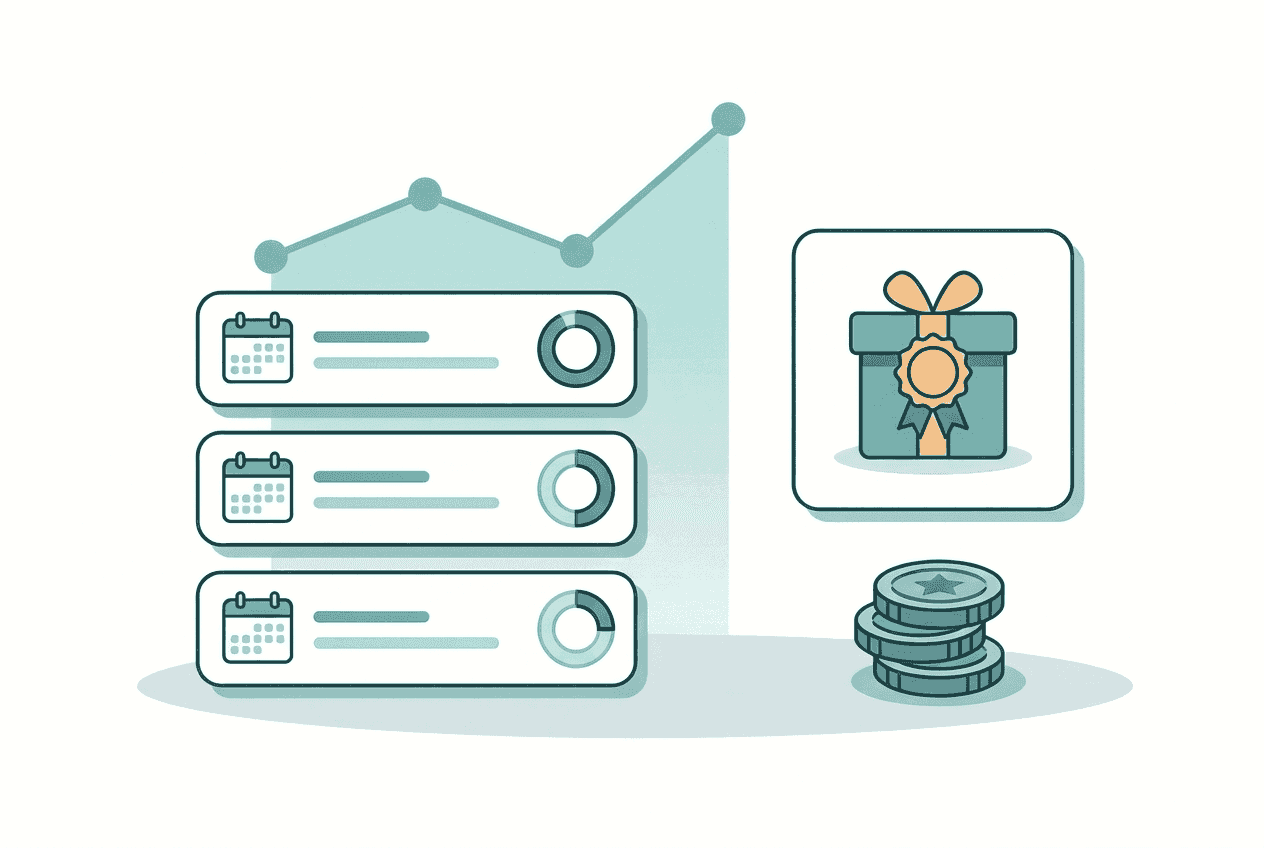
Your session history: Previous sessions and reports remain in your account, so you can compare scores and see whether specific answers impro

Questions about AI interview practice

How does the AI mock interview work?
Choose your microphone, language, interview type, and optionally a saved resume and job posting. After you start, the interviewer joins within seconds and asks questions out loud. Your answers shape the next questions and follow-ups. When the session ends, OwlApply creates a report from the complete transcript and saves it to your account.
Which interview types can I practise?
There are four types. HR covers fit, motivation, and basic qualifications. Technical focuses on spoken problem solving and engineering thinking, with no code editor. Behavioral asks about past situations and weighs STAR structure. Hiring manager practice focuses on team fit, long-term potential, and career goals. Each type changes the questions, follow-ups, and report weighting.
Is the first session free, and how many sessions are included?
A new user who has never completed an interview receives one free three-minute session. The 7-day trial subscription includes 2 sessions. The monthly plan includes 6 per month, the 3-month plan includes 18 per three months, and the 6-month plan includes 36 per six months. Unused sessions do not carry over.
When do I receive feedback?
Feedback comes after the interview, not after each answer. This keeps the conversation closer to a real interview. Once the session ends, the report is generated once from the full transcript and opens within seconds. If you explicitly ask for help during the session, the interviewer can briefly step out of role.
Can ChatGPT run a mock interview?
A general chatbot can ask interview questions if you give it a good prompt, and it can help you draft the wording of an answer. OwlApply also reads your resume and job posting, runs a timed spoken session in a selected interview type, scores every answer on three dimensions, and keeps your reports and transcripts together.
Which languages are available?
You can choose from 42 languages, including English, Turkish, German, Spanish, French, Italian, Portuguese, Chinese, Japanese, Korean, Arabic, Hindi, Russian, Bengali, and Tamil. The interviewer speaks the language you select, and the final report is written in the same language, including scores, review notes, and suggested answers.
How long does each interview last?
Paid sessions last 10 minutes and usually include around six questions plus follow-ups. The one-time free session for a new user lasts 3 minutes. If a session ends in under 60 seconds, for example because the connection drops, the session is refunded. If you speak fewer than eight words, no score is given and the session is marked insufficient.
Are my interviews and reports private?
Yes. Your sessions, reports, scores, and full transcripts are saved privately in your account. They are never published or shared. You can return to past sessions and compare scores, but other people do not receive access to them through OwlApply.
Do I need a webcam?
A microphone is required for the conversational interview experience. No webcam is needed. To prepare the content first, the "tell me about yourself" sample answers and the behavioral interview questions with STAR answers cover the questions that come up most, interview mistakes that cost the offer lists what loses offers, and thank-you email mistakes covers the follow-up.
Practise Now
Three steps, one platform

From blank page to submitted application

Build the resume, see the openings that actually match it, and send the application without filling the same form twice.
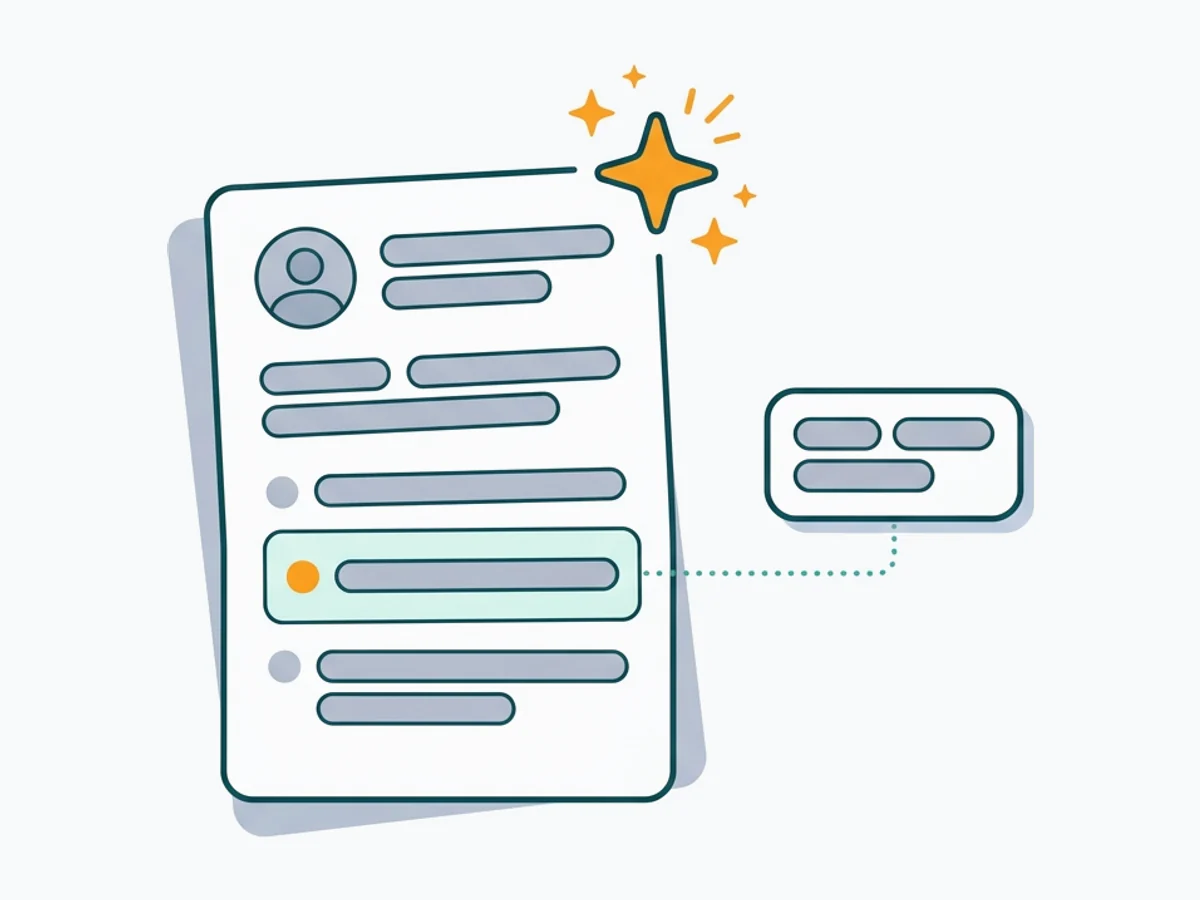
  • A resume being written, with a suggested bullet point highlighted

    Build an ATS-ready resume

    Start from a proven template or import the resume you already have, then sharpen every bullet point with AI.
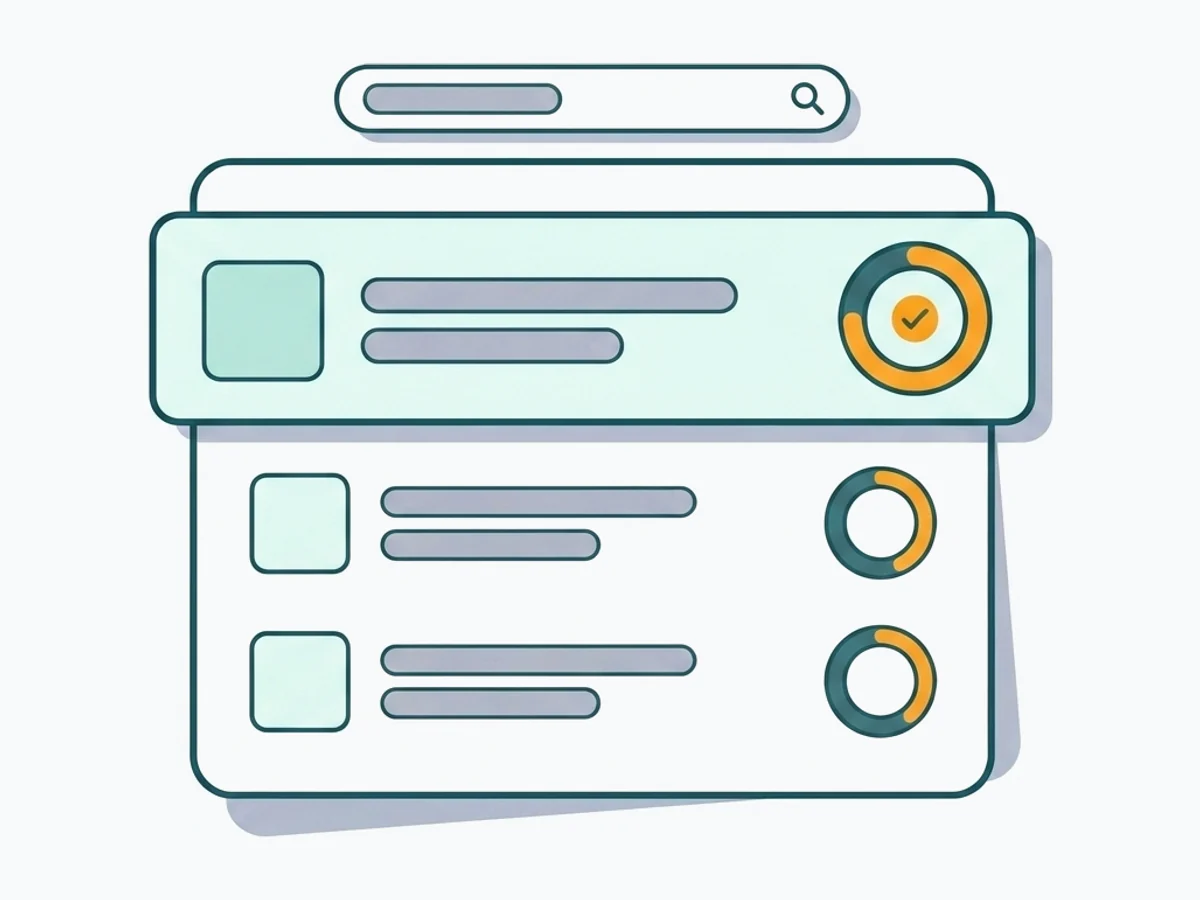
  • A job listing feed with a match score next to each opening

    Find jobs that match your resume

    Live openings are scored against your resume, so the roles that fit your experience come to the top.
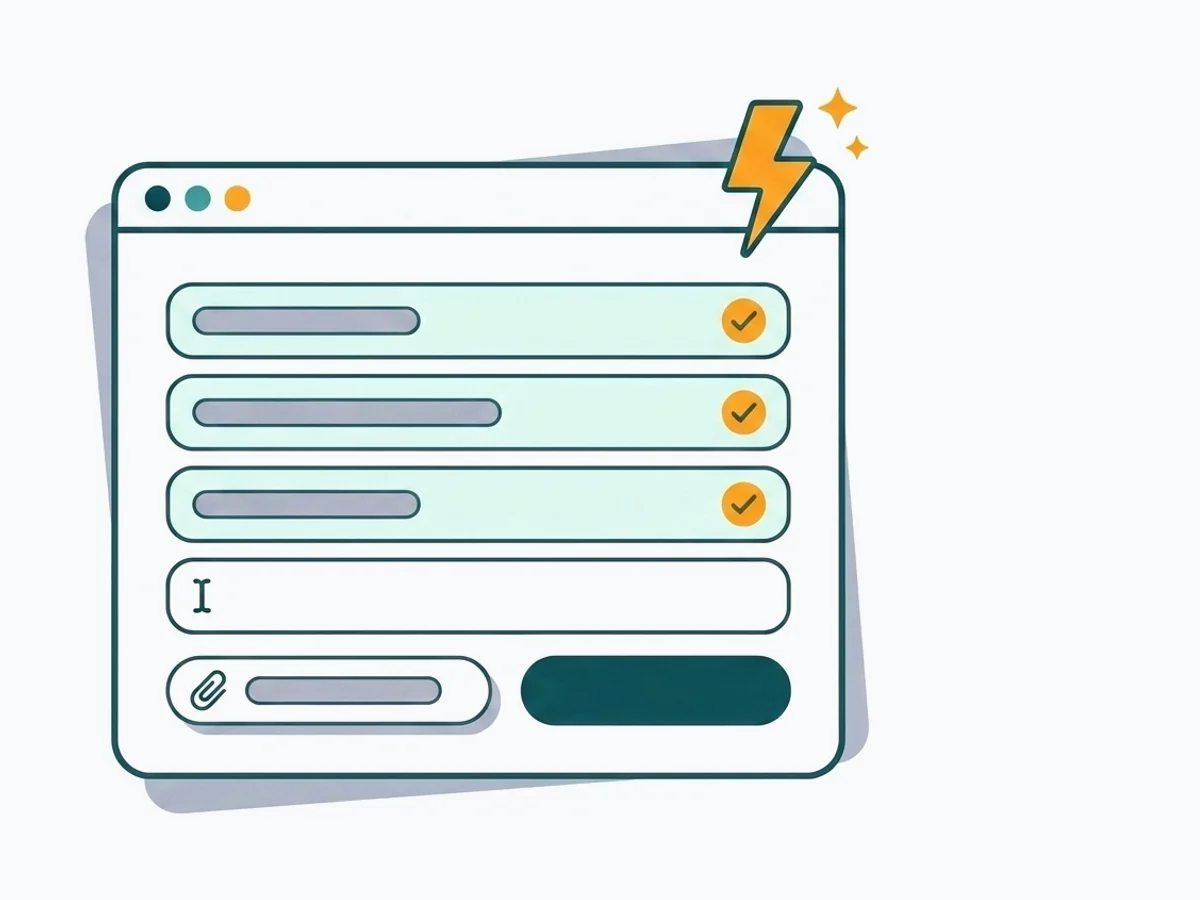
  • A job application form being filled automatically in the browser

    Apply without retyping

    The Chrome extension fills applications on Workday, Lever, Greenhouse and 50+ other platforms and attaches your documents.

Build your resumeAdd to Chrome
  • 50+ ATS-ready templates
  • Autofill on 50+ job platforms
  • Resumes in 50+ languages

Connect with OwlApply

Follow on LinkedInWatch on YouTubePin on PinterestJoin us on InstagramLike on FacebookFollow on XFollow on MediumFollow on TikTok
Build Resume
EnglishBahasa IndonesiaBahasa MelayuČeštinaDanskDeutschEestiEspañolFilipinoFrançaisHrvatskiItalianoKiswahiliLatviešuLietuviųMagyarNederlandsNorskPolskiPortuguês (Brasil)Português (Portugal)RomânăSlovenčinaSlovenščinaSrpskiSuomiSvenskaTiếng ViệtTürkçeΕλληνικάБългарскиРусскийУкраїнськаעבריתالعربيةفارسیไทย日本語繁體中文한국어

JOB SEEKERS

  • Build Resume
  • Resume Examples
  • Resume Templates
  • Cover Letter Templates
  • Job Search Helper
  • Job Tracker

CAREER RESOURCES

  • Resume Help
  • Job Interview
  • Career
  • Cover Letter
  • OwlApply Extension
  • Blog

AI TOOLS

  • Cover Letter Builder
  • AI Resume Optimizer
  • Job Application Autofill
  • AI Resume Builder
  • ATS Resume Checker
  • All AI Tools

SUPPORT

  • Pricing
  • FAQ
  • Contact Us
  • Terms of Service
  • Privacy Policy
  • Cookie Policy
  • Right of Withdrawal

Copyright 2026 OwlApply. All rights reserved.

Launched on Fazier