Home
  • Resumes & CVs
    Resume TemplatesView all
    Simple
    Minimal layouts that keep every recruiter focused on your content.
    Professional
    Boardroom-ready templates that spotlight experience and leadership.
    Modern
    Fresh, contemporary designs for innovative roles and companies.
    Creative
    Bold visuals and unique layouts crafted for design-forward careers.
    ATS Friendly
    Structured specifically to clear every Applicant Tracking System.
    Resume Builder
    Resume Builder
    Drag, drop, and export a job-ready resume with instant AI suggestions.
    See all resume examples
    Resume Examples
    Browse our ready-to-use resume examples and create your professional resume in minutes
  • AI Career Tools
    AI Career ToolsView all AI tools
    Keyword Optimizer
    Inject recruiter-approved keywords and rise to the top of ATS results.
    AI Resume Builder
    Generate a polished resume with AI-written bullets and proven layouts.
    Resume Translator
    Translate your resume into any language without losing nuance.
    Resume Score
    Measure how hiring-ready your resume is before you click apply.
    Resume Summary
    Craft attention-grabbing summaries tailored to each role.
    Resume Bullet Point Generator
    Turn achievements into punchy bullet points in seconds.
    Cover Letter Generator
    Create pitch-perfect letters that mirror every job posting.
    Job Application Autofill
    Auto-complete repetitive application fields across top job boards.
    Resume Checker
    Audit structure, keywords, and impact with instant AI feedback.
    Resume Builder
    Resume Builder
    Drag, drop, and export a job-ready resume with instant AI suggestions.
    Chrome browser
    Firefox browser
    Opera browser
    Safari browser
    Install OwlApply Extension
    Autofill job forms, create tailored resumes, and score postings directly from Chrome.
  • Cover Letters
    Cover Letter TemplatesView all
    Simple
    Clean layouts ideal for traditional teams and entry-level roles.
    Professional
    Classic business styling that reinforces authority and credibility.
    Modern
    Sleek designs that feel right at home in tech and high-growth companies.
    Creative
    A unique canvas to showcase personality without sacrificing polish.
    Cover Letter Builder
    Cover Letter Builder
    Pair your resume with a tailored letter in minutes using guided prompts.
    Chrome browser
    Firefox browser
    Opera browser
    Safari browser
    Install OwlApply Extension
    Autofill job forms, create tailored resumes, and score postings directly from Chrome.
  • Resources
    ResourcesView all
    OwlApply Extension
    Autofill applications, generate cover letters, and track every job from your browser.
    Job Interview
    Scripts, frameworks, and confidence boosters for every interview format.
    Cover Letter
    Story-driven templates and tactics for memorable cover letters.
    Career
    Navigate negotiations, promotions, and pivots with expert advice.
    Resume
    Step-by-step guidance to craft a standout resume in any industry.
    Resume Builder
    Resume Builder
    Drag, drop, and export a job-ready resume with instant AI suggestions.
    Chrome browser
    Firefox browser
    Opera browser
    Safari browser
    Install OwlApply Extension
    Autofill job forms, create tailored resumes, and score postings directly from Chrome.
  • Pricing
English flagEnglishTürkçe flagTürkçeDeutsch flagDeutschEspañol flagEspañolFrançais flagFrançaisPortuguês (Brasil) flagPortuguês (Brasil)Português (Portugal) flagPortuguês (Portugal)Italiano flagItalianoNederlands flagNederlandsPolski flagPolskiРусский flagРусский日本語 flag日本語한국어 flag한국어简体中文 flag简体中文繁體中文 flag繁體中文العربية flagالعربيةहिन्दी flagहिन्दीSvenska flagSvenskaDansk flagDanskNorsk flagNorskSuomi flagSuomiČeština flagČeštinaRomână flagRomânăMagyar flagMagyarБългарски flagБългарскиHrvatski flagHrvatskiSlovenčina flagSlovenčinaSlovenščina flagSlovenščinaSrpski flagSrpskiУкраїнська flagУкраїнськаΕλληνικά flagΕλληνικάBahasa Indonesia flagBahasa IndonesiaTiếng Việt flagTiếng Việtไทย flagไทยবাংলা flagবাংলাفارسی flagفارسیעברית flagעבריתFilipino flagFilipinoBahasa Melayu flagBahasa MelayuLietuvių flagLietuviųLatviešu flagLatviešuEesti flagEestiCatalà flagCatalàKiswahili flagKiswahiliአማርኛ flagአማርኛதமிழ் flagதமிழ்తెలుగు flagతెలుగుമലയാളം flagമലയാളംमराठी flagमराठीಕನ್ನಡ flagಕನ್ನಡગુજરાતી flagગુજરાતી
My AccountBuild Resume
English flagEnglishTürkçe flagTürkçeDeutsch flagDeutschEspañol flagEspañolFrançais flagFrançaisPortuguês (Brasil) flagPortuguês (Brasil)Português (Portugal) flagPortuguês (Portugal)Italiano flagItalianoNederlands flagNederlandsPolski flagPolskiРусский flagРусский日本語 flag日本語한국어 flag한국어简体中文 flag简体中文繁體中文 flag繁體中文العربية flagالعربيةहिन्दी flagहिन्दीSvenska flagSvenskaDansk flagDanskNorsk flagNorskSuomi flagSuomiČeština flagČeštinaRomână flagRomânăMagyar flagMagyarБългарски flagБългарскиHrvatski flagHrvatskiSlovenčina flagSlovenčinaSlovenščina flagSlovenščinaSrpski flagSrpskiУкраїнська flagУкраїнськаΕλληνικά flagΕλληνικάBahasa Indonesia flagBahasa IndonesiaTiếng Việt flagTiếng Việtไทย flagไทยবাংলা flagবাংলাفارسی flagفارسیעברית flagעבריתFilipino flagFilipinoBahasa Melayu flagBahasa MelayuLietuvių flagLietuviųLatviešu flagLatviešuEesti flagEestiCatalà flagCatalàKiswahili flagKiswahiliአማርኛ flagአማርኛதமிழ் flagதமிழ்తెలుగు flagతెలుగుമലയാളം flagമലയാളംमराठी flagमराठीಕನ್ನಡ flagಕನ್ನಡગુજરાતી flagગુજરાતી
  • Resumes & CVs
    Simple

    Minimal layouts that keep every recruiter focused on your content.

    Professional

    Boardroom-ready templates that spotlight experience and leadership.

    Modern

    Fresh, contemporary designs for innovative roles and companies.

    Creative

    Bold visuals and unique layouts crafted for design-forward careers.

    ATS Friendly

    Structured specifically to clear every Applicant Tracking System.

    View all
  • AI Career Tools
    Keyword Optimizer

    Inject recruiter-approved keywords and rise to the top of ATS results.

    AI Resume Builder

    Generate a polished resume with AI-written bullets and proven layouts.

    Resume Translator

    Translate your resume into any language without losing nuance.

    Resume Score

    Measure how hiring-ready your resume is before you click apply.

    Resume Summary

    Craft attention-grabbing summaries tailored to each role.

    Resume Bullet Point Generator

    Turn achievements into punchy bullet points in seconds.

    Cover Letter Generator

    Create pitch-perfect letters that mirror every job posting.

    Job Application Autofill

    Auto-complete repetitive application fields across top job boards.

    Resume Checker

    Audit structure, keywords, and impact with instant AI feedback.

    View all AI tools
  • Cover Letters
    Simple

    Clean layouts ideal for traditional teams and entry-level roles.

    Professional

    Classic business styling that reinforces authority and credibility.

    Modern

    Sleek designs that feel right at home in tech and high-growth companies.

    Creative

    A unique canvas to showcase personality without sacrificing polish.

    View all
  • Resources
    OwlApply Extension

    Autofill applications, generate cover letters, and track every job from your browser.

    Job Interview

    Scripts, frameworks, and confidence boosters for every interview format.

    Cover Letter

    Story-driven templates and tactics for memorable cover letters.

    Career

    Navigate negotiations, promotions, and pivots with expert advice.

    Resume

    Step-by-step guidance to craft a standout resume in any industry.

    View all
  • Pricing
My AccountBuild Resume
  1. Home
  2. Resume Templates
  3. ATS Friendly Resume Templates

ATS Friendly Resume Templates

Each resume template is designed to follow the exact rules you need to get hired faster.

Upload your resumeInstall Chrome Extension
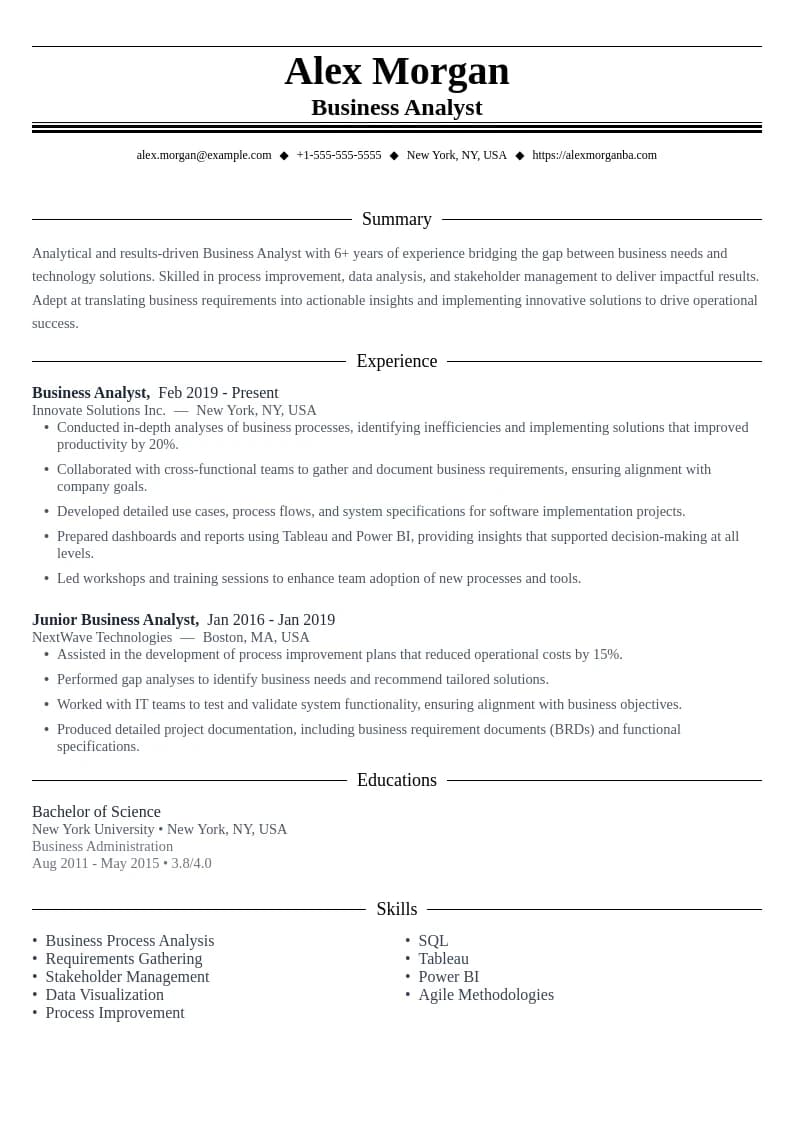
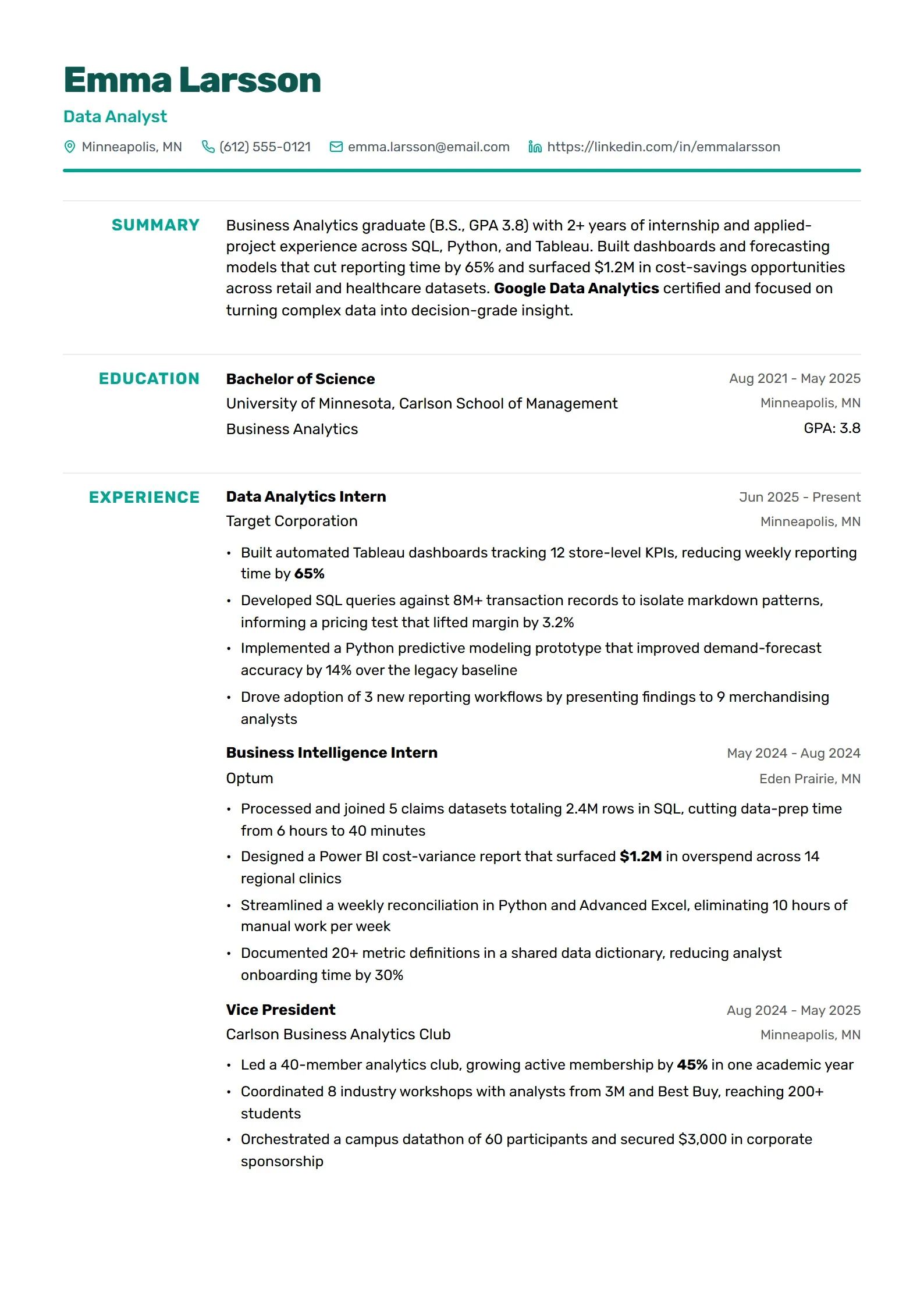
Analytics - Data-driven design perfect for quantitative achievements.

Analytics

  • ATS Friendly
  • Clean Layout
  • Professional Design
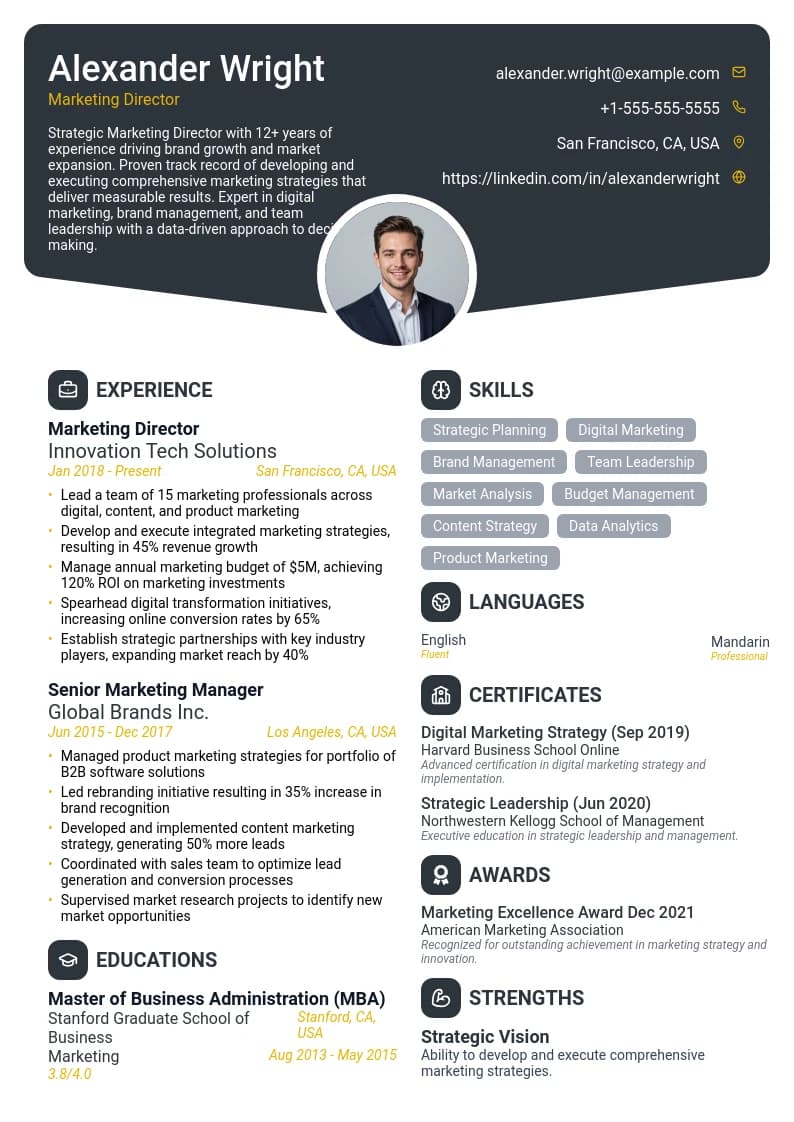
Wavelength - Contemporary layout with a distinctive header and clean sections.

Wavelength

  • Unique Design
  • Portfolio Section
  • Visual Elements
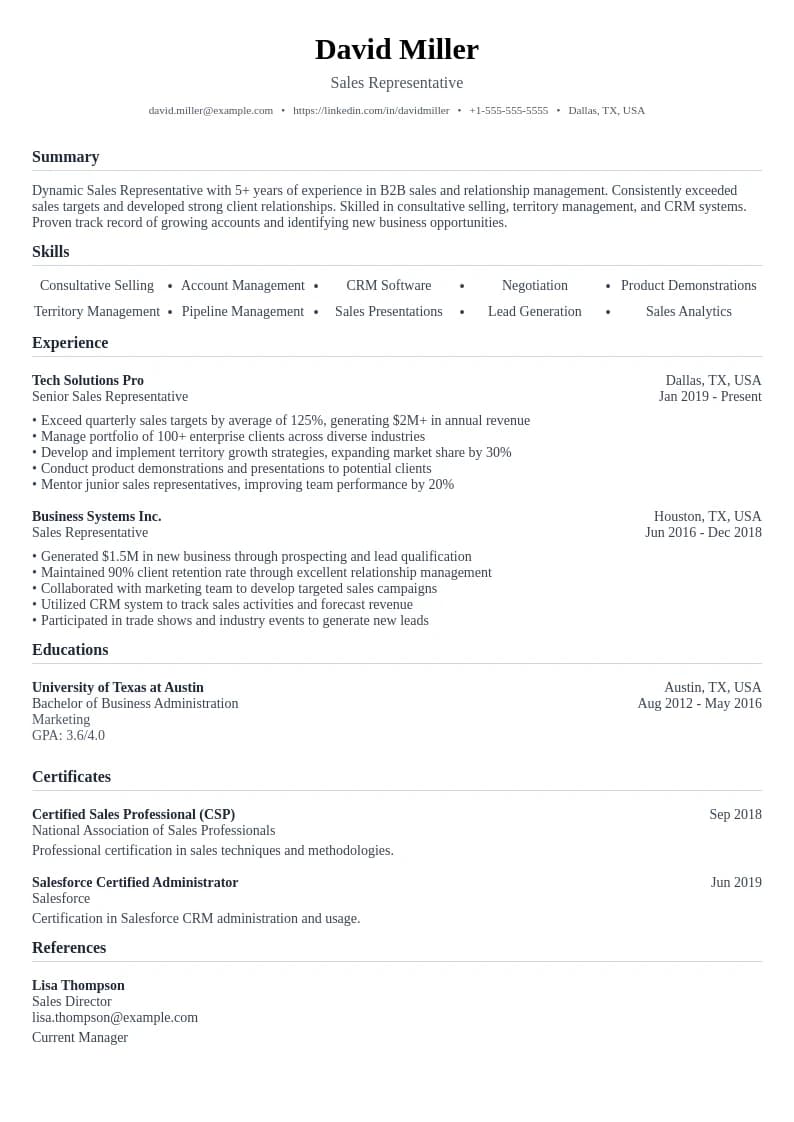
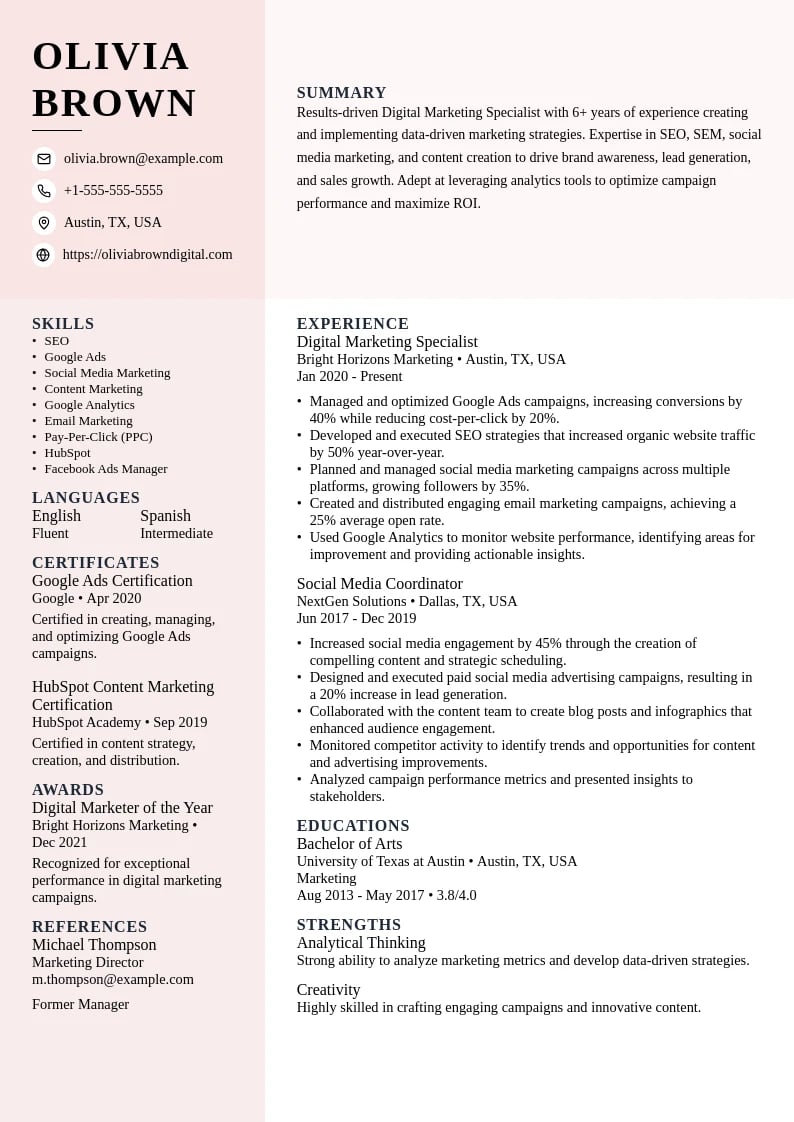
Social - Social media focused template with modern and dynamic layout.

Social

  • Minimalist Design
  • Easy to Read
  • Perfect Structure
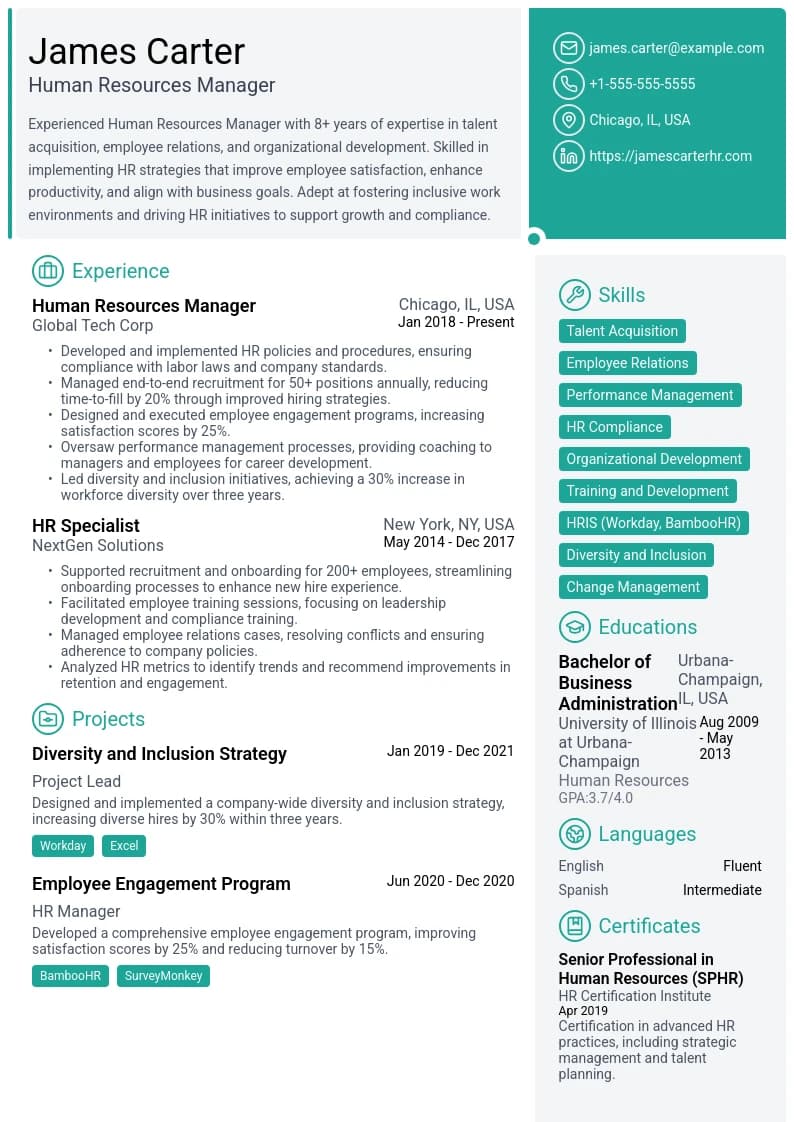
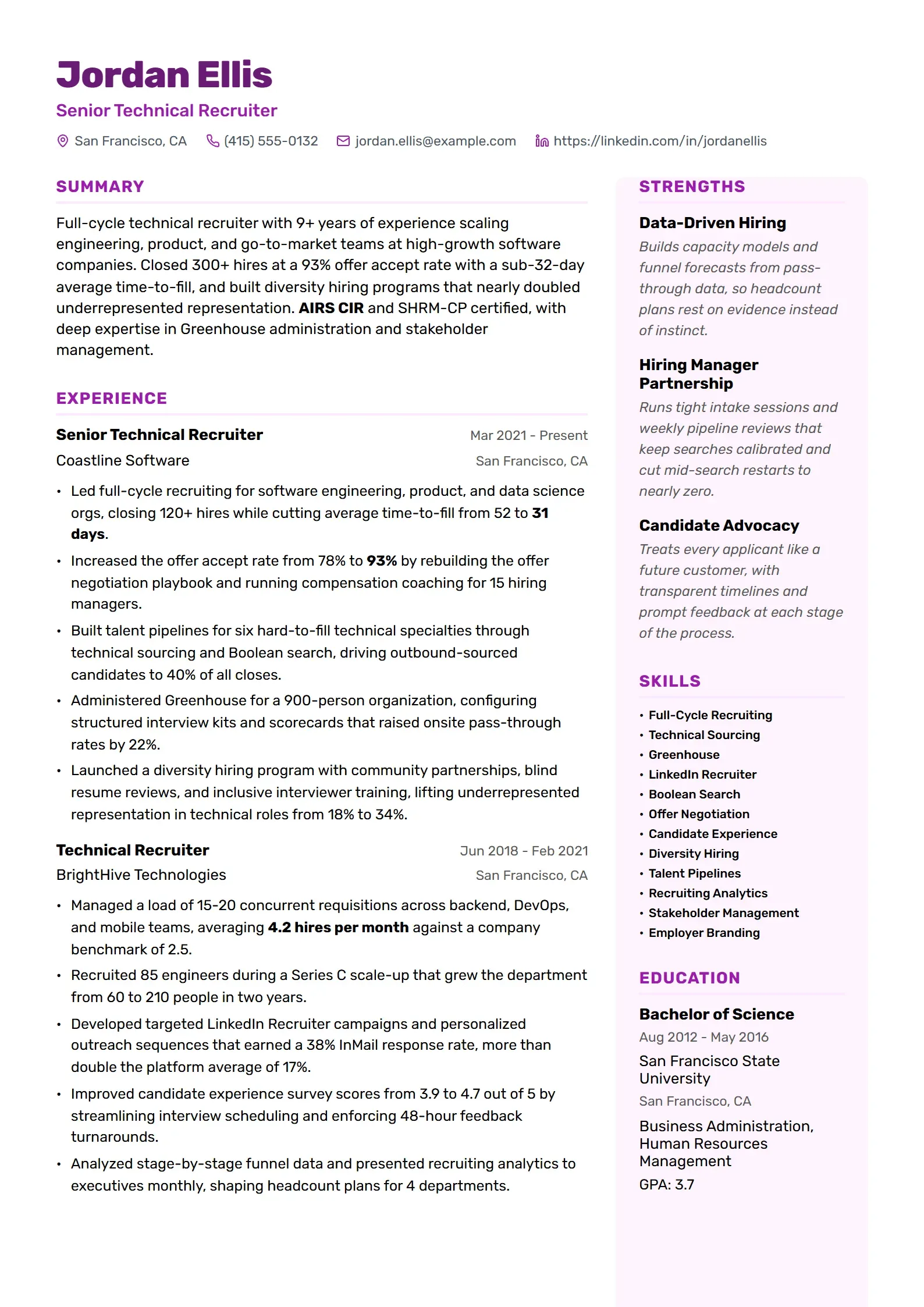
Resource - Human resources focused template with professional structure.

Resource

  • Creative Layout
  • Modern Design
  • Customizable
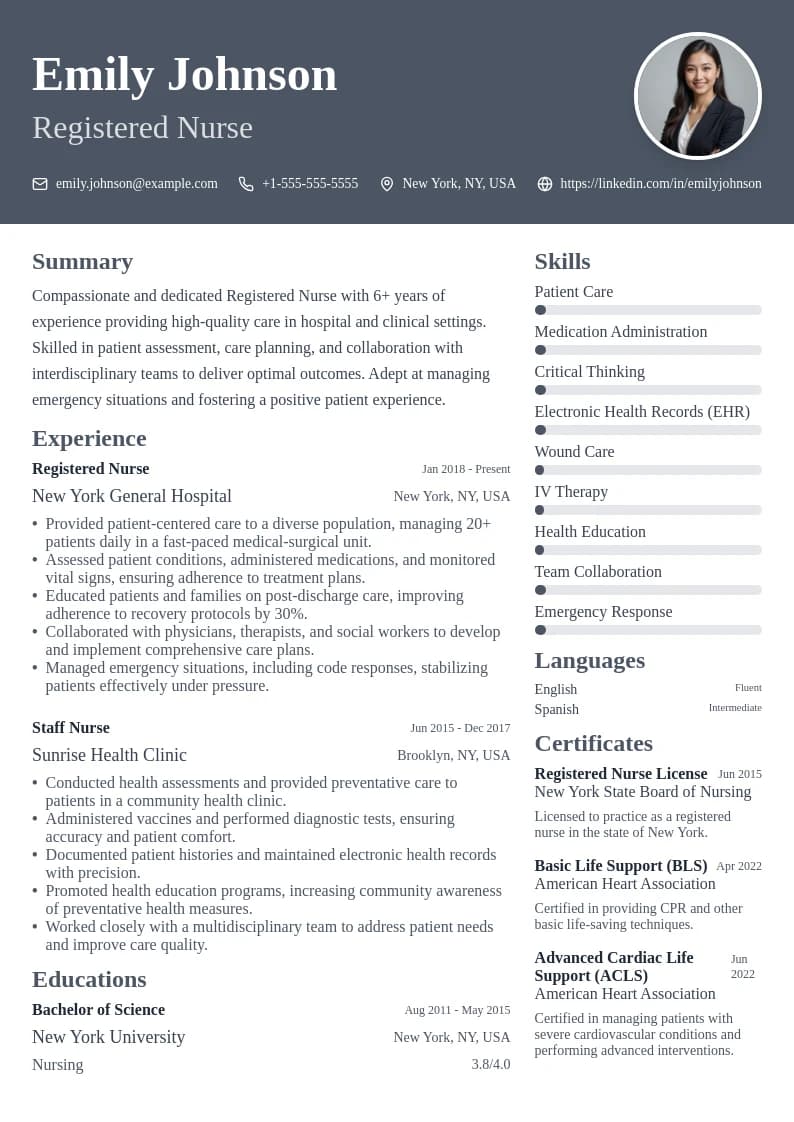
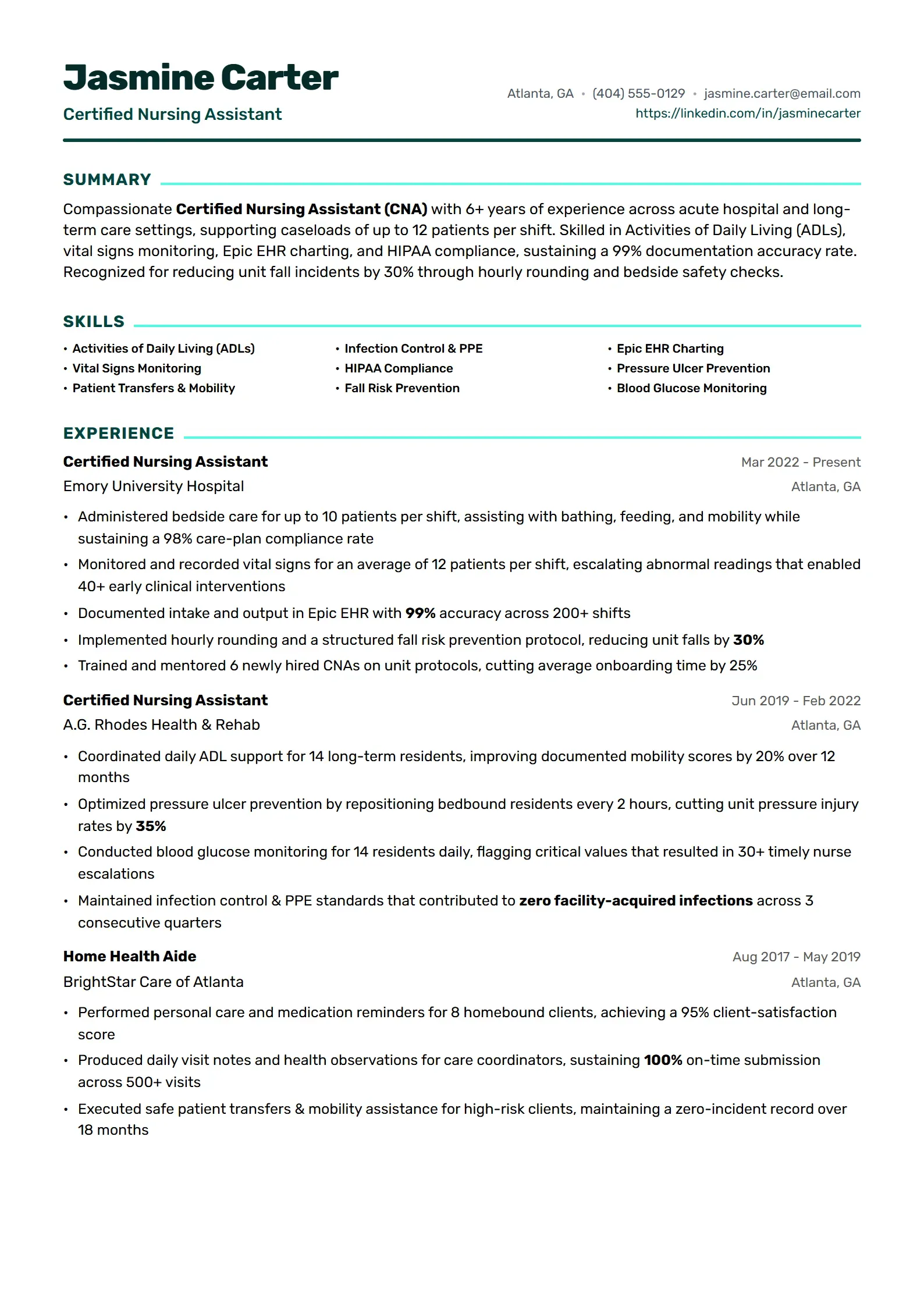
Care - Healthcare-focused template with clean and professional design.

Care

  • Professional Design
  • Clean Layout
  • ATS Friendly
📄All Resume Templates✨Simple🎯ATS Friendly🎨Modern🎭Creative💼Professional
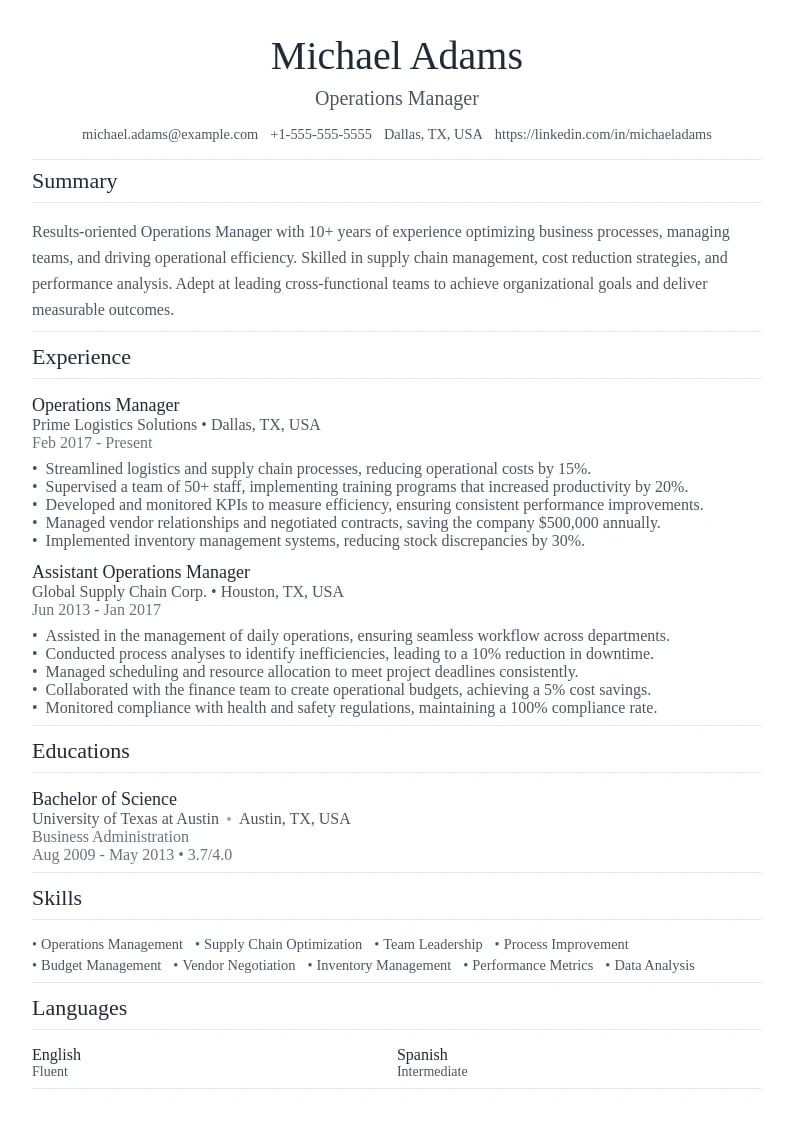
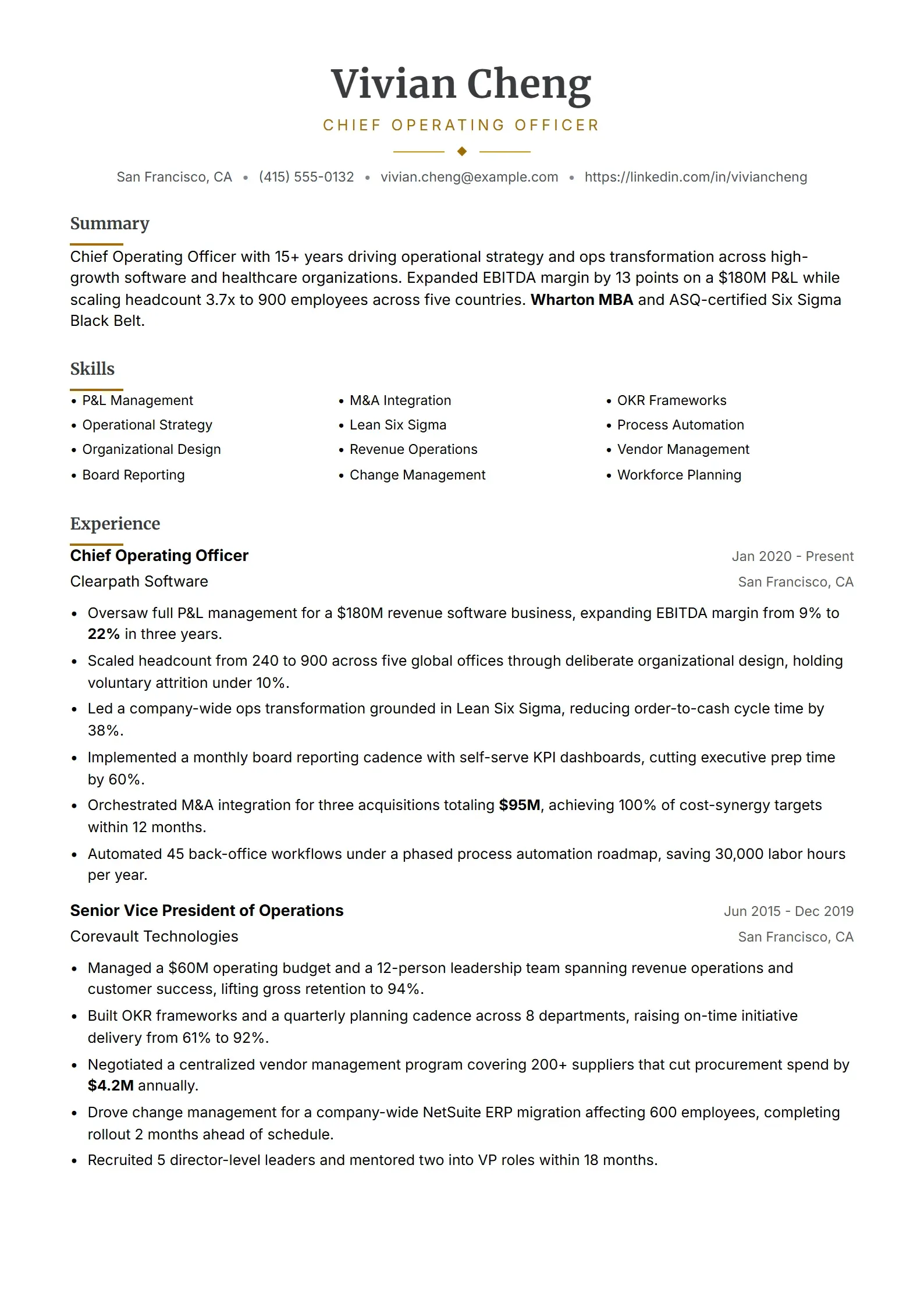
  • Operations Preview
    Use This Template

    Operations

    Operations management focused template with clear hierarchy.

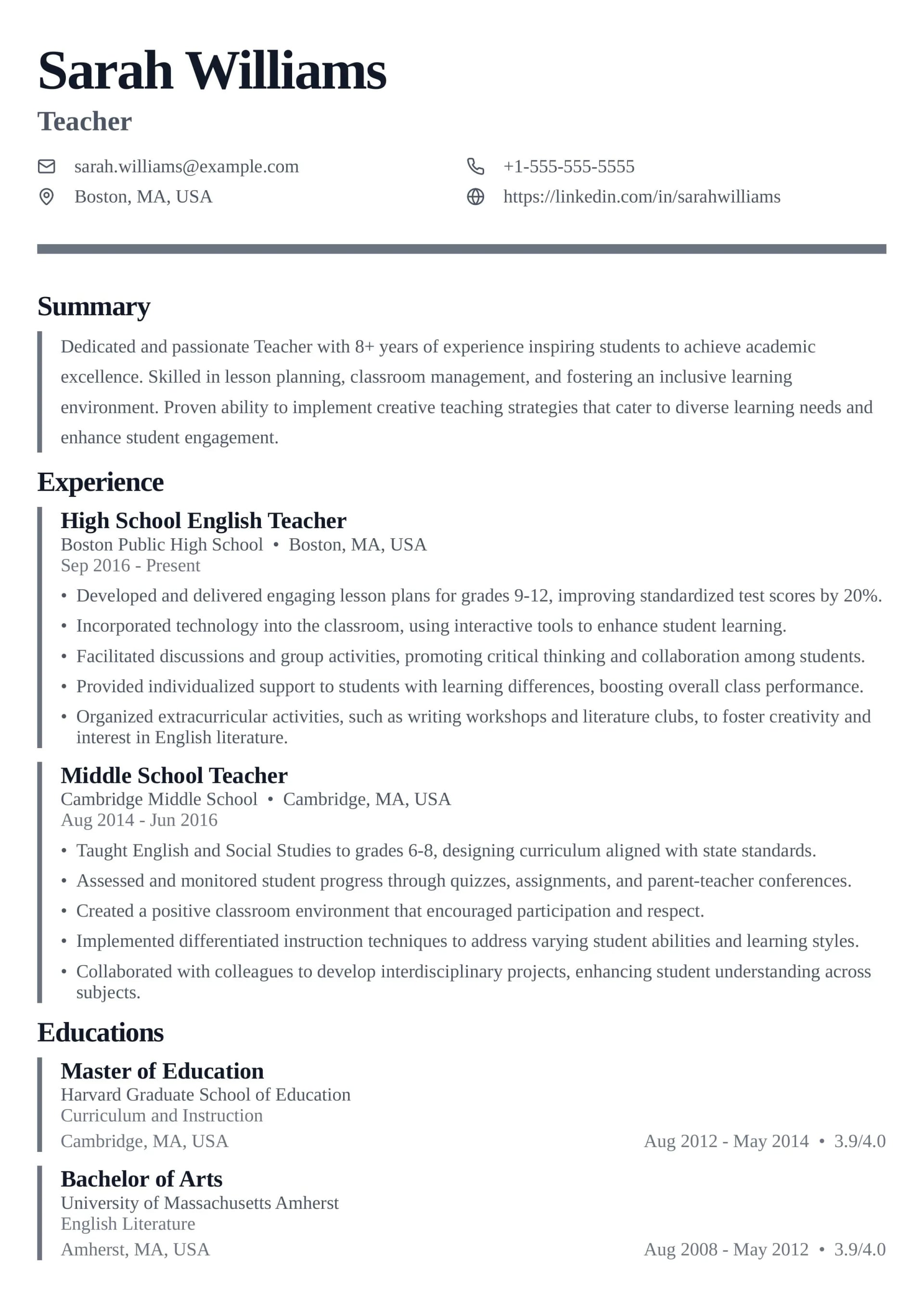
  • Teach Preview
    Use This Template

    Teach

    Education focused template with professional structure.

  • Resource Plus Preview
    Use This Template

    Resource Plus

    Advanced HR specialist template with professional layout.

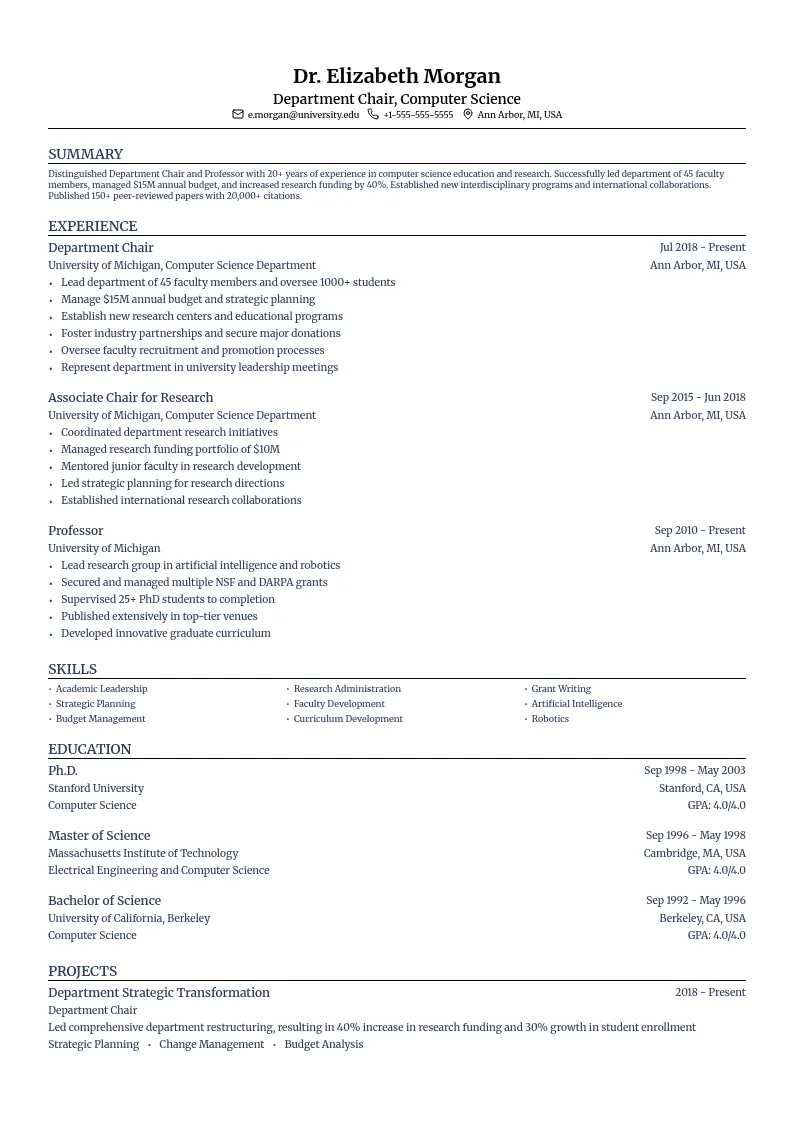
  • Academic Preview
    Use This Template

    Academic

    Academic CV template with a structured layout.

  • Quantum Preview
    Use This Template

    Quantum

    A content-focused layout with clean typography and balanced white space.

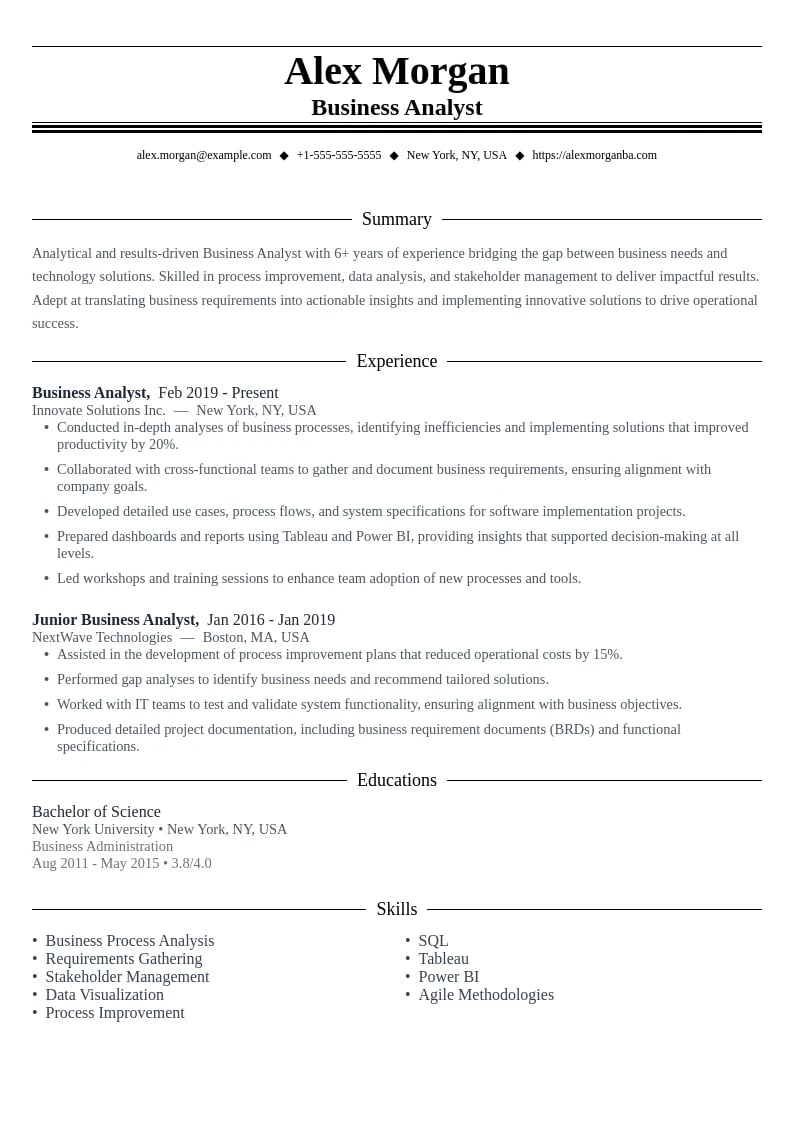
  • Analytics Preview
    Use This Template

    Analytics

    Data-driven design perfect for quantitative achievements.

  • DataViz Preview
    Use This Template

    DataViz

    Analytical template designed to showcase data skills and visualization expertise.

  • Elevate Preview
    Use This Template

    Elevate

    Executive-style template with sophisticated design elements.

  • Advisor Preview
    Use This Template

    Advisor

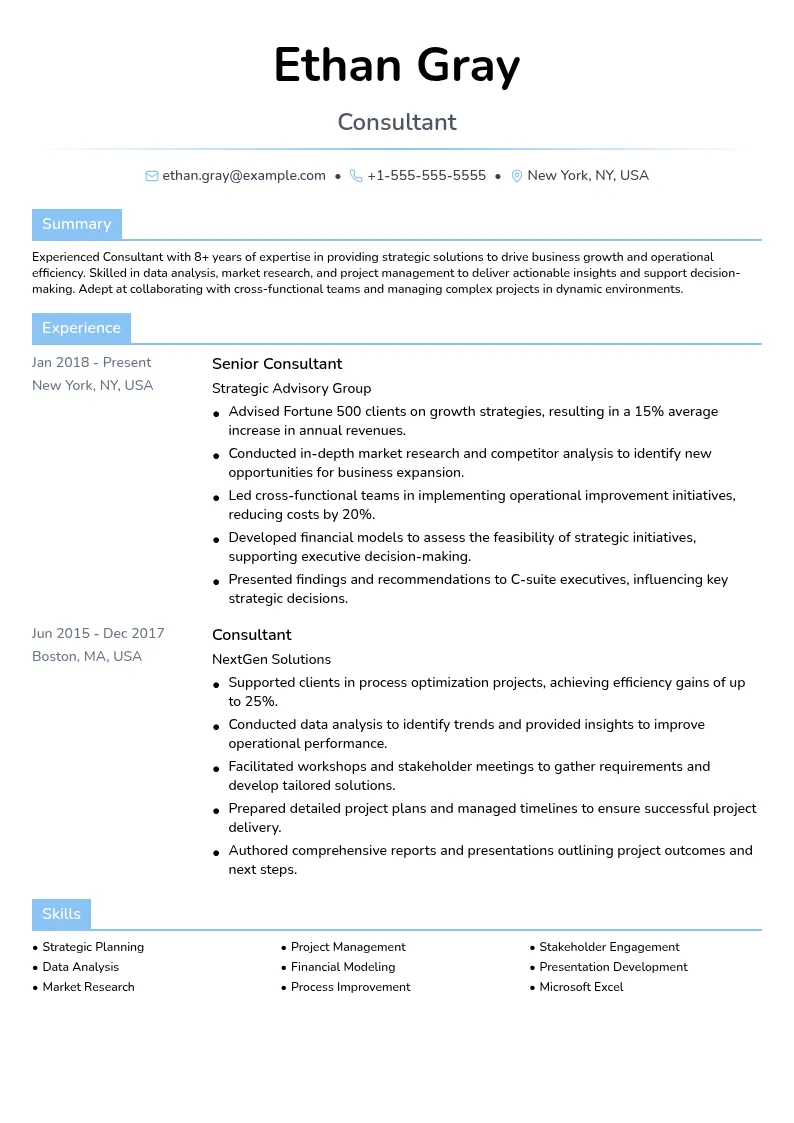
    Professional template with strategic layout for consulting expertise.

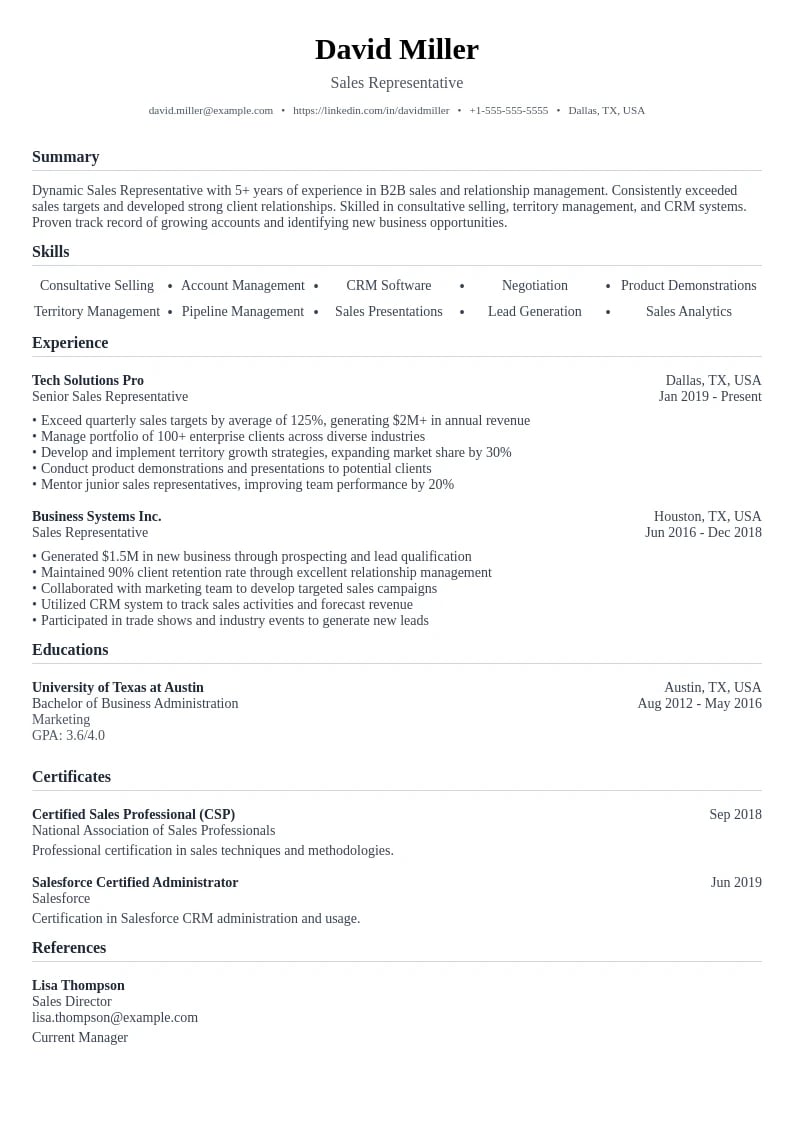
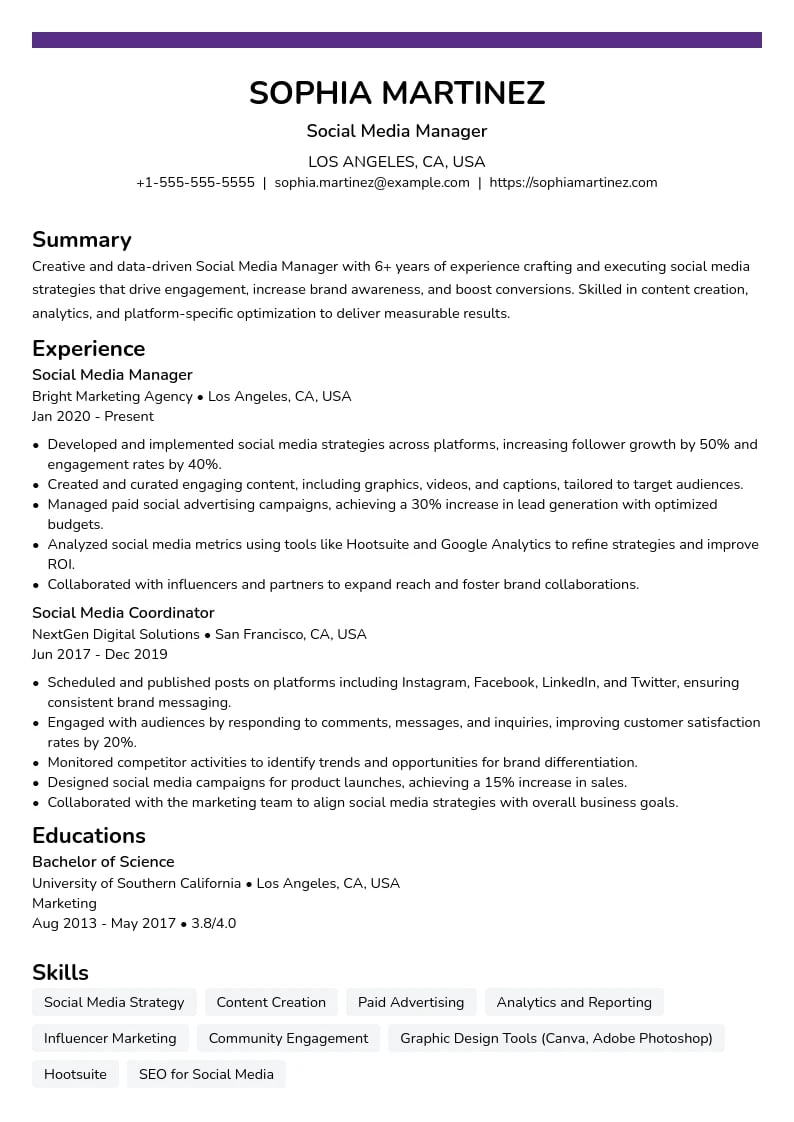
  • Social Preview
    Use This Template

    Social

    Social media focused template with modern and dynamic layout.

  • Finance Preview
    Use This Template

    Finance

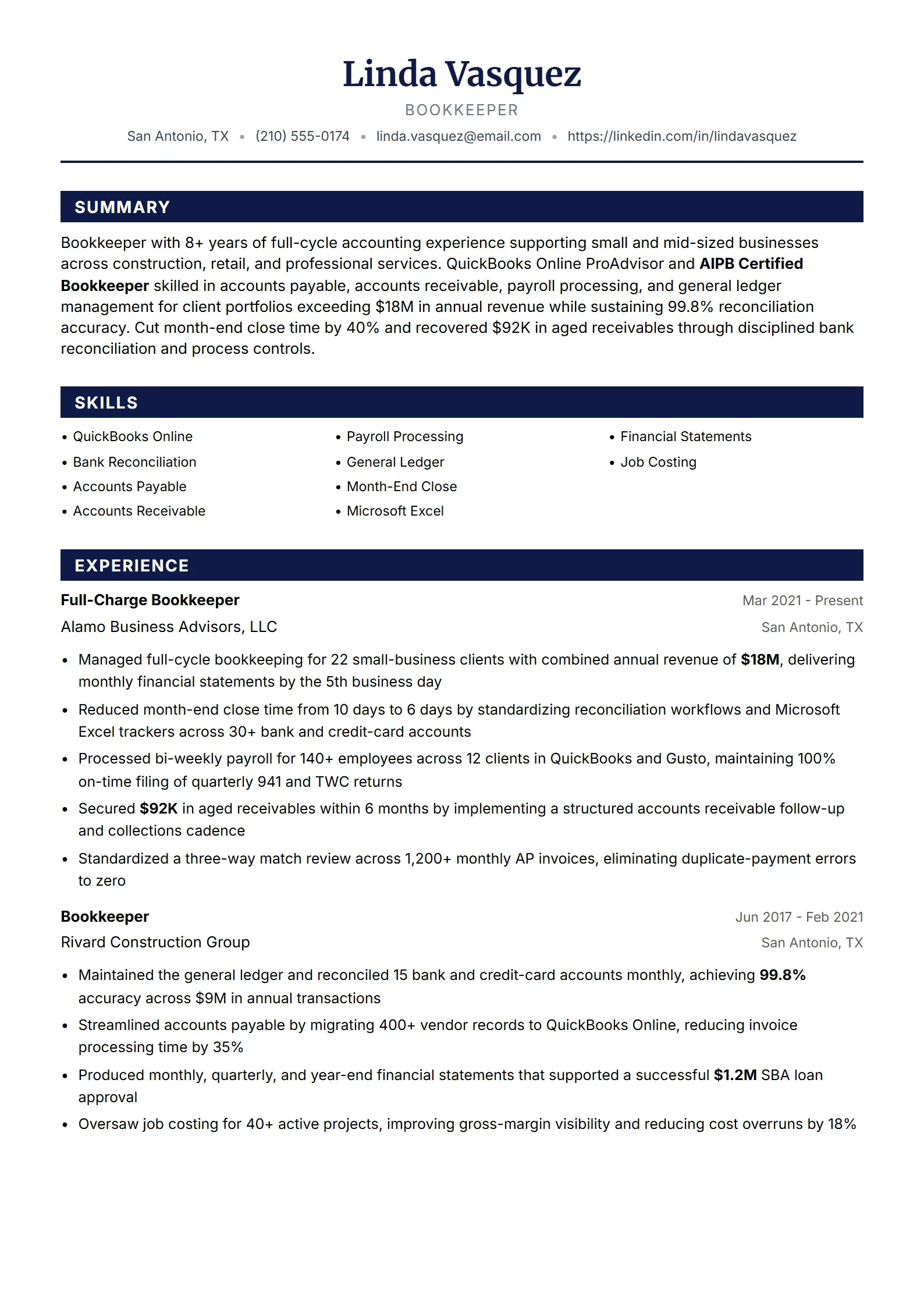
    Accounting focused template with professional structure.

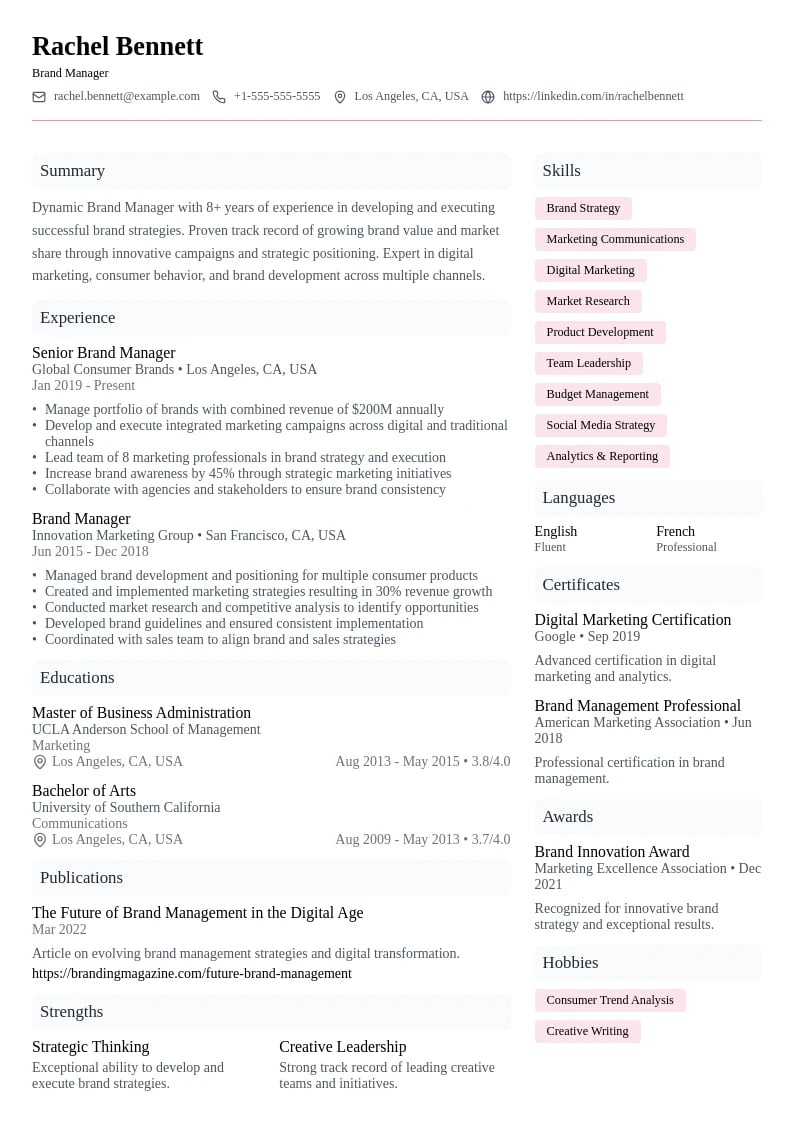
  • Brand Preview
    Use This Template

    Brand

    Brand management focused template with creative elements.

  • Construct Preview
    Use This Template

    Construct

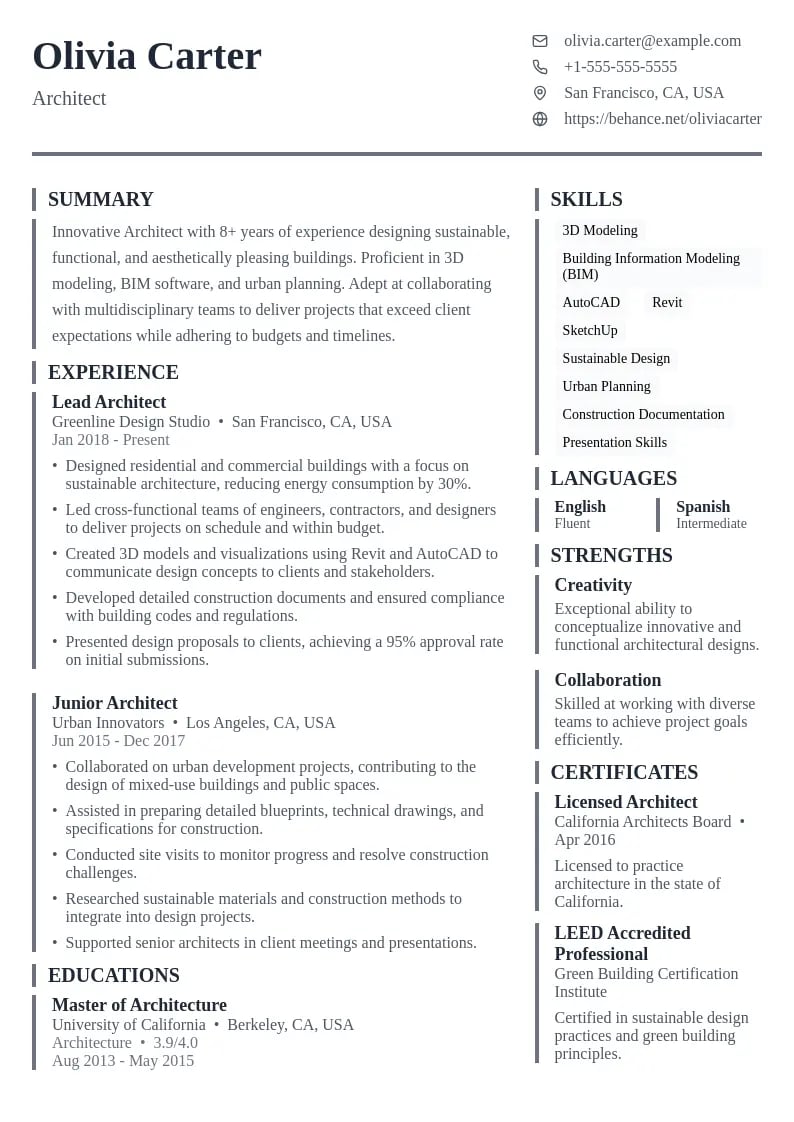
    Architectural template with professional structure.

  • Codebase Preview
    Use This Template

    Codebase

    Clean and structured layout emphasizing technical expertise.

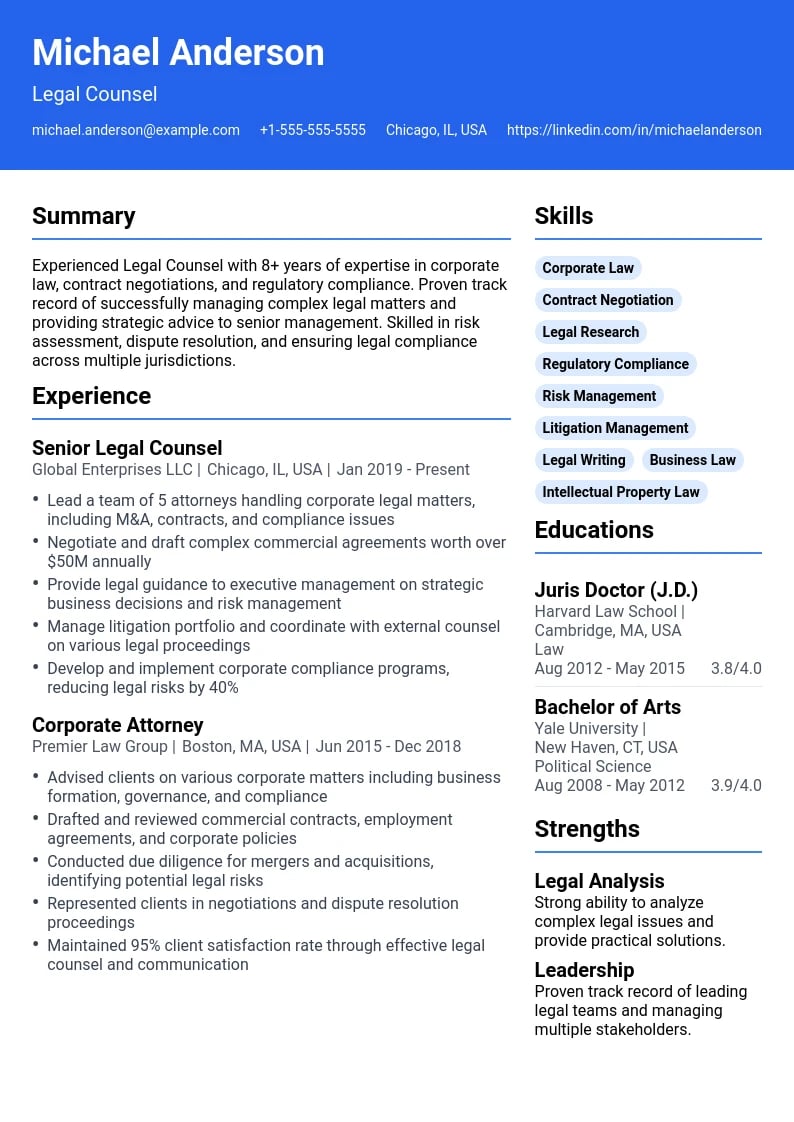
  • Legal Preview
    Use This Template

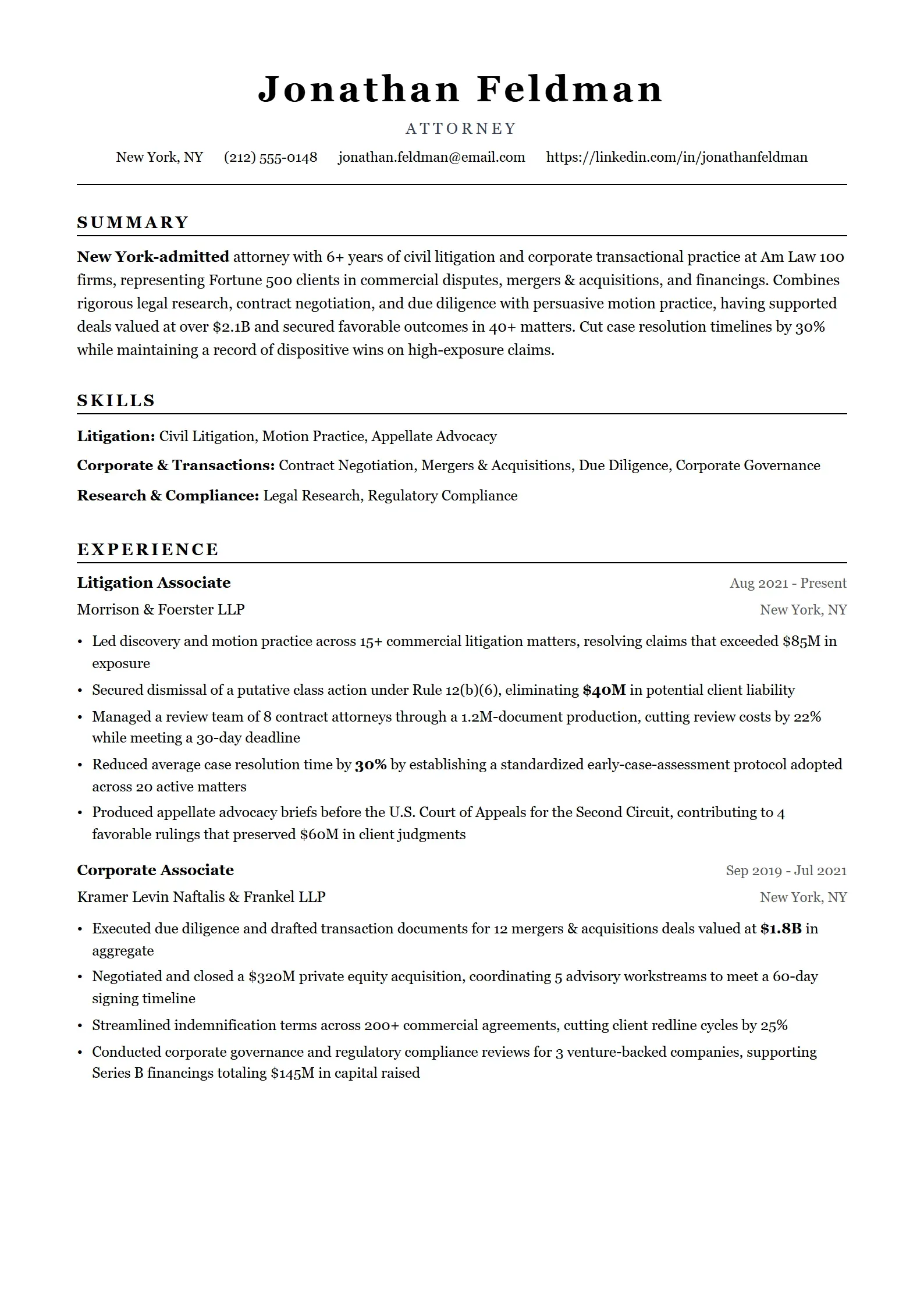
    Legal

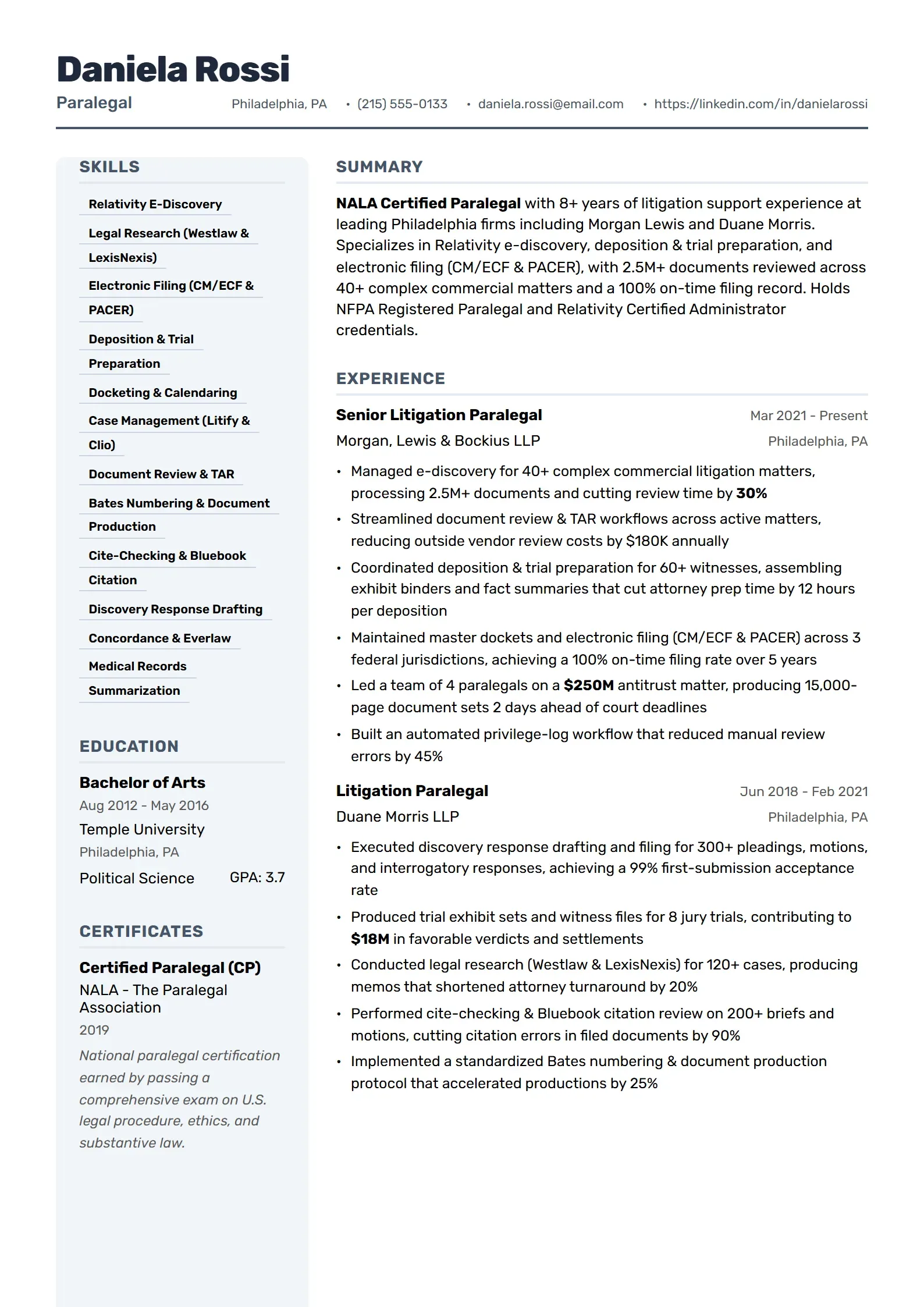
    Legal focused template with professional structure and compliance emphasis.

  • Electric Preview
    Use This Template

    Electric

    Electrical engineering focused template with technical precision.

  • Wavelength Preview
    Use This Template

    Wavelength

    Contemporary layout with a distinctive header and clean sections.

  • Artisan Preview
    Use This Template

    Artisan

    Creative yet professional design with unique visual elements.

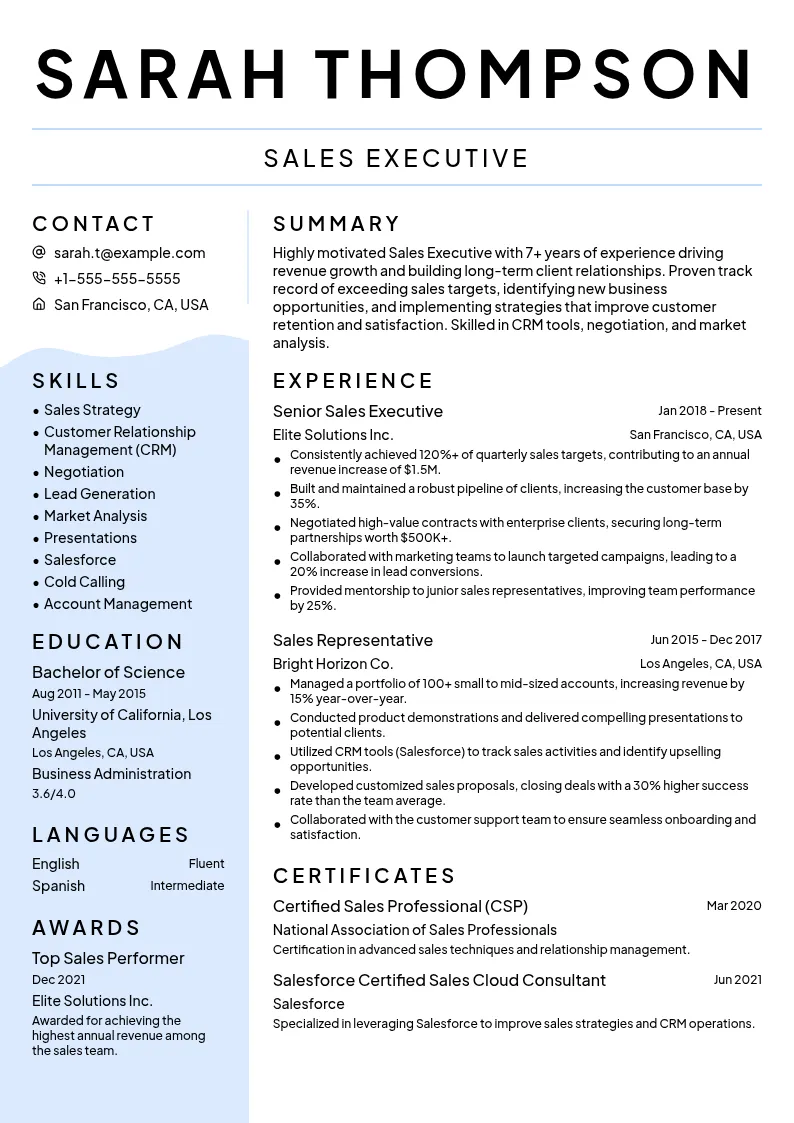
  • Persuader Preview
    Use This Template

    Persuader

    Results-oriented template highlighting sales achievements and negotiation skills.

  • Product Preview
    Use This Template

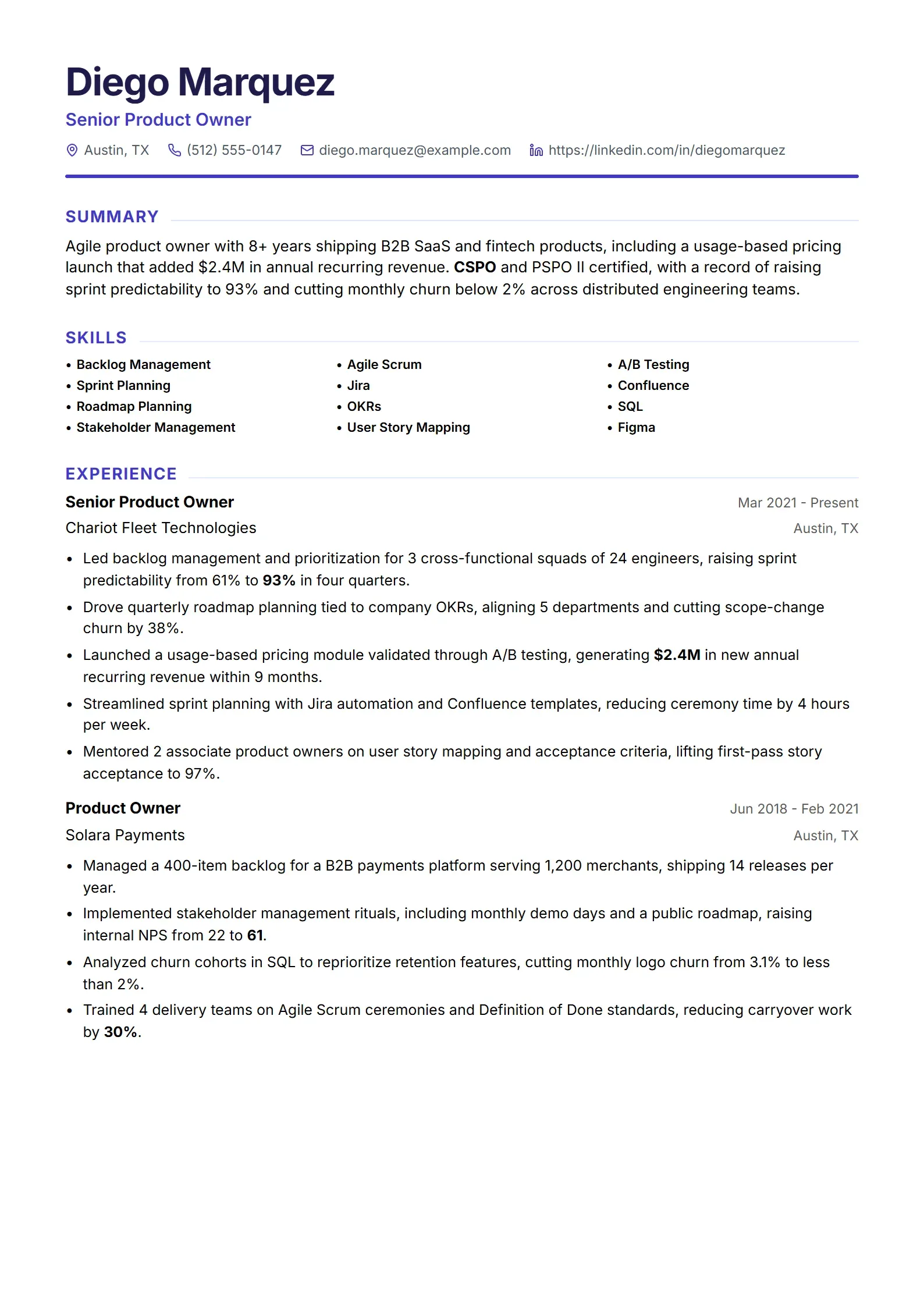
    Product

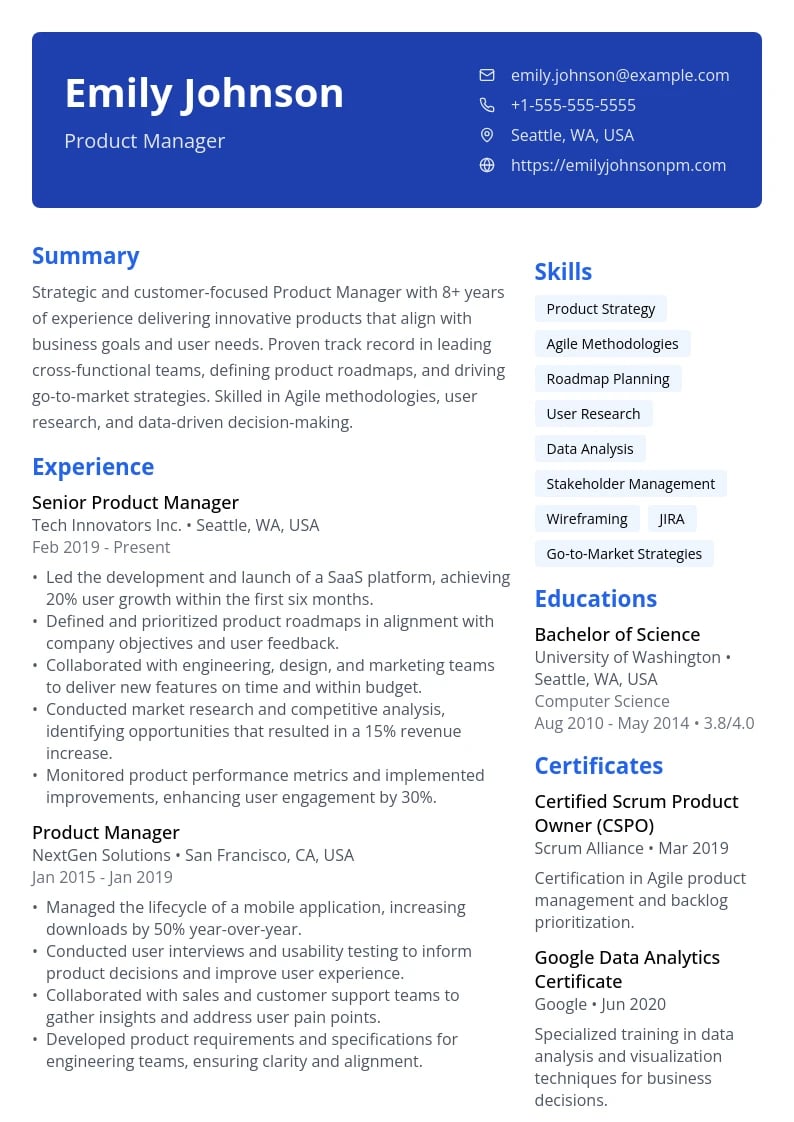
    Product management focused template with strategic layout.

  • Horizon Preview
    Use This Template

    Horizon

    Modern and professional design with a unique header arrangement.

  • Account Preview
    Use This Template

    Account

    Accounting management template with detailed sections.

  • Civil Preview
    Use This Template

    Civil

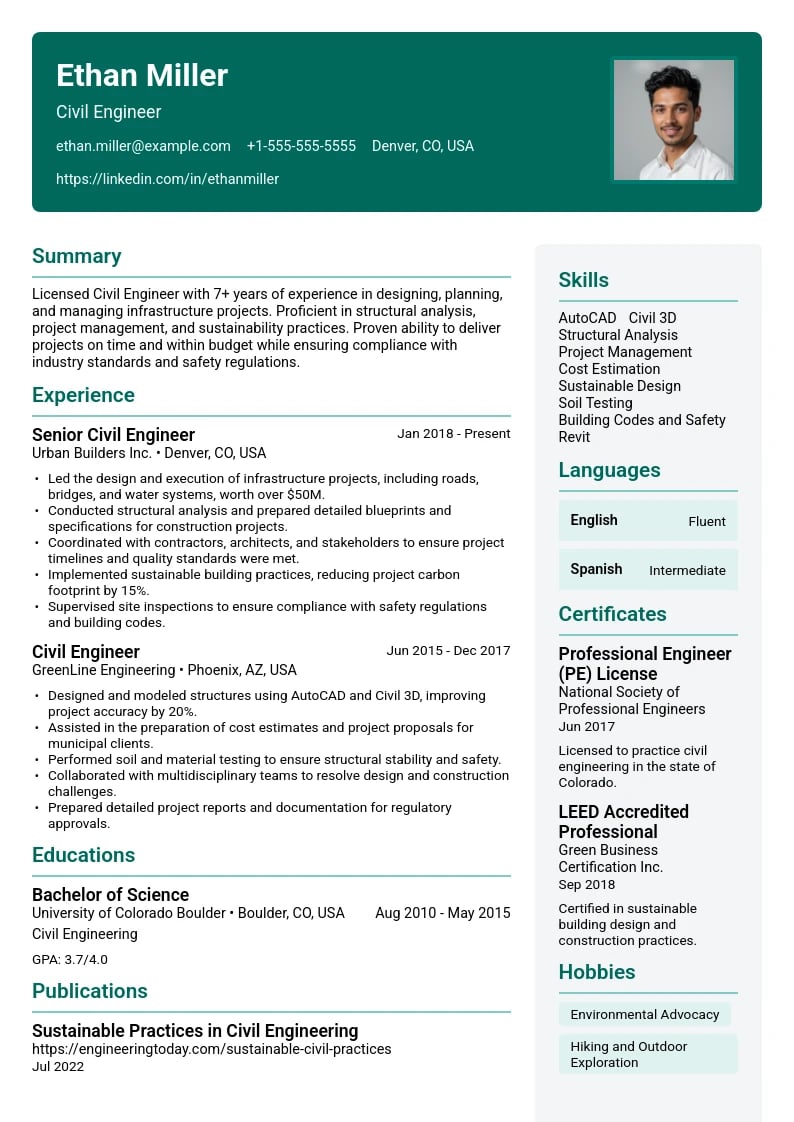
    Civil engineering focused template with technical layout.

  • Secure Preview
    Use This Template

    Secure

    Cybersecurity focused template with professional design.

  • Design Preview
    Use This Template

    Design

    UI/UX design focused template with creative elements.

  • Techscape Preview
    Use This Template

    Techscape

    Technical-focused layout with clear sections and modern typography.

  • System Preview
    Use This Template

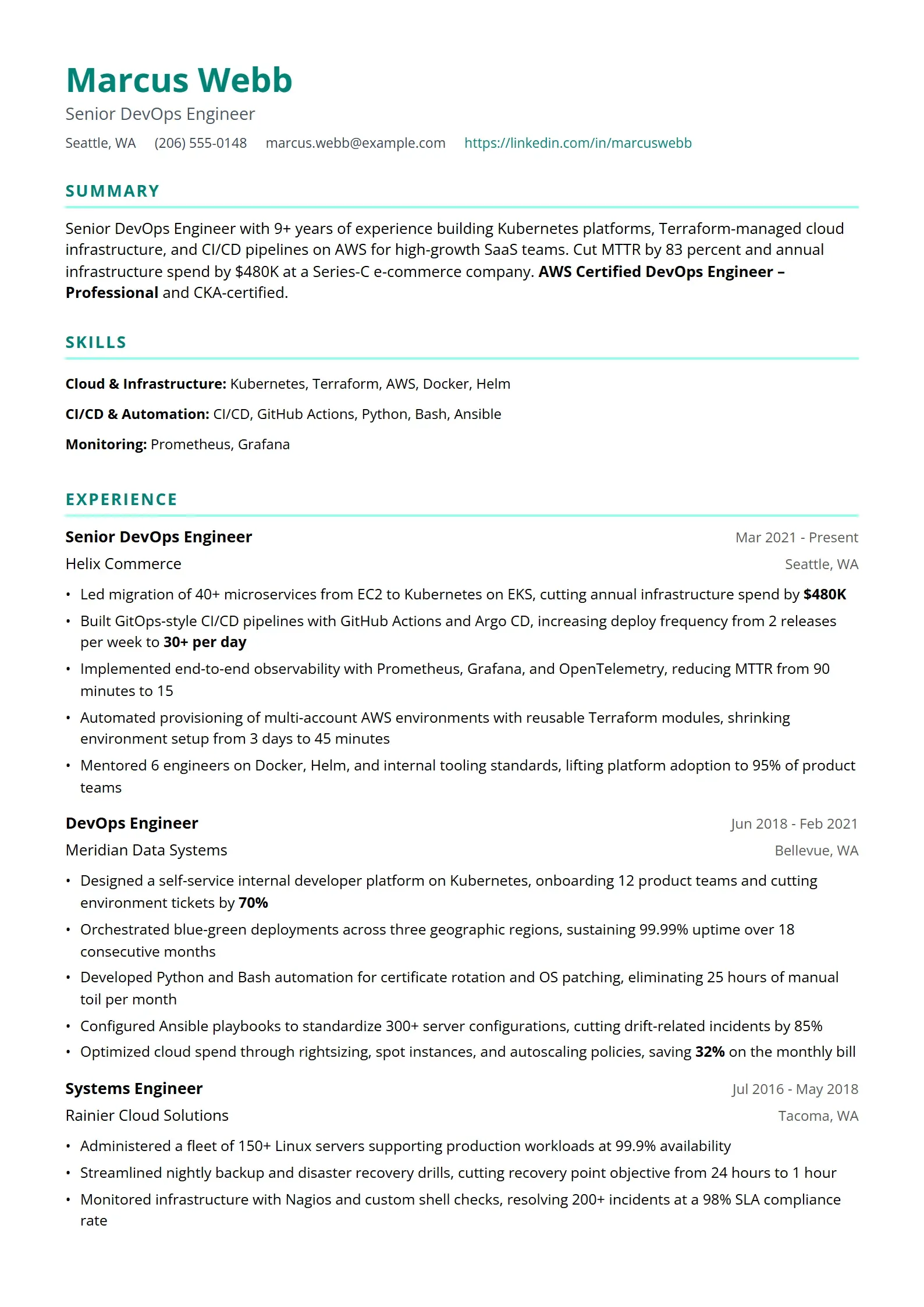
    System

    System administration focused template with technical layout.

  • Resource Preview
    Use This Template

    Resource

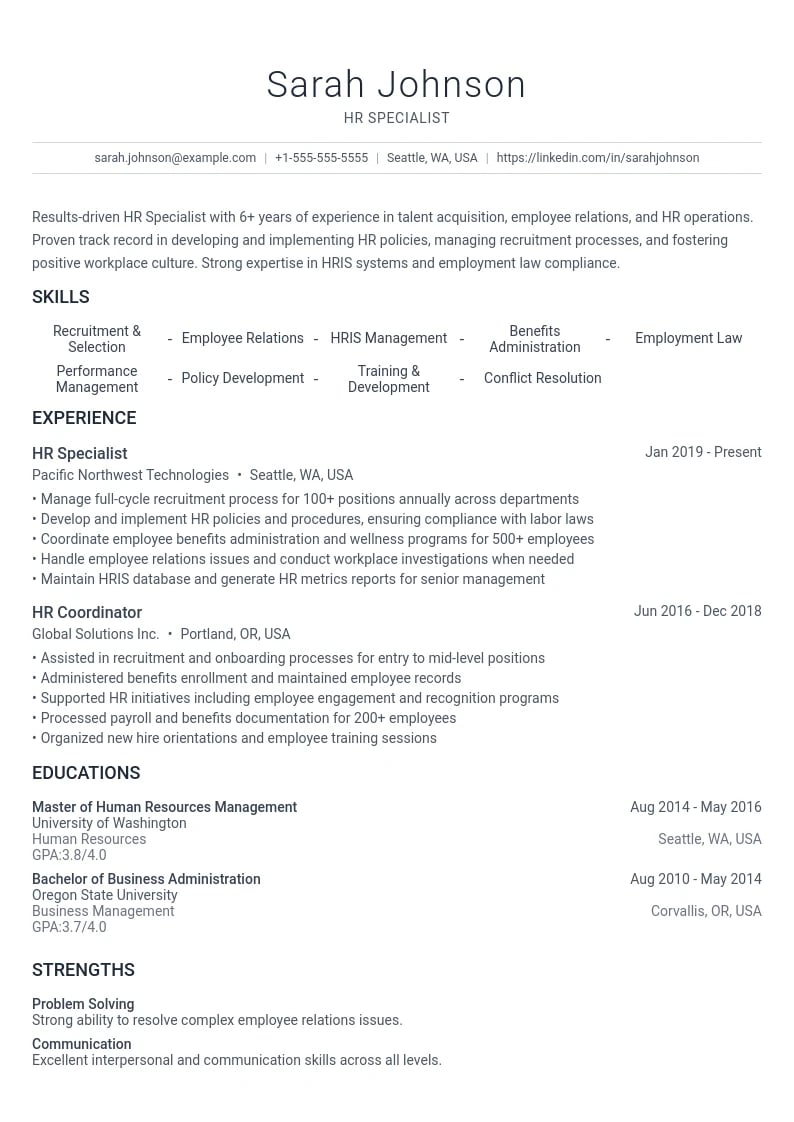
    Human resources focused template with professional structure.

  • ServicePro Preview
    Use This Template

    ServicePro

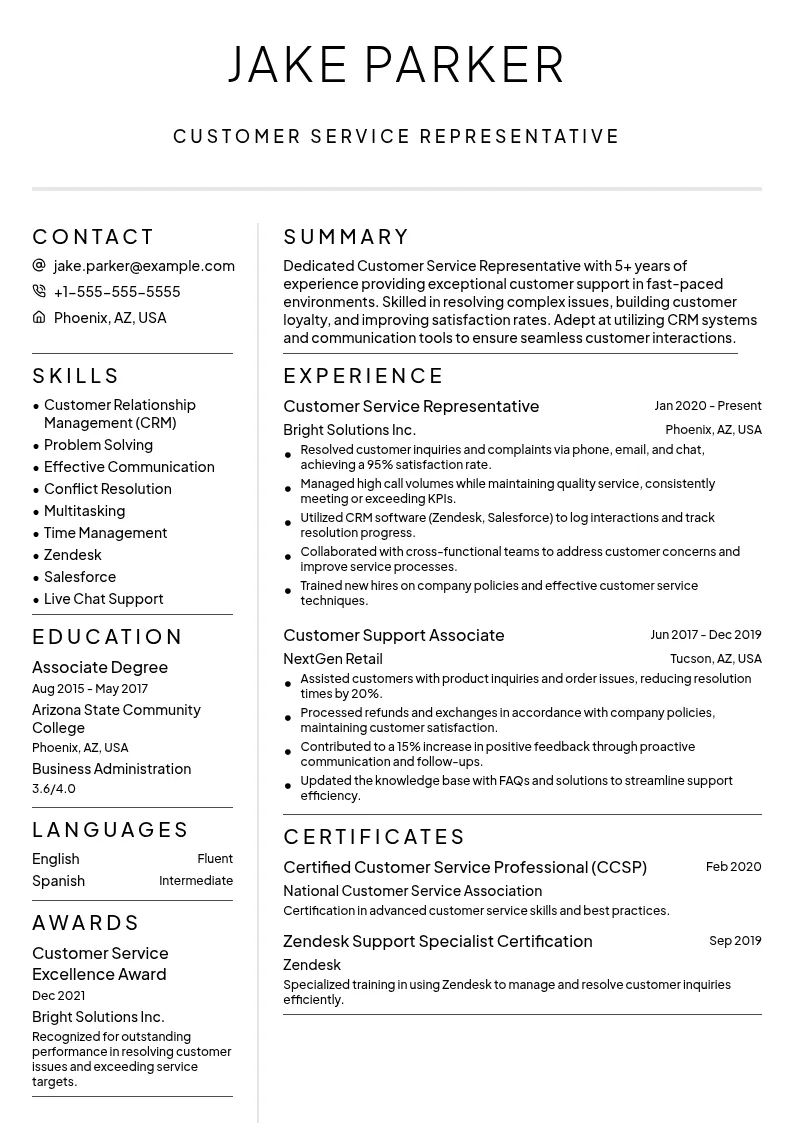
    Customer-focused template highlighting service skills and communication abilities.

  • Project Preview
    Use This Template

    Project

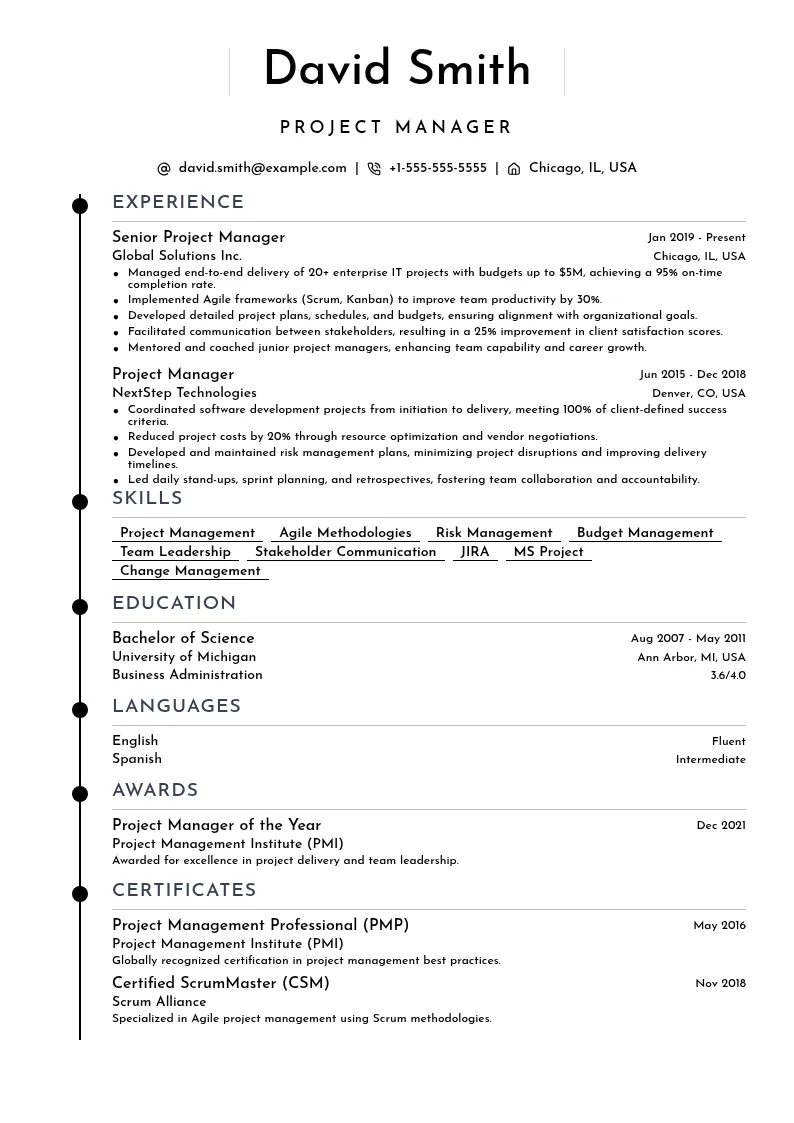
    Project management focused template with organized sections.

  • Developer Preview
    Use This Template

    Developer

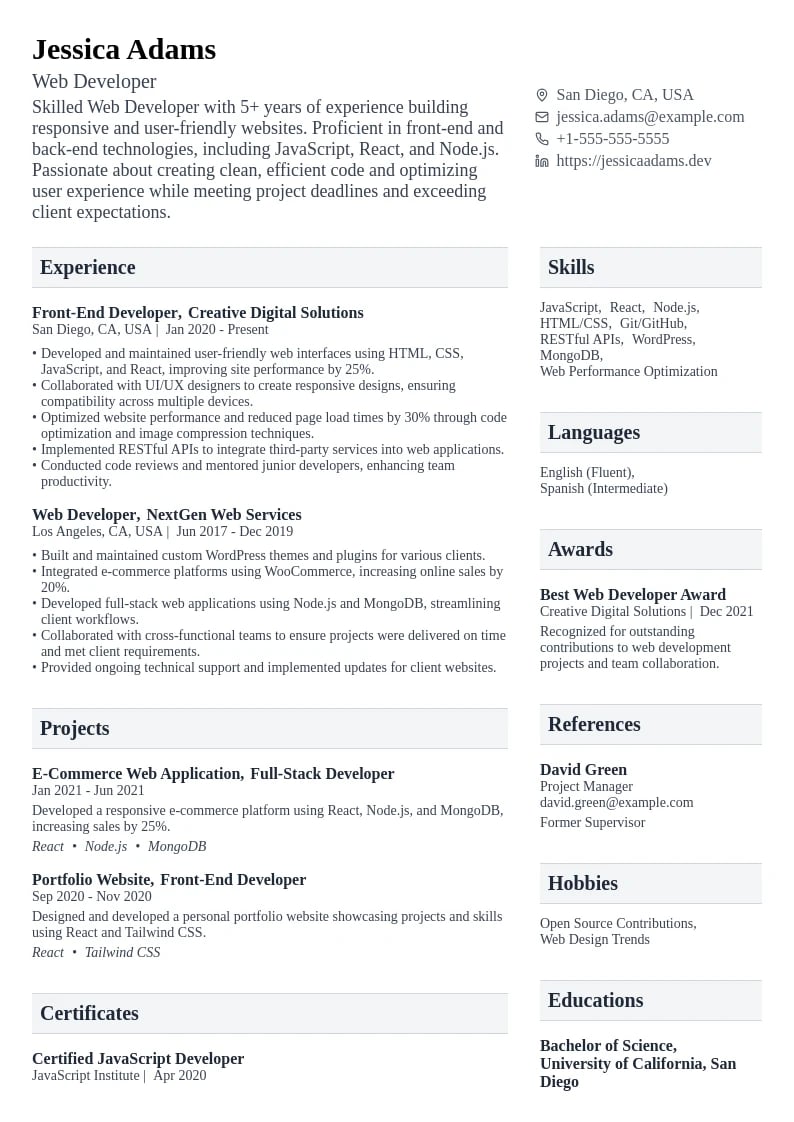
    Web development focused template with modern aesthetics.

  • Test Preview
    Use This Template

    Test

    Software testing focused template with technical precision.

  • TechSupport Preview
    Use This Template

    TechSupport

    Structured template highlighting technical skills and support expertise.

  • Care Preview
    Use This Template

    Care

    Healthcare-focused template with clean and professional design.

  • Legal Preview
    Use This Template

    Legal

    Legal professional template with traditional elements.

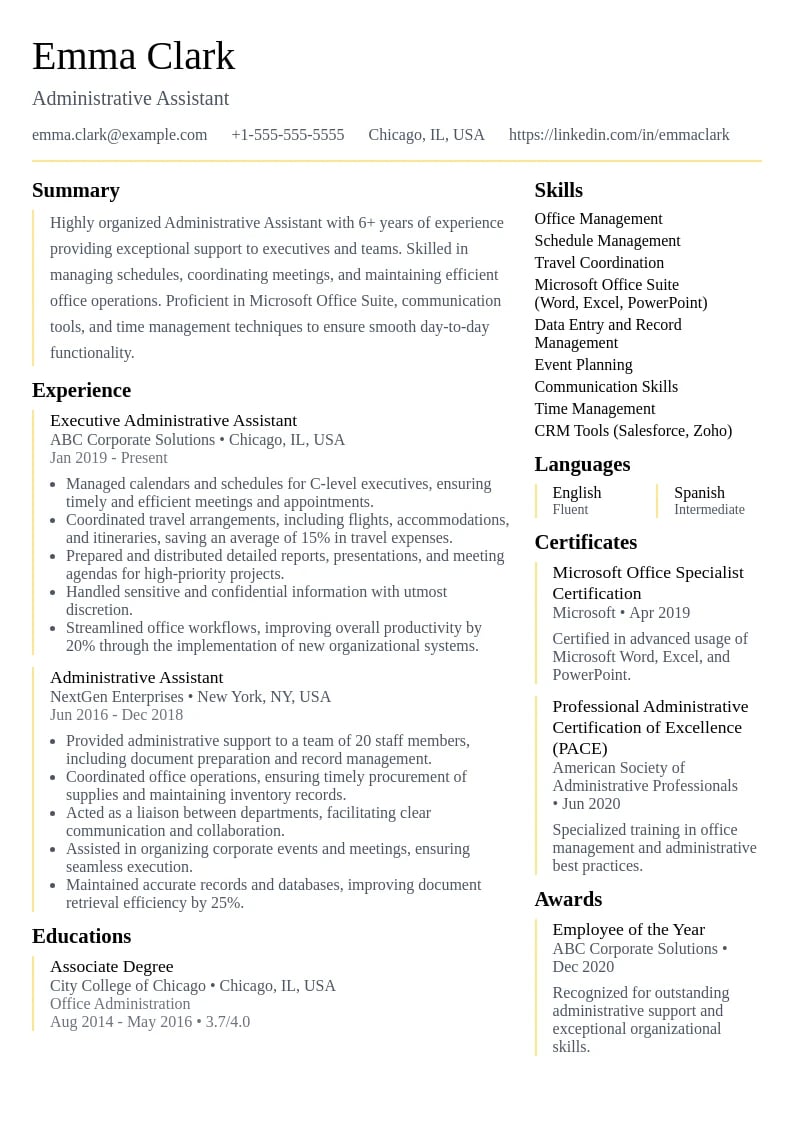
  • Admin Preview
    Use This Template

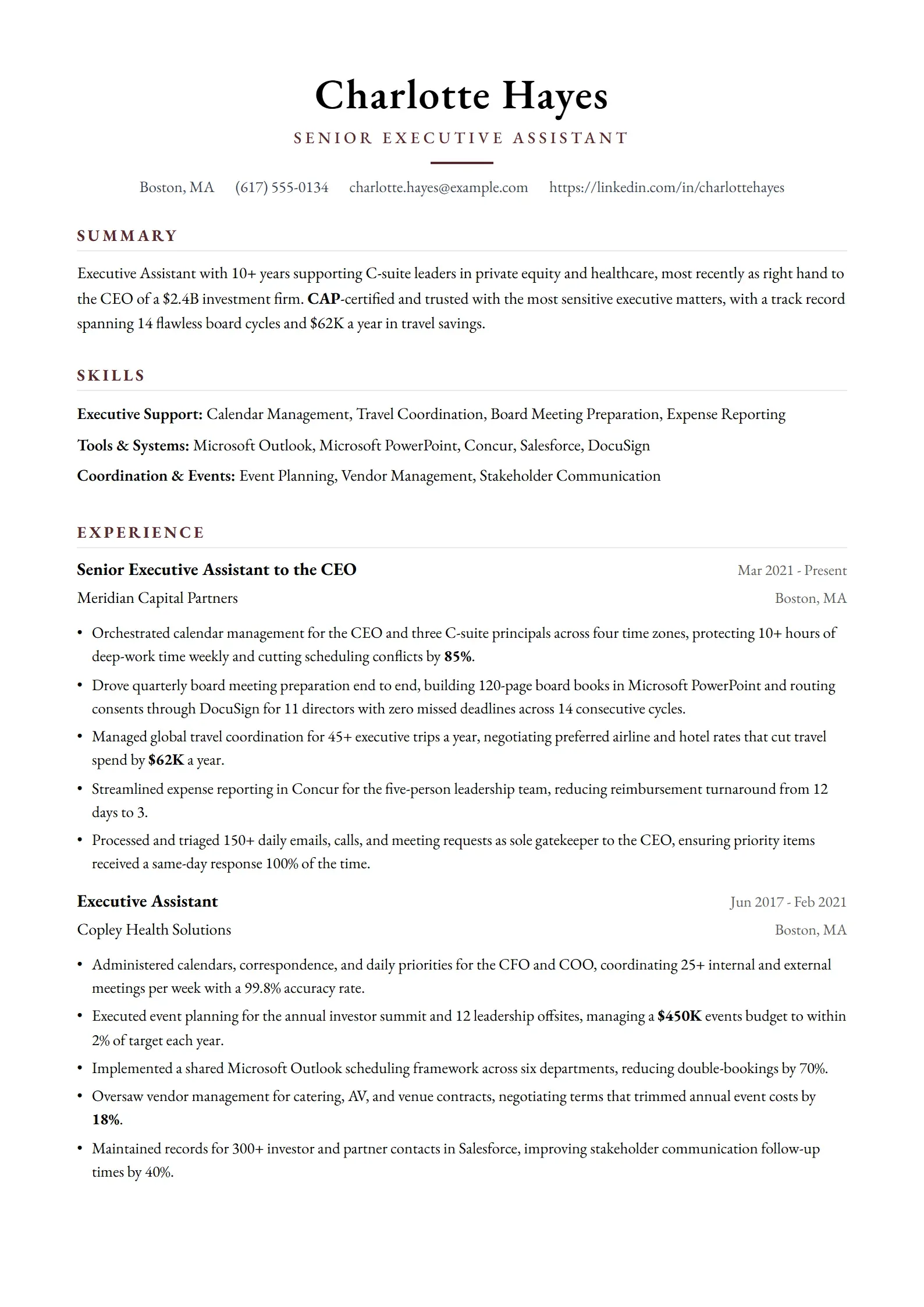
    Admin

    Administrative professional template with clean organization.

  • Mindscape Preview
    Use This Template

    Mindscape

    Psychology-focused design with a professional and approachable feel.

  • Data Preview
    Use This Template

    Data

    Data science focused template with analytical structure.

  • Startup Preview
    Use This Template

    Startup

    Entrepreneur focused template with modern design.

  • Understanding ATS Systems and ATS Resume Templates: The Digital Gatekeepers
  • •How ATS Systems Parse and Analyze ATS Resume Templates
  • Essential Features of ATS-Friendly Resume Templates and ATS Resume Designs
  • •1. Clean, Structured ATS Resume Template Formatting
  • •2. Standard ATS Resume Template Section Headers and Organization
  • •3. Strategic ATS Keyword Integration for Resume Templates
  • Top 5 ATS-Friendly Resume Templates and ATS Resume Designs for 2025
  • •Financial Analyst
  • •Full Stack Developer
  • •Registered Nurse
  • •Chief Financial Officer
  • •Junior Software Engineer
  • ATS Resume Template Optimization Best Practices: A Complete ATS Guide
  • •ATS Resume Template File Format and Submission Strategy
  • •Advanced Content Optimization Techniques
  • •Common ATS Mistakes That Kill Your Chances
  • Industry-Specific ATS Optimization Strategies
  • •Technology Sector ATS Optimization
  • •Healthcare and Medical Field Considerations
  • How to Test Your Resume's ATS Compatibility
  • •DIY ATS Testing Methods
  • •Professional ATS Testing Tools and Services
  • Measuring and Improving Your ATS Success Rate
  • •Key Performance Metrics to Track
  • •Continuous Optimization Process
  • The Future of ATS Technology and Resume Optimization
  • •AI-Powered ATS Evolution
  • Mastering ATS-Friendly Resume Templates for Career Success
  • Frequently Asked Questions About ATS-Friendly Resume Templates and ATS Resume Designs
  • ATS-Friendly Resume Templates and ATS Resume Designs FAQ
  • •What percentage of companies actually use ATS systems for resume templates?
  • •Can I use the same ATS-friendly resume template for all job applications?
  • •How do I know if my ATS resume template passed the ATS screening?
  • •Should I submit my ATS resume template as a PDF or Word document?
  • •How many ATS keywords should I include in my ATS-optimized resume template?
  • •Do ATS systems penalize resume templates with too many ATS keywords?
  • •Can creative professionals use ATS-friendly resume templates?
  • •How often should I update my ATS-friendly resume template?
  • Understanding ATS Systems and ATS Resume Templates: The Digital Gatekeepers
  • •How ATS Systems Parse and Analyze ATS Resume Templates
  • Essential Features of ATS-Friendly Resume Templates and ATS Resume Designs
  • •1. Clean, Structured ATS Resume Template Formatting
  • •2. Standard ATS Resume Template Section Headers and Organization
  • •3. Strategic ATS Keyword Integration for Resume Templates
  • Top 5 ATS-Friendly Resume Templates and ATS Resume Designs for 2025
  • •Financial Analyst
  • •Full Stack Developer
  • •Registered Nurse
  • •Chief Financial Officer
  • •Junior Software Engineer
  • ATS Resume Template Optimization Best Practices: A Complete ATS Guide
  • •ATS Resume Template File Format and Submission Strategy
  • •Advanced Content Optimization Techniques
  • •Common ATS Mistakes That Kill Your Chances
  • Industry-Specific ATS Optimization Strategies
  • •Technology Sector ATS Optimization
  • •Healthcare and Medical Field Considerations
  • How to Test Your Resume's ATS Compatibility
  • •DIY ATS Testing Methods
  • •Professional ATS Testing Tools and Services
  • Measuring and Improving Your ATS Success Rate
  • •Key Performance Metrics to Track
  • •Continuous Optimization Process
  • The Future of ATS Technology and Resume Optimization
  • •AI-Powered ATS Evolution
  • Mastering ATS-Friendly Resume Templates for Career Success
  • Frequently Asked Questions About ATS-Friendly Resume Templates and ATS Resume Designs
  • ATS-Friendly Resume Templates and ATS Resume Designs FAQ
  • •What percentage of companies actually use ATS systems for resume templates?
  • •Can I use the same ATS-friendly resume template for all job applications?
  • •How do I know if my ATS resume template passed the ATS screening?
  • •Should I submit my ATS resume template as a PDF or Word document?
  • •How many ATS keywords should I include in my ATS-optimized resume template?
  • •Do ATS systems penalize resume templates with too many ATS keywords?
  • •Can creative professionals use ATS-friendly resume templates?
  • •How often should I update my ATS-friendly resume template?

Discover how ATS-friendly resume templates and ATS-optimized resume designs can help you bypass ATS systems and automated screening. Learn the secrets to creating ATS resume templates that both ATS software and hiring managers love.

17 minute read
•September 16, 2025

In today's digital-first hiring landscape, your resume's first reviewer isn't human—it's an ATS system. Applicant Tracking Systems (ATS) have become the gatekeepers of modern recruitment, with over 98% of Fortune 500 companies using these ATS resume screening tools. This reality has transformed resume writing from an art into a science, where understanding ATS algorithms and using ATS-friendly resume templates is just as important as showcasing your qualifications.

ATS-friendly resume templates and ATS resume designs aren't just about getting past ATS systems—they're about creating ATS-compatible documents that work seamlessly in both ATS software and human review processes. The best ATS-optimized resume templates combine ATS technical compatibility with professional aesthetics, ensuring your ATS resume templates perform well at every stage of the ATS hiring process.

The ATS Reality Check

98%
of Fortune 500 companies use ATS systems for initial resume screening
75%
of resumes are rejected by ATS systems before reaching human reviewers due to poor ATS resume template compatibility
6 seconds
average time ATS systems spend parsing and analyzing each resume with ATS resume templates
40%
of qualified candidates are filtered out due to non-ATS-friendly resume template incompatibility issues

Understanding ATS Systems and ATS Resume Templates: The Digital Gatekeepers

Applicant Tracking Systems (ATS) are sophisticated ATS software platforms designed to streamline the hiring process by automatically collecting, parsing, and ranking ATS resume templates and resumes based on predetermined ATS criteria. These ATS systems serve as the first line of ATS screening, analyzing hundreds or thousands of ATS resume applications to identify the most qualified candidates for human review.

Modern ATS platforms like Workday, Greenhouse, and Lever use complex ATS algorithms that go far beyond simple keyword matching. They analyze ATS resume template structure, parse contact information from ATS-friendly formats, extract work history details, and even attempt to understand context and relevance. However, their ATS effectiveness depends entirely on how well your ATS resume templates are formatted and structured for ATS compatibility.

How ATS Systems Parse and Analyze ATS Resume Templates

  1. ATS Document Ingestion: The ATS system receives your ATS resume template file and begins the ATS parsing process
  2. ATS Text Extraction: The ATS system converts your ATS resume template into plain text, attempting to maintain ATS structure
  3. ATS Field Identification: The ATS identifies and categorizes different ATS resume template sections (contact info, experience, education)
  4. ATS Keyword Analysis: The ATS system scans ATS resume templates for relevant ATS keywords and phrases from the job description
  5. ATS Qualification Scoring: Your ATS resume template receives an ATS compatibility score based on various ATS factors
  6. ATS Ranking and Filtering: ATS resume templates are ranked against other applicants and filtered based on ATS minimum requirements

ATS Resume Template Parsing Challenges

  • •Complex ATS resume template formatting can confuse ATS parsing algorithms
  • •Graphics and images in ATS resume templates are typically ignored or cause ATS errors
  • •Tables and text boxes in ATS resume templates may scramble ATS content order
  • •Unusual fonts or formatting in ATS resume templates can lead to ATS misinterpretation
  • •PDF ATS resume templates provide consistent ATS formatting and professional ATS presentation

Essential Features of ATS-Friendly Resume Templates and ATS Resume Designs

The most effective ATS-friendly resume templates and ATS resume designs share specific ATS characteristics that ensure optimal ATS parsing and high ATS compatibility scores. These ATS resume template features aren't just technical ATS requirements—they're strategic ATS design choices that enhance both ATS digital processing and human readability.

1. Clean, Structured ATS Resume Template Formatting

ATS systems thrive on predictable, logical ATS resume template document structure. The best ATS-friendly resume templates use consistent ATS formatting hierarchy, clear ATS section divisions, and standardized ATS layouts that guide both ATS automated parsing and human scanning.

ATS Resume Template Optimized Formatting Elements

  • Standard ATS-friendly fonts for resume templates (Arial, Calibri, Times New Roman, Georgia)
  • ATS-compatible font sizes between 10-12pt for body text, 14-16pt for ATS resume template headings
  • Consistent use of bold, italic, and underline for ATS resume template emphasis
  • Clear ATS resume template section headers with standard ATS terminology
  • Logical ATS resume template information hierarchy from top to bottom
  • Adequate white space between ATS resume template sections
  • Simple ATS-friendly bullet points (• or -) rather than fancy symbols in resume templates
  • Left-aligned text throughout the ATS resume template document

2. Standard ATS Resume Template Section Headers and Organization

ATS systems are programmed to recognize standard ATS resume template section headers and extract information accordingly. Using conventional ATS terminology in resume templates helps ensure your information is properly categorized and easily accessible to both ATS systems and hiring managers.

SectionATS-Friendly HeadersAvoid These Variations
ATS Contact InfoContact Information, Contact Details (ATS-Friendly)Get in Touch, How to Reach Me
ATS Professional SummaryProfessional Summary, Summary, Profile (ATS Resume Template)About Me, Introduction, Personal Brand
ATS Work HistoryProfessional Experience, Work Experience, Employment History (ATS Format)Career Journey, What I've Done, My Story
ATS Education SectionEducation, Educational Background, Academic Credentials (ATS Resume Template)Learning, School, Academic Journey
ATS Skills SectionSkills, Technical Skills, Core Competencies (ATS Resume Template)What I'm Good At, My Abilities, Expertise
ATS CertificationsCertifications, Professional Certifications, Licenses (ATS Format)Credentials, Achievements, Accomplishments

3. Strategic ATS Keyword Integration for Resume Templates

Effective ATS keyword optimization for resume templates goes beyond simply stuffing your ATS resume with job-related terms. ATS-friendly resume templates provide strategic ATS placement opportunities for relevant ATS keywords while maintaining natural readability and professional flow.

Expert tip
The best ATS keyword strategy for resume templates involves creating a master list of 15-20 relevant ATS terms from your target job descriptions, then naturally integrating them throughout your ATS resume template. Focus on ATS skills, qualifications, and industry terminology that appear repeatedly in your target ATS roles.
Dr. Amanda Chen
Workforce Analytics Researcher•MIT Career Development•12+ years studying ATS algorithms and hiring patterns

Top 5 ATS-Friendly Resume Templates and ATS Resume Designs for 2025

Based on extensive ATS testing across major ATS platforms and feedback from hiring professionals, these ATS resume templates consistently achieve high ATS parsing accuracy and professional appeal. Each ATS resume template has been optimized for specific career stages and industries while maintaining universal ATS compatibility and ATS resume optimization.

Financial Analyst resume example
Use this templateDownload PDF

Financial Analyst

This ATS-friendly template is specifically designed for financial professionals who need to pass automated screening systems while maintaining professional appeal. The clean layout ensures high parsing accuracy, while strategic placement of financial terminology and quantified achievements demonstrates expertise in financial analysis, modeling, and business impact.

Why this resume works:

  • •Clean, professional ATS resume template layout optimized for ATS parsing systems
  • •Strategic ATS keyword placement for financial industry terms in resume templates
  • •Clear ATS section headers and consistent ATS resume template formatting
  • •Quantified achievements with financial metrics and percentages for ATS optimization
  • •Perfect balance of ATS technical skills and professional ATS resume template presentation
Full Stack Developer resume example
Use this templateDownload PDF

Full Stack Developer

Designed specifically for software developers, this ATS-friendly template ensures your technical skills and programming experience are properly parsed by automated systems. The clean, structured layout highlights your development projects, technical proficiencies, and quantifiable achievements while maintaining the professional appearance expected in the tech industry.

Why this resume works:

  • •Technical skills section optimized for programming keywords
  • •ATS-compatible format with clear section divisions
  • •Project-focused layout highlighting development achievements
  • •Technology stack clearly presented for automated parsing
  • •Professional structure suitable for tech industry standards
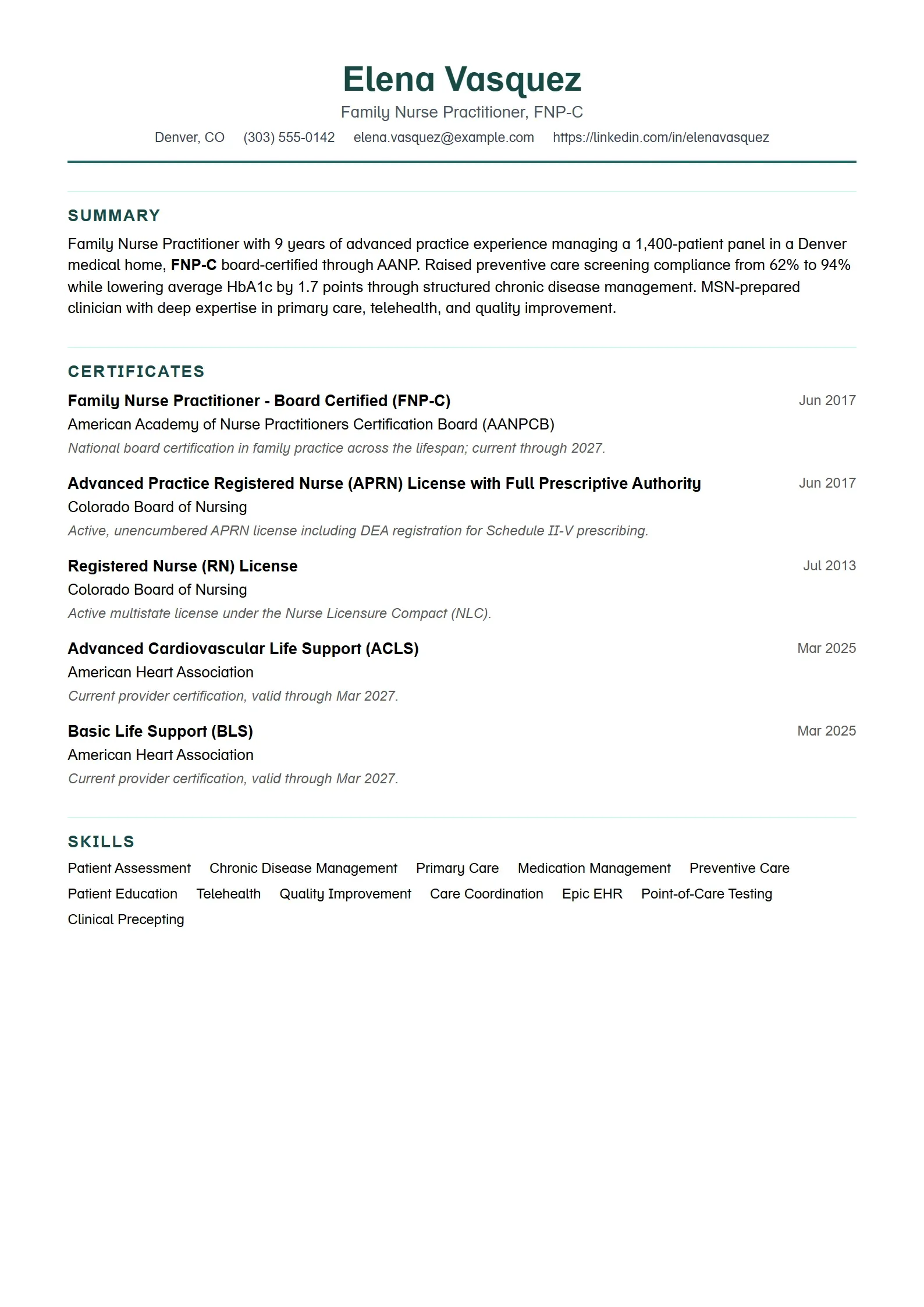
Registered Nurse resume example
Use this templateDownload PDF

Registered Nurse

This healthcare-optimized ATS template is perfect for nursing professionals who need to showcase their clinical expertise while ensuring compatibility with hospital and healthcare system screening software. The template emphasizes certifications, patient care achievements, and medical terminology that ATS systems in healthcare commonly search for.

Why this resume works:

  • •Healthcare-specific keyword optimization for medical terminology
  • •Certification and license sections prominently featured
  • •Patient care metrics and clinical achievements highlighted
  • •ATS-compatible formatting for healthcare industry standards
  • •Clear presentation of clinical skills and specializations
Chief Financial Officer resume example
Use this templateDownload PDF

Chief Financial Officer

Crafted for senior financial executives, this ATS-friendly template balances executive presence with automated parsing requirements. It strategically presents financial leadership achievements, board-level responsibilities, and strategic impact while ensuring compatibility with executive search platforms and corporate ATS systems used for C-suite recruitment.

Why this resume works:

  • •Executive-level formatting with strategic leadership emphasis
  • •Financial performance metrics prominently displayed
  • •Board-level communication and strategic planning highlighted
  • •ATS optimization for C-suite and executive search platforms
  • •Professional presentation suitable for executive recruitment
Junior Software Engineer resume example
Use this templateDownload PDF

Junior Software Engineer

Specifically designed for entry-level software engineers, this ATS-compatible template helps new graduates and career changers effectively present their technical skills, academic projects, and internship experience. The format ensures that programming languages, frameworks, and project achievements are properly parsed by tech company ATS systems while maintaining a professional appearance.

Why this resume works:

  • •Entry-level friendly format emphasizing education and projects
  • •Programming languages and frameworks clearly categorized
  • •Academic projects and internships strategically highlighted
  • •ATS-optimized for entry-level tech position screening
  • •Clean, professional design suitable for junior developer roles

ATS Resume Template Optimization Best Practices: A Complete ATS Guide

Successfully optimizing your ATS resume templates for ATS systems requires understanding both the technical ATS requirements and strategic considerations that influence automated ATS scoring. These ATS resume template best practices have been developed through extensive ATS testing and real-world application across diverse industries and ATS platforms.

ATS Resume Template File Format and Submission Strategy

The format in which you submit your ATS resume template can significantly impact ATS parsing accuracy. While most modern ATS systems handle multiple resume template formats, understanding the ATS nuances can give you a competitive advantage.

Do this

  • Submit ATS resume template as PDF when the job posting doesn't specify a format
  • Prioritize PDF for professional ATS resume template appearance and consistent ATS formatting
  • Use standard ATS file naming: 'FirstName_LastName_ATS_Resume.pdf'
  • Test your ATS resume template by copying and pasting into a plain text document
  • Ensure all ATS resume template text remains readable and properly ordered after ATS conversion

Avoid this

  • Don't use .doc (older Word format) for ATS resume templates unless specifically requested
  • Prefer text-based PDFs for ATS resume templates, avoid image-heavy formats
  • Don't use creative file names like 'AwesomeResume.pdf' for ATS resume templates
  • Avoid submitting ATS resume templates in uncommon formats (.pages, .rtf, .txt)
  • Leverage PDF's universal ATS compatibility and professional ATS resume template appearance

Advanced Content Optimization Techniques

Beyond basic formatting, sophisticated ATS optimization involves strategic content placement, keyword density management, and context optimization that helps your resume score higher in automated ranking systems.

  1. Mirror Job Description Language: Use exact phrases and terminology from job postings, not just similar words
  2. Include Keyword Variations: Use both 'project management' and 'project manager' to capture different search queries
  3. Quantify Everything Possible: ATS systems often prioritize resumes with specific metrics and numbers
  4. Use Action Verbs Consistently: Start bullet points with strong action verbs that match industry standards
  5. Optimize Contact Information: Include your information in the main document body, not just headers or footers
  6. Strategic Keyword Placement: Place the most important keywords in your professional summary and skills sections

Common ATS Mistakes That Kill Your Chances

Even well-intentioned job seekers often make critical errors that prevent their resumes from passing ATS screening. Understanding and avoiding these mistakes can dramatically improve your application success rate.

ATS Parsing Killers

Headers and footers are often ignored by ATS systems, so never put crucial information like your name or contact details exclusively in these areas. Always include your contact information in the main document body as well.

ATS Mistakes to Avoid

  • Using tables for layout - they often scramble content during parsing
  • Including graphics, logos, or images that ATS systems can't read
  • Placing important information in headers or footers only
  • Using unusual fonts that may not render correctly
  • Creating multiple columns that confuse parsing algorithms
  • Overusing keywords to the point of seeming artificial
  • Forgetting to include standard section headers
  • Using special characters or symbols instead of standard punctuation

Industry-Specific ATS Optimization Strategies

Different industries have varying ATS configuration preferences and keyword priorities. Understanding these nuances allows you to tailor your ATS-friendly resume for maximum impact in your target sector.

Technology Sector ATS Optimization

Technology companies often use sophisticated ATS configurations that prioritize technical skills, programming languages, and project outcomes. Their systems are typically configured to identify specific technologies, methodologies, and quantifiable results.

Focus AreaKey Optimization StrategyExample Implementation
Technical SkillsList specific programming languages and tools"Python, JavaScript, React, AWS, Docker, Kubernetes"
Project ImpactQuantify technical achievements with metrics"Reduced API response time by 40%, serving 1M+ daily requests"
MethodologiesInclude relevant development practices"Agile/Scrum, DevOps, CI/CD, Test-Driven Development"
CertificationsHighlight relevant technical certifications"AWS Certified Solutions Architect, Google Cloud Professional"

Healthcare and Medical Field Considerations

Healthcare ATS systems often prioritize licenses, certifications, and compliance requirements. They're configured to identify specific medical terminology, patient care metrics, and regulatory knowledge.

  • Licenses and Certifications: List all relevant medical licenses, board certifications, and continuing education
  • Medical Terminology: Use precise medical terms and abbreviations commonly accepted in your specialty
  • Patient Outcomes: Quantify patient care improvements, satisfaction scores, and clinical metrics
  • Compliance Experience: Highlight knowledge of HIPAA, OSHA, and other regulatory requirements
  • Technology Proficiency: Include experience with Electronic Health Records (EHR) systems and medical devices

How to Test Your Resume's ATS Compatibility

Before submitting your resume, it's crucial to test its ATS compatibility to ensure optimal parsing and ranking. These testing methods can help you identify and resolve potential issues before they impact your job search success.

DIY ATS Testing Methods

While you can't access the exact ATS systems used by employers, several methods can help you evaluate how well your resume will parse and whether critical information is being correctly interpreted.

  1. Plain Text Test: Copy and paste your resume into a plain text editor (Notepad) to see how it appears when formatting is stripped away
  2. Google Docs Test: Upload your resume to Google Docs and check if all sections and information are correctly recognized
  3. Keyword Density Analysis: Use online tools to analyze keyword density and ensure optimal distribution
  4. PDF to Text Conversion: Use online PDF to text converters to see how your resume appears when processed
  5. Multiple Format Testing: Test both .docx and .pdf versions to compare parsing results
ATS Testing Checklist
□ Plain text version maintains logical flow and structure □ All contact information appears correctly in converted text □ Section headers are clearly identifiable □ Job titles, company names, and dates are properly formatted □ Skills and keywords are easily identifiable □ No important information is lost or scrambled □ Bullet points convert to readable format □ Special characters don't create parsing errors

Professional ATS Testing Tools and Services

For more comprehensive testing, several professional tools and services can provide detailed analysis of your resume's ATS compatibility, including parsing accuracy scores and specific improvement recommendations.

Tool/ServiceFeaturesBest ForPrice Range
JobscanATS parsing test, keyword optimization, match rate analysisIndividual job seekers, detailed analysis$49.95/month
Resume WordedATS compatibility check, content suggestions, LinkedIn optimizationComprehensive resume improvement$49/month
TopResume ATS CheckFree basic ATS test, formatting analysisQuick compatibility checkFree basic, $149+ premium
SkillSyncerJob description matching, keyword analysisRole-specific optimization$14.95/month
OwlApplyAI resume builder, ATS score check, job-description match score, cover letter generator, job application autofill, AI interview assistant, premium templates, fully customizable featuresJob seekers who want both automation and analysis at an affordable price$17.49/month

Measuring and Improving Your ATS Success Rate

Creating an ATS-friendly resume is just the beginning—you need to track its performance and continuously optimize based on real-world results. Systematic measurement and improvement can significantly increase your interview success rate.

Key Performance Metrics to Track

Tracking the right metrics helps you understand how well your ATS-optimized resume is performing and where improvements might be needed. These metrics provide actionable insights for ongoing optimization.

ATS resume performance benchmarks and improvement strategies
MetricGood PerformanceNeeds ImprovementOptimization Strategy
Application Response Rate20-25%Below 15%Improve keyword optimization, enhance value proposition
Interview Request Rate8-12%Below 5%Strengthen achievements, add quantifiable results
ATS Pass-Through Rate85%+Below 70%Improve formatting, add relevant keywords
Time to First Response1-2 weeksOver 4 weeksTarget more suitable roles, improve relevance
Quality of ResponsesRelevant rolesGeneric rejectionsBetter job targeting, stronger value proposition

Continuous Optimization Process

ATS optimization isn't a one-time activity—it requires ongoing refinement based on market feedback, changing job requirements, and evolving ATS technologies. Establish a systematic approach to continuous improvement.

  • Weekly Application Tracking: Monitor response rates and identify patterns in successful vs. unsuccessful applications
  • Monthly Keyword Updates: Refresh your keyword strategy based on new job postings and industry trends
  • Quarterly Template Review: Assess whether your template design still meets current ATS standards
  • A/B Testing: Test different versions of your resume for similar roles to identify the most effective approach
  • Industry Monitoring: Stay updated on ATS technology changes and new optimization best practices

The Future of ATS Technology and Resume Optimization

As artificial intelligence and machine learning continue to evolve, ATS systems are becoming more sophisticated in their analysis capabilities. Understanding these trends can help you future-proof your resume strategy and stay ahead of the competition.

AI-Powered ATS Evolution

Next-generation ATS systems are incorporating advanced AI capabilities that go beyond keyword matching to understand context, assess cultural fit, and even predict job performance. These developments are changing how resumes should be optimized.

  • Contextual Understanding: AI systems increasingly understand the context around keywords, not just their presence
  • Soft Skills Assessment: Advanced algorithms attempt to identify soft skills and cultural fit indicators
  • Performance Prediction: Some systems use historical data to predict candidate success likelihood
  • Bias Reduction: New AI models are being designed to reduce unconscious bias in initial screening
  • Real-time Optimization: Future systems may provide real-time feedback on resume optimization
Expert tip
The future of ATS optimization lies in creating resumes that tell compelling, authentic stories while maintaining technical compatibility. Focus on demonstrating impact and results rather than just listing keywords—AI systems are getting better at recognizing genuine expertise.
Dr. Sarah Kim
AI Recruitment Technology Researcher•Stanford AI Lab•15+ years developing next-generation hiring technologies

Mastering ATS-Friendly Resume Templates for Career Success

ATS-friendly resume templates represent the intersection of technical optimization and professional presentation. By choosing the right template and implementing strategic optimization techniques, you create a powerful tool that successfully navigates automated screening while impressing human reviewers.

Remember that the best ATS-friendly resume template is one that not only passes automated screening but also effectively communicates your value proposition to hiring managers. Whether you're a recent graduate starting your career journey or an experienced professional seeking new opportunities, a well-optimized ATS-friendly resume can be your key to unlocking interview opportunities and advancing your career goals.

Your ATS Optimization Action Plan

  • •Choose an ATS-friendly template that matches your career level and industry
  • •Optimize your content with relevant keywords from target job descriptions
  • •Test your resume's compatibility using multiple methods and tools
  • •Track your application success rates and continuously refine your approach
  • •Stay updated on ATS technology trends and optimization best practices
  • •Focus on authentic storytelling while maintaining technical compatibility

Ready to Create Your ATS-Optimized Resume Template?

Start building your professional ATS resume today with our collection of ATS-friendly resume templates. Choose from dozens of proven ATS resume template designs that help your qualifications stand out to both ATS automated systems and hiring managers.

Get ATS-Friendly Resume Templates

Frequently Asked Questions About ATS-Friendly Resume Templates and ATS Resume Designs

ATS-Friendly Resume Templates and ATS Resume Designs FAQ

Get answers to the most common questions about using ATS-optimized resume templates and ATS-friendly resume designs effectively in your ATS job search.

According to recent studies, over 98% of Fortune 500 companies use ATS systems for resume template screening, and approximately 75% of all companies (including small and medium businesses) use some form of automated ATS resume screening. This means that regardless of company size, your ATS resume template will likely encounter an ATS system during your job search.

While you can use the same ATS resume template design, you should customize the content for each ATS application. The ATS resume template provides the ATS-compatible structure, but you need to adjust ATS keywords, emphasize relevant experience, and tailor your professional summary to match each specific job description for optimal ATS results.

Unfortunately, most companies don't provide specific feedback about ATS resume template screening. However, if you receive interview requests or follow-up communications within 1-2 weeks of applying, it's likely your ATS resume template passed initial ATS screening. Low response rates (below 15%) often indicate ATS resume template compatibility issues.

When the job posting doesn't specify a format for ATS resume templates, PDF files provide professional appearance and consistent ATS formatting across all devices. PDFs offer universal ATS compatibility and maintain visual integrity. Keep both PDF and .docx versions of your ATS resume template available—prioritize PDF for most ATS submissions, use .docx only for specific ATS requirements.

Focus on naturally integrating 15-20 relevant ATS keywords throughout your ATS resume template rather than targeting a specific number. The key is strategic ATS placement in context rather than ATS keyword stuffing. Your professional summary, skills section, and work experience in your ATS resume template should naturally incorporate ATS terms from your target job descriptions.

Modern ATS systems are sophisticated enough to detect ATS keyword stuffing in resume templates and may flag ATS resumes that appear unnatural or overly optimized. Focus on authentic integration of relevant ATS terms within meaningful context rather than forcing ATS keywords into every section of your resume template.

Yes, even creative professionals benefit from ATS-friendly resume templates, especially for initial ATS applications. You can supplement with a separate portfolio or creative samples. Many creative roles at larger companies still go through ATS screening, so ATS resume template compatibility is important even in creative fields.

Update your ATS resume template every 3-6 months or whenever you gain new skills, complete significant projects, or achieve notable results. For active job seekers, review and potentially adjust ATS keywords and emphasis in your resume template for each ATS application based on the specific ATS job requirements.
Simple resume templates showcase featuring clean, professional designs for job seekers
Resume21 minute read

Simple Resume Templates: Create Clean, Professional Resumes That Get Results

Discover why simple resume templates are the secret weapon for job seekers in 2025. Learn how clean, minimalist designs can help your qualifications shine and pass ATS systems.

Meenakshi YadavMeenakshi YadavFebruary 24, 2026
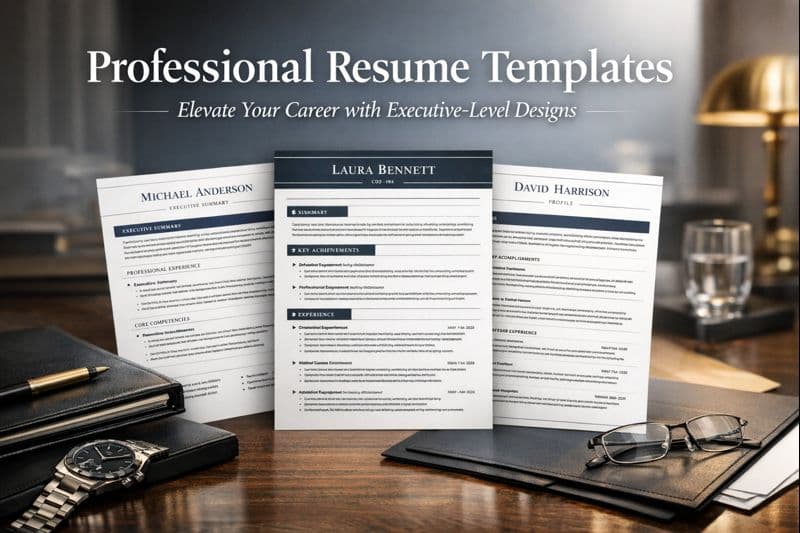
Professional resume templates designed for executive and senior-level positions
Resume14 minute read

Professional Resume Templates: Elevate Your Career with Executive-Level Designs

Discover how professional resume templates designed for senior positions and executive roles can command respect and attention in competitive job markets. Learn to create polished, authoritative resumes that reflect your leadership experience and career achievements.

Tufan YavasTufan YavasFebruary 24, 2026

Get weekly job-winning tips

Practical resume, cover letter, and interview advice delivered every Tuesday.

By subscribing you agree to our Privacy Policy and allow us to email you career tips.

Share article

Launch your resume in 15 minutes

Pick a proven layout, let AI suggest winning bullet points, and export a polished resume before your coffee cools.

Build my resume

Launch your resume in 15 minutes

Pick a proven layout, let AI suggest winning bullet points, and export a polished resume before your coffee cools.

Build my resume

Connect with OwlApply

Follow on LinkedInWatch on YouTubePin on PinterestJoin us on InstagramLike on FacebookFollow on TikTok
Build Resume
English flagEnglishTürkçe flagTürkçeDeutsch flagDeutschEspañol flagEspañolFrançais flagFrançaisPortuguês (Brasil) flagPortuguês (Brasil)Português (Portugal) flagPortuguês (Portugal)Italiano flagItalianoNederlands flagNederlandsPolski flagPolskiРусский flagРусский日本語 flag日本語한국어 flag한국어简体中文 flag简体中文繁體中文 flag繁體中文العربية flagالعربيةहिन्दी flagहिन्दीSvenska flagSvenskaDansk flagDanskNorsk flagNorskSuomi flagSuomiČeština flagČeštinaRomână flagRomânăMagyar flagMagyarБългарски flagБългарскиHrvatski flagHrvatskiSlovenčina flagSlovenčinaSlovenščina flagSlovenščinaSrpski flagSrpskiУкраїнська flagУкраїнськаΕλληνικά flagΕλληνικάBahasa Indonesia flagBahasa IndonesiaTiếng Việt flagTiếng Việtไทย flagไทยবাংলা flagবাংলাفارسی flagفارسیעברית flagעבריתFilipino flagFilipinoBahasa Melayu flagBahasa MelayuLietuvių flagLietuviųLatviešu flagLatviešuEesti flagEestiCatalà flagCatalàKiswahili flagKiswahiliአማርኛ flagአማርኛதமிழ் flagதமிழ்తెలుగు flagతెలుగుമലയാളം flagമലയാളംमराठी flagमराठीಕನ್ನಡ flagಕನ್ನಡગુજરાતી flagગુજરાતી

JOB SEEKERS

  • Build Resume
  • Resume Examples
  • Resume Templates
  • Cover Letter Templates
  • Job Search Helper
  • Job Tracker

CAREER RESOURCES

  • Resume Help
  • Job Interview
  • Career
  • Cover Letter
  • OwlApply Extension
  • Blog

AI TOOLS

  • Cover Letter Builder
  • AI Resume Optimizer
  • Job Application Autofill
  • AI Resume Builder
  • ATS Resume Scanner
  • All AI Tools

SUPPORT

  • Pricing
  • FAQ
  • Contact Us
  • Terms of Service
  • Privacy Policy
  • Cookie Policy
  • Right of Withdrawal

Copyright 2026 OwlApply. All rights reserved.