
AI Resume Optimizer
Paste a job description and the AI extracts every keyword, responsibility, and requirement into three organized lists. Then use the optimizer to rewrite your resume bullets with targeted keywords naturally integrated. The AI generates 3 alternative bullets for each line — each starting with a strong action verb, incorporating selected keywords, and including measurable achievements. Maximize your ATS match score for every application.
Optimize My Resume
From Job Description to Optimized Resume
Extract Target Keywords
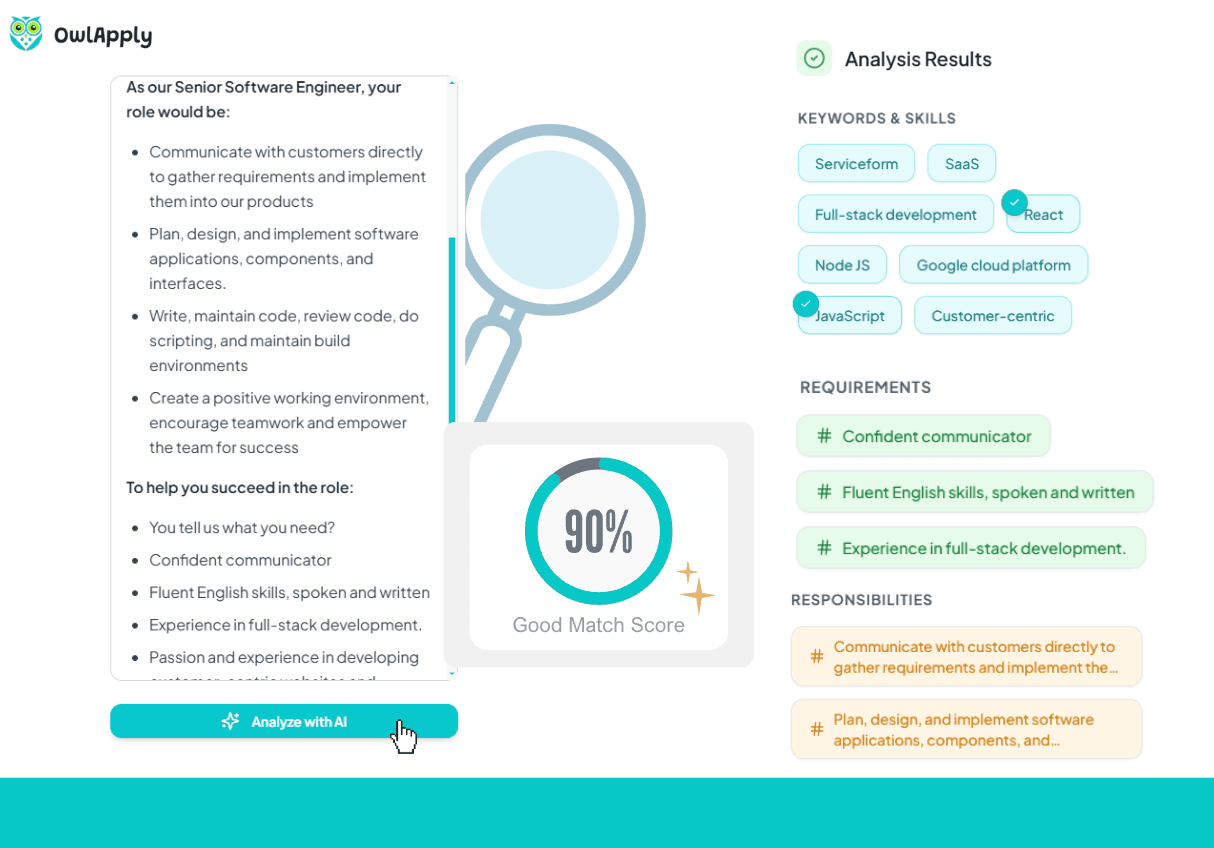
Paste any job description and the AI extracts three lists: keywords (technical skills, soft skills, tools, technologies), responsibilities (original wording from the posting), and requirements (qualifications the employer expects). See exactly what terms to target.
Select Keywords to Target
Browse the extracted lists and select the keywords, responsibilities, or requirements you want to incorporate into your resume. The AI uses your selections to guide the bullet rewriting process.
AI Rewrites With Your Keywords
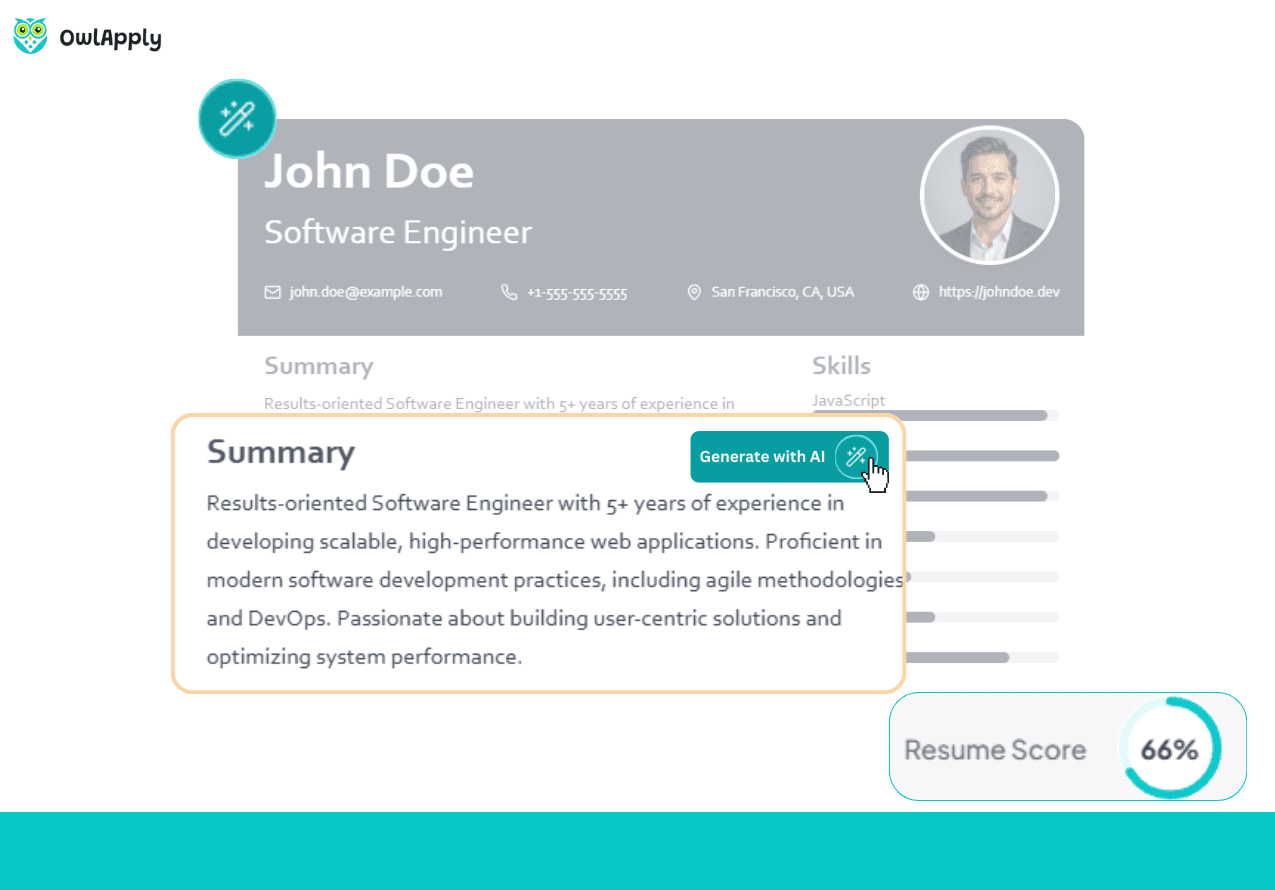
For each bullet point, the AI generates 3 alternatives that naturally incorporate your selected keywords. Each alternative uses strong action verbs, includes measurable metrics, and follows ATS-friendly formatting — without keyword stuffing.
Every Application Deserves a Tailored Resume
Generic resumes get filtered by ATS. Jobs that require 'project management' will rank resumes with that exact phrase higher than those saying 'managed projects.' OwlApply's Resume Optimizer bridges this gap.
Start by pasting the job description. The AI extracts every keyword, responsibility, and requirement into three clear lists. Then select which terms matter most for your application.
The optimizer rewrites your resume bullets using those selected keywords — generating 3 alternatives for each line. Each follows the Action Verb + Work + Result formula while naturally integrating your target terms. No keyword stuffing, no awkward phrasing — just professional bullets optimized for the specific role.
Use this for every application: paste the new job description, see the new keywords, and let AI tailor your bullets. The process takes minutes instead of hours of manual editing.
Optimize Your Resume in 4 Steps
Paste Job Description
Copy the full job description and paste it into the analyzer. The AI works with any format and language.

Review Extracted Keywords
See three organized lists: keywords, responsibilities, and requirements. Select the terms you want to target in your resume.
AI Rewrites Your Bullets
The AI generates 3 alternatives for each bullet point, incorporating your selected keywords naturally with action verbs and metrics.
Apply and Download
Choose the best alternative for each bullet, apply changes to your resume, and download as PDF — optimized for the specific role.

AI Resume Optimizer — FAQ
How does keyword extraction work?
Does it stuff keywords into my resume?
Should I optimize for every application?
How many bullet alternatives does it generate?
Does optimization change my resume's layout?
From blank page to submitted application
Build the resume, see the openings that actually match it, and send the application without filling the same form twice.
Build an ATS-ready resume
Start from a proven template or import the resume you already have, then sharpen every bullet point with AI.

Find jobs that match your resume
Live openings are scored against your resume, so the roles that fit your experience come to the top.

Apply without retyping
The Chrome extension fills applications on Workday, Lever, Greenhouse and 50+ other platforms and attaches your documents.
- 50+ ATS-ready templates
- Autofill on 50+ job platforms
- Resumes in 50+ languages