
Free ATS Resume Checker
When applications go quiet, the reason is not always your experience. Sometimes it is the document. A resume that looks right on screen can arrive at the other end with its two columns run together, or with no phone number at all, because the number was typed into the page header and the software never went in there.
Upload the file, whether you call it a resume or a CV, and you will see the raw text that comes out of it, line by line. Every layout, font and contact problem we find comes with the fix, before you open an account or type in a card.
Drop your resume here or choose a file.
PDF & DOCX only. Max 2MB file size.

Three Things Looking at the Page Will Not Tell You
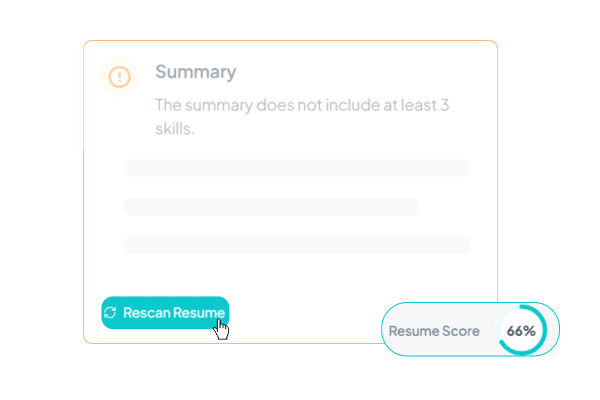
The File That Extracts as Nonsense
Some PDFs that come out of design tools look immaculate and copy out as symbols. The letter shapes are drawn correctly, but the font never records which shape stands for which character, so anything that pulls text from the file gets junk. Select a paragraph, paste it into a plain text box, and you will see it. Most people never think to try. We run the extraction for you and put the result on the screen.
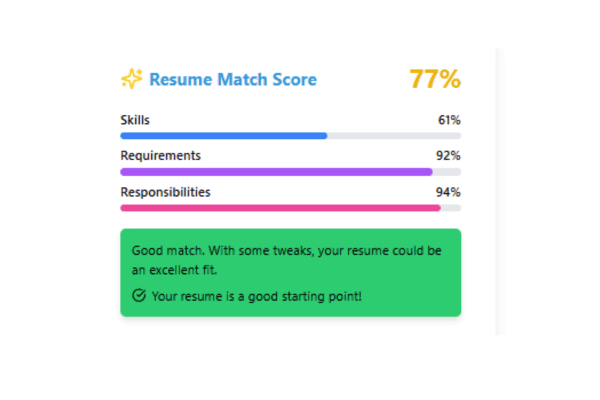
The Phone Number Nobody Receives
In Word and in PDF the page header is a separate layer from the body of the document. Put your name, email and number up there and most parsers walk straight past them. Your application lands with nothing to call you on, and nobody on the other side has any reason to suspect something went missing. On your screen it all still sits exactly where you left it.

The Words You Did Not Put There
Some resumes carry text no human eye can find: keywords set in white on white, or shrunk under four points. It usually arrives inside a template somebody downloaded, or it is left over from an edit two versions ago. Scrolling will not turn it up. The parser reads every word of it, and from the recruiter's side it reads as an attempt to game the filter. If your file has any, we show you the exact words.
Get your resume score now!
Upload your resume to instantly see your ATS score, detect critical issues, and get improvement tips.
Drop your resume here or choose a file.
PDF & DOCX only. Max 2MB file size.
We Do Not Blur the Locked Card
Getting a number out of a resume tool is easy. Knowing what to write instead is the part that costs you an evening.
Whatever we find on the file itself comes with its fix, and that side is free. On the content side you get your score, where in the resume the points went, every critical finding in full, and three fixes written out. The written fix text for the remaining findings is what the paid plan buys.
A locked finding is not smeared out to make you curious. You cannot read the text on the card, but you can see which section it belongs to, how serious it is, and how many points it is taking off. That is enough to judge whether the rest is worth paying for, which is the point.
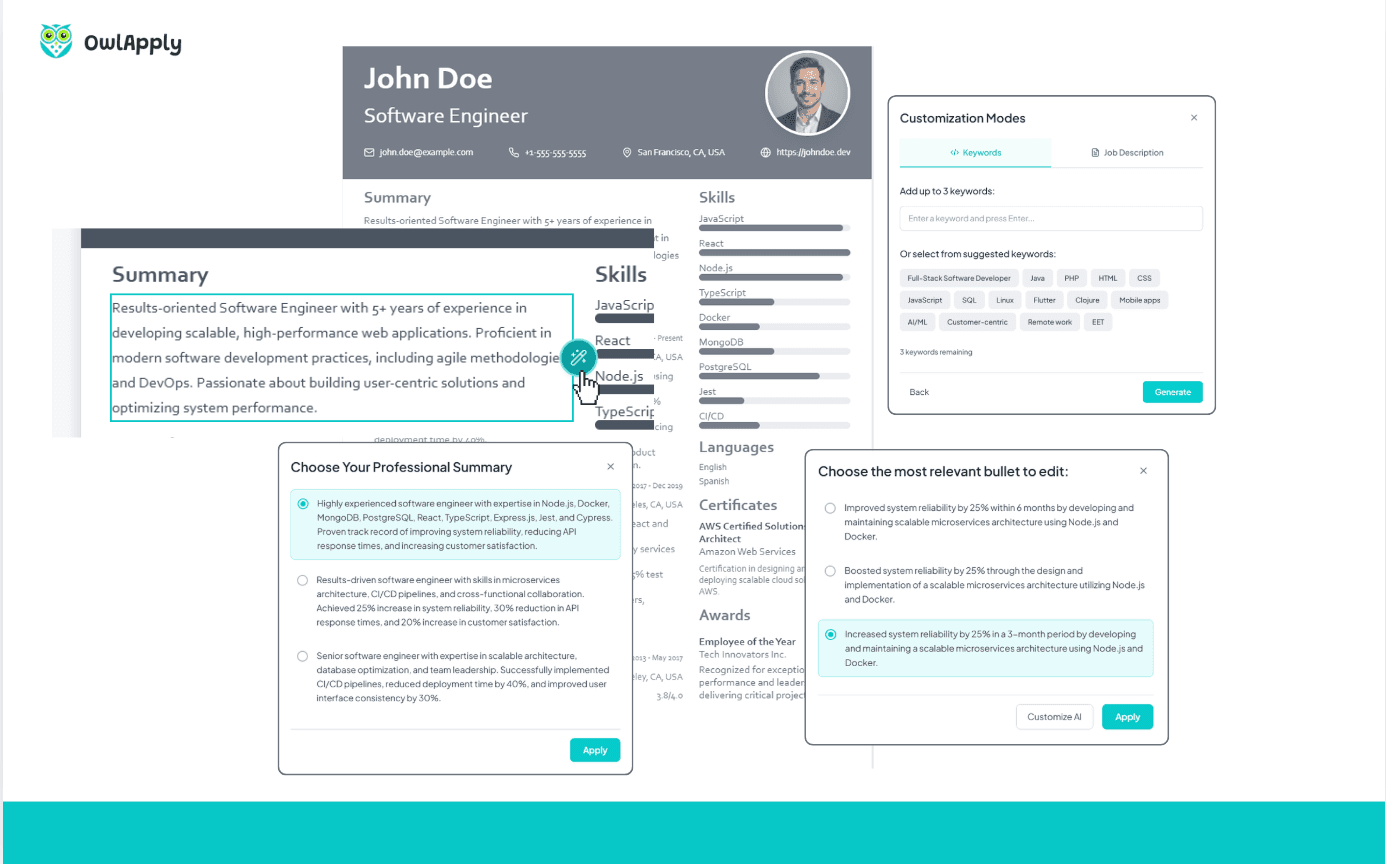
The paid side also rewrites a bullet with AI and hands back three versions for you to pick from, so nothing quietly overwrites what you wrote. Paste in a job ad and you get a separate match score for that ad, plus the terms it asks for that your skills and certificates never mention.
Monthly is $17.49 a month. Three months comes to $11.66 a month, charged as $34.99 every three months. Six months is $9.33 a month, charged as $55.99 every six months. Amounts are charged in US dollars. The cancel button sits on your subscription screen next to the date of your next payment, and access runs to the end of the period you have already paid for.
Get your resume score now!
Upload your resume to instantly see your ATS score, detect critical issues, and get improvement tips.
Drop your resume here or choose a file.
PDF & DOCX only. Max 2MB file size.
How It Works
Upload the File Itself
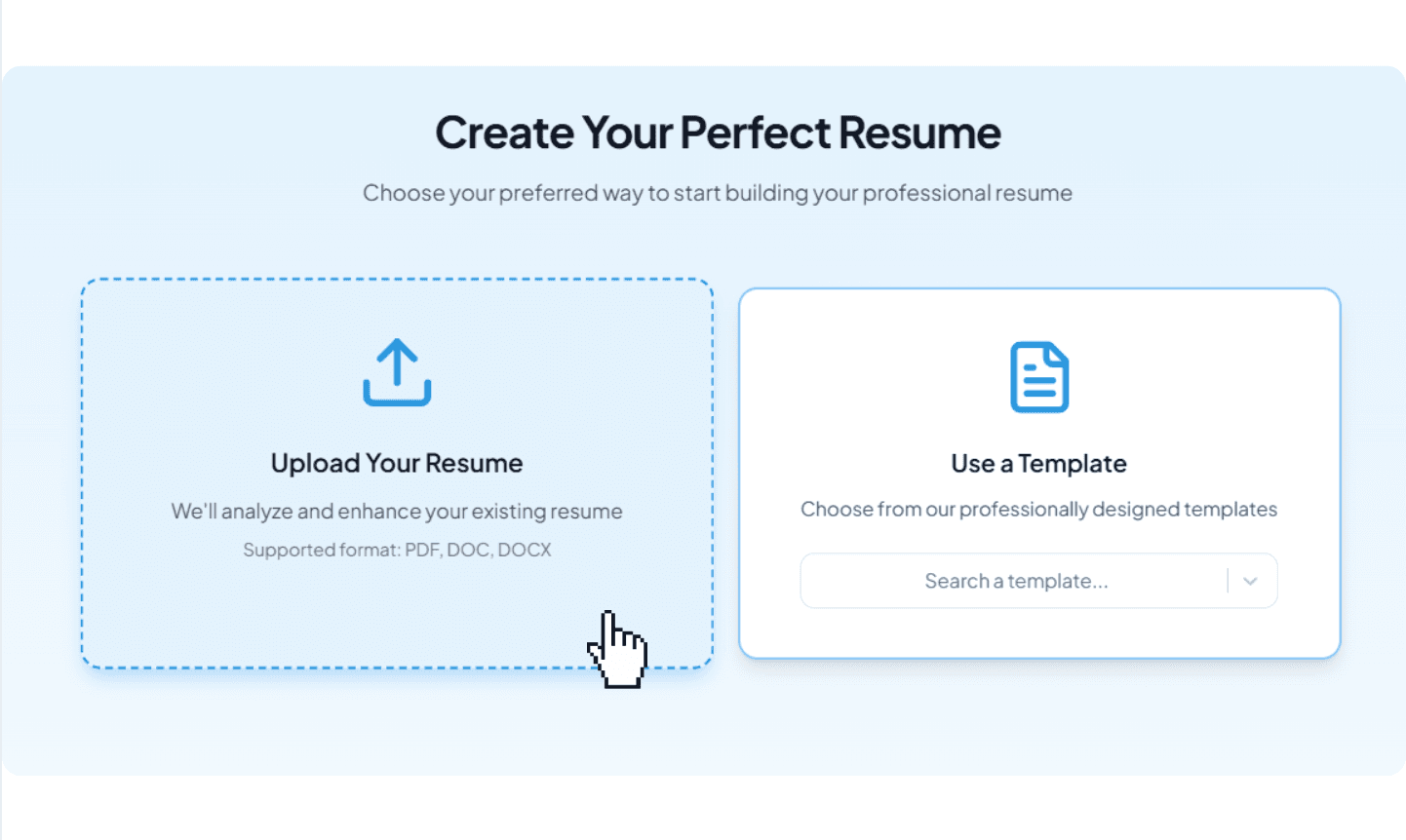
PDF or Word (.docx), up to 2 MB. No card, no account. Upload the file rather than pasting the text, because the layout, font and header checks only have something to work with when the actual document is in our hands.
Read the Raw Text
The text pulled out of your file appears with line numbers, open from the start. Did your sections keep their order. Is your phone number in there at all. Did the letters survive. You do not need to know anything about parsers to answer that; you only need to read it.

Take the Heaviest Findings First
Each finding names the section it came from and the points it is costing, and the list opens with the expensive ones. Start at the top and your first half hour buys you the most. Click a finding and it takes you to that line in your resume.
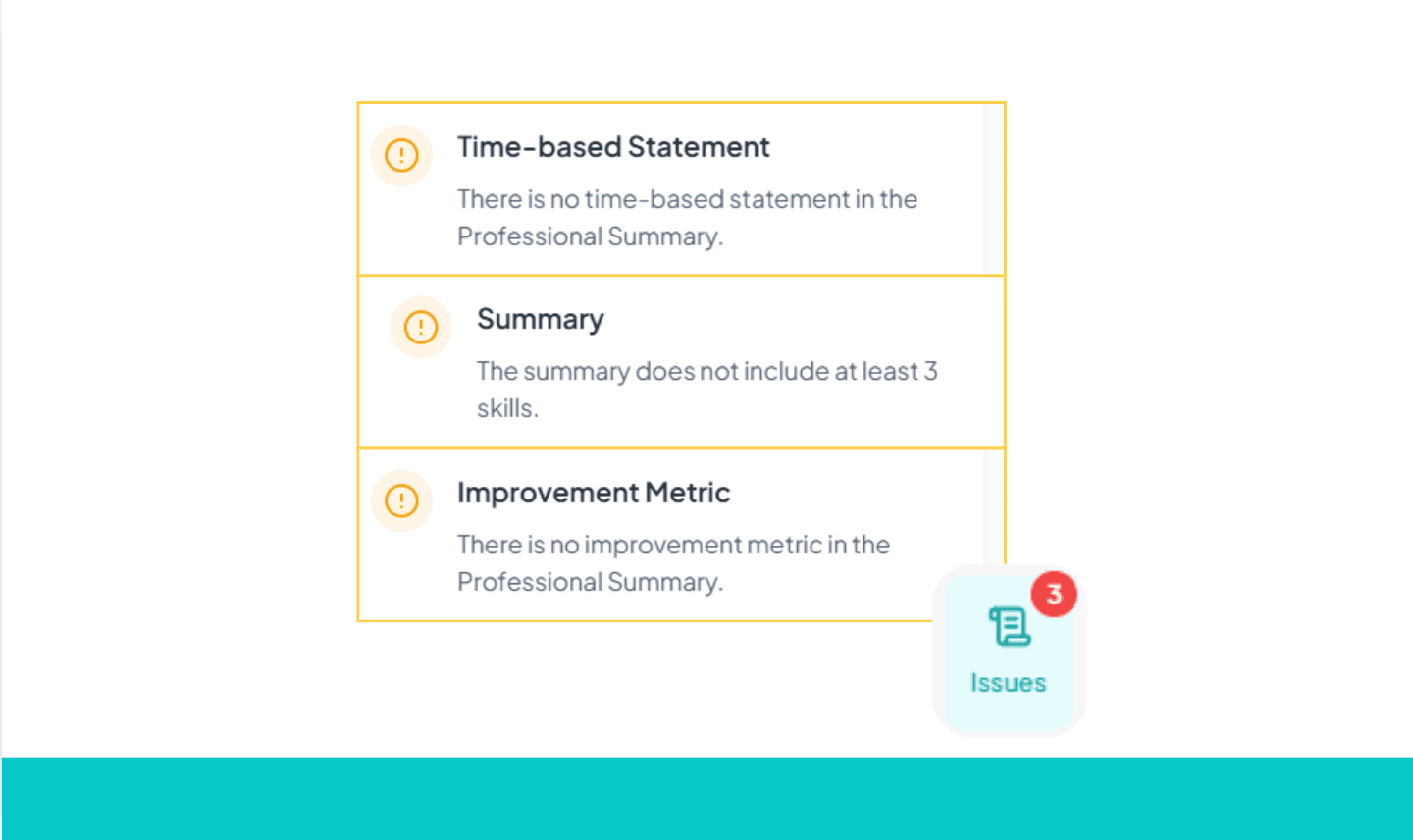
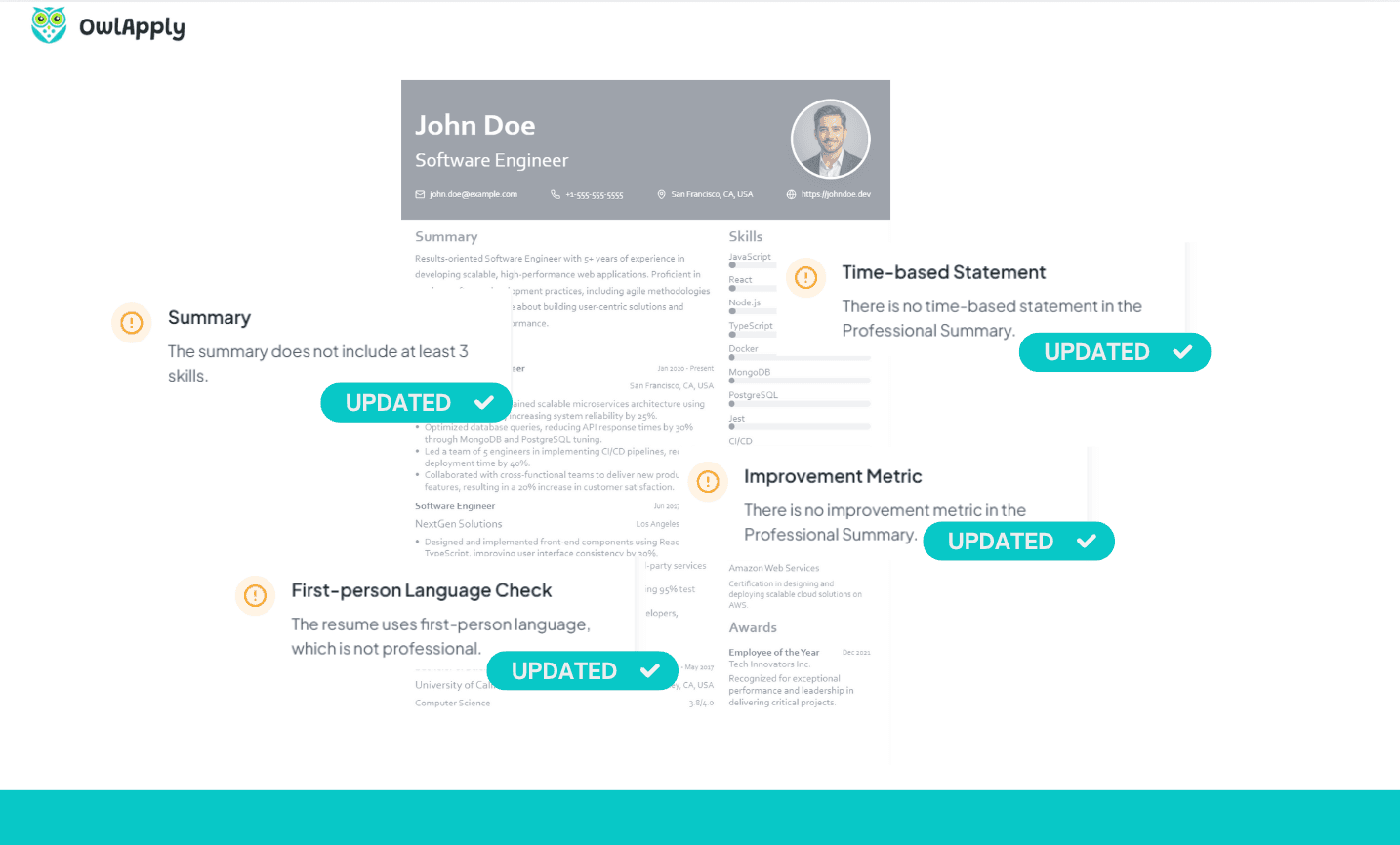
Fix It and Let It Rescore
Edit in the builder. Roughly half a minute after you stop typing, the content score works itself out again. The layout and font findings belong to the file you uploaded, and there is no file in the builder, so those do not recalculate here. To confirm you have cleared them, download the new version and upload it again.
Get your resume score now!
Upload your resume to instantly see your ATS score, detect critical issues, and get improvement tips.
Drop your resume here or choose a file.
PDF & DOCX only. Max 2MB file size.
Before You Upload
Get your resume score now!
Upload your resume to instantly see your ATS score, detect critical issues, and get improvement tips.
Drop your resume here or choose a file.
PDF & DOCX only. Max 2MB file size.
42% more recruiter replies
Tailor every resume, prove your fit with data-backed keywords, and track applications from one dashboard.

Drop in role-specific bullets and summaries vetted by certified resume writers.

Match any job posting and see your fit score update instantly.

Tweak colors, fonts, and spacing so every application feels on-brand.