
AI Job Board
Search millions of job listings from companies across all industries. Filter by location, job title, company, employment type, and salary range. Each listing shows company name, location, posting date, and a direct link to apply. Combined with the OwlApply Chrome extension, you can apply to jobs with one click — the AI fills the application form using your profile data.
Search Jobs
Find Jobs Faster With AI
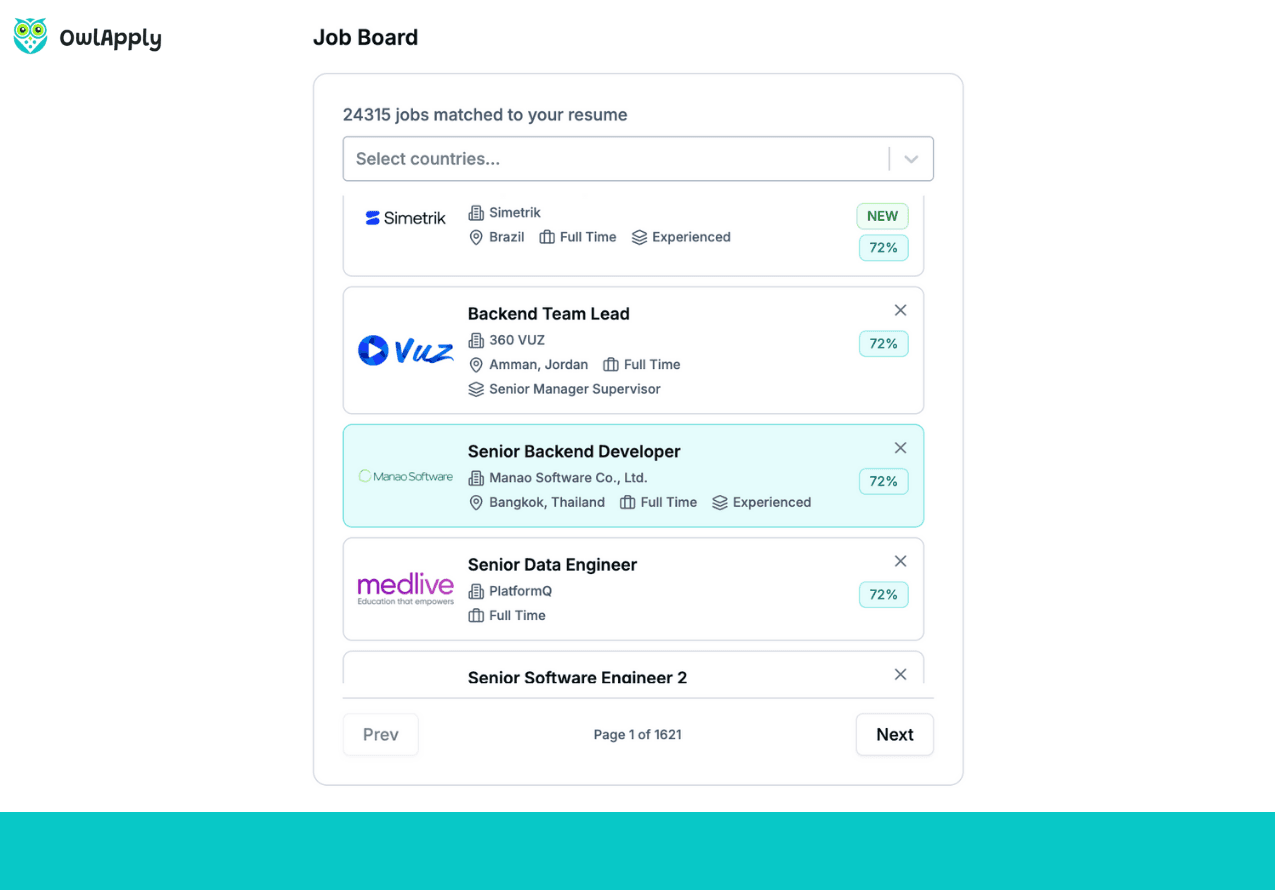
Millions of Fresh Listings
New listings are added continuously from company career pages, job boards, and ATS platforms worldwide — giving you access to millions of job openings across all industries.
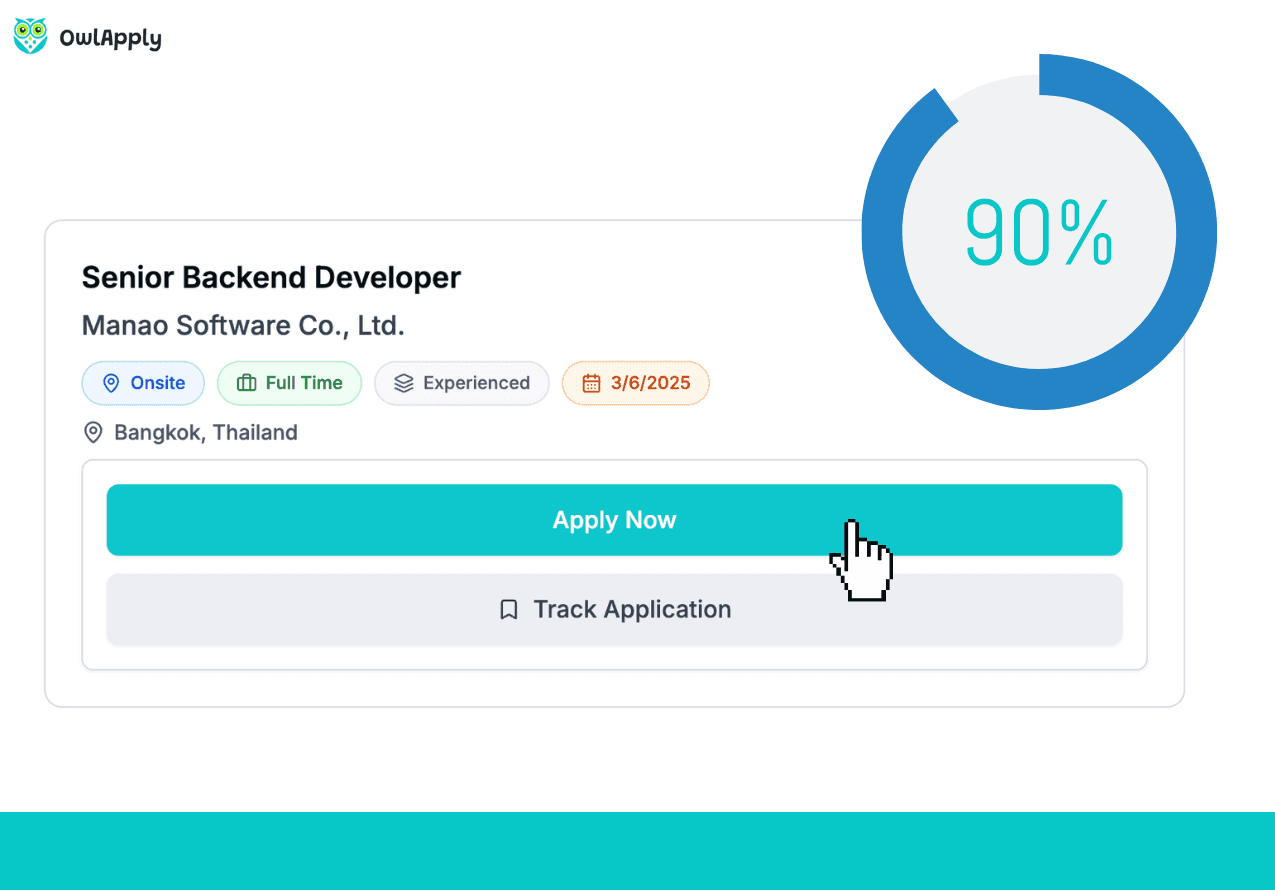
Smart Filters
Filter by location, job title, company name, employment type (full-time, part-time, remote, contract), and salary range. Find exactly what you're looking for in seconds.
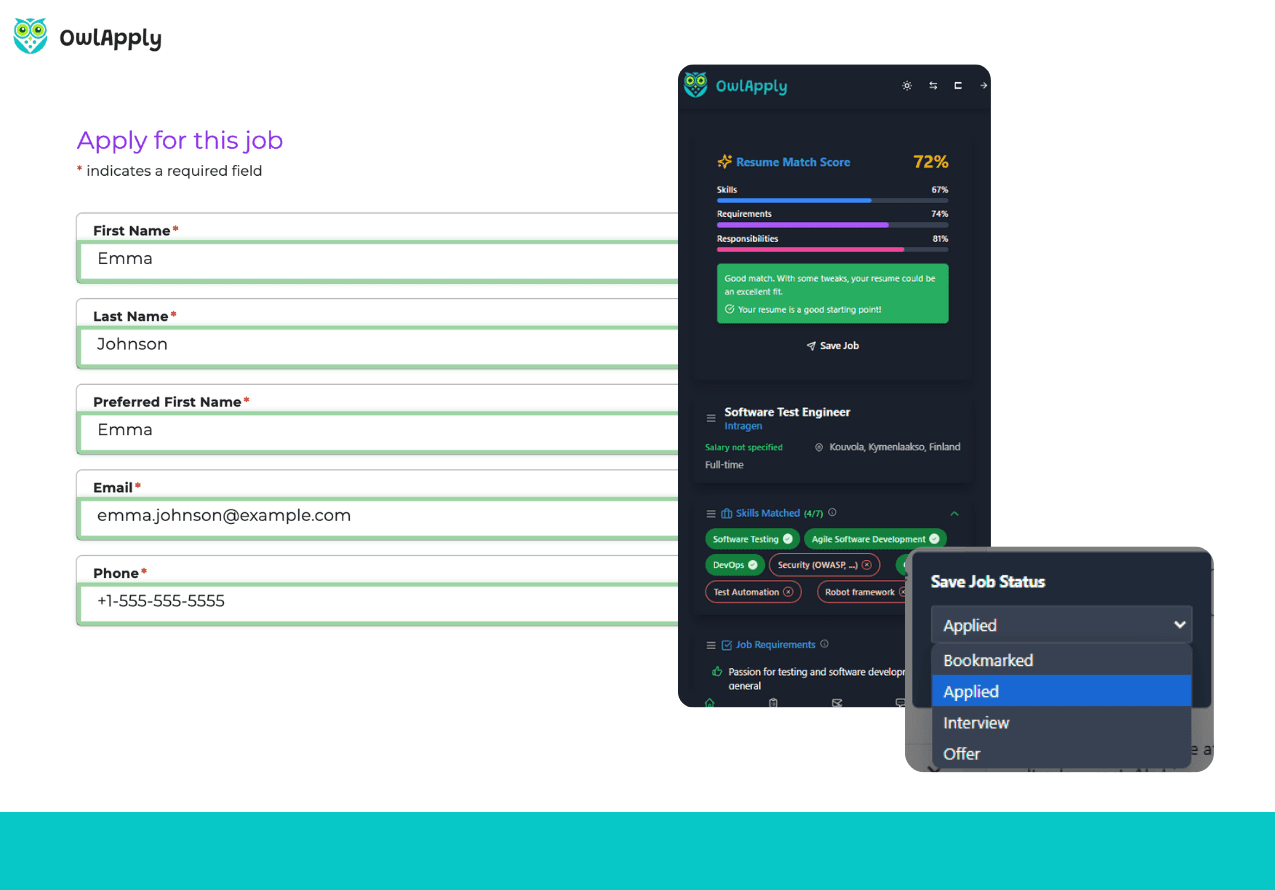
One-Click Apply
Found a job you like? Click apply and be taken directly to the application page. If the OwlApply Chrome extension is installed, it auto-fills the entire form with your profile data.
Search, Filter, Apply — All In One Place
Job hunting across multiple sites is exhausting — Indeed, LinkedIn, Glassdoor, company websites. OwlApply's Job Board aggregates millions of jobs from thousands of sources into one searchable platform.
Use smart filters to narrow results by location, title, company, employment type, and salary. Every listing shows key details so you can quickly evaluate whether to apply.
When you find a match, click the apply button to go directly to the application page. If you've installed the OwlApply Chrome extension, the application form fills itself using your stored profile data — including custom screening questions answered by AI.
Search jobs, apply faster, and track everything in the job tracker. Your complete job search workflow in one platform.
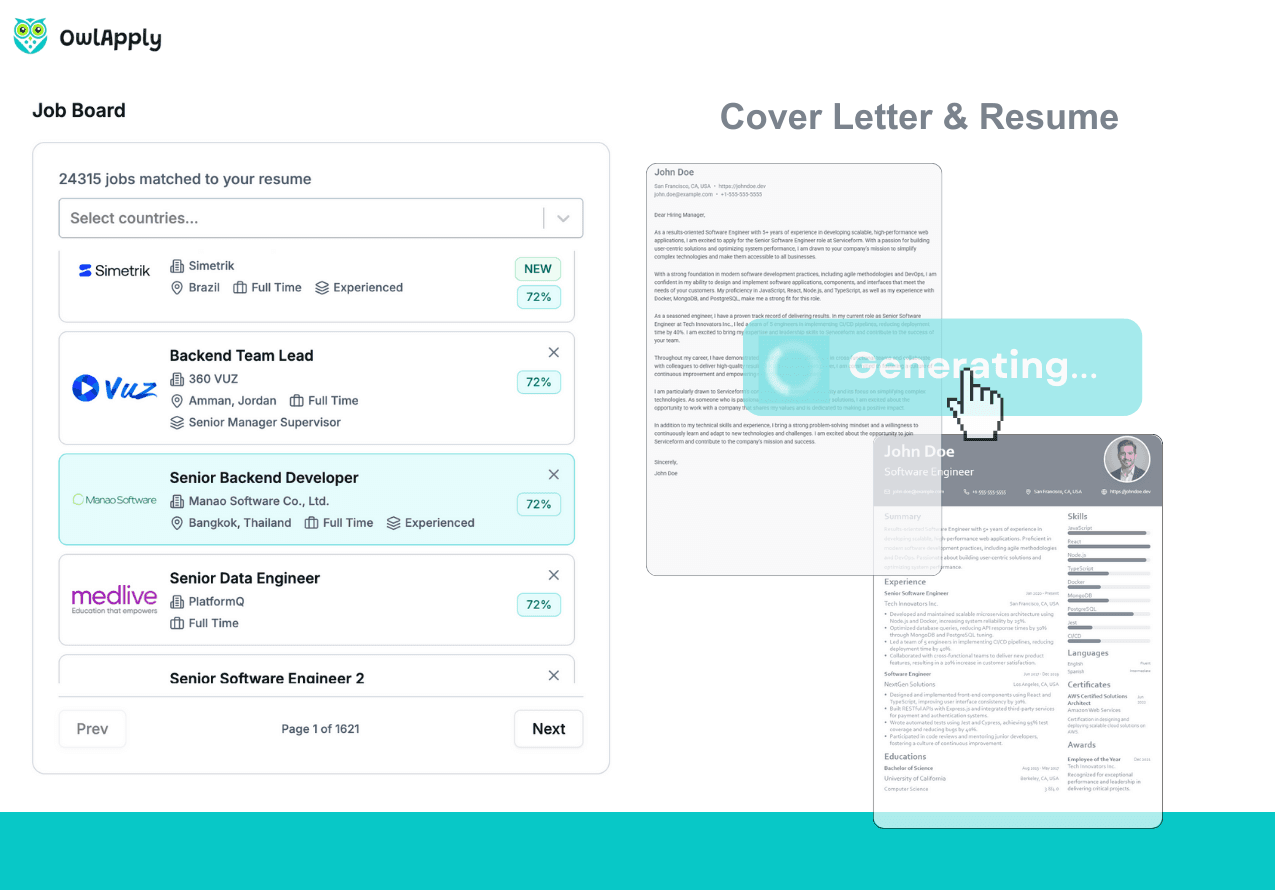
Find and Apply in 4 Steps
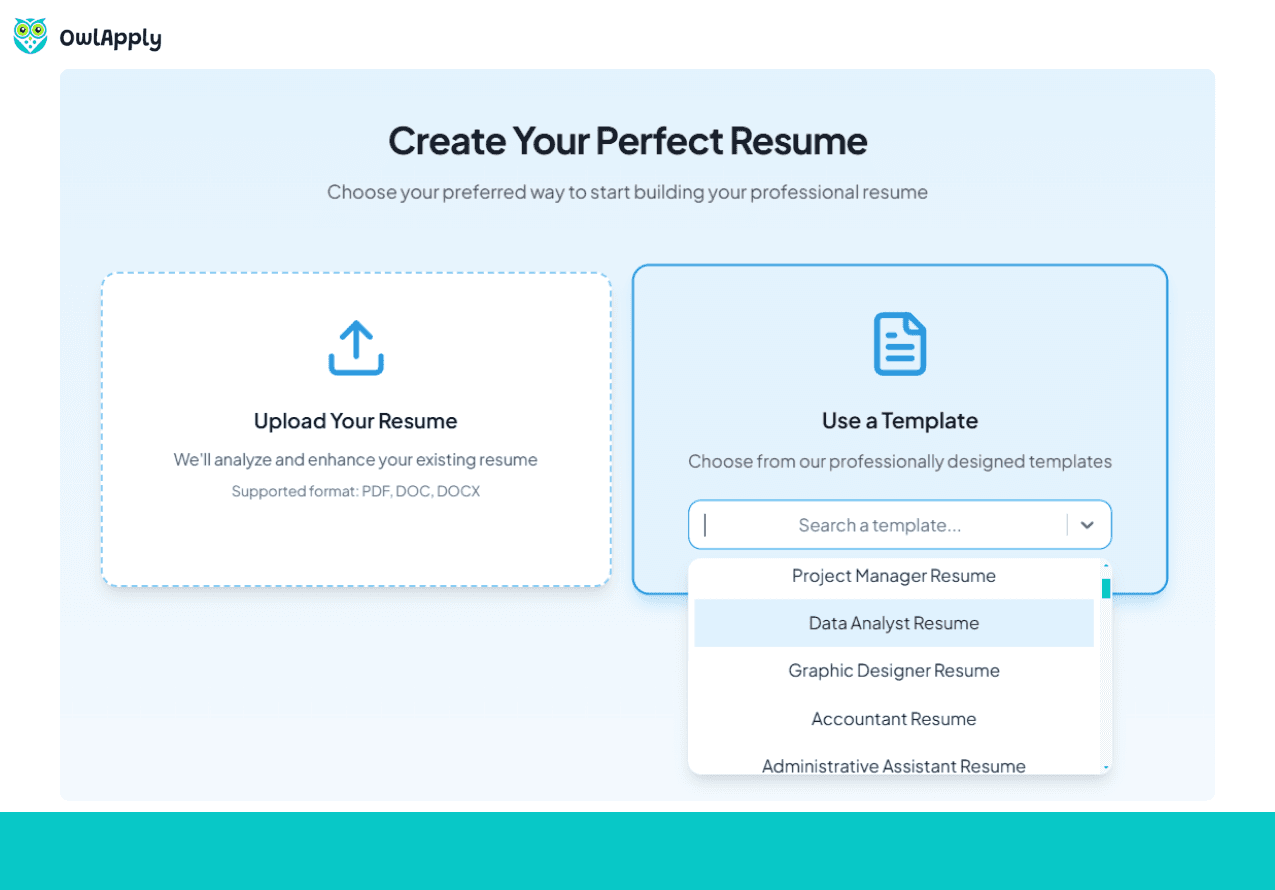
Upload Your Resume and Open Job Board
The job board matches listings to your resume using AI — so upload your PDF or Word resume first. Once your resume is in, open the Job Board and thousands of relevant listings load instantly, ranked by how well they match your skills, experience, and job titles. No manual keyword setup needed.
Filter by Location, Date, and Job Type
Narrow results using smart filters: select one or more countries, choose employment type (full-time, part-time, remote, contract), and set a date range — last 24 hours, 3 days, 7 days, or 30 days. Date filtering is a Premium feature that lets you target the freshest listings. Combine multiple filters to get a precise shortlist in seconds.
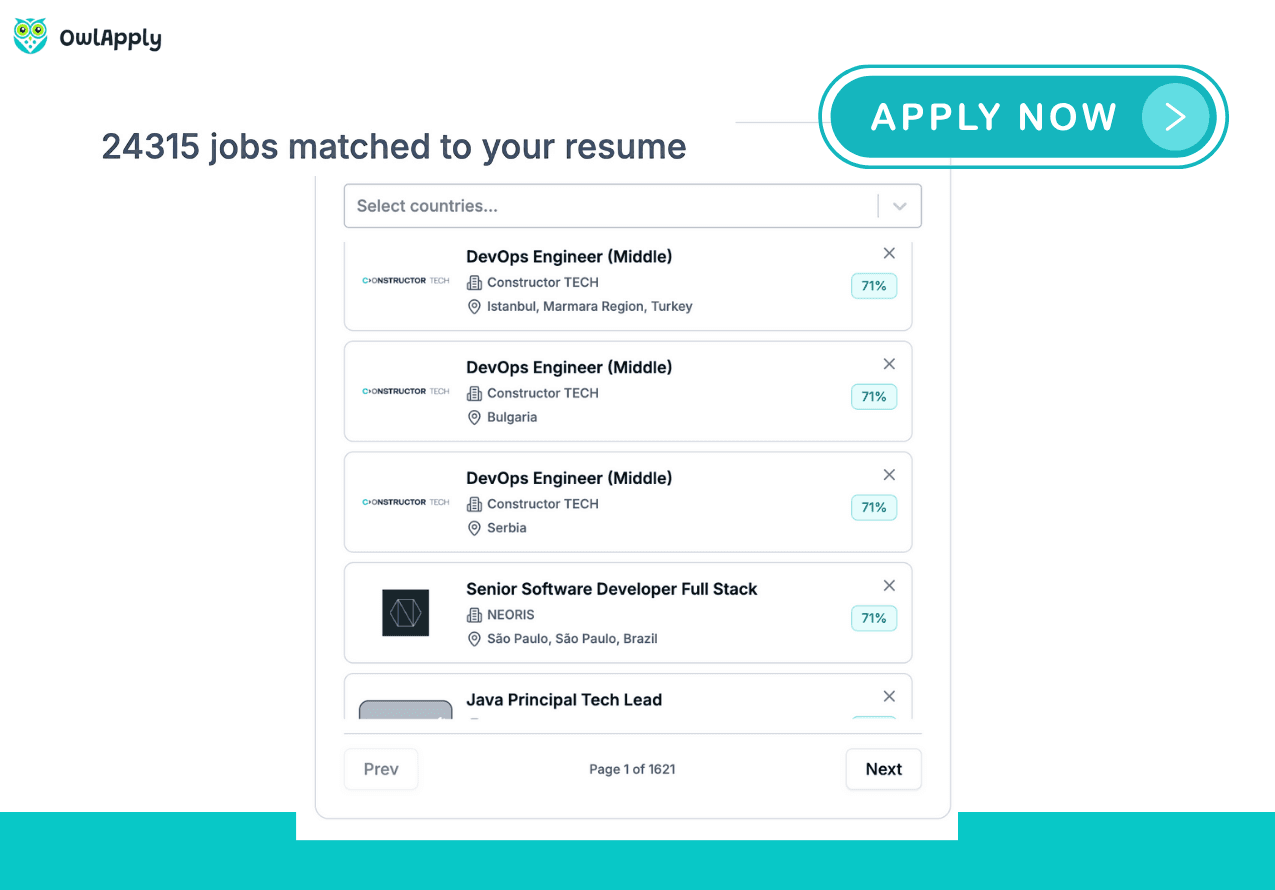
Review Listings and Manage Your Queue
Click any listing to see the full job description, company details, location, salary range, experience level, and direct application link. If a listing is not relevant — wrong salary, wrong level, already applied — hide it from your feed with the block button. Choose a reason (salary too low, location not suitable, etc.) and it disappears from future results. Use the Job Tracker button to log your application status directly from the listing view.
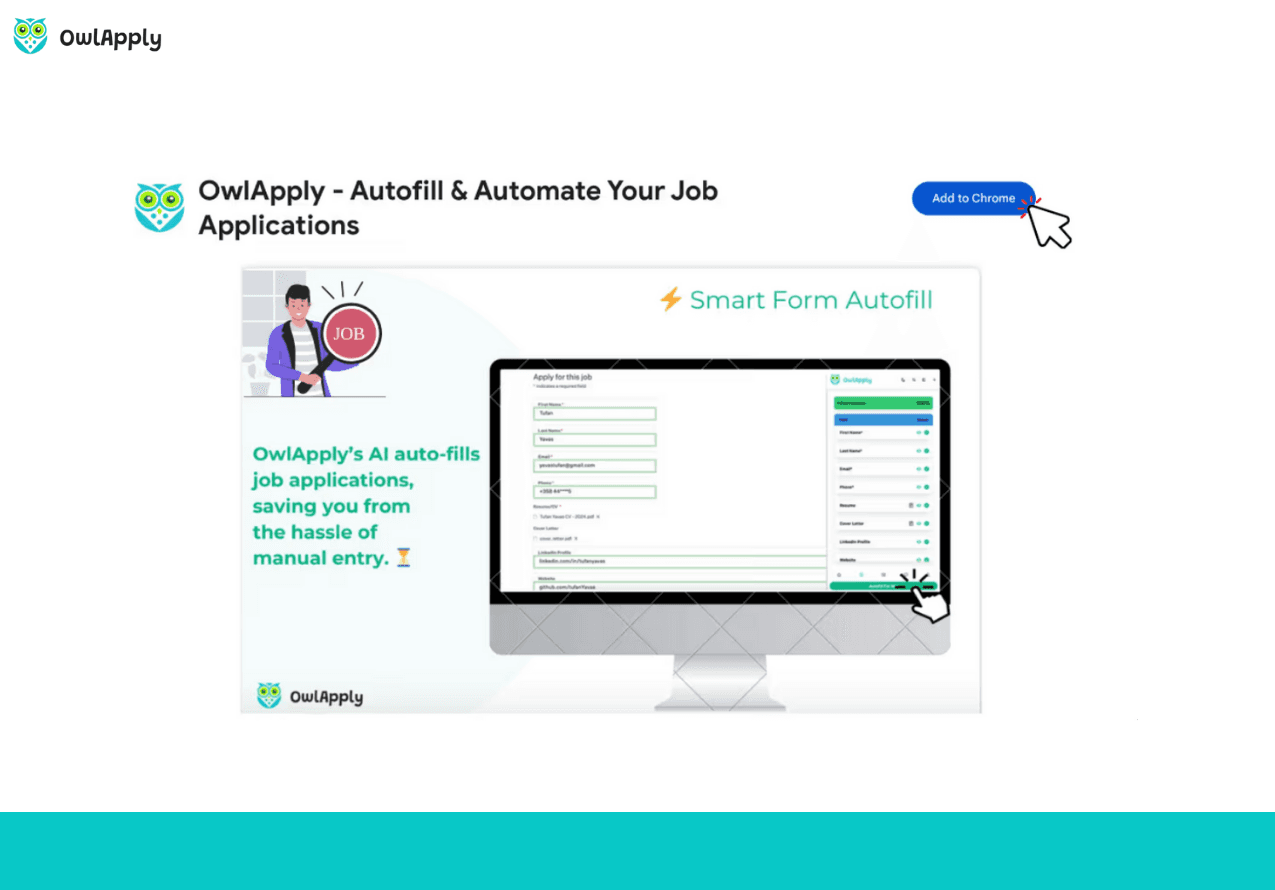
Apply Instantly with Autofill
Click Apply Now to go directly to the company’s application page. If you have the OwlApply Chrome extension installed, it automatically fills the entire form — name, contact details, work history, education, and custom screening questions — all answered with your profile data. One click, full application. Track everything in the Job Tracker and never lose track of where you applied.
Using It as a Remote Job Board
Work mode is its own filter here, separate from employment type. Choose Remote and every hybrid and onsite listing drops out of the results. That matters because most remote job boards are a curated list of a few thousand hand-picked roles; this one starts from all 9M+ listings and narrows down to the remote ones. If you want to see how the dedicated sites compare, the 30 best remote job boards and websites list ranks the curated boards by how they are moderated, and companies hiring remote customer service shows what the postings look like in one high-volume category.
- Work mode: remote, hybrid or onsite, chosen separately from the job type, so a part-time remote contract is one search rather than three.
- Location: city, state or country, with a Remote, Worldwide option for when place should not narrow anything at all.
- Employment type: full-time, part-time, contract, temporary, internship, freelance, seasonal or consultant.
- Company and department: narrow to the employers or the function you actually want.
- Posting date: bound the search to the last 24 hours, 3, 7 or 30 days.
Entry Level Remote Jobs, and Every Level Above
Experience level is a filter rather than a keyword you have to guess your way into. Entry level remote jobs are two selections: work mode set to Remote, experience set to Entry level. The same applies at the other end of the scale, where searching by title alone tends to bury senior openings under junior ones.
- Entry level and mid level
- Experienced
- Manager or supervisor, and senior manager or supervisor
- Executive and senior executive
The AI Job Board Side: Describe It Instead of Filtering
If you would rather say what you are after than assemble a filter stack, the board has an assistant that reads the request and runs the search for you. It takes plain language, and it has one-tap openings for the things people ask for most:
- Find my best matches
- Remote opportunities
- Career growth
- Skills to learn
- Salary insights
- Hidden gems
Answers come back as job cards rather than a wall of text, and opening one shows the same detail view the board itself uses, apply link included.
Remote Jobs Hiring Now
Every listing carries its posting date, and the search can be bounded by it: the last 24 hours, 3 days, 7 days or 30 days. It is the difference between remote jobs hiring now and a board nobody has pruned since the spring. Date filtering is a Premium feature.
How This Differs From Other Remote Job Sites
Listings are pulled from company career pages rather than re-posted through aggregator feeds, so the apply link takes you to the employer's own application form instead of another middleman. Free accounts can browse up to 150 results per search; Premium lifts that ceiling.
Job Board — FAQ
Where do the job listings come from?
Can I filter by location?
How does one-click apply work?
Do I need to upload my resume to use the job board?
Are listings updated regularly?
How is OwlApply's job board different from Indeed or LinkedIn?
Do I need an ATS-friendly resume to get better matches?
How many jobs can I apply to per day with autofill?
From blank page to submitted application
Build the resume, see the openings that actually match it, and send the application without filling the same form twice.

Build an ATS-ready resume
Start from a proven template or import the resume you already have, then sharpen every bullet point with AI.

Find jobs that match your resume
Live openings are scored against your resume, so the roles that fit your experience come to the top.

Apply without retyping
The Chrome extension fills applications on Workday, Lever, Greenhouse and 50+ other platforms and attaches your documents.
- 50+ ATS-ready templates
- Autofill on 50+ job platforms
- Resumes in 50+ languages