

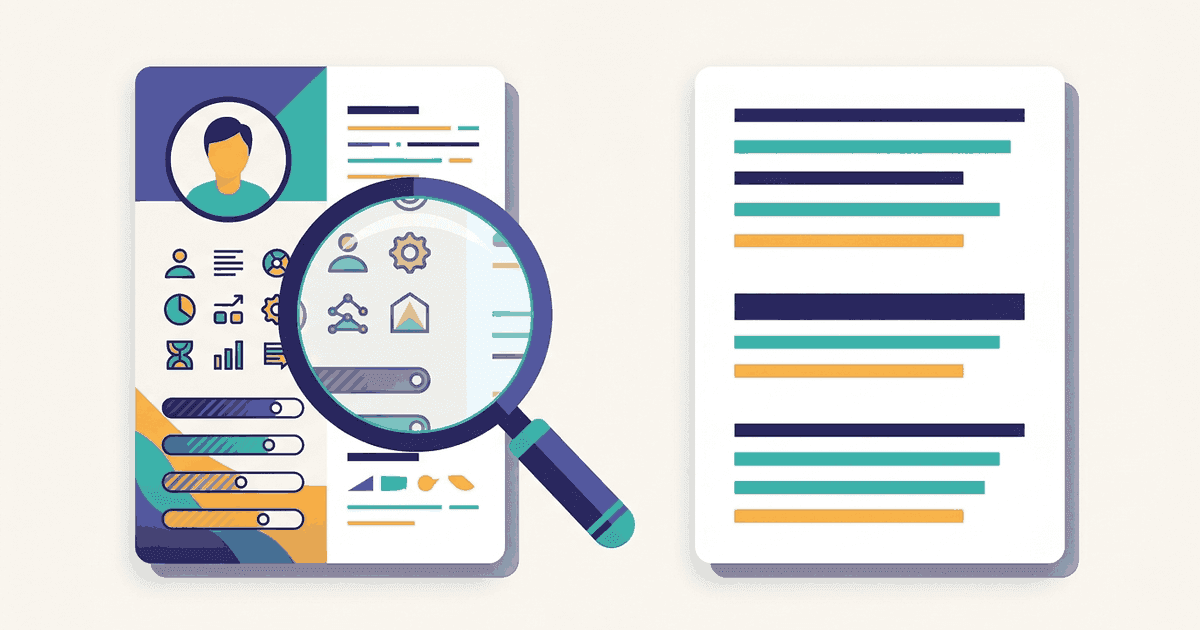
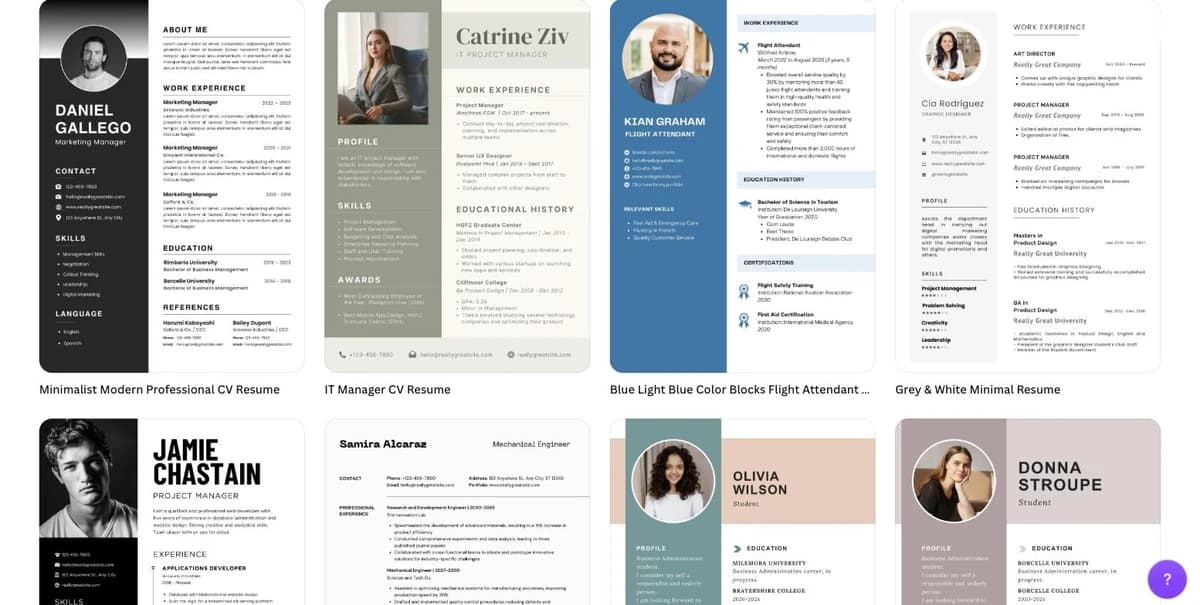
Canva's resume builder is the design editor you already know, pointed at a resume: pick one of thousands of resume templates, drag in your text and photo, download as PDF, all on the free plan. It is the fastest way to make a resume that looks designed, and that is also its problem for job applications, because the templates that make Canva popular (two columns, icon rows, skill bars, sidebars with a photo) are the layouts applicant tracking systems read worst. In our dataset of 3,313 résumé PDFs checked by an ATS parser, a table used for layout (0.7% of files), decorative icons (10.6%) and two-column designs (17.2%) were among the most common reasons a resume lost content on extraction. This review covers what Canva's resume builder does well, what it costs, how to keep a Canva resume parseable, and when to use something else.
Key takeaways
- Genuinely free: build and download a PDF with no trial and no subscription.
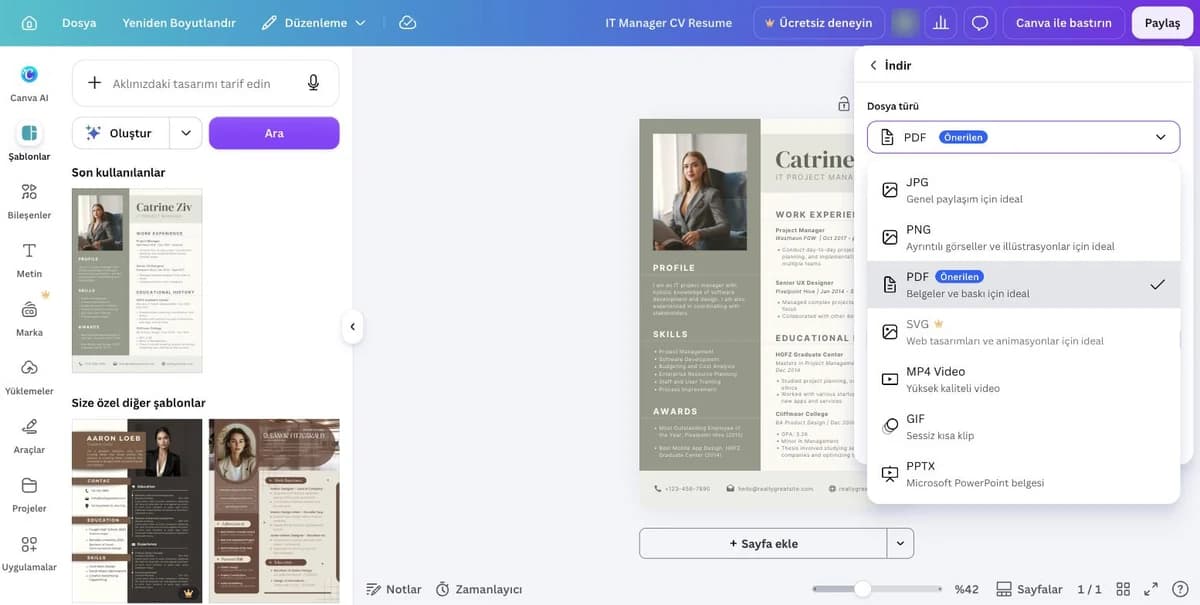
- The download menu has JPG, PNG, PDF, SVG (Pro), MP4, GIF and PPTX — no Word export.
- Most popular templates are two-column with photos, sidebars and icons, which is the layout parsers lose content on.
- No ATS check, no keyword matching, no bullet help, no tracker: it is a design tool, not a job-search tool.
- Best for: a resume a person will read first — creative roles, print, career fairs.
How this review was done
Verdict in one paragraph
Use Canva when the resume will be read by a person first: a portfolio-style application, a creative role where the design is part of the pitch, a printed resume for a career fair, or a networking hand-off. Do not send a Canva resume through a job portal or company career site without testing it, and if you must, start from one of Canva's single-column templates, remove icons and skill bars, keep contact details in the body, and run the PDF through an ATS resume checker before uploading. Canva has no resume-specific features: no ATS check, no keyword matching, no bullet rewriting, no job tracker. It is a design tool.
Canva pricing for resumes (EU figures, 14 September 2026)
| Plan | Price shown to us (EU) | What it means for a resume |
|---|---|---|
| Canva Free | €0 | Resume templates included; export to PDF, JPG or PNG; 5 GB storage; enough to make and download a resume |
| Canva Pro | €110 per year (one person, billed annually) | Premium templates and elements, background remover, brand kit, 100 GB; nothing resume-specific |
| Canva Business | €170 per person per year | Team features; irrelevant for an individual job seeker |
The important fact: making and downloading a resume is free, with no trial that converts to a subscription. That is rarer among resume builders than it should be (see the Resume Now and Resume Genius reviews), and it is a real point in Canva's favour.
What Canva does well
- Free download, no trial trap. Build, export as PDF, done. No four-weekly subscription waiting at the end.
- Design freedom. Fonts, colours, layouts, photos and icons in a drag-and-drop editor most people already know.
- Volume of templates. Thousands of resume designs, many free, in every style from minimal to illustrated.
- Matching documents. Cover letter, portfolio and business-card templates in the same style, on the same account.
Where Canva resumes go wrong
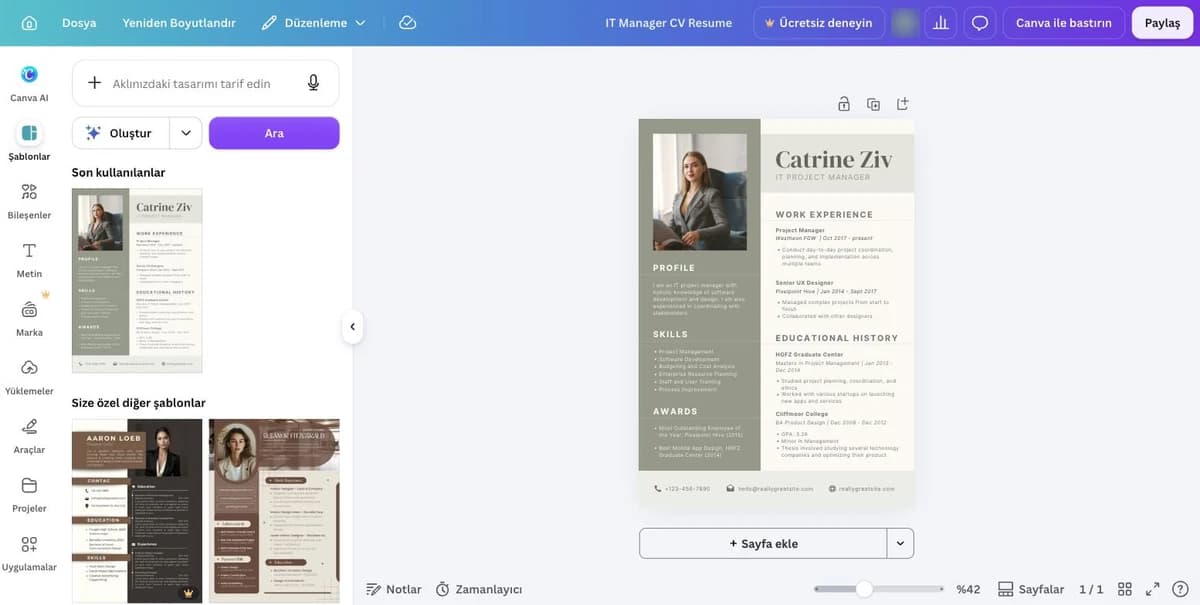
- Templates built as graphics, not documents. Text sits in text boxes positioned on a canvas. Exported PDFs usually keep a text layer, but the reading order follows the boxes, not the visual layout, so two-column designs are extracted with the columns interleaved.
- Icons, skill bars and rating dots. Parsers strip images; a skills section shown as bars extracts as nothing. 0.5% of the resumes we check put skills in images, so it is rare — but those files score about 19 points lower than a clean one.
- Contact details in a coloured header band or sidebar. Many parsers extract the body layer only; the phone number disappears.
- No resume tooling. No ATS check, no keyword matching against a posting, no bullet or summary help, no tracking, no tailoring per application.
- No Word export. The editor's Download menu offered JPG, PNG, PDF, SVG (Pro), MP4, GIF and PPTX when we checked; there is no DOCX option, so a posting that requires a Word file cannot be served from Canva without rebuilding the content elsewhere.
- Photo by default. Most popular Canva resume templates include a photo slot, which is a liability in the US, UK, Canada and Australia.
How to make a Canva resume ATS-safe
- Filter templates to single-column, text-only designs (search "simple" or "minimalist" and skip anything with a sidebar).
- Delete icon rows, skill bars, rating dots and the photo unless the posting asks for one.
- Type your name, phone, email and LinkedIn URL as plain text in the body, not in a header shape.
- Use standard headings: Experience, Education, Skills.
- Download as PDF (the recommended option in the file-type menu), not as an image, and leave "compress PDF" off; the menu has no Word export, so keep a document copy elsewhere if a posting asks for .docx.
- Upload the file to the free ATS resume checker and read the extracted text: if the sections arrive in order and the phone number is there, it will parse elsewhere too.
What OwlApply does differently (and what it does not)
- Canva wins the free export. Its PDF download is genuinely free; ours is not (it needs Pro). If a free file is the requirement and the resume is for a person rather than a portal, Canva is a reasonable answer.
- Use our checker on your Canva file. The free ATS resume checker takes any PDF without an account and shows the extracted text. On a two-column Canva design that single test usually settles the argument.
- What Canva has no equivalent of: keyword matching against a posting, bullet rewriting, a job tracker, the job board that ranks openings against your resume, the autofill extension (which summarises the posting into ranked requirements and rates your resume against each one before it fills the form) and spoken AI mock interview practice. OwlApply bundles those in Pro.
- Where Canva wins: design freedom and a free file. Nothing in our catalogue looks like a Canva template, and that is on purpose. The boldest designs we offer are the creative resume templates.
The other builders we tested the same way
We opened an account on each of these and checked the price it showed on the same day, so the numbers can be compared against one another: Zety (trial-then-subscription), Resume Now (trial-then-subscription), Resume Genius (trial-then-subscription), Kickresume (free download tier), Enhancv (seven-day free plan), Teal (free tracker plus builder), Resume Worded (feedback tool, not a builder). All nine, including OwlApply, are set side by side in the best AI resume builders comparison, with the same-day prices in one table.
Test your Canva resume before you upload it
Upload the PDF and read the text a parser extracts, line by line, with the file-level findings. Free, no account.