





Resume Keyword Generator
Paste any job description and the AI instantly extracts three organized lists: keywords (hard skills, soft skills, tools, technologies, industry terms), responsibilities (exact sentences from the posting), and requirements (qualifications the employer expects). Use these lists to identify which terms your resume is missing and add them strategically to pass ATS filters.
Extract Keywords Now
Three Lists From One Job Description
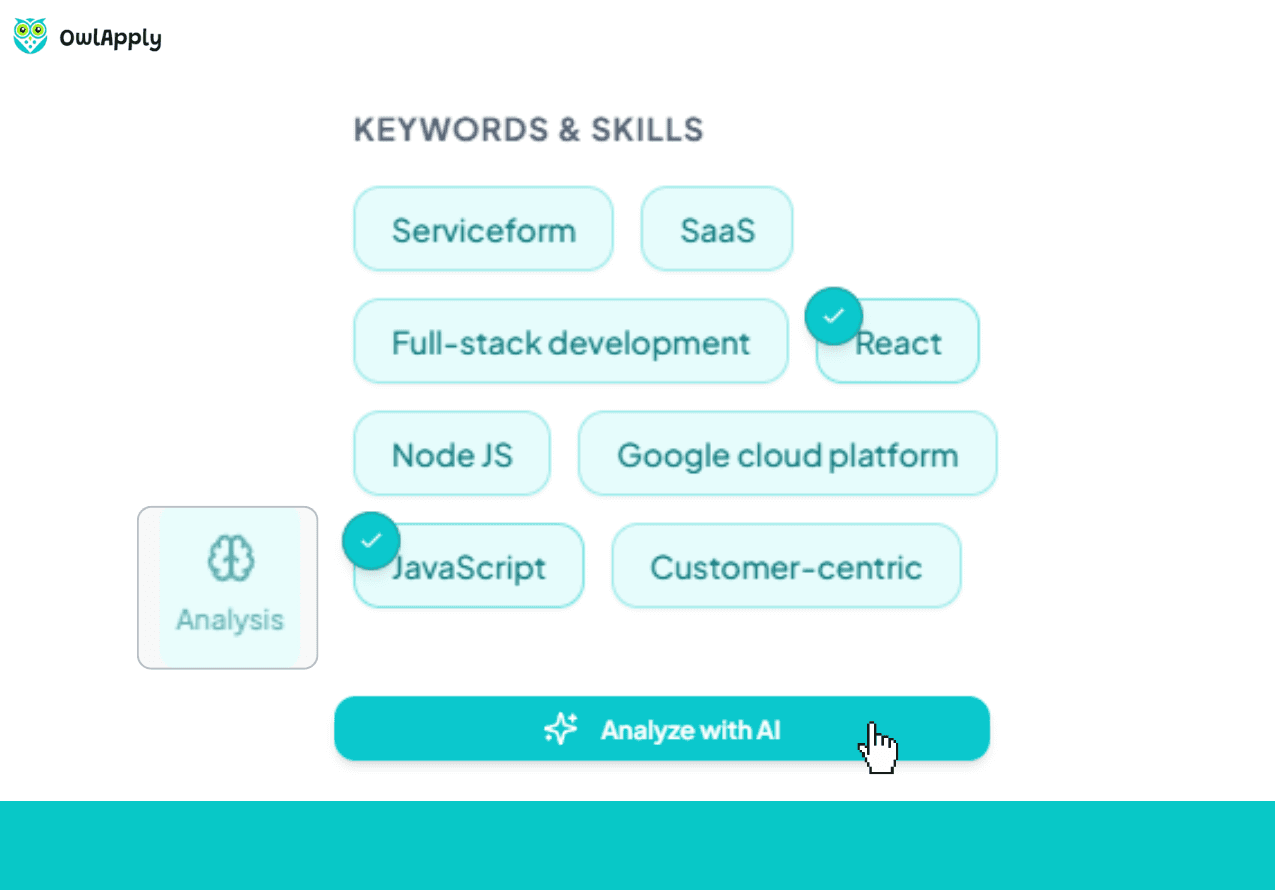
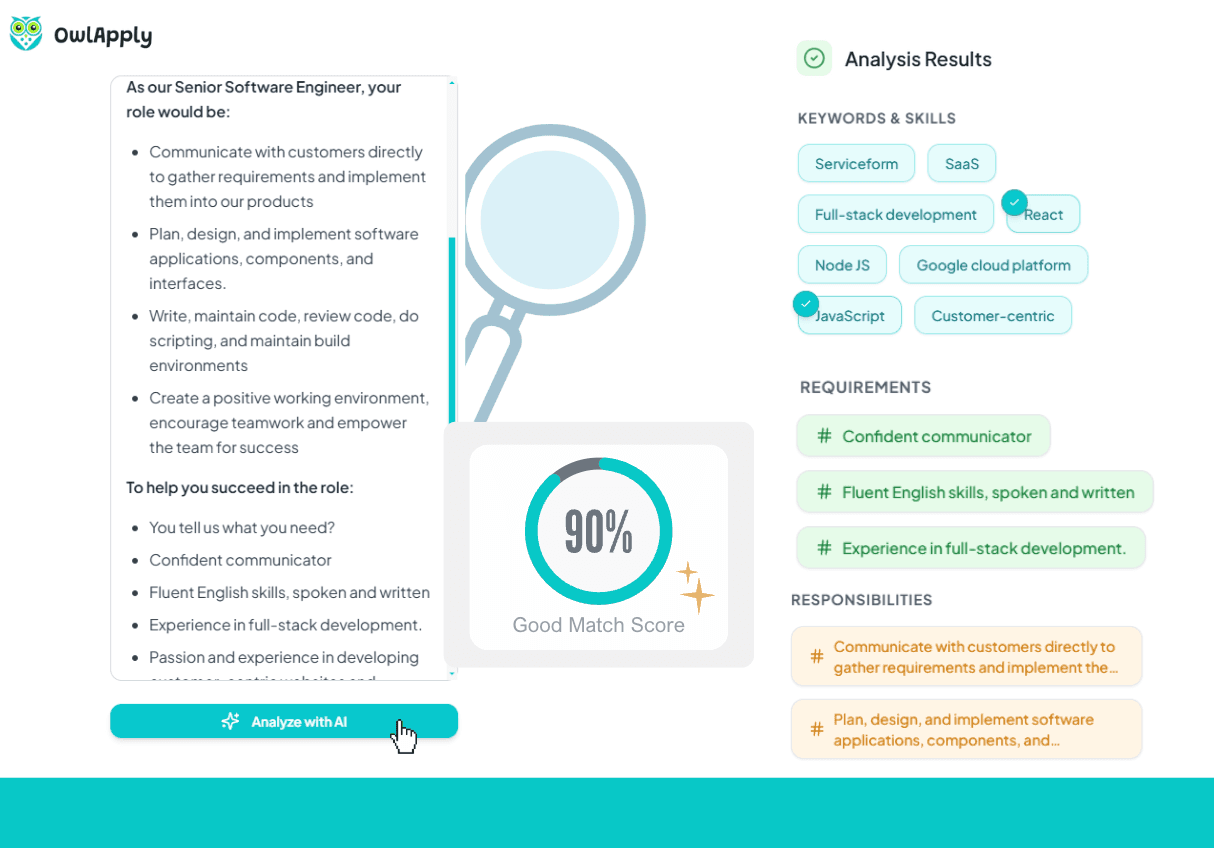
Keywords Extraction
The AI identifies every relevant keyword explicitly mentioned in the job description: hard skills, soft skills, industry terms, tools, and technologies. Keywords are listed without categorization so you can scan them quickly and identify which ones your resume is missing.
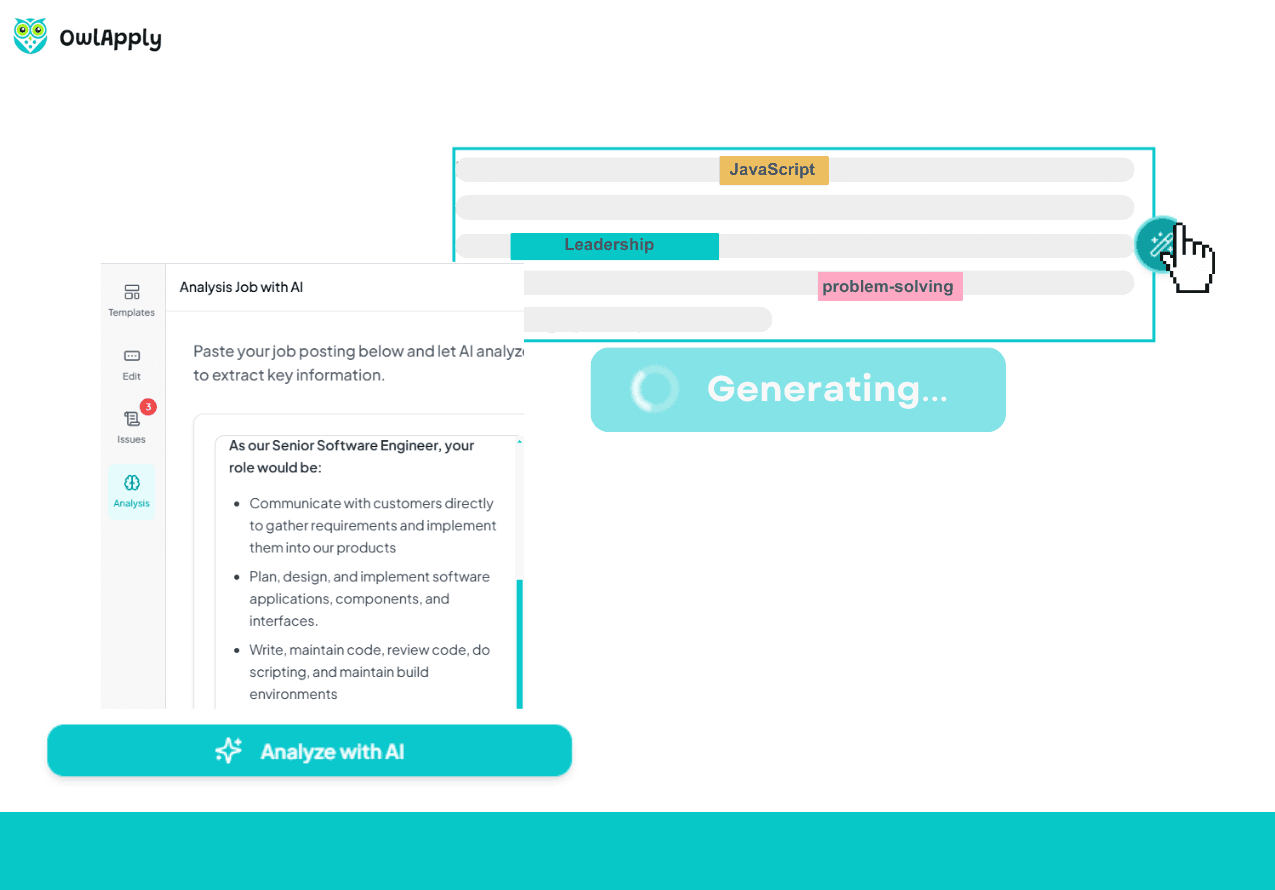
Responsibilities Breakdown
The AI extracts responsibility sentences from the job description in their original phrasing. See exactly what the employer expects day-to-day — then mirror that language in your experience bullets to create direct alignment between your resume and the role.
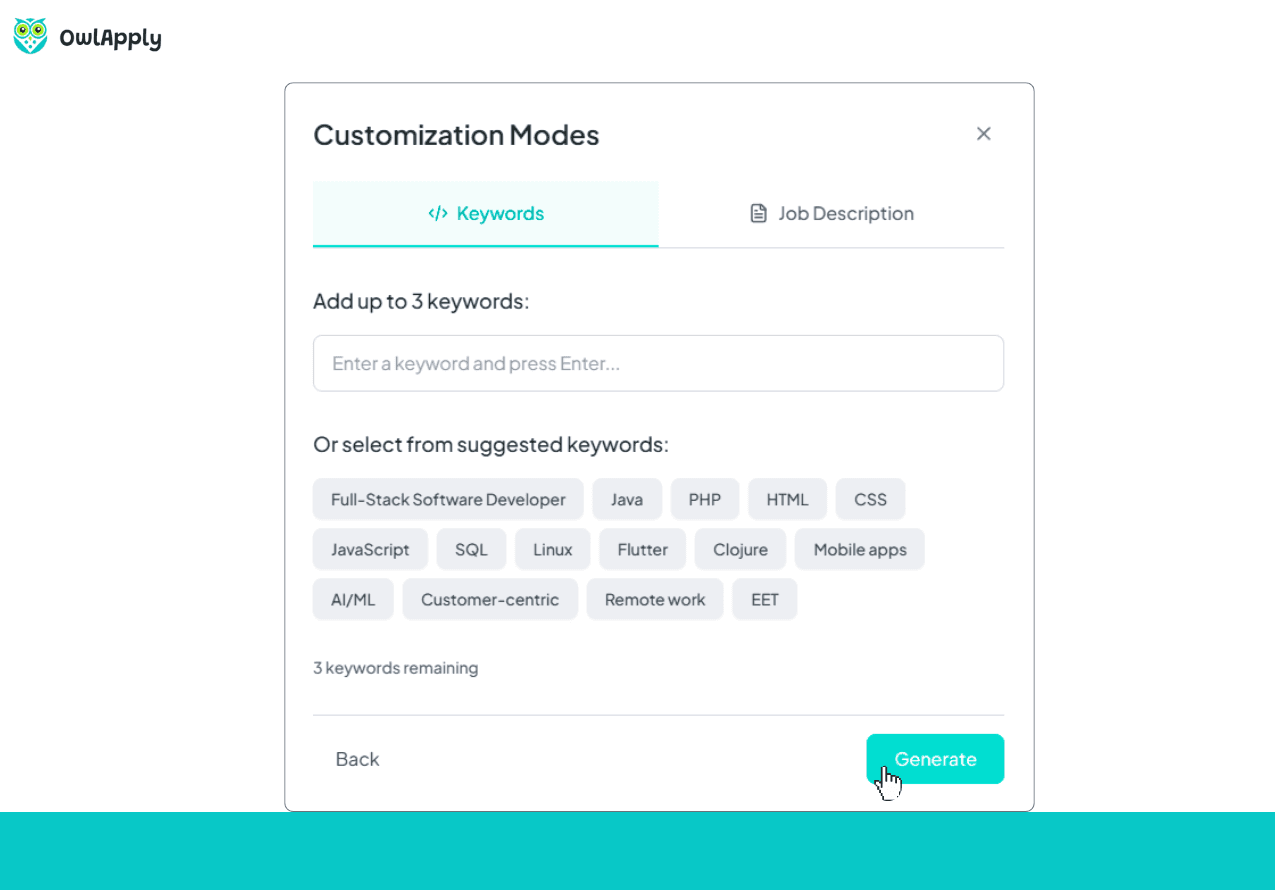
Requirements Analysis
The AI pulls out every requirement from the posting: education, certifications, years of experience, specific qualifications. These are listed in the job description's original phrasing so you can verify which requirements you meet and highlight them in your resume.
Know Exactly What the Employer Wants
ATS systems filter resumes by keyword matching. If the job description says 'project management' and your resume says 'managed projects,' the ATS may not make the connection. The difference between getting an interview and being filtered out often comes down to using the exact terms from the job posting.
OwlApply's Keyword Generator solves this by analyzing the entire job description and extracting every relevant keyword, responsibility, and requirement into three clear lists. The AI identifies hard skills (Python, SQL, Figma), soft skills (cross-functional collaboration), industry terms (DevOps, CI/CD), tools, and technologies.
Responsibilities are extracted in their original phrasing from the job description — not summarized or paraphrased. This lets you see exactly how the employer describes the role and mirror that language in your resume bullets.
Requirements are pulled separately: education level, certifications, years of experience, and specific qualifications. The AI does not add generic academic degrees unless explicitly mentioned in the posting.
Once you have these three lists, use them with the resume builder's keyword targeting feature to generate bullets that naturally incorporate the terms employers are looking for.

Extract Keywords in 4 Steps
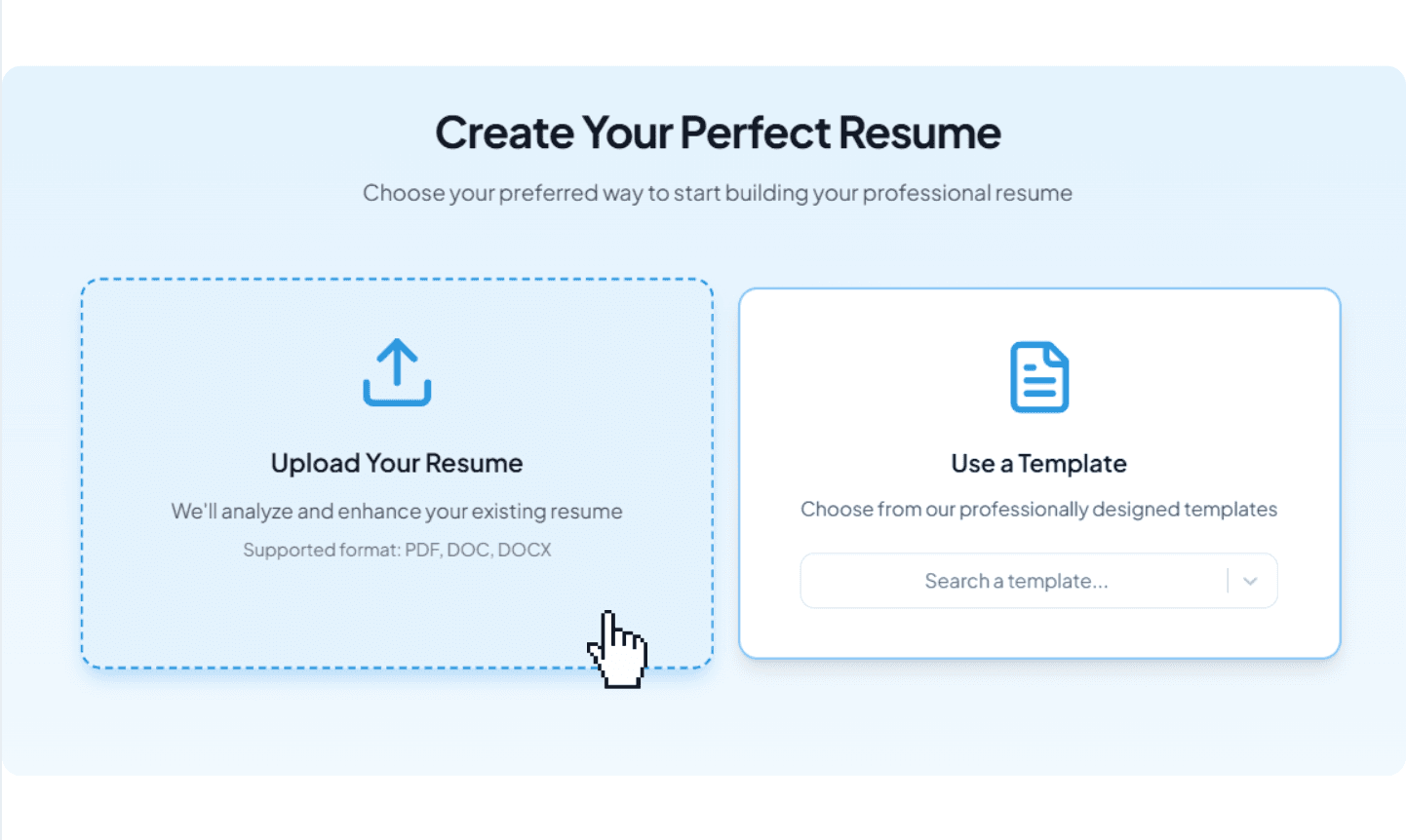
Paste the Job Description
Copy the full job description from any job posting and paste it into the analysis section. The AI works with any format and language.
AI Extracts Three Lists
The AI analyzes the text and outputs three organized lists: keywords (skills, tools, technologies), responsibilities (original phrasing), and requirements (qualifications).
Identify Gaps in Your Resume
Compare the extracted keywords with your current resume. Spot the terms that are missing and need to be added for ATS compatibility.
Add Keywords to Your Resume
Use the extracted keywords and responsibilities in the resume builder's AI customization feature to generate targeted bullets that incorporate the right terms naturally.
Keyword Generator — FAQ
42% more recruiter replies
Tailor every resume, prove your fit with data-backed keywords, and track applications from one dashboard.

Drop in role-specific bullets and summaries vetted by certified resume writers.

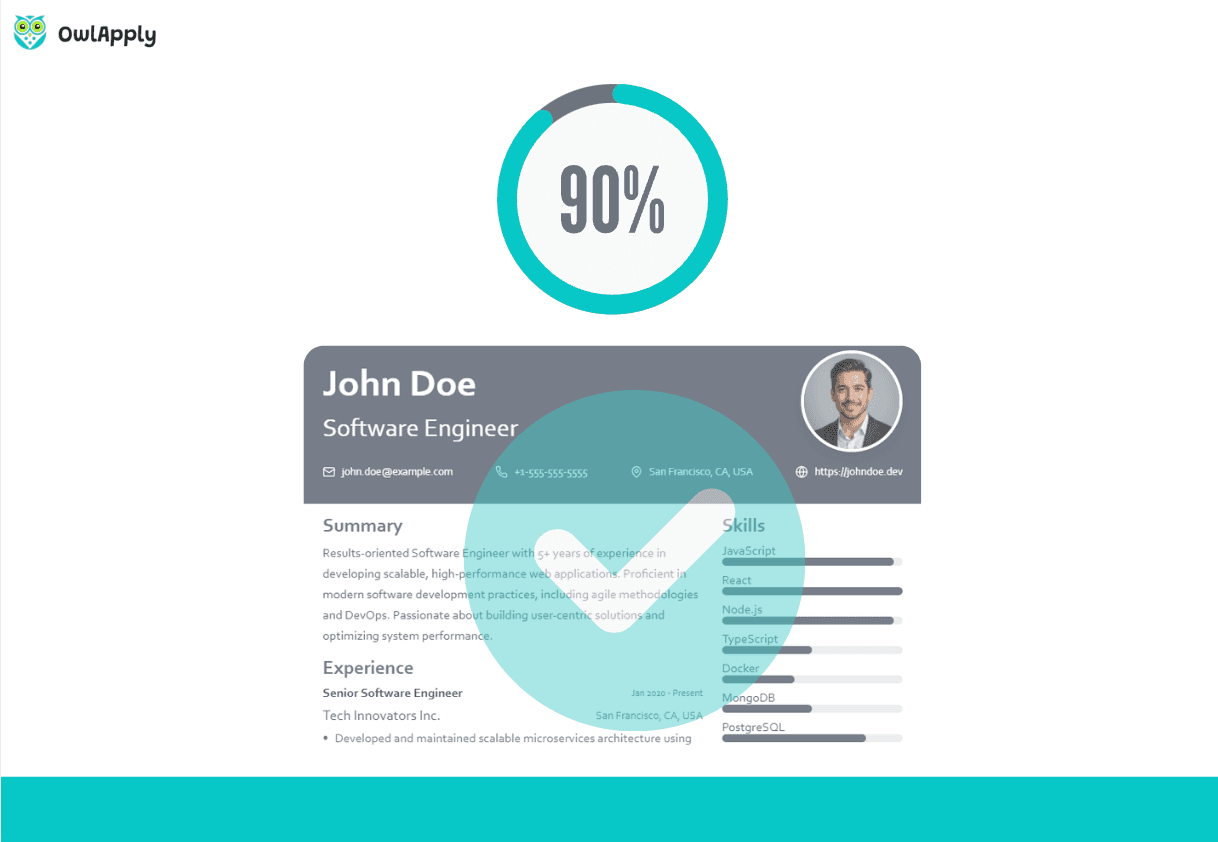
Match any job posting and see your fit score update instantly.

Tweak colors, fonts, and spacing so every application feels on-brand.