
AI Resume Assistant
An AI resume expert that has full access to your resume data and can edit it directly. Ask it to rewrite a weak bullet point, add missing skills for a target role, fix your summary, restructure an experience section, or explain how to handle an employment gap. Changes are applied to your resume in real time and every edit can be undone individually.
Open Resume Assistant
What the AI Resume Assistant Can Do

Edits Your Resume Directly
This is not just advice. The AI applies changes directly to your resume: rewriting bullet points, adding or removing skills, updating the summary, adjusting section content, and restructuring entries. You see the edits appear in your resume in real time.

Ask Anything, Undo Anything
Ask the assistant to rewrite a weak bullet, improve ATS compatibility for a target role, add missing keywords, or explain how to handle a career gap. Not happy with a change? Every edit — even individual field changes — can be undone separately with one click.

Knows Every Section of Your Resume
The AI has full context of your resume: personal info, work experience, education, skills, projects, certifications, languages, and more. It can edit any section, compare your content against target roles, and make improvements that are specific to your career history.
A Resume Expert That Actually Edits
Most AI tools give you advice. OwlApply's AI Resume Assistant goes further — it edits your resume directly.
Tell it what you want in plain language: "rewrite my summary for a product manager role", "add Python and SQL to my skills", "make my experience bullets stronger with metrics", "remove the references section". The AI understands your request, generates the changes, and applies them to your actual resume as JSON patches.
Every change is tracked. You can undo an entire AI response, undo a single field change within a response, or restore your resume to its original state before the conversation. No changes are permanent until you're satisfied.
The assistant can also help with layout: reorganizing sections, adding custom sections, showing or hiding fields. If you need specific advice first, just ask — not every message has to trigger an edit.

Edit Your Resume with AI in 4 Steps
Upload or Create Your Resume
Upload a PDF or Word file, or build a resume using the OwlApply builder. The AI assistant needs your resume data to read context, apply accurate edits, and personalize its suggestions to your actual career history.

Open the AI Assistant
Inside the resume builder, click the AI chat button to open the assistant panel. It slides in alongside your resume so you can see every change applied live as you chat.

Tell It What to Change
Describe what you want in plain language: "rewrite my summary for a senior product manager role", "add Python to my skills", "make my bullets stronger", "remove the references section". The AI generates the edits and applies them to your resume in real time.

Review and Undo Any Change
Every AI edit is tracked in a change log. Undo an individual field change, roll back an entire AI response, or restore your resume to its state before the conversation started. Continue chatting to refine further.

AI Resume Assistant — FAQ
Does it actually edit my resume, or just give advice?
Can I undo what the AI changes?
What sections can it edit?
Does it read all my resume content?
Is it available anytime?
From blank page to submitted application
Build the resume, see the openings that actually match it, and send the application without filling the same form twice.
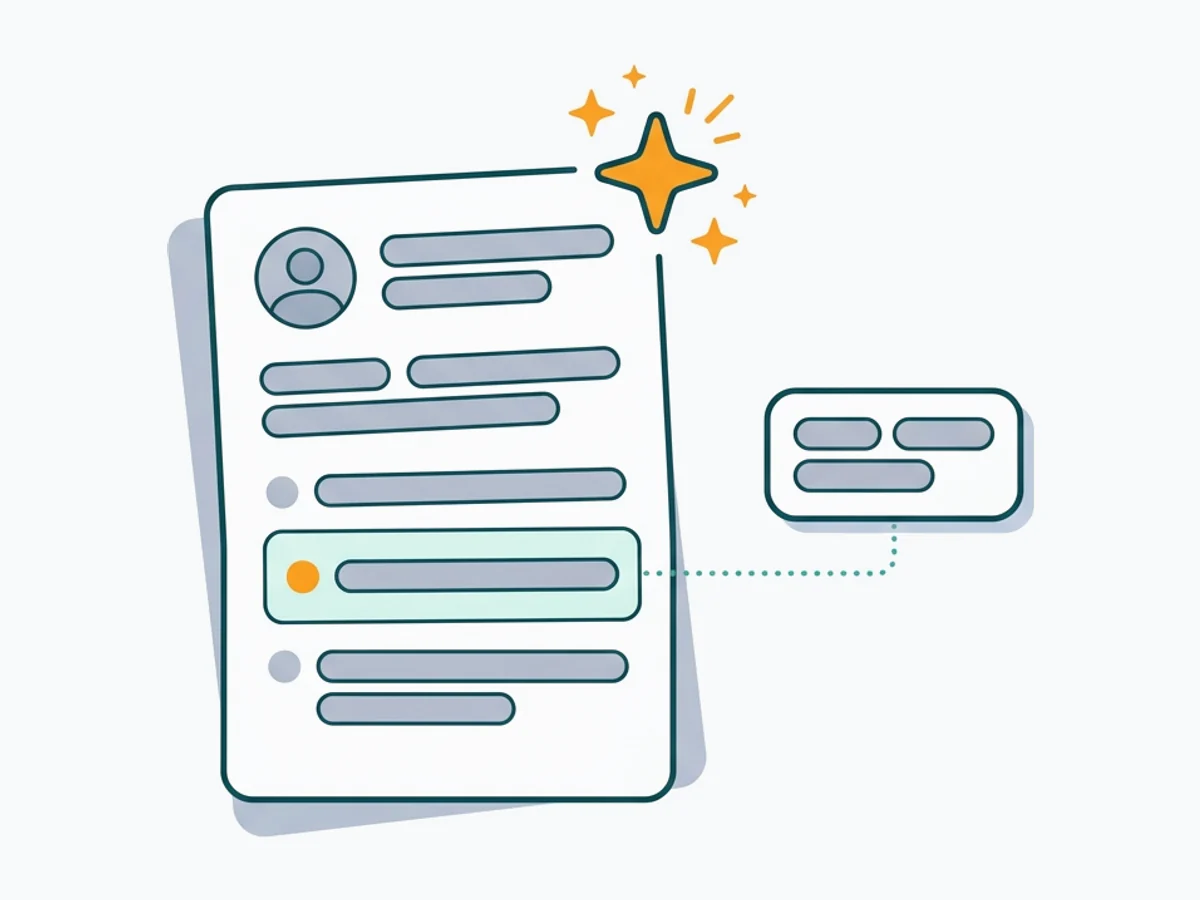
Build an ATS-ready resume
Start from a proven template or import the resume you already have, then sharpen every bullet point with AI.
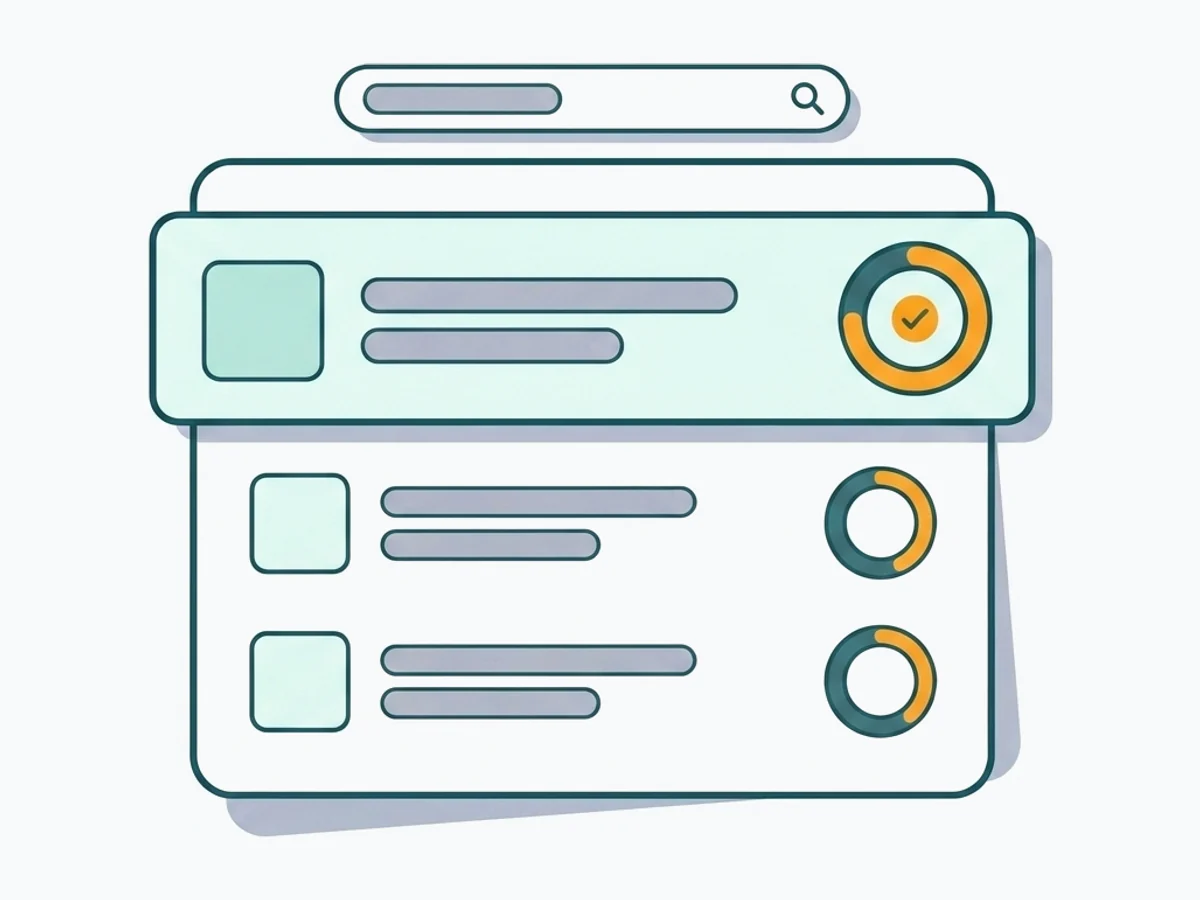
Find jobs that match your resume
Live openings are scored against your resume, so the roles that fit your experience come to the top.
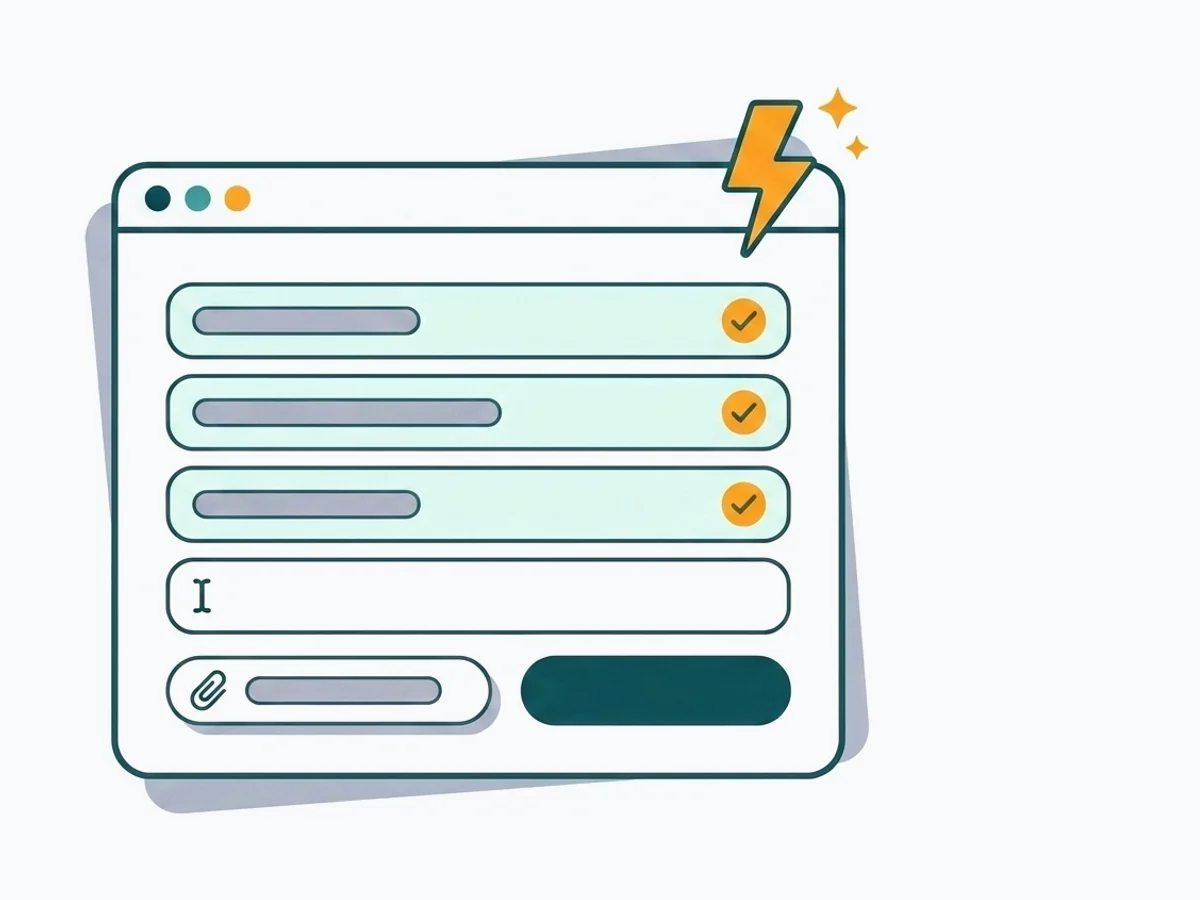
Apply without retyping
The Chrome extension fills applications on Workday, Lever, Greenhouse and 50+ other platforms and attaches your documents.
- 50+ ATS-ready templates
- Autofill on 50+ job platforms
- Resumes in 50+ languages